10 Best Customer Support Software for Small Businesses
Compare 10 customer support software options for small businesses using verified capabilities, pricing models, use cases, limitations, and buying criteria.
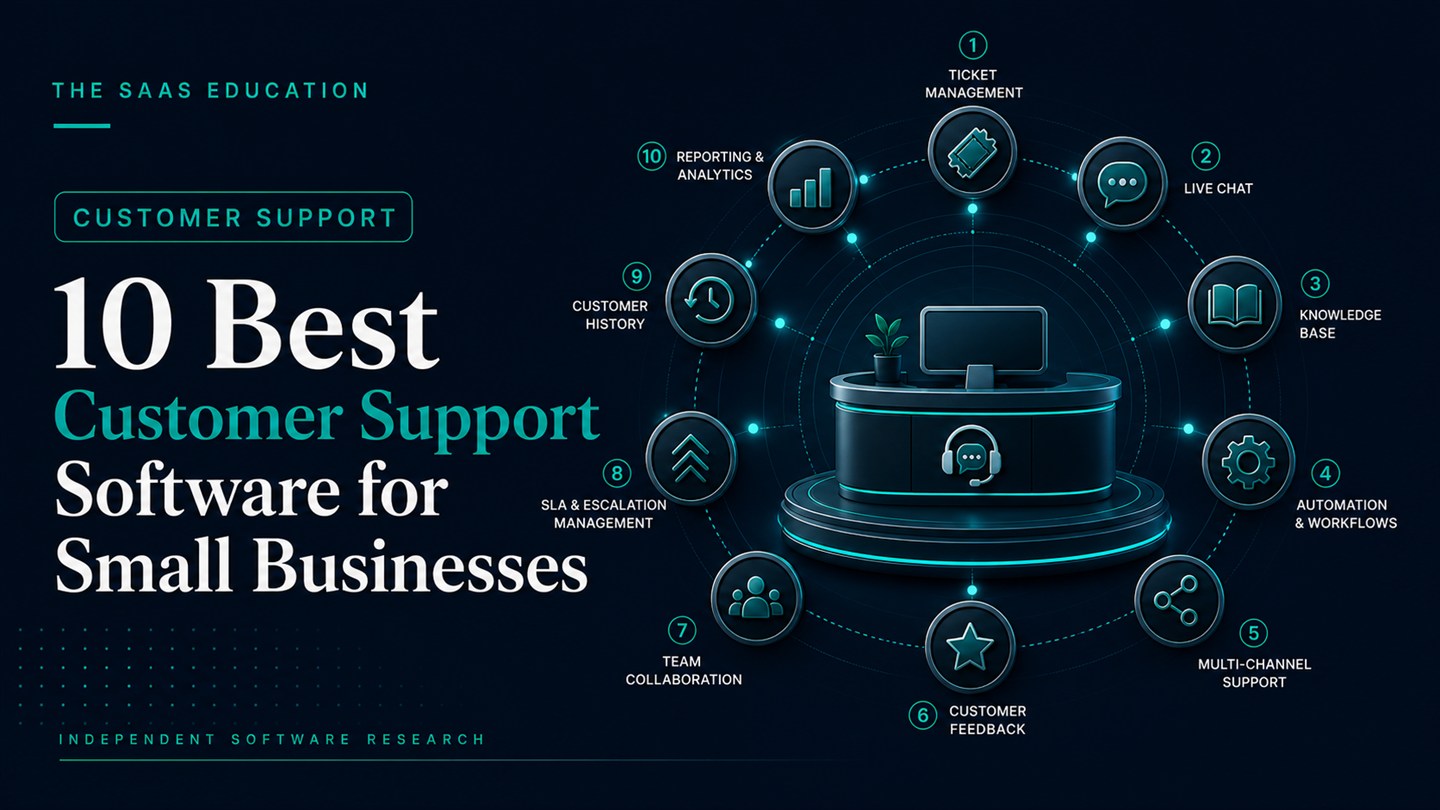
Direct answer
The best customer support software for a small business depends on how customers ask for help and how much operational complexity the team can manage. Help Scout is a strong general starting point for relationship-led email, chat, and knowledge-base support. Freshdesk and Zoho Desk provide accessible help-desk paths with broader ticketing and automation options. Zendesk is better suited to teams that expect more channels, routing, reporting, and administration. Intercom deserves consideration when messaging and AI-assisted support are central, while Gorgias is purpose-built for ecommerce. Front fits collaborative customer operations, HubSpot Service Hub connects support to a wider customer platform, LiveAgent combines ticketing with chat and voice, and Crisp uses a workspace-based model for omnichannel support.
There is no universal winner. A five-person SaaS company handling technical questions, a Shopify merchant managing order issues, and a local service business answering email and phone requests need different workflows. This guide compares ten products using official pages checked on August 21, 2026. We did not use live customer accounts, measure response-time improvements, or reproduce vendor performance claims as independent findings.
If you are defining requirements before naming products, begin with our existing customer support software shortlisting guide and Customer Support category research . This page is different: it applies a consistent buying framework to ten named products.
The 10 options at a glance
| Product | Best fit in this guide | Commercial model to verify | Main buying question |
|---|---|---|---|
| Help Scout | Relationship-led email and chat support | User- or contact-based plan, plus usage items | Is a clear, focused support workspace enough? |
| Freshdesk | Accessible multichannel ticketing | Agent tiers, AI and add-ons | Which edition contains the required automation and reports? |
| Zoho Desk | Value-conscious teams and Zoho users | Per-user editions; free entry available | Who will own configuration and workflow governance? |
| Zendesk | Complex omnichannel service operations | Agent subscriptions and optional AI/add-ons | Can the team support the administrative overhead? |
| Intercom | Messaging-led and AI-assisted support | Seats plus AI outcomes and usage | Is outcome-based AI cost predictable at expected volume? |
| Gorgias | Ecommerce and Shopify-centered support | Ticket-volume and AI usage | Does the commerce integration justify the specialist fit? |
| Front | Collaborative customer operations | Per-seat editions | Does the team need coordination beyond conventional ticketing? |
| HubSpot Service Hub | Support connected to CRM and marketing | Free entry, paid seats and tiered hubs | Will the wider HubSpot customer platform be used? |
| LiveAgent | Chat, ticketing, and voice in one product | Per-agent editions | Are voice and channel requirements available in the chosen tier? |
| Crisp | Small teams wanting workspace pricing | Flat workspace tiers and AI usage | Does the workspace model fit the team and volume? |
How we selected and evaluated the tools
We began with products in the project’s software database, then reviewed current official product, pricing, help-center, and integration pages. A product needed to support a genuine small-business customer-service workflow rather than only sales chat, IT service management, or social media monitoring. We selected ten tools that represent meaningfully different operating models: focused support inboxes, full help desks, AI-led messaging, ecommerce service, collaborative customer operations, CRM-connected service, and omnichannel support.
The evaluation uses seven consistent questions:
- Audience fit: does the product serve the type of small business named in this guide?
- Core workflow: can it receive, assign, resolve, and report on customer requests through the required channels?
- Implementation load: how much configuration, migration, administration, and training will the team own?
- Commercial model: are costs based on agents, contacts, tickets, workspaces, AI outcomes, or add-ons?
- Self-service and automation: are knowledge, routing, workflows, and AI available at the required tier?
- Data control: can administrators govern roles, history, exports, integrations, retention, and deletion?
- Limitations: what could make the product unsuitable even when its headline feature list looks attractive?
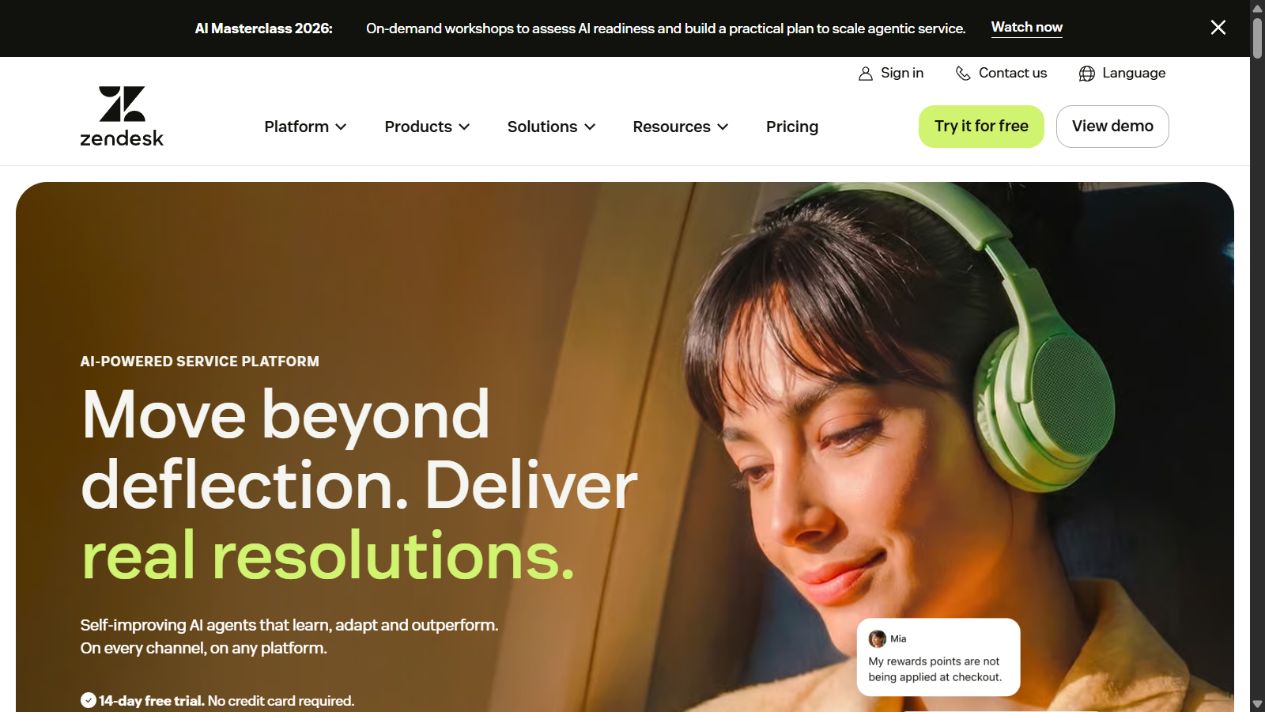
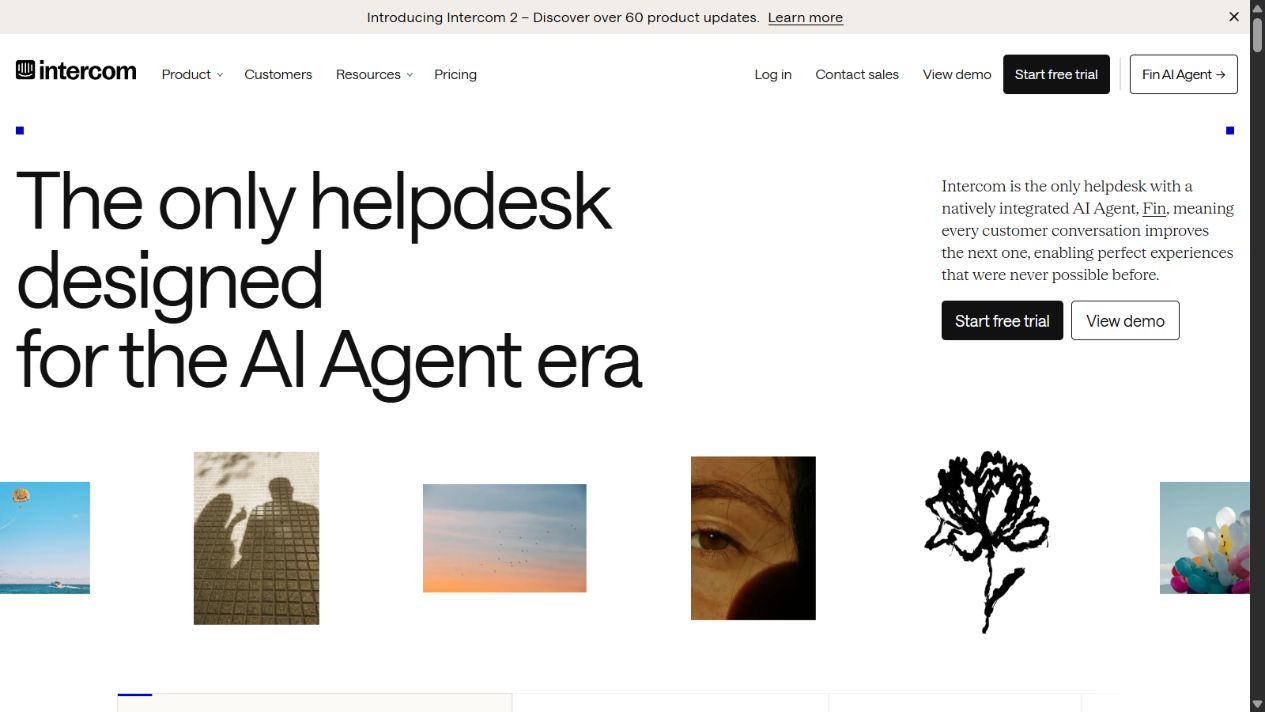
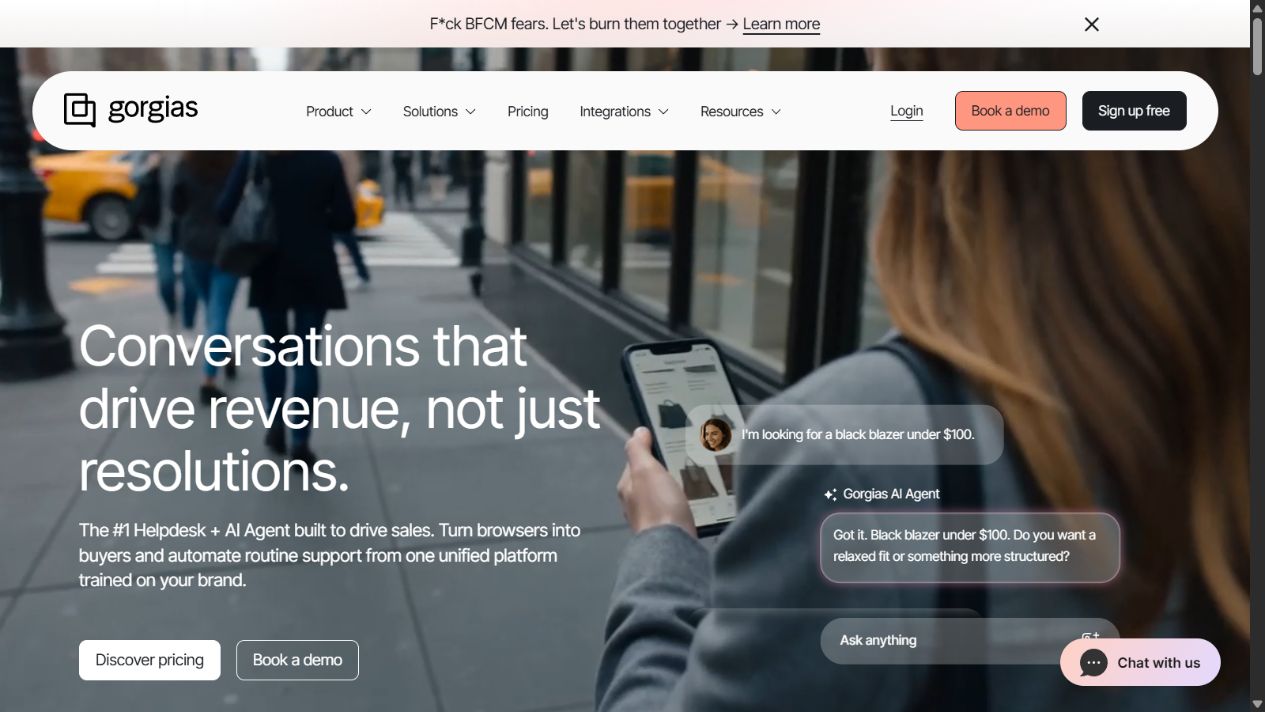
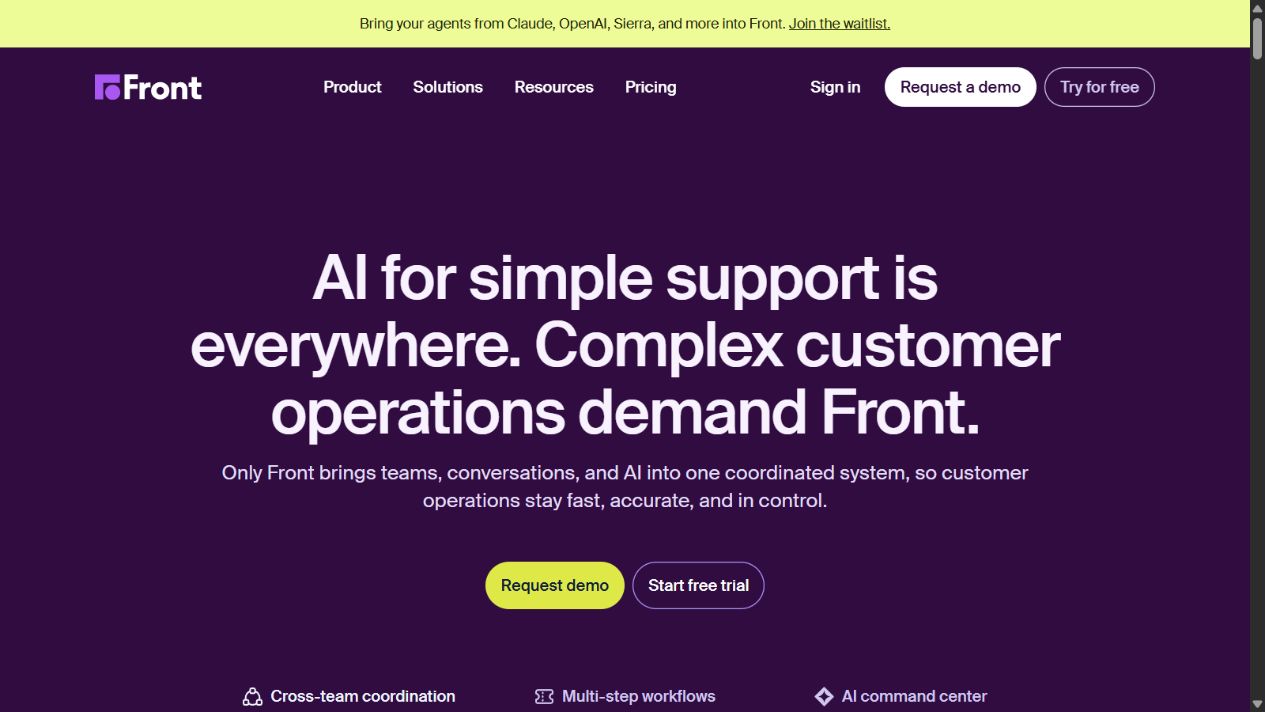
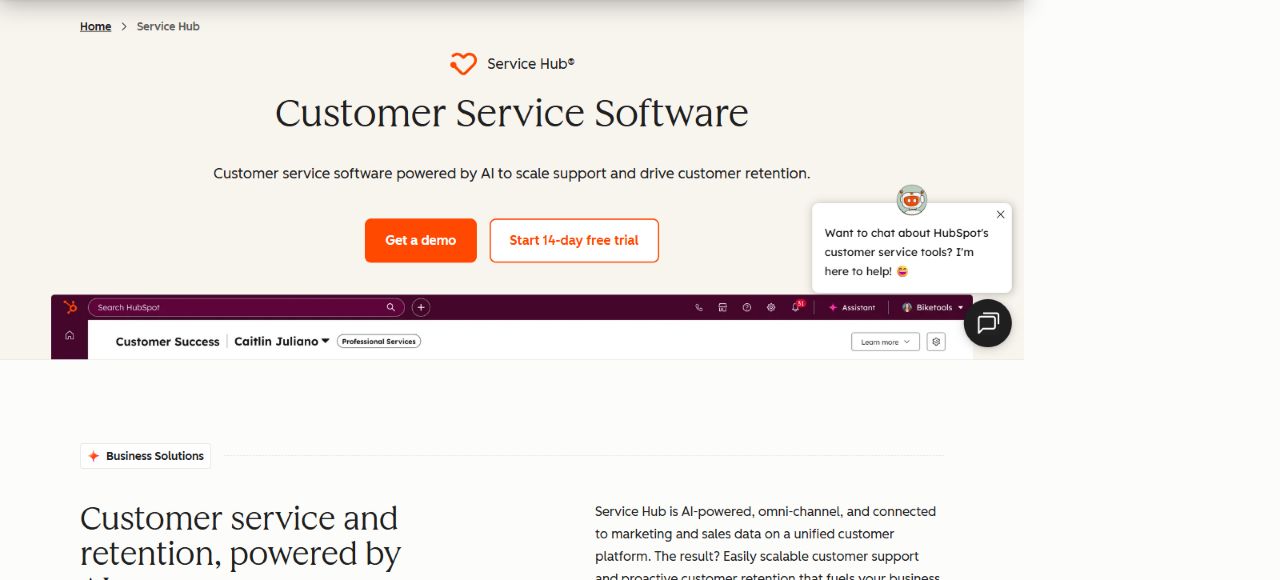
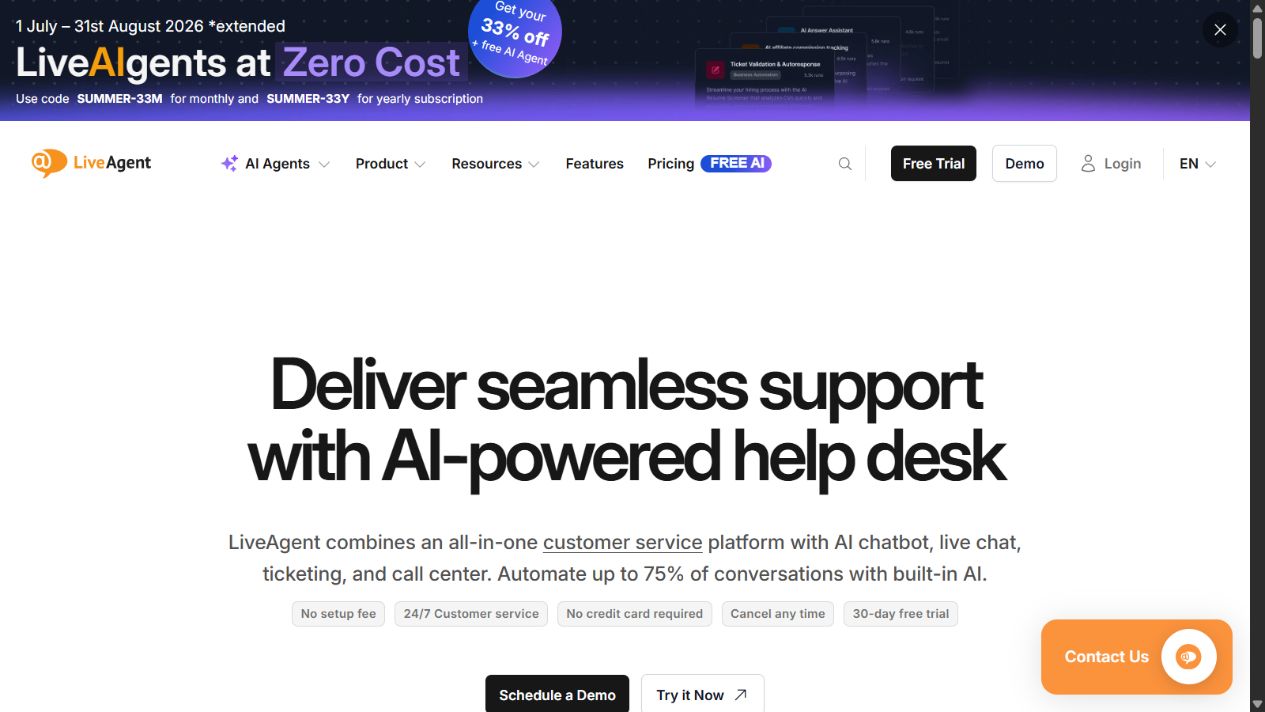
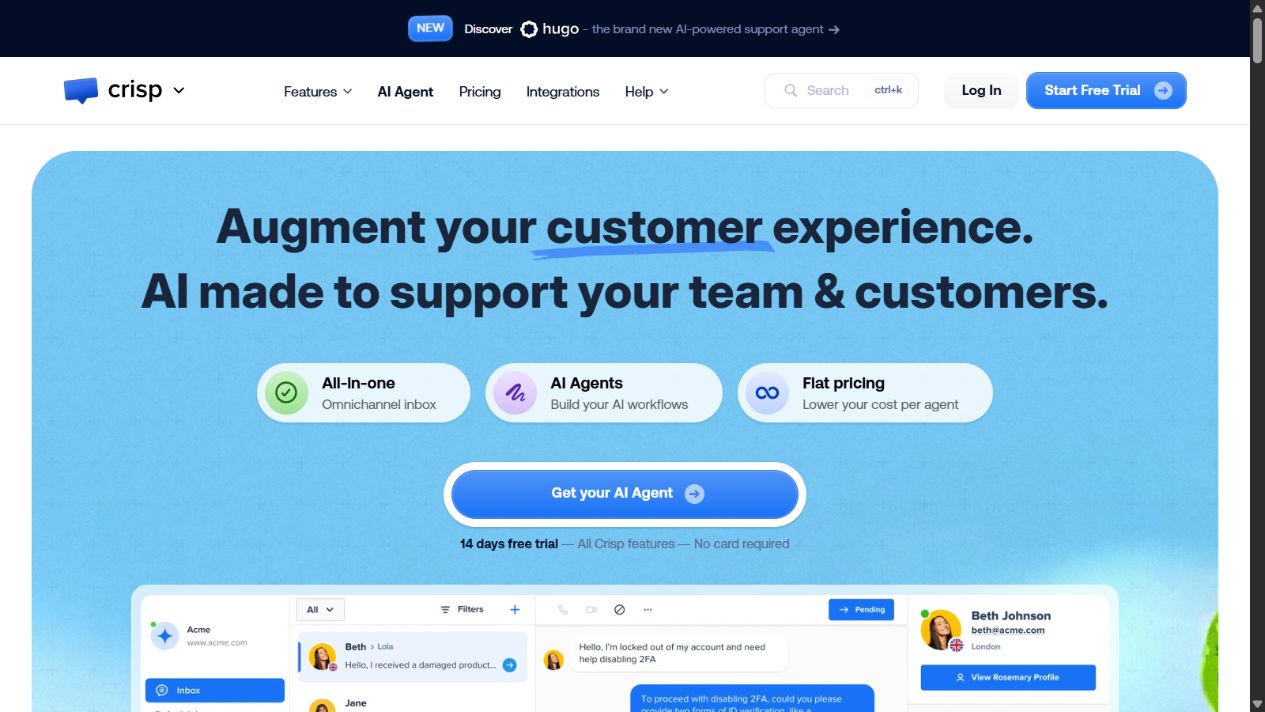
Screenshots below show official public homepages captured on August 21, 2026. They document the vendor and positioning visible at review time; they are not evidence of hands-on testing.
1. Help Scout: best overall starting point for relationship-led support
Help Scout brings customer conversations, collaboration, knowledge, live chat, proactive messages, and AI-related capabilities into a focused support platform. Its official documentation says current plans include email capacity, storage, mobile applications, Beacon, and at least one Docs knowledge-base site, although account type and plan details can vary. That scope makes it a credible default for a small team moving beyond a shared mailbox without immediately adopting a highly complex service stack.
The appeal is focus. Agents can work around conversations and customer context while the business adds self-service and messaging as needed. The limitation is that simple presentation does not eliminate commercial complexity. Help Scout documentation distinguishes user-based and contact-based billing, and AI resolutions or proactive-message audiences can introduce usage costs. Buyers should identify their account model and calculate the expected mix of paid users, contacts, inboxes, Docs sites, AI usage, and messages.
Choose it when: email and chat are central, personal service matters, and the team wants a narrower operational footprint.
Check before buying: billing model, paid roles, additional inboxes, AI resolution charges, proactive-message usage, permissions, reporting, and channel requirements.
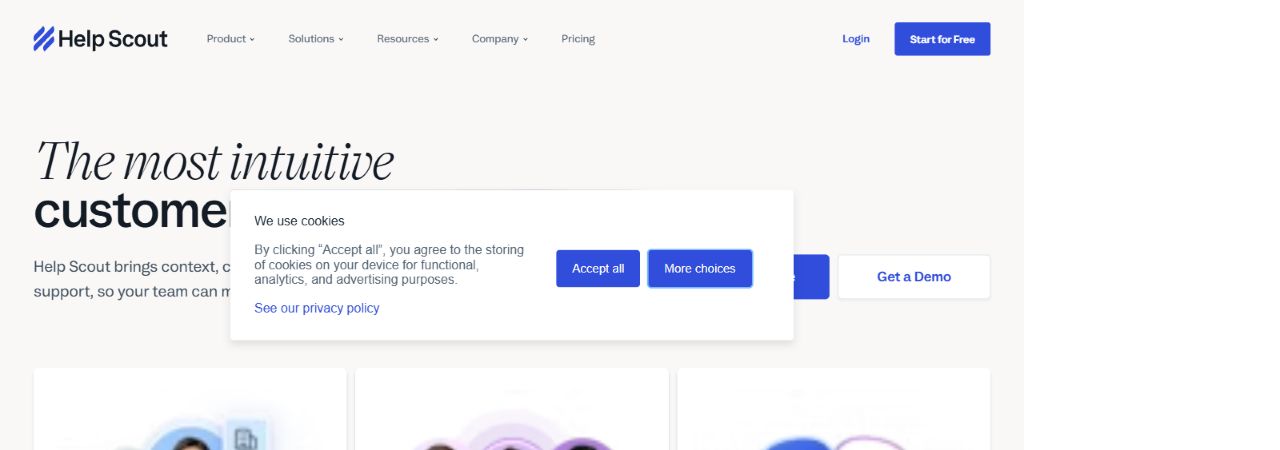
Sources: Help Scout product page , billing and plans guide , and Messages pricing .
2. Freshdesk: best accessible multichannel help-desk path
Freshdesk is Freshworks’ customer-service product for ticketing, shared support work, knowledge, reporting, workflows, and multiple channels. The current pricing page presents several editions and a limited free program for very small teams, while higher editions add deeper automation, routing, reporting, and governance. This gives a small business room to start with a conventional help desk and expand without immediately selecting an enterprise-only platform.
The important question is edition fit. A demo can show a capability that is not available in the plan a small team intends to buy. Build a requirement matrix for channels, SLA policies, custom objects or fields, routing, analytics, portals, and AI. Mark the exact edition and any add-on beside every requirement before comparing the headline price.
Freshdesk is particularly relevant when the business wants familiar ticketing concepts and a vendor ecosystem that also includes related Freshworks products. It is less compelling when the team needs only a simple shared inbox and would not use the additional workflow and administration.
Choose it when: the business wants structured ticketing with an accessible starting point and room for more mature service operations.
Check before buying: free-program conditions, agent price, AI packaging, channel limits, automation, SLA features, reports, support, and regional availability.
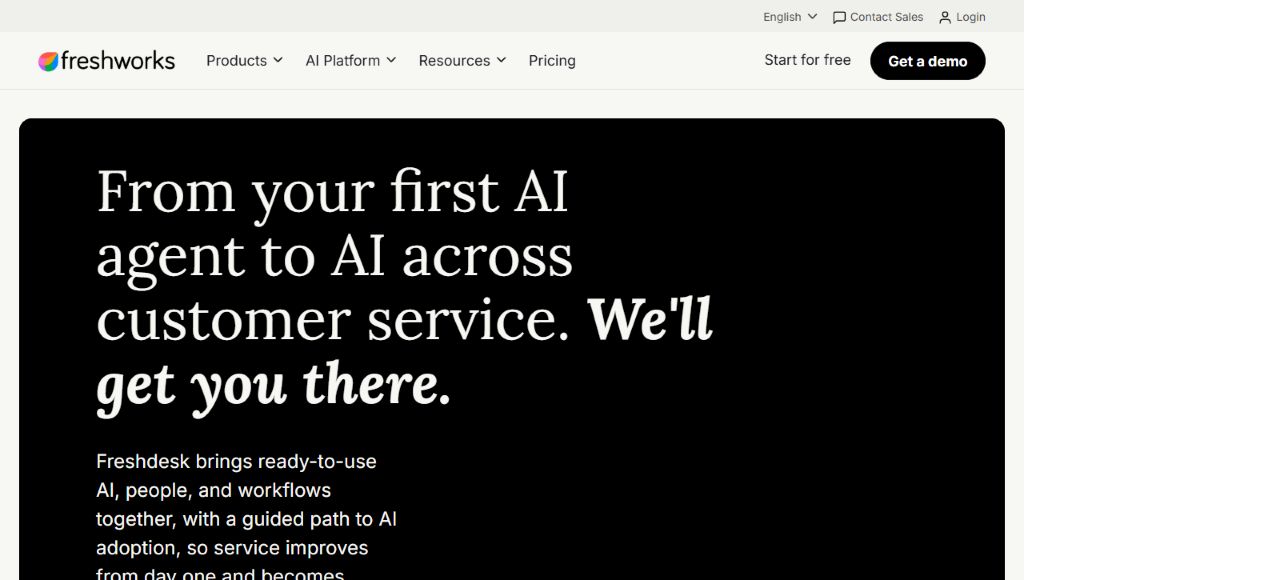
Sources: Freshdesk and Freshdesk pricing .
3. Zoho Desk: best value-conscious option for Zoho-centered teams
Zoho Desk combines ticket management, multichannel service, workflow automation, knowledge, reporting, and AI-related capabilities within the wider Zoho portfolio. Its official pricing material includes a free edition for a small number of users and multiple paid editions, with prices and packaging presented by market. This makes it a practical candidate for a budget-conscious team, especially when Zoho CRM or other Zoho applications already support the business.
Value depends on governance. Zoho Desk offers room to configure departments, fields, layouts, rules, SLAs, channels, and reports. That flexibility creates administrative responsibility. Name an owner for the data model and workflow before implementation; otherwise different teams can create inconsistent categories, priorities, automations, and dashboards.
Small businesses should also test the connection between support and the rest of the customer record. A suite is useful only when information moves reliably and staff know which system owns each field.
Choose it when: affordability, configurability, and connection to the Zoho ecosystem are meaningful priorities.
Check before buying: local pricing, free-edition limits, telephony and messaging, AI availability, departments, automation, analytics, storage, support, and CRM synchronization.
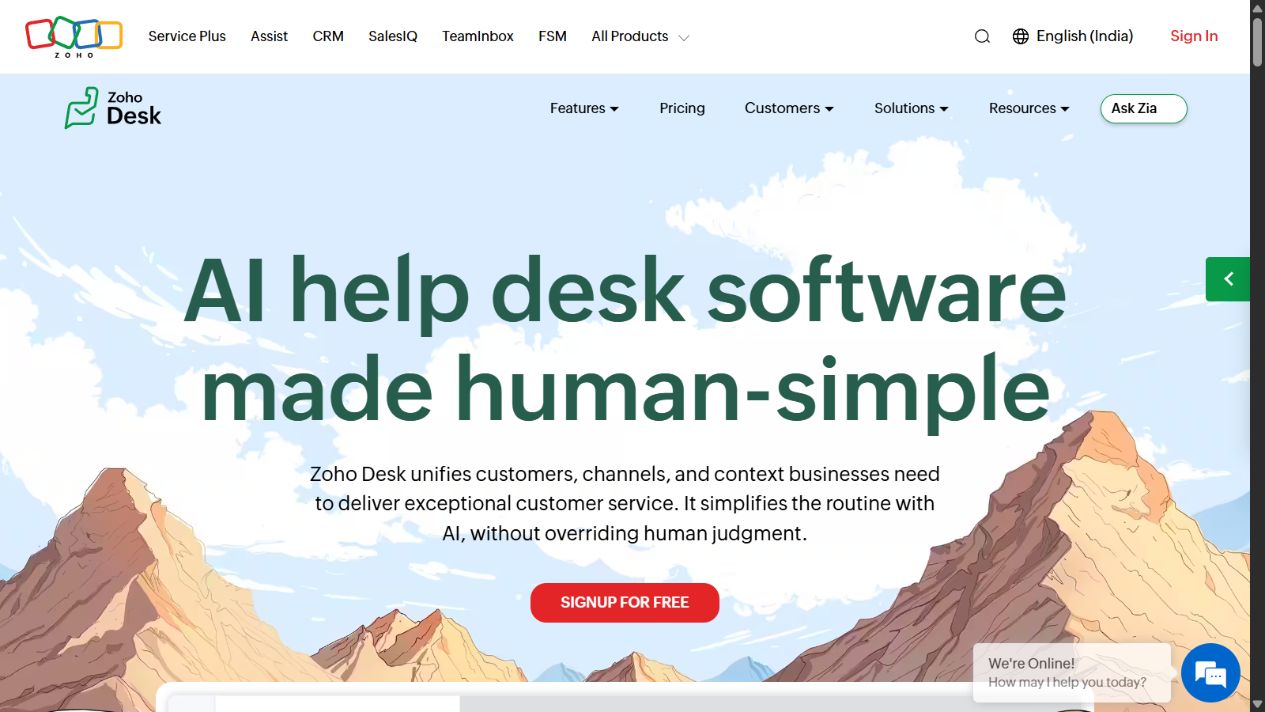
Sources: Zoho Desk , Zoho Desk pricing , and plan comparison .
4. Zendesk: best for complex omnichannel operations
Zendesk is an established customer-service platform spanning ticketing, messaging, voice, help centers, routing, automation, analytics, and AI options. Zendesk’s own help documentation describes Suite plans as supporting personalized service across email, voice, chat, and other business channels. This breadth makes Zendesk relevant when a small business already has operational complexity or expects rapid growth in channels, brands, languages, workflows, and reporting.
The tradeoff is administration and cost structure. Agent subscriptions are only the beginning of a realistic model. Buyers may need to account for edition differences, AI or workforce add-ons, voice usage, implementation, premium support, and internal administration. A small team can buy more capability than it can govern.
Run the pilot with ordinary agents and an administrator. Create routing rules, an SLA policy, a help-center article, a cross-channel request, a manager report, and a data export. Record the time required to configure and maintain each workflow.
Choose it when: multiple channels, mature routing, analytics, extensibility, and operational scale outweigh simplicity.
Check before buying: Suite edition, agent count, AI model, add-ons, voice and messaging usage, implementation, sandbox or testing needs, roles, retention, and support level.
Sources: Zendesk , Zendesk pricing , and Zendesk Suite plan types .
5. Intercom: best for messaging-led and AI-assisted service
Intercom combines an inbox, tickets, messenger, help center, reporting, outbound communication, and Fin AI Agent. Its official pricing uses a combination of seat-based plans and usage-based AI outcomes, with additional usage or product options depending on configuration. That makes it distinctive for digital businesses that want conversational support and AI within the same customer communication environment.
The cost model needs volume scenarios. Estimate human seats, monthly AI-resolved conversations, channels, messaging activity, and any add-ons at low, expected, and high demand. An outcome-based AI charge may be attractive when it replaces repeat work, but it can be difficult to predict when demand varies or the knowledge base is not ready.
AI quality also depends on content and escalation design. Test how the system cites or uses approved knowledge, handles ambiguous questions, transfers to a person, preserves context, records outcomes, and exposes errors for review.
Choose it when: in-product messaging, web chat, knowledge, and AI-assisted resolution are central to the support model.
Check before buying: seat minimums, Fin outcome charges, channels, usage limits, knowledge quality, escalation, reporting, data handling, and expected monthly variance.
Sources: Intercom , Intercom pricing , and pricing FAQs .
6. Gorgias: best for ecommerce customer service
Gorgias positions its help desk and AI Agent around ecommerce service and revenue-related conversations. Its official pages emphasize connections to commerce workflows, customer and order context, multiple communication channels, and automation. This specialist design makes Gorgias a credible candidate for merchants whose support team routinely handles order status, returns, cancellations, product questions, and pre-purchase conversations.
The commercial model differs from a conventional per-agent help desk. Pricing is linked to ticket volume, while AI usage can add another variable. A growing store should model seasonal peaks, duplicate contacts, automated interactions, and the exact rules used to count tickets or AI resolutions. It should also verify the ecommerce platforms and channel connections required in its market.
Gorgias is not automatically the best choice for every small support team. Its strongest advantages matter when commerce data and actions genuinely sit inside the agent workflow.
Choose it when: ecommerce context, store actions, and commerce-channel support are the center of operations.
Check before buying: included ticket volume, overages, AI charges, supported stores, social and messaging channels, automation, returns workflow, reporting, and seasonal demand.
Sources: Gorgias , Gorgias pricing , and official billing documentation .
7. Front: best for cross-team customer operations
Front combines shared communication, ticketing-style workflows, collaboration, rules, analytics, and integrations in a workspace designed around customer operations. Its official pricing page currently presents per-seat editions, including a Starter option with a stated team-size limit and higher plans with expanded workflow, reporting, security, and administration.
Front is most relevant when support is not isolated in a single department. Logistics, finance, account management, operations, and support may all contribute to one customer outcome. Internal comments, shared ownership, routing, and multi-step workflows can reduce forwarding and private side conversations.
That model needs clear responsibility. Decide whether the organization treats Front as a help desk, a shared inbox, or a broader customer-operations layer. Define owners, response targets, escalation, and reporting before migrating channels.
Choose it when: cross-functional coordination is as important as traditional ticket management.
Check before buying: minimums and seat limits, channel support, rules, analytics, SLAs, integrations, roles, AI packaging, and how external and internal conversations are separated.
Sources: Front and Front pricing .
8. HubSpot Service Hub: best for a connected customer platform
HubSpot Service Hub connects help desk, ticketing, knowledge, feedback, customer success, reporting, and AI-related service features to HubSpot’s customer platform. The official pricing page includes a free entry point for a limited number of users and tiered paid editions, while higher tiers can introduce required onboarding and more advanced administration.
The main advantage is shared context when the business already uses HubSpot for marketing, sales, or customer records. Support agents can work from the same customer platform rather than maintaining a disconnected service database. The risk is buying an ecosystem rather than the exact workflow needed. Some capabilities may live in another Hub or edition, and the combined first-year cost can differ substantially from the entry plan.
Map every required field and process to its system of record. Test ticket creation, ownership, pipelines, knowledge, service reporting, customer feedback, and handoffs to sales or customer success.
Choose it when: the company wants service activity connected to an existing or planned HubSpot customer platform.
Check before buying: paid seats, Hub and edition boundaries, onboarding, automation, reports, knowledge, customer success features, AI usage, storage, and data synchronization.
Sources: HubSpot Service Hub and Service Hub pricing .
9. LiveAgent: best for combined ticketing, chat, and voice
LiveAgent combines ticketing, live chat, a knowledge base and customer portal, forms, automation, integrations, and, on appropriate plans, call-center capabilities. Its official pricing currently uses per-agent tiers, provides a time-limited trial, and distinguishes channel, reporting, security, and administration features across editions.
This breadth is useful when a small business wants email, chat, and telephone support in one operational system. Voice, however, introduces practical dependencies: numbers, countries, carrier or usage charges, recording laws, IVR design, call quality, working hours, and staffing. Buyers should validate these requirements directly rather than treating “call center” as a single checkbox.
Promotional pricing is also temporary. Build the budget from the standard renewal price and expected agents, then add telephony, extra accounts, integrations, branding, and support requirements.
Choose it when: one support team genuinely needs ticketing, live chat, and phone workflows together.
Check before buying: standard price after promotions, included email accounts and chat buttons, voice availability and cost, SLA features, reporting, social channels, roles, and audit logs.
Sources: LiveAgent and LiveAgent pricing .
10. Crisp: best for small teams that prefer workspace pricing
Crisp presents an omnichannel inbox, AI Agent, knowledge, automation, campaigns, and integrations with flat pricing by workspace rather than a conventional price for every agent. The official pricing page explains that plans apply at workspace level and distinguishes the included capabilities and limits. This structure can be attractive when several people need access but support volume remains manageable.
Flat workspace pricing does not make total cost automatic. Buyers still need to review contacts, messaging, AI usage, channels, automation, data limits, and the number of brands or workspaces. A business with multiple products may require a different workspace structure from a single-brand team.
Test the day-to-day workflow carefully: email delivery, chat assignment, customer history, knowledge search, escalation, mobile use, reporting, and export. The visual simplicity of a messenger should not obscure operational requirements.
Choose it when: a small team wants messaging-led support and values workspace-based packaging.
Check before buying: workspace boundaries, included seats or access, message and contact limits, AI usage, campaigns, knowledge, integrations, reporting, retention, and export.
Sources: Crisp and Crisp pricing .
Which product should a small business shortlist?
Start with the service model, not the vendor list. For relationship-led email and chat, compare Help Scout, Freshdesk, and Zoho Desk. For operationally complex service, compare Zendesk with the most capable edition of Freshdesk or Zoho Desk that meets the same requirements. For messaging and AI, compare Intercom and Crisp using realistic outcome and usage scenarios. Ecommerce merchants should put Gorgias beside one general help desk to test whether its store context creates enough operational value. Cross-functional teams should test Front. Existing HubSpot users should include Service Hub. Teams that truly need voice should test LiveAgent alongside another platform with the required regional telephony.
Limit the final pilot to three candidates. One should be the simplest credible option, one the strongest specialist for the primary use case, and one broader platform that supports likely growth. This structure prevents a feature-heavy product from winning before the team understands the cost of operating it.
Build a realistic first-year cost model
Subscription price is only the first line. Count every full agent, light user, collaborator, manager, administrator, and seasonal user, then verify which roles are billable. Add AI outcomes or resolutions, tickets, contacts, message audiences, phone numbers, call minutes, SMS or social channels, extra inboxes, knowledge sites, data storage, premium support, sandbox environments, implementation, migration, and integrations.
Model three volumes: expected month, seasonal peak, and a growth case. Usage-based AI or ticket pricing can look inexpensive at the starting point and become material during a product launch or service incident. Seat-based pricing can move in the opposite direction: predictable volume, but expensive access for occasional collaborators.
Include internal time. Estimate hours for data cleanup, configuration, testing, training, reporting, integration maintenance, automation review, and user support. A lower subscription is not lower cost when the team spends several days every month repairing workflows or reconciling reports.
Run the same pilot for every finalist
Use a two- to four-week pilot with representative requests and a written scorecard:
- Import a controlled customer and conversation sample with known duplicates and missing fields.
- Connect a test email address and any essential chat, social, commerce, or phone channel.
- Define ticket states, priorities, owners, tags, SLAs, and escalation rules.
- Resolve common, sensitive, urgent, billing, technical, and refund scenarios.
- Publish one knowledge article and test how an agent and customer find it.
- Configure one automation with an owner, exception path, and rollback procedure.
- Test mobile work, reassignment, collision handling, private notes, and approval.
- Build the weekly queue, response, resolution, backlog, and quality reports.
- Export customers, tickets, messages, articles, and configuration where supported.
- Record setup time, agent effort, failures, manual work, and expected monthly cost.
Score all products against the same requirements. Do not award points for an impressive feature that the business will not use. Deduct points when a critical workflow requires an unsuitable plan, parallel spreadsheet, manual copy, or ungoverned integration.
Security, privacy, and compliance checks
Customer support systems can contain account details, payment disputes, technical logs, addresses, health or accessibility information, and private correspondence. Before purchase, identify the data types that agents may receive and the jurisdictions involved. Review the vendor’s current security, privacy, subprocessors, retention, deletion, access-control, audit, encryption, and incident-response documentation with an appropriate professional when requirements are regulated or high risk.
Test role boundaries with ordinary accounts, not only an administrator. Confirm who can view sensitive queues, export data, edit automation, access integrations, change retention, impersonate users, or read AI transcripts. Document the process for removing a departing employee, handling a deletion request, and disabling a compromised integration.
AI adds another review layer. Determine what content trains or grounds responses, which data is sent to which processor, how outputs are logged, how a person takes over, and how incorrect or unsafe answers are detected. An AI resolution rate is not a quality measure by itself.
Common buying mistakes
Do not buy omnichannel software when customers use only email. Do not select an AI agent before the knowledge base has accountable owners. Do not automate routing before ticket categories and ownership are stable. Do not compare the lowest advertised tier when the required report or permission sits two tiers higher. Do not ignore data export because migration feels distant. Do not let a polished demo replace tests with ordinary agents and difficult requests.
Most importantly, do not optimize only for faster first replies. A quick acknowledgement can coexist with unresolved work, repeated customer effort, unsafe automation, or reopened tickets. Pair speed with resolution quality, backlog age, escalation, repeat contact, customer effort, and a manual quality review.
Final recommendation
For a typical small business, Help Scout, Freshdesk, and Zoho Desk form a sensible first comparison because they represent focused support, conventional help-desk breadth, and configurable suite value. Add the specialist that matches the operating model: Gorgias for ecommerce, Intercom or Crisp for messaging and AI, Front for cross-team customer operations, HubSpot Service Hub for an existing HubSpot platform, LiveAgent for combined voice and digital support, or Zendesk for mature omnichannel requirements.
The best customer support software for small businesses is the product that makes ownership, context, escalation, and reporting clearer without creating more administration than the team can sustain. Verify every shortlisted plan on the official pages, run the same pilot, model the full first-year cost, and choose the simplest platform that passes the real requirements.
Frequently asked questions
What is the best customer support software for a small business?
Help Scout is a strong general starting point for relationship-led email and chat support. Freshdesk and Zoho Desk suit teams that want broader ticketing and automation, while Zendesk fits more complex operations. The final choice should follow the channels, volume, reporting, integrations, and administration the team can support.
Can a small business use free customer support software?
Some vendors provide a free edition or trial. Verify agents, tickets, channels, automation, reporting, history, storage, security, export, and upgrade pricing before relying on it. Free access is useful for a controlled pilot but does not guarantee a sustainable production plan.
Should we use a shared inbox or a full help desk?
A shared inbox can work for low-volume email with simple ownership. Choose a help desk when the business needs states, routing, SLAs, knowledge, multiple channels, automation, permissions, or auditable reports. Move before the existing mailbox creates missed requests or invisible work.
How many products should we pilot?
Pilot three. Include the simplest credible option, the specialist best aligned with the primary workflow, and one broader platform that supports likely growth. Testing ten products usually produces shallow demos rather than comparable operating evidence.
How should AI customer support pricing be compared?
Calculate human seats and AI usage together. Model expected and peak outcomes, resolutions, conversations, or tickets; check what counts as billable; review escalation; and estimate the work required to maintain approved knowledge. Compare total cost per satisfactorily resolved request, not only the advertised AI unit price.
How often should customer support software be reviewed?
Review queue health, adoption, and automation monthly. Check pricing and packaging before renewal and strategic fit at least every six months. Reassess sooner when channels, volume, staffing, regulation, integrations, or the customer journey materially change.
Frequently asked questions
What is the best customer support software for a small business?
Help Scout is a strong starting point for relationship-led email and chat support, Freshdesk and Zoho Desk suit teams seeking accessible ticketing, and Zendesk fits more complex omnichannel operations. The best choice depends on channel mix, ticket volume, automation, reporting, and administrative capacity.
Can a small business use free customer support software?
Some vendors offer free editions or trials, but buyers should verify agent, ticket, channel, automation, reporting, and data-retention limits. A free entry point is useful only when its upgrade path and export controls remain acceptable.
How many support agents should be included in the cost estimate?
Include full agents, occasional collaborators, administrators, managers, and any seasonal staff. Then verify which roles require paid seats and add usage charges for AI resolutions, tickets, contacts, messaging, telephony, or premium support.
Should a small business choose a shared inbox or a help desk?
A shared inbox may be enough for low-volume email support with simple ownership. A help desk becomes more useful when the team needs ticket states, SLAs, routing, automation, knowledge management, multiple channels, or auditable reporting.
How should customer support software be tested?
Use representative requests across the real channels, test assignment and escalation, publish one knowledge article, build the weekly report, export data, check permissions, and calculate the first-year cost at expected usage.
How often should customer support software be reviewed?
Review queue health and adoption monthly, pricing and packaging before renewal, and strategic fit at least twice a year. Reassess sooner when channels, ticket volume, team structure, regulation, or customer expectations materially change.