Adobe Firefly Features: Complete Guide
A current guide to Adobe Firefly features for image, video, audio, design, editing, ideation, creative workflows, and team use.
Direct answer
Adobe Firefly is no longer only an image generator. Adobe’s current product and documentation pages describe a creative AI studio for image generation and editing, video generation and editing, audio and sound creation, translation and dubbing, visual ideation, design, partner models, conversational creation, and automated creative workflows.
The practical value depends on the workflow. A marketer may care about rapid campaign variations and translation. A designer may care about Generative Fill, references, and Creative Cloud handoff. A video team may care about text-to-video, image-to-video, browser editing, dubbing, and sound effects. A business buyer must also evaluate generative credits, plan entitlements, model terms, and review requirements.
This guide uses official Adobe sources checked on August 7, 2026. We did not test output quality, prompt accuracy, generation speed, or production reliability.
Adobe Firefly features at a glance
| Capability | What Adobe documents | Buyer question |
|---|---|---|
| Image generation | Generate images from text with Adobe and supported partner models | Which model and output size fit the use case? |
| Image editing | Add, remove, replace, expand, or transform image elements | Does the workflow preserve enough control for final production? |
| Video generation | Create video from text or images with style and camera controls | How many generations and revisions fit the credit budget? |
| Browser video editing | Assemble and edit video projects in Firefly | Can it replace any current editing step, or only support ideation? |
| Audio | Generate sound effects, speech, soundtrack, translation, and dubbing features | Are language, duration, rights, and plan limits suitable? |
| Boards | Build mood boards and shared visual concept canvases | Does the team need ideation and collaboration before production? |
| Creative workflows | Node-based generation, editing, and compositing workflows | Who will design, validate, and maintain workflows? |
| AI Assistant | Conversational creation and editing across supported models | Which actions remain subject to human creative review? |
1. Image generation
Firefly supports text-to-image creation: the user describes an image and selects options that influence the result. Adobe’s feature pages also list multiple Adobe and partner models, meaning Firefly increasingly acts as a model-access workspace rather than a single-model product.
This breadth creates choice but also adds a procurement question. The buyer should identify which model will be used, whether it is an Adobe model or partner model, how credits are consumed, and which terms apply to the output. Do not assume every model has identical commercial posture or plan availability.
Useful image workflows include:
- early concepts and visual exploration;
- campaign image variations;
- background and scene generation;
- reference-led composition and style exploration;
- resizing and extending assets for different channels;
- creating supporting graphics for presentations and social content.
The output still needs review for factual detail, brand consistency, unwanted artifacts, rights, and suitability for the intended context.
2. Prompt-based image editing
Adobe documents tools for adding, removing, replacing, expanding, and transforming elements with text prompts. Generative Fill is the best-known example, but the current Firefly workspace includes a wider editing surface.
The business benefit is iteration. Instead of regenerating an entire image because one element is wrong, a user can target a region or requested change. That can preserve more of an approved concept.
The limitation is precision. Prompt-based editing does not remove the need for visual inspection. Teams should check edges, lighting, text, hands, logos, product details, and continuity between versions. Final assets may still require Photoshop or another production editor.
3. Video generation
Firefly supports text-to-video and image-to-video workflows. Adobe describes camera controls, visual styles, motion from still images, and model choices. The current platform also includes partner video models.
This is useful for concept clips, social variations, storyboards, motion studies, and footage that supplements an edit. It is not automatically a complete production process. Buyers should test:
- clip duration and resolution;
- character and object consistency;
- camera-control reliability;
- continuity across multiple shots;
- generation and revision time;
- credit consumption;
- suitability for commercial and client work.
Adobe’s own documentation should be checked for the selected feature because video capabilities and model availability change quickly.
4. Browser-based video editing
Adobe’s Firefly overview describes a web-based video editor that can assemble story-driven video and incorporate newly generated content. Firefly help pages also document adding and organizing media and applying motion presets.
This makes Firefly more than a clip generator. A buyer can evaluate whether ideation, generation, assembly, and lightweight editing can happen in one environment.
Do not assume it replaces a mature nonlinear editor. Test the actual deliverable: timeline control, audio handling, captions, collaboration, export, color requirements, and revision workflow. A lighter editor may be ideal for marketing content but insufficient for complex production.
5. Firefly Boards
Boards is Adobe’s visual ideation surface. Adobe describes creating mood boards, arranging concepts, remixing generated assets, and collaborating on shared canvases.
Boards can help during a stage that most AI comparisons ignore: deciding what to make. A creative team can explore references, compositions, styles, and directions before committing to a final asset.
The governance question is how concepts become approved production work. Define who can add reference material, how licensed assets are handled, and which board decisions need documentation before generation.
6. Audio generation and localization
Adobe lists several audio-related workflows:
- generating sound effects from text or voice guidance;
- generating speech or narration;
- generating soundtrack or music features;
- translating audio;
- dubbing video while preserving voice characteristics;
- translating video with language and lip-sync options.
For localization, Adobe’s public AI dubbing page describes more than 15 supported language variants and a workflow based on uploading a clip, selecting languages, and generating translated audio. It also documents input requirements and duration constraints for that public workflow.
Before production use, verify the exact supported languages, duration, file requirements, consent, rights, pronunciation review, and plan limits. A translated voice can still require a native speaker and legal review.
7. AI Assistant
Adobe introduced a conversational AI Assistant for creating and editing assets across supported tools and models. The concept is an orchestration layer: the user describes the outcome while the assistant coordinates steps.
This can make complex creative operations more accessible, but it changes the review problem. A multi-step action may alter several aspects of an asset. Teams need to compare versions and confirm that the assistant did not remove an approved element, introduce an unsupported claim, or violate a brand rule.
Treat the assistant as an execution aid, not an accountable approver.
8. Creative workflows
Adobe documents node-based workflows for automating generation, editing, compositing, and production steps. This is potentially valuable for repeated variants, resizing, background work, and large content operations.
Automation should begin only after the manual process is stable. Define:
- approved inputs;
- model and settings;
- transformation steps;
- failure conditions;
- human review point;
- output destination;
- audit or version requirements.
The wrong workflow can produce a large quantity of unusable assets faster. Measure approved output, not generated volume.
9. Partner models
Firefly includes access to selected models from other providers. Adobe’s features page lists partner options for image and video generation alongside its own models.
This can reduce the need to manage separate interfaces, but the buyer must not treat all models as interchangeable. Review:
- whether the model is available on the selected plan;
- credit consumption and resolution;
- applicable terms and commercial-use guidance;
- content credentials or provenance behavior;
- data handling and regional availability;
- expected output strengths and limitations.
Partner-model access is a convenience layer, not a universal rights guarantee.
10. Creative Cloud and Adobe ecosystem connections
Firefly’s practical advantage is its relationship with Adobe’s broader creative stack. Adobe describes handoffs and access through products such as Photoshop and Express, with availability depending on the plan and feature.
For an existing Adobe team, this can shorten the distance between generated concept and finished asset. For a buyer without an Adobe workflow, the ecosystem may be less valuable than a simpler standalone product.
Map the full process before buying: brief, generate, edit, approve, localize, export, publish, archive. Firefly should improve one or more steps without adding an unnecessary transfer elsewhere.
Plans, credits, and feature availability
Firefly plans use monthly generative credits for premium work, while Adobe describes unlimited access to certain standard image features and time-limited unlimited-generation promotions on selected models or plans. The exact plan structure is volatile.
Our Adobe Firefly pricing guide explains the credit model and cost drivers. Before purchase, confirm:
- monthly generative credits;
- which features are standard or premium;
- credit cost by model and output;
- whether unused credits roll over;
- included Photoshop or Express access;
- team or enterprise controls;
- promotional end dates.
Who should shortlist Adobe Firefly?
Firefly is most relevant for:
- marketing teams producing frequent visual content;
- designers already working in Adobe applications;
- agencies exploring multiple creative directions;
- video and social teams testing generative clips and localization;
- organizations that want image, video, audio, and ideation in one creative AI workspace.
It is less compelling when the main need is text research, general business analysis, coding, CRM automation, or a highly specialized production workflow outside Adobe’s ecosystem.
A safe evaluation plan
- Select one real campaign with approved source material.
- Choose two Firefly capabilities rather than testing everything.
- Record model, plan, credits, prompt, settings, and output date.
- Review factual detail, brand fit, artifacts, and rights.
- Move the output through the normal editing and approval process.
- Measure time to an approved asset and total credits consumed.
- Compare with the existing workflow.
Use our AI tools evaluation guide for a broader procurement framework, Adobe Firefly vs ChatGPT when deciding between creative and general AI, the Adobe Firefly review for buyer fit, and the AI governance checklist before production use.
Official sources checked
- Adobe Firefly overview
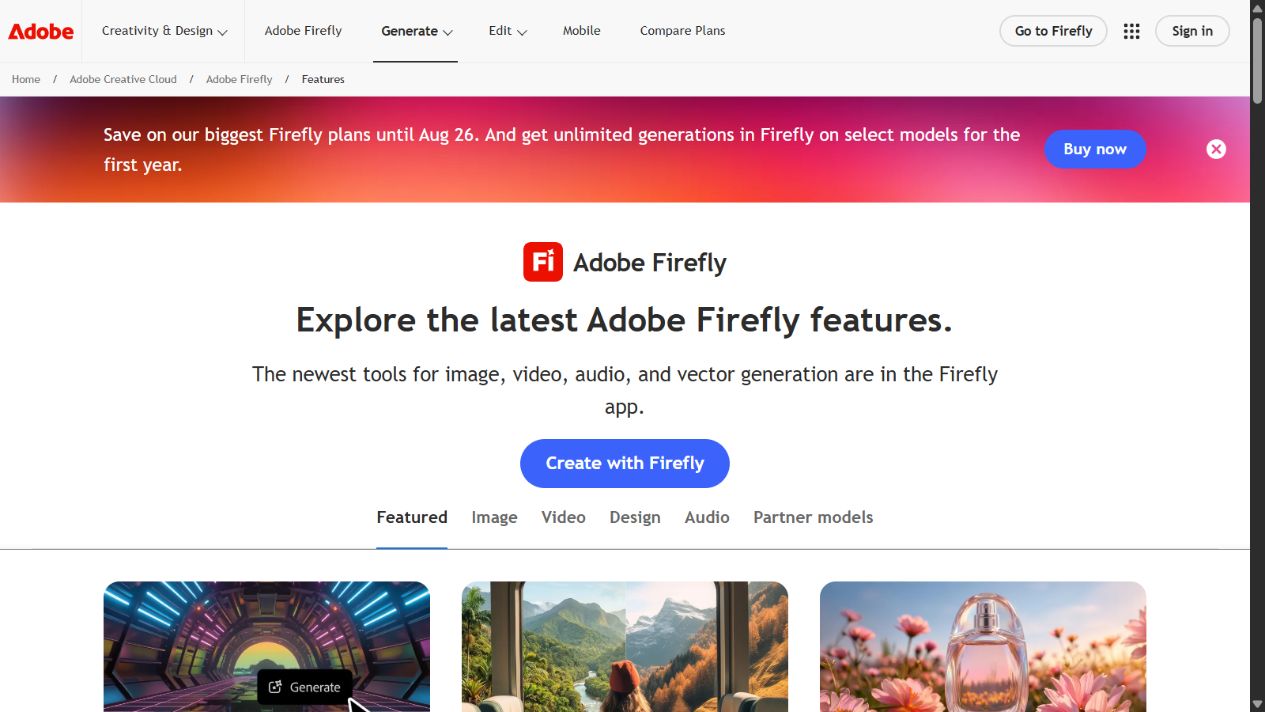
- Adobe Firefly features
- Adobe Firefly Help
- Firefly workspace overview
- Adobe Firefly technical requirements
- Adobe AI dubbing
- Adobe image-to-video feature
- Adobe Firefly product announcement, April 2026
Final takeaway
Adobe Firefly’s feature set now spans the creative process from ideation to image, video, audio, editing, localization, and automated workflows. The strongest reason to buy it is not the number of features. It is the ability to connect the specific creative jobs your team performs inside one governed workflow.
Frequently asked questions
What can Adobe Firefly do?
Adobe Firefly can generate and edit images, create and edit video, generate audio and sound effects, translate audio and video, support visual ideation in Boards, and build creative workflows. Availability and credit use vary by feature and plan.
Does Adobe Firefly include non-Adobe AI models?
Yes. Adobe's feature pages list partner models alongside Adobe Firefly models. Buyers should review the selected model's terms, plan availability, credit use, and output requirements before production use.
Is Adobe Firefly only an image generator?
No. Adobe now positions Firefly as a creative AI studio spanning image, video, audio, design, ideation, editing, and automated workflows.
Does this guide include hands-on testing?
No. It summarizes official Adobe sources checked on August 7, 2026 and does not claim output-quality, speed, or reliability testing.