Best AI Tools for Enterprise Teams
Compare five enterprise AI platforms for assistance, documents, productivity, software development, governance, security, and deployment fit.
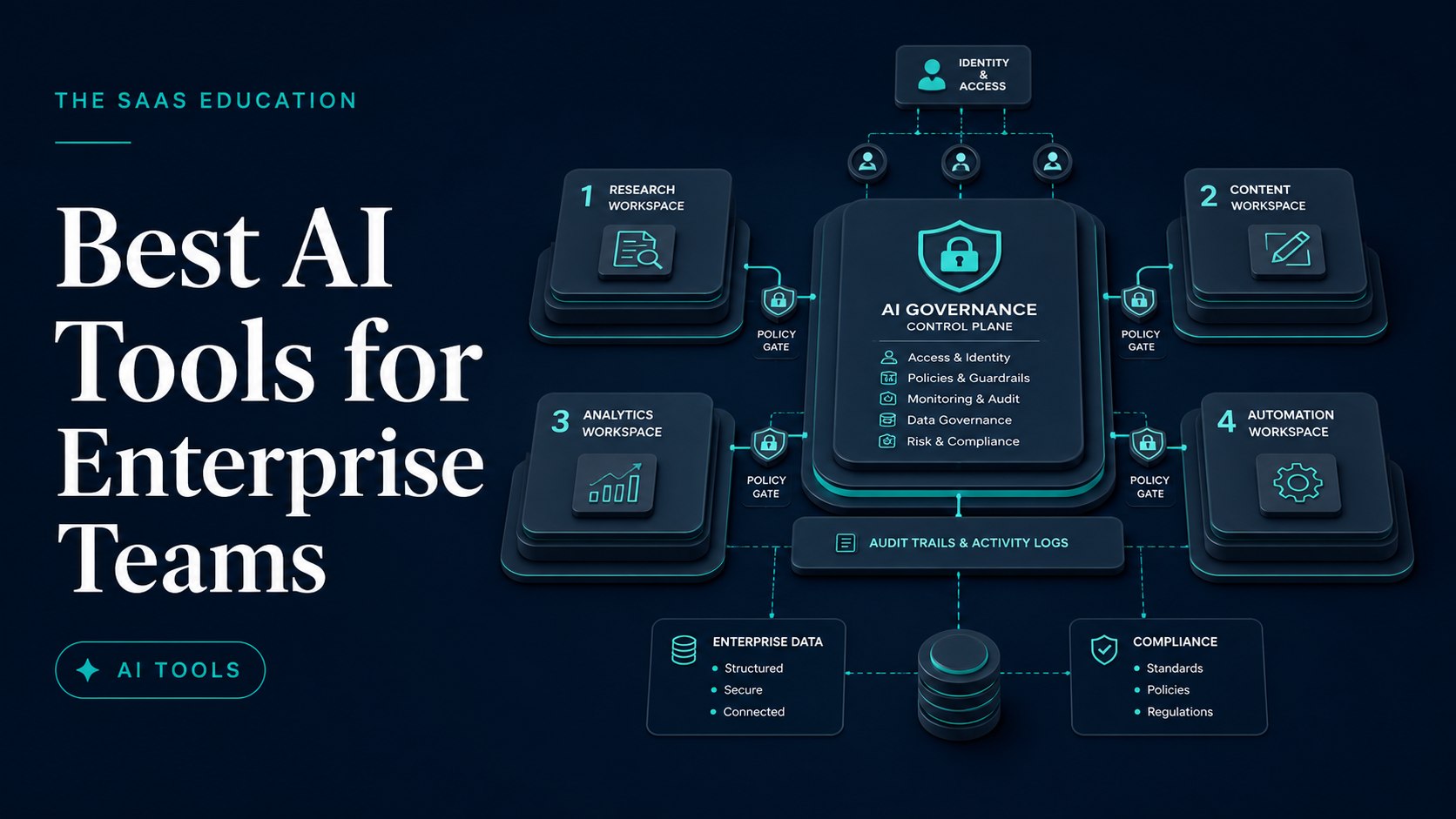
Direct answer
The best enterprise AI tool is the platform that fits a governed workflow and the organization’s existing identity, data, application, and security architecture. ChatGPT Enterprise is the broadest standalone general assistant in this shortlist. Claude Enterprise is a strong candidate for document, analysis, and knowledge-intensive work. Google Workspace with Gemini fits organizations whose collaboration and productivity estate is centered on Google. Microsoft 365 Copilot fits Microsoft 365-centered enterprises that want AI close to eligible work applications and organizational data. GitHub Copilot Enterprise is the specialist choice for software-development workflows across GitHub and supported developer tools.
These products should not be treated as five interchangeable chatbots. They enter the organization through different control planes and serve different work. A general AI workspace may support many departments. A productivity-suite copilot can use existing application context and permissions. A developer assistant can work close to repositories, editors, pull requests, and command-line tools. The enterprise decision is therefore architectural and operational, not a one-prompt popularity contest.
This guide uses official vendor sources checked on August 30, 2026. It does not claim hands-on testing, comparative model benchmarking, legal review, or penetration testing. Product facts are sourced; best-fit labels are editorial inferences that require a tenant-specific pilot.
Before shortlisting, use our AI Tools evaluation guide , AI agent evaluation framework , and SaaS security checklist to define evidence, permissions, controls, and accountable ownership.
The five enterprise AI platforms at a glance
| Product | Best fit in this guide | Enterprise role | Main buying risk |
|---|---|---|---|
| ChatGPT Enterprise | Broad cross-functional AI workspace | General assistance, research, files, analysis, projects, and custom workflows | Expanding one workspace across data classes without role-specific controls |
| Claude Enterprise | Document and knowledge-intensive work | Long-form analysis, projects, organizational knowledge, writing, and coding assistance | Assuming broad context automatically produces correct or authorized conclusions |
| Google Workspace with Gemini | Google-centered productivity | AI within eligible Workspace and Gemini experiences | Confusing consumer, Workspace, Cloud, and plan-specific terms or boundaries |
| Microsoft 365 Copilot | Microsoft-centered productivity | AI across eligible Microsoft 365 work and organizational context | Buying broad seats without validating data permissions and role value |
| GitHub Copilot Enterprise | Software development | AI assistance across repositories, editors, agents, reviews, and developer workflow | Treating generated code as trusted because it appears inside engineering tools |
How we selected the shortlist
We selected five products with current official enterprise or organizational offerings, clear business control material, and distinct operating roles. We did not include every enterprise AI vendor, model platform, cloud API, automation tool, or specialist application. This article evaluates end-user and team platforms rather than raw model APIs or custom machine-learning infrastructure.
The same criteria were applied to each:
- Workflow fit: the job, user, application, and decision the platform supports.
- Context and permissions: how company information is connected and whether source permissions propagate.
- Administration: identity, provisioning, roles, policy, usage, and lifecycle management.
- Data governance: retention, training terms, connectors, regions, subprocessors, and deletion.
- Output control: citation, review, auditability, human approval, and failure handling.
- Integration: relationship with the existing productivity, repository, collaboration, and data estate.
- Economics: seats, credits, add-ons, implementation, administration, support, and duplicated products.
- Exit: export, revocation, connector removal, knowledge cleanup, and renewal risk.
We did not use vendor customer counts, marketing performance claims, or public benchmarks as ranking evidence. Exact pricing is excluded because enterprise quotes, bundles, credits, currencies, regions, and contract terms vary.
1. ChatGPT Enterprise: best broad standalone AI workspace
OpenAI presents ChatGPT Enterprise as an organizational version of ChatGPT with enterprise-oriented administration, privacy, security, and workspace capabilities. Official product and pricing material describes plan-dependent access to chat, search, deep research, files, data analysis, projects, GPTs, apps or connectors, images, voice, coding, and other capabilities. The exact offering and limits must be verified in the current quote and documentation.
The main reason to shortlist ChatGPT Enterprise is breadth. A governed workspace can support writing, research, analysis, coding, document work, ideation, and role-specific assistants across several departments. A broad platform may reduce unmanaged consumer accounts and create a common place for policy, training, and support.
Breadth also expands the governance surface. Marketing copy, source code, financial analysis, HR documents, customer records, and legal drafts have different sensitivity and review requirements. One enterprise workspace does not mean every user should access every connector, model, GPT, or data source. Deployment needs role and data-class boundaries.
OpenAI’s official business product experience, captured August 14, 2026. Source: ChatGPT Enterprise.
Choose ChatGPT Enterprise when: the organization wants one broad AI workspace across several knowledge-work roles and can govern different workflows within it.
Check before buying: identity, provisioning, roles, workspace analytics, model and feature controls, apps or connectors, retention, training terms, data region, context limits, credits, support, legal terms, and how custom GPTs or agents are governed.
Pilot task: test five departments with known-answer work, approved files, one controlled connector, one custom workflow, and explicit review. Measure verified outcomes rather than message volume.
Official sources: ChatGPT Enterprise, ChatGPT pricing , business data privacy , and OpenAI Trust Portal .
2. Claude Enterprise: best for document and knowledge-intensive work
Anthropic presents Claude for Enterprise as an organizational AI offering with enterprise controls and plan-dependent capabilities for work across documents, projects, knowledge, analysis, writing, and coding. Official Anthropic material describes projects and organizational features, while trust and security resources address enterprise evaluation.
Claude belongs on the shortlist when teams work with long reports, policies, research, specifications, contracts under appropriate legal review, or reusable project knowledge. The relevant advantage is not merely a published context number. The pilot should test whether Claude preserves source boundaries, distinguishes evidence from inference, cites or identifies source material adequately, and handles conflicting documents.
Large context can create misplaced confidence. An assistant may receive many documents and still miss an exception, misunderstand version precedence, or combine incompatible policies. Enterprises need document ownership, effective dates, access control, retrieval testing, and human accountability.
Anthropic’s official Claude homepage, captured August 15, 2026. Source: Claude Enterprise .
Choose Claude Enterprise when: document analysis, long-form work, projects, and governed organizational knowledge are central use cases.
Check before buying: identity and provisioning, roles, audit or usage capabilities, projects, knowledge, integrations, context and usage limits, data terms, retention, regions, support, legal terms, and administrative control across user surfaces.
Pilot task: create a controlled project with versioned documents, known contradictions, restricted material, and a scored question set. Test both correct answers and appropriate uncertainty.
Official sources: Claude Enterprise , Claude for Work, Anthropic privacy , and Anthropic Trust Center .
3. Google Workspace with Gemini: best for Google-centered enterprises
Google provides Gemini capabilities across eligible Google Workspace and related organizational experiences. Official Workspace and Gemini material describes AI assistance in supported applications and plans, while Google Cloud and Workspace documentation separate administrative, privacy, security, and data-governance considerations.
The strategic advantage is proximity to the existing Google productivity estate. Employees may work with AI in or alongside Gmail, Docs, Sheets, Slides, Meet, Drive, and Gemini experiences where supported. Existing identity, sharing, and information-governance design can provide a foundation, but the enterprise must verify how each feature uses permissions and organizational data.
Google’s product family creates a terminology risk. Consumer Gemini, Google AI subscriptions, Google Workspace with Gemini, Gemini Enterprise or related offerings, and Google Cloud model services are not identical. Procurement should map the exact SKU, tenant, region, administrator setting, and data term for every approved workflow.
Google Workspace’s official homepage, captured August 29, 2026. Source: Google Workspace with Gemini .
Choose Google Workspace with Gemini when: the organization already runs core productivity and collaboration in Google Workspace and wants AI close to those governed workflows.
Check before buying: eligible editions, supported applications, Gemini experiences, identity, sharing permissions, administrator controls, retention, Vault or governance interactions, regions, training terms, usage limits, extensions or connectors, and Cloud boundaries.
Pilot task: test an approved workflow across Gmail, Drive, Docs, Sheets, Meet, and Gemini as relevant. Include overshared and restricted documents to verify permission behavior.
Official sources: Google Workspace AI , Gemini for Google Workspace, Workspace privacy , and Google Cloud Trust Center .
4. Microsoft 365 Copilot: best for Microsoft-centered enterprises
Microsoft presents Microsoft 365 Copilot as an organizational AI experience across eligible Microsoft 365 applications and services, supported by tenant context, Microsoft Graph, and enterprise controls under the selected offering. Microsoft also provides Copilot Chat and related agent or platform capabilities whose licensing and data boundaries should be verified separately.
The main advantage is integration with an existing Microsoft identity, productivity, collaboration, and security estate. Employees can use AI in familiar work contexts where supported, reducing copy-paste and context recreation. That proximity makes pre-existing permission hygiene more important. Overshared files or broadly accessible sites can become easier to discover even when the copilot is respecting the user’s permissions.
An enterprise should not begin with a company-wide seat count. Start with information architecture, sensitivity labels, sharing, identity, retention, and role-specific tasks. A productivity copilot cannot repair years of unclear access ownership by itself.
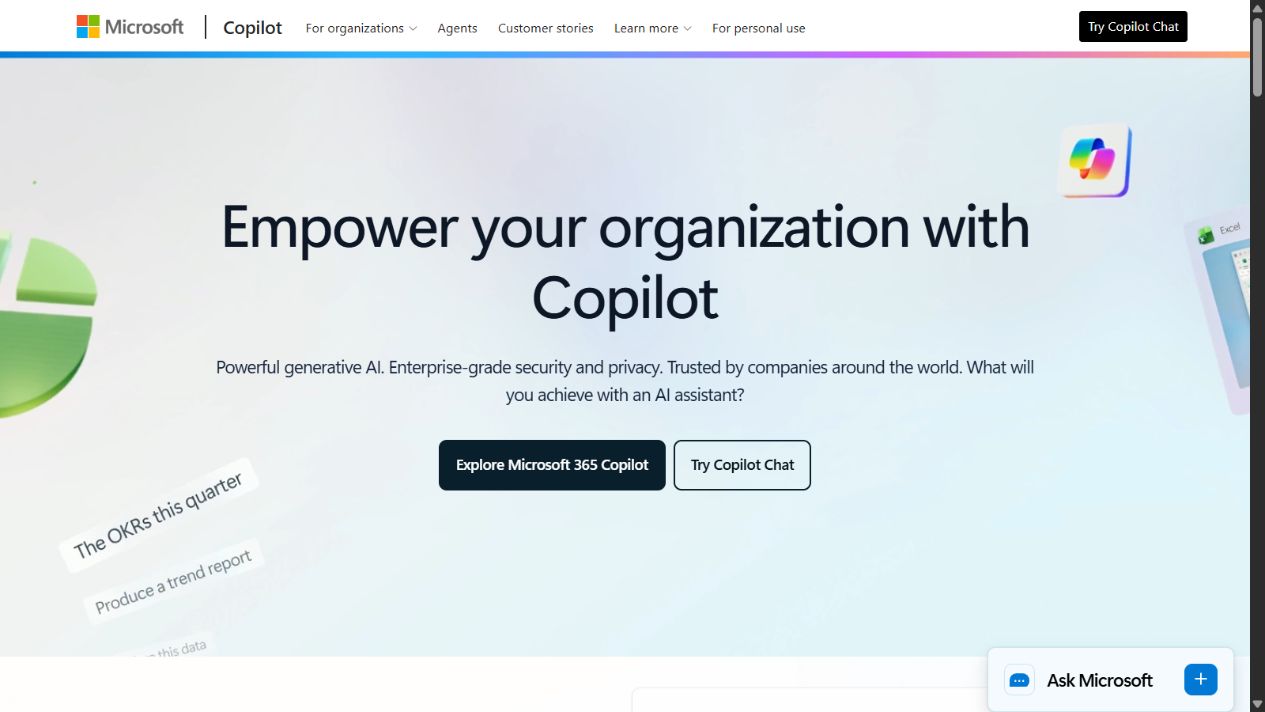
Microsoft’s official Copilot for organizations homepage, captured August 30, 2026. Source: Microsoft 365 Copilot .
Choose Microsoft 365 Copilot when: Microsoft 365 is the enterprise productivity system and the organization has mature identity and information governance.
Check before buying: prerequisites, licences, tenant settings, Graph grounding, supported applications, agents, identity, Purview and compliance interactions, oversharing, data region, retention, audit, usage reporting, premium capacity or credits, and support.
Pilot task: select roles with high-value Microsoft 365 workflows, fix known permission issues first, then test meeting, document, email, analysis, and search scenarios with verified answers.
Official sources: Microsoft 365 Copilot , Copilot for organizations , Microsoft 365 Copilot documentation , and Microsoft Service Trust Portal .
5. GitHub Copilot Enterprise: best specialist developer assistant
GitHub presents Copilot across GitHub, supported editors, command-line tools, agents, pull requests, code review, and enterprise development workflows, with plan-specific features and policies. GitHub Copilot Enterprise is the specialist in this list: it is not intended to be the organization’s universal writing and research workspace.
The advantage is workflow proximity. Developers can receive assistance where repositories, issues, code, reviews, and delivery work already live. That can reduce context transfer and make adoption easier. It can also bring generated output close to high-value systems, which raises the importance of repository permissions, branch protection, review, tests, dependency controls, secret detection, and secure development practice.
Generated code remains untrusted code until reviewed and tested. A suggestion that compiles can still contain authorization flaws, unsafe dependencies, licence concerns, weak tests, or maintenance problems. Measure review-adjusted outcomes, not accepted suggestion volume.
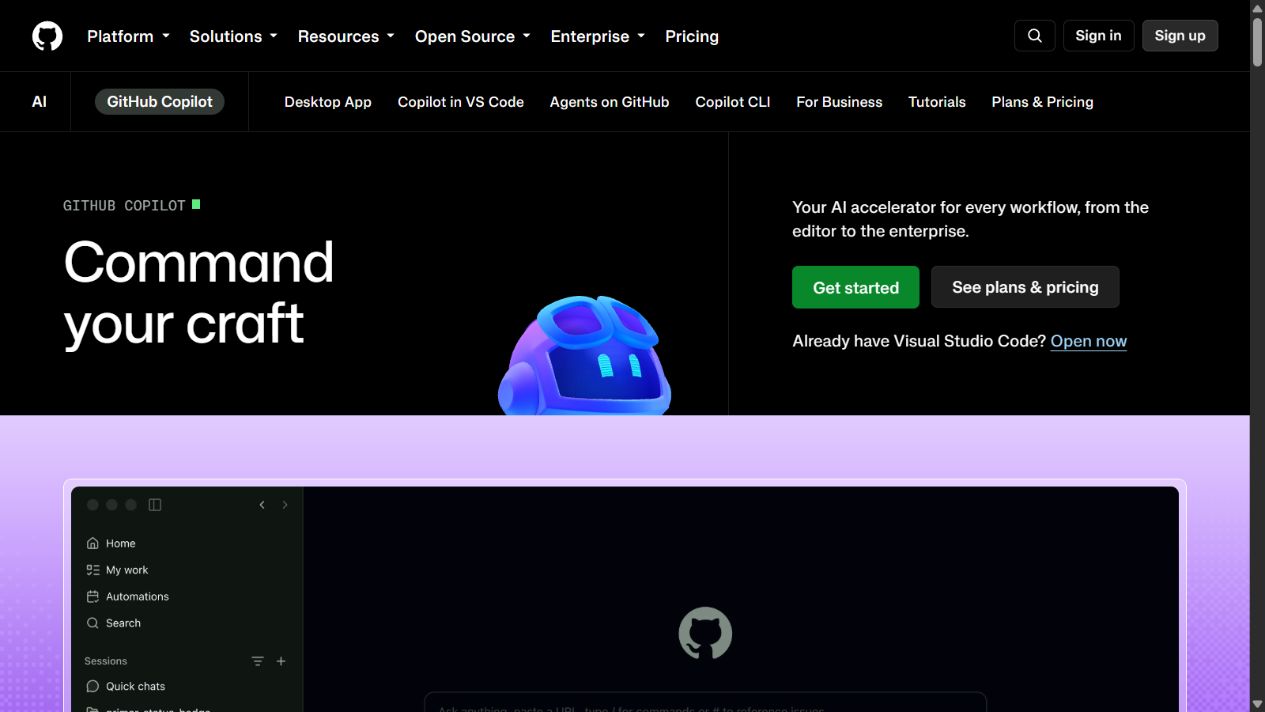
GitHub Copilot’s official homepage, captured August 30, 2026. Source: GitHub Copilot Enterprise.
Choose GitHub Copilot Enterprise when: software development is the defined workflow and GitHub is a central repository and collaboration platform.
Check before buying: plan differences, organization policy, repository scope, model controls, editor and CLI surfaces, agents, pull-request and review workflow, telemetry, data terms, retention, indemnity or legal terms, premium requests, and support.
Pilot task: use representative safe repositories and a scored set of bug fixes, tests, refactors, documentation, security findings, and review tasks. Measure reviewer time and escaped defects.
Official sources: GitHub Copilot Enterprise, Copilot plans , Copilot documentation , and GitHub Copilot Trust Center .
Which platform fits which enterprise architecture?
The key distinction is where the platform obtains context and where work is completed:
- ChatGPT Enterprise is a broad standalone workspace that can connect to approved sources and support many departments.
- Claude Enterprise is a broad workspace with a strong document and knowledge orientation.
- Google Workspace with Gemini operates close to a Google-centered productivity and collaboration estate.
- Microsoft 365 Copilot operates close to a Microsoft-centered productivity, identity, and information estate.
- GitHub Copilot Enterprise operates close to software repositories and developer workflows.
An enterprise may legitimately use more than one. The right architecture might assign a productivity-suite copilot to general employees, a developer assistant to engineering, and a standalone AI workspace to research or specialist roles. The wrong architecture buys every platform for every employee without a data model, ownership, or measurement plan.
Build an enterprise AI control plane
Before a pilot, establish a cross-functional owner group including business operations, security, privacy, legal, procurement, architecture, records management, accessibility, and representative users. Define who can approve a product, connector, model, data class, agent action, and production use case.
Create a registry for every approved workflow:
- Product, plan, tenant, owner, and renewal date.
- User roles and business purpose.
- Allowed and prohibited data classes.
- Connected systems and permission scope.
- Model or feature controls.
- Human review and escalation.
- Logs, retention, and evidence.
- Success metrics and cost.
- Incident and revocation procedure.
- Review date and exit trigger.
This registry prevents a general approval for one assistant from becoming silent approval for every future connector or agent.
Treat permission inheritance as a testable control, not a marketing promise. Build accounts with different roles, departments, locations, and document permissions. Ask each account the same questions and confirm that answers, citations, search results, and suggested actions remain inside the user’s existing access boundary. Repeat the test after a role change, employee transfer, account suspension, and source-document deletion. A platform should not pass merely because the happy-path account behaves correctly.
Define an evidence standard before employees rely on AI output. For research, policy, legal, finance, security, and customer-facing work, decide when an answer needs a source link, document identifier, timestamp, reviewer, or retained transcript. Also define which records must not be retained. The goal is not to archive every prompt forever; it is to preserve enough evidence to reconstruct consequential decisions while respecting privacy, retention, and minimization requirements.
Plan the exit before expanding seats. Record how administrators export permitted data, remove connectors, revoke service accounts, delete retained content, recover reusable prompts or instructions, and verify that departed users no longer have access. Identify workflows that would stop if the vendor, model, integration, price, or contract changed. A platform with impressive output but no practical migration path can create operational dependence faster than procurement teams expect.
Finally, translate governance into acceptance gates. A pilot should have a maximum unresolved security finding count, a required task-quality threshold, an allowed correction rate, an accessibility review, a cost-per-approved-outcome ceiling, and a named owner for every exception. Expansion occurs only when those gates are met. This makes the decision auditable and prevents enthusiasm, message volume, or a polished demonstration from becoming the de facto business case.
Publish the approved-use register where employees can easily find it. State which tool and plan applies to each workflow, what data may be entered, when human review is mandatory, and where incidents are reported. Short, role-specific operational guidance is more usable than a policy document employees cannot translate into daily decisions.
A six-week pilot framework
Week 1: define and configure
Select three to five roles, approved data, known-answer tasks, failure cases, success criteria, and least-privilege access. Record baseline time and quality. Configure identity, policies, retention, and connectors before inviting users.
Week 2: controlled tasks
Run repeatable drafting, research, document, analysis, meeting, or coding tasks. Include unsupported requests and sensitive-data traps. Record evidence use, hallucination, refusal, latency, and reviewer correction.
Week 3: real workflow
Use normal approved work under supervision. Measure whether the platform reduces handoffs and whether employees can identify uncertainty and source boundaries.
Week 4: administration and security
Provision and remove users, change a policy, restrict a source, inspect logs, test permission revocation, review data terms, and simulate an incident or connector shutdown.
Week 5: economics and accessibility
Calculate seats, premium usage, implementation, administration, support, and duplicate subscriptions. Test accessibility and assistive technology with representative users.
Week 6: decision gate
Score verified outcome quality, reviewer time, workflow adoption, incidents, administration, security, user feedback, and total cost. Approve specific workflows and roles, not a vague enterprise-wide mandate.
Common enterprise mistakes
Choosing from a public benchmark
Benchmarks do not reproduce the tenant, repositories, documents, languages, permission model, risk, or review process. Use representative internal tasks with objective criteria.
Connecting data before cleaning permissions
AI can make overshared information easier to discover. Repair access ownership and sensitivity before broad grounding.
Treating an enterprise contract as complete governance
Contractual protections do not define approved use, prompt practice, connector scope, review, retention, or incident response. Operational controls remain necessary.
Measuring messages instead of outcomes
High usage can represent value, novelty, or rework. Measure verified deliverables, cycle time, reviewer effort, risk, and business impact.
Buying overlapping seats by default
Inventory AI already embedded in productivity, CRM, support, analytics, security, and development software. Require a distinct role and workflow for every additional platform.
Allowing agents to act without boundaries
Agentic features can create messages, files, code, tickets, or system changes. Use scoped permissions, previews, approval gates, logs, rate limits, and revocation.
Final recommendation
Choose ChatGPT Enterprise for a broad governed AI workspace, Claude Enterprise for document and knowledge-intensive work, Google Workspace with Gemini for Google-centered productivity, Microsoft 365 Copilot for Microsoft-centered productivity, or GitHub Copilot Enterprise for software development.
Do not select one universal winner. Map products to roles, systems, and data; run known-answer pilots; test administration and revocation; calculate duplicate cost; and approve specific workflows. The best enterprise AI tool is the platform that improves verified outcomes while preserving permission boundaries, evidence, accountability, and the organization’s ability to stop or change course.
Sources
- ChatGPT Enterprise
- ChatGPT pricing
- OpenAI enterprise privacy
- OpenAI Trust Portal
- Claude Enterprise
- Claude for Work
- Anthropic Trust Center
- Google Workspace AI
- Gemini for Google Workspace
- Google Cloud Trust Center
- Microsoft 365 Copilot
- Microsoft 365 Copilot documentation
- Microsoft Service Trust Portal
- GitHub Copilot Enterprise
- GitHub Copilot plans
- GitHub Copilot documentation
- GitHub Copilot Trust Center
Frequently asked questions
What is the best AI tool for an enterprise team?
ChatGPT Enterprise is the broadest standalone assistant in this shortlist, Claude Enterprise is strong for document and knowledge-intensive work, Google Workspace with Gemini fits Google-centered organizations, Microsoft 365 Copilot fits Microsoft 365-centered work, and GitHub Copilot Enterprise is the specialist choice for software development. The correct choice depends on the approved workflow and existing identity, data, and application estate.
Should an enterprise standardize on one AI platform?
Standardize shared controls and procurement where possible, but do not force one product into every role. A general assistant, productivity-suite copilot, and developer assistant may serve distinct workflows. Use role-based pilots and require a documented reason for overlapping seats.
How should an enterprise evaluate AI security?
Review the exact plan and contract for identity, provisioning, roles, policy, logging, retention, training terms, model controls, connectors, data residency, subprocessors, incident response, deletion, and legal obligations. Test settings in a representative tenant before rollout.
Can enterprise AI use internal company knowledge?
Several products offer plan-dependent connectors, projects, knowledge, grounding, or suite-native context. Access should follow least privilege. Verify what sources are indexed or retrieved, how permissions propagate, how results are cited, and how administrators can revoke access.
Do enterprise AI tools eliminate the need for human review?
No. AI can draft, summarize, classify, research, or propose actions, but accountable people must verify facts, permissions, policy, security, legal impact, and business decisions. High-impact workflows need defined review and escalation.
How can an enterprise avoid duplicate AI spending?
Inventory current AI features inside productivity, CRM, support, development, and automation platforms. Map each paid seat to a measured role and workflow, monitor active use, include premium credits and administration in cost, and remove overlapping subscriptions without distinct value.
How long should an enterprise AI pilot run?
A focused pilot can run four to eight weeks, but duration matters less than task quality. Include representative users, approved data, known-answer tasks, failure cases, administration tests, cost measurement, and a documented decision gate before expansion.