Best AI Tools for Startups
Compare six AI tools for startups by workflow fit, runway impact, implementation effort, team controls, evidence, and the work each tool should own.

Direct answer
The best AI tool for a startup is the one that removes a costly workflow bottleneck without creating an unmanaged stack. In this guide, ChatGPT Business is the best general starting point, Claude Team is best for document-heavy reasoning, Notion AI is best when company knowledge already lives in Notion, Cursor is best for repository-centered development, Zapier is best for cross-app automation, and Canva Magic Studio is best for lean creative production.
That is a shortlist, not a universal ranking. A pre-seed founder preparing customer interviews needs a different system from a Series A engineering team or a marketplace processing thousands of support and operations events. Startup buyers should prioritize workflow ownership, runway impact, data risk, and adoption over the longest feature list.
This guide uses official sources checked on August 24, 2026. We did not run controlled product tests, benchmark model output, or verify vendor customer claims. Product facts are drawn from official material; “best for” conclusions are editorial inferences from documented fit.
Best AI tools for startups at a glance
| Tool | Best role in a startup stack | Why it made the shortlist | Main risk to evaluate |
|---|---|---|---|
| ChatGPT Business | General AI workspace | Broad support for research, analysis, writing, coding, and connected work | Overlap and uncontrolled use across teams |
| Claude Team | Long documents and careful knowledge work | Projects, shared context, writing, and analysis | Seat economics and narrower operational integration |
| Notion AI | Company knowledge and recurring work | AI operates alongside docs, databases, tasks, search, and meetings | Value depends on Notion adoption and plan structure |
| Cursor | Software development | Repository-aware editor and coding agent workflow | Specialized use, model usage cost, and code governance |
| Zapier | Cross-application automation | Connects triggers, actions, AI steps, forms, tables, and agents | Poor process design can automate errors |
| Canva Magic Studio | Marketing and creative production | AI-assisted creation inside a familiar design environment | Brand review, asset rights, and output sameness |
How we selected the tools
We did not start with market popularity. We started with the work an early or growth-stage startup repeatedly pays people to perform.
A tool qualified when it met four conditions:
- It could own a distinct startup workflow rather than provide a novelty feature.
- Current official material documented enough capabilities, controls, or plan context to evaluate it.
- A small team could pilot it without a long implementation project.
- Its limitations were clear enough to explain when another product would be safer or more useful.
We compared the products using these criteria:
- Runway impact: Does the tool reduce cycle time or rework in a recurring process?
- Workflow ownership: Can a team name the specific job the tool should perform?
- Adoption effort: Does it fit where the work already happens?
- Evidence and review: Can people inspect and verify the output?
- Data governance: Are business controls and data terms available for the intended plan?
- Scaling behavior: What changes as seats, usage, context, and integrations grow?
- Stack overlap: Does the capability duplicate another licensed system?
We excluded tools that could not be evaluated from current official sources or did not add a clearly different role. Inclusion does not mean these are the only capable products.
1. ChatGPT Business: best general AI workspace
ChatGPT Business is the broadest starting point here for a startup that wants one managed AI workspace across several functions. OpenAI’s business material positions the product for writing, research, analysis, coding, connected tools, company context, and recurring workflows. The current business pricing page also documents centralized administration, usage visibility, budgeting, SSO, MFA, and no training on business data by default.
That breadth matters in a startup because roles overlap. A founder may research a market, review a spreadsheet, draft a sales brief, analyze customer feedback, and discuss a technical decision in the same day. A single general workspace can be easier to govern than separate assistants purchased by every function.
ChatGPT Business official page. Source: OpenAI for business . Captured August 14, 2026, to document the product’s broad business-work positioning.
Where ChatGPT Business fits
- customer and market research synthesis;
- first drafts and structured revisions;
- spreadsheet and document analysis;
- internal playbooks and reusable assistants;
- technical explanation and plan-dependent coding work;
- connected workflows across supported business tools;
- cross-functional tasks that do not justify a separate specialist product.
Strengths
One workspace can serve several functions. This can reduce tool switching and fragmented purchasing during the early stage.
Business administration is documented. Central billing, workspace controls, and business data policies are more appropriate for organizational use than unmanaged personal accounts.
The product can work with different inputs. Files, conversation, research, analysis, and other capabilities can support work before and after a single generated answer.
Limitations
Breadth invites overlap. Teams may still buy a writing assistant, coding agent, meeting recorder, and research tool without determining which product owns each workflow.
Output is not evidence. Research, calculations, code, and claims require review against primary sources and the startup’s actual systems.
Plan structure is volatile. Seat types, included usage, models, integrations, and credits can change. Buyers should use current official terms rather than an older comparison.
Best startup fit
Choose ChatGPT Business when the team needs a general layer across multiple functions and can define acceptable use, review, and data rules. Do not treat it as a substitute for CRM controls, accounting records, source code review, or specialist compliance.
2. Claude Team: best for documents and deliberate reasoning
Claude Team is a strong candidate when a startup’s work is concentrated in long documents, research, writing, reusable project context, and detailed analysis. Anthropic’s official material describes Projects that can contain documents, instructions, and project knowledge, plus team sharing and administration.
This can suit consultancies, research-led startups, legal-technology teams, product organizations, and founders working through specifications, interview notes, policies, proposals, or complex written decisions.

Claude official homepage. Source: Claude . Captured August 15, 2026, to document the product’s general work positioning.
Where Claude Team fits
- reading and synthesizing long source material;
- maintaining project-specific instructions and documents;
- drafting and revising detailed written work;
- comparing policies, requirements, or research notes;
- producing structured analysis for team review;
- supporting technical and non-technical reasoning.
Strengths
Project context can be reusable. A team can organize source material and instructions around a continuing initiative rather than rebuilding every prompt.
The workflow is document friendly. Claude’s product positioning and project model align well with substantial reading and writing tasks.
Team administration exists. Shared work and centralized management make the team edition more appropriate than scattered personal accounts.
Limitations
It can overlap with a general assistant. A startup should not license Claude and ChatGPT for everyone without identifying a meaningful difference in workflow or output.
Seat minimums and usage matter. Verify the current team eligibility, billing terms, limits, and higher-usage options before making a runway forecast.
Document handling does not remove review. Summaries can omit exceptions; analyses can infer beyond the source; generated text can introduce unsupported claims.
Best startup fit
Choose Claude Team when several people repeatedly work through large bodies of written context and the pilot shows better completion or review time than the startup’s general assistant. Avoid buying it solely because a founder prefers one model’s writing style.
3. Notion AI: best for knowledge and operating context
Notion AI is most compelling when Notion already acts as the startup’s operating system. Official Notion material describes an agent that can work with pages and databases, enterprise search across connected applications, AI meeting notes, research, writing help, and custom agents for recurring work. Availability and usage depend on the current plan.
The value is context proximity. A general assistant needs information supplied or connected. Notion AI begins beside the plans, tasks, decisions, documents, and databases the team already maintains.
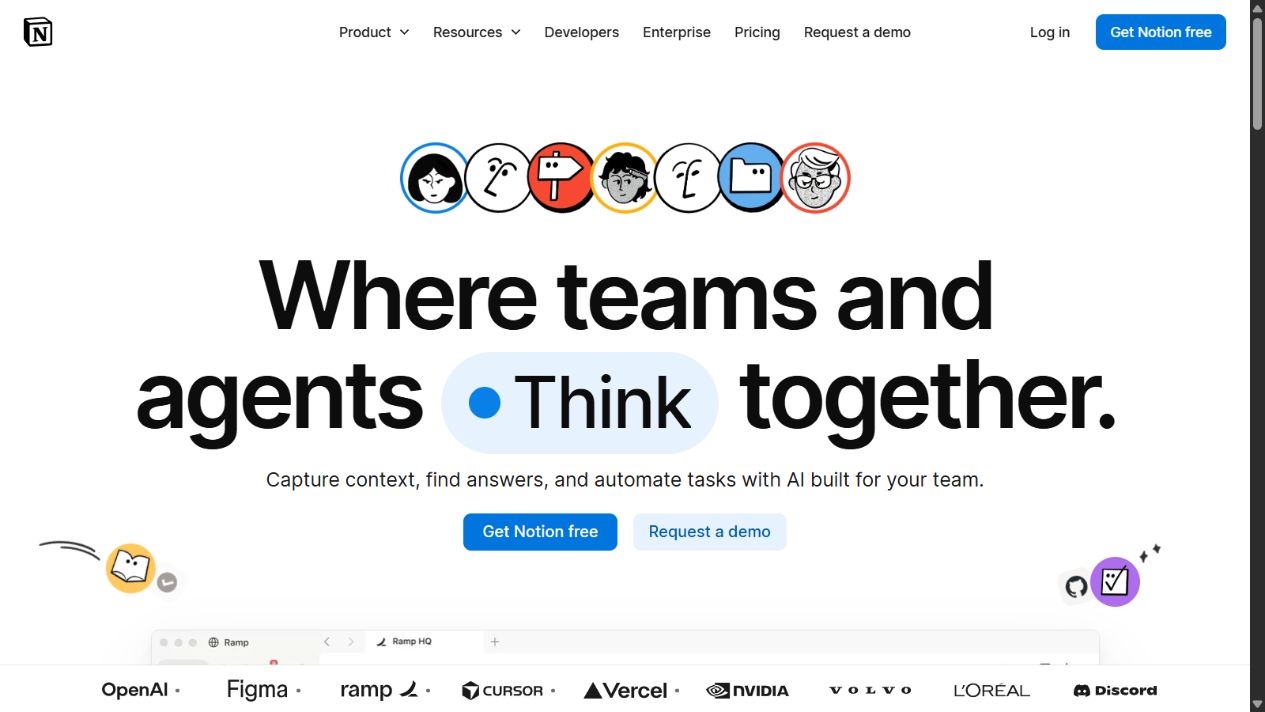
Notion official homepage. Source: Notion . Captured August 15, 2026, to document the workspace in which Notion AI operates.
Where Notion AI fits
- onboarding from internal documents;
- finding decisions and project context;
- creating or updating pages and databases;
- meeting notes and follow-up;
- recurring status summaries;
- research and writing inside the workspace;
- answering questions from connected company knowledge.
Strengths
Context already exists in the workspace. This can reduce copy-and-paste work and improve the usefulness of internal answers.
AI is tied to structured work. Pages, databases, tasks, and recurring operations make it easier to connect output to an accountable process.
Official security and administration information is available. Notion documents permissions, governance, encryption, and data-use practices, with details varying by plan.
Limitations
Poor workspace hygiene produces poor context. Duplicated pages, stale decisions, unclear ownership, and inconsistent permissions can undermine AI answers.
The best features may require higher plans or credits. Verify what is included for the startup’s current workspace and expected usage.
It is less useful when Notion is not the source of truth. A company centered on another knowledge and project platform may create another silo.
Best startup fit
Choose Notion AI when the startup already maintains reliable project and knowledge data in Notion. First improve ownership, structure, and permissions; then automate summaries and retrieval. AI cannot repair an undocumented operating model on its own.
4. Cursor: best for repository-centered product development
Cursor is the specialist choice for a software startup. Its official documentation centers on a repository-aware coding editor and agents that can inspect code, edit files, run terminal commands, and support multi-step development work.
That is different from asking a general assistant for a code snippet. Product development requires locating the correct files, preserving conventions, understanding dependencies, running checks, reviewing diffs, and validating the result in the actual repository.
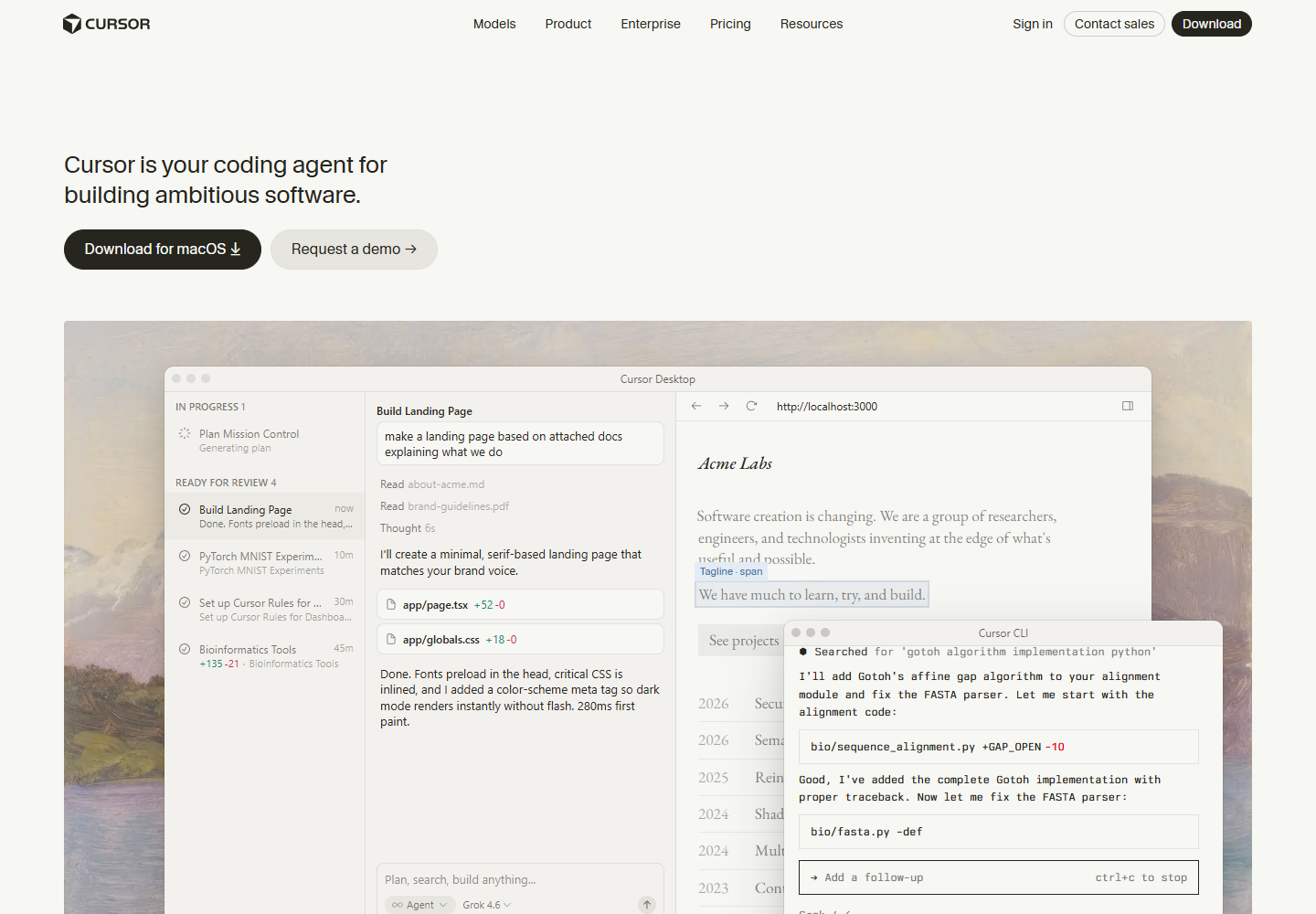
Cursor official homepage. Source: Cursor . Captured August 24, 2026, to document its repository-centered coding positioning.
Where Cursor fits
- understanding an unfamiliar codebase;
- implementing bounded features;
- reproducing and fixing bugs;
- refactoring across files;
- generating and updating tests;
- running commands and interpreting failures;
- reviewing proposed code changes;
- maintaining project-specific rules.
Strengths
Repository context is central. The agent works where source files, diffs, and developer tools are available.
The workflow supports action and review. Editing and command execution can shorten the path from question to tested change.
It addresses a high-cost startup bottleneck. Faster development can matter when engineering capacity is constrained, provided quality remains controlled.
Limitations
It serves developers, not the whole company. Non-technical teams receive little benefit from editor-centered capabilities.
Generated code can create hidden debt. Security issues, weak tests, unnecessary dependencies, and architectural inconsistency remain human responsibilities.
Usage economics need monitoring. Model choice, agent behavior, and plan structure can affect the effective cost beyond the advertised seat.
Best startup fit
Choose Cursor when engineering is the central constraint and developers can review every change. Define rules for secrets, network access, terminal actions, dependency additions, testing, and generated-code ownership before rollout.
5. Zapier: best for connecting work across applications
Zapier is not primarily a conversational assistant. Its value is connecting triggers, data, actions, forms, tables, and AI-powered steps across business applications. That makes it useful when a startup’s bottleneck is handoff work rather than writing.
A lead arrives, a form needs classification, an account requires enrichment, a support request needs routing, or a customer event should create a task. These are operational workflows with a source, decision, action, owner, and failure path.
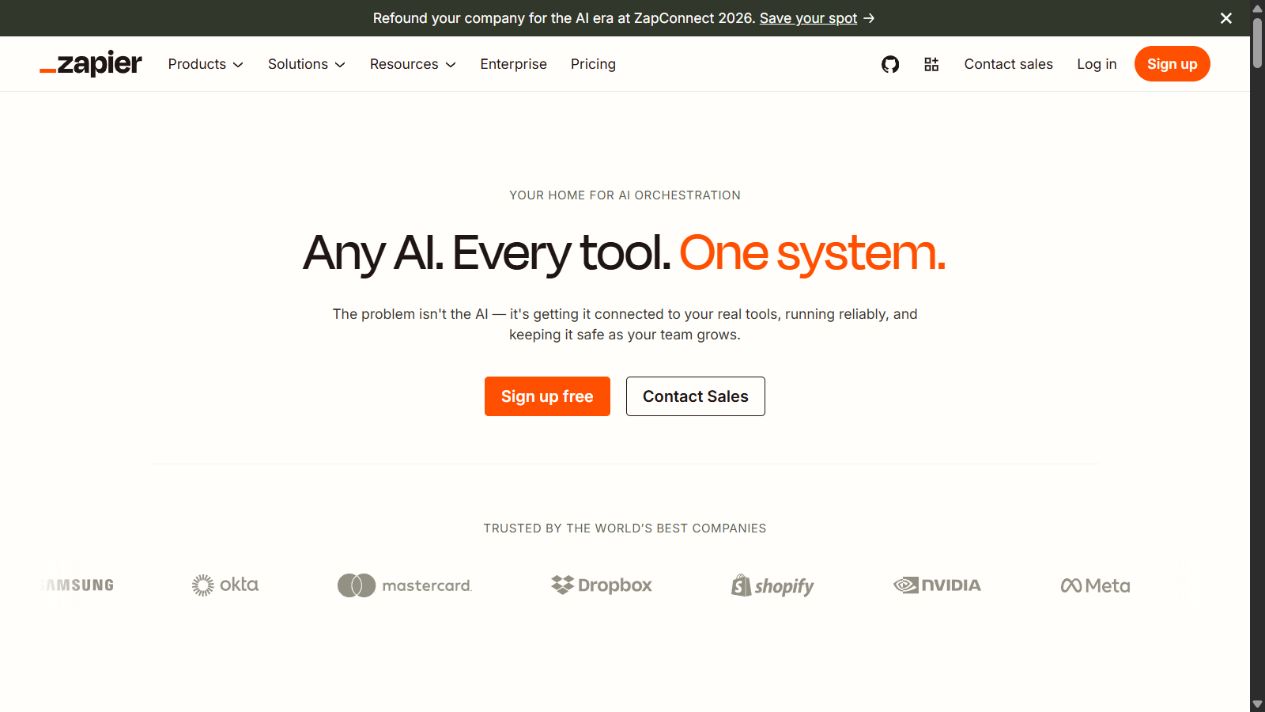
Zapier official AI page. Source: Zapier AI . Captured August 6, 2026, to document its cross-application automation positioning.
Where Zapier fits
- lead routing and enrichment;
- form intake and classification;
- customer-support triage;
- alerts and internal follow-up;
- record synchronization;
- recurring reporting workflows;
- approval-based agent or AI actions.
Strengths
It connects work rather than producing another isolated answer. This can reduce manual transfer between systems.
Startups can pilot one workflow. A bounded automation can be measured before the company commits to a larger program.
The platform includes several building blocks. Official material covers workflow automation, AI steps, tables, forms, chatbots, and agents.
Limitations
Automation magnifies bad process design. An unclear trigger, wrong field, missing approval, or duplicate action can create faster and less visible errors.
Task volume and premium features affect cost. Model the expected event volume and failure rate rather than comparing only entry prices.
Every integration is a data path. Permissions, customer data, credentials, and vendor access require review.
Best startup fit
Choose Zapier when people repeatedly move information between applications. Begin with a reversible, low-risk workflow, log every action, add approval at material decisions, and assign an owner for failures.
6. Canva Magic Studio: best for lean creative production
Canva Magic Studio brings AI-assisted image, design, writing, and editing workflows into Canva. Its official product pages describe Magic Media and other Magic Studio capabilities, with availability and limits dependent on plan, language, country, and product updates.
For a startup without a full creative department, the practical benefit is not replacing design expertise. It is reducing the time required to produce consistent first drafts, resize assets, explore campaign directions, and prepare routine materials for review.
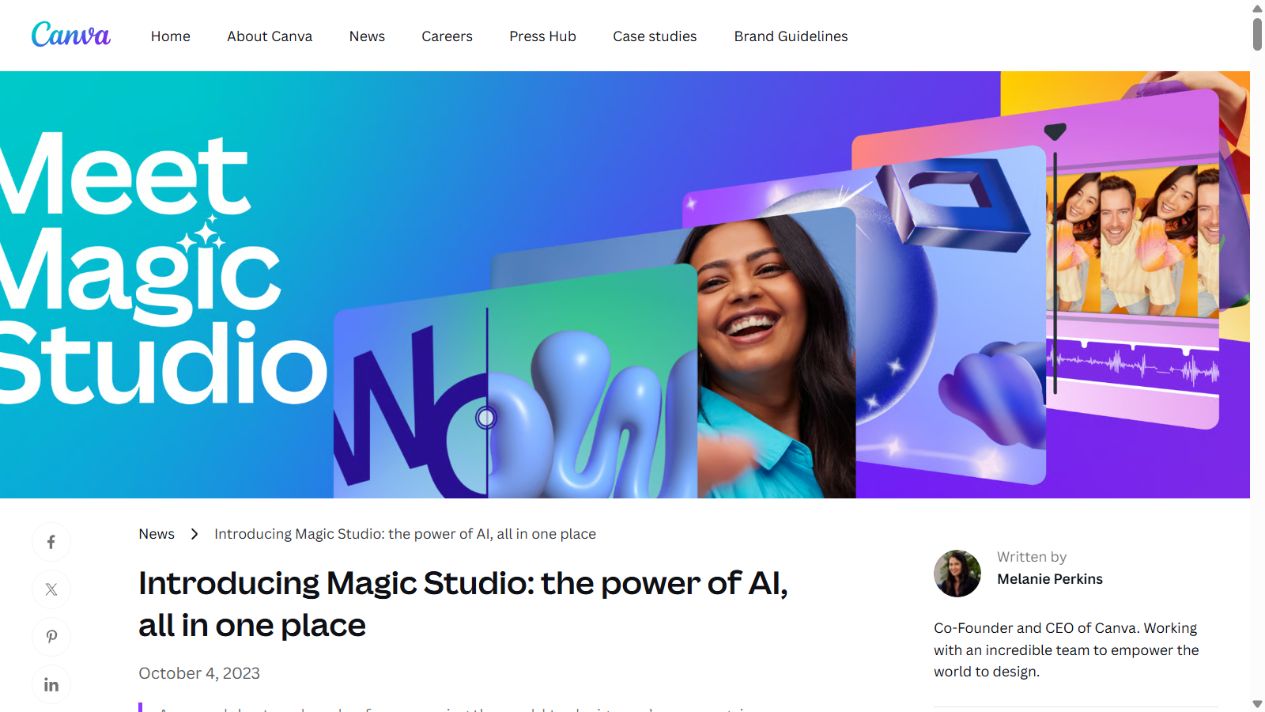
Canva Magic Studio official page. Source: Canva Magic Studio. Captured August 7, 2026, to document its AI creative workflow.
Where Canva Magic Studio fits
- social and campaign asset drafts;
- presentation and pitch-deck production;
- image generation and editing;
- repurposing designs across formats;
- brand-template workflows;
- quick creative variations for review.
Strengths
The AI operates inside a familiar design product. Teams can move from generation to layout and revision without another handoff.
It supports more than one creative medium. The tool can assist with text, imagery, presentations, and other plan-dependent formats.
A startup can keep human brand review. Templates and approval can turn generation into a controlled production step.
Limitations
Generated work can look generic. Strong prompts do not replace a distinctive visual system, editorial judgment, or final design review.
Rights and acceptable use require attention. Review Canva’s current AI terms, output policies, and the origin of uploaded materials before commercial use.
Availability is not uniform. Features, credits, languages, and plans can change across markets.
Best startup fit
Choose Canva Magic Studio when the startup needs frequent, low-to-medium complexity creative assets and already uses Canva. Establish brand templates and a review checklist before increasing production volume.
How startups should choose between these tools
Use a workflow-first decision rather than a vendor-first decision.
| Startup bottleneck | First tool to test | Why |
|---|---|---|
| Mixed research, writing, analysis, and planning | ChatGPT Business | Broad cross-functional workspace |
| Long documents and detailed written reasoning | Claude Team | Project and document-oriented context |
| Knowledge retrieval and recurring work in Notion | Notion AI | Works beside existing company context |
| Shipping and maintaining software | Cursor | Repository-centered development loop |
| Moving data and actions between apps | Zapier | Workflow automation and integration |
| Producing routine creative assets | Canva Magic Studio | AI creation inside a design environment |
Do not buy all six. Select the highest-cost recurring bottleneck, then choose the product whose natural environment matches that work.
A 30-day startup pilot
Week 1: define the baseline
Choose one workflow and document:
- the current steps;
- people involved;
- time spent;
- common errors;
- sensitive data;
- required approvals;
- acceptable output quality;
- current cost.
Week 2: test with controlled work
Use representative but approved inputs. Test easy cases and failure cases. Record every correction, unsupported claim, missed requirement, automation failure, and manual handoff.
Week 3: standardize the useful path
Create instructions, templates, review criteria, and ownership. Remove use cases that do not produce a consistent benefit. Do not expand access just because the demo was impressive.
Week 4: decide with evidence
Compare the result with the baseline:
- completion time;
- error and rework rate;
- output acceptance rate;
- employee adoption;
- seat and usage cost;
- security or compliance effort;
- value of the completed work.
Expand only when the improvement is repeatable and the team can govern it.
Cost and runway questions
Exact pricing is intentionally not reproduced because AI plans, credits, minimum seats, promotions, and regional terms change quickly. Verify official pricing on the purchase date.
For each tool, calculate:
- minimum paid seats;
- monthly versus annual commitment;
- included and metered usage;
- charges for higher-capability models or agents;
- API costs outside the subscription;
- integration or premium-app requirements;
- implementation and administration time;
- human review cost;
- likely cost when headcount doubles.
A low entry price can hide a poor runway decision if the tool duplicates another system or increases review time.
Governance checklist for startup teams
Before granting access, define:
- approved and prohibited data classes;
- whether customer data may be submitted;
- who owns prompts, agents, and automations;
- what outputs require human review;
- how generated code is tested;
- how sources are verified;
- how workspace access is removed after departure;
- how usage and spend are monitored;
- how incidents and harmful output are reported;
- when legal, security, or domain review is mandatory.
Use our AI agent governance checklist for a more detailed control framework.
Common startup buying mistakes
Buying tools before mapping work
“Use AI” is not a workflow. Name the source, task, output, owner, approval, and success measure before choosing software.
Giving every employee a different assistant
Personal preference can create fragmented billing, inconsistent data handling, lost institutional knowledge, and no reusable process.
Confusing speed with accepted output
A draft produced in one minute is not valuable if it requires an hour of correction. Measure the time to approved work.
Automating irreversible actions too early
Start with suggestions or drafts. Add direct external actions only after the team understands failure modes and can stop or reverse the workflow.
Ignoring the next funding or hiring stage
A tool that works for three people may become expensive or unmanageable at thirty. Review administration, permissions, seat assignment, and data ownership before scaling.
Final recommendation
Start with ChatGPT Business when the startup needs one broad, managed AI workspace. Choose a specialist first when the bottleneck is unmistakably documents, knowledge, code, automation, or creative production.
Claude Team, Notion AI, Cursor, Zapier, and Canva Magic Studio are not secondary because they are less capable. They are more focused. That focus can produce better value when the startup knows exactly which workflow it needs to improve.
The strongest startup AI stack is usually small: one general system, one specialist where evidence supports it, and clear human ownership. Pilot before annual commitment, verify every material output, and remove subscriptions that do not produce measurable accepted work.
Frequently asked questions
What is the best AI tool for an early-stage startup?
ChatGPT Business is the broadest starting point when a startup needs one managed workspace across several functions. A specialist may be better when the largest bottleneck is already clear, such as Cursor for development or Zapier for cross-app operations.
How many AI tools should a startup buy?
Begin with one general tool and at most one specialist tied to a measurable process. Add another only when its responsibility is distinct and a pilot proves enough value to justify cost and governance.
Which AI tool is best for a startup engineering team?
Cursor is the most development-focused option in this guide because it works around repositories, edits, terminal commands, and code review. The team must still review generated code and enforce testing and security controls.
Can a startup use free AI plans?
Free plans are useful for evaluation and low-risk personal work. They may not provide the collaboration, administration, data terms, usage capacity, and support needed for company operations. Verify current plan terms first.
How should a startup evaluate AI software?
Measure a real workflow before and after a two-to-four-week pilot. Review accepted output, corrections, errors, time, cost, data risk, and adoption. Expand only when the improvement is repeatable.
Official sources reviewed
Frequently asked questions
What is the best AI tool for an early-stage startup?
ChatGPT Business is the broadest starting point in this shortlist when a startup wants one managed workspace across research, writing, analysis, operations, and coding. The best first tool can instead be Notion AI, Cursor, Zapier, Claude, or Canva Magic Studio when the startup's highest-cost workflow is already concentrated in that product's specialty.
How many AI tools should a startup buy?
Most early-stage teams should begin with one general tool and at most one specialist tool tied to a measurable bottleneck. Add another subscription only when its workflow is distinct, its owner is clear, and a pilot shows enough saved time or improved output to justify the overlap.
Which AI tool is best for a startup engineering team?
Cursor is the most development-focused option in this shortlist because it is built around repository-aware coding, editing, terminal work, and code review. ChatGPT and Claude can support technical research and explanation, but teams should test them against their actual repositories and security requirements.
Can a startup use free AI plans?
Free plans can help evaluate usability and low-risk personal tasks. They may lack the shared administration, security terms, usage capacity, collaboration, and predictable controls required for company work. Review the current official plan terms before putting customer or proprietary data into any service.
How should a startup evaluate AI software?
Choose one recurring workflow, measure its current time and error rate, test the product for two to four weeks with approved data, review output quality and failure modes, calculate the full seat and usage cost, and expand only if the result is measurable and repeatable.