Best Canva Magic Studio Alternatives
Compare five Canva Magic Studio alternatives for branded content, generative media, Microsoft workflows, visual ideation, and text-heavy graphics.
Direct answer
Adobe Express is the closest broad Canva Magic Studio alternative for teams that need templates, brand controls, photo and video editing, social content, documents, and generative AI in one approachable workspace. Adobe Firefly is a better candidate when generative image, video, audio, and vector creation is the primary job. Microsoft Designer fits individuals and teams already working inside Microsoft 365. Midjourney deserves a test for visual ideation and art direction. Ideogram is particularly relevant for generated graphics containing readable text.
There is no universal replacement. Canva combines creation, templates, brand assets, collaboration, publishing, and administration. A tool can produce a more attractive image and still be a worse production system. Choose according to the full path from brief to approved, accessible, stored, and reusable asset.
This guide uses official sources checked on August 31, 2026. We did not run a controlled image-quality benchmark or claim hands-on production testing.
Alternatives at a glance
| Alternative | Best for | Main advantage | Main limitation to test |
|---|---|---|---|
| Adobe Express | Branded business content | Broad creation workflow with Adobe assets and administration | Plan controls, credits, collaboration, and Creative Cloud handoff |
| Adobe Firefly | Generative media creation | Image, video, audio, vector, editing, and model choice | Asset assembly, brand workflow, credits, and rights terms |
| Microsoft Designer | Microsoft-centered personal design | Accessible AI design and image editing connected to Microsoft apps | Team governance, brand systems, storage, and production depth |
| Midjourney | Visual ideation and art direction | Image-first exploration, style, editing, and personalization | Privacy, consistency, typography, approval, and handoff |
| Ideogram | Text-heavy generated graphics | Prompt fidelity, readable type, editing, and visual composition | Brand templates, collaboration, final text accuracy, and exports |
How we selected the alternatives
We prioritized products with an official, active creation experience and a distinct reason to replace part of Canva’s workflow. The evaluation considered:
- range of image, video, document, presentation, and social deliverables;
- generation, editing, resizing, background, typography, and composition tools;
- templates, brand kits, fonts, assets, and reusable systems;
- collaboration, permissions, approval, storage, and administration;
- privacy, content credentials, source-material handling, and usage terms;
- export formats, accessibility, publishing, and production handoff;
- free access, credits, seats, storage, premium assets, and total cost.
Vendor outcome claims and community examples were not used to rank products. They can show what is possible, but they do not predict what another team will achieve with different skills, data, briefs, and controls.
1. Adobe Express: best broad Canva alternative for business content
Adobe Express is the closest match when the requirement is finished content rather than isolated image generation. Adobe’s official product and pricing pages describe a web and mobile creation environment with templates, photo, video and document editing, Adobe Stock assets, Adobe Fonts, content scheduling, generative AI, brand management, collaboration, and administration that vary by plan.
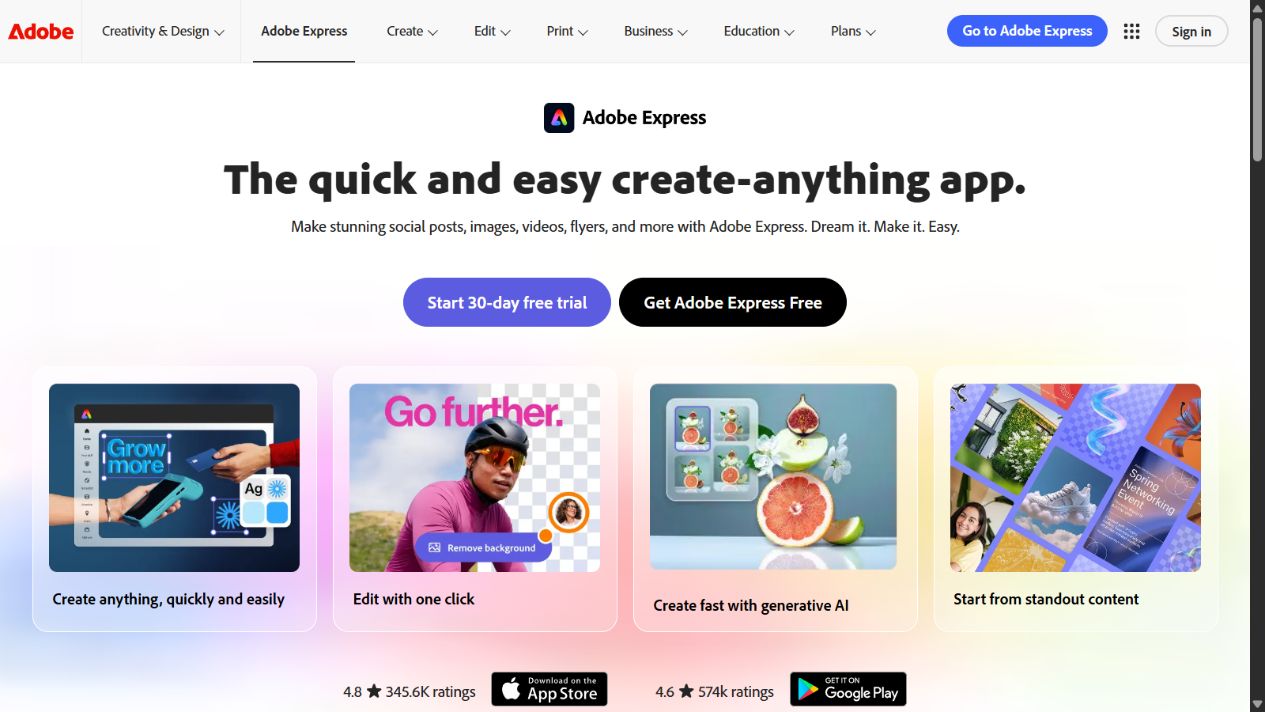
Adobe Express homepage captured August 31, 2026. Verify current plan inclusions and generative-credit limits.
Choose Adobe Express when marketers, small creative teams, educators, communicators, or distributed business users need repeatable branded assets without opening specialist desktop applications for every task. It is also logical when Creative Cloud, Adobe Stock, Adobe Fonts, Acrobat, or Firefly already matter to the organization.
Do not assume Adobe Express and Canva are interchangeable. Test the exact templates, brand locking, approvals, shared libraries, video timeline, resizing, document workflow, accessibility, exports, scheduling destinations, storage, and administrator controls used by the team. Confirm how assets move between Express and specialist Adobe applications without losing editability or governance.
Cost evaluation should include seats, premium assets, storage, generative credits, team or enterprise controls, and surrounding Creative Cloud licences. Free and individual plans can demonstrate the interface but may not represent a governed business deployment.
Sources: Adobe Express and Adobe Express pricing .
2. Adobe Firefly: best for generative-media depth
Adobe Firefly is a better alternative when the central requirement is generating and editing media rather than assembling a large library of finished business templates. Adobe’s official page covers image, video, audio, and vector creation, Firefly Boards, editing, Adobe models, selected partner models, and connections to Adobe creative applications.
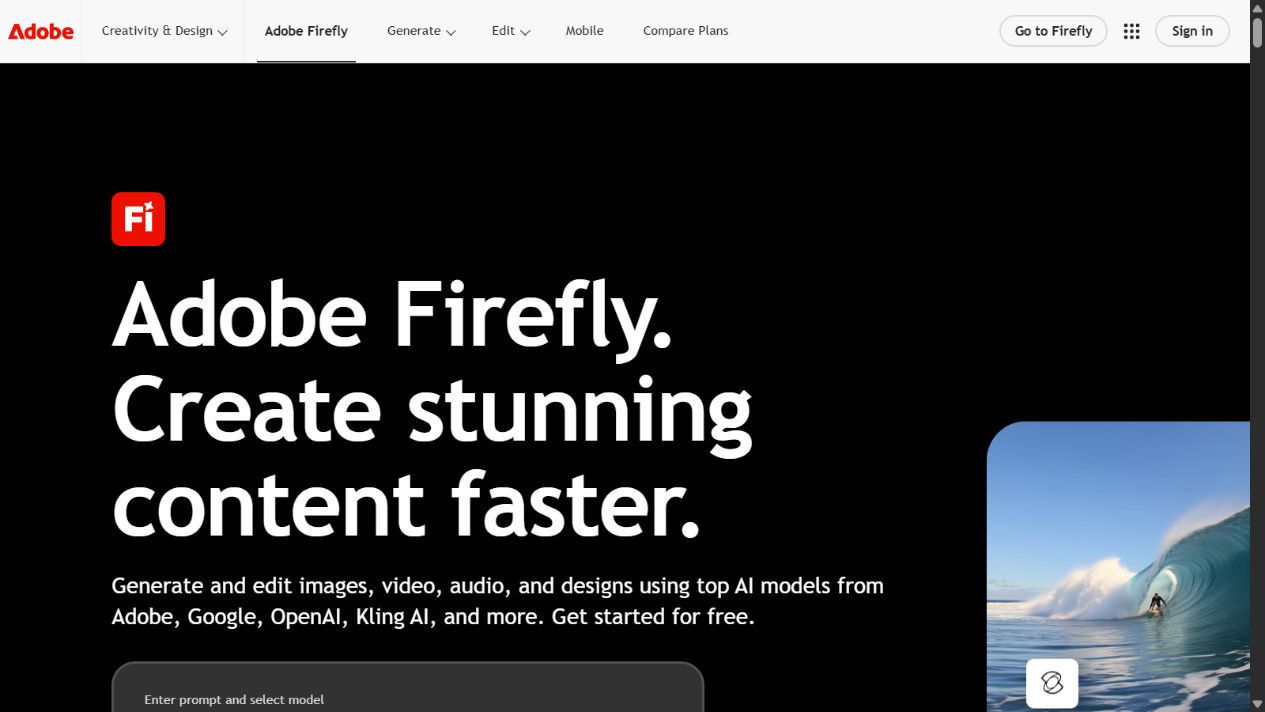
Adobe Firefly homepage captured August 31, 2026. Model access, credits, and plan terms can change.
Firefly deserves priority when creative professionals need to ideate, generate variations, edit media, explore models, and hand assets into an Adobe production workflow. It is less direct as a complete Canva replacement when non-designers need a governed template library, simple multi-format assembly, campaign approvals, scheduling, and broad self-service publishing.
Test the actual model and feature used for each deliverable. Record generation credits, speed, resolution, editability, prompt adherence, text rendering, reference handling, video duration, audio quality, storage, and export. Confirm whether the chosen plan provides the collaboration, privacy, indemnification, and administrative terms required by the organization.
The phrase “commercially safe” should not replace asset-level review. Teams remain responsible for inputs, references, trademarks, privacy, likeness, factual representation, disclosure, and the suitability of a final output.
Sources: Adobe Firefly , Firefly plans , and Adobe Firefly FAQ .
3. Microsoft Designer: best for Microsoft-centered personal workflows
Microsoft describes Designer as an AI-powered graphic-design and image-editing application. Official product and support pages cover generated images, social posts, cards, stickers, image enhancement, transformations, web and mobile access, and entry points from Microsoft applications.
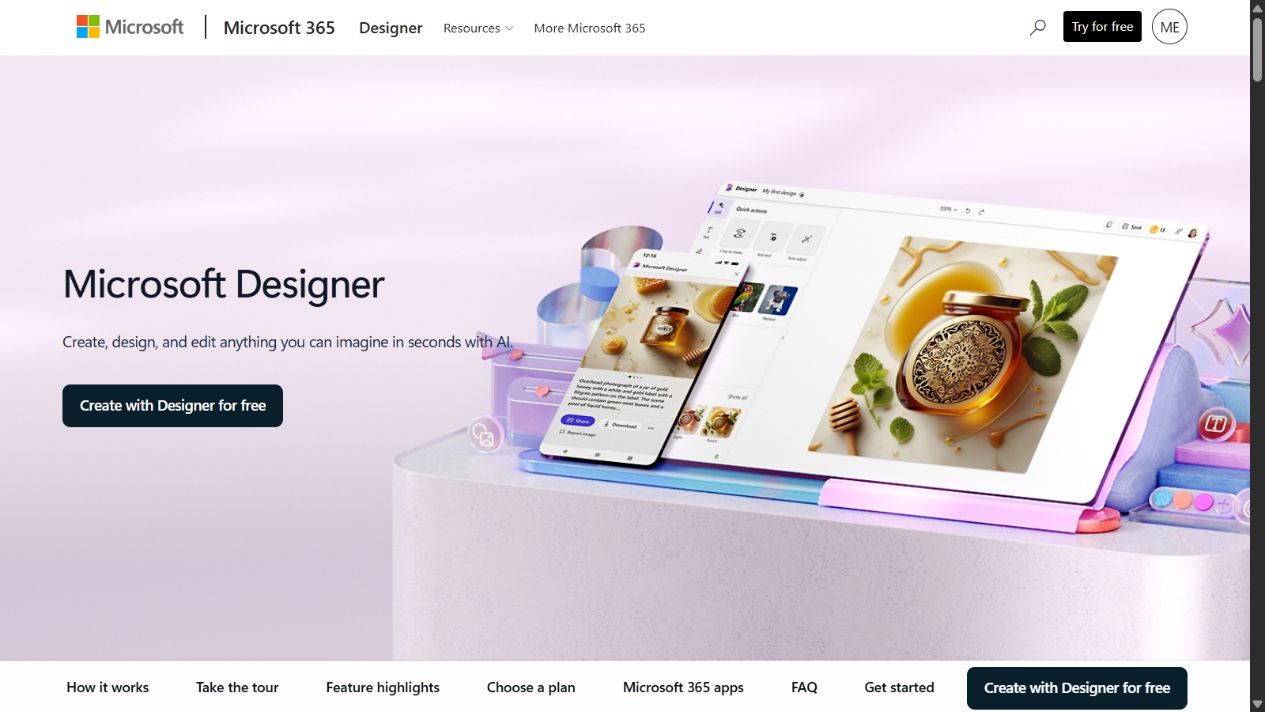
Microsoft Designer homepage captured August 31, 2026. Confirm current Microsoft-account, Copilot, and Microsoft 365 requirements.
Designer is worth testing when the buyer wants an accessible personal creation tool and already works in Word, PowerPoint, Copilot, OneDrive, or the broader Microsoft environment. It can reduce friction for quick social graphics, cards, visual concepts, image edits, and presentation-related assets.
The biggest question is organizational depth. A useful individual tool is not automatically a Canva replacement for a distributed marketing or communications operation. Test brand kits, locked templates, roles, approvals, shared asset libraries, tenant administration, retention, audit, storage location, guest access, and bulk production. Confirm which capabilities belong to Designer, Microsoft 365, Copilot, or another licence.
Microsoft says Designer applies content credentials to images created with editing features. Buyers should still define their own review and disclosure process, because provenance metadata does not establish factual accuracy, rights clearance, or brand approval.
Sources: Microsoft Designer , Designer web app , and Microsoft Designer FAQ .
4. Midjourney: best for visual ideation and art direction
Midjourney’s official documentation describes a website for creating, editing, exploring, organizing, personalizing, and developing image and video work. Its image-first workflow is materially different from Canva’s template-led business-design environment.
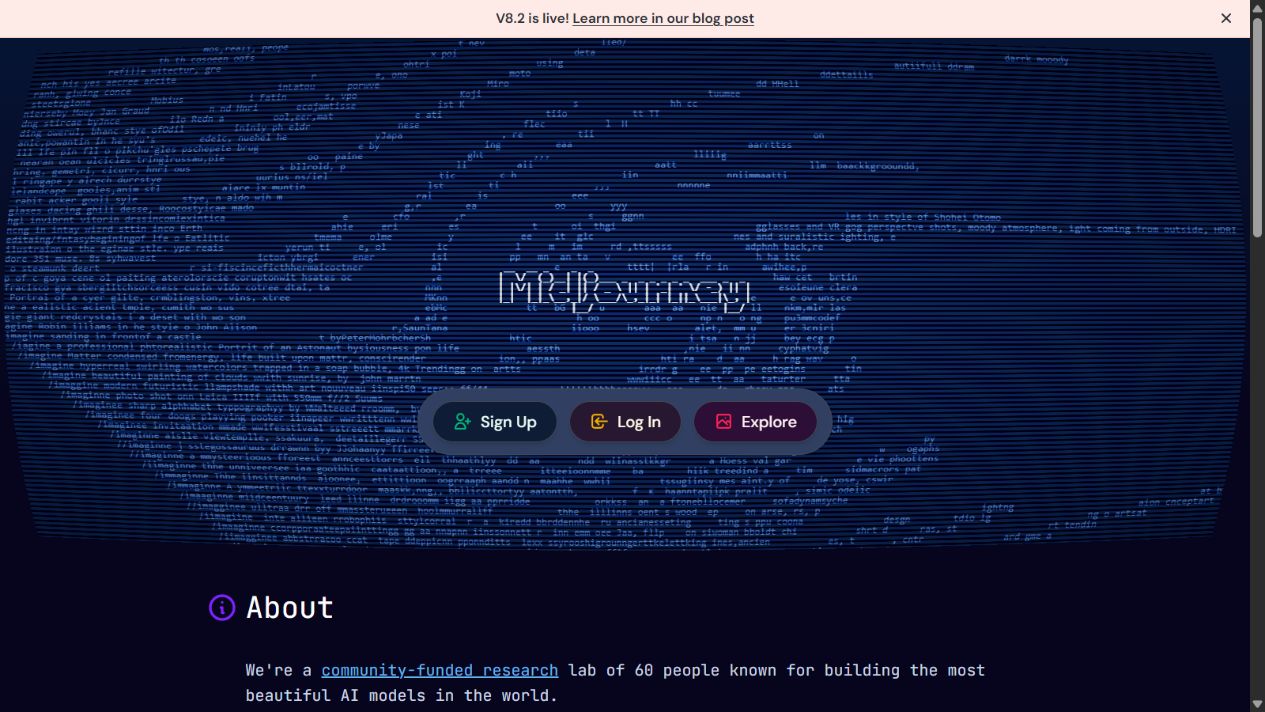
Midjourney homepage captured August 31, 2026. Verify current model, plan, privacy, and generation terms.
Choose Midjourney when creative exploration, mood, visual language, art direction, and rapid concept variation matter most. It can help a designer or creative lead explore directions before rebuilding an approved concept in a controlled production system.
Check the operational gap before replacing Canva. Test typography, exact layout, logo and product representation, repeatable characters, reference-image handling, editability, team access, private generation, search, folders, metadata, exports, and approval. Determine where final copy, accessibility, resizing, brand checks, and publishing occur.
Use approved reference material only. Record prompts, model versions, parameters, source assets, edits, and human decisions for production work. A visually strong concept may still require substantial design, retouching, typography, legal review, and accessibility work.
Sources: Midjourney and Midjourney documentation .
5. Ideogram: best for text-heavy generated graphics
Ideogram’s official material emphasizes prompt fidelity, readable typography, image generation and editing, a visual workspace, purpose-built creative apps, API access, and business or enterprise options. That makes it relevant for posters, concept advertisements, social graphics, packaging ideas, and layouts where words must appear inside the generated image.
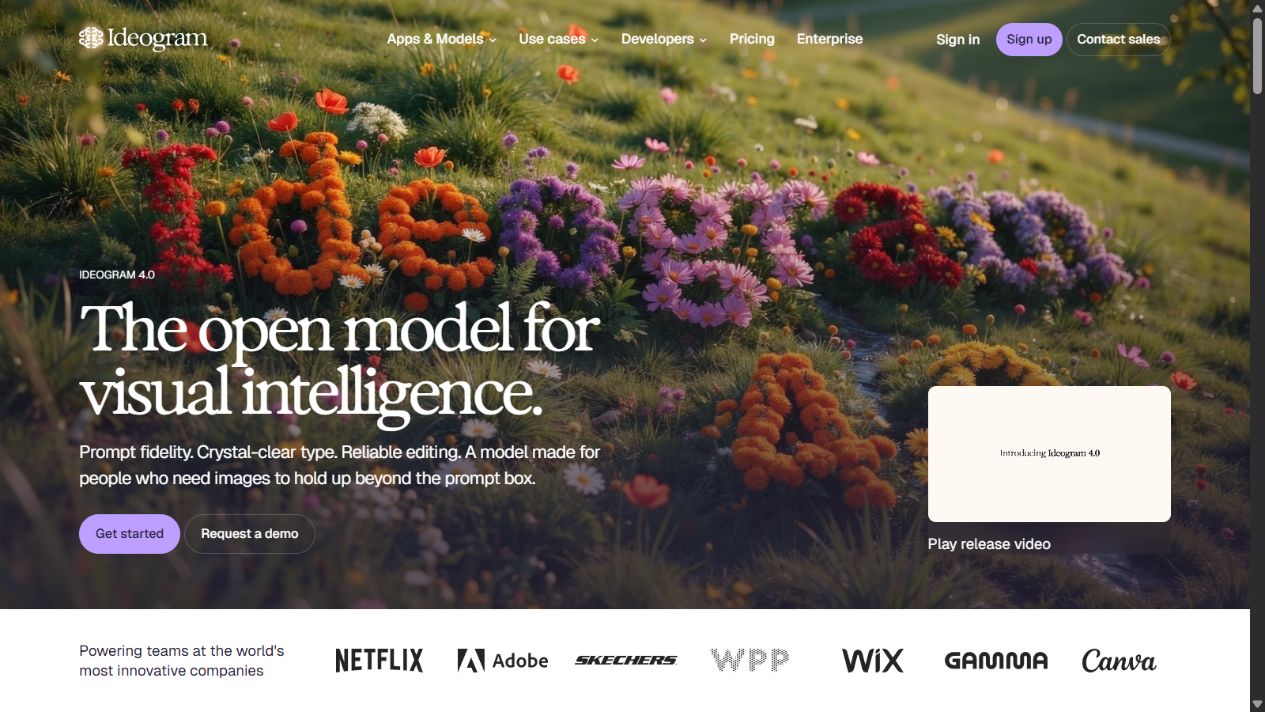
Ideogram homepage captured August 31, 2026. Validate text accuracy and current business-plan controls with representative work.
Choose Ideogram when embedded text and graphic composition are central to the brief. It may reduce the number of generations needed to explore a text-led concept, while its editing and workspace features can support refinement.
Readable text is not the same as approved final typography. Test spelling, punctuation, numbers, legal copy, font requirements, hierarchy, localization, accessibility, and consistency across sizes. For high-risk copy, add final text in a conventional design tool so it remains editable and reviewable.
Teams should also assess privacy, shared work, brand assets, custom models, API administration, security, support, rights, and export. Ideogram can complement a business-design suite even when it does not replace the suite’s templates, approvals, scheduling, and asset-management functions.
Sources: Ideogram , Ideogram documentation , and Ideogram pricing .
How to run a fair replacement test
Build one representative brief containing the final dimensions, audience, copy, brand rules, accessibility requirements, references, legal restrictions, approvers, and delivery deadline. Use the same approved source material in every platform.
Require each tool to complete the whole workflow:
- Generate or select a starting concept.
- Apply brand colors, typography, logo, imagery, and layout.
- Produce a second format without breaking hierarchy.
- Correct copy, image, spacing, contrast, and accessibility issues.
- Route the asset through a realistic review and approval.
- Export the production format and preserve an editable source.
- Store, find, duplicate, update, and retire the asset.
Measure time to first usable concept and time to final approval separately. Record generations, credits, manual corrections, failed exports, permission work, review comments, and specialist intervention. Include administrator effort and template maintenance, not only creator speed.
Cost, governance, and rights checklist
Model the complete annual cost: seats, premium assets, fonts, storage, AI credits, model access, video consumption, brand controls, administration, API use, support, training, migration, and the specialist tools still required after adoption.
Define what users may upload and generate. Cover confidential material, personal data, customer assets, licensed references, trademarks, likeness, harmful content, factual images, political content, disclosures, and retention. Configure privacy and training settings where available, but do not treat a setting as a substitute for policy and review.
Keep an asset record for important work: brief, sources, tool, model, plan, prompt, edits, approver, rights decision, disclosure, publication destination, and retention date. This evidence makes later correction and vendor migration much easier.
Migration and rollout plan
Do not begin migration by moving every historic Canva asset. First inventory active templates, brand kits, fonts, logos, shared folders, presentations, social formats, scheduled content, videos, print files, integrations, owners, and external collaborators. Classify each item as migrate, rebuild, archive, export, or retire. Preserve final exports and source records for regulated, contractual, or frequently reused material.
Run a limited rollout with one content team and two repeatable deliverables. Rebuild the approved master templates in the candidate platform, configure brand rules and roles, then ask ordinary users to create and revise assets without vendor assistance. Track where they bypass controls, request specialist help, lose editability, or return to Canva. Those behaviors reveal the real operating gap better than a guided demonstration.
Set acceptance criteria before expanding access. The new workflow should meet agreed standards for brand accuracy, copy review, accessibility, localization, permissions, storage, search, export, publishing, and incident response. Name owners for templates, asset libraries, AI policy, user access, training, vendor administration, and support.
Avoid an indefinite two-platform state. It creates duplicated templates, inconsistent brand assets, extra licences, uncertain ownership, and confused users. Define a cutover date, approved exceptions, archive location, and decommissioning checklist. If both tools remain necessary, document the exact job assigned to each one and the controlled handoff between them.
Final recommendation
Start with Adobe Express when the team wants the closest broad Canva-style content workflow. Choose Adobe Firefly when generative-media creation and Adobe production handoff are the priority. Evaluate Microsoft Designer for Microsoft-centered personal creation, Midjourney for visual ideation, and Ideogram for text-heavy generated graphics.
Do not select on a single impressive output. The best Canva Magic Studio alternative is the one that repeatedly turns an approved brief into an accessible, brand-correct, reviewable, editable, and safely stored asset at a sustainable cost.
Frequently asked questions
What is the best alternative to Canva Magic Studio?
Adobe Express is the closest broad alternative for teams producing branded social, document, photo, video, and campaign assets. Adobe Firefly is stronger for generative-media depth, Microsoft Designer fits Microsoft-centered personal workflows, Midjourney fits visual ideation, and Ideogram fits text-heavy generated graphics.
Is there a free Canva Magic Studio alternative?
Adobe Express and Microsoft Designer offer free access, while other providers may offer limited access or require paid plans. Free allowances and AI credits change, so verify the official pricing page before choosing a production workflow.
Which Canva alternative is best for business teams?
Adobe Express deserves priority when brand kits, templates, collaboration, administration, and Creative Cloud connections matter. The best fit still depends on permissions, approvals, storage, exports, AI controls, and the team's existing software ecosystem.
Which alternative is best for AI image generation?
Adobe Firefly, Midjourney, and Ideogram should be tested. Firefly fits Adobe-centered production, Midjourney fits visual exploration, and Ideogram is especially relevant when readable text and graphic composition matter.
Can a team replace Canva with one of these tools?
Possibly, but generation quality alone is not enough. Test templates, resizing, brand controls, approvals, asset storage, accessibility, exports, publishing, administration, and the handoff into the team's production systems.
Can businesses use AI-generated designs commercially?
Commercial use depends on the provider's current terms, plan, model, inputs, references, jurisdiction, and final asset. Review applicable terms and obtain legal or brand review for high-risk uses.
How should teams test Canva alternatives?
Use the same approved brief to create, resize, edit, review, and export a representative asset in every tool. Record time, credits, brand accuracy, text accuracy, permissions, accessibility, export quality, and total operating cost.