Best Claude Alternatives
Compare ChatGPT, Gemini, Perplexity, Microsoft Copilot, and Meta AI as Claude alternatives for general work, ecosystems, research, and everyday access.
Direct answer
ChatGPT is the best general Claude alternative for people and teams that want one broad workspace for writing, research, files, data, images, planning, and coding. Gemini is the strongest ecosystem alternative for Google-centered work. Perplexity is the clearest specialist choice for source-visible web research. Microsoft Copilot belongs on the shortlist for Microsoft users and organizations. Meta AI is the convenience-led option for everyday assistance across Meta’s consumer experiences.
Do not switch because one model won an isolated prompt on social media. Start with the job Claude is failing to perform: current research, office-suite context, image generation, distribution, administration, price, limits, or another requirement. The best replacement is the product that fixes that specific gap without creating larger data, quality, or workflow problems.
| Alternative | Best fit | Main caution |
|---|---|---|
| ChatGPT | Broad mixed knowledge work | Breadth requires data rules and review discipline |
| Gemini | Google ecosystem users | Features vary across Gemini apps, Workspace plans, regions, and accounts |
| Perplexity | Citation-led web research | Citations still require opening and source evaluation |
| Microsoft Copilot | Microsoft-centered work | “Copilot” covers several products and license contexts |
| Meta AI | Convenient consumer assistance | Weaker fit for governed, document-heavy organizational workflows |
How we selected the alternatives
We reviewed current search results for Claude alternatives. Ranking pages commonly include ChatGPT, Gemini, Perplexity, Microsoft Copilot, Grok, coding products, and model aggregators. The results reveal several different intents hidden inside one keyword: some readers want a similar general chatbot, while others want better research, office integration, coding, price, privacy, or availability.
We chose five accessible products representing distinct operating models and checked material claims against official product, help, pricing, and policy sources. The criteria were:
- Breadth of writing, reasoning, research, file, data, image, and coding work.
- Search freshness, citation visibility, and source verification workflow.
- Persistent context, projects, memory, and connected knowledge.
- Fit with existing Google, Microsoft, or consumer ecosystems.
- Personal, team, and organizational administration where applicable.
- Data controls, permissions, sharing, retention, and connectors.
- Current pricing visibility, limits, and total-cost implications.
- Portability, export, human review, and operational continuity.
This is an official-source buyer guide, not a controlled model benchmark. Results vary by model, plan, prompt, tool access, date, location, and task. Run your own trial using the same inputs and scoring rubric.
Decide why you are leaving Claude
A replacement decision needs a problem statement. “Claude is not best” is not actionable. Write one sentence such as:
- We need current web research with sources that reviewers can inspect quickly.
- Our work already lives in Google Workspace and repeated transfer wastes time.
- We need one assistant across files, analysis, images, and recurring projects.
- Employees work primarily in Microsoft applications and need governed context there.
- We need a broadly accessible consumer assistant for low-risk everyday questions.
Also identify what Claude already does well for the team. A migration that fixes one limit but loses document quality, coding workflow, project context, or familiar review patterns may reduce overall productivity.
1. ChatGPT: best overall Claude alternative
OpenAI describes ChatGPT as a general AI assistant supporting everyday questions, writing, planning, coding, files, images, data analysis, search, Projects, and other plan-dependent tools. Its breadth makes it the closest general replacement for teams using Claude across several kinds of knowledge work.
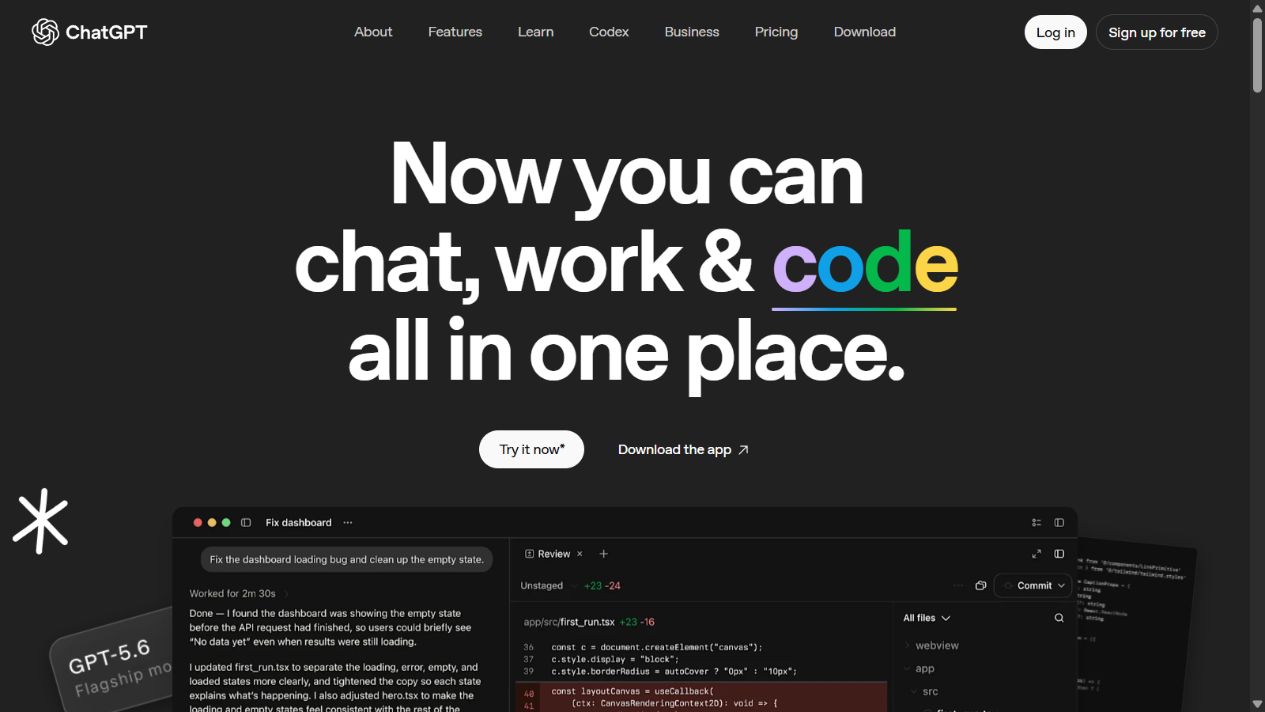
Why choose ChatGPT instead of Claude
ChatGPT is compelling when the requirement extends beyond long-form text. Users can work across research, files, data, images, planning, code, and persistent Projects in one environment, subject to current plan limits. Organizational plans add workspace and administrative considerations that personal subscriptions do not provide.
The broad interface can also encourage uncontrolled use. Teams need rules for approved accounts, allowed data, connectors, sharing, human review, and where final work is stored. A versatile assistant can create more low-quality output if nobody owns verification.
Choose it when: mixed roles need one general workspace or Claude’s current tool mix does not cover important image, data, project, research, or workflow requirements.
Check before switching: compare the exact models and features available on the intended plan, usage limits, files, Projects, search, data controls, business terms, connectors, administration, and API separation. A ChatGPT subscription does not automatically include API usage.
Pilot task: run five recurring Claude workflows in both products using identical sources, constraints, and scoring. Measure accepted output, factual corrections, reviewer time, task completion, and cost rather than preference alone.
Sources: What is ChatGPT? and ChatGPT pricing .
2. Gemini: best for Google-centered work
Google’s Gemini product family connects its AI assistant and models with Google’s broader ecosystem. Depending on the account and plan, this can include work around Gmail, Docs, Drive, Meet, search, files, images, and other Google services.
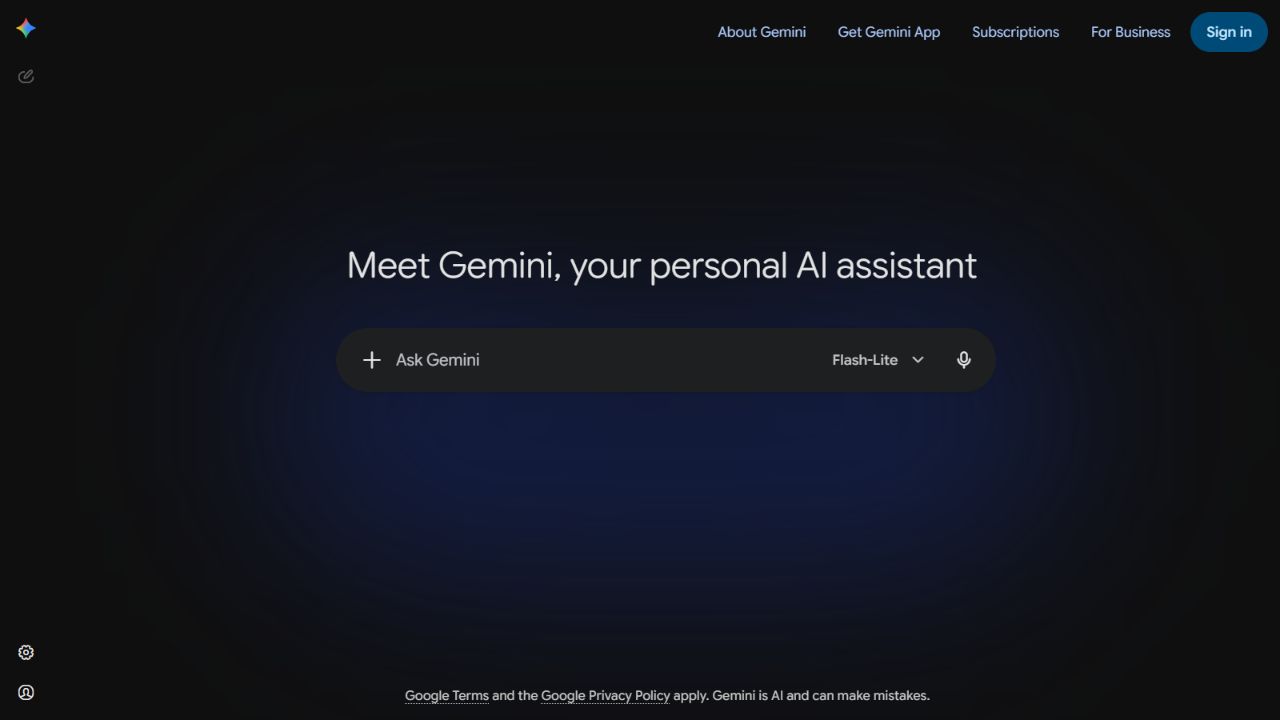
Why choose Gemini instead of Claude
The strongest reason is workflow proximity. When source documents, email, calendars, meetings, and collaboration already live in Google, an approved Gemini configuration may reduce transfer between systems and preserve familiar permissions and interfaces.
“Gemini” is not one uniform entitlement. Consumer Gemini, Google Workspace features, developer APIs, models, and regional rollouts can differ. Confirm the exact product rather than assuming a feature seen in a demonstration is included for every employee.
Choose it when: Google services are the organization’s daily operating environment and the team wants AI close to those workflows.
Check before switching: verify Workspace edition, Gemini entitlement, administrator controls, data handling, connectors, file and context behavior, model access, search grounding, languages, regions, and usage limits.
Pilot task: take an approved document-and-email workflow from source discovery through draft, review, sharing, and archival. Compare permissions, citation quality, manual transfers, corrections, and completion time with Claude.
Sources: Google Gemini and Gemini for Google Workspace .
3. Perplexity: best for source-visible web research
Perplexity positions its product around asking questions, searching the web, and receiving synthesized answers with sources. That makes it a focused alternative when the main frustration with Claude is current-information research rather than general document or coding work.
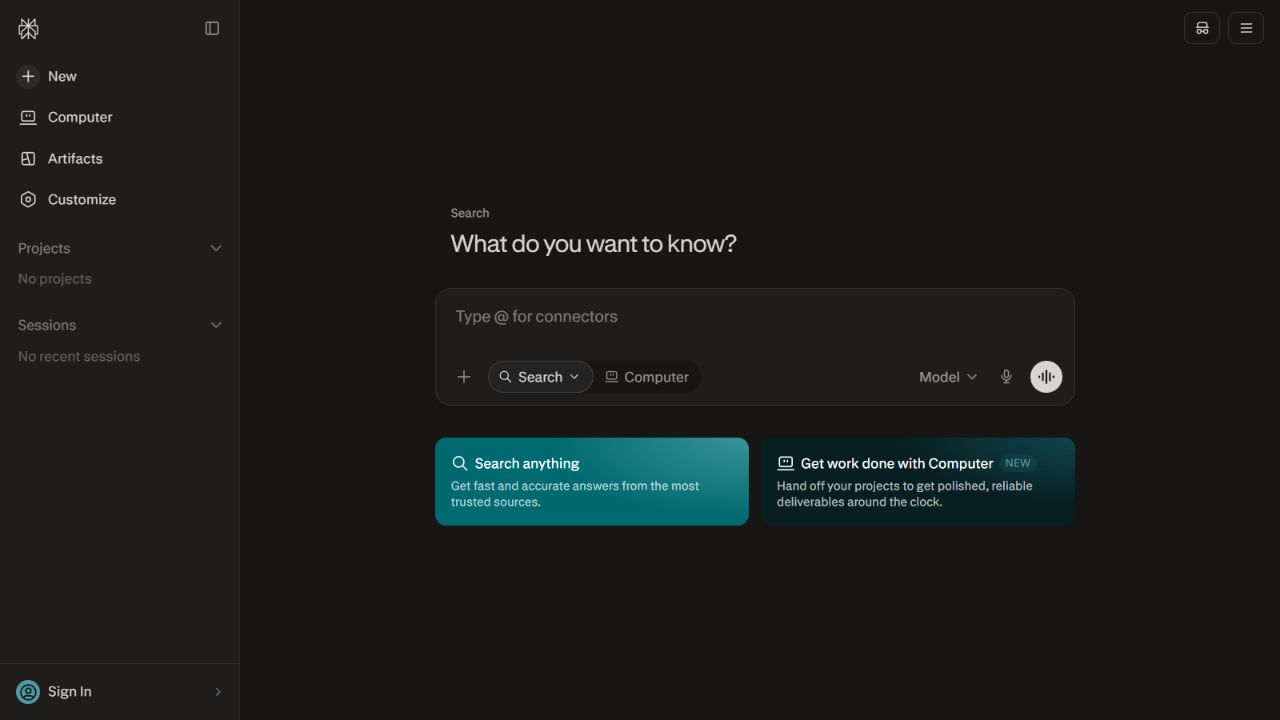
Why choose Perplexity instead of Claude
Citation visibility can make the research loop faster. A reviewer can see which pages informed an answer and open them. Perplexity also offers plan-dependent research, file, and organizational capabilities, but buyers should confirm current limits and terms.
Sources are not automatic truth. A citation may be secondary, outdated, irrelevant to the precise claim, or interpreted incorrectly. Use Perplexity to discover and organize evidence, then validate material conclusions against primary sources.
Choose it when: current web research, source discovery, and cited synthesis are the dominant jobs.
Check before switching: examine source quality, date handling, quotation accuracy, research limits, file behavior, spaces or organizational features, data controls, model selection, export, and pricing. Test specialist topics where weak sources are common.
Pilot task: give both tools the same current, decision-oriented research question. Require a claim ledger with source, date, evidence, inference, and uncertainty. Score primary-source coverage and correction effort, not just answer fluency.
Sources: Perplexity and Perplexity pricing .
4. Microsoft Copilot: best for Microsoft-centered work
Microsoft uses the Copilot name across consumer, web, Windows, Microsoft 365, security, development, and other experiences. The relevant Claude alternative depends on which product and license is being evaluated. For office work, the key value proposition is assistance close to Microsoft applications and organizational context, subject to permissions and configuration.
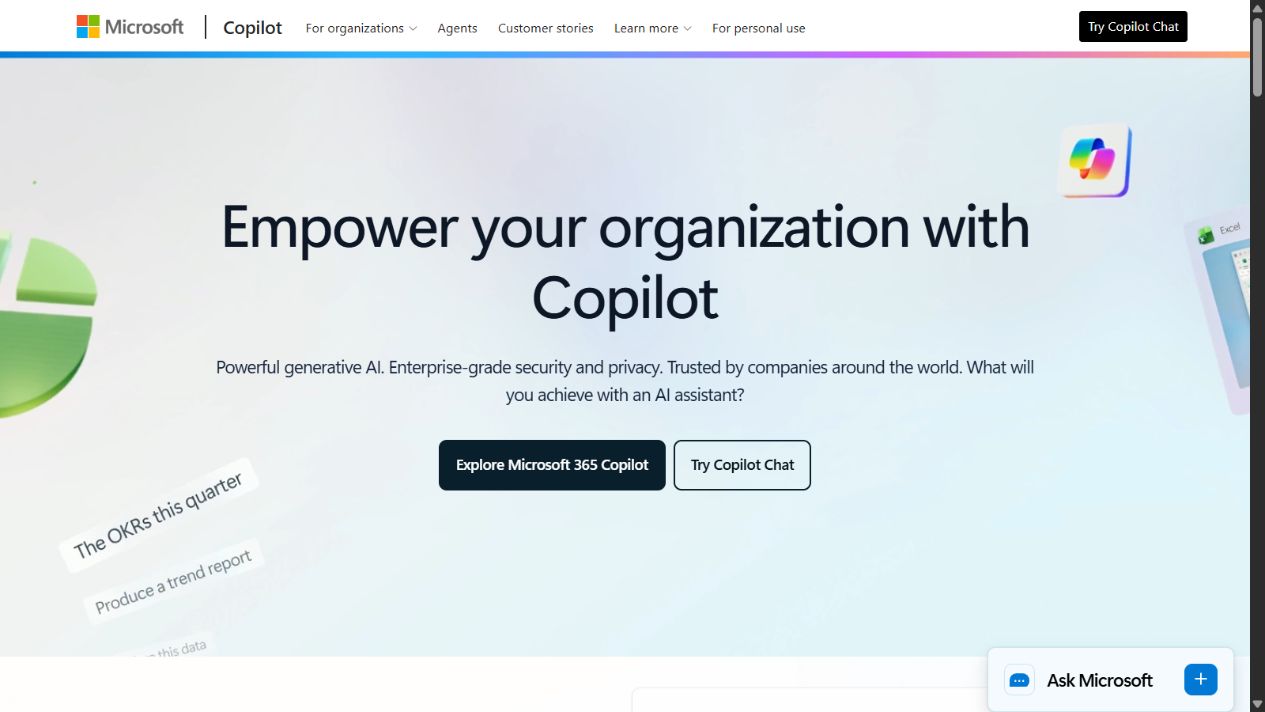
Why choose Microsoft Copilot instead of Claude
Organizations that already operate in Microsoft 365 may value AI within familiar applications and governed identity. Reducing transfer between email, documents, meetings, spreadsheets, and presentations can be more valuable than choosing an assistant from an abstract model ranking.
The word Copilot can obscure commercial differences. A free web experience, a consumer subscription, Microsoft 365 Copilot, and a developer or security Copilot are not the same purchase. Data context, models, limits, controls, and billing vary.
Choose it when: Microsoft applications and identity are central, and the desired tasks depend on working close to that environment.
Check before switching: identify the exact Copilot product, base licenses, eligible applications, Graph grounding, permission hygiene, administrative controls, data boundaries, agents, credits, regions, support, and total cost.
Pilot task: use a representative meeting, document, email, and spreadsheet workflow. Verify source permissions with non-administrator accounts and measure whether the output reduces work without exposing information the user should not see.
Sources: Microsoft Copilot and Microsoft 365 Copilot .
5. Meta AI: best for convenient consumer access
Meta AI is available through Meta’s consumer ecosystem and standalone experiences, with capabilities and availability varying by product, location, account, and current rollout. It is a different kind of Claude alternative: convenience and distribution are more central than document-heavy team governance.
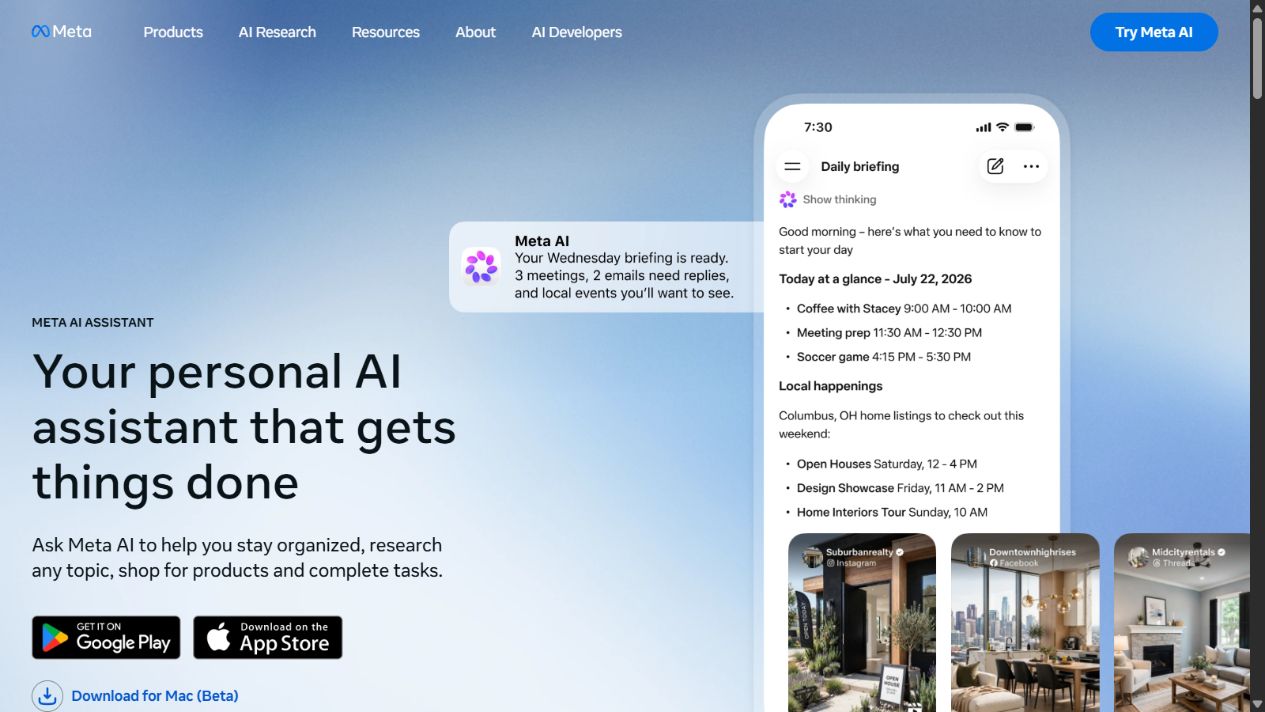
Why choose Meta AI instead of Claude
For everyday questions, ideation, and lightweight assistance, access through familiar consumer products may reduce adoption friction. It can be useful when the requirement is casual personal help rather than a managed research or company knowledge workspace.
That convenience should not be confused with organizational readiness. Consumer identity, social context, data terms, sharing, and administrative requirements need careful review before business use. A product that is convenient for personal brainstorming may be inappropriate for confidential customer or company information.
Choose it when: the main requirement is broadly accessible, low-friction consumer assistance for low-risk tasks.
Check before switching: verify regional availability, account requirements, current models and tools, data controls, personalization, sharing, image features, limits, ads where applicable, and whether the use case belongs in a consumer service.
Pilot task: use non-sensitive everyday tasks and compare clarity, usefulness, correction effort, and access friction. Do not use confidential business material to test convenience.
Sources: Meta AI and Meta Privacy Center .
Side-by-side decision guide
| Requirement | ChatGPT | Gemini | Perplexity | Microsoft Copilot | Meta AI |
|---|---|---|---|---|---|
| Broad general workspace | Strong | Strong | Research-centered | Varies by Copilot | Consumer-centered |
| Current web research | Strong, tool dependent | Strong, product dependent | Central strength | Product dependent | Product dependent |
| Visible citations | Available in search/research | Grounding varies | Central strength | Varies | Verify current behavior |
| Google ecosystem | Integrations may apply | Central strength | External workflow | External workflow | External workflow |
| Microsoft ecosystem | Integrations may apply | External workflow | External workflow | Central strength | External workflow |
| Organization administration | Business options | Workspace options | Enterprise options | Microsoft admin context | Not the primary fit |
| Best starting point | Mixed work | Google users | Research | Microsoft users | Consumer convenience |
The table is a shortlist aid, not a benchmark. Capabilities change by plan and date, and similar labels can conceal different workflows.
Which alternative is best for writing?
ChatGPT is the broadest first trial for people replacing Claude across several writing formats. Gemini deserves consideration when source material lives in Google services. Microsoft Copilot may fit document work centered in Microsoft 365. The best result depends on the brief, evidence, tone constraints, and review process more than a single “writing quality” label.
Test a real deliverable with the same approved sources. Score factual support, structure, tone adherence, editing effort, and final acceptance. Do not score only the first draft. An assistant that improves predictably after precise feedback may be more useful than one that produces a stronger opening but drifts later.
Which alternative is best for research?
Perplexity is the most purpose-specific choice for source-visible web research. ChatGPT and Gemini are broader alternatives with current search and research capabilities. Microsoft Copilot may be valuable where research begins in owned Microsoft content, depending on the exact product.
Require each finalist to show sources, publication dates, conflicting evidence, and unknowns. Open every material source. Prefer official documentation, filings, standards, research papers, and direct records over pages that repeat one another. A polished research report with weak evidence is still weak research.
Which alternative is best for coding?
ChatGPT is the strongest general shortlist option among these five for combined coding and broader knowledge work. Gemini and Microsoft offer coding-related products and experiences beyond the general assistants discussed here, so evaluate the exact developer workflow separately. Perplexity can assist technical research but is not automatically a repository-centered coding environment.
Use repository-specific tests: explain a failure, propose a minimal patch, add a regression test, follow local conventions, and pass the real toolchain. Review security, dependencies, authorization, error paths, and rollback. Generated code is an unreviewed contribution regardless of vendor.
Which alternative is best for teams?
Start with the ecosystem the team already governs. Google-centered organizations should test Gemini; Microsoft-centered organizations should test the relevant Microsoft Copilot; mixed teams should compare ChatGPT’s business options with the exact Claude plan they use. Perplexity can be added for research-heavy roles rather than replacing every workflow.
Avoid buying one seat for every employee before proving role-level value. Pilot with representative users, reclaim inactive licenses, and account for overlapping AI already bundled into productivity suites.
Migration plan from Claude
1. Inventory actual workflows
List recurring tasks, owners, data, sources, output destinations, frequency, and risk. Separate Claude chat, Projects, coding, research, and API usage. They may require different replacements.
2. Preserve owned artifacts
Move accepted documents, prompts, source notes, decisions, tests, and process instructions into systems the organization controls. Do not treat private chat history as the only record of important work.
3. Select two finalists by use case
Choose based on the gap, not popularity. A research team may compare Perplexity and ChatGPT; a Google organization may compare Gemini and ChatGPT; a Microsoft organization may compare Copilot and ChatGPT.
4. Run identical tasks
Use the same inputs, constraints, source boundary, and output format. Test normal work, ambiguous requests, missing data, unsafe requests, and failure cases. Record model and plan where visible.
5. Score complete outcomes
Measure accepted output, factual corrections, reviewer time, task completion, policy exceptions, latency, adoption, and cost. Generated volume is not value.
6. Review governance
Confirm identity, permissions, retention, connectors, sharing, data use, regional requirements, support, export, and offboarding. Personal plans should not quietly become the company deployment.
7. Roll out narrowly
Publish approved task templates and data rules, train users with real examples, assign support owners, and schedule a review. Keep a fallback workflow in case models, limits, or products change.
Pricing and total cost
AI pricing can involve personal subscriptions, organizational seats, bundled suite entitlements, usage credits, premium tools, agents, model limits, and separate APIs. Compare the configuration needed for the actual tasks rather than entry prices.
Include migration, training, administration, integration, review, correction, and overlap with existing licenses. A lower subscription may be more expensive if employees spend longer verifying answers. A bundled product is not free when it requires a broader suite upgrade or produces little accepted work.
Recheck official pricing immediately before purchase. Do not rely on a static comparison for fast-changing plan details.
Privacy, security, and responsible use
Use only approved accounts and data. Evaluate whether prompts and files may contain personal, customer, financial, legal, source-code, or regulated information. Review current vendor terms, organizational commitments, retention, training controls, connectors, identity, audit, sharing, and incident processes.
Apply least privilege to connected sources. An assistant should not expose a document merely because a broad connector can technically search it. Test with representative non-administrator accounts and verify offboarding.
Human review remains necessary for consequential decisions, public claims, legal or financial work, security guidance, customer communication, and production code. Make uncertainty visible and preserve the evidence supporting final output.
Common mistakes
Switching because of one benchmark: test the work and configuration you actually use.
Comparing product names instead of plans: models, tools, limits, and data terms differ by account.
Replacing every Claude workflow with one tool: research, coding, office context, and consumer assistance may need different solutions.
Uploading all historical context: migrate approved artifacts and instructions, not sensitive or obsolete chat content by default.
Ignoring reviewer effort: fast generation can increase total time when factual correction is high.
Depending on private chats: publish accepted work in the authoritative business system.
Head-to-head evaluation rubric
Build a test set of ten real tasks covering routine work, difficult work, missing context, conflicting sources, data boundaries, and one request the assistant should refuse or escalate. Use identical sources and instructions. Record model, plan, date, tools, and settings because configuration differences can invalidate the comparison.
Score each completed workflow from evidence rather than impression:
- Task completion and instruction adherence.
- Material factual errors and unsupported claims.
- Source quality, citation accuracy, and date awareness.
- Structure, clarity, and required format.
- Human correction and review time.
- Safe handling of ambiguity and restricted requests.
- Export, sharing, and movement into the system of record.
- Response limits, reliability, administration, and cost.
Use qualified reviewers for specialist tasks. Blind the product name where practical, but score the full workflow because sources, permissions, and handoffs affect operational value. Repeat tasks to test consistency. One impressive answer should not outweigh repeated failures.
Final recommendation
Choose ChatGPT as the broadest Claude alternative for mixed work. Choose Gemini when Google workflow proximity is decisive, Perplexity for source-visible web research, Microsoft Copilot for the relevant Microsoft-centered workflow, or Meta AI for convenient low-risk consumer assistance.
The strongest replacement is not necessarily the assistant with the most features. It is the one that improves the failing workflow while preserving evidence, governance, review, portability, and acceptable total cost.
Sources
Frequently asked questions
What is the best alternative to Claude?
ChatGPT is the strongest general alternative for mixed work. Gemini fits Google-centered users, Perplexity fits citation-led web research, Microsoft Copilot fits Microsoft workflows, and Meta AI fits convenient consumer access across Meta experiences.
Is ChatGPT better than Claude?
Neither is universally better. ChatGPT offers a broad general workspace and toolset, while Claude may fit particular writing, document, coding, or contextual workflows. Test the exact tasks and plans you need.
What is the best free Claude alternative?
ChatGPT, Gemini, Perplexity, Microsoft Copilot, and Meta AI all have forms of broadly accessible entry-level use, but regional access, models, limits, ads, files, and advanced features vary. Check current official terms.
Which Claude alternative is best for research?
Perplexity is a strong shortlist candidate for source-visible web research. ChatGPT and Gemini also provide research and search capabilities. Always open primary sources and verify material claims.
Which Claude alternative is best for Google Workspace?
Gemini is the natural shortlist when work centers on Google's ecosystem. Confirm which Gemini and Workspace features are included in the exact account, plan, region, and administrator configuration.
Which Claude alternative is best for Microsoft 365?
Microsoft Copilot is the natural shortlist for Microsoft-centered work. Evaluate the exact consumer or organizational Copilot product, licenses, Graph context, permissions, and data controls.
Can a company safely replace Claude with another AI assistant?
Yes, after testing data controls, identity, permissions, retention, connectors, output quality, costs, export, and migration. Move durable knowledge into owned systems and require human review for consequential work.