Best CRM Software for Enterprise Teams
Compare five leading enterprise CRM platforms for complex sales workflows, governance, integrations, reporting, and adoption.
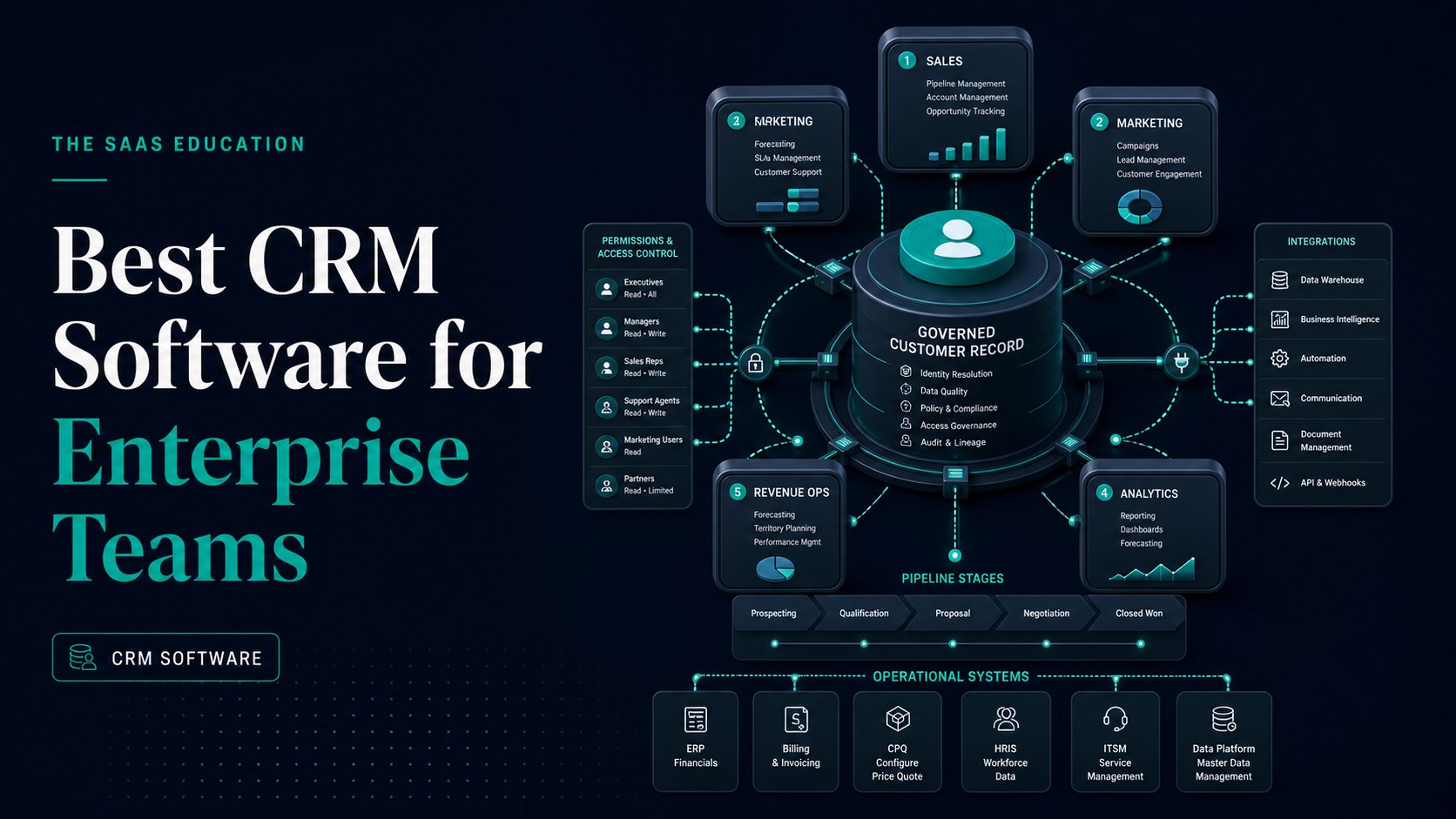
Direct answer
Salesforce Sales Cloud is the strongest broad enterprise CRM starting point when an organization needs deep configuration, automation, APIs, ecosystem reach, and multiple enterprise editions. Microsoft Dynamics 365 Sales is the strongest fit for a Microsoft-centered architecture. HubSpot Enterprise is attractive when connected customer teams and adoption simplicity matter. Zoho CRM Enterprise offers substantial configuration and governance in comparatively accessible packaging. SAP Sales Cloud is strongest when complex B2B selling must connect closely with SAP operational systems.
There is no universal winner because enterprise CRM is not a standalone contact database. It becomes a customer-data system, workflow engine, reporting layer, integration hub, control surface, and operating model for sales and adjacent teams. The right selection depends on the organization’s identity platform, customer-data architecture, ERP, marketing and service systems, territories, channels, products, contracts, reporting, regulations, implementation capacity, and willingness to govern customization.
This shortlist uses official sources checked on August 30, 2026. It does not claim hands-on implementation or rank output from a controlled benchmark. Treat the recommendations as a structured starting point and verify the exact edition, tenant, region, contract, and configuration before purchase.
Enterprise CRM shortlist at a glance
| Platform | Best-fit enterprise context | Primary buying risk |
|---|---|---|
| Salesforce Sales Cloud | Highly configurable, multi-team sales platform and broad ecosystem | Underestimating implementation, add-ons, capacity, governance, and admin work |
| Microsoft Dynamics 365 Sales | Microsoft-centered identity, productivity, data, and application estate | Treating adjacent Microsoft licences and Copilot consumption as automatically included |
| HubSpot Enterprise | Connected customer platform with emphasis on adoption and shared CRM foundation | Mis-modelling hubs, contacts, seats, limits, and enterprise packaging |
| Zoho CRM Enterprise | Configurable enterprise sales operations with broad Zoho ecosystem options | Assuming lower entry cost removes migration, architecture, or governance work |
| SAP Sales Cloud | Complex B2B and lead-to-cash workflows aligned with SAP ERP or S/4HANA | Underestimating integration, migration, add-ons, partner services, and change management |
The shortlist deliberately includes different architecture choices. Comparing five products as if they were interchangeable record stores would hide the decision that matters most: which platform should own customer truth and orchestrate work across the existing technology estate?
How we selected the five platforms
We reviewed official product, pricing, edition, help, technical, trust, security, and support material. Each platform needed documented enterprise relevance across sales records, pipeline, reporting, administration, customization, automation, integrations, or adjacent customer workflows.
We evaluated eight areas:
- Customer-data model: accounts, contacts, leads, opportunities, activities, products, relationships, and custom entities.
- Process control: routing, stages, approvals, automation, territories, forecasting, and exception handling.
- Security and governance: identity, roles, sharing, field controls, audit, retention, environments, and change management.
- Integration: APIs, connectors, events, data synchronization, ERP, productivity, marketing, service, and analytics.
- Administration and development: configuration, code, testing, deployment, sandboxes, limits, and release controls.
- Reporting and AI: dashboards, forecasts, insights, recommendations, agents, evidence, and human review.
- Adoption: seller workflow, mobile, accessibility, training, support, and administrator burden.
- Total cost and exit: licences, add-ons, contacts, usage, implementation, migration, support, operations, and portability.
We excluded unsupported claims about market leadership, implementation speed, or return on investment. Vendor customer numbers and performance statistics are not decision evidence unless the buyer validates their relevance and methodology.
1. Salesforce Sales Cloud: best broad enterprise CRM platform
Salesforce positions Sales Cloud, now also presented as Agentforce Sales, as a sales force automation platform spanning activity, account, contact, lead, opportunity, pipeline, forecasting, automation, analytics, and AI-assisted workflows. Its official pricing material distinguishes multiple editions and documents increasing customization, API, sandbox, support, analytics, automation, and AI scope.
That breadth makes Salesforce the default enterprise shortlist candidate when the CRM must support several regions, sales motions, business units, products, channels, partner models, approval paths, and integrations. The platform can become a durable operating layer, but durability depends on disciplined architecture. Uncontrolled objects, fields, flows, packages, permissions, and exceptions can turn flexibility into expensive technical debt.
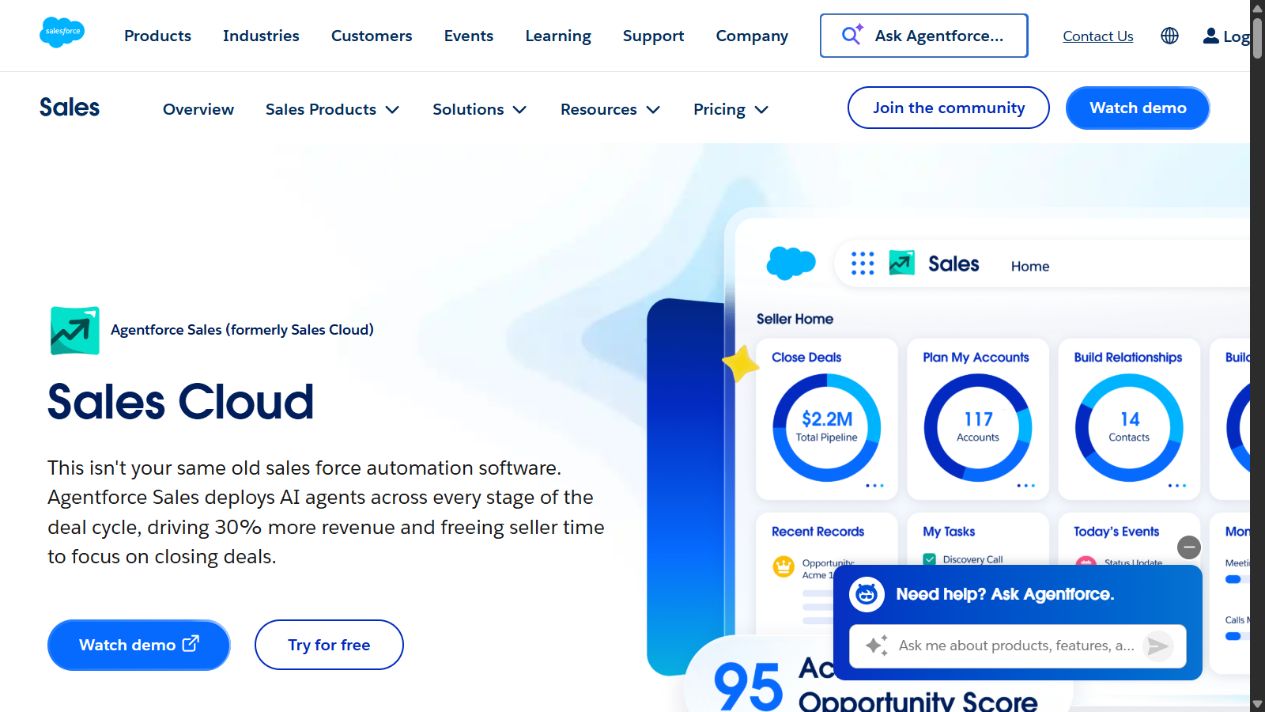
Salesforce Sales Cloud homepage captured August 30, 2026. Editions and product branding can change.
Choose Salesforce when
- CRM is a strategic platform rather than a lightweight departmental application.
- Multiple teams need different processes on a shared customer model.
- APIs, ecosystem applications, automation, and customization are central requirements.
- The organization can fund product ownership, architecture, administration, testing, and release governance.
- Enterprise reporting, territories, forecasting, approvals, and complex integrations justify the platform scope.
Check before buying
Map the exact edition and every expected add-on. Confirm API and storage capacity, environments, sandboxes, support plan, integration middleware, analytics, AI or agent consumption, data products, backup, archiving, encryption options, and partner services. Build a three-year cost model that includes implementation and ongoing administration.
Govern customization as software. Define naming, ownership, documentation, testing, deployment, segregation of duties, rollback, and retirement standards. A successful Salesforce program is not the largest configuration; it is the smallest governed configuration that supports the approved operating model.
2. Microsoft Dynamics 365 Sales: best for Microsoft-centered enterprises
Microsoft documents Dynamics 365 Sales editions for sales force automation, mobile work, reports, dashboards, customization, Microsoft 365 interoperation, and plan-dependent advanced capabilities. Sales Enterprise, Sales Premium, and relationship-sales options address increasingly complex requirements, while Copilot and sales-agent capabilities can involve separate eligibility or consumption.
Dynamics 365 deserves priority when identity, email, meetings, collaboration, analytics, automation, low-code development, cloud infrastructure, and adjacent business applications already center on Microsoft. Familiar administration and data services can reduce architectural fragmentation, but ecosystem alignment is not the same as an automatic implementation.
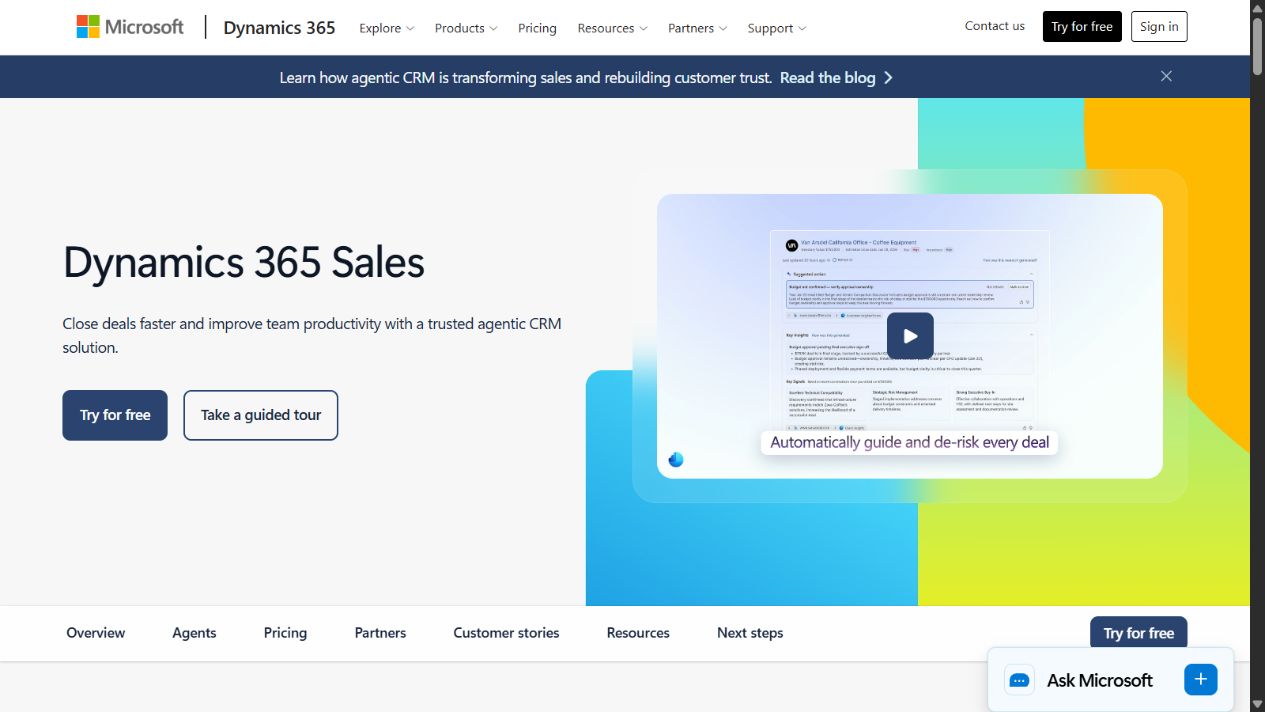
Dynamics 365 Sales homepage captured August 30, 2026. Licensing and AI consumption require current verification.
Choose Dynamics 365 Sales when
- Microsoft identity and productivity tools are enterprise standards.
- Power Platform is an approved automation, app, and analytics layer.
- Sales needs to connect with other Dynamics applications or Microsoft data services.
- The organization wants CRM inside a broader Microsoft governance model.
- Internal or partner teams have Dynamics architecture and implementation capability.
Check before buying
Create a licence map for sellers, managers, support roles, devices, environments, Power Platform use, storage, integrations, premium connectors, Copilot, agents, and related Dynamics applications. Confirm which capabilities are included, entitled, consumption-based, or separately purchased.
Test security across Microsoft Entra identity, Dynamics roles, business units, teams, field security, sharing, Power Platform environments, applications, and data integrations. A user can have a clean CRM role while receiving broader access through another layer. Effective permission testing must span the complete architecture.
3. HubSpot Enterprise: best for connected adoption across customer teams
HubSpot presents its Enterprise Customer Platform as connected enterprise editions of customer-facing hubs built on Smart CRM. Official material describes a shared CRM foundation, custom objects, access controls, and connected marketing, sales, service, content, data, and revenue capabilities.
HubSpot can suit an enterprise that values consistent user experience and connected customer-team adoption more than maximum platform programmability. It may also fit a division or business unit that needs a governed customer platform without reproducing the complexity of a heavily customized global CRM.
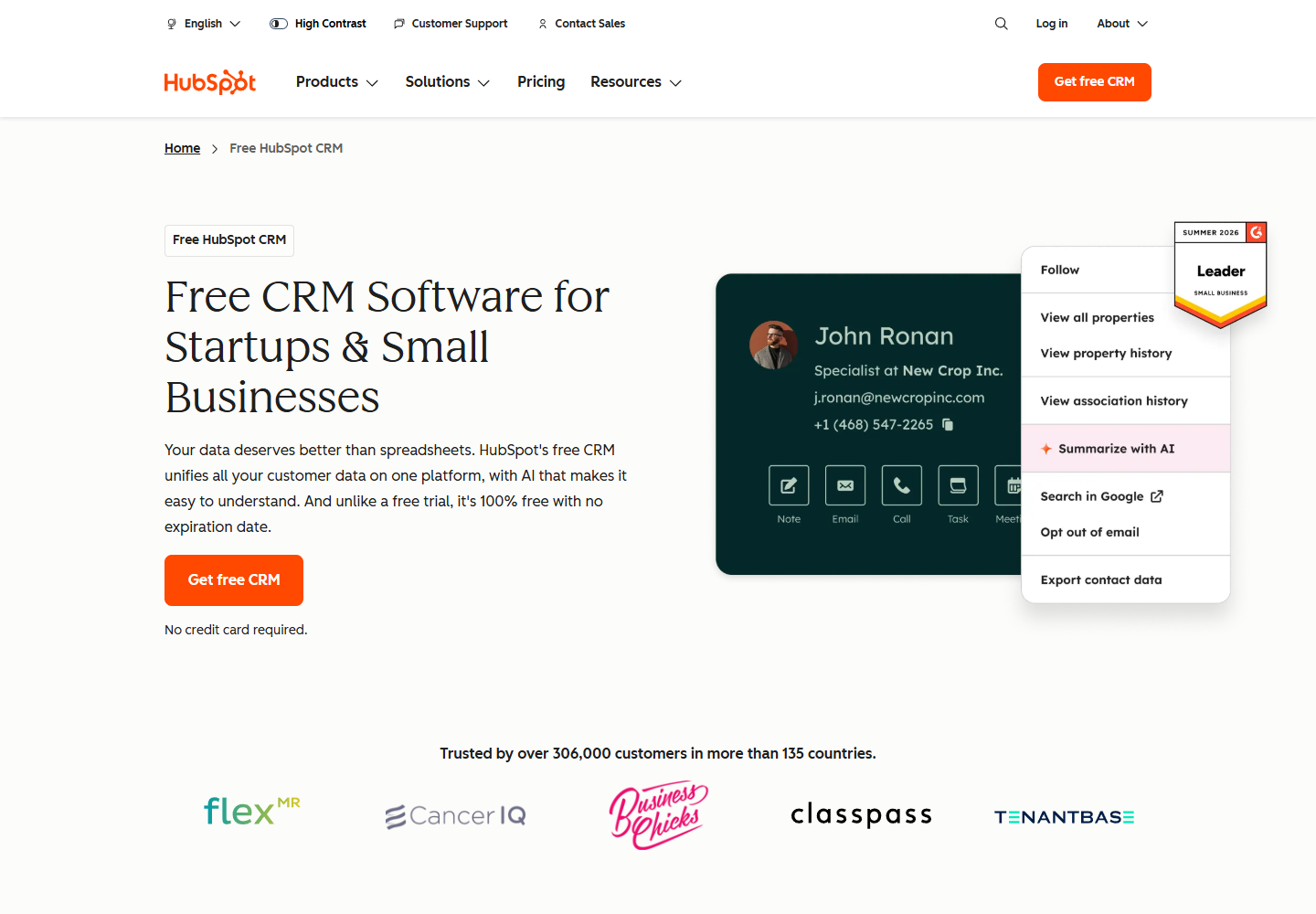
HubSpot CRM homepage captured August 24, 2026. Enterprise buyers should evaluate Enterprise editions rather than infer scope from the free CRM page.
Choose HubSpot when
- Marketing, sales, and service teams need a connected operating surface.
- Adoption speed and shared customer context are high priorities.
- The required data model and automation fit documented Enterprise capabilities.
- The organization wants fewer handoffs between separate customer applications.
- Administrators can govern contacts, properties, objects, workflows, permissions, integrations, and hub ownership.
Check before buying
Model the complete bundle: hubs, editions, seats, marketing contacts, limits, calling, payments, content, operations, data, sandboxes, support, and onboarding. A headline CRM price does not describe a multi-hub enterprise deployment.
Test whether custom objects, associations, permissions, partitioning, workflows, reporting, audit needs, and integration throughput support the real operating model. Define which hub owns each workflow and record. A connected suite becomes confusing when teams create overlapping automations and lifecycle definitions.
4. Zoho CRM Enterprise: best accessible configurable enterprise option
Zoho’s Enterprise material documents roles, reporting hierarchy, territories, sharing, field controls, audit logs, encryption, customization, automation, sandboxes, analytics, AI capabilities, and support options. It targets larger teams, regions, and business units while also connecting with Zoho’s wider application portfolio and external tools.
Zoho CRM Enterprise is worth evaluating when buyers need meaningful control and customization but want a more accessible commercial starting point than some large platform programs. That does not make it a shortcut. Customer-data migration, process design, integrations, governance, training, and administration remain enterprise work regardless of licence price.
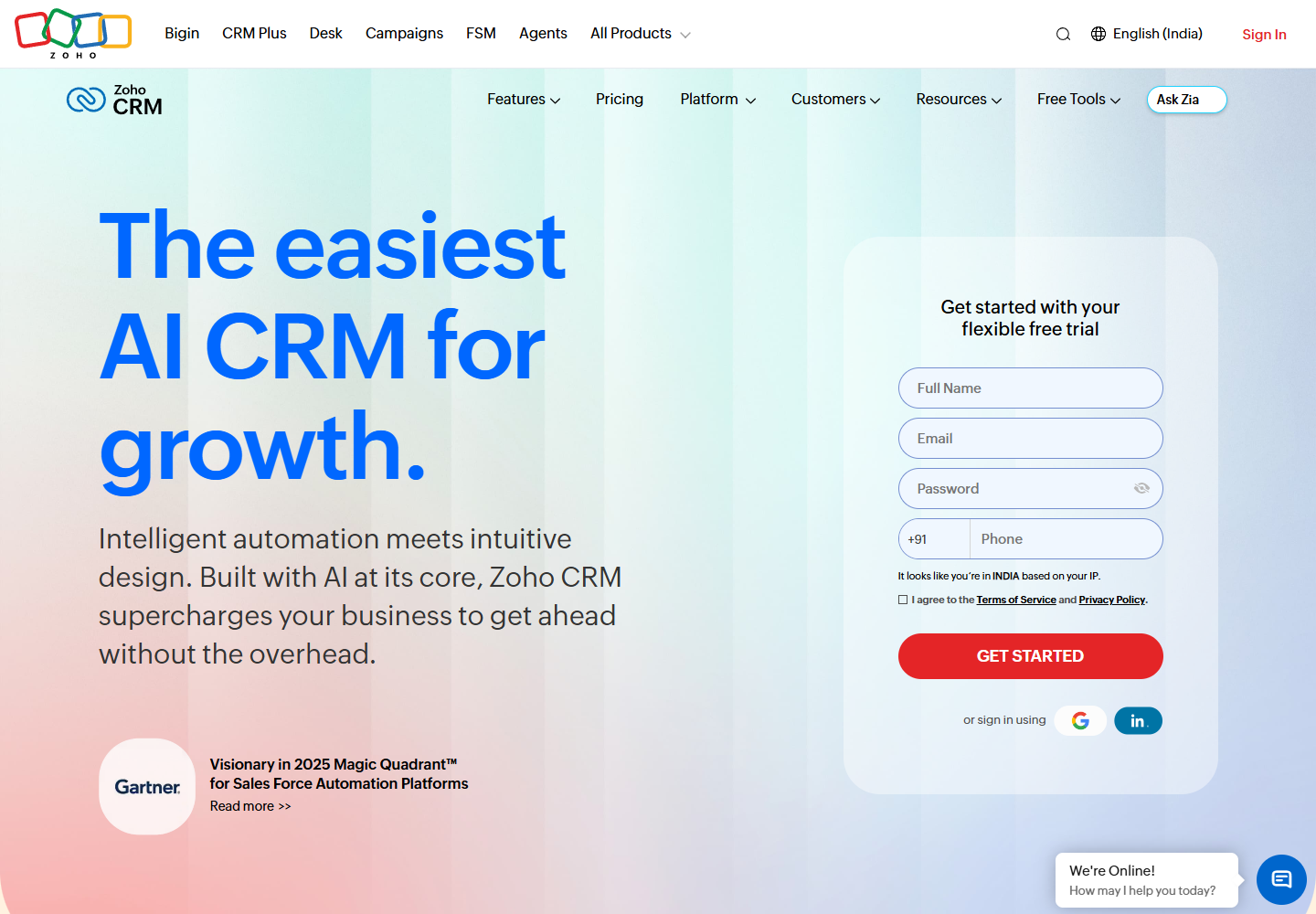
Zoho CRM homepage captured August 24, 2026. Verify regional pricing and current edition limits.
Choose Zoho CRM when
- The required sales model fits Zoho’s Enterprise or Ultimate configuration limits.
- Multiple teams need roles, territories, reporting hierarchy, workflows, and sandboxes.
- Zoho’s broader suite can replace fragmented applications without creating unwanted coupling.
- Cost discipline matters, but the organization will still fund implementation and governance.
- Buyers can validate integration, support, regional, and compliance requirements directly.
Check before buying
Use Zoho’s current feature comparison to map custom modules, fields, API credits, functions, workflows, territories, sharing rules, encryption, audit, sandboxes, portals, analytics, AI, and support. Regional pages can display different currencies and terms, so record the contracting region and quote.
Evaluate bundles separately from standalone CRM. Zoho One or CRM Plus may change application scope and economics, but a broader bundle also expands identity, data, integration, and ownership decisions. Approve each application and data flow rather than treating a suite purchase as blanket permission.
5. SAP Sales Cloud: best for SAP-connected B2B sales
SAP describes Sales Cloud as an AI-enhanced CRM for sales automation, customer acquisition, guided selling, forecasting, analytics, mobile work, and field sales. Official material also describes connections with SAP ERP and SAP S/4HANA for account, product, availability, pricing, quote, order, and status workflows.
That operational connection can be decisive for manufacturers, distributors, and complex B2B organizations where selling depends on product, supply, pricing, contract, and fulfilment data. SAP Sales Cloud should not win merely because SAP is already present, but it deserves a serious architecture assessment when lead-to-cash continuity matters.
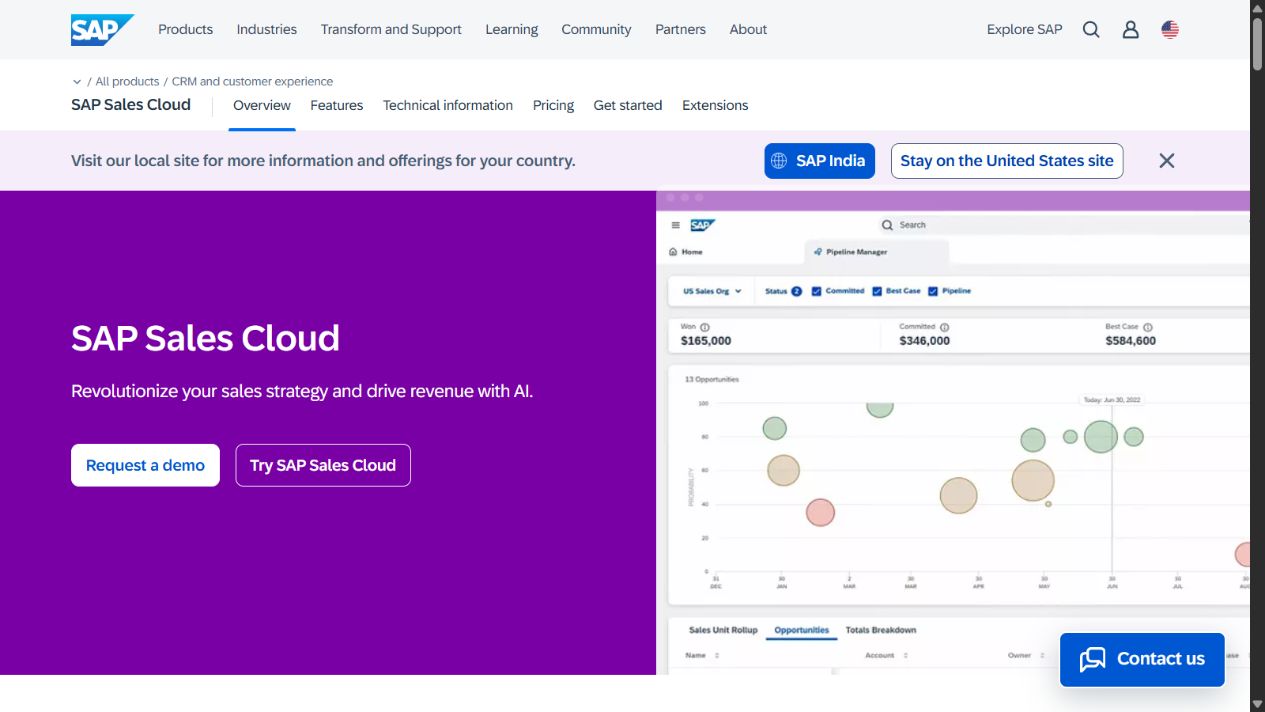
SAP Sales Cloud homepage captured August 30, 2026. Confirm version, migration path, pricing, and add-ons.
Choose SAP Sales Cloud when
- Sales processes depend heavily on SAP ERP or S/4HANA data and transactions.
- Complex B2B, field, manufacturing, distribution, or account workflows need connected operational context.
- Guided selling, forecast intelligence, mobile, and field-sales capabilities match validated requirements.
- The organization has SAP architecture, integration, security, and change-management capability.
- A defined transition plan exists for current SAP CRM or Sales Cloud versions.
Check before buying
Confirm the exact product version, roadmap, tenant, region, contract duration, implementation route, add-ons, integration services, mobile or field-sales needs, AI scope, support, and migration assistance. A guided trial with sample data does not prove administration, customization, master-data, integration, or production performance.
Map lead-to-cash ownership between Sales Cloud, ERP, commerce, CPQ, service, data, identity, analytics, and integration layers. Prevent duplicate customer, product, price, quote, and order truth by assigning an authoritative system and reconciliation process for each object.
Map the CRM to enterprise architecture
Before demonstrations, produce a one-page architecture that answers:
- Which system owns accounts, people, products, prices, contracts, consent, quotes, orders, service history, and revenue?
- Which events move between CRM, ERP, marketing, service, commerce, finance, identity, data warehouse, and analytics?
- Which users and machines can create, update, merge, export, delete, or synchronize each data class?
- Which regions require residency, localization, retention, consent, or restricted access?
- Which reports must reconcile to finance, operations, or regulatory records?
Then ask each vendor to map its product to that architecture using documented capabilities and explicit gaps. Do not let a demonstration silently replace an integration with a manual export or a future roadmap item.
Build a CRM governance model
Create named owners for customer data, sales process, platform architecture, security, privacy, integration, analytics, releases, adoption, procurement, and vendor management. Establish a design authority for new objects, fields, workflows, packages, agents, and integrations.
Maintain a registry containing purpose, owner, data classification, source system, downstream consumers, permission model, retention, quality rule, automation, test evidence, incident path, review date, and retirement trigger. This prevents “just one field” or “just one workflow” from accumulating without accountability.
Use separate development, test, and production environments where supported. Require representative test data, automated checks for critical processes, peer review, deployment records, rollback, and post-release monitoring. CRM changes can affect revenue reporting and customer communication, so configuration deserves the same discipline as software.
Evaluate AI and agents safely
Every shortlisted vendor now presents AI or agent capabilities. Do not buy an enterprise CRM because a generated email looks polished. Identify the action boundary:
- Read and summarize records.
- Recommend a next action.
- Draft content for approval.
- Update low-risk fields.
- Trigger a workflow.
- Communicate externally.
- Change price, forecast, contract, or customer status.
Risk increases down the list. Require source visibility, permission inheritance, human approval, logs, rollback, rate limits, exception handling, and an accountable owner before allowing actions. Test prompt injection and poisoned customer content when agents read email, notes, files, or web data.
Measure correction rate, approved outcomes, false actions, missed escalations, review time, and business impact. Message volume and generated text are not success metrics.
Calculate total cost of ownership
Build at least a three-year model:
subscriptions + contacts or usage + add-ons + environments + storage + integrations + implementation + migration + testing + support + administrators + developers + training + data quality + security + change management + upgrades + exit
Include internal labour. A lower licence price can lose its advantage when integrations are fragile or administrators spend more time maintaining exceptions. A higher-cost platform can still be wasteful when teams use only basic pipeline tracking.
Model growth and contraction. Ask what happens when users, records, API traffic, files, marketing contacts, AI consumption, environments, or regions change. Include renewal assumptions and the cost to export data, replace integrations, preserve evidence, and decommission the system.
Add operational resilience to the commercial review. Document service dependencies, status and incident channels, support severity definitions, recovery expectations, maintenance communication, integration retry behavior, and the manual process used during an outage. Identify reports, approvals, customer communications, forecasts, and order handoffs that cannot stop. Contract language matters, but teams also need a tested continuity procedure and named decision-makers. Review vendor roadmap changes separately from committed functionality, and do not make a required process depend on a preview feature without an approved fallback.
An eight-week evaluation plan
Weeks 1–2: requirements and data
Map processes, roles, data, integrations, reports, controls, pain points, and measurable outcomes. Clean representative data and create a fixed scenario set. Separate mandatory requirements from preferences.
Weeks 3–4: configured scenarios
Configure the same lead, account, opportunity, territory, approval, forecast, quote, reporting, and exception scenarios in shortlisted platforms. Record configuration effort and unresolved gaps. Do not compare a customized demo with an unconfigured trial.
Week 5: security and integration
Test identity, roles, sharing, field access, exports, audit, environments, APIs, synchronization, failure recovery, and offboarding. Use accounts from different regions and roles. Confirm deleted and restricted records do not remain accessible through search, analytics, AI, or downstream systems.
Week 6: users and accessibility
Run representative sellers, managers, operations staff, administrators, mobile users, and accessibility reviews through complete workflows. Measure completion, correction, navigation, handoffs, and support requests.
Week 7: economics and delivery
Build the implementation roadmap, resource model, partner statement of work, data migration plan, integration backlog, adoption plan, support model, and three-year cost. Identify dependencies and exit conditions.
Week 8: decision gate
Score evidence, not presentation quality. Reject unresolved mandatory gaps, assign owners to accepted risks, negotiate terms, and document why the chosen architecture fits. Set post-launch success measures and a review calendar.
Common enterprise CRM mistakes
Recreating the old CRM
Migrating every field, workflow, and exception preserves historical debt. Retire unused data and redesign processes before configuration.
Choosing only for ecosystem alignment
Microsoft or SAP alignment can be powerful, but validate user workflow and requirements. Existing vendor spend is not proof of CRM fit.
Underestimating permissions
Role names rarely describe effective access. Test sharing, teams, territories, integrations, exports, reports, AI, mobile, and administrator privileges together.
Buying AI before fixing data
Agents amplify inconsistent ownership, duplicates, stale stages, and excessive permissions. Establish data quality and review controls first.
Ignoring administration
Every workflow, report, integration, and package needs ownership. Fund ongoing operations, not only implementation.
Treating migration as an export/import
Migration requires mapping, cleansing, consent, deduplication, attachments, history, reconciliation, freeze planning, rollback, and business acceptance.
Final recommendation
Choose Salesforce Sales Cloud for broad, deeply configurable enterprise CRM; Dynamics 365 Sales for Microsoft-centered architecture; HubSpot Enterprise for connected customer-team adoption; Zoho CRM Enterprise for accessible configuration and governance; or SAP Sales Cloud for SAP-connected complex B2B selling.
Do not choose from a feature checklist. Start with customer-data ownership and enterprise architecture, run matched configured scenarios, test effective permissions and integrations, calculate three-year cost, and approve the smallest governed platform that supports the operating model.
Sources
- Salesforce Sales Cloud
- Salesforce Sales pricing
- Salesforce Trust
- Microsoft Dynamics 365 Sales
- Dynamics 365 Sales pricing
- Dynamics 365 Sales documentation
- Microsoft Service Trust Portal
- HubSpot CRM
- HubSpot Enterprise Customer Platform
- HubSpot Smart CRM pricing
- HubSpot Trust Center
- Zoho CRM Enterprise
- Zoho CRM feature comparison
- Zoho Enterprise security
- Zoho CRM support
- SAP Sales Cloud
- SAP Sales Cloud features
- SAP Sales Cloud pricing
- SAP Sales Cloud technical information
Frequently asked questions
What is the best CRM software for an enterprise team?
Salesforce Sales Cloud is the broadest platform starting point for highly configurable enterprise sales operations. Dynamics 365 Sales fits Microsoft-centered organizations, HubSpot Enterprise fits teams prioritizing connected adoption across customer functions, Zoho CRM Enterprise offers configurable scope with comparatively accessible packaging, and SAP Sales Cloud fits complex B2B selling connected to SAP operational systems.
How should an enterprise choose CRM software?
Start with customer-data ownership, sales processes, roles, regions, permissions, integrations, reporting, regulatory requirements, and migration constraints. Run scenario-based pilots using representative data and calculate implementation, integration, administration, support, add-on, and exit costs alongside licences.
Is Salesforce always the best enterprise CRM?
No. Salesforce has broad documented platform, customization, automation, API, ecosystem, and enterprise edition capabilities, but that breadth can increase architecture, administration, implementation, and cost requirements. Another CRM may fit better when the organization is strongly aligned with Microsoft, SAP, HubSpot, or Zoho.
Can HubSpot support enterprise CRM requirements?
HubSpot publishes an Enterprise Customer Platform with connected hubs, Smart CRM, custom objects, access controls, and enterprise capabilities. Buyers must map the exact hub editions, contacts, seats, limits, integrations, sandboxes, support, and data requirements to the intended architecture.
Which enterprise CRM is best for Microsoft 365?
Dynamics 365 Sales is the most natural shortlist candidate for organizations centered on Microsoft identity, Microsoft 365, Power Platform, Azure, and related Dynamics applications. That ecosystem fit still needs tenant, licensing, data, integration, security, and user-workflow validation.
Which enterprise CRM is best for SAP customers?
SAP Sales Cloud deserves priority evaluation when sales must connect closely with SAP ERP or SAP S/4HANA, product, pricing, order, and operational processes. Confirm the exact integration design, migration path, edition, add-ons, support, and implementation model.
How long does an enterprise CRM evaluation take?
A useful product pilot can run in six to eight weeks, but full selection and implementation planning may take longer because data migration, integrations, security, procurement, process redesign, testing, training, and regional rollout require cross-functional work. Do not compress discovery merely to meet a licence-renewal date.