Best CRM Software for Remote Teams
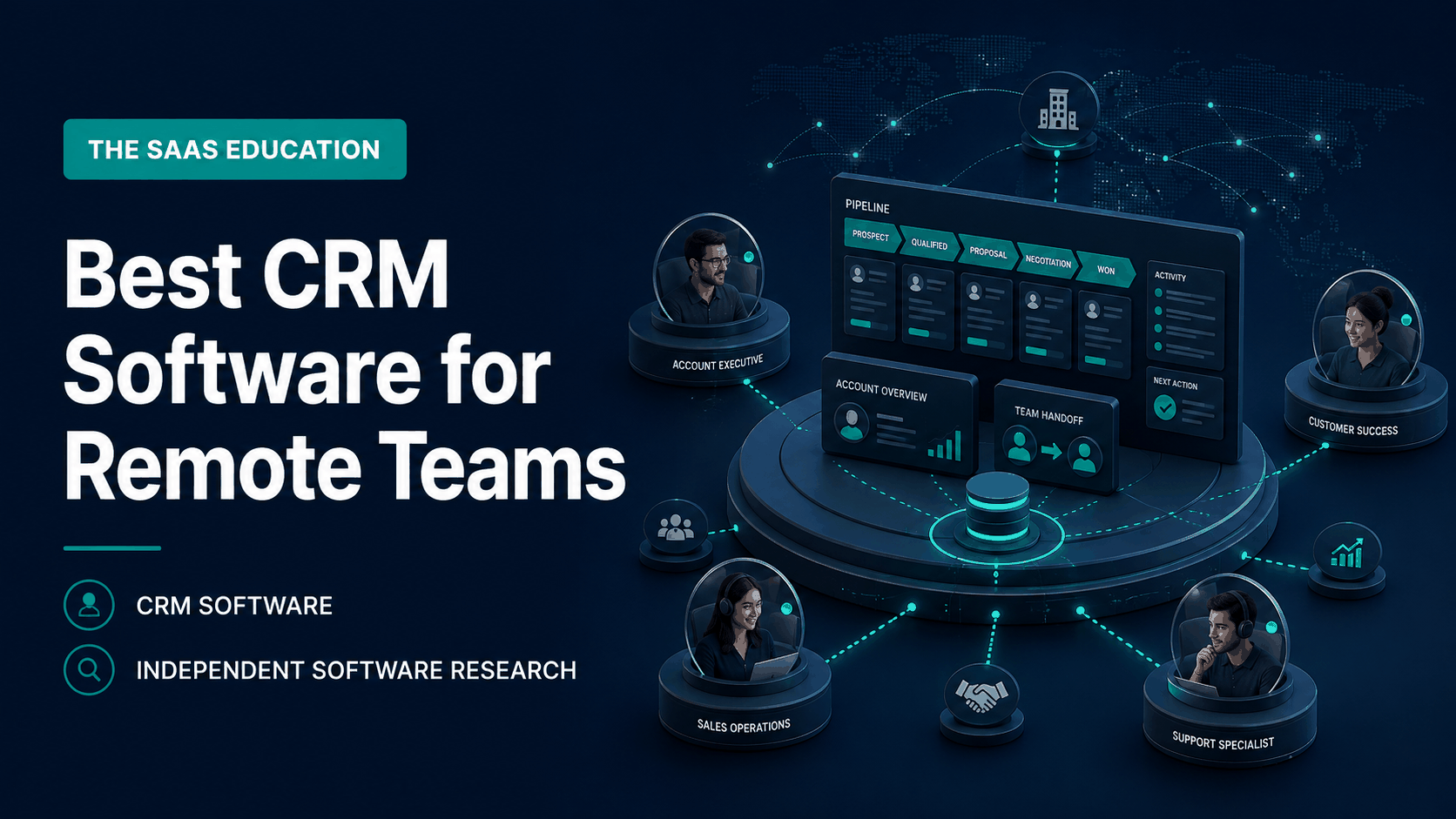
Compare HubSpot, Pipedrive, Zoho CRM, monday CRM, and Salesforce Sales Cloud for distributed sales teams, handoffs, visibility, governance, and adoption.
Direct answer
HubSpot is the strongest general starting point for remote teams that need marketing, sales, and service activity around a shared customer record. Pipedrive is better for a distributed sales team that mainly wants a clear visual pipeline and disciplined next actions. Zoho CRM offers a configurable option for teams willing to invest in setup. monday CRM is compelling when sales coordination should sit close to flexible work management. Salesforce Sales Cloud belongs on the shortlist for larger organizations with complex processes, governance, and implementation resources.
Remote work does not change the purpose of CRM. It increases the cost of unclear ownership, private context, inconsistent updates, and delayed handoffs. The best product is the one that makes the next responsible action visible without forcing employees to reconstruct the customer story across messages, spreadsheets, calendars, and personal notes.
| Product | Best remote-team fit | Main caution |
|---|---|---|
| HubSpot | Connected marketing, sales, and service context | Package, contact, seat, automation, and credit costs need modeling |
| Pipedrive | Focused distributed sales pipeline | Broader marketing, service, and complex data needs may require other tools |
| Zoho CRM | Configurable processes and value-conscious teams | Configuration breadth can increase administration and training |
| monday CRM | Flexible coordination around sales work | Teams must prove CRM depth, reporting, and governance for their process |
| Salesforce Sales Cloud | Complex global or enterprise sales operations | Implementation, customization, administration, and total cost can be substantial |
How we selected the tools
We reviewed current search results for CRM software for remote teams to identify the questions ranking pages answer. Common themes included shared access, mobile work, collaboration, email and calendar synchronization, automation, integrations, pipeline visibility, and pricing. Those themes informed the evaluation criteria, but current product claims were checked against official vendor pages and documentation.
The shortlist deliberately represents five operating models rather than five nearly identical tools. We evaluated:
- Shared account, contact, opportunity, and activity context.
- Explicit ownership, next actions, due dates, and handoffs.
- Asynchronous usability across locations and time zones.
- Mobile access and work away from a central office.
- Email, calendar, communication, and workflow integrations.
- Permissions, identity, auditability, exports, and offboarding.
- Automation that preserves accountable owners and exception paths.
- Reporting that leaders and representatives can reconcile with source records.
- Administration, adoption effort, data quality, and total cost.
This is an official-source buyer guide, not a hands-on benchmark. Run a pilot with your own lifecycle, data, locations, security requirements, and adjacent tools.
What remote teams need from CRM
A colocated team can repair missing context through conversation. A distributed colleague may not discover a missing update until the next working day. CRM must therefore support durable, searchable context rather than merely display a pipeline chart.
Every active opportunity should answer: who owns it, what happened, what is promised, what happens next, when it is due, and which evidence supports the stage. Important customer information should not exist only in a private direct message. Notifications should point people to the authoritative record instead of becoming a second database.
Remote readiness also requires disciplined access. Employees may work from varied networks, devices, countries, and employment arrangements. Evaluate identity controls, roles, field visibility, integration permissions, audit history, mobile security, export rights, data location, retention, and offboarding for the intended configuration.
1. HubSpot: best overall connected customer platform
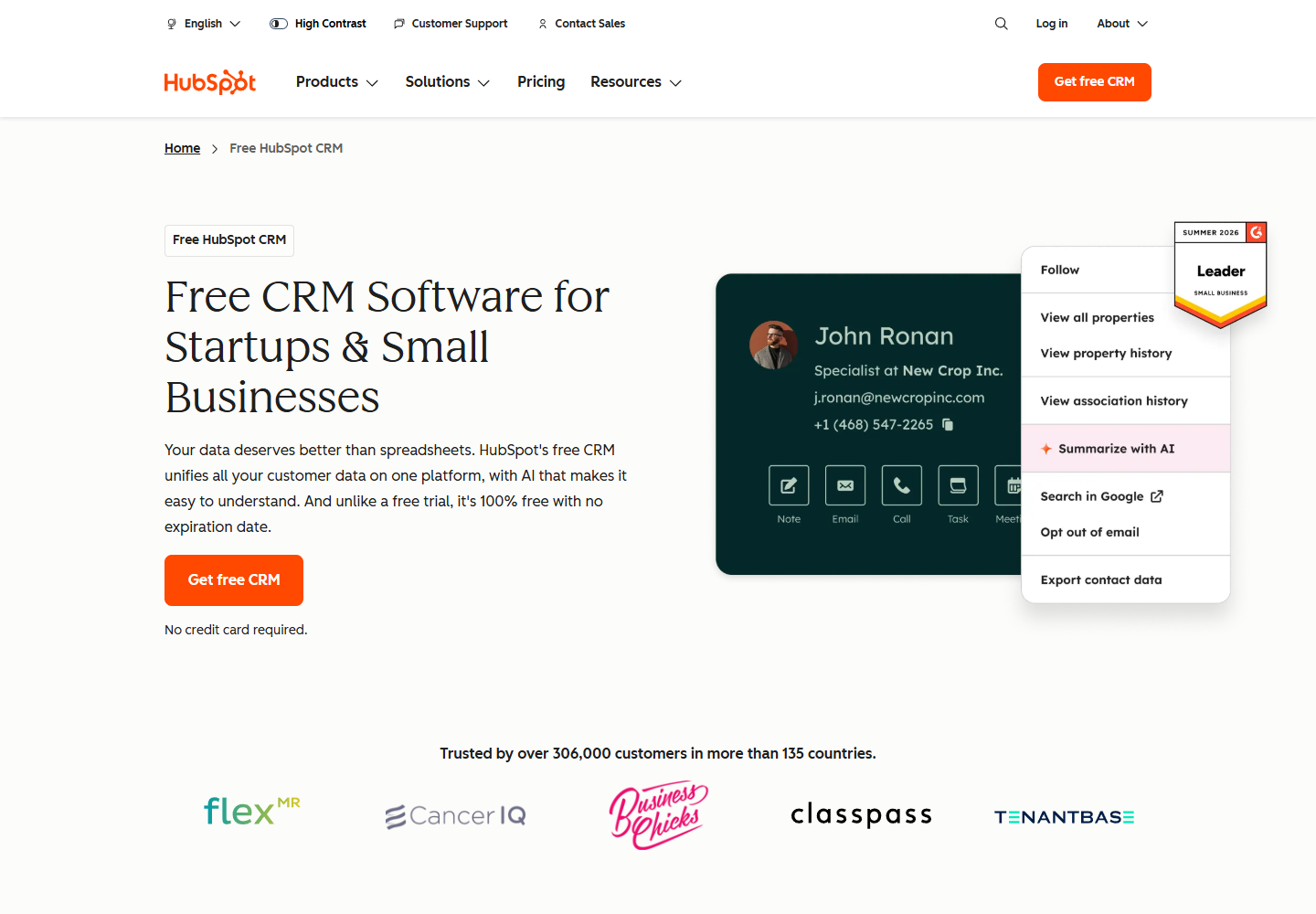
HubSpot’s official CRM materials describe a shared customer platform spanning CRM records and connected marketing, sales, service, content, and operations capabilities. That breadth makes it a useful starting point when distributed teams need continuity from first interaction through opportunity and ongoing relationship.
Why remote teams should shortlist HubSpot
The central advantage is shared context. A remote salesperson can inspect contact and company history before a call, while a manager can review pipeline activity without requesting a separate spreadsheet. Marketing and service context can reduce handoff loss when the required HubSpot products and permissions are configured.
HubSpot is also approachable enough to test without beginning with a large enterprise implementation. That does not mean the eventual configuration will be free or simple. The useful workflow may depend on paid hubs, automation, reporting, seats, contacts, usage, or AI credits.
Choose it when: several remote functions need a common customer record and the organization wants a connected platform that can expand over time.
Check before buying: model the exact combination of products, editions, seats, contacts, automation, reporting, data limits, and credits. Confirm record ownership, team permissions, export, sandbox or test needs, and offboarding. A demonstration using advanced capability should be mapped to the quoted package.
Pilot task: route a real inbound lead through qualification, opportunity creation, a cross-time-zone handoff, follow-up, reporting, and closure. Ask a second user to reconstruct the complete history without private explanation.
Source: HubSpot CRM .
2. Pipedrive: best for a focused remote sales pipeline
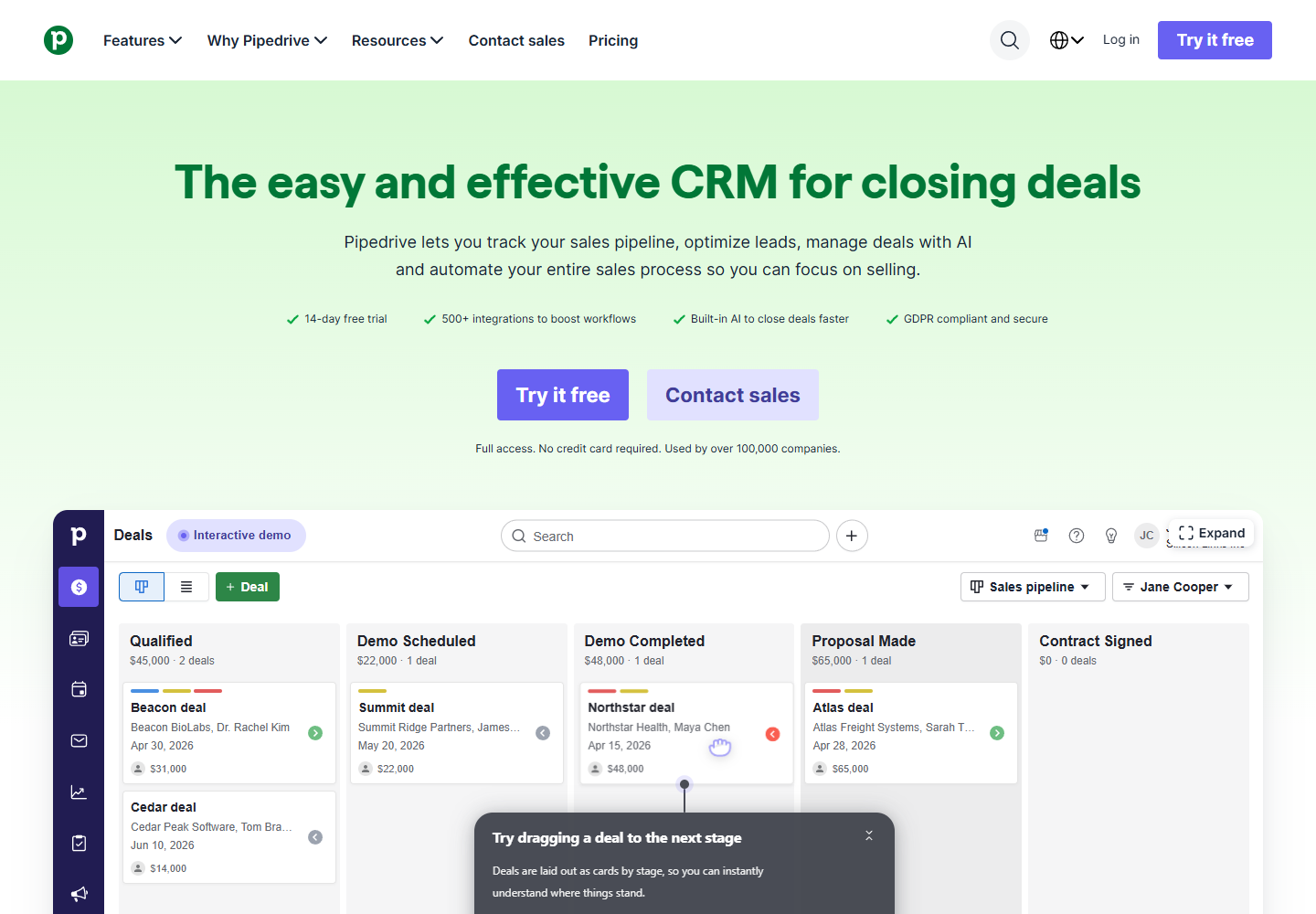
Pipedrive positions its CRM around managing sales activity and deals through a visual pipeline. That focus fits distributed sales teams whose main failure is not a missing all-in-one platform but inconsistent follow-up and unclear next actions.
Why remote teams should shortlist Pipedrive
A clear pipeline can create a common operating view across locations. Representatives can see assigned deals and activities, while managers can inspect movement and overdue work without holding status meetings solely to collect updates. The narrower sales orientation may also reduce configuration burden for a team that does not need a broad customer platform.
Remote adoption depends on behavior, not visual appeal. If representatives fail to record outcomes or schedule the next action, the pipeline becomes a delayed picture of reality. Define required fields and update rules carefully so the CRM supports selling rather than producing unnecessary administration.
Choose it when: the team runs a relatively understandable sales process and wants activity discipline, visual opportunity management, and quicker adoption.
Check before buying: verify the required email, calendar, calling, lead, automation, reporting, permission, mobile, and integration capabilities in the intended plan. Model add-ons and adjacent tools when comparing total cost with broader suites.
Pilot task: give remote representatives a set of new and existing opportunities. Measure whether they can update activity, schedule next steps, transfer ownership, identify stalled deals, and produce a credible forecast without maintaining a parallel spreadsheet.
Source: Pipedrive .
3. Zoho CRM: best for configurable value
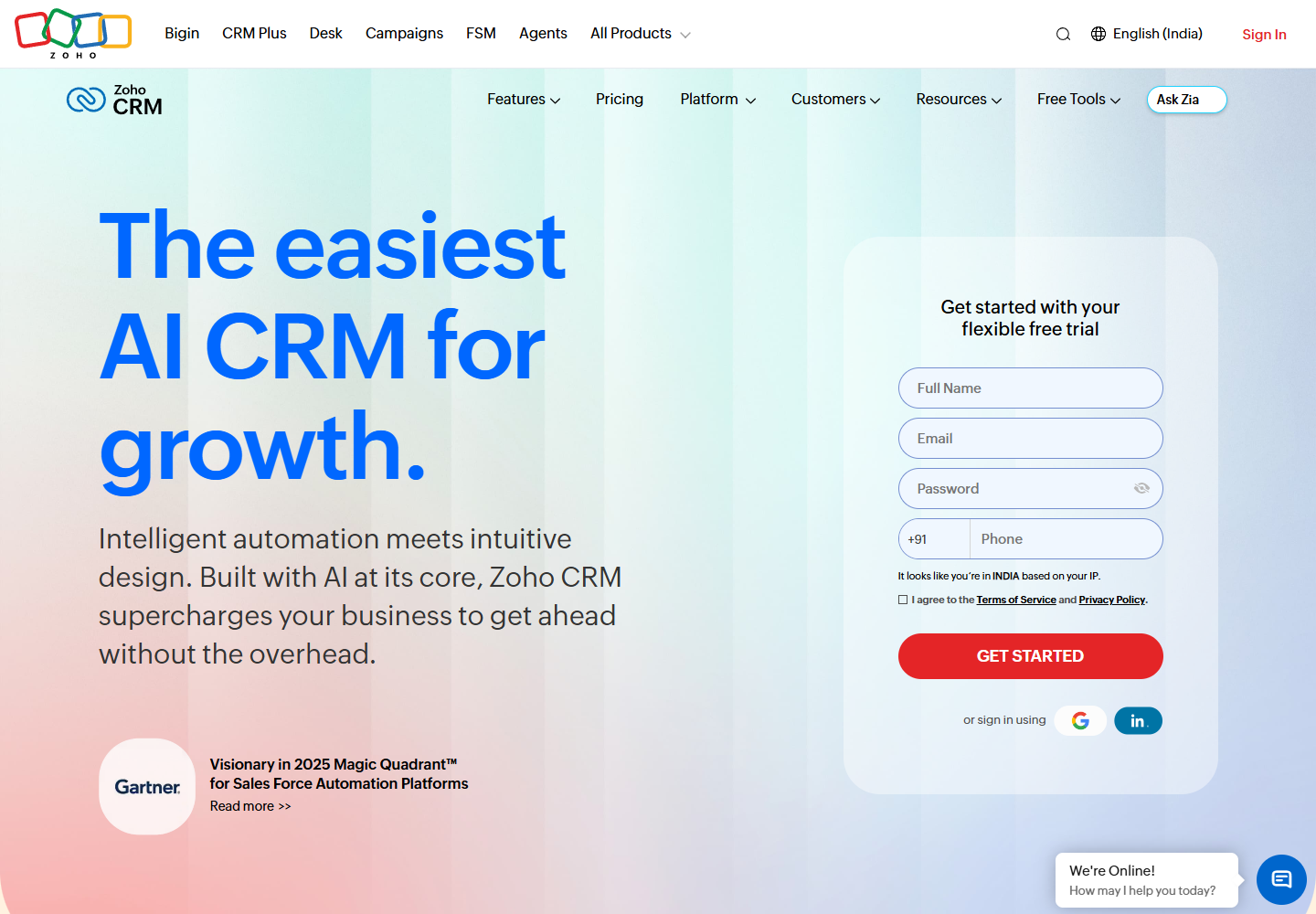
Zoho publishes a dedicated remote CRM page alongside its broader CRM product material. Official content describes sales automation, communication, analytics, customization, mobile access, and connections within the Zoho ecosystem, subject to edition and regional availability.
Why remote teams should shortlist Zoho CRM
Zoho CRM can suit a distributed organization that wants to shape fields, processes, automation, and connected work without immediately choosing the heaviest enterprise platform. Its wider product ecosystem may also matter when the team uses other Zoho applications.
Configuration is both the opportunity and the risk. A flexible CRM can mirror a real process, but remote employees struggle when administrators create too many layouts, required fields, exceptions, and notifications. The system needs an owner who can document decisions, test changes, and remove unnecessary complexity.
Choose it when: the team values process flexibility and broad capability, has a clear data model, and can assign ongoing administration.
Check before buying: map each required feature to the intended edition. Verify workflow limits, analytics, email and telephony options, mobile behavior, integrations, roles, territories, audit needs, storage, support, and any AI access. Confirm whether connected Zoho products require separate licenses or configuration.
Pilot task: configure one representative lifecycle with two remote roles and one manager. Test lead assignment, duplicate handling, a missed-service-level exception, ownership transfer, mobile updating, and a report that reconciles with underlying records.
Sources: Zoho CRM and Zoho CRM for remote teams .
4. monday CRM: best for flexible sales coordination
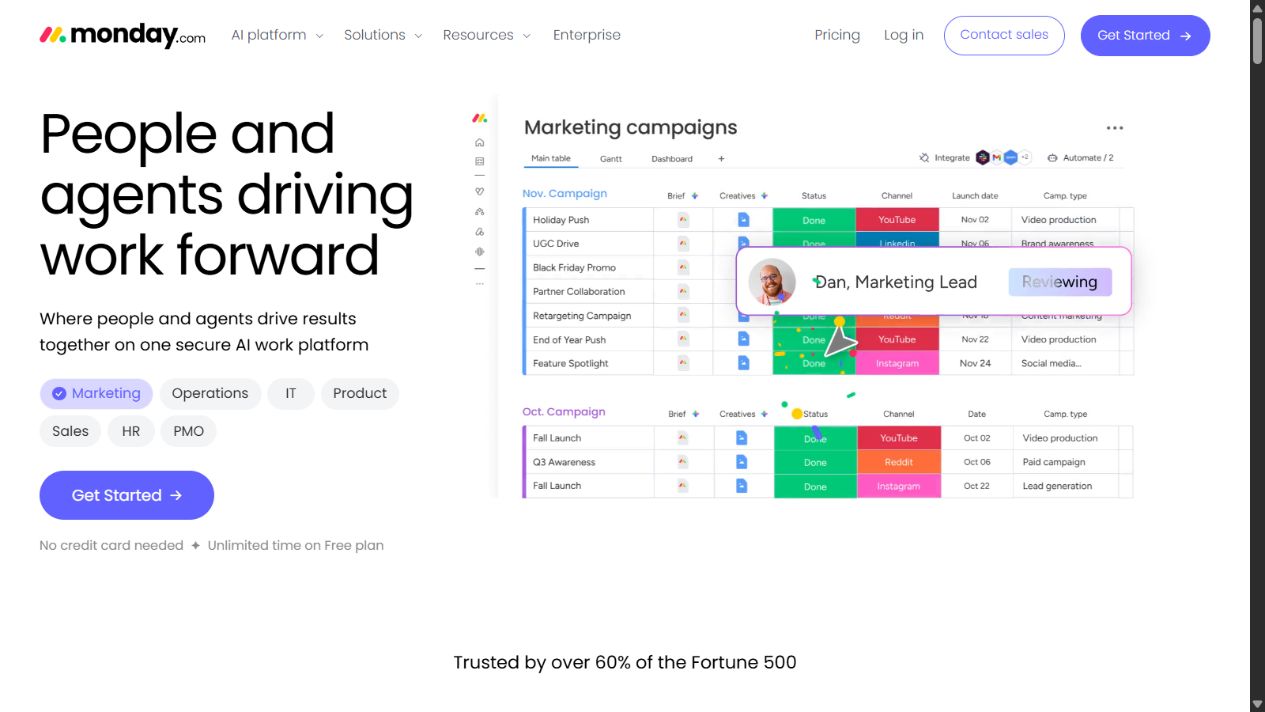
monday CRM sits within monday.com’s configurable work platform. Its appeal is the ability to coordinate sales records and activities in a visual environment familiar to teams that already manage projects and workflows in monday.com.
Why remote teams should shortlist monday CRM
Distributed teams often need work coordination around the opportunity: proposal tasks, approvals, onboarding preparation, and cross-functional handoffs. A configurable work-oriented interface can make those dependencies visible and reduce the jump between a CRM and a separate coordination board.
The evaluation question is whether flexibility creates a durable customer system or a collection of boards that only their creators understand. Define accounts, contacts, opportunities, activities, and ownership before configuring views. Prevent different teams from creating conflicting versions of the same pipeline.
Choose it when: the team values flexible visual coordination, already understands monday.com’s operating model, or needs sales work close to broader task workflows.
Check before buying: verify CRM-specific capability, email and activity capture, automation, reporting, permissions, connected boards, item limits, dashboards, integrations, guest behavior, and administration in the exact plan. Determine how relationship history survives board changes.
Pilot task: take an opportunity from qualification through proposal approval and a delivery handoff. Ask users in three time zones to find the current owner, pending decision, customer history, blocked task, and next action without asking the board creator.
Source: monday CRM .
5. Salesforce Sales Cloud: best for complex governed teams
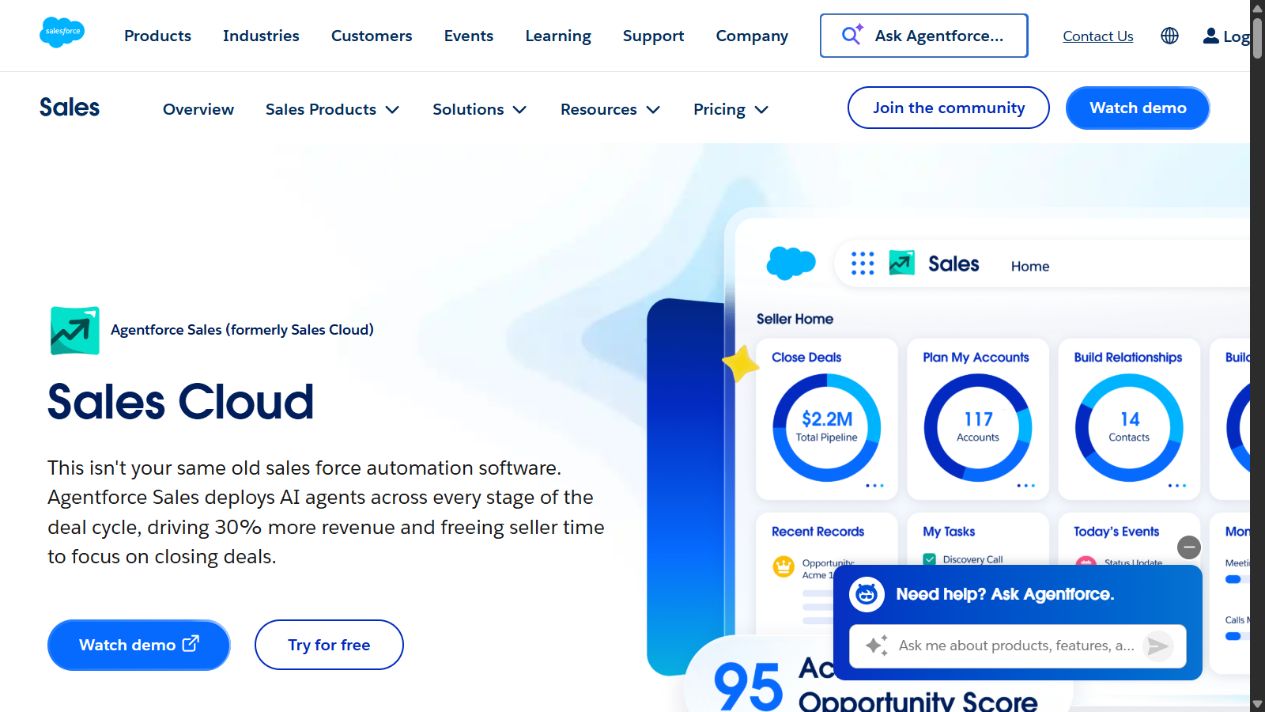
Salesforce Sales Cloud is designed for organizations that need extensive customer data, pipeline, automation, analytics, ecosystem, and administrative capability. It belongs on the shortlist for larger distributed teams with several sales motions, regions, products, roles, or governance requirements.
Why remote teams should shortlist Salesforce
Complex remote organizations need more than shared access. They may require territories, approval paths, specialized objects, integrations, controlled visibility, auditability, and different workflows by business unit. Salesforce provides a platform capable of supporting that complexity when implemented and governed well.
The risk is confusing configurability with readiness. A poorly designed Salesforce implementation can encode unclear processes, create excessive data entry, and require substantial administration. Remote users then build shadow spreadsheets because the official system feels slower than the work.
Choose it when: the organization has complex requirements, implementation resources, executive sponsorship, data governance, and administrators who can maintain the system after launch.
Check before buying: scope editions, add-ons, AI or usage charges, integration architecture, environments, implementation partners, data migration, identity, mobile needs, support, storage, reporting, training, and ongoing administration. Compare a realistic multi-year cost, not one entry price.
Pilot task: implement a high-value process that includes regional access, an approval, a system integration, a reassignment across time zones, an exception, a management report, and an audit requirement. Measure both successful completion and administrative effort.
Source: Salesforce Sales Cloud .
Side-by-side decision guide
| Requirement | HubSpot | Pipedrive | Zoho CRM | monday CRM | Salesforce |
|---|---|---|---|---|---|
| Fast focused sales adoption | Good | Strong | Good with setup | Good for existing users | Depends on implementation |
| Marketing-sales-service continuity | Strong with required hubs | More limited | Broad ecosystem | Configurable connections | Strong with platform scope |
| Visual pipeline discipline | Strong | Strong | Strong | Strong | Configurable |
| Flexible process modeling | Moderate to strong | Focused | Strong | Strong | Very strong |
| Complex enterprise governance | Plan dependent | Less central | Plan dependent | Plan dependent | Strong |
| Administration burden | Grows with scope | Usually focused | Requires ownership | Requires design discipline | Potentially substantial |
| Best starting point | Connected customer teams | Sales-first teams | Value and configurability | Work-centered teams | Complex organizations |
These judgments are directional. Product editions and implementation choices can change the result. Use them to choose trial candidates, not to bypass due diligence.
How to evaluate CRM for remote work
Test asynchronous handoffs
Create a handoff between people whose working hours do not overlap. The receiving user should understand the customer, opportunity, commitments, risks, owner, next action, and due date from the CRM alone. If a private call is required to explain the record, the workflow is not yet remote-ready.
Test mobile work
Representatives may update records between meetings or while traveling. Test the actual mobile application and security configuration. Verify whether users can find a record, add an outcome, schedule an activity, access only permitted data, and recover from weak connectivity without creating duplicates.
Test permissions with real roles
Use representative accounts rather than administrator access. Check managers, representatives, contractors, operations staff, and cross-functional viewers. Attempt exports, ownership changes, bulk actions, integrations, and restricted-field access. Least privilege should still allow the intended job.
Test reporting against records
Take a dashboard total and trace it to the underlying opportunities. Define stage entry, amount, close date, probability, owner, and exclusion rules. A polished dashboard is not trustworthy when users interpret fields differently or keep real updates elsewhere.
Test integration failure
Disconnect or misconfigure a non-production integration deliberately. Determine how administrators discover the failure, which records are affected, whether retries duplicate activity, and how users know the data is incomplete. Remote teams need visible exceptions because informal office escalation is unavailable.
CRM implementation plan for distributed teams
1. Define the lifecycle before configuring software
Write the stages, entry criteria, exit criteria, owner, required evidence, and next-action rule. Keep the first version smaller than the existing spreadsheet. Do not automate a process that stakeholders cannot explain consistently.
2. Establish the data model
Separate people, organizations, opportunities, activities, products, subscriptions, and support relationships where the business requires it. Agree identifiers and duplicate rules. Decide which connected system owns each important field.
3. Clean a representative sample
Select records containing duplicates, missing values, international details, former owners, multiple opportunities, and historical activity. Clean and import that sample first. Verify relationships, dates, currencies, consent, ownership, and notes before moving the full dataset.
4. Configure the minimum useful workflow
Start with records, ownership, stages, next actions, essential integrations, permissions, and a small set of reports. Delay speculative fields and automation. Every required field should support a decision, handoff, compliance obligation, or reliable report.
5. Train with scenarios
Remote training should use realistic tasks, short reference material, recorded demonstrations where appropriate, and office hours across time zones. Ask users to complete lead assignment, follow-up, handoff, closure, correction, and escalation. A feature tour does not prove operational readiness.
6. Measure adoption and data quality
Track active use alongside overdue activities, unowned records, missing next actions, duplicates, stage aging, integration errors, forecast corrections, and shadow spreadsheets. High login counts can coexist with poor CRM discipline.
7. Assign long-term ownership
Name owners for process, data, security, integrations, reporting, training, and vendor management. Review permissions and inactive users regularly. Maintain a change process so one team’s customization does not silently break another team’s workflow.
Security and privacy checklist
Remote access expands the importance of identity and device controls. Evaluate:
- Single sign-on and multifactor authentication.
- Role, team, territory, object, record, and field access.
- Audit logs and administrative alerts.
- Mobile application and session controls.
- Export, API, connector, and marketplace permissions.
- Data residency, transfer, retention, backup, and deletion requirements.
- Contractor access and rapid offboarding.
- Test environments and masking for sensitive data.
- Incident response and vendor support paths.
Do not assume a higher-priced edition automatically satisfies policy. Review the exact configuration and contractual terms with qualified security, privacy, and legal owners.
Pricing and total cost
CRM cost is rarely just users multiplied by an advertised monthly price. Build a three-year model including editions, seat types, contacts, storage, communication usage, AI or automation credits, add-ons, integrations, implementation, migration, training, administration, support, and future growth.
Remote teams should also price coordination failure. Missing ownership, delayed follow-up, duplicate outreach, unreliable forecasts, and difficult offboarding have operational costs. Conversely, buying broad capability that employees do not use creates license and implementation waste.
Request a written configuration from finalists. Tie every demonstrated feature to a product, edition, limit, and price. Test export and downgrade implications before signing.
Common mistakes
Choosing by feature count: remote reliability comes from clear workflow and ownership, not the longest checklist.
Recreating every spreadsheet column: migration is an opportunity to remove unused and ambiguous data.
Allowing private messages to remain authoritative: messages should link to updated CRM records when the information affects customer work.
Automating without exception handling: every assignment and synchronization needs a visible failure path and owner.
Giving everyone administrator access: convenience during setup becomes security and data-quality risk.
Ignoring offboarding: test how accounts, records, activities, integrations, devices, and exports are handled when a remote worker leaves.
Final selection exercise
Give each finalist the same ten opportunities, customer history, user roles, and integration requirements. Ask representatives in different time zones to qualify a lead, transfer an opportunity, correct a duplicate, record a customer commitment, schedule a next action, and close a lost deal with a reason. Ask the manager to produce a forecast and trace every number back to its records. Ask the administrator to change access, identify an integration failure, export the sample, and offboard one user.
Score task completion, time, correction effort, missing context, permission exceptions, reporting accuracy, and administrator intervention. Record the edition and configuration used for every result. Reject any finalist that needs shadow spreadsheets or private explanations to complete routine handoffs, even if its demonstration looked more sophisticated.
Finally, collect feedback after users have completed the tasks, not before. First impressions favor attractive interfaces; sustained adoption depends on whether the CRM makes required work clearer and easier without weakening data quality or control.
Final recommendation
Start with HubSpot when remote marketing, sales, and service teams need a connected customer platform. Choose Pipedrive for a focused sales pipeline and next-action discipline. Evaluate Zoho CRM when configurable breadth and value matter, monday CRM when sales coordination belongs close to flexible work management, and Salesforce Sales Cloud when complex governance and process requirements justify a substantial implementation.
Run the same four-to-six-week scenario-based pilot for the final two options. The winner should produce complete handoffs, trusted reports, usable permissions, and consistent follow-up with tolerable administration. That evidence is more useful than any universal numerical ranking.
Sources
Test a remote ownership change before purchase. Reassign an active account across time zones and confirm that the new owner can see consent, source, stage, commitments, next action, documents, and relevant communication without broad access to unrelated records. Also test offline or mobile capture, duplicate prevention, integration failure, and departure offboarding. A CRM succeeds when context survives the handoff and the customer does not have to repeat it.
Frequently asked questions
What is the best CRM for remote teams?
HubSpot is a strong overall starting point when remote marketing, sales, and service teams need a shared customer platform. Pipedrive fits focused sales pipelines, Zoho CRM fits configurable value, monday CRM fits flexible work coordination, and Salesforce fits complex governed organizations.
What features should a remote-team CRM have?
Prioritize clear record ownership, next actions, activity history, mobile access, permission controls, asynchronous notifications, reliable integrations, auditability, reporting, export, and offboarding rather than the longest feature list.
Can Slack or spreadsheets replace a CRM for a remote team?
They can support an early workflow, but messages and spreadsheets usually become weak systems of record as ownership, history, permissions, automation, forecasting, and handoffs grow more complex.
How should a distributed team implement a CRM?
Define lifecycle stages and owners first, clean a representative data sample, configure the minimum workflow, test integrations and permissions, train with real scenarios, and expand only after adoption and data quality are measured.
Does every remote employee need a CRM license?
No. License people according to the actions and data they require. Some stakeholders may need reports or controlled handoffs rather than full editing access. Verify each vendor's seat and permission model.
How do remote teams protect CRM data?
Use managed identities, least-privilege roles, multifactor authentication, controlled exports and integrations, documented retention, access reviews, offboarding, audit logs, and clear rules for customer data.
How long should a CRM pilot run?
A four-to-six-week pilot is usually long enough to test lead capture, ownership, follow-up, handoffs, reporting, mobile use, and administration with real work. Complex enterprises may need a longer technical proof of concept.