Best CRM Software for Startups
Compare five CRM platforms for startups by founder-led sales fit, workflow flexibility, automation, integrations, scaling risk, and current plan structure.
Direct answer
The best CRM software for a startup is the system the team can use now without trapping the next stage of growth. In this guide, HubSpot is the best broad starting point, Attio is best for a flexible startup data model, Pipedrive is best for pipeline discipline, Close is best for high-velocity outbound sales, and Zoho CRM is best for value-conscious customization.
These labels are not a universal ranking. A founder selling the first ten contracts needs speed and low administration. A product-led startup may need product events, enriched accounts, and custom relationships. An outbound team needs communication and follow-up controls. A startup preparing to hire specialists needs permissions, reporting, and handoffs that were unnecessary when one founder owned every conversation.
This guide uses official sources checked on August 24, 2026. We did not conduct a controlled hands-on benchmark or verify vendor customer-result claims. Product capabilities and plan structure are verified facts; the suitability labels are editorial inferences from that evidence.
Best CRM software for startups at a glance
| CRM | Best startup fit | Starting path | Main risk to test |
|---|---|---|---|
| HubSpot | Startup wanting a broad customer platform | Free CRM tools; paid Smart CRM and product hubs | Cost and packaging complexity as requirements expand |
| Attio | Product-led or technically capable startup | Free plan for up to three seats; paid team plans | Flexible setup needs clear ownership and data design |
| Pipedrive | Sales-led startup needing pipeline discipline | Time-limited trial and paid plans | Add-ons, top-ups, and wider lifecycle needs |
| Close | Outbound team using calls, email, and SMS | Trial plus seat- and usage-based paid plans | Telephony, SMS, AI usage, and workflow costs |
| Zoho CRM | Cost-conscious startup needing configurability | Free edition and paid editions by locale | Configuration depth can create administration overhead |
How we selected these startup CRMs
We did not choose products only because they are popular or appear on other lists. We mapped the CRM decision to startup operating stages: founder-led discovery, repeatable selling, specialist hiring, customer handoff, and data governance.
A product qualified when official material documented enough current information about its CRM model, workflow capabilities, plan path, integrations, and limitations to support a responsible shortlist. We then applied seven criteria:
- Time to a usable system: Can a small team configure a real pipeline without a long implementation project?
- Founder-led sales fit: Does the CRM reduce follow-up and memory dependence while the process is still changing?
- Data-model flexibility: Can the system represent the accounts, people, deals, product relationships, and lifecycle states the startup actually uses?
- Automation and communication: Can routine updates and outreach be handled without losing context or creating hidden failure points?
- Integration path: Can the CRM connect to the startup’s current email, calendar, product, support, finance, and analytics stack?
- Scaling controls: Are permissions, reporting, teams, data quality, and governance available when headcount grows?
- Full cost: What happens to seat, usage, credit, add-on, migration, and administration costs at the next stage?
This article differs from our small-business CRM guide by focusing on startup uncertainty, runway, product-led data, founder-to-team handoffs, rapid process change, and migration risk. The small-business guide emphasizes stable operating needs and entry economics.
Decide what the CRM must own before comparing products
The first CRM decision is not the vendor. It is the system boundary.
Write down the events the CRM must record: a form submission, product signup, qualified account, founder conversation, meeting, proposal, contract, implementation handoff, expansion opportunity, or churn risk. Then decide which system owns each event and which events only need to be referenced.
A startup can use this minimum operating model:
- People and companies: the identities the team needs to recognize;
- Lifecycle state: prospect, qualified, active opportunity, customer, expansion, or closed;
- Opportunity: value, owner, stage, expected action, and next date;
- Activity: meetings, calls, emails, notes, and tasks;
- Source: how the relationship began;
- Handoff: what sales must provide to implementation or customer success;
- Reporting: a small set of definitions the team agrees to trust.
Avoid importing every historical field before the workflow is proven. A startup CRM should create clarity, not preserve every spreadsheet decision ever made.
1. HubSpot: best broad starting point
HubSpot is the strongest general starting point in this shortlist when a startup wants customer records, a pipeline, and a path toward connected marketing, sales, service, content, and data tools. HubSpot describes Smart CRM as the shared database across its platform and currently offers free CRM tools without requiring a credit card.
That wider platform can reduce early integration work. A startup can begin with contact, company, and deal records, then evaluate paid capabilities as the operating model becomes clearer. This is useful when the company expects sales, marketing, and support teams to work from the same customer history.
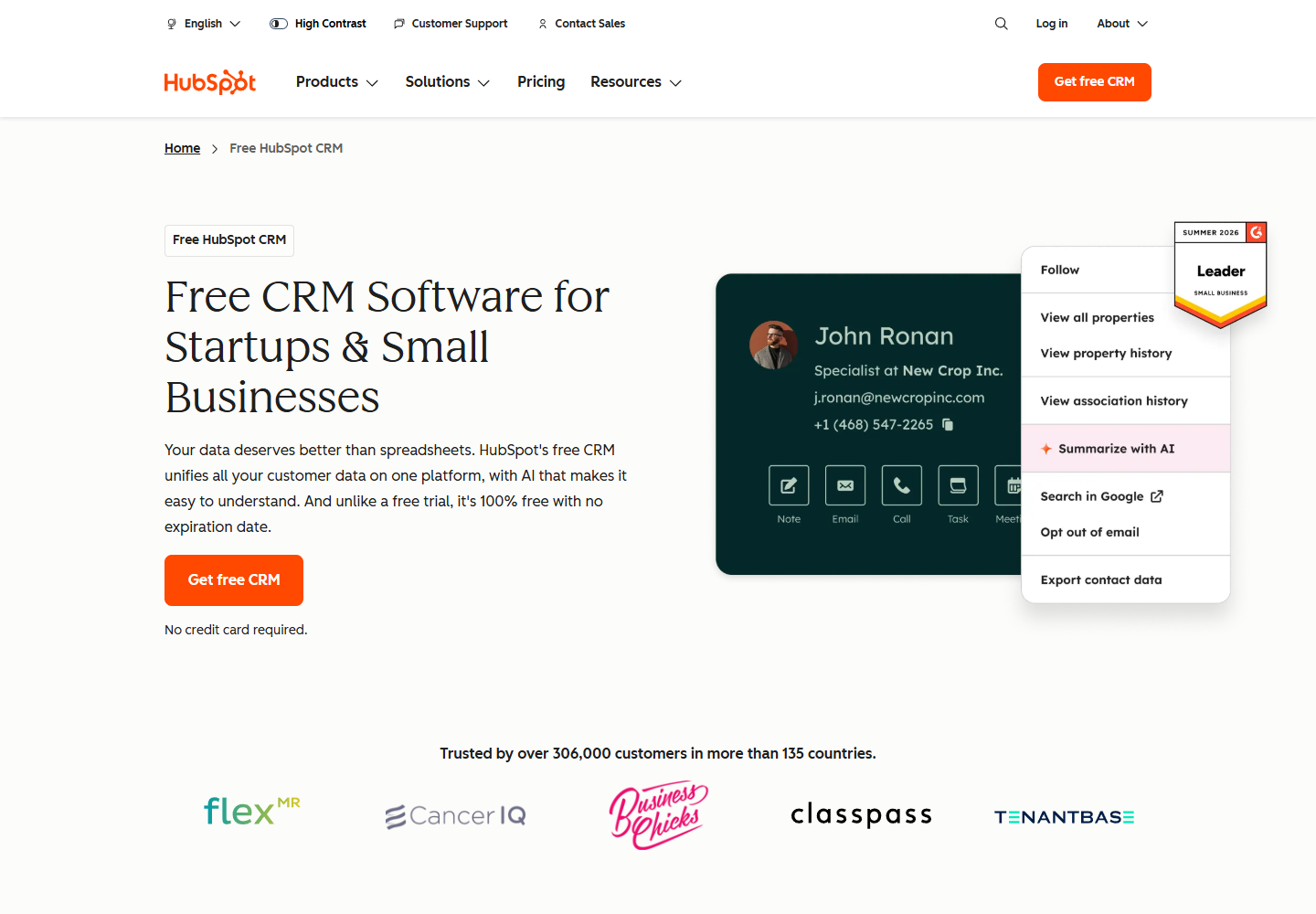
HubSpot Smart CRM official page. Source: HubSpot Smart CRM . Captured August 24, 2026, to document the product’s current customer-data positioning.
Why HubSpot fits startups
- free tools provide a lower-risk way to validate CRM adoption;
- contacts, companies, deals, pipeline organization, and data synchronization form a usable base;
- the wider platform can reduce handoff friction between go-to-market functions;
- paid Smart CRM editions add deeper layout, team, deduplication, permission, and data-model capabilities;
- an established marketplace gives the team options beyond custom integration work.
Limitations to test
HubSpot’s breadth can make future cost difficult to estimate from a single headline price. Buyers may need seats, product hubs, marketing contacts, credits, onboarding, or add-ons depending on the workflow. Model the likely 12- to 18-month configuration rather than evaluating only the free starting point.
The startup should also decide which HubSpot tools are authoritative. Buying several hubs without lifecycle definitions can centralize inconsistent data rather than solve it.
Choose HubSpot when
Choose HubSpot when the company wants a recognizable CRM foundation, expects marketing and service workflows to connect with sales, and prefers to add capabilities within one broader customer platform. Avoid choosing it solely because the first tier is free.
Sources: HubSpot Smart CRM , Smart CRM pricing .
2. Attio: best flexible CRM for modern startup operations
Attio is the strongest candidate here when the startup needs a CRM to represent relationships that do not fit a conventional lead-account-deal template. Its official material documents custom objects and relationships, real-time contact synchronization, data enrichment, lists, workflows, reporting, API access, webhooks, an App SDK, and an MCP connection for compatible AI assistants.
That flexibility is useful for product-led SaaS, marketplaces, investor or partner workflows, and startups that want customer records to reflect product and operational data. Attio’s workflow system can react to record changes, schedules, or webhooks and perform actions such as updates, tasks, notifications, sequences, and HTTP requests.
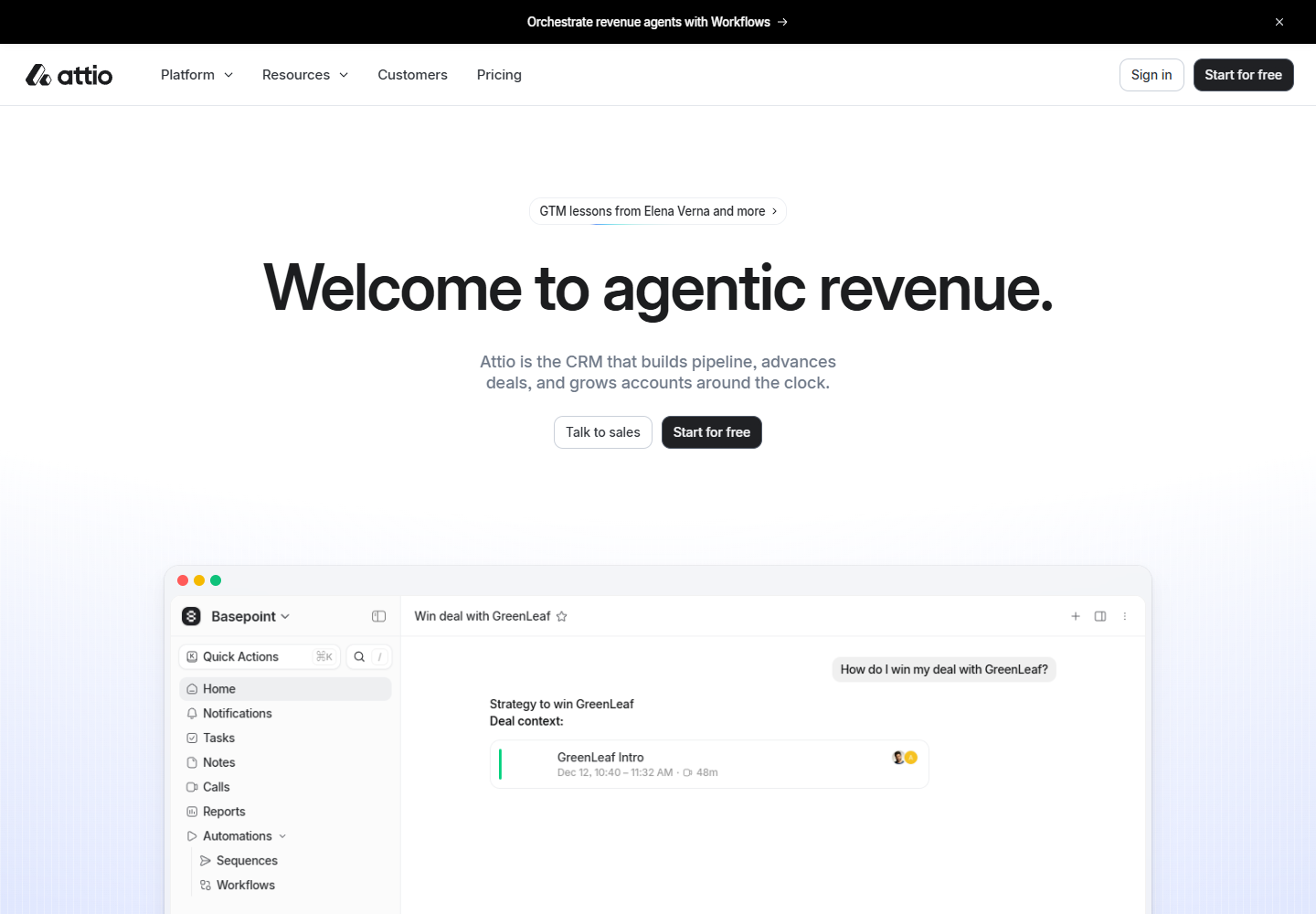
Attio official homepage. Source: Attio . Captured August 24, 2026, to document the product’s current CRM positioning.
Why Attio fits startups
- the data model can support company-specific objects and relationships;
- contact synchronization and enrichment can reduce manual record creation;
- workflows can connect record changes with tasks, communication, and external systems;
- API, webhooks, App SDK, and marketplace options support technical teams;
- the current free plan allows up to three seats, while higher plans expand objects, reporting, permissions, and automation capacity.
Limitations to test
Flexibility creates design responsibility. A startup can build an elegant operating model or an inconsistent collection of lists and objects. Assign one owner for naming, required fields, lifecycle definitions, automations, and deletion rules before several teams begin configuring the workspace.
Attio also uses workspace and seat credits for automation and AI-related activity. Teams should model likely usage and check which reporting, permission, object, sequence, and security capabilities require higher plans.
Choose Attio when
Choose Attio when the startup has a nonstandard relationship model, wants product or operational data close to go-to-market workflows, and has the discipline to design the system intentionally. A conventional sales team that only needs pipeline visibility may find a more opinionated CRM faster to administer.
Sources: Attio pricing , Attio plans and features , workflow overview , developer platform .
3. Pipedrive: best for pipeline discipline
Pipedrive is the clearest option in this shortlist for a startup that has found a repeatable sales motion and needs the team to execute it consistently. Pipedrive describes its product around activity-based selling: the team cannot directly control a closed result, but it can control the actions that move a deal forward.
Official product pages document customizable pipelines, lead and deal management, workflow automation, dashboards, reports, mobile access, email and calendar connections, project capabilities, AI features, and a marketplace with more than 500 integrations. Pipedrive offers a time-limited trial rather than a permanent free CRM edition.
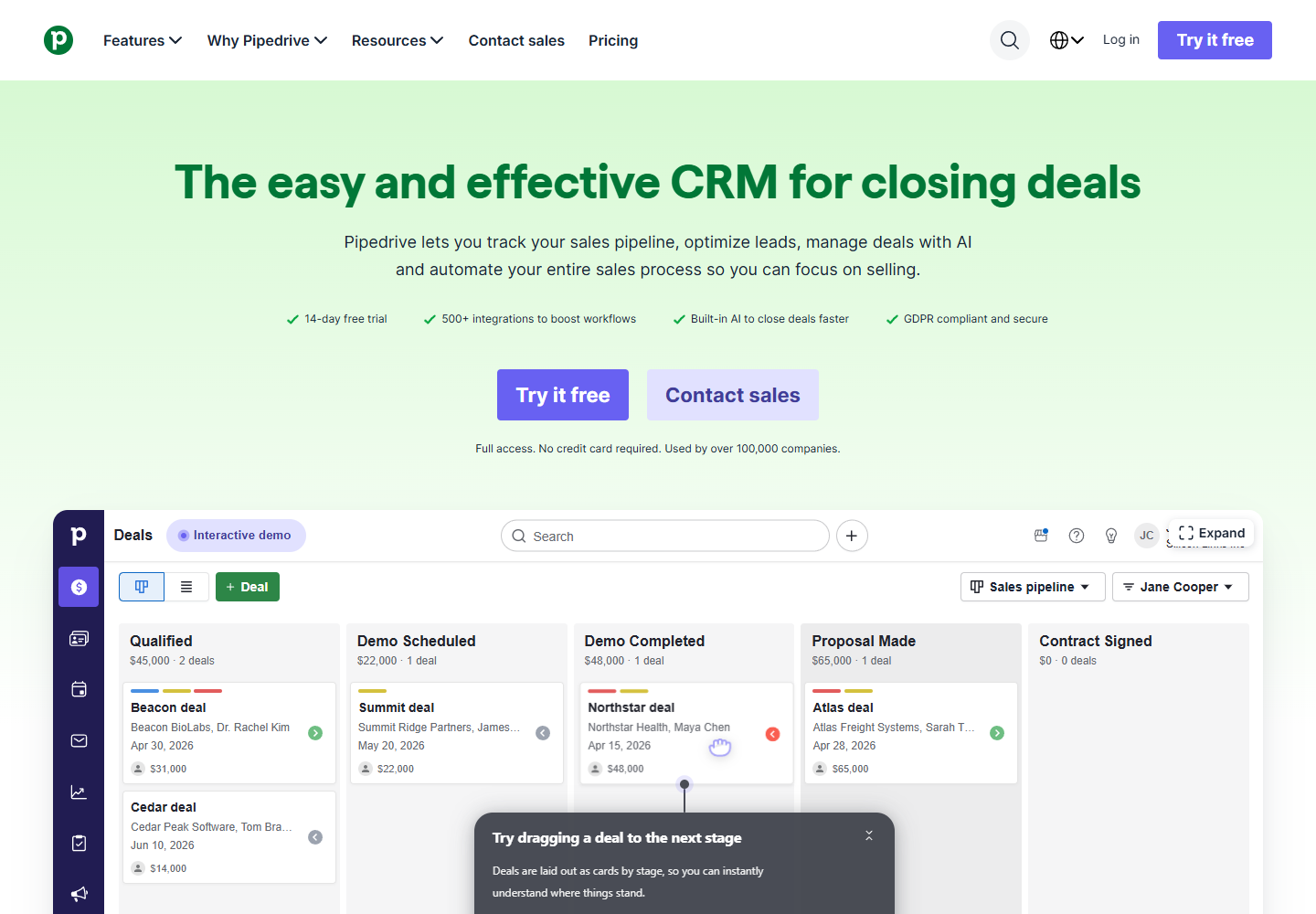
Pipedrive official homepage. Source: Pipedrive . Captured August 24, 2026, to document the product’s pipeline-focused positioning.
Why Pipedrive fits startups
- the visual pipeline makes ownership and next actions easy to inspect;
- activity-based selling helps a newly hired team follow a repeatable process;
- customizable fields and pipelines can reflect different motions without rebuilding the entire system;
- dashboards and reports support coaching and forecast review;
- the marketplace can connect common productivity, finance, communication, and marketing tools.
Limitations to test
Pipedrive’s focused sales model may require additional systems for broad marketing, service, success, or product-led lifecycle work. Buyers should identify the source of truth for each stage and test how records move between those systems.
Plan selection also requires more than comparing seat prices. Automation, lead generation, campaigns, projects, web visitors, calling, signatures, AI usage, and other capabilities can be packaged as higher tiers, add-ons, or usage-based services. Verify the current configuration at checkout.
Choose Pipedrive when
Choose Pipedrive when the startup’s immediate problem is sales execution: knowing which opportunities exist, what happens next, who owns the action, and whether activity is producing movement. It is less compelling when the primary need is a flexible company-wide customer data platform.
Sources: Pipedrive products , CRM features , Pipedrive pricing .
4. Close: best for high-velocity outbound sales
Close is the most communication-centered CRM in this shortlist. Its official product and pricing pages combine pipeline management with built-in calling, email, SMS, tasks, reporting, workflows, and an AI sales agent. This makes it relevant to startups where representatives spend most of the day prospecting, qualifying, following up, and booking meetings.
Keeping communication and CRM updates together can reduce tool switching and missing activity. It can also make adoption easier to inspect because the work happens in the same system that managers use to review the pipeline.
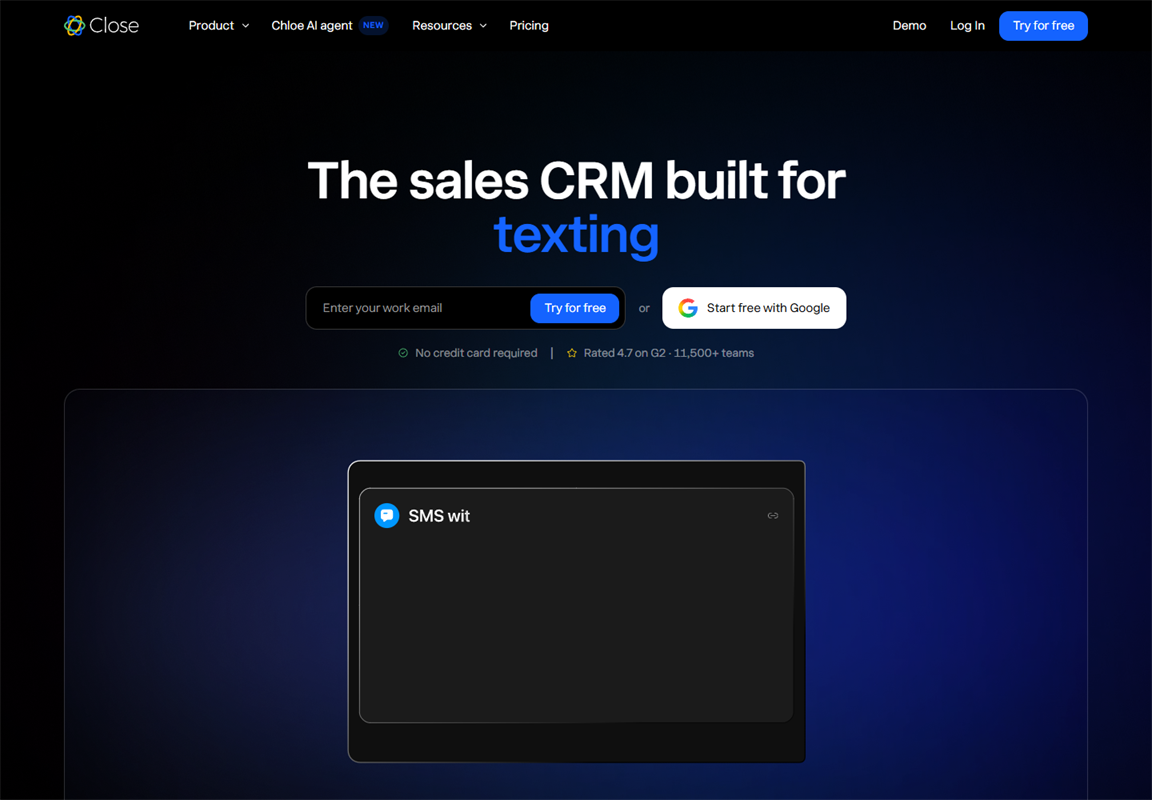
Close official homepage. Source: Close CRM . Captured August 24, 2026, to document the product’s current outbound-sales positioning.
Why Close fits startups
- calling, email, SMS, pipeline, and tasks share one customer context;
- the product is explicitly designed for sales teams rather than every customer function;
- workflow and bulk-outreach capabilities support repeatable prospecting on eligible plans;
- official integrations cover calendars, email, meetings, enrichment, analytics, support, automation, and data tools;
- the trial allows a team to test the actual communication workflow before committing.
Limitations to test
Close pricing is affected by seats, telephony and SMS usage, AI credits, and optional services. A startup with international outreach or high call volume should model usage with realistic assumptions rather than treating the seat price as the total cost.
The product’s specialization is also a boundary. A company may still need separate marketing automation, customer success, support, billing, or product analytics systems. Test whether the integration and handoff model preserves enough context.
Choose Close when
Choose Close when outbound communication is the primary revenue motion and the startup wants representatives to call, email, text, follow up, and update deals without switching among several tools. Do not choose it if built-in communication is incidental to the sales process.
Sources: Close CRM , Close pricing , Close integrations .
5. Zoho CRM: best value-conscious customization path
Zoho CRM is the strongest value-oriented option here for a startup that wants a conventional sales CRM with substantial room for customization, automation, analytics, and ecosystem expansion. Official material documents lead and deal management, workflows, forecasting, process automation, layouts, scoring, omnichannel capabilities, portals, business intelligence, and an extension marketplace.
Zoho’s broader software portfolio can also matter. A startup may connect CRM with finance, support, projects, campaigns, analytics, or other Zoho products, while the marketplace and APIs provide additional integration paths.
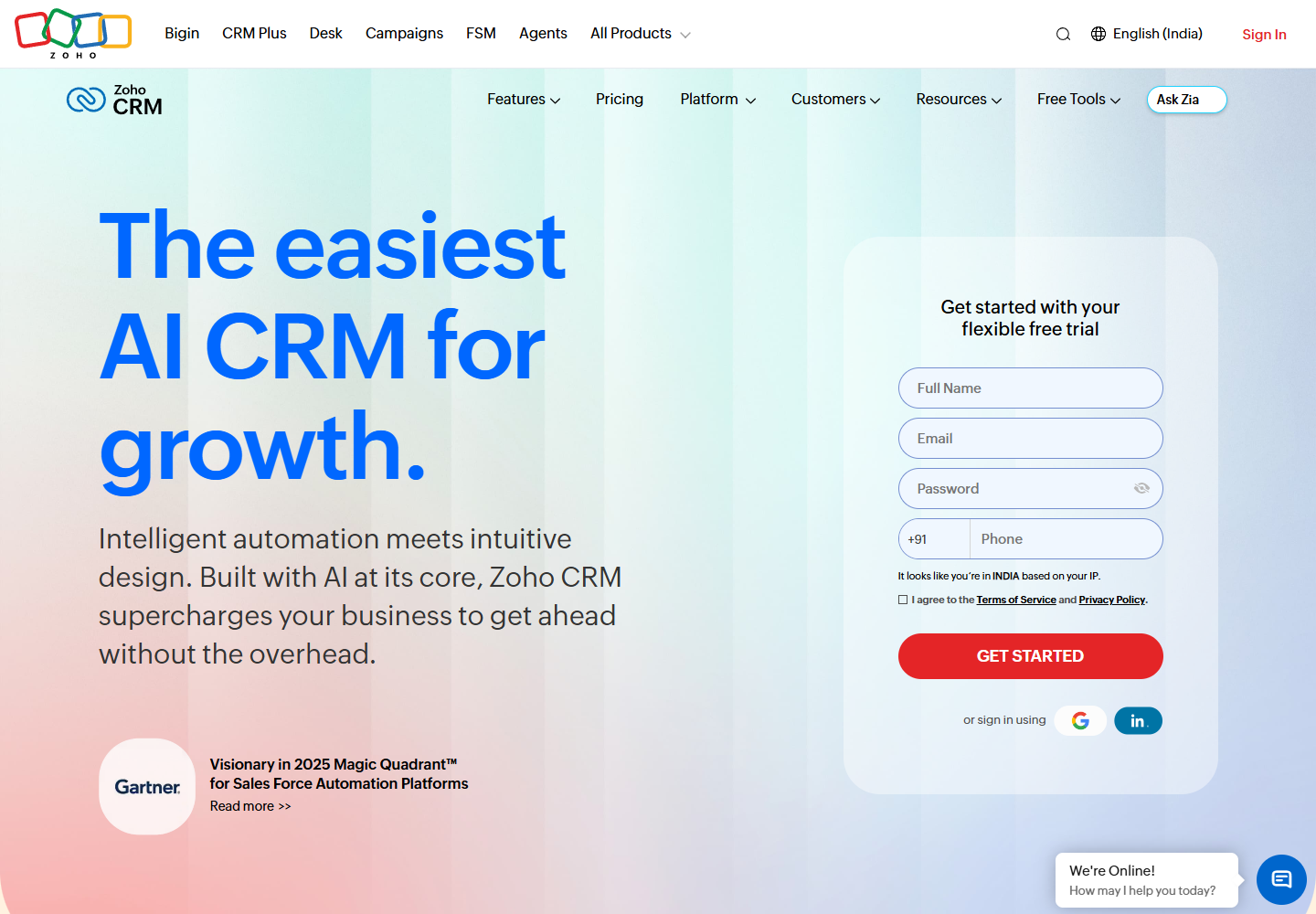
Zoho CRM official homepage. Source: Zoho CRM . Captured August 24, 2026. The site served a localized India experience during capture, so buyers should verify their own regional pricing and terms.
Why Zoho CRM fits startups
- a free edition gives a small founding team a lower-cost validation path;
- paid editions provide a broad progression into automation, forecasting, analytics, permissions, and customization;
- layouts, fields, modules, workflows, and process tools can support more mature operations;
- the Zoho ecosystem can reduce the number of unrelated vendors in the stack;
- APIs, marketplace extensions, and documented integrations provide paths beyond native applications.
Limitations to test
Zoho’s breadth can become configuration overhead. A startup should resist enabling capabilities before it has stable lifecycle rules and an owner who can maintain the system. The cheapest license is not the lowest total cost if reporting and automation require extensive administration.
Pricing and availability vary by locale, currency, taxes, billing term, and edition. Verify the regional pricing page and identify which edition contains every required control before importing production data.
Choose Zoho CRM when
Choose Zoho CRM when the startup values configurability and ecosystem breadth, has a cost-conscious buying process, and can assign an owner to maintain the CRM. A team seeking a highly opinionated pipeline with minimal setup may prefer Pipedrive.
Sources: Zoho CRM features , Zoho CRM pricing , Zoho Marketplace.
Which CRM should your startup shortlist?
Use the operating problem, not the category label, to reduce the list:
- Start with HubSpot if the company needs a low-friction CRM and expects marketing, sales, and service to share a broader platform.
- Start with Attio if the relationship model is unusual, product data matters, or the startup wants a programmable CRM foundation.
- Start with Pipedrive if the team needs a clear pipeline, next-action discipline, and sales coaching.
- Start with Close if calling, email, SMS, and high-volume outbound follow-up drive the revenue motion.
- Start with Zoho CRM if customization and value matter and the team can manage a broader configuration surface.
Shortlist two products, not five. One should optimize the current bottleneck. The other should represent the strongest alternative architecture. Comparing five full pilots creates noise and encourages shallow testing.
A startup CRM pilot that produces evidence
Run the pilot with a small, controlled dataset and a complete workflow.
Week 1: define the process
Document lifecycle states, pipeline stages, required fields, ownership, next-action rules, and handoff conditions. Remove fields that do not affect an action or report.
Week 2: configure and import
Use anonymized or approved records. Connect email and calendar only after reviewing permissions. Build one dashboard and one automation that represent real work.
Week 3: operate normally
Have the actual users process leads, move deals, record outcomes, create tasks, and perform the handoff. Track manual workarounds and missing context.
Week 4: test failure and scale
Change an owner, merge a duplicate, correct a stage, revoke access, export data, inspect automation failures, and model the cost at two future headcount levels.
Score each product from one to five on:
- daily usability;
- data accuracy;
- pipeline clarity;
- automation reliability;
- integration effort;
- reporting trust;
- security and permission fit;
- projected 12- and 24-month cost;
- migration and exit risk.
The winner is not the product with the highest raw score. It is the product that clears every mandatory requirement with the fewest dangerous trade-offs.
Common CRM buying mistakes at startups
Buying for the imagined enterprise
An early team can spend months implementing controls for a future organization while current leads remain in inboxes. Buy for the next operating stage, but confirm there is a credible path beyond it.
Treating customization as progress
More objects, fields, workflows, and dashboards can create the appearance of maturity. If they do not improve ownership, action, or decisions, they are maintenance debt.
Automating before cleaning definitions
Automation scales both consistency and error. Agree on lifecycle stages, sources, owners, and exceptions before triggering messages or record updates.
Ignoring the export and migration path
Test data export, API access, attachments, activity history, and field mappings before the CRM becomes critical. A future migration is easier when data ownership was designed from the beginning.
Comparing only the first-year license
Include implementation time, integrations, add-ons, credits, communication usage, administration, data cleanup, training, and the next planned hiring stage.
Final recommendation
The best CRM software for startups is not the platform with the most capabilities. It is the smallest reliable customer system that can survive the next stage of change.
HubSpot is the safest broad starting point, Attio offers the most startup-native flexibility, Pipedrive provides the clearest sales execution model, Close consolidates high-velocity outbound work, and Zoho CRM offers a configurable value path. Validate those conclusions against one real workflow, current regional terms, and the team’s willingness to maintain the system.
Choose a CRM only after the startup can answer four questions: What data must be trusted? What action should happen next? Who owns it? What evidence will show that the process works? A product can support those answers, but it cannot define them for the company.
Frequently asked questions
What is the best CRM for an early-stage startup?
HubSpot is the broadest low-friction starting point here when the startup wants free CRM tools and may later connect marketing, sales, and service. Attio can be more appropriate when a technically capable team needs custom objects, product-connected data, or a less conventional relationship model.
Which startup CRM is best for founder-led sales?
Pipedrive fits founder-led sales when the main requirement is pipeline and next-action discipline. Close is stronger when the founder or first sales hires rely heavily on calling, email, SMS, and repeated outbound follow-up.
Can a startup use a free CRM?
Yes, but the free plan should be treated as a process pilot. Confirm what happens when the team needs more users, permissions, reports, automations, integrations, storage, AI usage, or customer lifecycle functions.
When should a startup replace its CRM?
Consider replacement when reporting cannot be reconciled, teams depend on shadow spreadsheets, ownership repeatedly breaks, essential integrations fail, or the cost of workarounds exceeds migration risk. First determine whether the problem is the product or an undefined process.
How should a startup test CRM software?
Run one complete, representative workflow with approved sample data. Test capture, qualification, deal progression, communication, handoff, reporting, permissions, duplicate handling, automation failure, export, and projected cost before selecting the system.
Frequently asked questions
What is the best CRM for an early-stage startup?
HubSpot is the broadest low-friction starting point in this shortlist when a startup needs a free CRM foundation and may later connect marketing, sales, and service tools. Attio can be a better fit for a product-led or technically capable startup that needs a more adaptable data model.
Which startup CRM is best for founder-led sales?
Pipedrive is the clearest pipeline-focused option when founders need disciplined activity and deal tracking. Close is stronger when founder-led sales relies heavily on calling, email, SMS, and outbound follow-up inside one system.
Can a startup use a free CRM?
Yes. A free CRM can validate stages, fields, ownership, and adoption before a larger commitment. Buyers should still model the paid plan they are likely to need because automation, reporting, permissions, AI usage, and seat limits can change the economics.
When should a startup replace its CRM?
Replace or redesign the CRM when teams maintain shadow spreadsheets, lifecycle definitions conflict, required integrations repeatedly fail, reporting cannot be reconciled, or the operating cost of workarounds exceeds the disruption of migration. Do not migrate merely because a newer product has more features.
How should a startup test CRM software?
Use anonymized sample data to run one complete workflow from lead capture through qualification, deal movement, handoff, reporting, and follow-up. Measure setup time, daily data entry, automation failures, reporting trust, permission needs, integration effort, and the projected cost at the next hiring stage.