Best Customer Support Software for Enterprise Teams
Compare Zendesk, Salesforce Service Cloud, ServiceNow CSM, Genesys Cloud CX, and Intercom for enterprise customer support operations.
Direct answer
Zendesk is the strongest broad enterprise customer-support starting point when a company needs mature ticketing, messaging, voice, routing, knowledge, reporting, extensibility, and enterprise administration in one service suite. Salesforce Service Cloud is the strongest fit when Salesforce already owns customer data and workflows. ServiceNow Customer Service Management is strongest when resolution must coordinate work beyond the contact center. Genesys Cloud CX is strongest for contact-center-led voice and digital operations. Intercom is strongest for digital product companies that want messaging, knowledge, and AI-assisted support closely connected.
There is no universal winner. Enterprise customer service is not merely a larger ticket queue. It is an operating system for customer identity, channel continuity, contractual commitments, knowledge, case ownership, workforce capacity, risk, and cross-department resolution. A global retailer, a regulated financial institution, an industrial manufacturer, and a software platform may all handle millions of interactions, yet require very different architectures.
This guide uses official sources checked on August 30, 2026. We did not operate production accounts, benchmark vendor AI, measure vendor uptime, or validate customer performance claims. The best-fit labels are editorial inferences from documented platform scope. Verify the exact edition, region, contract, configuration, and implementation design before purchase.
Enterprise customer support shortlist at a glance
| Platform | Best-fit enterprise context | Primary buying risk |
|---|---|---|
| Zendesk | Broad omnichannel service suite with mature administration | Underestimating AI, voice, workforce, privacy, capacity, and support add-ons |
| Salesforce Service Cloud | Service on a shared Salesforce customer platform | Expanding licences, data products, integrations, customizations, and implementation cost |
| ServiceNow CSM | End-to-end case resolution across front, middle, and back office | Buying a workflow platform when the problem only needs a help desk |
| Genesys Cloud CX | Large contact centers combining voice, digital, routing, WEM, and analytics | Telephony, usage, regions, recording, integrations, and operational complexity |
| Intercom | Digital product support centered on messaging, knowledge, and AI | Outcome-based AI cost, narrower traditional contact-center scope, and knowledge governance |
These products overlap, but they do not represent the same architectural decision. Zendesk begins with customer service, Salesforce with customer relationship data, ServiceNow with enterprise workflow, Genesys with customer-experience orchestration and contact centers, and Intercom with digital conversations. The correct shortlist should reflect the system that must own the resolution process.
How we selected the five platforms
We reviewed official product, pricing, edition, documentation, trust, security, architecture, and support pages. Each product needed documented enterprise relevance across multiple channels, routing, knowledge, automation, analytics, APIs, governance, or connected resolution workflows.
We evaluated ten areas:
- Case and conversation model: tickets, cases, interactions, contacts, organizations, entitlements, assets, and relationships.
- Channel architecture: email, messaging, web, social, voice, video, portals, and continuity between channels.
- Routing and workforce: skills, queues, priorities, SLAs, capacity, schedules, quality, and workforce engagement.
- Knowledge and self-service: authoring, approval, search, portals, communities, localization, and AI grounding.
- Automation and AI: triggers, workflows, copilots, agents, actions, safeguards, auditability, and human escalation.
- Enterprise governance: identity, permissions, segmentation, sandboxes, audit, retention, residency, and compliance options.
- Integration: CRM, ERP, ITSM, commerce, product telemetry, identity, data platforms, APIs, events, and marketplaces.
- Analytics: operational reporting, conversation analytics, quality, forecasting, journey insight, and export access.
- Administration and change: configuration, testing, release management, documentation, training, and ownership.
- Total cost and exit: licences, usage, AI outcomes, telephony, storage, implementation, support, migration, and portability.
We excluded unsupported market-leadership claims and vendor ROI statistics. A customer story can suggest a use case, but it cannot predict another organization’s result.
1. Zendesk: best broad enterprise service suite
Zendesk’s current Suite documentation covers ticketing, messaging, email, voice, SMS, live chat, a unified agent workspace, reporting, and marketplace integrations. Enterprise plans add controls such as custom roles, custom workspaces, branding, real-time reporting, and sandbox options, while Enterprise Plus and separate products or add-ons can extend resilience, privacy, APIs, workforce engagement, quality, contact-center, AI, and support capabilities.
That combination makes Zendesk a practical enterprise baseline. It can support a formal service operation without requiring the organization to adopt a much broader CRM or workflow platform. Its interface and service-specific model may shorten the distance between requirements and a usable operation, but enterprise simplicity is relative. Large Zendesk environments still require deliberate taxonomy, role design, trigger governance, integration ownership, knowledge operations, release testing, and data controls.
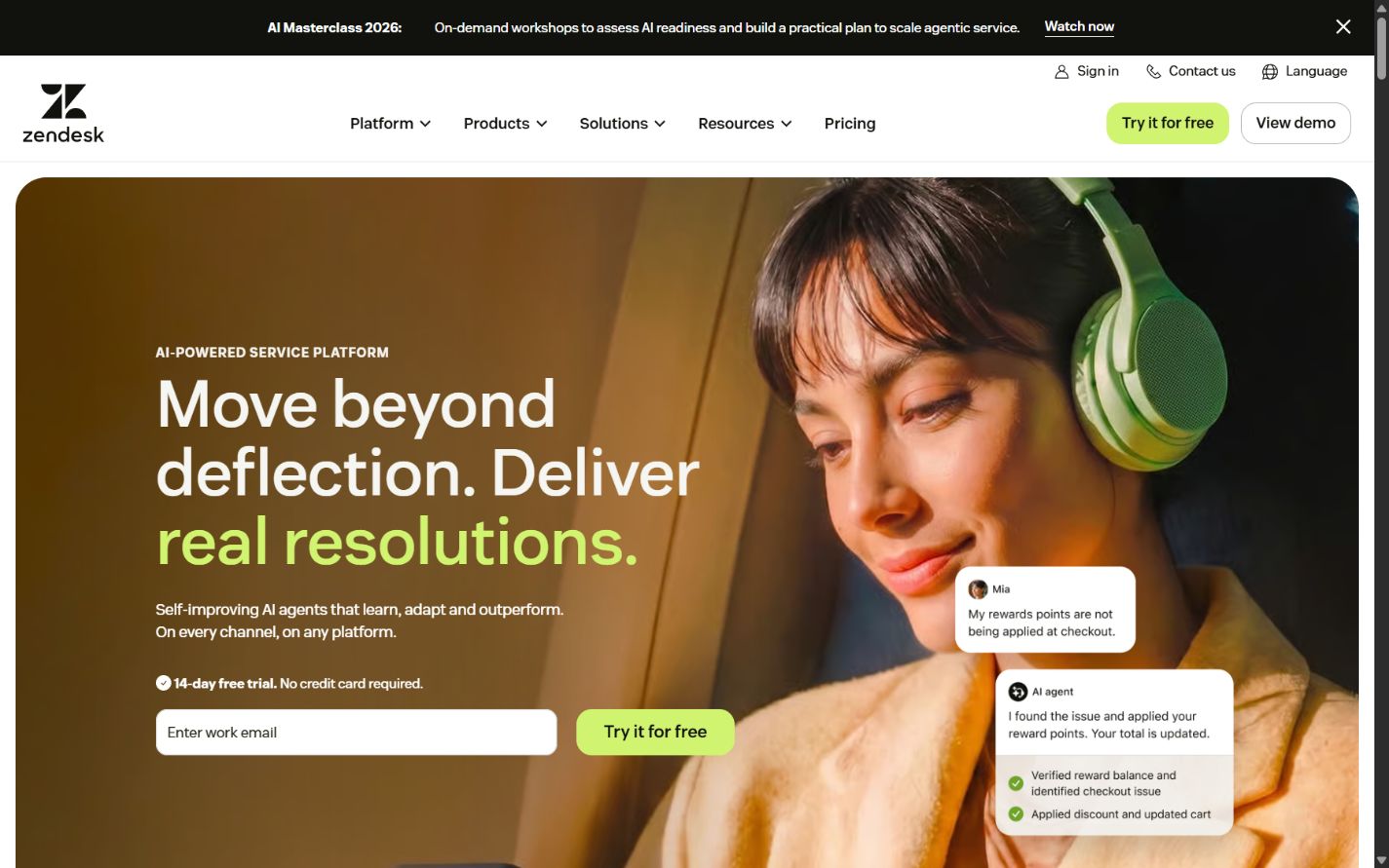
Zendesk homepage captured August 30, 2026. Product packaging and AI charges can change.
Choose Zendesk when
- Customer service needs a mature dedicated platform rather than a complete CRM replacement.
- Email, messaging, voice, portals, knowledge, routing, SLAs, analytics, and integrations must work as one service environment.
- Multiple brands, regions, roles, queues, and workflows need controlled administration.
- The organization can assign owners for configuration, data, knowledge, reporting, and release management.
- A broad marketplace and APIs matter, but the team wants a service-centered operating model.
Check before buying
Map every required capability to the exact Suite edition and add-on. Include AI outcomes, Copilot, contact center, quality assurance, workforce management, privacy, disaster recovery, API volume, sandboxes, data location, premium support, storage, messaging, and telephony. A per-agent figure rarely describes the complete enterprise configuration.
Test how roles, groups, organizations, brands, forms, fields, triggers, automations, macros, SLAs, views, and integrations interact. Establish naming, documentation, testing, approval, deployment, and retirement rules before production growth. Flexibility without change control creates routing loops, conflicting automations, and reports that cannot be reconciled.
Sources: Zendesk Suite plans , Zendesk pricing , and Zendesk Trust Center .
2. Salesforce Service Cloud: best for Salesforce-centered customer operations
Salesforce positions Service Cloud as service CRM with cases, customer data, workflows, help-center options, reporting, automation, digital engagement, AI, and broader Customer 360 connections that vary by edition and add-on. The current pricing page distinguishes Starter, Pro, Enterprise, Unlimited, and Agentforce-focused packaging, with additional products and usage models around messaging, voice, communities, analytics, data, and AI.
Service Cloud is most compelling when Salesforce already owns accounts, contacts, products, contracts, sales activity, partner relationships, or adjacent customer workflows. Service can then operate on a shared data and platform foundation instead of synchronizing a separate help desk. That architectural advantage is meaningful only when the organization governs the shared model. Service customizations can collide with sales, marketing, commerce, data, and partner requirements if ownership is fragmented.
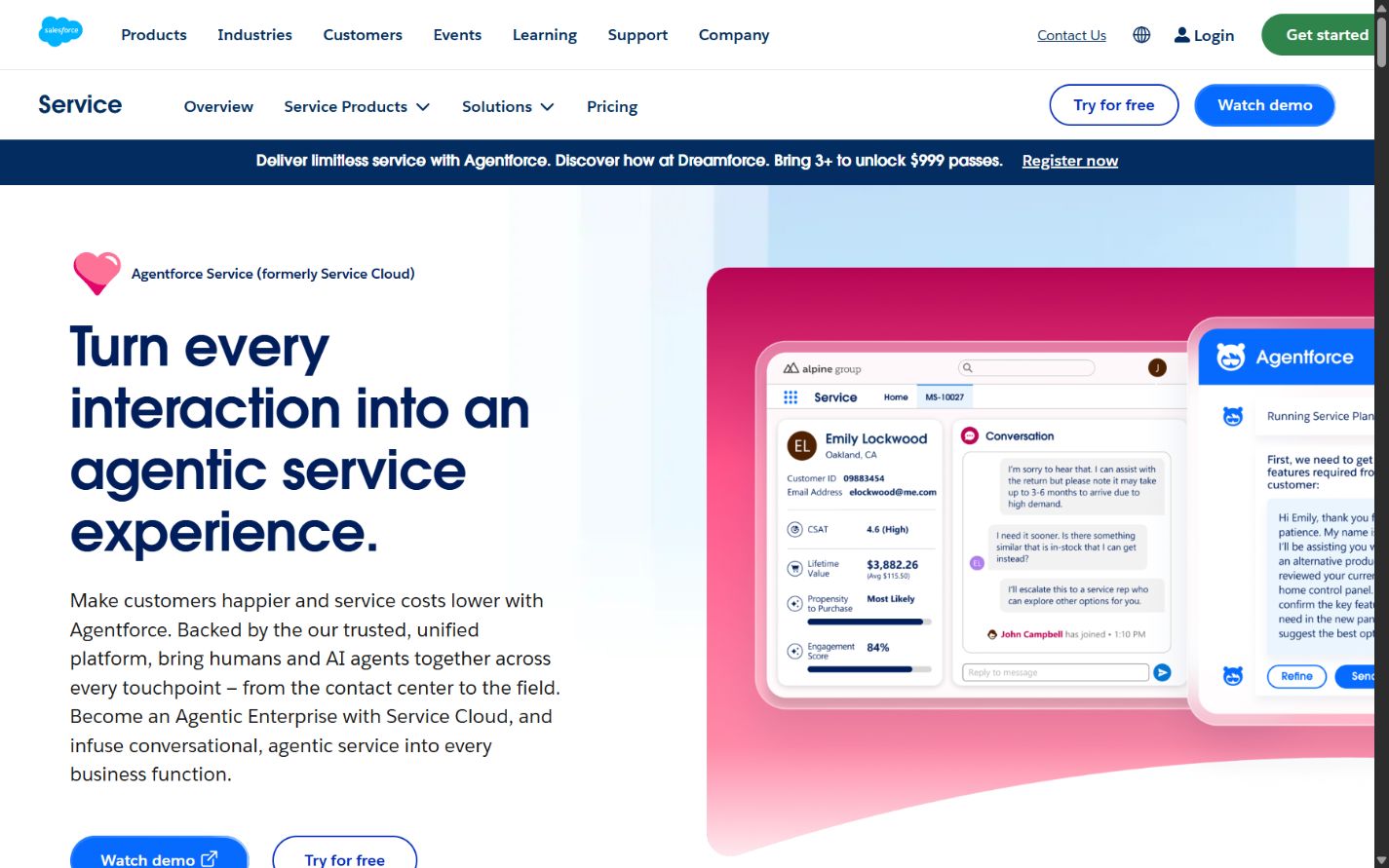
Salesforce Service Cloud homepage captured August 30, 2026. Verify editions, add-ons, and consumption in the current contract.
Choose Salesforce Service Cloud when
- Salesforce is already a strategic customer-data and workflow platform.
- Service agents need direct access to sales, account, product, contract, or commerce context.
- Custom objects, automation, APIs, analytics, and a broad application ecosystem are central requirements.
- Customer service must participate in end-to-end customer processes on one governed platform.
- The organization has Salesforce architecture, administration, development, testing, and release capability.
Check before buying
Build a complete licence and consumption map. Include agent and occasional-user roles, digital engagement, voice, bots, Agentforce or AI use, Data Cloud, communities, knowledge, analytics, integration middleware, storage, sandboxes, encryption, backup, support, and implementation services. Confirm which products scale together and which require annual commitments.
Run effective-permission tests across profiles, permission sets, groups, sharing, fields, objects, flows, external users, integrations, and data products. A clean Service Cloud role does not prevent broader access through another Salesforce layer. Treat configuration as governed software, with environments, automated tests, deployment controls, rollback, and accountable owners.
Sources: Salesforce Service Cloud and Service Cloud pricing .
3. ServiceNow Customer Service Management: best for cross-enterprise resolution
ServiceNow CSM is designed to connect customer engagement with operational workflows. Official product and documentation pages describe case management, portals, playbooks, advanced work assignment, contracts and entitlements, partner or outsourced-provider management, omnichannel engagement, configurable workspaces, AI capabilities, and connections to other teams and applications on the ServiceNow platform.
This makes ServiceNow CSM different from a conventional help desk. A customer case can initiate structured work across operations, IT, field service, finance, product, suppliers, or partners while preserving status and accountability. That is valuable when resolution depends on changing an order, repairing equipment, restoring a service, validating entitlement, dispatching a technician, or coordinating a regulated process. It is unnecessary complexity when agents mainly answer email using a knowledge base.
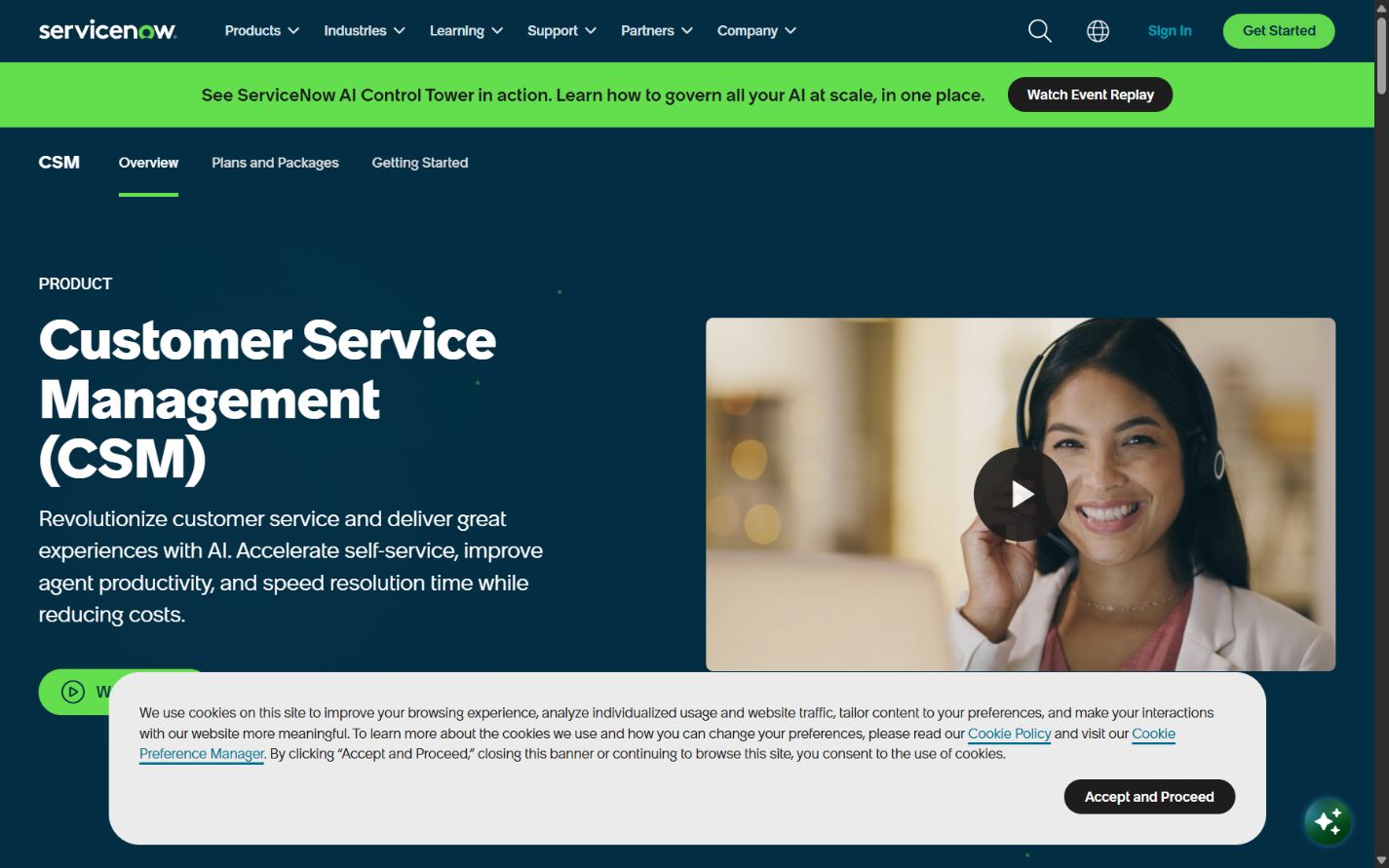
ServiceNow CSM homepage captured August 30, 2026. Public pages use custom-quote packaging.
Choose ServiceNow CSM when
- Customer issues routinely require work outside the support organization.
- Service contracts, entitlements, assets, installations, partners, or field operations shape resolution.
- The enterprise already uses ServiceNow for IT, operations, workflows, or shared services.
- Case playbooks and end-to-end process visibility matter more than a lightweight inbox.
- A governed platform team can design data, workflows, integrations, environments, and releases.
Check before buying
Define the boundary between CRM, CSM, ITSM, contact center, field service, ERP, and data platforms. Avoid copying every record into ServiceNow simply because integration is possible. Document the system of record, event ownership, synchronization rules, failure handling, retention, and customer-facing status for each process.
Request a configured quote covering CSM package, AI capabilities, portals, external users, contact-center integration, additional workflows, environments, implementation, support, and platform dependencies. Pilot one complex case from customer initiation through back-office work and closure. Measure ownership clarity and exception handling, not only screen appearance.
Sources: ServiceNow CSM , CSM pricing , and CSM documentation .
4. Genesys Cloud CX: best for enterprise contact centers
Genesys Cloud CX focuses on customer-experience and contact-center operations. Official capability pages cover intelligent routing, voice, digital engagement, outbound communication, IVR, bots, workforce engagement, quality, analytics, journey management, AI assistance, integrations, APIs, security, regional architecture, and a unified cloud platform.
Genesys deserves priority when real-time interactions and workforce operations dominate the requirement. Large contact centers care about routing across skills and queues, voice quality, carrier and regional coverage, recording, quality programs, scheduling, forecasting, compliance, failover, supervisor tools, and interaction analytics. A ticketing suite may integrate with these functions, but Genesys treats them as the center of the architecture.
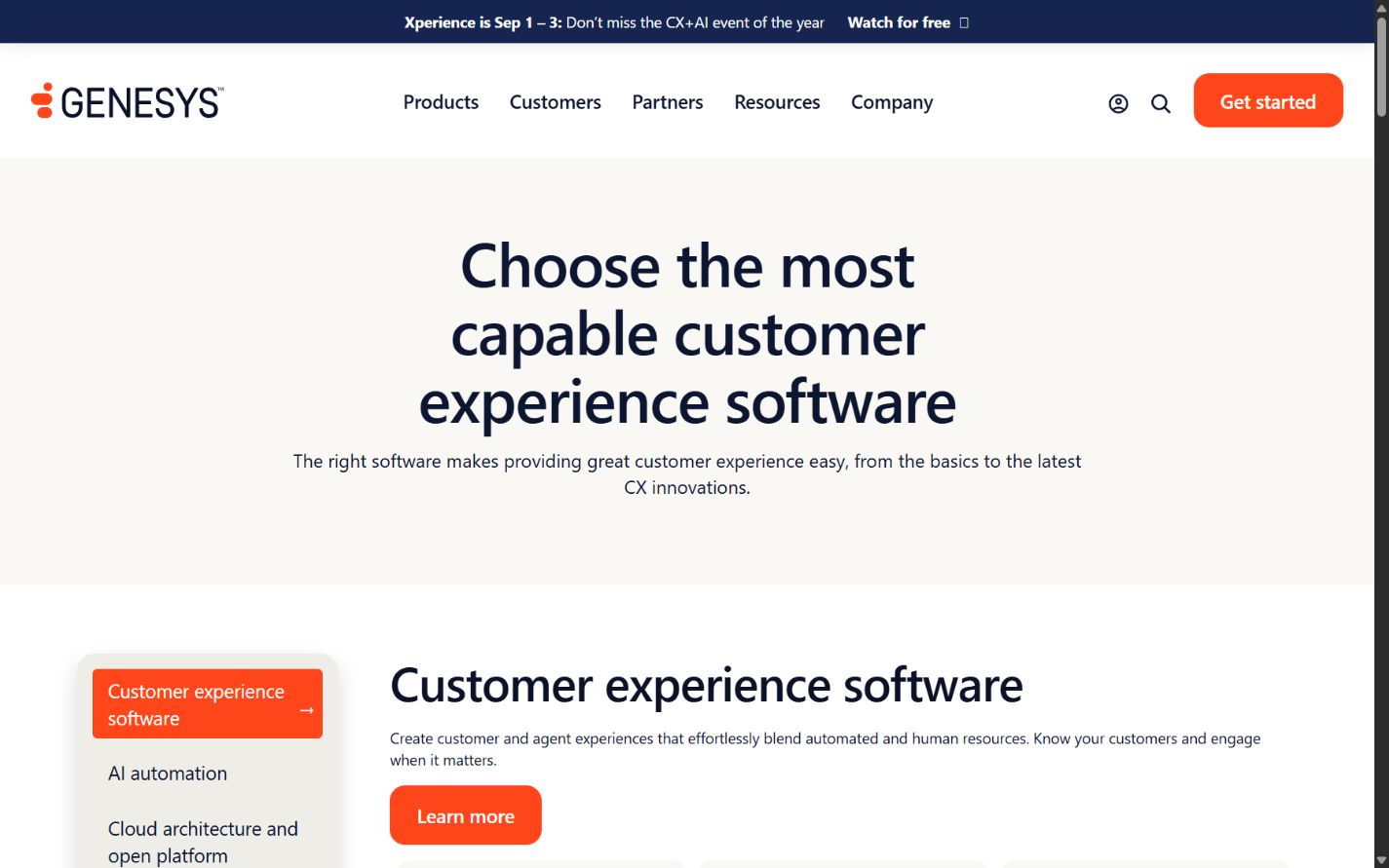
Genesys official capabilities page captured August 30, 2026. Regional availability and usage must be verified.
Choose Genesys Cloud CX when
- Voice and real-time digital channels are the primary service operation.
- Routing, workforce engagement, quality, recording, analytics, and contact-center resilience are strategic.
- The organization needs a dedicated CCaaS layer integrated with CRM, CSM, or ITSM.
- Regional media, latency, telephony, compliance, and peak-volume requirements are significant.
- Contact-center engineering and operations have clear ownership.
Check before buying
Model named or concurrent users, voice, numbers, carriers, recording, storage, transcription, AI, bots, messaging, workforce features, quality, analytics, regions, support, and integrations. Test the complete call and digital path under expected network conditions, not merely a browser demo.
Validate emergency routing, degraded modes, carrier failure, regional failover, recording consent, data residency, retention, encryption, privileged access, and export. Confirm how Genesys and the system of record exchange customer identity, case state, disposition, transcript, and analytics data. A powerful contact center can still create fragmented service when the integration model is vague.
Sources: Genesys capabilities , cloud architecture , and open CX platform .
5. Intercom: best for digital product support and AI-assisted messaging
Intercom combines an inbox, tickets, messenger, help center, reporting, outbound communication, and Fin AI Agent. Its commercial model can combine seat plans, AI outcomes, communication usage, and additional products or services. The platform is especially relevant to software and digital businesses where support occurs inside the product and where knowledge, conversations, user context, proactive messaging, and automation form one experience.
Intercom can provide a more coherent product-support environment than a traditional ticket-first platform, particularly when customers begin in chat or in-app messaging. Its suitability for a global enterprise depends on the operating model. Buyers with complex telephony, workforce management, regulated contact-center processes, or deeply customized back-office case orchestration should test the boundaries carefully.
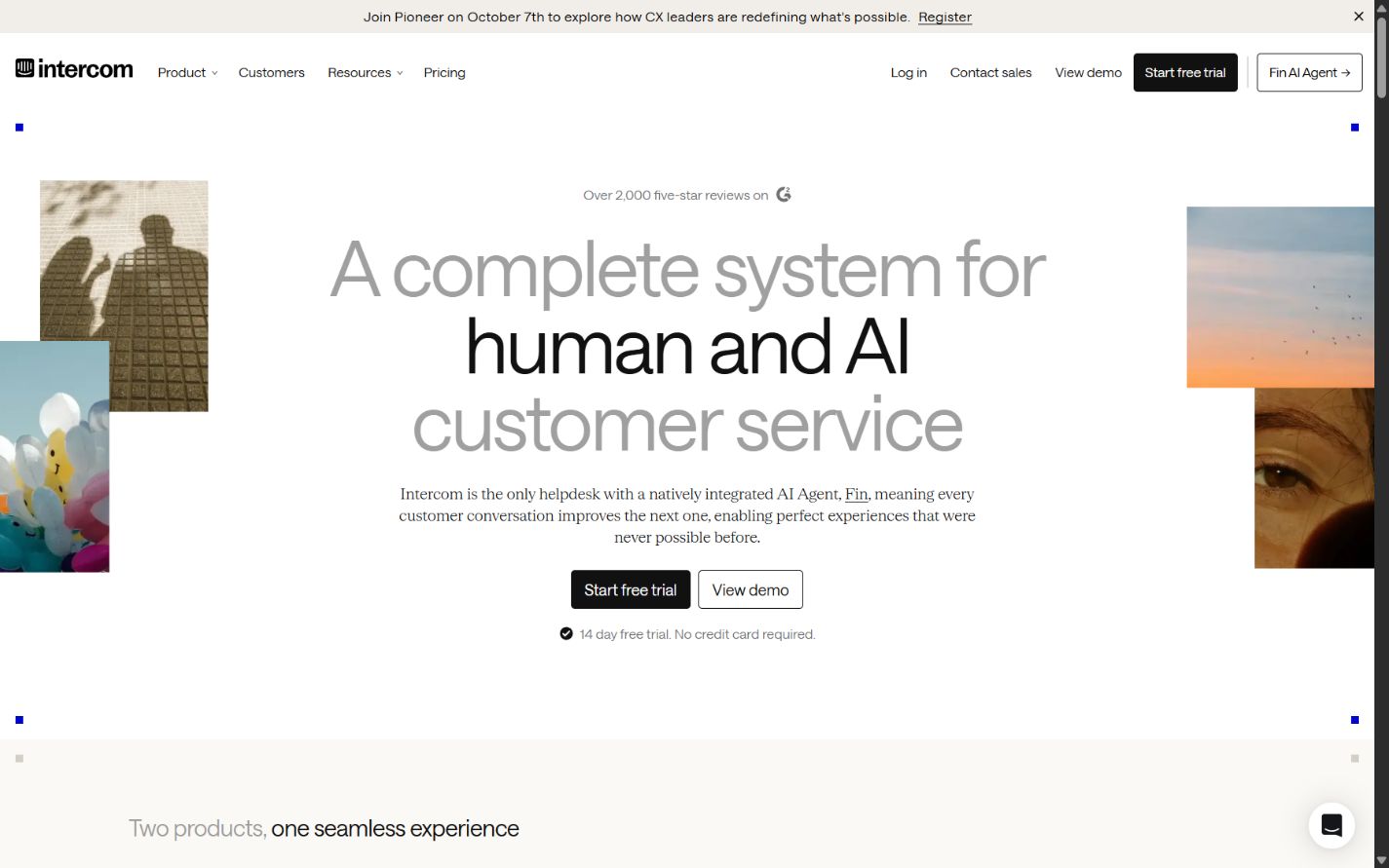
Intercom homepage captured August 30, 2026. AI outcome and communication charges require current modelling.
Choose Intercom when
- Customer service is primarily digital, in-product, conversational, and knowledge-driven.
- The company wants human support, help content, proactive communication, and an AI agent in one environment.
- Product and support teams need shared user and conversation context.
- Fast iteration and messaging experience matter more than traditional contact-center breadth.
- Knowledge owners and support leaders can govern AI sources, actions, escalation, and cost.
Check before buying
Model seats, Fin outcomes, phone, SMS, WhatsApp, campaigns, proactive support, contacts, usage, add-ons, support, and implementation. Use realistic seasonal volumes and sensitivity ranges. Outcome pricing can align payment with resolutions, but only when the business agrees on what counts as a billable outcome and how quality disputes are handled.
Test multilingual content, identity, authorization, knowledge conflicts, procedural actions, escalation, attachments, sensitive data, reporting, audit evidence, retention, and exports. Do not allow an AI agent to infer entitlements, refunds, account ownership, or regulated advice without approved data and deterministic controls.
Sources: Intercom , Intercom pricing , and pricing FAQs .
How the five platforms differ architecturally
The most useful comparison begins with ownership:
- Zendesk can own the service operation while integrating with broader customer and operational systems.
- Salesforce Service Cloud can make service a native part of the Salesforce customer platform.
- ServiceNow CSM can own case orchestration across enterprise workflows and operational teams.
- Genesys Cloud CX can own real-time interaction routing and contact-center workforce operations.
- Intercom can own the digital conversation, knowledge, and AI-assisted product-support experience.
An enterprise may use more than one. Genesys may handle voice and routing while Salesforce or ServiceNow owns the case. Intercom may serve product messaging while another platform handles regulated escalations. The goal is not forced consolidation. It is explicit ownership, reliable integration, consistent identity, and measurable handoffs.
Enterprise requirements checklist
Customer and case model
Document customers, contacts, households, organizations, products, subscriptions, assets, contracts, entitlements, orders, incidents, cases, interactions, and relationships. Decide which system owns each record and how duplicates are resolved. Test mergers, acquisitions, shared accounts, subsidiaries, partners, and customers with several products or regions.
Channels and continuity
List every inbound and outbound channel by country. Include email, web, app, chat, messaging, social, voice, video, portal, community, and proactive communication. Define identity assurance, consent, transcript continuity, language, accessibility, availability, retention, and escalation for each. Omnichannel is useful only when context and ownership survive the channel change.
Routing, SLAs, and escalation
Model skills, language, product, customer tier, risk, severity, region, availability, workload, and conflict rules. Define clocks, pauses, business calendars, dependencies, breach warnings, major incidents, executive escalation, and third-party obligations. Use real exceptions in the pilot; perfect routing demos reveal little about operational resilience.
Knowledge and AI governance
Assign owners, reviewers, effective dates, audiences, jurisdictions, and retirement dates to knowledge. Separate public, customer-specific, internal, confidential, and restricted sources. For AI, document allowed sources, actions, confidence thresholds, disclosures, evidence, fallback, human approval, logging, evaluation, incident response, and model-change control.
Security and compliance
Evaluate SSO, provisioning, MFA, roles, segregation, privileged access, audit, encryption, keys, residency, subprocessors, retention, deletion, legal hold, e-discovery, accessibility, certifications, incident terms, vulnerability management, and business continuity. Verify scope and contractual availability rather than treating a trust-center logo as proof that every configuration is covered.
Reporting and data access
Define operational and executive metrics before selecting dashboards. Include volume, backlog, response, resolution, reopen, transfer, escalation, SLA, channel, quality, knowledge, self-service, AI, cost, and customer outcomes. Validate metric definitions, historical changes, raw export, APIs, warehouse access, row-level security, retention, and reconciliation with finance and workforce systems.
Total-cost model
Enterprise support cost includes more than agent seats. Build a three-year model with:
- full, occasional, supervisor, administrator, developer, external, and partner roles;
- AI outcomes, credits, assistants, bots, transcription, summaries, and premium models;
- voice, numbers, carriers, recording, storage, messaging, email, and outbound usage;
- workforce management, quality, analytics, knowledge, communities, portals, and privacy add-ons;
- implementation, migration, integration, data cleanup, testing, training, and change management;
- sandboxes, support, success plans, professional services, partners, monitoring, backup, and archiving;
- internal product ownership, administration, engineering, analytics, knowledge, security, and vendor management;
- renewal increases, volume growth, regional expansion, merger integration, and exit.
Model low, expected, and peak scenarios. A platform with a higher licence price may cost less when it replaces overlapping tools or reduces custom integration. A lower entry price may cost more when the organization must add contact-center, workflow, analytics, or governance products.
A practical enterprise evaluation plan
Weeks 1–2: requirements and architecture
Inventory systems, channels, data, identities, roles, processes, volumes, regulations, contracts, reports, and failure modes. Select representative scenarios and define pass/fail criteria. Freeze unsupported wishlist items until an accountable owner and business case exist.
Weeks 3–4: configured prototype
Configure roles, queues, forms, routing, SLAs, knowledge, one AI use case, dashboards, and core integrations using masked representative data. Test customer, agent, supervisor, administrator, analyst, security, and integration personas. Record configuration effort and unresolved dependencies.
Weeks 5–6: operational pilot
Run normal, peak, multilingual, accessibility, high-risk, duplicate, identity, outage, escalation, and data-export scenarios. Measure correct ownership, resolution quality, handoffs, failure recovery, reporting consistency, administrator effort, and customer continuity. Do not declare success from response speed alone.
Weeks 7–8: commercial and exit validation
Compare matched configurations, not vendor labels. Finalize licences, consumption, services, support, environments, regions, contractual controls, implementation, staffing, and three-year cost. Export cases, contacts, knowledge, attachments, audit data, and configuration where possible. Document transition assistance, deletion evidence, and post-termination access.
Final recommendation
Start with Zendesk when the enterprise needs a broad, dedicated customer-service suite with mature omnichannel operations and administration. Start with Salesforce Service Cloud when service should run on an existing Salesforce customer platform. Start with ServiceNow CSM when resolution is a cross-enterprise workflow involving operations, IT, partners, assets, or field teams. Start with Genesys Cloud CX when contact-center routing, voice, workforce engagement, and real-time interaction management dominate. Start with Intercom when digital product messaging, knowledge, and AI-assisted service form the core experience.
The winning platform is not the one with the longest feature list. It is the configuration that gives customers continuity, gives agents trustworthy context, gives managers measurable control, gives administrators a governable system, and gives the enterprise a credible path to change or exit.
Frequently asked questions
What is the best customer support software for an enterprise team?
Zendesk is the strongest broad service-suite starting point for many enterprises. Salesforce Service Cloud fits Salesforce-centered customer operations, ServiceNow CSM fits cross-department resolution, Genesys Cloud CX fits contact centers, and Intercom fits digital product support. Architecture and operating model should determine the shortlist.
How should an enterprise choose customer support software?
Map channels, data, identities, roles, SLAs, routing, knowledge, integrations, compliance, reporting, AI, migration, cost, and exit. Compare matched configurations in scenario-based pilots using representative data and cross-functional reviewers.
Is Zendesk suitable for enterprise customer support?
Yes. Zendesk documents enterprise plans, roles, workspaces, sandbox options, reporting, security, APIs, and additional products. Buyers must verify the complete Suite, AI, voice, workforce, privacy, support, capacity, and regional configuration.
When is ServiceNow CSM better than a conventional help desk?
It is stronger when customer cases must trigger and coordinate work across operations, IT, field service, partners, contracts, entitlements, or back-office teams. A focused help desk can be more appropriate when the workflow is primarily inbox, ticket, and knowledge management.
Which platform is best for an enterprise contact center?
Genesys Cloud CX is the most contact-center-focused option in this shortlist. Its official scope covers voice, digital channels, routing, workforce engagement, analytics, journey management, and AI. Regional telephony, compliance, resilience, integration, and usage still require testing.
How should enterprise support teams evaluate AI agents?
Use approved knowledge and realistic cases. Test identity, authorization, conflicting sources, sensitive data, prohibited actions, multilingual content, escalation, audit evidence, and failure recovery. Measure correct resolution and customer impact, not deflection alone, and keep accountable human ownership.
How long should an enterprise support-software pilot run?
A focused pilot often needs six to eight weeks, while complete selection and architecture planning may take longer. Include security, integrations, migration, reporting, peak load, administration, accessibility, training, commercial modelling, and exit testing.
Frequently asked questions
What is the best customer support software for an enterprise team?
Zendesk is the strongest broad service-suite starting point for many enterprises. Salesforce Service Cloud fits organizations centered on Salesforce customer data, ServiceNow CSM fits cross-department resolution workflows, Genesys Cloud CX fits contact-center-led operations, and Intercom fits digital product companies prioritizing messaging and AI-assisted service.
How should an enterprise choose customer support software?
Map channels, regions, identities, customer data, case types, SLAs, routing, knowledge, integrations, compliance, reporting, workforce management, AI controls, migration, support, and exit requirements before comparing matched editions in scenario-based pilots.
Is Zendesk suitable for enterprise customer support?
Zendesk documents Enterprise and Enterprise Plus capabilities including custom roles and workspaces, sandbox options, reporting, security controls, APIs, and add-ons. Buyers should verify the exact suite, AI, contact-center, workforce, privacy, support, and capacity configuration.
When is ServiceNow CSM better than a conventional help desk?
ServiceNow CSM deserves priority when customer cases must orchestrate work across operations, IT, field service, partners, contracts, entitlements, and back-office teams. It can be excessive when the requirement is primarily a straightforward support inbox and knowledge base.
Which platform is best for an enterprise contact center?
Genesys Cloud CX is the most contact-center-focused option in this shortlist because its official platform scope spans routing, voice, digital channels, workforce engagement, analytics, journey management, and AI. Validate regional voice, recording, compliance, integrations, resilience, and usage costs.
How should enterprise support teams evaluate AI agents?
Use approved knowledge and representative cases, define prohibited actions, test identity and authorization, measure correct resolution and escalation, review evidence and audit logs, model outcome or consumption charges, and retain accountable human ownership.
How long should an enterprise support-software pilot run?
A focused pilot commonly needs six to eight weeks, while full selection and architecture planning can take longer. Include integrations, migration, security, reporting, administrator workflows, accessibility, peak load, failure recovery, training, and exit testing rather than testing only the agent inbox.