Best Customer Support Software for Remote Teams
Compare Zendesk, Freshdesk, Intercom, Zoho Desk, and Gorgias for distributed support queues, handoffs, knowledge, automation, governance, and cost.
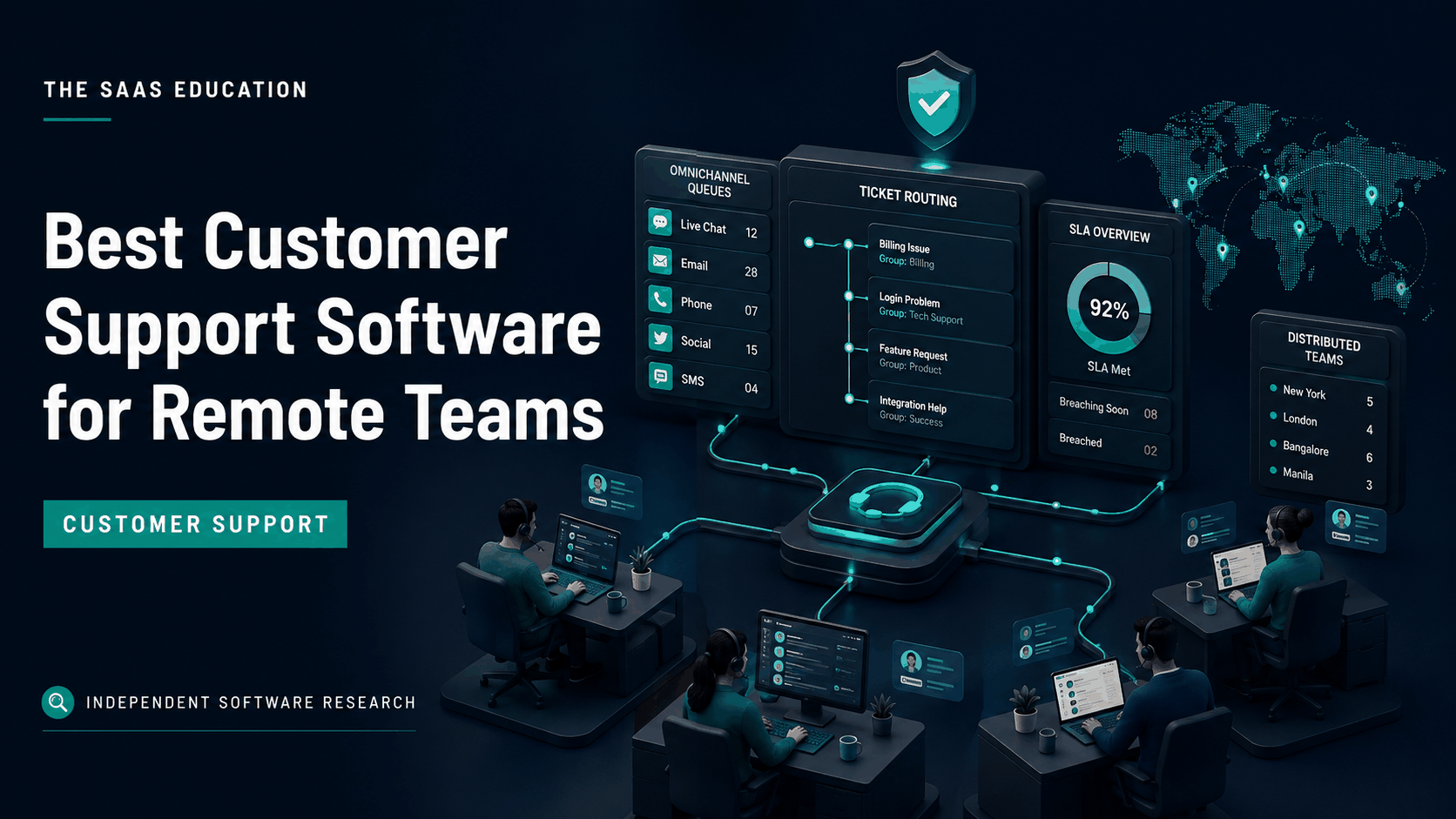
Direct answer
Zendesk is the strongest broad starting point for an established remote support organization that needs mature ticketing, channels, routing, knowledge, workflows, and reporting. Freshdesk is a practical alternative for teams seeking accessible multichannel help desk capability. Intercom is best suited to digital products prioritizing conversational and AI-led support. Zoho Desk belongs on the shortlist for configurable value, especially inside the Zoho ecosystem. Gorgias is the specialist choice for ecommerce teams that need order and customer context close to support conversations.
Remote support software should make customer state transferable. At the end of a shift, the next agent must understand the issue, evidence, actions, commitments, risk, owner, and due time without asking the previous agent to wake up. That requirement matters more than an attractive inbox.
| Product | Best remote-team fit | Main caution |
|---|---|---|
| Zendesk | Mature multichannel support operations | Configuration, editions, AI, add-ons, and administration can increase cost |
| Freshdesk | General help desk for growing distributed teams | Verify channel, automation, reporting, and AI boundaries by plan |
| Intercom | Conversational and AI-led digital support | Seat and AI-resolution economics need volume modeling |
| Zoho Desk | Value-conscious teams and Zoho ecosystem users | Breadth requires careful configuration and training |
| Gorgias | Ecommerce and Shopify-centered support | Specialist fit is weaker outside commerce workflows |
How we selected the tools
We reviewed current search results for customer support and help desk software, including pages aimed at remote teams. Ranking content consistently emphasizes ticketing, email, messaging, chat, knowledge, automation, AI, reporting, and price. We used that landscape to identify buyer questions, then checked material product claims against official vendor pages and documentation.
The evaluation criteria were:
- Shared queue visibility and explicit ownership.
- Cross-shift and cross-time-zone handoffs.
- Internal collaboration without exposing notes to customers.
- SLA, priority, routing, escalation, and exception management.
- Channel continuity across email, chat, messaging, social, and voice where required.
- Knowledge creation, approval, search, and maintenance.
- AI controls, human escalation, measurement, and cost.
- Permissions, identity, audit, privacy, export, and offboarding.
- Quality review, reporting, staffing, and workload visibility.
- Implementation effort, administration, adoption, and total cost.
This is an official-source shortlist, not a hands-on service-quality benchmark. Test finalists with your products, customers, channels, regions, data rules, and seasonal volume.
What remote support operations actually require
Distributed support turns informal coordination into a systems problem. A colleague cannot glance across a room to see who is handling an urgent case. Ticket ownership, status, priority, next action, and deadline must therefore be explicit and current.
The system should reduce duplicate replies and silent abandonment. Agents need to see when another person is viewing or responding, whether a ticket is waiting on the customer or an internal team, and when a promised update is due. Internal notes should preserve diagnostic reasoning and decisions without leaking into the customer reply.
Managers need trustworthy operational visibility without surveillance theater. Useful measures include backlog age, first response, resolution, reopen rate, transfer rate, SLA risk, escalation, customer outcome, quality findings, and knowledge gaps. Raw ticket count can reward fast closure while hiding poor resolutions.
1. Zendesk: best overall for mature distributed support
Zendesk positions its service platform around ticketing, messaging, help center, voice, workflows, AI, analytics, and workforce-related capabilities, depending on the selected products and plan. This breadth suits remote organizations that need a durable support operation across several channels and teams.

Why remote teams should shortlist Zendesk
Zendesk can centralize requests and preserve interaction history so agents do not depend on private inboxes. Routing, views, triggers, macros, service levels, knowledge, reporting, and integrations can support specialized queues and follow-the-sun operations when configured correctly.
Its maturity is valuable where the support model includes tiers, products, languages, regions, business customers, or compliance requirements. The same breadth can create administrative overhead. A team should not copy every possible workflow into production before understanding ownership and exception paths.
Choose it when: support is a defined operational function with multiple queues or channels and the organization can own configuration, data, quality, and reporting.
Check before buying: map required channels, SLAs, routing, knowledge, sandbox, reporting, workforce, AI, security, and integrations to the exact package. Model agents, light users, add-ons, usage, implementation, and support. Confirm data location and contractual requirements.
Pilot task: process one urgent case across two shifts and an engineering escalation. Verify ownership, internal notes, promised updates, customer-visible history, SLA behavior, manager visibility, and final quality review.
Source: Zendesk customer service .
2. Freshdesk: best approachable general help desk
Freshdesk is Freshworks’ customer-support product, with official materials describing ticketing, channels, self-service, automation, collaboration, analytics, and AI-related capabilities by plan and product configuration.
Why remote teams should shortlist Freshdesk
Freshdesk can provide the structure a growing remote team lacks when support is split across email and chat. Shared tickets, assignment, status, automation, internal collaboration, and knowledge can establish a common queue without immediately choosing the most complex enterprise environment.
The buying challenge is product and plan clarity. Demonstrations may span several Freshworks capabilities, while the quoted configuration may not include every channel, automation, report, or AI feature shown. Build the comparison around the exact workflow and edition.
Choose it when: a growing distributed team needs a recognizable help desk structure, multichannel options, and a path from manual routing toward controlled automation.
Check before buying: verify ticket and agent definitions, supported channels, collision handling, SLAs, automation limits, knowledge, analytics, AI charges, roles, audit needs, integrations, telephony, and support in the intended plan.
Pilot task: import or recreate a representative week of requests, including duplicates, spam, VIP cases, an outage, language variation, and a reopened ticket. Measure routing accuracy, agent effort, reporting, and exception handling.
Source: Freshdesk .
3. Intercom: best for conversational and AI-led support
Intercom’s official platform combines customer messaging, inbox and ticket workflows, help content, automation, reporting, and its Fin AI Agent, subject to current plans and usage terms. It fits software companies that want support close to the digital product experience.
Why remote teams should shortlist Intercom
Conversational context can help distributed agents understand the customer journey without moving between disconnected chat and ticket systems. Intercom can also support a service model in which approved knowledge handles routine questions while people focus on complex or sensitive work.
AI changes both workflow and economics. A successful automated resolution is not merely an answer that avoided a human. It must solve the customer’s actual problem, respect policy, and escalate appropriately. Teams should audit answers, knowledge sources, handoffs, and failure cases before expanding automation.
Choose it when: support is embedded in a digital product and the organization wants conversational service, proactive engagement, and measured AI automation in one operating model.
Check before buying: verify seats, contacts or usage, AI-resolution charges, channels, ticketing depth, SLAs, knowledge, reporting, identity, permissions, integrations, and data controls. Define what counts as a billable and successful resolution.
Pilot task: select a bounded group of high-volume questions. Measure correct resolution, containment, escalation, customer effort, reopen rate, human correction, unsafe answers, and cost per accepted outcome.
Source: Intercom customer service .
4. Zoho Desk: best for configurable value
Zoho Desk provides ticketing, channels, assignment, automation, service levels, knowledge, analytics, customization, and ecosystem connections across plan-dependent configurations. It is particularly relevant when customer and business workflows already use Zoho products.
Why remote teams should shortlist Zoho Desk
The product can give a distributed support team structured queues and configurable processes without starting with the cost profile of a larger enterprise suite. Connections with the wider Zoho ecosystem may reduce handoff friction when customer, sales, and operational data already live there.
Flexibility needs stewardship. Too many layouts, rules, statuses, and alerts can make remote work harder because employees cannot rely on a shared mental model. Keep the first configuration narrow and document why each required field or automation exists.
Choose it when: the team values configurable help desk capability and pricing flexibility, especially where Zoho is already part of the operating stack.
Check before buying: verify channel access, service levels, workflow and automation limits, knowledge, reporting, AI, telephony, roles, field permissions, audit history, integrations, data location, and support by edition and region.
Pilot task: configure two products, two priorities, and two support roles. Test assignment, reassignment, service-level risk, customer history, knowledge suggestions, a failed automation, mobile access, and an auditable closure.
Source: Zoho Desk .
5. Gorgias: best for ecommerce support
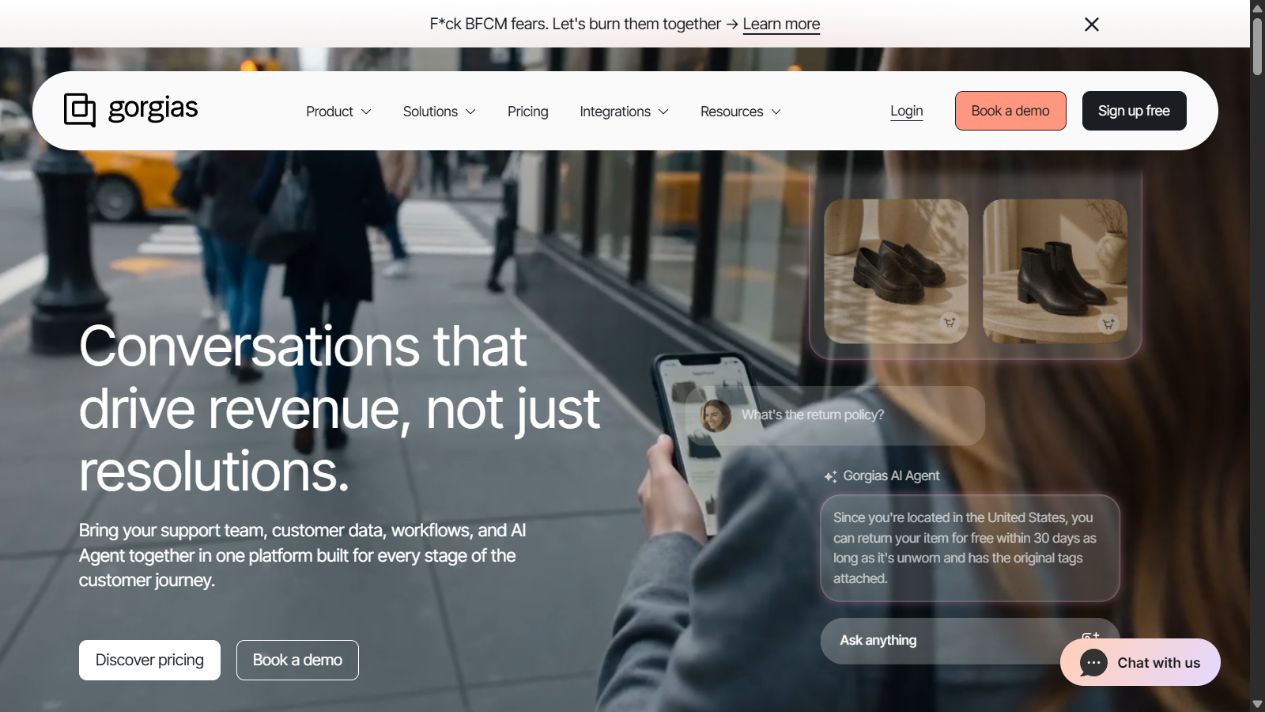
Gorgias focuses on ecommerce customer service and connects support conversations with store and customer context. Official materials describe help desk, automation, AI, and commerce workflows, with plan and usage details that require current verification.
Why remote teams should shortlist Gorgias
Commerce agents often need order, customer, delivery, refund, and store context while responding. Bringing that context into the support workflow can reduce tab switching and make cross-shift handoffs more complete. Specialized automation may also address repetitive order questions.
That advantage depends on the commerce stack. A B2B software company or general service desk should not choose Gorgias merely because its interface is appealing. Evaluate the depth of required store integrations and actions, and control who can change orders or issue refunds.
Choose it when: ecommerce operations, especially supported store platforms, are central to the service model and agents need commerce actions close to conversations.
Check before buying: model billable tickets or usage, AI automation, stores, channels, integrations, seasonal peaks, roles, approval for financial actions, reporting, and support. Confirm how merged, spam, automated, and repeat conversations affect usage.
Pilot task: handle delivery questions, order changes, cancellations, returns, refunds, fraud concerns, and a peak-volume event. Test approval boundaries, audit history, duplicate prevention, and escalation outside support.
Source: Gorgias .
Side-by-side decision guide
| Requirement | Zendesk | Freshdesk | Intercom | Zoho Desk | Gorgias |
|---|---|---|---|---|---|
| Mature ticket operations | Strong | Strong | Strong for its model | Strong | Commerce-focused |
| Conversational and AI-led support | Strong, package dependent | Plan dependent | Central strength | Plan dependent | Strong commerce focus |
| Complex queues and governance | Strong | Good to strong | Verify intended configuration | Good to strong | Verify at scale |
| Zoho ecosystem fit | Integration dependent | Integration dependent | Integration dependent | Strong | Integration dependent |
| Ecommerce context and actions | Integrations | Integrations | Integrations | Integrations | Central strength |
| Best starting point | Mature operations | Growing general teams | Digital products | Configurable value | Ecommerce teams |
Do not translate this table into a universal score. A product can be strongest overall and still be the wrong operational fit. Use the matrix to select two finalists for a scenario-based pilot.
How to test remote support software
Cross-shift handoff
Give the outgoing agent an unresolved technical case with customer impact and a promised response. The receiving agent should identify the current state, evidence, actions already taken, blocked dependency, customer sentiment, next action, owner, and deadline entirely from the ticket.
Collision and duplicate prevention
Send the same issue through two channels and have two agents open it at once. Observe duplicate detection, merging, presence, assignment, drafts, and reply collision. Verify that the customer receives one coherent response and reporting does not double-count work.
SLA and escalation
Create normal, high-priority, VIP, and outage cases. Test business hours across regions, pauses, reassignment, breach warnings, escalation, and manager visibility. An SLA timer is useful only when its definition matches the customer commitment.
Knowledge workflow
Plant one outdated article and one missing answer. Evaluate search, suggestions, feedback, ownership, approval, versioning, and analytics. AI grounded in stale knowledge can make an incorrect answer faster and more consistent.
Permissions and offboarding
Use realistic agent, lead, contractor, administrator, and viewer roles. Test private notes, customer data, exports, bulk actions, integrations, knowledge publishing, refunds or account actions, and removal of a departing worker.
Reporting reconciliation
Trace dashboard totals back to tickets. Agree definitions for created, solved, reopened, transferred, abandoned, automated, and merged work. Segment by channel, product, priority, region, and customer type without exposing restricted information.
Follow-the-sun operating model
A tool cannot create a follow-the-sun process by itself. Define queue coverage, ownership transfer, escalation, and customer communication before relying on automation.
Use a standard handoff containing:
- Customer and business impact.
- Verified symptoms and evidence.
- Actions completed and their results.
- Current hypothesis and uncertainty.
- Internal dependencies and escalation state.
- What the customer was promised and by when.
- Next action, due time, and receiving owner.
The outgoing shift should not assign a queue without a receiving convention. The incoming shift should acknowledge urgent handoffs and correct incomplete records. Managers should review handoff quality as part of service quality, not as an optional administrative task.
Responsible AI support automation
Start with low-risk, high-volume intents supported by approved knowledge. Define eligible customers, channels, languages, actions, confidence, forbidden topics, and escalation. Keep authentication and consequential account changes under appropriate controls.
Measure accepted outcomes rather than containment alone. Review:
- Correct resolution and customer confirmation.
- Escalation accuracy and delay.
- Reopen and repeat-contact rates.
- Unsupported or unsafe claims.
- Knowledge gaps and stale sources.
- Human correction and review effort.
- Cost per successful resolution.
- Performance across languages and customer groups.
Give customers an understandable path to a person. Record automated actions and source context so incidents can be investigated. Disable or narrow automation quickly when quality degrades.
Implementation plan
1. Map demand and channels
Measure contact reasons, volume, seasonality, languages, customer segments, business impact, and current handoffs. Decide which channels are official and which should redirect into the support system.
2. Define ticket ownership and states
Every active case needs one accountable owner or an explicit queue contract. Define what open, pending, on hold, solved, and closed mean. Avoid statuses that hide waiting work.
3. Build the minimum workflow
Configure intake, assignment, priority, internal notes, customer replies, escalation, service levels, essential knowledge, and a small report set. Delay broad automation until the manual process is stable.
4. Migrate a representative sample
Include open cases, repeat customers, attachments, merged conversations, sensitive data, and historical issues. Verify timestamps, authorship, visibility, links, and retention before migrating everything.
5. Train with cases
Use real scenarios across time zones. Agents should practice assignment, handoff, escalation, knowledge feedback, privacy correction, outage response, and reopening. Leads should practice workload balancing and quality review.
6. Monitor and improve
Review backlog age, breached commitments, transfers, reopen rates, customer outcomes, quality findings, automation exceptions, knowledge gaps, and agent feedback. Change one operating assumption at a time where possible.
Pricing and total cost
Build a volume model using agents, occasional collaborators, channels, tickets or conversations, contacts, AI resolutions, telephony, messaging, knowledge, reporting, environments, integrations, implementation, migration, training, administration, and support. Include seasonal peaks and growth.
Definitions matter. One vendor may charge per agent, another by ticket or resolution, and another through a mixed structure. Ask how spam, merged messages, bot interactions, reopened cases, and unsuccessful automation are counted. Tie every demonstrated capability to the quoted plan and limit.
The cheapest headline price may produce higher total cost if agents need several adjacent tools or managers cannot trust reporting. The broadest platform can also waste money if the workflow is simple.
Common mistakes
Moving email chaos into a help desk unchanged: define ownership and status before migration.
Optimizing only first response: fast acknowledgment is not the same as resolution.
Using private chat as the real escalation system: decisions and promises belong in the authoritative case.
Automating before fixing knowledge: poor sources create scalable errors.
Ignoring time zones in service levels: configure calendars and ownership around actual coverage.
Buying AI without a unit-cost model: test what constitutes a successful and billable resolution.
Skipping export and offboarding tests: support history is operationally valuable and sensitive.
Continuity and failure planning
Remote support teams depend on the platform during the moments customers most need a response. Include outages and degraded integrations in the buying process. Ask how agents receive status information, whether email or messaging intake is queued safely, how duplicate events are handled after recovery, and which customer communications remain possible when the primary interface is unavailable.
Maintain an owned incident contact list, vendor escalation path, minimum offline procedure, and approved customer-status channel. Export essential configuration and reporting definitions where practical. Do not create an unofficial spreadsheet containing broad customer data merely as an outage workaround; the fallback must follow the same privacy and access principles as normal operations.
Test recovery in a non-production environment or tabletop exercise. Reconcile messages received during the interruption, identify missed commitments, restore ownership, and verify reporting. Include failures in CRM, identity, telephony, ecommerce, and knowledge integrations because the help desk can remain online while the information agents need is stale or unavailable.
Buyer due-diligence checklist
Before signing, obtain clear answers for the exact configuration:
- Which channels, regions, languages, and message types are supported?
- How are agents, collaborators, tickets, contacts, conversations, and AI resolutions billed?
- Which permissions, audit logs, identity controls, exports, and retention options apply?
- How are data location, subprocessors, backups, deletion, and incident notification handled?
- What service commitments and support paths apply to the purchased plan?
- Can the team test integrations, routing, automation, and upgrades before production?
- What happens to history, knowledge, attachments, and customer identity on export or cancellation?
- Which demonstrated features require another product, add-on, credit pool, or professional service?
Record vendor answers beside contract language and pilot evidence. Marketing pages help form a shortlist; they are not substitutes for the configuration, legal terms, and operating tests on which the purchase depends.
Final recommendation
Choose Zendesk for mature distributed operations needing broad help desk depth. Choose Freshdesk for an approachable general support platform, Intercom for conversational and AI-led digital support, Zoho Desk for configurable value and Zoho alignment, or Gorgias for commerce-centered service.
Pilot two finalists using identical tickets, shifts, roles, channels, knowledge, and failure scenarios. The winner should make ownership, handoffs, customer commitments, exceptions, and reports clearer while keeping total cost and administration acceptable.
Sources
Run a follow-the-sun support test with one urgent and one ambiguous case. Verify routing, ownership, internal notes, customer-visible replies, escalation, service-level timing, knowledge links, and handoff across shifts. The next agent should understand what happened without asking the customer to repeat the issue. Review permissions so contractors can resolve assigned work without seeing unrelated customer data.
Frequently asked questions
What is the best customer support software for remote teams?
Zendesk is a strong broad starting point for mature distributed support operations. Freshdesk suits teams seeking approachable multichannel help desk capability, Intercom fits conversational and AI-led support, Zoho Desk fits value-conscious Zoho users, and Gorgias fits ecommerce support.
What features do remote support teams need?
Prioritize shared queues, explicit ownership, internal notes, collision prevention, SLA controls, escalation, knowledge, omnichannel context, permissions, reporting, mobile access, auditability, and reliable integrations.
Can a shared inbox replace help desk software?
A shared inbox can work at low volume, but it becomes risky when the team needs routing, ownership, service levels, history, permissions, quality review, reporting, automation, or multiple channels.
How do follow-the-sun support handoffs work?
The outgoing owner records customer state, actions taken, evidence, risk, promised response, next step, due time, and receiving owner in the authoritative ticket before the shift ends.
Should remote support teams use AI agents?
Use AI only for bounded, measured tasks with approved knowledge, confidence and escalation rules, human oversight, auditability, privacy controls, and a straightforward path to a person.
How should customer support software be priced?
Model agents, seats, ticket or conversation volume, AI resolutions, channels, telephony, knowledge, automation, reporting, integrations, implementation, administration, and seasonal peaks.
How long should a support-platform pilot last?
Run at least four to six weeks with real channels, shifts, escalations, knowledge gaps, and reporting. Include peak volume and failure scenarios when those materially affect the operation.