Best Cybersecurity Software for Agencies
Compare cybersecurity software for agencies across endpoints, passwords, zero-trust access, managed detection, awareness, backup, and recovery.
Direct answer
Agencies should build a coordinated security stack rather than search for one all-in-one winner. Microsoft Defender for Business is the strongest endpoint starting point for eligible small Microsoft-oriented teams. 1Password Business is the credential layer for governed sharing and offboarding. Cloudflare Zero Trust is the access and web-filtering choice for distributed staff and contractors. Huntress is the managed detection option when the agency needs a 24/7 security operations capability. Backblaze Business Backup is a practical workstation recovery layer for Mac and Windows user data.
These products are complementary. Defender does not replace a password manager or backup. 1Password does not monitor endpoint behavior. Cloudflare does not recover deleted files. Huntress does not eliminate the agency’s responsibility to configure identities and applications. Backblaze does not automatically protect every SaaS account, server, or client system.
The shortlist reflects official sources checked September 5, 2026. It does not claim independent malware detection, penetration testing, response-time measurement, or restore testing. Security claims must be validated in the agency’s environment.
Recommended agency security stack
| Security layer | Recommended software | Primary role | Main caveat |
|---|---|---|---|
| Endpoint protection | Microsoft Defender for Business | Prevent, detect, investigate, and remediate device threats | Eligibility, server coverage, licensing, and portal ownership require planning |
| Password and secret governance | 1Password Business | Unique credentials, shared vaults, policies, reporting, and offboarding | Does not replace identity lifecycle or endpoint controls |
| Zero-trust access and filtering | Cloudflare Zero Trust | Govern private-app access and filter workforce traffic | Requires careful routing, identity, device, and policy design |
| Managed detection and response | Huntress | Human-supported monitoring, investigation, and response | Coverage and escalation authority must be contractually clear |
| Workstation backup | Backblaze Business Backup | Automatic user-data backup and recovery | Does not cover every SaaS, server, or collaborative dataset |
Why agencies need a layered approach
Agencies hold a high-consequence mix of assets: client administrator credentials, advertising accounts, websites, source files, analytics, customer data, payment details, drafts, intellectual property, and access to third-party platforms. Staff and contractors often work remotely across personal and company devices. Teams change quickly, and urgent client work encourages informal sharing.
An attacker does not need to compromise the agency’s accounting system directly. One reused password, stolen browser session, malicious file, unpatched laptop, exposed remote service, or abandoned contractor account can provide a path into internal or client systems.
Security therefore needs layers:
- identity establishes who is requesting access and requires strong authentication;
- credential management prevents shared passwords from spreading through messages and documents;
- endpoint security protects and monitors the devices where work happens;
- access policy limits which users and devices can reach applications and infrastructure;
- detection and response identifies suspicious activity and gives incidents an owner;
- backup and recovery restores clean data when prevention fails;
- training and process reduce phishing, payment fraud, and unsafe handling.
Buying five products does not create those outcomes by itself. Each control needs scope, configuration, monitoring, evidence, testing, and an accountable person.
How we selected the tools
We searched the current result landscape to identify agency buyer intent, then verified material product claims through official websites, documentation, support, pricing, and demonstration pages. The evaluation considered:
- protection for Windows, macOS, mobile, and remote work;
- governed client and internal credentials;
- employee, freelancer, vendor, and client access lifecycle;
- phishing, malicious sites, ransomware, and account takeover;
- centralized policy, reporting, alerting, and escalation;
- managed response where internal security coverage is limited;
- recoverable user data and administrative controls;
- implementation, licensing, service boundaries, and total cost.
We excluded unsupported benchmark claims and did not infer that a feature name guarantees an operational result. Agencies should verify client contracts, insurance requirements, laws, and industry obligations with qualified advisers.
1. Microsoft Defender for Business: best endpoint starting point
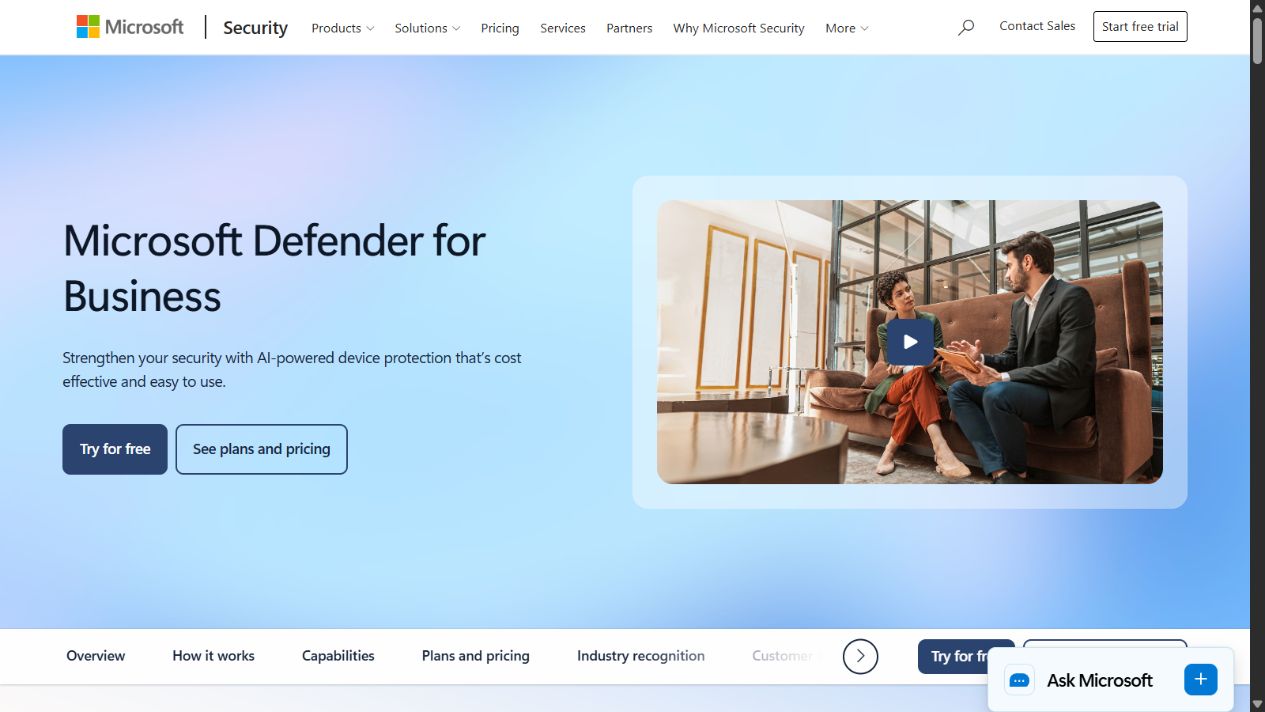
Microsoft Defender for Business is designed for small and midsize organizations with up to 300 users. Microsoft documents next-generation protection, attack surface reduction, vulnerability management, endpoint detection and response, automated investigation and remediation, and centralized management across supported device platforms.
Why it fits agencies
An agency needs more than consumer antivirus on laptops. It needs a central view of enrolled devices, security posture, detections, incidents, and remediation. Defender for Business can provide that endpoint foundation, particularly where Microsoft 365 Business Premium is already part of the environment.
The fit improves when identity, email, device management, and endpoint security are designed together. Microsoft documents Defender for Business as a standalone option and as part of eligible Microsoft 365 subscriptions. The bundle decision should consider the wider controls the agency actually needs rather than only the endpoint license.
Where to be careful
Confirm user and device eligibility, macOS and mobile requirements, server add-ons, onboarding, policy conflicts, reporting, retention, role permissions, and who monitors the portal. A configured agent is not the same as an actively managed security program.
The agency also needs an incident playbook. Decide who can isolate a device, reset a user, contact a client, preserve evidence, restore data, and approve return to service. Test those actions with a safe simulation.
Best fit
Choose Defender for Business when the agency is within the documented organization size, uses Microsoft services, and can assign competent endpoint administration and response ownership. Evaluate a managed provider when alerts cannot be covered reliably.
Source: Microsoft Defender for Business and Microsoft documentation .
2. 1Password Business: best for client and internal credentials
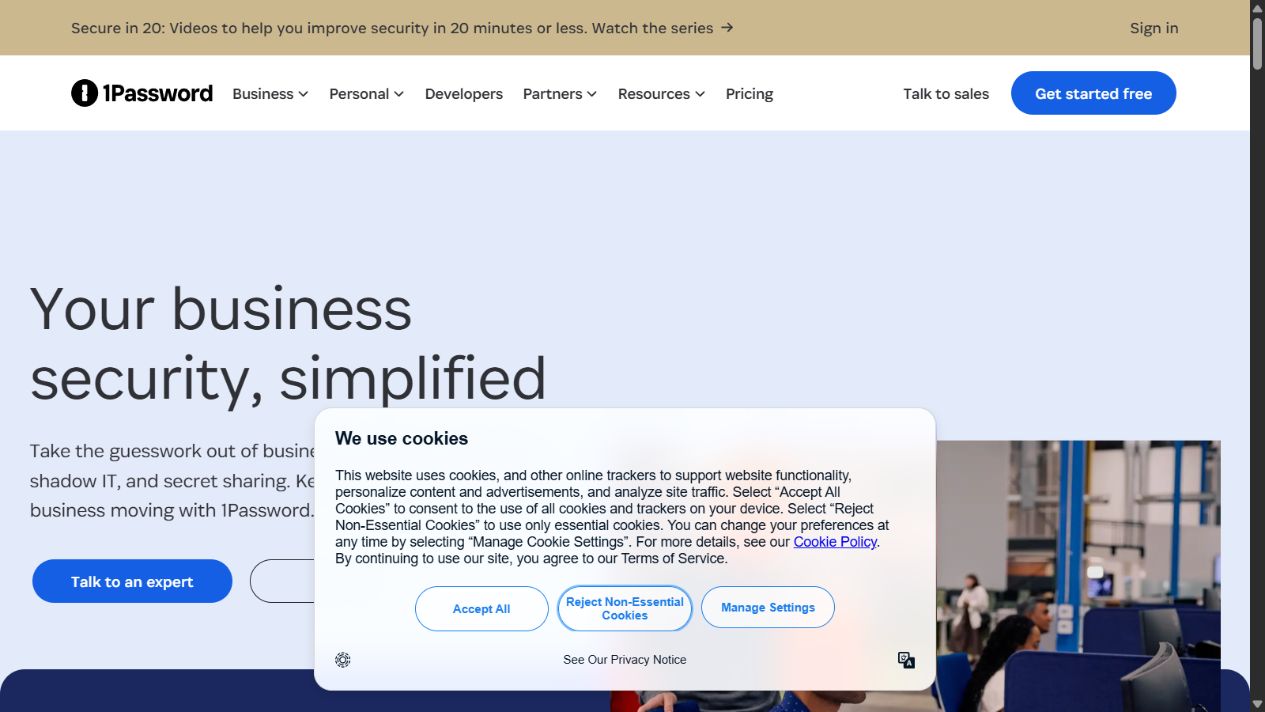
1Password Business is a business password and access-security platform. Official pages document shared vaults, role-based permissions, policies, security reports, identity-provider connections, audit activity, and tools for passwords, passkeys, and secrets.
Why it fits agencies
Agencies frequently receive client credentials through email, chat, documents, or personal password stores. That makes access difficult to inventory and revoke. A business password manager creates a governed place for unique credentials and controlled sharing without revealing secrets broadly.
Vaults can be designed by client, function, or sensitivity. A freelancer may receive access to one campaign account without entering the agency’s finance or administration vaults. Reports can help identify weak, reused, or compromised credentials and inactive multifactor authentication, subject to the selected product and configuration.
Where to be careful
A password manager must be deployed as part of an identity process. Require approved account creation, multifactor authentication, named ownership, recovery planning, least privilege, regular access review, and immediate offboarding. Maintain more than one appropriately controlled account owner to avoid a single administrative failure.
Do not store every secret under one broad shared vault. Separate client environments and privileged administration. Document emergency access and what happens when a client relationship ends.
Best fit
Choose 1Password Business when the agency shares credentials across employees and contractors and needs controlled access, reporting, and offboarding. It is valuable even when single sign-on exists because many client and specialist applications remain outside the agency’s identity provider.
Source: 1Password Business Security , business documentation , and security practices .
3. Cloudflare Zero Trust: best for distributed access and web filtering
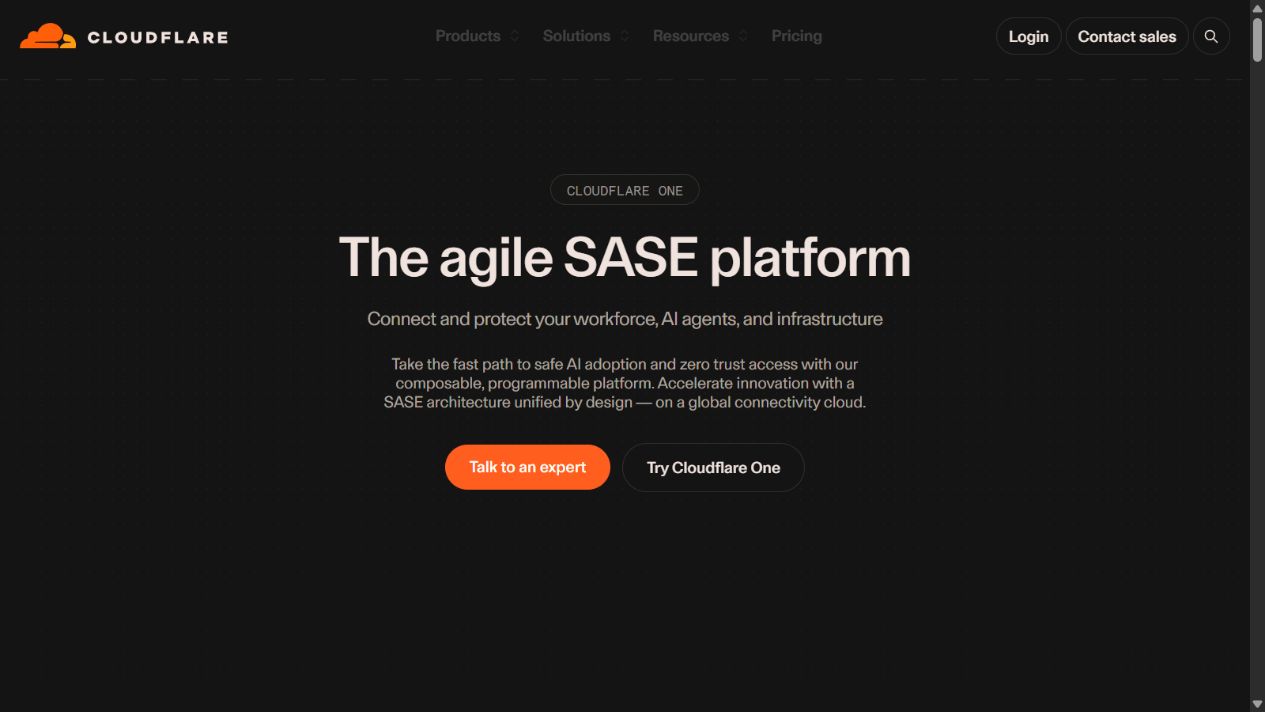
Cloudflare Zero Trust, presented within Cloudflare One, provides identity-aware application access and traffic policy capabilities. Official pages document Access for private applications and Gateway controls for DNS, HTTP, and network traffic, with plan-dependent services and deployment modes.
Why it fits agencies
An agency workforce can include employees, freelancers, vendors, and clients operating from many networks. A traditional VPN may grant broader network trust than a person needs. Zero-trust application access can evaluate the identity and policy context for each protected resource and support more granular access.
Web and DNS filtering can apply policy to remote users and help block known malicious destinations or prohibited traffic. Access controls can protect internal dashboards, staging environments, file systems, infrastructure, and other private resources without exposing them directly in the same way as a public login page.
Where to be careful
Zero trust is an operating model, not a checkbox. The agency must integrate identity, define groups, enroll devices where required, map applications, set least-privilege policy, handle unmanaged contractors, inspect logs, and design emergency access. An incorrect deny rule can stop work; an overly broad allow rule can recreate network trust under a new label.
Test performance, regional routing, DNS behavior, authentication failure, device loss, clientless access, and recovery from administrator error. Decide which traffic is inspected and how privacy and client obligations are handled.
Best fit
Choose Cloudflare Zero Trust when the agency needs consistent access policy for a distributed workforce, wants to reduce reliance on broad VPN access, or needs filtered web and DNS traffic. Assign ownership to someone who understands identity, networking, applications, and incident response.
Source: Cloudflare One , Cloudflare Access , and Cloudflare One documentation .
4. Huntress: best for managed detection and response
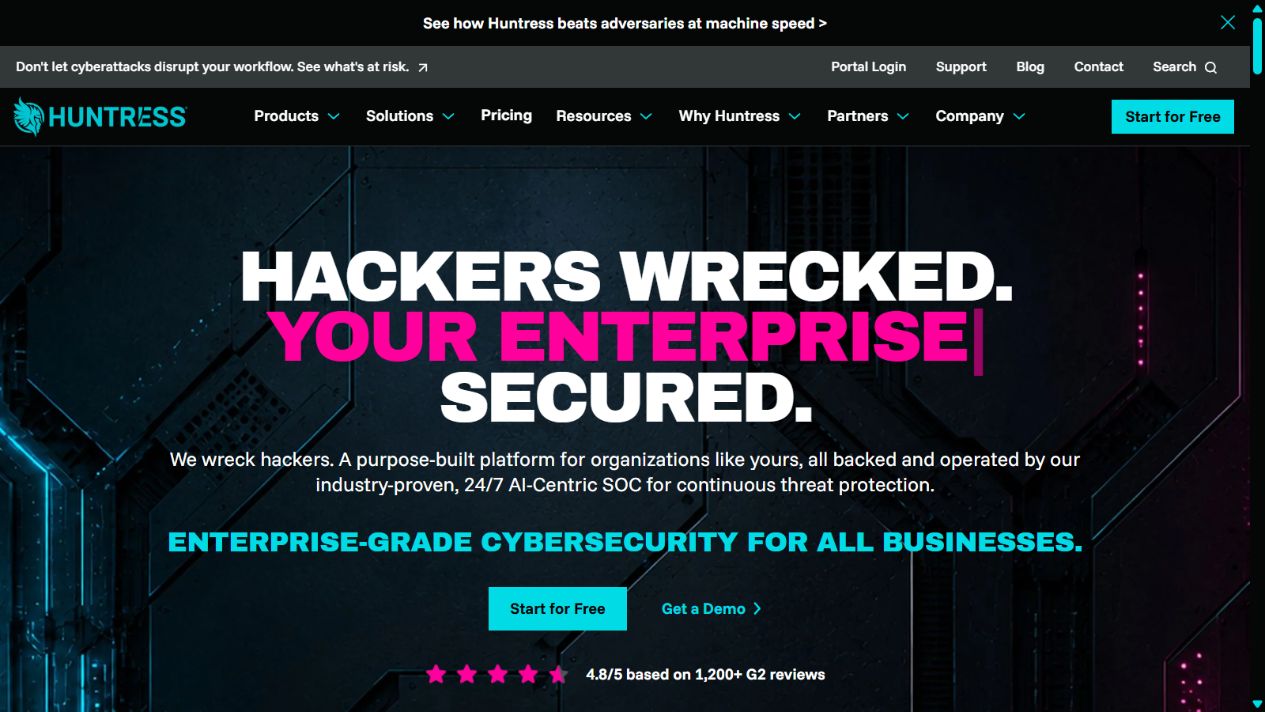
Huntress provides a managed security platform backed by a continuously staffed security operations center. Its official pages document managed endpoint detection and response, identity threat detection and response, security awareness training, SIEM, and other managed services.
Why it fits agencies
Security tools create alerts at nights, weekends, and during client deadlines. A small agency may have an IT generalist but no dedicated analyst able to investigate endpoint and identity signals continuously. A managed detection service can add human triage and response capability rather than leaving a console unattended.
Huntress also offers identity-focused and awareness components, which are relevant because account takeover, business email compromise, phishing, and unsafe user action can bypass a device-only strategy.
Where to be careful
Managed does not mean responsibility disappears. Define covered endpoints, identities, learners, and data sources. Ask what the SOC monitors, which events are excluded, how alerts are validated, what actions it may take automatically, who is contacted, how quickly the agency must respond, and what evidence is retained.
Huntress notes that partner deployment, integration, and day-to-day portal management can be separate from the included SOC. If an MSP or reseller is involved, write a responsibility matrix across the agency, provider, Huntress, and clients.
Best fit
Choose Huntress when the agency needs monitored detection and response but cannot build a 24/7 internal security operation. Evaluate the service through realistic escalation exercises, not only a dashboard demonstration.
Source: Huntress , Huntress product demos , and Huntress pricing .
5. Backblaze Business Backup: best for workstation recovery
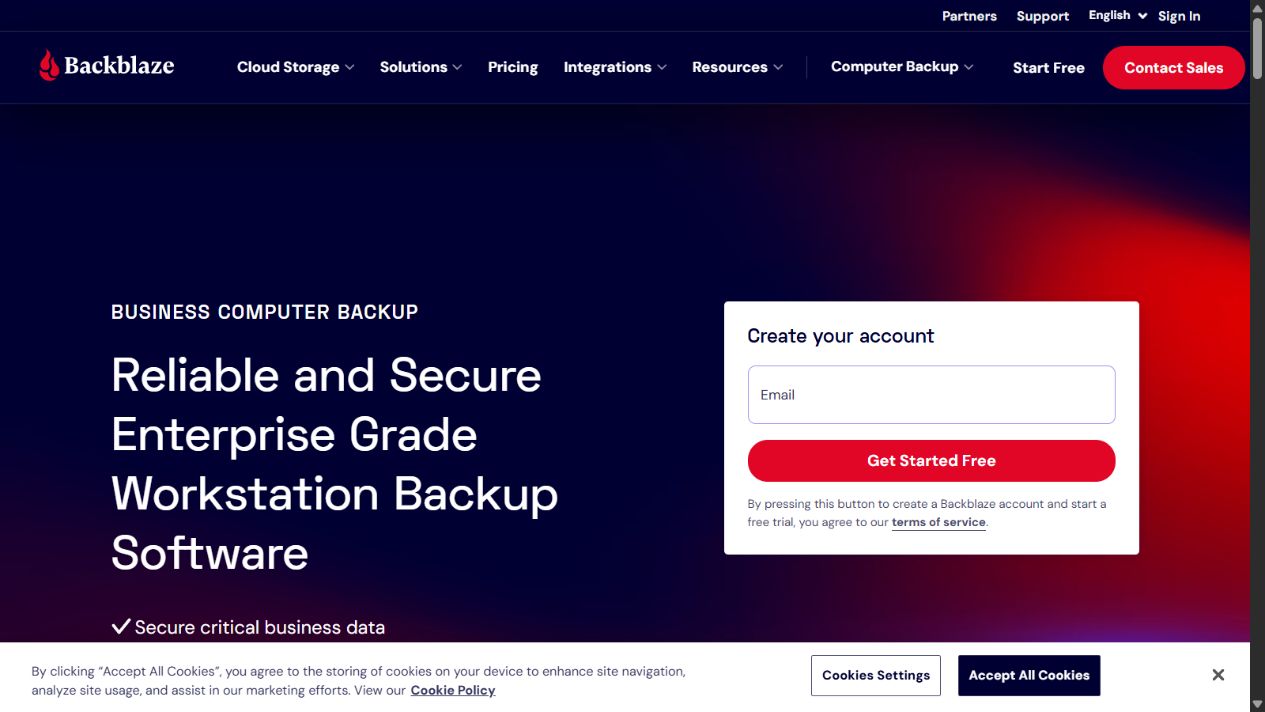
Backblaze Business Backup protects user-created data on Mac and Windows computers through automatic cloud backup. Official pages document central administration, version history, multiple restore approaches, and additional enterprise controls.
Why it fits agencies
Creative files, project documents, exports, local working copies, and client assets can exist on employee laptops even when collaboration tools are used. Device theft, hardware failure, accidental deletion, and ransomware can make those files unavailable. Automatic endpoint backup creates a recovery path that does not depend on a person remembering to copy folders.
Central administration matters when staff are remote. The agency should be able to confirm whether devices are protected and manage access and recovery under defined roles.
Where to be careful
Create a complete data inventory. A workstation product does not necessarily back up Microsoft 365, Google Workspace, design platforms, source-control services, servers, network storage, cloud infrastructure, or client SaaS accounts. Each dataset needs an explicit protection and recovery plan.
Retention is not the same as successful recovery. Test a single file, a deleted folder, a lost laptop, a large project, and a ransomware scenario. Record recovery time, permissions, encryption-key handling, bandwidth, and who may restore client information. Protect backup administration with strong authentication and separation from everyday accounts.
Best fit
Choose Backblaze Business Backup when important work lives on Mac or Windows endpoints and the agency needs centralized, automatic recovery coverage. Add separate backup solutions for uncovered SaaS, server, cloud, and collaboration data.
Source: Backblaze Business Backup and Backblaze pricing .
How to choose the right stack
Start with an asset and access register. List users, contractors, clients, devices, applications, domains, infrastructure, datasets, administrator roles, integrations, and external dependencies. Record who owns each item and how access is revoked.
Then model five realistic incidents:
- A contractor’s laptop is stolen while it has active client sessions.
- An employee approves a convincing phishing prompt and loses an account.
- Malware runs on a remote endpoint during a client deadline.
- A privileged client credential appears in an unapproved document.
- Ransomware or accidental deletion removes an active project folder.
For each incident, identify prevention, detection, containment, communication, evidence, recovery, and post-incident ownership. A gap without an owner is more important than a product with a longer feature list.
Evaluation checklist
Run a controlled pilot on representative Windows and macOS devices, employee and contractor identities, and a noncritical application. Evaluate:
- deployment success and device inventory accuracy;
- multifactor authentication and recovery;
- least-privilege vault and application access;
- risky-site blocking and exception approval;
- endpoint alert, isolation, investigation, and remediation;
- managed-service escalation outside business hours;
- user removal across identity, vaults, devices, and apps;
- backup status, retention, and several restore sizes;
- logs, reports, integrations, false positives, and support;
- total internal and external ownership effort.
Document what failed. A test that only confirms the happy path cannot prove incident readiness.
Implementation order
First, establish identity ownership, multifactor authentication, administrator separation, and a joiner-mover-leaver process. Security software cannot reliably fix unknown users and shared accounts.
Second, deploy the business password manager and move credentials out of email, chat, spreadsheets, and personal stores. Separate clients and privileged systems with least-privilege vaults.
Third, inventory and enroll endpoints. Apply a baseline gradually, monitor conflicts, and define response authority before broad enforcement.
Fourth, protect internal applications and workforce traffic. Begin with a small application set and high-risk groups, then expand after validating access and recovery.
Fifth, connect managed detection and escalation. Run a tabletop exercise involving leadership, IT, legal or insurance contacts, and client communication owners.
Finally, validate backups and restores. Recovery should be tested before the agency needs it, repeated after material changes, and recorded with measured recovery time.
Agency security operating cadence
Review new and departing users immediately. Review privileged and client access monthly. Patch supported systems promptly under a documented risk process. Investigate security alerts according to severity and record closure evidence. Test selected restores monthly and broader recovery scenarios periodically. Review vendor status, licenses, policies, integrations, insurance, and incident contacts at least quarterly.
Track meaningful coverage: managed-device percentage, multifactor enrollment, privileged accounts, password-health exceptions, unresolved high-risk vulnerabilities, alert response, stale access, backup success, restore success, and completion of incident actions. Avoid treating blocked-threat counts as proof that the overall program works.
Client access and incident responsibility
Every client engagement should include an access schedule. Record the client system, named account owner, agency users, privilege level, authentication method, approved devices, credential location, start date, review date, and removal trigger. Avoid one shared administrator account used by an entire delivery team. Where the client platform supports named users, roles, single sign-on, or delegated partner access, use those controls instead of circulating a master password.
Define what the agency may change without client approval. A compromised advertising, website, CRM, finance, or cloud account can require rapid containment, but an unapproved shutdown can also interrupt the client’s business. The statement of work or security addendum should identify emergency contacts, containment authority, evidence preservation, notification timing, and the party responsible for regulators, insurers, customers, or law enforcement.
Offboarding must remove more than a password-manager vault. Revoke identity-provider sessions, client invitations, API keys, browser sessions, device certificates, remote-access policy, recovery methods, shared inboxes, repositories, cloud consoles, automation tokens, and local files. Rotate shared secrets that could have been copied. Confirm completion from the authoritative system and retain an approved record.
When an incident affects a client environment, maintain a timeline of detections, decisions, communications, actions, and evidence. Do not let five vendors create five disconnected incident records. Assign one incident lead who can coordinate the endpoint, identity, access, managed-service, backup, legal, and client workstreams. After recovery, convert findings into specific owners and deadlines rather than a generic reminder to be more careful.
Total cost of ownership
Include users, devices, servers, identities, learners, log sources, storage, retention, add-ons, implementation, MSP services, training, monitoring, incident response, insurance requirements, and recovery tests. A low subscription can be expensive when nobody owns alerts or policy.
Cost should be compared with reduced exposure and faster containment or recovery, not promised immunity. No vendor can guarantee that an agency will not be breached. The objective is to reduce likelihood, limit access, detect harmful activity, respond responsibly, and restore operations.
Final verdict
Microsoft Defender for Business, 1Password Business, Cloudflare Zero Trust, Huntress, and Backblaze Business Backup form a credible five-layer shortlist for agencies, but they should not be treated as interchangeable alternatives. Defender protects endpoints, 1Password governs credentials, Cloudflare controls access and traffic, Huntress adds managed detection, and Backblaze supports workstation recovery.
Buy according to uncovered risk and ownership capacity. A smaller, fully configured and tested stack is stronger than a large collection of unattended subscriptions. Keep identity, policy, monitoring, incident response, and recovery at the center of the decision.
Sources checked
- Microsoft Defender for Business
- Defender for Business overview
- Defender for Business FAQ
- 1Password Business Security
- 1Password Business documentation
- 1Password business security practices
- Cloudflare One
- Cloudflare Access
- Cloudflare One documentation
- Huntress
- Huntress product demonstrations
- Huntress pricing
- Backblaze Business Backup
- Backblaze Computer Backup pricing
- Backblaze security
- Backblaze help
Frequently asked questions
What is the best cybersecurity software for an agency?
No single product covers every agency risk. A practical stack combines managed identity and multifactor authentication, a business password manager, endpoint protection, controlled application and web access, monitored detection and response, and tested independent backup.
Is antivirus enough for a marketing agency?
No. Antivirus or endpoint protection addresses only part of the risk. Agencies also need secure identities, governed client credentials, phishing controls, device and contractor access rules, incident response, backups, and tested recovery.
Should agencies use a business password manager?
Yes when staff or contractors access client and internal systems. A business password manager can support unique credentials, controlled sharing, role-based vaults, reporting, recovery, and offboarding, but it must be paired with identity and device controls.
What is zero-trust access for an agency?
Zero-trust access evaluates each request using identity and other policy context instead of trusting a user merely because they joined a network or VPN. Agencies can use it to limit access to internal tools and client environments.
Does an agency need managed detection and response?
Managed detection and response is worth evaluating when the agency cannot reliably monitor alerts and investigate threats around the clock. Buyers must define coverage, escalation, containment authority, response times, and responsibilities.
Does cloud storage replace backup?
Synchronization and cloud application availability do not automatically provide an independent, tested backup for every dataset. Agencies should inventory data, define retention and recovery objectives, and prove restores under realistic conditions.
How should an agency evaluate cybersecurity software?
Map assets, identities, client obligations, devices, applications, data flows, and likely incidents. Test deployment, policy, alerting, containment, offboarding, log access, and recovery, then assign an accountable owner to every control.