Best Cybersecurity Software for Startups
Compare five cybersecurity platforms for startups by endpoint protection, managed response, zero-trust access, cost, and operating effort.
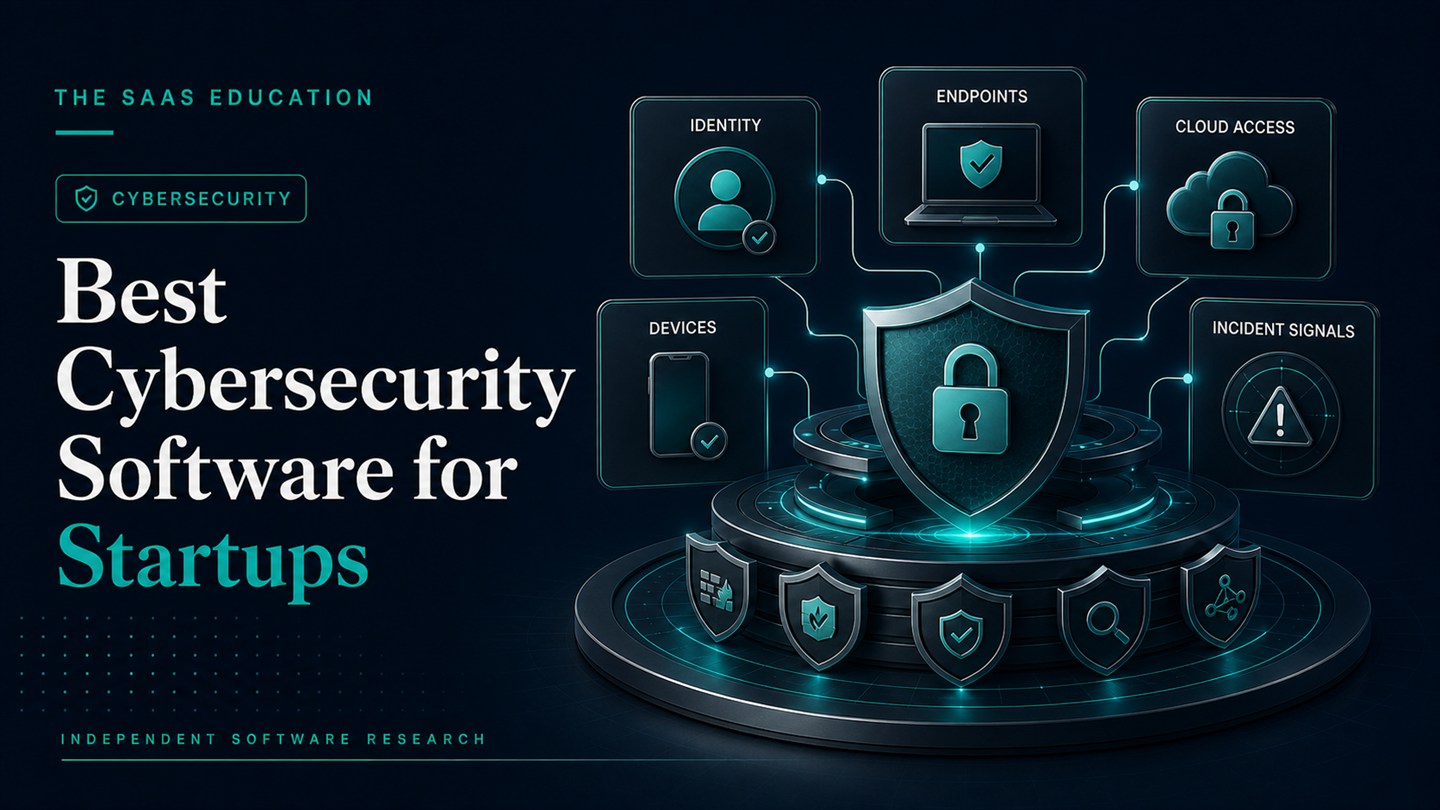
Direct answer
The best cybersecurity software for a startup depends on which security layer is missing and who will operate it. Microsoft Defender for Business is the strongest starting point for Microsoft 365-centered device protection. Huntress is the clearest option here when a startup needs a 24/7 managed security operations layer. Sophos is worth shortlisting when the team wants endpoint, network, and managed response options under one vendor. Cloudflare One fits startups securing employee access, web traffic, and distributed applications. Tailscale is the practical secure-connectivity choice for engineering teams connecting people, servers, clouds, and development infrastructure.
These products are not substitutes for one another. Endpoint security does not replace identity controls. Secure connectivity does not monitor every endpoint. A managed response provider does not remove the need for backups, patching, access review, and incident ownership. A startup should select the smallest defensible combination that covers its actual assets and gives every alert an accountable owner.
This shortlist uses official sources checked on August 28, 2026. We did not conduct malware, detection-rate, response-time, penetration, or performance testing. Verified facts come from vendor documentation; “best for” labels are editorial inferences about startup workflow fit.
Startup cybersecurity shortlist
| Product | Best startup use case | Verified buying signal | Limitation to examine |
|---|---|---|---|
| Microsoft Defender for Business | Microsoft 365-centered endpoint protection | Designed for organizations up to 300 users; supports up to five client devices per licensed user | Servers need separate licensing; someone still owns configuration and alerts |
| Huntress | Outsourced monitoring and response | Managed products are backed by a 24/7 SOC; current public pricing provides a reference for some products and endpoint bands | Minimums, partner involvement, coverage, and response authority require confirmation |
| Sophos | Consolidating protection with an MDR path | Official SMB page covers computers, servers, networks, cloud instances, and email accounts through managed security options | Quote, bundle, exclusions, and exact response scope are not fully established by the homepage |
| Cloudflare One | Zero-trust access and distributed workforce security | Official pricing includes a free plan for teams under 50 and pay-as-you-go workspace-security options | It is not a replacement for endpoint protection, backups, or a complete incident-response program |
| Tailscale | Engineering access to internal services and infrastructure | Identity-aware connectivity, deny-by-default access policy, and self-service business plans | Personal free tier is not for commercial use; policy and identity configuration remain the customer’s responsibility |
How we selected the tools
We did not rank products by the length of a vendor feature list. A startup has limited security staff, rapidly changing infrastructure, contractors, cloud services, and cost pressure. The useful criteria are operational:
- which assets and access paths the product protects;
- whether deployment fits the current identity, device, and cloud environment;
- who reviews alerts and what action they can take;
- how quickly users, devices, and privileges can be added or removed;
- whether policies and logs can support customer or compliance questions;
- the complete cost at current headcount and after the next funding or hiring milestone;
- whether the startup can exit without losing critical logs, policies, or access.
The shortlist deliberately covers several layers. Most startups need endpoint, identity, email, backup, access, and response controls. No single product below proves that the complete program is secure.
1. Microsoft Defender for Business: best Microsoft 365 endpoint starting point
Microsoft documents Defender for Business as an endpoint security product for organizations with up to 300 users. The official FAQ says a licensed user can protect up to five client devices and lists Windows, macOS, Android, and iOS/iPadOS support. Microsoft also documents endpoint detection and response, vulnerability management, automated investigation and remediation, and attack-surface reduction capabilities.
The startup fit is strongest when Microsoft 365 already manages users, email, collaboration, and devices. Defender for Business is available separately and is included in Microsoft 365 Business Premium. Consolidation can reduce vendor and console sprawl, but it does not configure policies, remediate every incident, or assign ownership automatically.
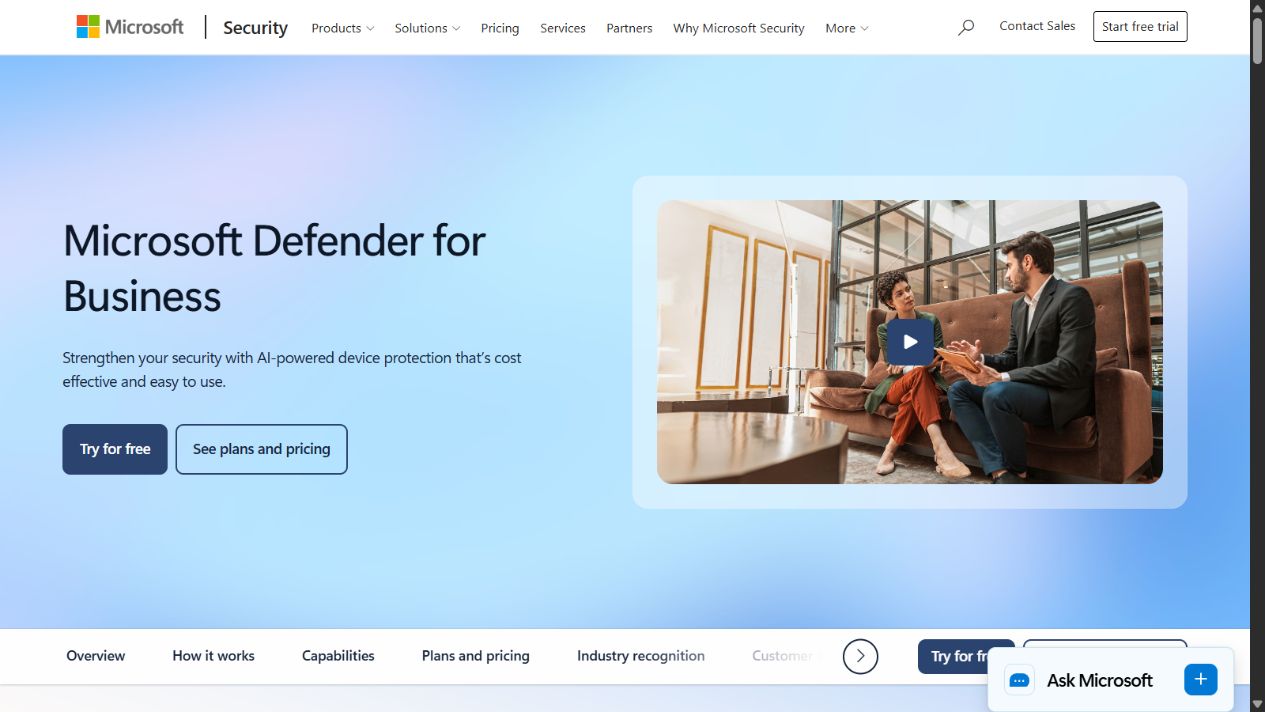
Microsoft Defender for Business official product page, captured August 28, 2026.
Choose it when: the startup is centered on Microsoft 365 and needs centrally managed endpoint protection without immediately moving to an enterprise product family.
Check before buying: whether Business Premium already includes it; server count and add-on cost; operating-system support; onboarding method; mobile scope; alert routing; security administrator access; data retention; and the person responsible for investigations.
Microsoft’s US product page displayed $3 per user per month paid yearly when checked, excluding tax. Price, market, currency, renewal, and inclusion terms must be rechecked at purchase.
2. Huntress: best when the startup cannot staff a security operations function
Security software produces limited value when nobody can interpret and act on alerts. Huntress positions its managed platform around a 24/7 human security operations center. Its current pricing page describes managed endpoint detection and response, identity threat detection and response, and related managed products, with the security expertise included in the listed service rather than sold as an unmonitored console.
That model can fit a startup with important data and customer obligations but no internal analyst coverage. The service can reduce the gap between receiving an alert and deciding what to do. It does not replace the startup’s authority model, business-continuity plan, or responsibility for cloud applications outside the contracted scope.
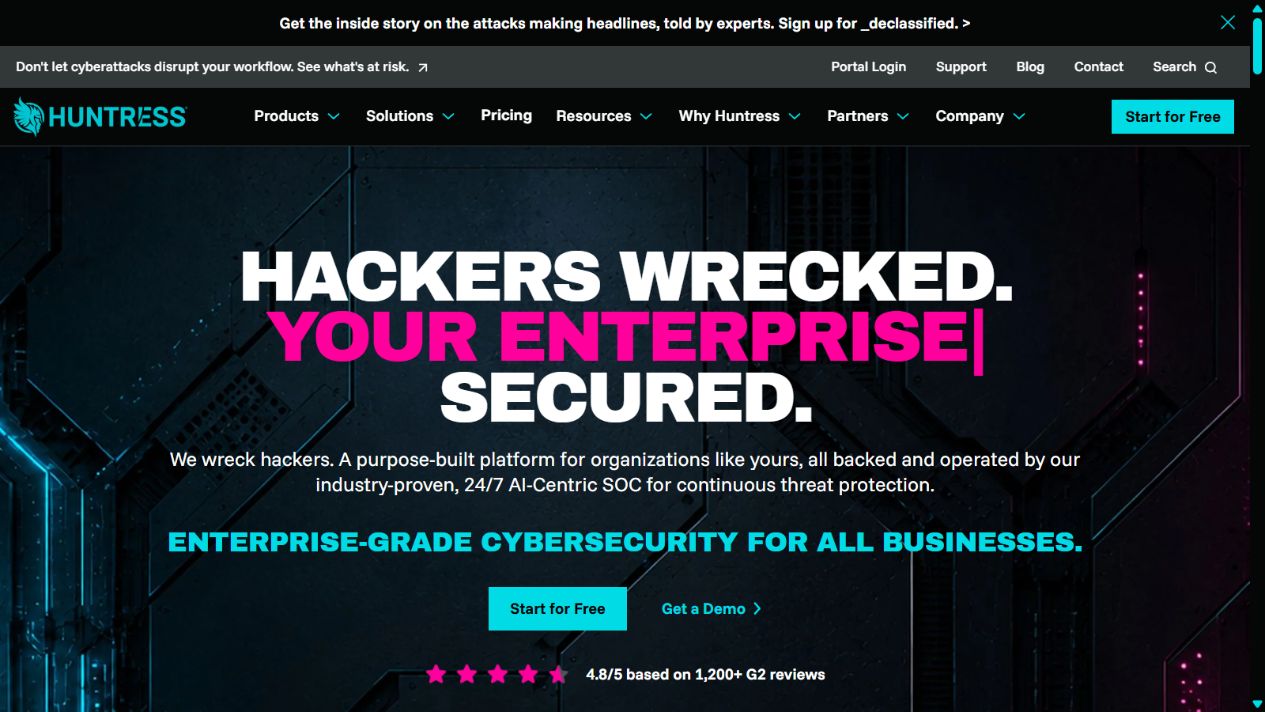
Huntress official homepage, captured August 28, 2026.
Choose it when: alerts would otherwise wait in an inbox, after-hours response matters, and the company is willing to define what an external security team may investigate or remediate.
Check before buying: product and endpoint minimums; whether purchase is direct or through a managed service provider; included endpoint and identity coverage; supported operating systems; log sources; retention; isolation and remediation authority; escalation contacts; incident reporting; response time commitments; and exclusions.
Huntress displayed endpoint-band pricing for Managed EDR on its official pricing page when checked. Use that page only as a current reference. Obtain a written quote for the actual device count and required services.
3. Sophos: best for a broader security-vendor relationship with MDR
Sophos’ official small-business page presents managed detection and response covering computers, servers, networks, cloud instances, email accounts, and other environments. Sophos also offers endpoint and network products. This makes it a useful shortlist candidate for a startup that prefers a broader vendor relationship rather than assembling every security layer independently.
The important buying question is not whether the vendor offers many products. It is which products and services appear in the proposed contract, which telemetry the managed team can see, and which actions it can take. A broad portfolio can simplify procurement, or create an oversized bundle that the startup does not operate well.
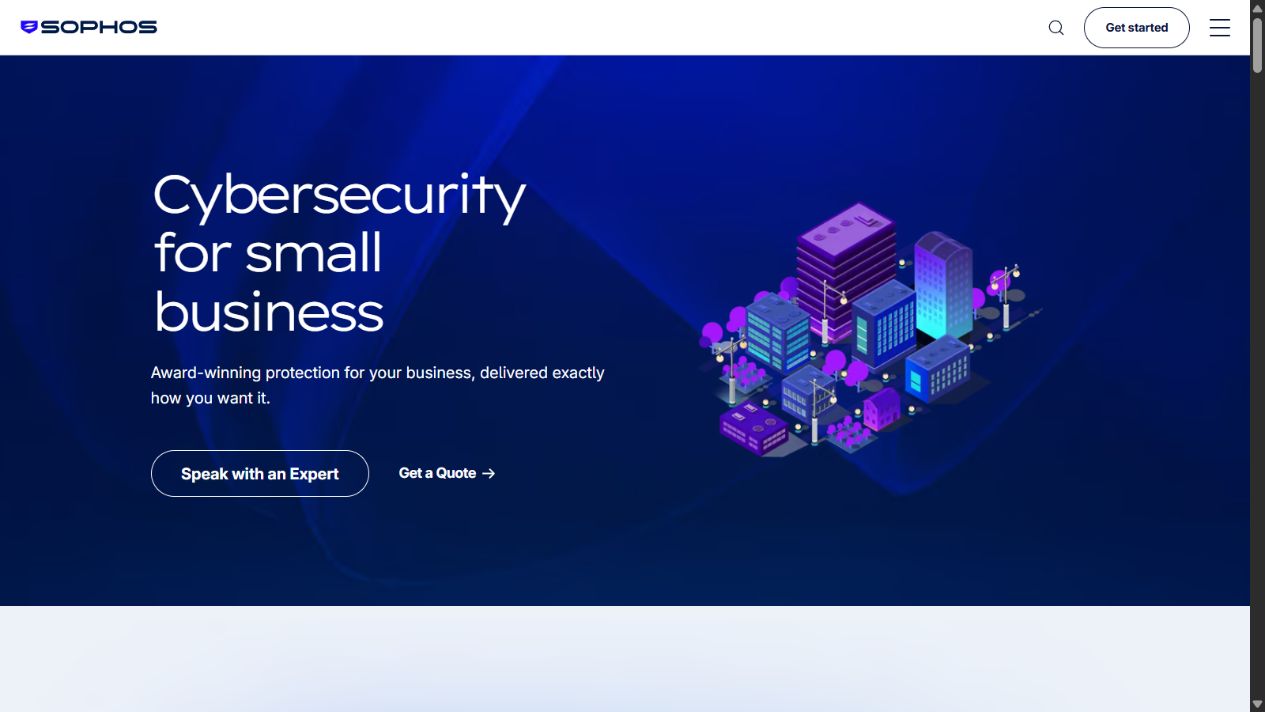
Sophos official small-business cybersecurity page, captured August 28, 2026.
Choose it when: the startup wants endpoint protection plus a credible route to managed monitoring and may value coordinated endpoint, firewall, email, server, and cloud controls.
Check before buying: the exact Sophos Central products; MDR service tier; response authority; endpoint and server coverage; cloud and email connectors; support channel; minimum term; onboarding effort; policy migration; and whether the proposed bundle duplicates controls already purchased elsewhere.
The public SMB page uses a sales-led path. Treat price as unverified until the vendor or authorized provider supplies a dated quote with quantities and service scope.
4. Cloudflare One: best for startup workforce and application access
Cloudflare One addresses secure access service edge and workspace security rather than only endpoint malware. Its official page positions the platform around connecting and protecting employees, applications, infrastructure, and AI use. Official pricing for SASE and workspace security showed a free plan for teams under 50 users, a pay-as-you-go plan, and a custom contract path when checked.
The product is relevant when a startup has remote employees, contractors, internal web applications, cloud services, and public web assets. Zero-trust access can narrow who reaches a resource and under what conditions. It cannot determine that every authorized action is safe, and it does not replace endpoint, identity, backup, and application-security controls.
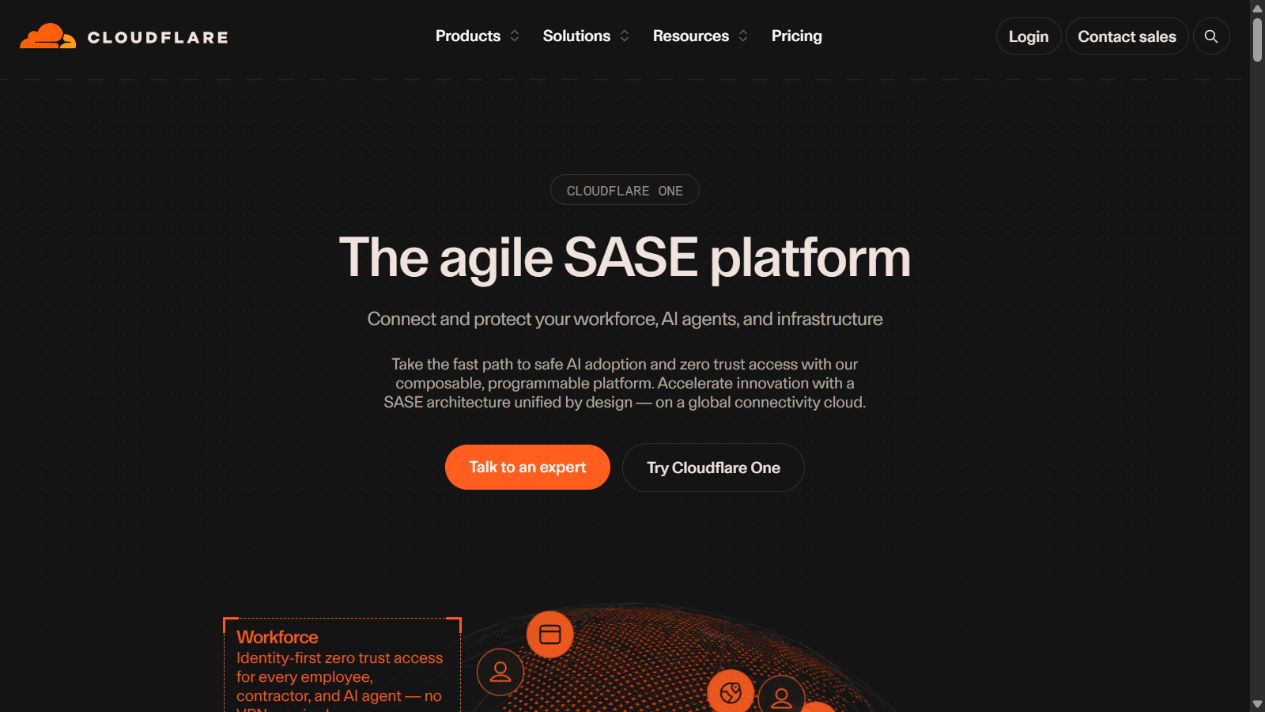
Cloudflare One official page, captured August 28, 2026.
Choose it when: the startup needs identity-aware access, web and DNS controls, application protection, or a path away from a broad network VPN.
Check before buying: identity-provider integration; device posture; supported applications and protocols; log retention; browser isolation and email-security packaging; data location; support; fail-open or fail-closed behavior; administrator recovery; and the cost after the team passes free-plan limits.
Do not select the free plan because the headline price is zero. Confirm commercial terms, support, log duration, feature limits, and the operating burden for the startup’s use case.
5. Tailscale: best for engineering-led secure connectivity
Tailscale provides identity-aware connectivity between people, devices, servers, clouds, containers, and other infrastructure. Its documentation explains that access policies can be deny-by-default and can use users, groups, tags, devices, and other selectors. Tailscale relies on an external identity provider for user authentication and connects identity to devices and policy.
This can fit a startup whose immediate problem is secure engineering access to databases, development environments, internal tools, CI/CD resources, or multi-cloud infrastructure. It can reduce dependence on exposed services and a traditional network VPN. It remains a connectivity and access layer, not endpoint detection, email security, backup, or managed incident response.
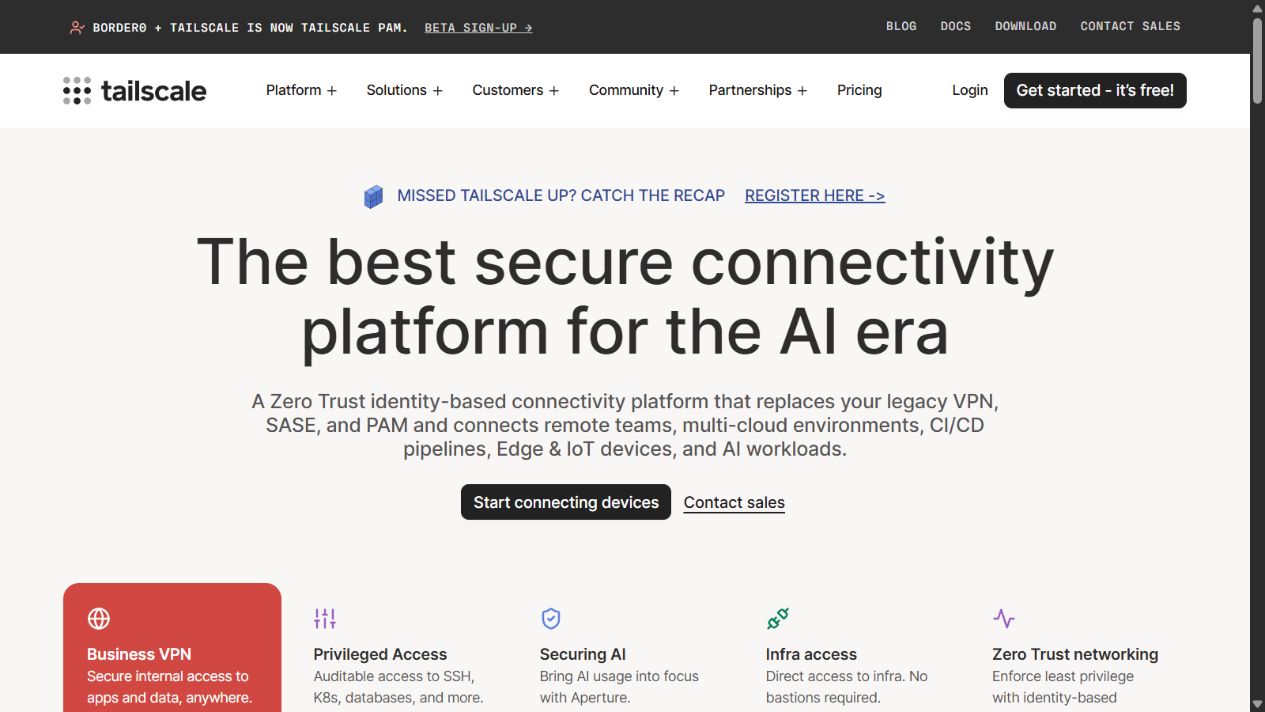
Tailscale official homepage, captured August 28, 2026.
Choose it when: engineering access is the urgent problem and the startup can manage identity, device enrollment, tags, groups, and least-privilege policies as code or controlled configuration.
Check before buying: commercial plan requirements; seat and resource pricing; identity-provider setup; device approval; posture integrations; policy review; logs and export; emergency access; exit nodes and subnet routers; offboarding; key expiry; and how infrastructure identities are governed.
Tailscale’s pricing page showed Standard and Premium self-service business plans when checked. Its Personal plan is described as non-commercial. Recheck prices and included controls before purchase.
Build a startup security stack in the right order
Buying all five products would usually be the wrong first step. Start with the attack paths and operational gaps.
Stage 1: establish basic control
Inventory users, devices, cloud accounts, source repositories, customer data, production systems, vendors, and owners. Enforce multifactor authentication, remove shared administrator accounts, patch supported devices, encrypt storage, and test backups. Assign one person to coordinate incidents even if security is outsourced.
Stage 2: protect and manage endpoints
Deploy centrally managed endpoint protection to every supported business device. Define minimum operating-system versions, screen lock, local administrator policy, lost-device response, and contractor requirements. Verify alert delivery with safe vendor-provided test methods rather than real malware.
Stage 3: narrow access
Connect access to corporate identity, groups, device posture, and job requirements. Remove public exposure where possible. Use separate administrative accounts, short-lived access where supported, and a documented emergency path.
Stage 4: create a response capability
Decide who monitors alerts during and outside business hours. If no internal person can investigate, evaluate MDR or a qualified provider. Define which actions can be taken without executive approval and how affected customers or authorities would be assessed.
Stage 5: produce evidence
Retain policies, access reviews, backup tests, incident exercises, vendor evidence, security training, and remediation records. Evidence helps the company answer customer questionnaires and shows whether the controls operate beyond a sales claim.
Cost model for a startup
Calculate more than license price:
| Cost area | Questions to model |
|---|---|
| Users and devices | Employees, founders, contractors, service accounts, servers, phones, and shared infrastructure |
| Coverage | Endpoint, identity, email, cloud, web, network, applications, and after-hours response |
| Implementation | Deployment, policy design, identity integration, migration, and testing |
| Operations | Alert review, tuning, access review, patching, investigation, and reporting |
| Growth | Price and administrative effort at current headcount and the next two milestones |
| Failure | Downtime, recovery, specialist support, forensic work, notification, and customer impact |
A low-cost product with no operator can be more expensive than a managed service. A large bundle can also waste runway if the team cannot configure or use it. Compare cost per protected workflow and accountable response, not only cost per seat.
Pilot checklist
Run a controlled pilot without attacking production systems:
- Select representative employee and administrator devices.
- Connect the actual identity provider and test least-privilege groups.
- Use vendor-supported test alerts or harmless simulations.
- Verify who receives an alert, how quickly, and with what context.
- Test device isolation or access revocation in a controlled environment.
- Confirm offboarding removes access and owned devices correctly.
- Export logs and verify timestamps, identities, and retention.
- Restore a backed-up system or file and record the result.
- Test support and escalation with a realistic question.
- Record administrator time, false positives, unresolved gaps, and projected cost.
The pilot should end with a documented operating model, not just a favorable demo.
Common startup security mistakes
Buying a tool before assigning ownership
Every alert, policy exception, unpatched device, and access request needs an owner and escalation path.
Treating unlike products as interchangeable
Endpoint security, MDR, SASE, and secure connectivity solve different problems. Map each purchase to an asset, threat path, and operating responsibility.
Using a personal or free plan for business without checking terms
Free plans may exclude commercial use, logs, support, controls, or scale. Verify official terms and the upgrade path.
Ignoring contractors and service accounts
Startups depend on temporary people, automation, repositories, and cloud credentials. Include them in inventory, least privilege, rotation, and offboarding.
Claiming compliance from a product purchase
A vendor certificate or feature does not make the startup compliant. Compliance depends on scope, configuration, processes, evidence, and legal interpretation.
Final recommendation
For a Microsoft 365-centered startup, begin by evaluating Microsoft Defender for Business for endpoint protection. If alerts cannot be monitored and acted on reliably, evaluate Huntress or Sophos MDR with a written service scope. Use Cloudflare One when workforce and application access is the main exposure, or Tailscale when engineering teams need identity-aware connectivity to infrastructure.
Do not buy the entire shortlist. Build a requirements map covering endpoint, identity, email, backup, access, cloud, applications, and response. Select the smallest set that closes the most important gaps, integrates with the current environment, and gives every alert an accountable owner.
Official sources
- Microsoft Defender for Business overview
- Microsoft Defender for Business FAQ
- Microsoft Defender for Business product page
- Huntress homepage
- Huntress pricing
- Sophos cybersecurity for small business
- Cloudflare One
- Cloudflare Zero Trust pricing
- Tailscale homepage
- Tailscale pricing
- Tailscale access control
- Tailscale identity
- Tailscale security best practices
Frequently asked questions
What cybersecurity software does a startup need first?
Start with identity protection, multifactor authentication, centrally managed endpoint protection, patching, recoverable backups, and a documented incident owner. Add managed detection or zero-trust access according to the startup’s data, infrastructure, remote access, and response capacity.
Is antivirus enough for a startup?
No. Antivirus covers only part of the risk. A startup also needs identity and email controls, least-privilege access, secure device configuration, patching, backups, logging, vendor review, and an escalation process.
When should a startup buy managed detection and response?
Evaluate MDR when nobody can reliably monitor security alerts, investigate suspicious activity, or respond outside business hours. The service scope, authorized response actions, coverage, retention, minimums, and exclusions must be verified before purchase.
Can a startup use free cybersecurity software?
Free plans can support a limited pilot or narrow use case, but they do not automatically provide complete business protection. Confirm commercial-use terms, user and device limits, logs, support, policy controls, data retention, and the response process before relying on a free tier.
How should a startup test cybersecurity software?
Use a controlled pilot with representative devices, identities, applications, and access paths. Test onboarding, policy enforcement, alert routing, false positives, isolation or revocation, log export, offboarding, restoration, failure handling, and administrator workload without running unsafe malware tests.
Frequently asked questions
What cybersecurity software does a startup need first?
Start with identity protection, multifactor authentication, centrally managed endpoint protection, patching, recoverable backups, and a documented incident owner. Add managed detection or zero-trust access according to the startup's data, infrastructure, remote access, and response capacity.
Is antivirus enough for a startup?
No. Antivirus covers only part of the risk. A startup also needs identity and email controls, least-privilege access, secure device configuration, patching, backups, logging, vendor review, and an escalation process.
When should a startup buy managed detection and response?
Evaluate MDR when nobody can reliably monitor security alerts, investigate suspicious activity, or respond outside business hours. The service scope, authorized response actions, coverage, retention, minimums, and exclusions must be verified before purchase.
Can a startup use free cybersecurity software?
Free plans can support a limited pilot or narrow use case, but they do not automatically provide complete business protection. Confirm commercial-use terms, user and device limits, logs, support, policy controls, data retention, and the response process before relying on a free tier.
How should a startup test cybersecurity software?
Use a controlled pilot with representative devices, identities, applications, and access paths. Test onboarding, policy enforcement, alert routing, false positives, isolation or revocation, log export, offboarding, restoration, failure handling, and administrator workload without running unsafe malware tests.