Best Finance Software for Small Businesses
Compare five finance and accounting software options for small businesses by bookkeeping needs, users, invoicing, reporting, and cost drivers.
Direct answer
QuickBooks Online is the strongest general US accounting shortlist option. Xero is well suited to collaboration with an accountant and connected applications. Zoho Books offers a lower-cost path with a free edition for eligible small businesses in the US. FreshBooks is a practical fit for service businesses centered on invoicing and time. Wave is worth evaluating for freelancers and very small companies with simpler bookkeeping needs.
No product is best across every country and business model. Tax rules, bank feeds, payroll, payment processing, inventory, projects, multi-currency, and accountant preferences can change the answer. This guide uses official sources checked on August 7, 2026 and does not claim hands-on accounting tests.
Small-business finance software shortlist
| Product | Best fit | Main strength to verify | Main cost or fit risk |
|---|---|---|---|
| QuickBooks Online | General US small-business accounting | Bookkeeping, invoicing, payments, reports, and accountant access | Plan limits, payroll, payments, and promotions affect total cost |
| Xero | Collaboration and connected finance workflows | Accounting, bank reconciliation, invoicing, reporting, and app ecosystem | Regional plans and feature limits differ |
| Zoho Books | Value-focused small teams | Free and paid editions with accounting and automation progression | Eligibility and feature availability vary by market |
| FreshBooks | Service businesses and invoicing | Invoicing, expenses, time, projects, and client workflows | Billable-client limits and add-ons can drive cost |
| Wave | Freelancers and simple businesses | Entry-level invoicing and accounting options | Advanced support, payroll, payments, and automation vary by plan and market |
How we selected the tools
We compared the products on the work a small business must complete: transaction capture, reconciliation, invoicing, bills, cash visibility, accountant access, reporting, permissions, integrations, migration, and total cost. We excluded enterprise finance suites and did not treat promotional prices as permanent list prices.
Use our finance software evaluation guide to turn those criteria into a requirements list.
1. QuickBooks Online: best general US accounting starting point
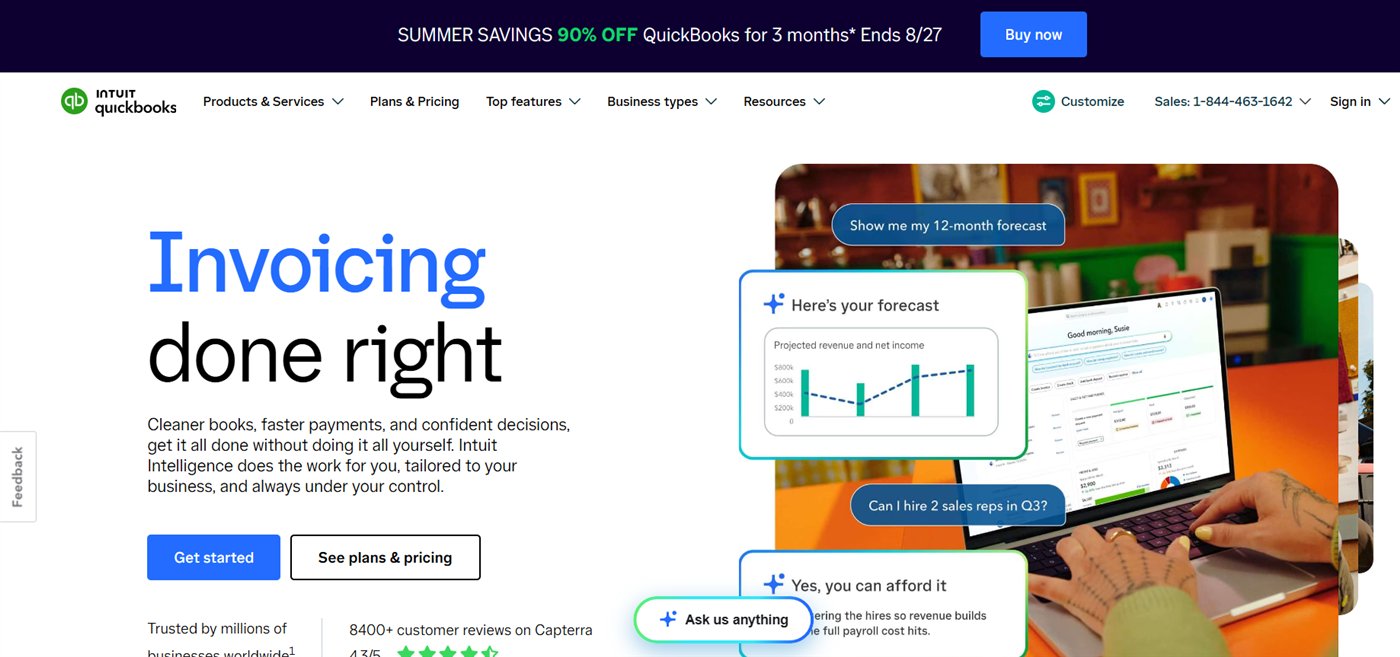
Intuit’s official US page lists QuickBooks Online plans progressing from Simple Start through higher editions with more users, reporting, inventory, project, and operational capabilities. When checked, the page displayed temporary discounts beside standard prices, so buyers should model the post-promotion amount.
Choose it when: US bookkeeping, accountant familiarity, payments, and a broad small-business ecosystem matter.
Check before buying: permanent price after promotions, included users, accountant access, payroll, payment fees, bill pay charges, inventory, projects, and reporting depth.
Source: QuickBooks Online pricing .
2. Xero: best for collaboration and connected workflows
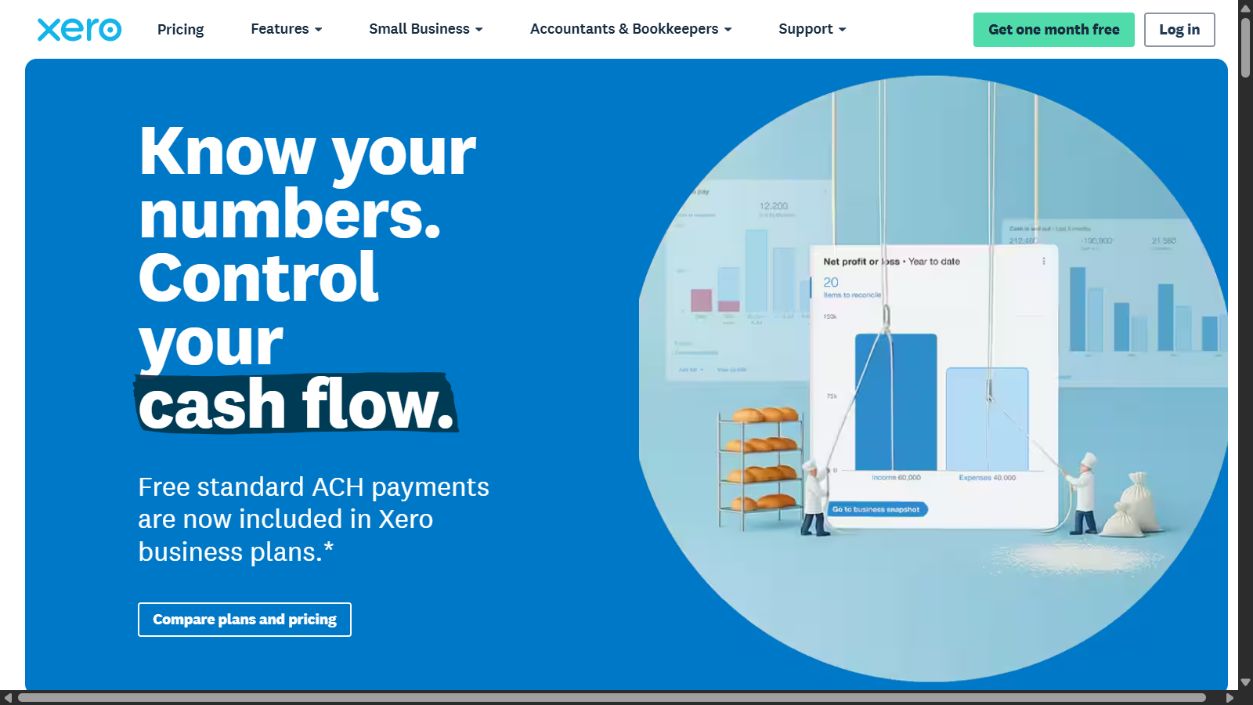
Xero documents online accounting, bank reconciliation, invoicing, bills, reporting, payroll connections in supported markets, and a marketplace of connected applications. Its fit is strongest when the business and accountant agree on Xero and the needed bank and app connections are available locally.
Choose it when: collaboration, reconciliation, and ecosystem fit are higher priorities than selecting the lowest entry price.
Check before buying: regional plan names, invoice and bill limits, multi-currency, expenses, projects, payroll availability, bank feeds, and app subscription costs.
Sources: Xero and Xero pricing .
3. Zoho Books: best value-focused option
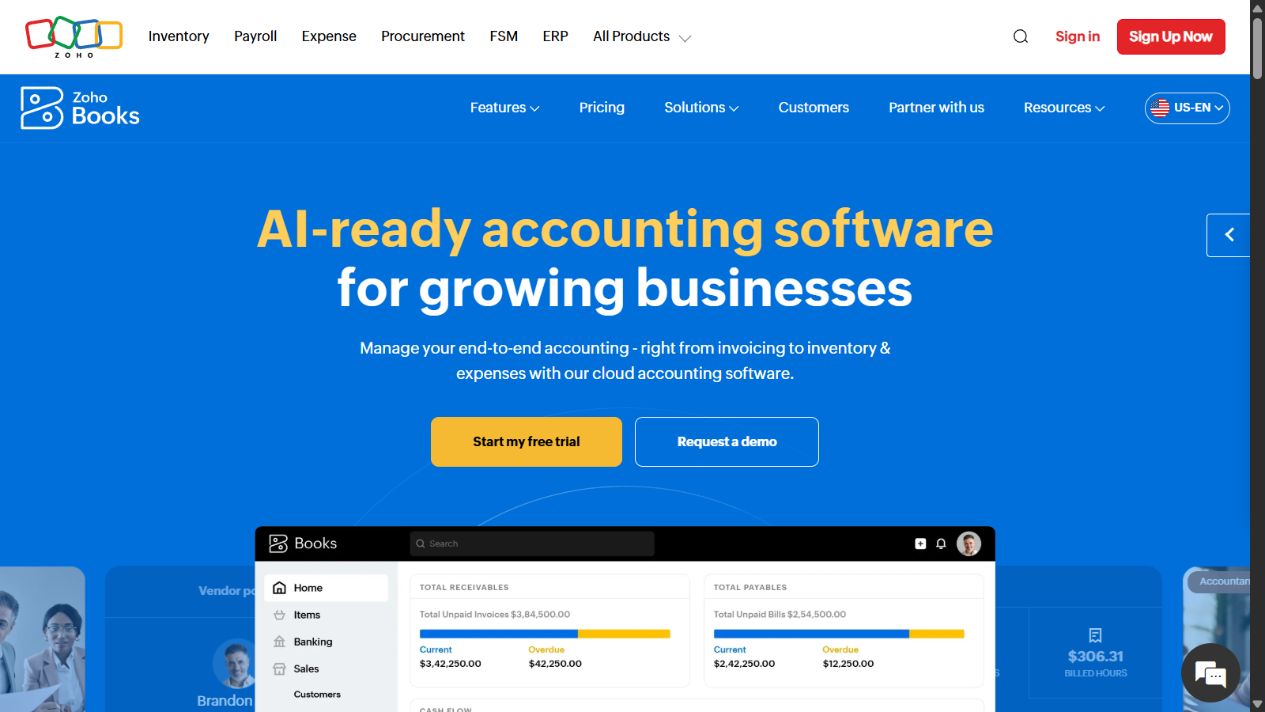
Zoho’s US pricing page lists a Free edition and paid plans that add users, automation, custom fields, inventory-related functions, portals, analytics, and other controls. The free edition has eligibility and usage conditions, so buyers should not assume it applies in every country or at every revenue level.
Choose it when: the team wants a low-cost entry and is comfortable evaluating the wider Zoho ecosystem.
Check before buying: local edition, revenue eligibility, users, accountant access, transaction limits, payroll, tax support, payment gateways, inventory, and required add-ons.
Sources: Zoho Books and Zoho Books pricing .
4. FreshBooks: best for service invoicing
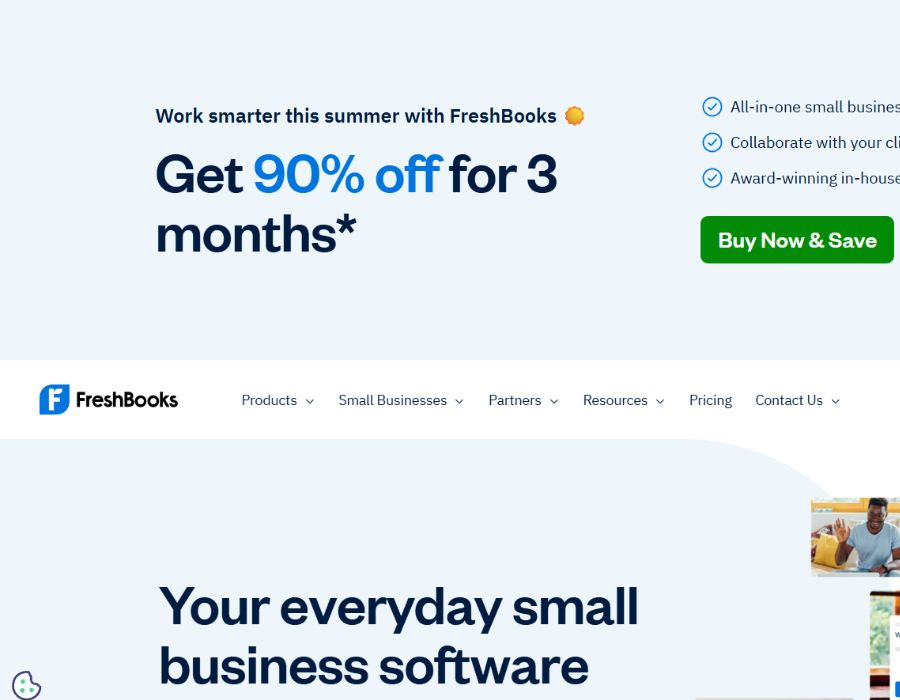
FreshBooks focuses its product around invoicing, expenses, time tracking, projects, payments, and client work. That can be a better fit for consultants and service businesses than selecting a more complex accounting platform solely because it is widely known.
Choose it when: billable work, client invoices, time, and simple project economics drive the workflow.
Check before buying: billable-client limits, additional users, accounting reports, bank reconciliation, accountant workflow, payments, payroll links, and whether the business needs inventory or more advanced controls.
Sources: FreshBooks and FreshBooks pricing .
5. Wave: best simple starting point
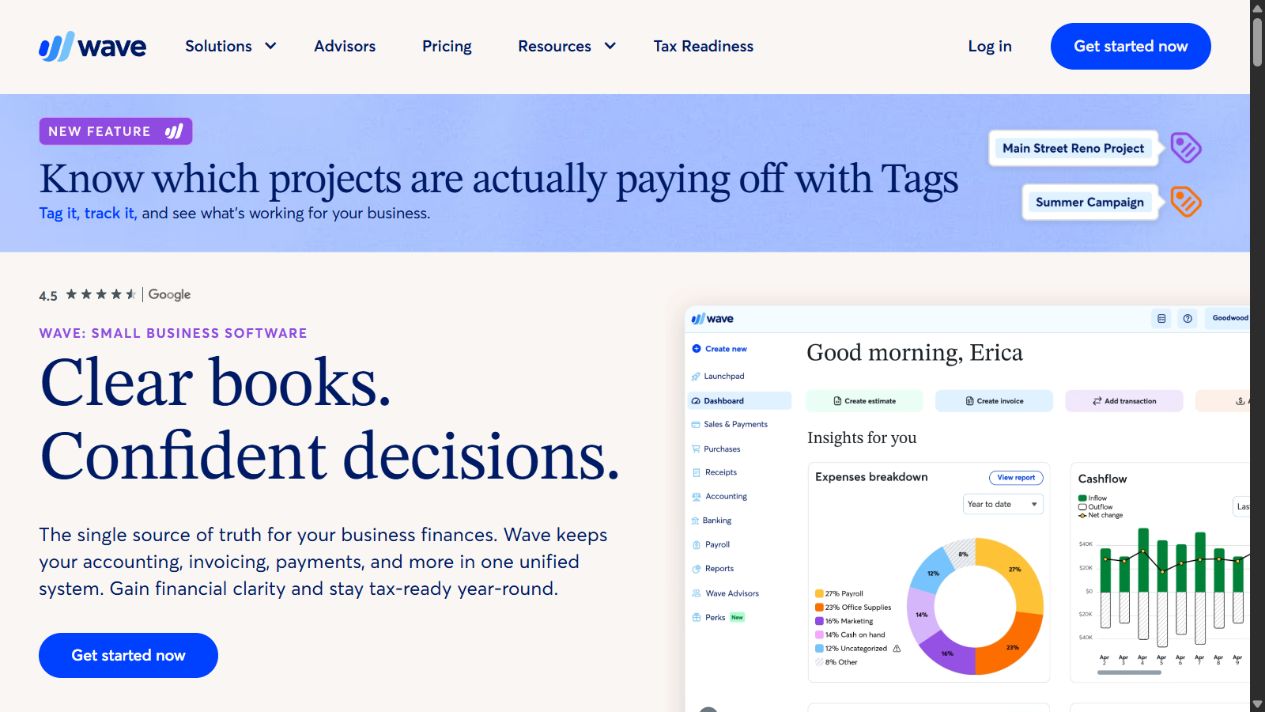
Wave offers accounting and invoicing services aimed at small businesses. Its plan structure and paid services differ by market, so the safe buying question is whether the current edition supports the required bank connections, support level, payment methods, payroll, and export controls.
Choose it when: the business is small, transactions are straightforward, and low setup cost matters more than advanced workflow depth.
Check before buying: country availability, bank imports, receipt capture, support, payments, payroll, user access, data export, and the cost of moving later.
Sources: Wave and Wave pricing .
Run a month-end pilot
Do not evaluate finance software with a polished demo. Use a controlled copy of representative data and complete one operating cycle:
- connect or import a bank sample;
- categorize and reconcile transactions;
- create an invoice and record payment;
- enter a supplier bill and expense;
- test accountant and staff permissions;
- produce profit-and-loss, balance-sheet, receivables, and cash reports;
- export records and supporting documents;
- record close time, errors, manual work, and add-on costs.
If forecasting is important, separately evaluate a cash-flow forecasting tool . If subscription control is the problem, use the spend-management buyer guide .
Final selection guidance
Start with QuickBooks Online when US accounting breadth and accountant familiarity matter. Compare Xero when collaboration and integrations drive the decision. Include Zoho Books when value and automation progression matter. Choose FreshBooks for service billing and Wave for simpler operations. The right choice is the system that closes the books accurately with clear ownership, not the one with the most dashboard widgets.
Frequently asked questions
What is the best finance software for a small business?
QuickBooks Online is the broadest US accounting starting point in this shortlist, Xero is a strong collaboration choice, Zoho Books offers a lower-cost path, FreshBooks suits service invoicing, and Wave is worth considering for very small businesses with simpler needs.
Can finance software replace an accountant?
No. Software can organize transactions, invoicing, reconciliation, and reports, but it does not replace professional judgment on tax, compliance, accounting policy, or unusual transactions.
What should a small business test before choosing accounting software?
Test bank feeds, reconciliation, invoicing, tax settings, accountant access, reporting, imports, exports, permissions, payment fees, payroll links, and month-end close using representative data.