Best Finance Software with a Free Plan
Compare finance software with a free plan by country, accounting scope, desktop versus hosted access, reconciliation and accountant handoff.
The best finance software with a free plan depends on the job, country and operating model. Evaluate Zoho Books for an eligible hosted accounting workflow, Zoho Invoice for invoicing, Wave Starter for an eligible US or Canadian business, and GnuCash or Manager Desktop when a local application fits. These are different routes, not interchangeable free versions of one complete finance department.
Research scope and limitations
- Research type
- Official-source documentation review and editorial analysis
- Hands-on tested
- No
- Last verified
- November 3, 2026
- Limitations
- No paid-account test, performance benchmark or account-entitlement audit. Examples and acceptance exercises are editorial proposals; current terms require verification.

Table of contents
Best finance software with a free plan: the practical shortlist
The best finance software with a free plan depends on the job, country and operating model. Evaluate Zoho Books for an eligible hosted accounting workflow, Zoho Invoice for invoicing, Wave Starter for an eligible US or Canadian business, and GnuCash or Manager Desktop when a local application fits. These are different routes, not interchangeable free versions of one complete finance department.
This guide reviews official sources as of November 3, 2026. We did not open paid accounts, run a bookkeeping benchmark or certify any product for a particular tax obligation. Product facts are sourced below. Recommendations, examples and acceptance exercises are editorial analysis. Free software access does not remove transaction fees, bookkeeping effort or responsibility for accurate records.
The shortlist intentionally distinguishes ongoing hosted plans from free desktop editions. A trial ending after a few weeks does not qualify as an ongoing free option. Neither does a free invoice generator automatically qualify as a complete accounting system. Start with our Finance Software evaluation guide if the team has not yet defined its required records and handoffs.
Comparison table: match the free route to the task
| Product | Verified free route | Useful evaluation scope | Boundary to check first |
|---|---|---|---|
| Zoho Books | Free plan on the Indian pricing page | Hosted small-business accounting | Country, revenue, invoice and user eligibility |
| Zoho Invoice | Official free invoicing offer | Preparing and tracking customer invoices | Invoicing scope versus a full ledger |
| Wave Starter | Zero-subscription Starter plan | Basic invoicing and bookkeeping | US/Canada focus and paid bank-import boundary |
| GnuCash | Free accounting software | Local double-entry records | Installation, backups and accounting knowledge |
| Manager Desktop | Free single-user desktop edition | Local business accounting | Desktop access versus separate hosted collaboration |
The order groups use cases; it is not a performance ranking. An option becomes suitable only after its eligibility and output match your business. The product sections identify official evidence and a proposed first exercise, so you can reject a poor fit before migrating financial records.
How the tools were selected
Each candidate needed a current official free offer or a clearly identified free software edition, a useful financial task and enough documentation to describe its boundary honestly. We excluded temporary discounts and trials as evidence of an ongoing free plan. We also avoided treating a paid automation feature as included merely because it appears somewhere on the vendor’s website.
The evaluation emphasizes records, reconciliation, accountant handoff, access and exit. Those are operating criteria, not reported tests. A colorful dashboard is less useful if the underlying transactions cannot be explained. A long feature list matters little if your accountant cannot obtain the records needed to review the books.
This guide covers software selection, not a recommendation about how to classify a transaction or meet a legal filing obligation. Have the person responsible for your accounts confirm the required reports and workflow. Their requirements should determine the pilot rather than being discovered after the first financial year has been imported.
Zoho Books: evaluate the country-specific hosted offer
The Indian Zoho Books pricing page lists a Free plan with one user and one accountant. Its FAQ states a financial-year revenue threshold of ₹25 lakh and an annual limit of 1,000 invoices. These are conditions of the reviewed Indian offer, not a promise that the same plan applies in every country.
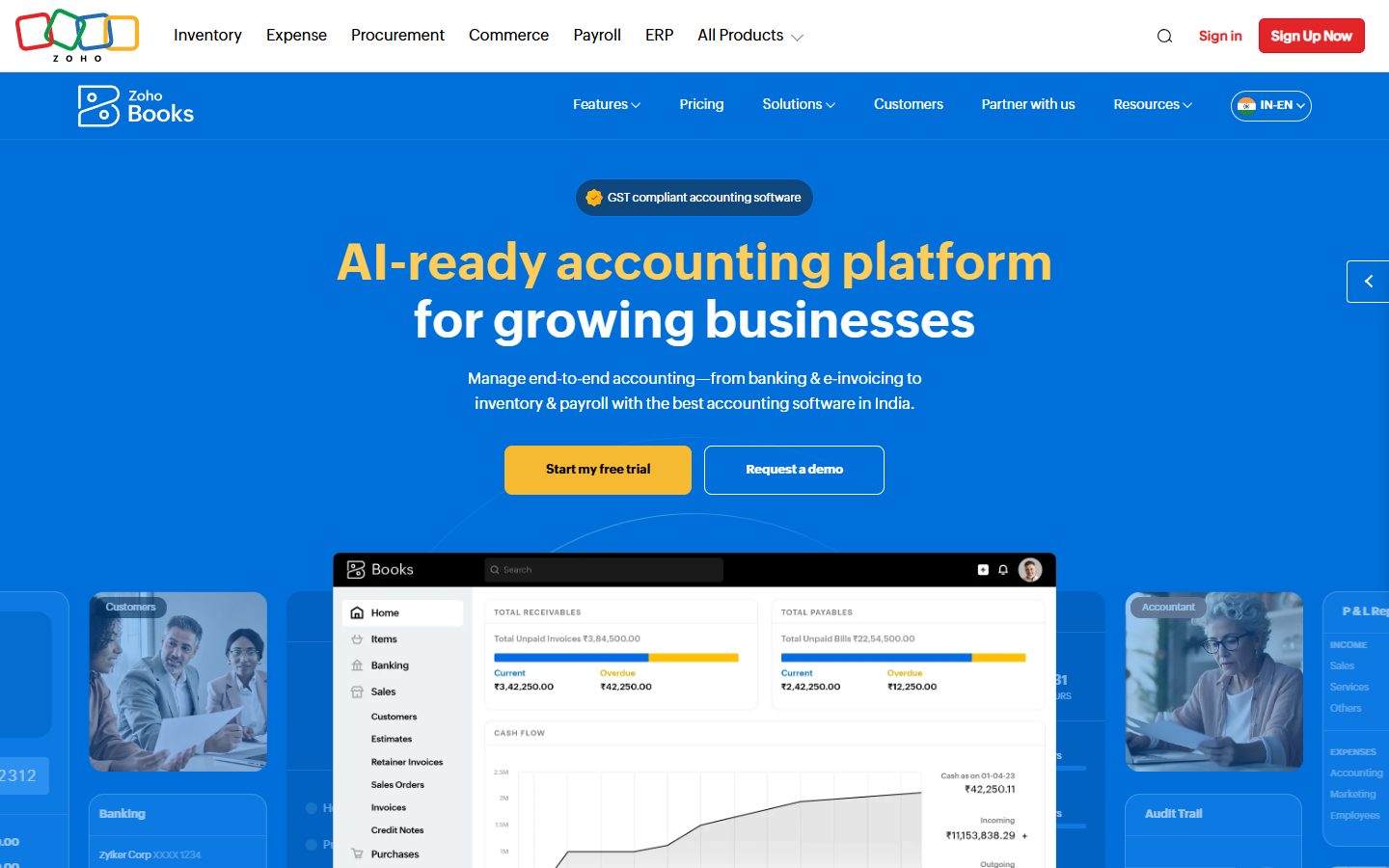
The practical appeal is a hosted accounting candidate for an eligible small business that wants the owner and accountant to work from a defined system. Our recommendation is to test the complete record-to-review journey, rather than only creating an invoice. Ask the accountant which reports and transaction details they need before entering real data.
The limitation is that eligibility can be a harder boundary than the feature list. Growth in revenue, invoice count or access requirements may change the relevant plan. Record those conditions alongside the software decision. Do not assume you can add paid-plan users or automation features to the free offer without checking current terms.
For a first exercise, use a small fictional month with an invoice, a payment, an expense and a correction. Confirm that the reviewer can follow the records and obtain the required outputs. If the business is outside India, repeat the eligibility check against its actual country edition before using this recommendation.
Zoho Invoice: evaluate invoicing as a distinct job
Zoho Invoice’s official site presents a free invoicing product. That makes it a candidate when the immediate need is preparing and tracking customer invoices. It should not be silently treated as equivalent to a complete accounting ledger simply because both types of tool handle monetary amounts.
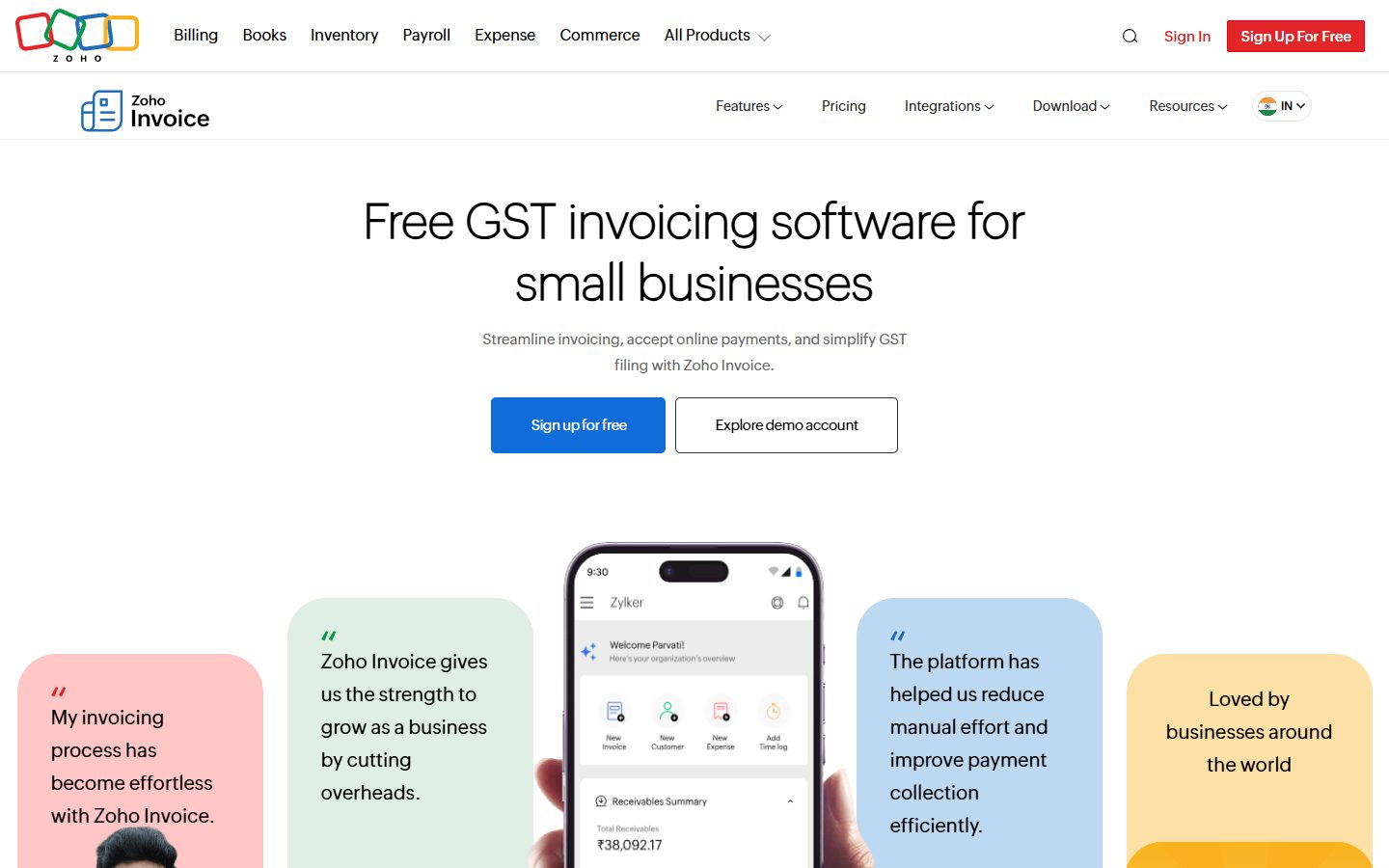
A freelancer or small service business may first need a consistent way to issue invoices and record payment status. In that situation, the simpler scope can be useful. The selection question is what happens after the invoice: how the information reaches the accounting process and how someone checks that it matches actual receipts.
The limitation is category fit. If you need a complete ledger, supplier-account workflow or a particular reporting process, write those requirements explicitly and verify them. Do not infer them from the word “finance.” Also check the current country offer, usage conditions and payment-provider charges before describing the overall workflow as costless.
For the pilot, create a fictional invoice, record a partial payment and explain the remaining amount to a reviewer. Then test how the invoice information would reach the authoritative accounting record. If the business already has a ledger, avoid creating a second conflicting source of truth merely to use another free tool.
Wave Starter: evaluate the supported geography first
Wave’s pricing page lists a zero-subscription Starter plan for invoicing and bookkeeping basics. It places automatic bank transaction import in Pro. Wave’s regional support explanation states its focus on the United States and Canada and describes restrictions for users outside those countries.
That makes Wave a geographically qualified candidate, rather than a universal recommendation for every reader. For an eligible business, evaluate whether the basic workflow fits the volume and review process. Keep optional payment processing and other paid services separate from the software’s subscription price.
The practical limitation to test is the work surrounding transaction entry. If the workflow relies on a paid bank-import capability, a free subscription label alone does not describe its real cost. Conversely, a small business with a manageable manual process may have different needs. Measure the effort instead of assuming either outcome.
Use a sample statement and a small set of fictional records. Confirm how entries are matched and reviewed without relying on unverified paid features. If the business is outside the supported region, choose a different candidate rather than building a financial process around an account whose service conditions do not fit.
GnuCash: evaluate local double-entry accounting
GnuCash is free accounting software for personal and small-business use. Its feature documentation describes double-entry accounting and related recordkeeping capabilities. It is a software edition to operate locally, rather than a hosted free tier with an automatically managed shared workspace.
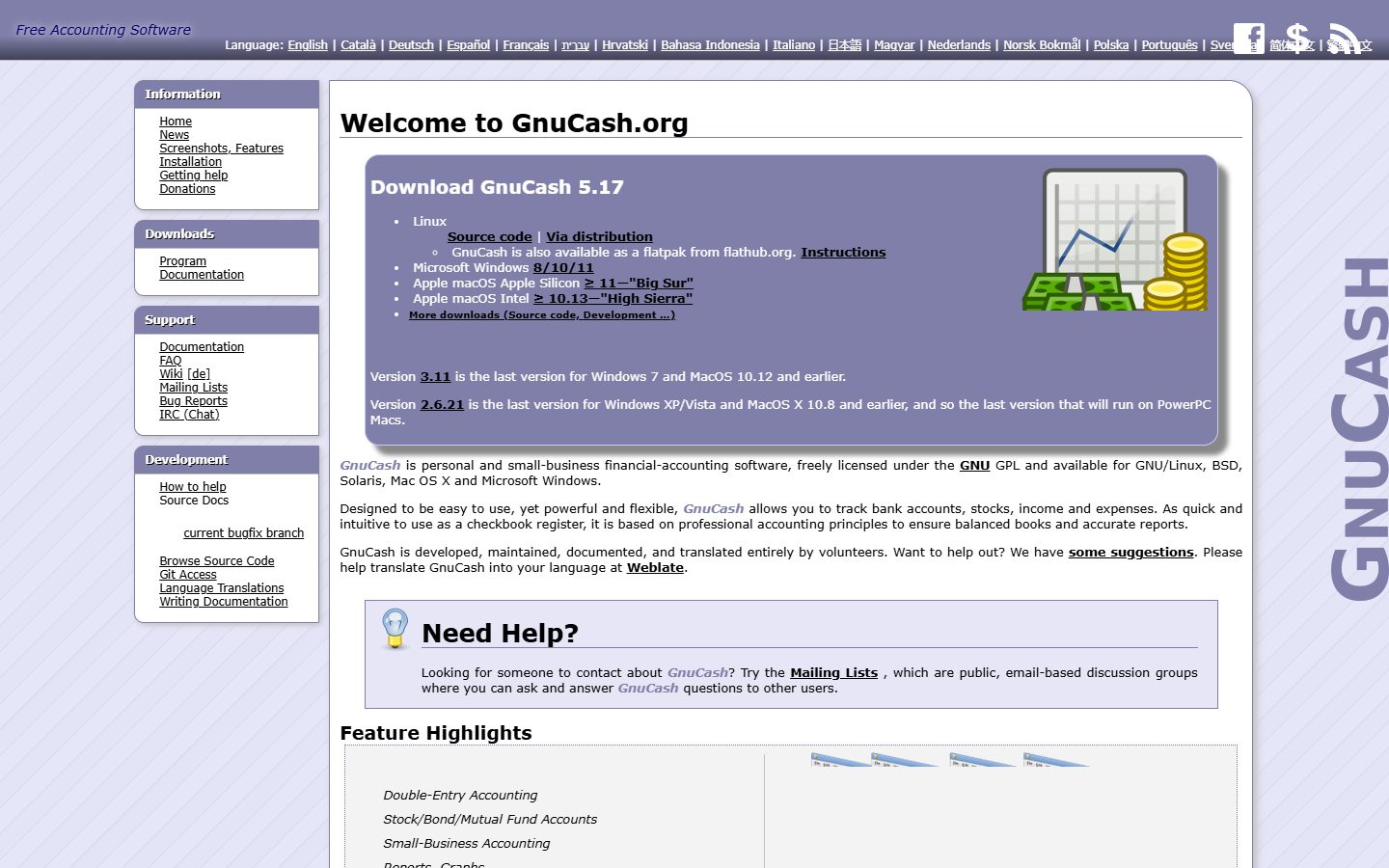
The practical fit is a user who wants local control and can maintain a clear bookkeeping process. The absence of a subscription can be attractive, but the operator still needs to understand the records, protect the data and maintain a usable installation. Local control transfers responsibilities rather than making them disappear.
Do not choose it solely to avoid a monthly fee if nobody can maintain the process. Ask who will create backups, check a restore and help the accountant review records. A single capable owner can be sufficient for some businesses, but that dependency should be explicit rather than discovered when the owner’s computer fails.
For a first exercise, build a small fictional ledger and reconcile it against a sample statement. Save a backup and demonstrate recovery in a safe test location. The purpose is to establish whether the people running the business can reproduce the recordkeeping workflow, not to claim that we tested GnuCash’s reliability.
Manager Desktop: evaluate the single-user edition
Manager’s download page describes its Desktop edition as free without trial or usage limits and identifies it as single-user software. The edition guides distinguish local Desktop from hosted Cloud access. Do not infer a free shared cloud workspace from the desktop offer.
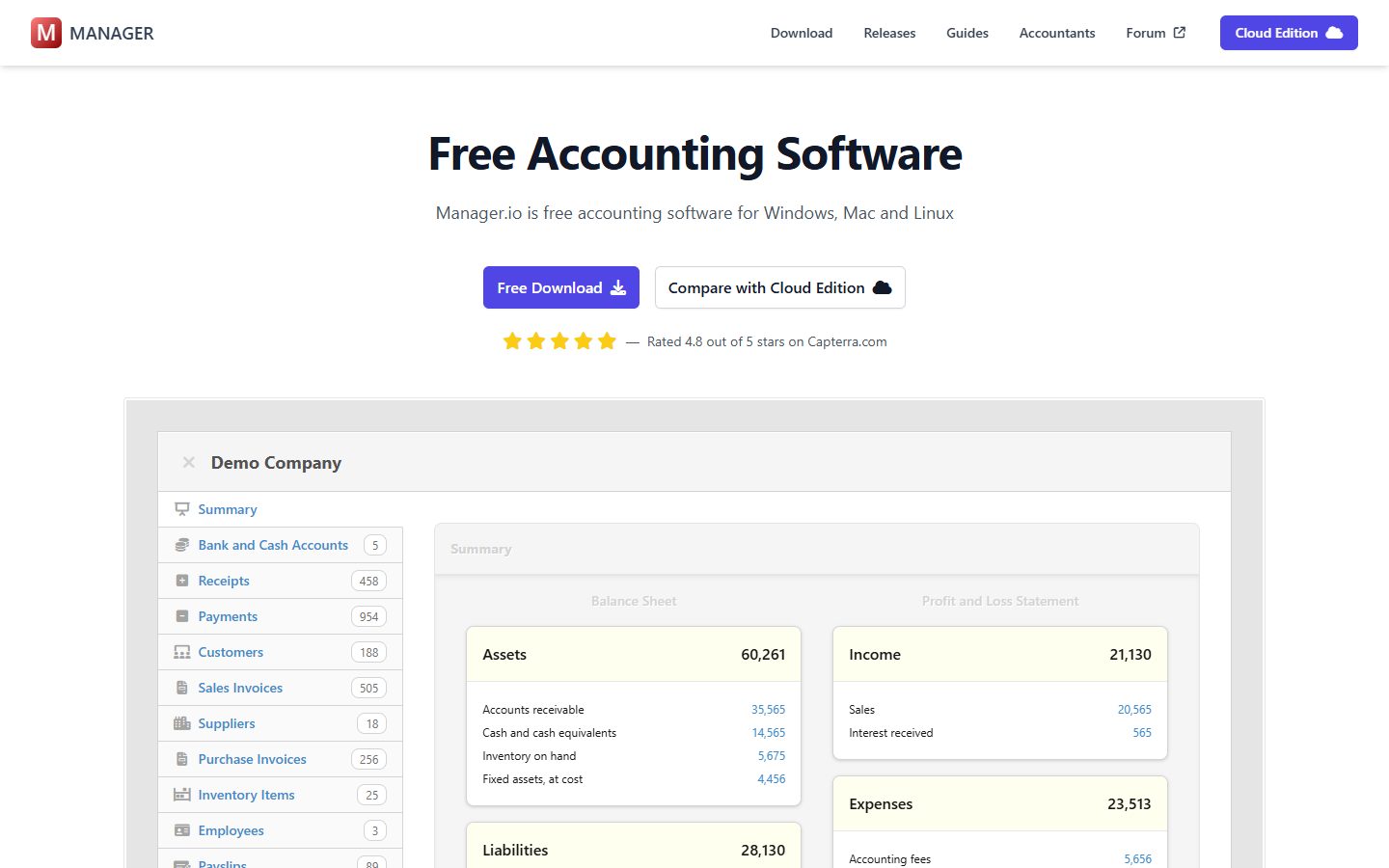
This is a candidate for a business that can work from a locally maintained accounting file with a clear owner. The useful question is whether that ownership model fits the way the accountant and operator exchange work. A tool can be adequate for the ledger yet inconvenient for simultaneous collaboration.
The limitation to test is the handoff. If several people need to edit records remotely, a single-user desktop process may require a different edition or a different system. Avoid casual copying that creates two current-looking versions of the books. Agree on which file is authoritative and how reviewed changes return to it.
For a pilot, enter a fictional set of transactions, produce the required review material and demonstrate a controlled backup-and-handoff cycle. Confirm that the recipient can use the information in their actual process. Keep the downloaded software version and data-backup date in the operating record so later troubleshooting has a starting point.
Distinguish the invoice, ledger and cash view
An invoice describes a request for payment. A ledger records financial activity under the accounting process. A cash view helps explain movements in available funds. These can relate to the same business event, but they do not answer identical questions. A selection mistake occurs when a tool solving one job is expected to solve all three without verification.
Write down which record is authoritative for each task. If an invoice application and an accounting system coexist, define how the data moves between them and who resolves disagreements. A payment marked in one place should not leave another person guessing whether the books were updated.
Use a partial payment and a correction in the pilot because they expose more than a perfect one-invoice demonstration. Ask the reviewer to explain the outstanding amount and locate the evidence. This is a proposed acceptance exercise; it does not prescribe accounting treatment for any actual transaction.
Use a fictional month before migrating real records
Create a small test pack with opening information, a few sales, operating expenses, a payment received, a refund scenario and a sample statement. Have the accountant specify expected outputs. Keep every scenario clearly fictional so the pilot does not contaminate live records or expose customer details.
Run the same essential cases through the shortlisted options. Record what could be completed on the intended free route, what required manual work and what was unavailable. Do not enable a trial-only capability and later count it as evidence that the ongoing free plan meets the requirement.
At the end, ask someone other than the operator to inspect the result. Can they trace the records, identify unresolved items and understand what should happen next? If the answer depends on a long verbal explanation, improve the process before importing historical data. A free tool should still produce reviewable work.
Decide how opening information enters the system
Historical data is a separate selection task from entering new transactions. Before migration, agree on the starting date, the opening information the accountant requires and which supporting records must remain accessible. A new system should not begin with unexplained totals simply because an import appeared to complete.
Use a copy of a small, approved sample to test the handoff. Have the reviewer compare the starting position, subsequent activity and final reports. Keep a list of exclusions, such as attachments or descriptive fields that did not move. An import count can match while useful context is lost.
Schedule a clear cutover. Decide when the previous record stops accepting ordinary entries and how late corrections will be handled. Running two live systems without that agreement can create duplicates or contradictory balances. The software may be free, but resolving an ambiguous migration still consumes the accountant’s time.
Treat a failed migration exercise as a reason to revise the plan, not to abandon the evidence standard. You may need a simpler starting scope, a different export or a paid service. Establish that before relying on the new system for an important reporting deadline.
Make reconciliation an acceptance condition
Reconciliation is where a plausible set of entries meets an independent record. For software selection, the important question is whether the operator can explain differences and show their resolution under the accountant’s process. A dashboard total alone is weak evidence when nobody can trace the underlying items.
Include an intentional mismatch in the fictional pack, such as an amount entered incorrectly. Ask the operator to find it and preserve a record of the correction. Then ask the reviewer to follow what changed. This reveals whether the workflow supports investigation rather than only smooth data entry.
Do not let an assistant or automated categorization silently settle an unresolved transaction. If meaning is uncertain, retain the source and assign a person to review it. Our accounts payable software checklist discusses related review boundaries for purchase-side processes.
Count the cost beyond the subscription
Free access can still involve payment fees, optional services, data-entry time, backup administration and accountant effort. Build a simple monthly estimate with those categories. Use your actual transaction volume and the current offer; do not multiply an unverified headline price into a supposed saving.
Compare equivalent work. If one option includes a workflow you need only on a paid plan, compare that plan’s current total with the manual effort on the free route. If a desktop edition saves fees but adds frequent file handoffs, include that effort. The best choice is not automatically the lowest software charge.
For broader operating context, see our finance software guide for small businesses . This free-plan article focuses on eligibility and operating boundaries; it does not replace the requirement review needed for a complete finance stack.
Check access and continuity before adding users
List the operator, reviewer, accountant and emergency cover. Determine which people need to view, edit or approve work. Match those needs against the specific free plan or edition. A product’s general support for collaboration does not prove that the free offer grants the access you need.
Plan for absence. Someone should know where the records live, when they were last backed up and how unresolved items are handed over. A free account tied to one person’s private credentials can become an operational dependency even if the software itself works well.
Our remote finance software guide addresses distributed working more broadly. For this shortlist, the key is to decide whether local single-user operation is acceptable or whether shared hosted access is an essential requirement from the beginning.
Prove the exit route
Before importing a year of records, identify the outputs needed to leave. These might include transaction data, reports and supporting documents in formats the next system or accountant can use. Confirm the actual available export route rather than assuming that a backup file is readable everywhere.
Test a small handoff with the intended recipient. A file existing on disk does not prove the recipient can use it. Record what is missing, which transformations are required and who would perform them during a migration. This is especially important when moving between a local edition and a hosted service.
The exit exercise also improves everyday continuity. A team that can explain its records independently of the application is better placed to handle a plan change, an access problem or an operational interruption. Avoid waiting for a renewal deadline to discover what the system can provide.
Set upgrade triggers before the limit arrives
Use observable triggers: approaching a revenue or invoice condition, needing another authorized user, increasing manual reconciliation effort or requiring a capability absent from the free route. Review those triggers regularly. The goal is to make a deliberate change before a hard limit disrupts work.
Keep the trigger connected to the actual problem. An upgrade may solve a documented plan restriction, but it cannot automatically repair inconsistent records or unclear responsibilities. Clean up the process first when that is the source of delay. Otherwise the team can pay more and keep the same unresolved workload.
Track the quality of the operating result as well as its volume. Our finance reporting guide explains why a useful report needs reliable inputs and a defined decision. More dashboards do not compensate for records that nobody trusts.
Choose the best finance software with a free plan for your workflow
Shortlist by geography, task and operating model. Test an actual ongoing free route, reconcile a fictional month, involve the accountant and prove the handoff. Keep payment fees and operating effort separate from the subscription label.
Choose the tool whose boundaries you can explain and maintain. A small, reliable process that produces reviewable records is more useful than a feature-rich demonstration built on a trial that will not remain available. Revisit the choice when the business’s access, volume or reporting needs change.
Frequently asked questions
Is a free invoicing tool the same as free accounting software?
No. Invoicing addresses a narrower task. Verify whether you need a complete ledger, reconciliation and accountant reporting, then choose software that supports those requirements on the intended plan or edition.
Does Zoho Books have the same free plan everywhere?
Do not assume so. This guide cites the Indian offer, including its stated revenue, invoice and access conditions. Check the current pricing and eligibility for the country in which your business operates.
Is Wave a suitable free option for every country?
No. Wave states a US and Canada focus and documents restrictions for users outside those regions. Confirm eligibility first; a zero-subscription plan is not useful if the service conditions do not fit your business.
Are GnuCash and Manager Desktop free hosted SaaS plans?
No. They are free software editions operated locally. Include installation, backup, recovery and handoff responsibilities in the decision. Manager’s free Desktop edition is single-user; separate hosted offers should be evaluated independently.
When should a business move away from a free plan?
Move when a verified limit, access need or operating cost makes another route more suitable. Set triggers in advance and test the export process. Do not wait until a hard limit or an urgent review exposes a missing capability.