Best HR Software for Startups
Compare five HR platforms for startups across payroll, HR records, onboarding, global hiring, implementation, integrations, and cost drivers.
Direct answer
The best HR software for a startup depends on the first people operation that must become reliable. Gusto is the clearest payroll-first starting point for a smaller US team. BambooHR is a practical HRIS-first option for centralized employee records, onboarding, reporting, and people workflows. Rippling is the broadest connected operations platform in this shortlist, linking HR data with payroll, identity, devices, and finance modules. Deel is the strongest fit when international hiring, contractors, employer-of-record services, or multi-country payroll drive the decision. HiBob fits a growing, distributed company that wants a people-management layer extending beyond basic payroll and records.
These platforms overlap, but they are not interchangeable. Deel’s global employment services solve a different problem from Gusto’s US payroll workflow. Rippling’s breadth can be valuable when HR changes must trigger IT and finance actions, but it also creates a larger implementation decision. BambooHR and HiBob both manage people information, yet the right choice depends on company size, required modules, local payroll, manager workflows, analytics, and the team’s willingness to configure the system.
This guide uses official sources checked on August 29, 2026. We did not run payroll, hire workers, administer benefits, or conduct a controlled implementation test. Product capabilities are verified from vendor pages; the “best for” labels are editorial inferences based on startup workflow fit.
Startup HR software shortlist
| Product | Best fit | Core role | Important constraint |
|---|---|---|---|
| Gusto | Smaller US startups prioritizing payroll | Payroll, tax filing workflows, benefits administration, and essential HR | Primarily a US payroll decision; plan and add-on costs need modeling |
| BambooHR | Startups needing an accessible HRIS | Employee records, onboarding, reporting, performance, and connected HR apps | Payroll and feature availability vary; pricing scales by plan and headcount |
| Rippling | Startups connecting HR, IT, and finance operations | Workforce system with payroll, identity, device, and spend modules | Broad scope requires disciplined module selection and implementation |
| Deel | International and remote-first startups | Contractors, EOR, payroll, HR, benefits, immigration, and IT options | Country, worker model, entity, contract, fee, and compliance details vary |
| HiBob | Scaling and distributed startups | People data, workflows, performance, engagement, payroll connections, and finance links | Quote, module, regional, and implementation details require vendor validation |
Decide which system should own each people workflow
A startup should not begin with a feature contest. It should decide which system owns each important event in the worker lifecycle. One employee change can affect payroll, benefits, application access, equipment, finance, reporting, and legal records. If ownership is unclear, an “all-in-one” purchase can still produce duplicate records and missed changes.
Map these jobs before requesting demos:
- Worker classification and hiring: employee, contractor, employer of record, professional employer organization, or employment through the startup’s own entity.
- System of record: legal name, contact data, job, manager, location, compensation, documents, leave, and employment status.
- Payroll and taxes: pay schedule, earnings, deductions, filings, payments, corrections, year-end forms, and local obligations.
- Benefits: eligibility, enrollment, payroll deductions, broker or carrier connections, renewals, and employee support.
- Onboarding and access: signatures, tasks, equipment, email and application provisioning, policy acknowledgement, and probation checkpoints.
- Management: time off, performance, goals, compensation changes, engagement, training, and employee relations.
- Offboarding: final pay, benefits changes, equipment recovery, access revocation, document retention, and audit evidence.
- Reporting and control: role-based permissions, approvals, audit history, exports, workforce metrics, and reconciliation with finance.
The startup also needs an accountable owner. A platform can automate a payroll run, but someone must investigate an exception. It can trigger application deactivation, but someone must verify that every privileged account was actually removed. Automation is useful when it makes ownership visible, not when it disguises an incomplete process.
How we selected the tools
We selected five established products representing distinct startup operating models. Each required current official product information, a credible startup use case, and enough public evidence to explain strengths and limits without relying on affiliate summaries. We evaluated:
- audience and company-stage fit;
- HR system-of-record capabilities;
- payroll, benefits, hiring, and onboarding scope;
- support for domestic, international, contractor, and employer-of-record models;
- integration and workflow automation options;
- implementation breadth and administrative effort;
- official pricing availability and material cost drivers;
- security, privacy, permissions, and compliance questions a buyer should verify;
- the risk of buying modules before the startup has a defined process;
- data portability and the ability to preserve an auditable worker history.
We did not rank these products by advertising claims, customer counts, awards, or third-party review scores. We also excluded “free HR tools” whose public information did not support a defensible recommendation for the full employee lifecycle. A startup may need a specialist applicant-tracking, learning, compensation, scheduling, or engagement product later; this shortlist focuses on the operating foundation.
1. Gusto: best payroll-first starting point for smaller US startups
Gusto’s official HR page describes employee data, payroll, recruiting, onboarding, employee development, and related HR workflows. Its pricing page separates Contractor Only, Simple, Plus, and Premium plans. When checked, the page listed base and per-person charges, plan differences, and optional costs for support, HR resources, performance tools, benefits-related services, and other add-ons. Pricing is volatile, so use the official page and model the actual employee, contractor, state, and benefits scenario before buying.
Gusto is the most straightforward choice here when a US startup’s immediate problem is paying a small team correctly while adding essential HR and benefits administration. The product’s payroll-first structure can reduce the temptation to implement a broad global platform before the company needs one. It is less compelling when the startup already operates through multiple international entities or needs HR events to orchestrate a large IT and finance environment.
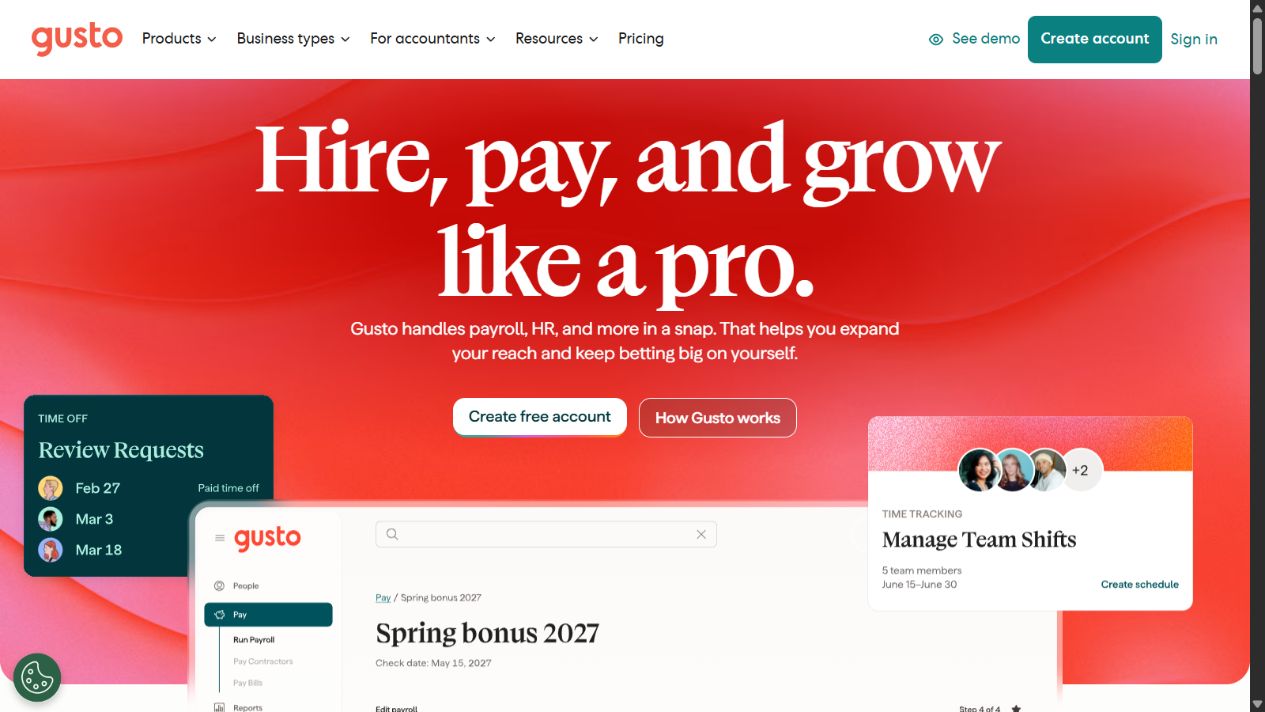
Gusto official homepage, captured August 29, 2026. Source: Gusto .
Choose it when: the startup primarily employs people in the United States, needs full-service payroll and tax-filing workflows, and wants benefits and basic HR in the same employee experience.
Check before buying: states supported; local tax registrations; employee and contractor charges; payroll timing; benefits availability; broker integration; workers’ compensation; time tracking; PTO; hiring; performance; support level; accounting integrations; correction process; data export; and the price after any promotion.
Practical limitation: payroll convenience does not determine worker classification, employment-law obligations, benefit strategy, or whether a payroll result is legally correct. Assign internal or external payroll expertise and reconcile every run.
Official sources: Gusto HR software , Gusto pricing , Gusto payroll and HR , and Gusto security .
2. BambooHR: best HRIS-first option for growing people operations
BambooHR’s platform page presents connected applications spanning HR data and reporting, applicant tracking, onboarding, payroll, benefits, time, performance, compensation, employee experience, compliance, and global employment. It also describes a unified people-data foundation, APIs, and prebuilt integrations. The precise module mix and regional availability still require confirmation.
Its official pricing page was unusually transparent when checked. It listed Core, Pro, and Elite starting rates for organizations above 25 employees and a monthly flat-rate starting point for companies with 25 or fewer employees. Those figures can change and do not automatically include every add-on, payroll requirement, implementation service, or regional need. A startup should request a written quote tied to headcount and required modules.
BambooHR is the HRIS-first choice in this shortlist. It fits a startup that has outgrown spreadsheets and payroll-only records but does not necessarily need Rippling’s IT and spend scope or Deel’s international employment infrastructure.
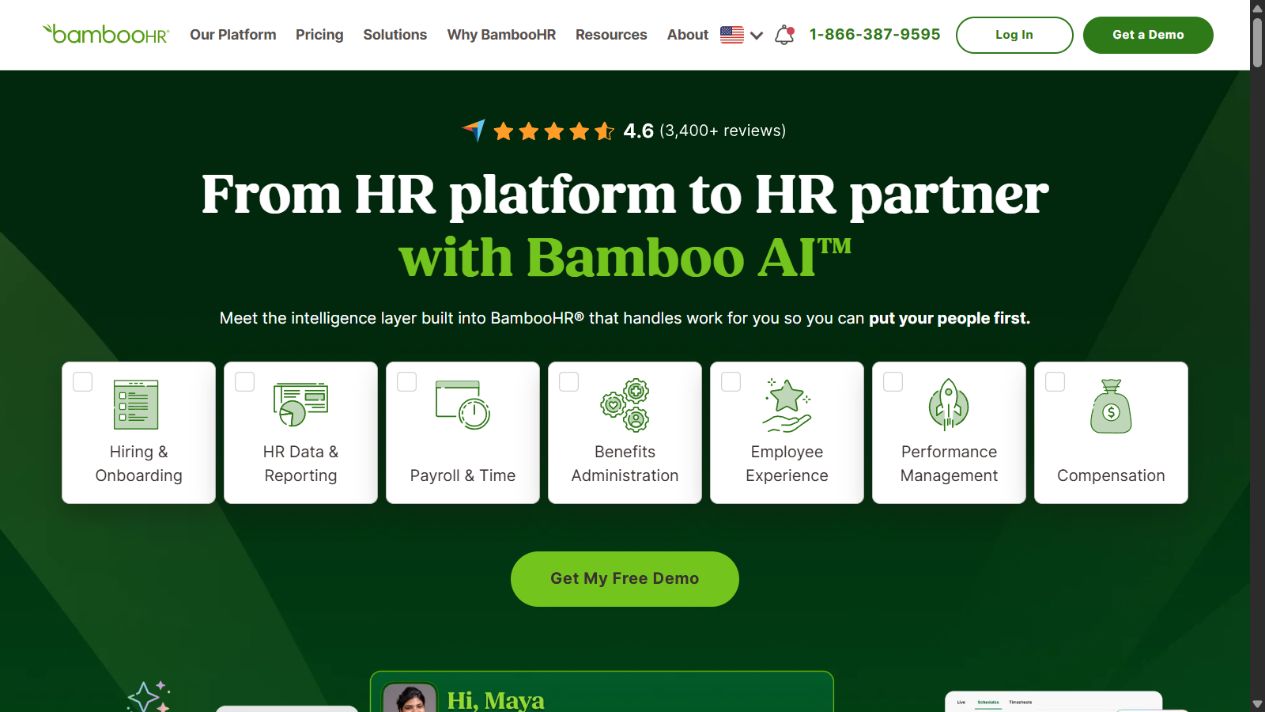
BambooHR official homepage, captured August 29, 2026. Source: BambooHR .
Choose it when: the startup needs one reliable people record, structured onboarding, reporting, approvals, manager self-service, and a path into broader HR processes.
Check before buying: plan and add-on boundaries; payroll availability; applicant tracking; time and benefits; performance and compensation; API access; integration depth; workflows; custom fields; historical migration; permissions; support; implementation; and total cost at the next two headcount milestones.
Practical limitation: an approachable HRIS still needs data governance. Define who can edit compensation, bank information, employment status, documents, and reports, and test approvals before importing live records.
Official sources: BambooHR platform , BambooHR pricing , and BambooHR integrations .
3. Rippling: best for connecting HR, IT, and finance operations
Rippling positions its platform across HR, payroll, IT, and finance. Its startup material describes payroll, benefits, compliance, global hiring, device management, identity and access, cards, expenses, and bill pay as connected parts of a workforce platform. This breadth is the reason to shortlist it: a hiring or termination event can potentially drive actions beyond the HR record.
That same breadth is the buying risk. A startup can create a large implementation before it has stable owners, policies, and approval rules. Do not evaluate Rippling as one indivisible purchase. Identify the minimum modules required now, dependencies between them, implementation work, regional coverage, pricing components, and the trigger for adding later modules.
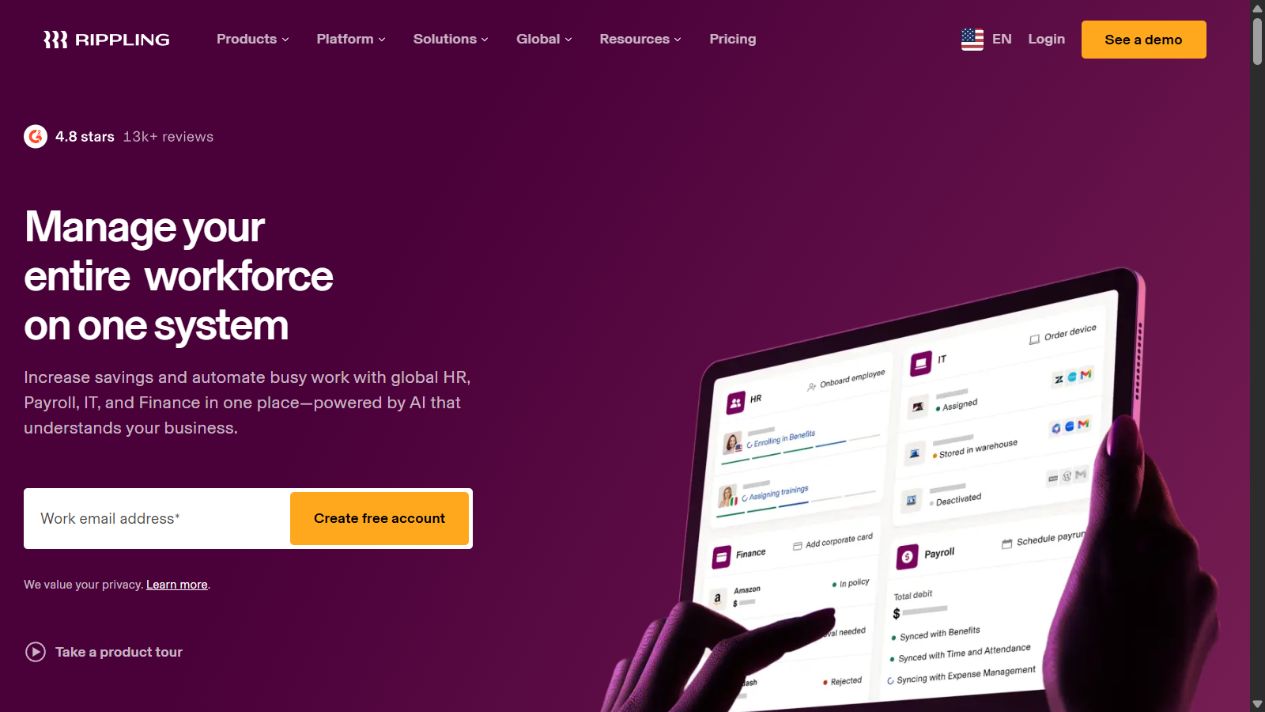
Rippling official homepage, captured August 29, 2026. Source: Rippling .
Choose it when: employee data needs to coordinate payroll, benefits, application identity, device lifecycle, and potentially spend management, and the startup can assign an owner to configure and audit those connections.
Check before buying: required base platform; module pricing; employee and contractor models; implementation fees; payroll countries; EOR or PEO scope; application provisioning; device logistics; finance modules; workflow builder; permissions; audit logs; data retention; integrations; exports; and support boundaries.
Practical limitation: connected automation can spread an incorrect employee event quickly. Use approval gates for sensitive changes and regularly test joiner, mover, and leaver workflows rather than assuming every downstream action completed.
Official sources: Rippling platform , Rippling HR , Rippling payroll , and Rippling startup offer and scope .
4. Deel: best for international hiring and payroll complexity
Deel’s startup page describes hiring, managing, and paying workers across countries, with payroll, benefits, compliance, visas, and IT options. Its payroll page distinguishes employee, contractor, EOR, PEO, local payroll, global payroll, and related operating models. This makes Deel the most directly international option in the shortlist.
International coverage is not a single yes-or-no feature. A startup must verify the exact country, worker type, employer structure, statutory benefits, payroll calendar, currency, funding method, contract, intellectual-property terms, termination process, data requirements, and service fees. An employer-of-record arrangement also does not transfer every business or management responsibility away from the startup.
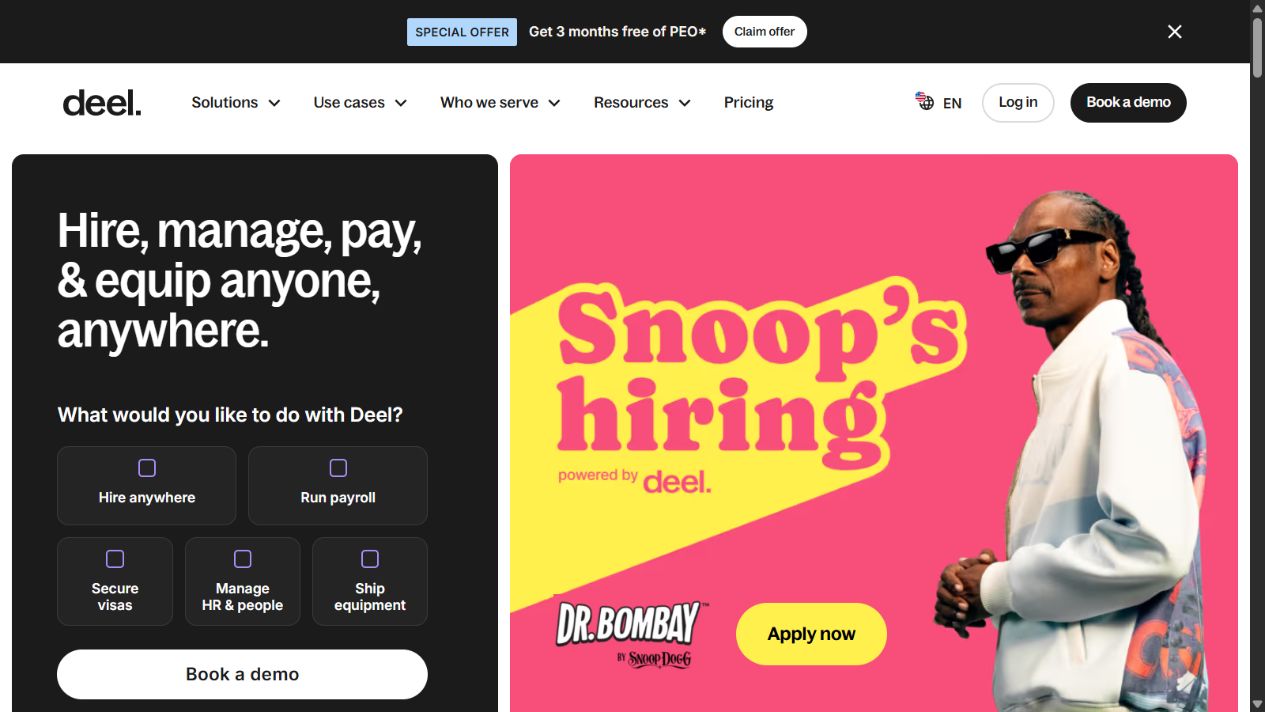
Deel official homepage, captured August 29, 2026. Source: Deel .
Choose it when: the company hires across borders before establishing its own entities, manages international contractors, consolidates multi-country payroll, or needs a global employment and compliance operating layer.
Check before buying: service model by country; who is the legal employer; contractor classification; deposits and payment funding; exchange rates; payroll cutoffs; benefits; immigration; equipment; support; implementation; contract length; termination fees; data processing; integrations; and what happens if the startup later opens an entity.
Practical limitation: software cannot eliminate cross-border employment risk. Obtain qualified advice for worker classification, permanent establishment, tax, employment terms, intellectual property, privacy, sanctions, and local termination requirements.
Official sources: Deel for startups , Deel payroll , Deel pricing , and Deel integrations .
5. HiBob: best for a scaling, distributed people-management layer
HiBob positions Bob as a people platform connecting HR, payroll, and finance. Its platform and product pages cover core HR, onboarding, performance, compensation, time, payroll-related workflows, analytics, and integrations. The proposition is broader people management for modern and distributed organizations rather than only running the first payroll.
HiBob is most relevant when a startup has moved beyond founder-led administration and needs repeatable manager workflows across locations or teams. It should not be selected merely because the company expects to grow. The buyer needs current requirements for reporting, approvals, compensation cycles, performance, engagement, local payroll connections, and employee self-service.
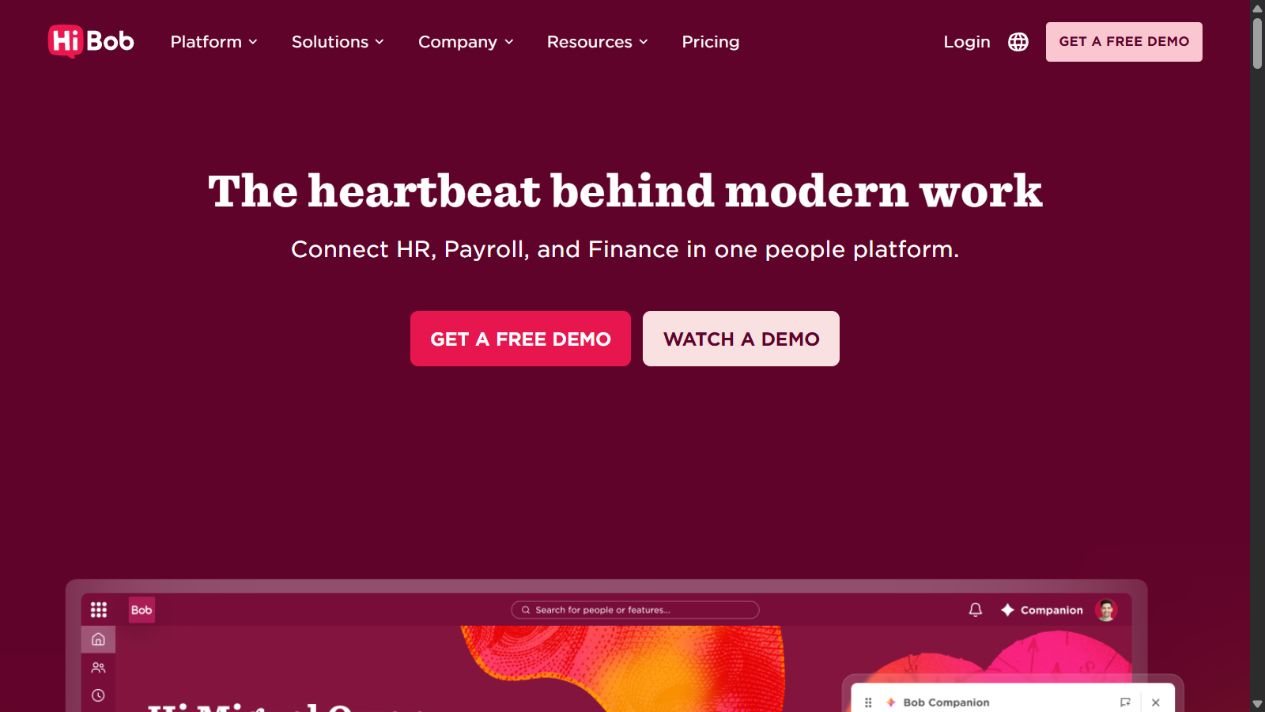
HiBob official homepage, captured August 29, 2026. Source: HiBob .
Choose it when: the startup has a distributed or fast-growing workforce, managers need a consistent people process, and HR needs more structure than a payroll-first system provides.
Check before buying: core package; minimum commitment; regional support; payroll integrations or native services; performance, compensation, time, and analytics modules; workflows; API; implementation; localization; permissions; employee data hosting; reports; and export options.
Practical limitation: culture and engagement features do not repair weak management. Define the decisions managers must make and how the system supports them before adding surveys, performance cycles, or dashboards.
Official sources: HiBob platform , HiBob HR products , HiBob integrations , and HiBob security .
Pricing and total-cost questions startups often miss
The subscription quote is only one part of HR-system cost. Build a 12- to 24-month model using expected headcount, countries, worker types, and modules. Include:
- base platform and per-employee or per-contractor charges;
- payroll fees by state, country, entity, or worker model;
- EOR, PEO, benefits, broker, and insurance costs;
- implementation, migration, integration, and advisory services;
- time tracking, recruiting, performance, compensation, analytics, and support add-ons;
- payment funding, foreign exchange, deposits, amendments, corrections, and off-cycle runs;
- devices, application licenses, background checks, and immigration services where relevant;
- internal administration time and external payroll, HR, accounting, tax, or legal review;
- contract minimums, annual commitments, renewal terms, and exit or data-export work.
Use the same workforce scenario for every vendor. A cheap entry plan is not comparable with a quote that includes multi-state payroll, benefits, global workers, implementation, and priority support. Ask each vendor to identify assumptions and exclusions in writing.
A practical startup evaluation workflow
1. Define the next 18 months
Document current and expected headcount, hiring countries, entities, contractors, payroll states, benefits, managers, and likely organizational changes. Avoid buying for an imagined enterprise future, but do not choose a system that fails at the next known milestone.
2. Build a worker-lifecycle test script
Create representative scenarios: hire a US employee, onboard a contractor, change a manager, approve leave, adjust compensation, correct payroll, add a country, and terminate access. Include edge cases because ordinary demos rarely expose exception handling.
3. Separate legal service from software capability
Ask whether the vendor is software provider, payroll processor, benefits broker, PEO, employer of record, or another legal/service party in each workflow. Record who files, pays, signs, employs, advises, and remains liable.
4. Test permissions and approvals
Use test users for employee, manager, HR administrator, payroll administrator, finance reviewer, IT administrator, and external accountant roles. Verify least-privilege access, sensitive-field visibility, approval history, and emergency-access procedures.
5. Trace data through integrations
Change one authorized test employee and observe what updates in payroll, benefits, accounting, identity, devices, and reporting. Confirm direction, timing, conflict handling, retry behavior, and the owner of failed synchronization.
6. Validate exports and exit
Export employee records, documents, payroll reports, audit history, and integration data before signing. Ask what remains available after termination and how long a complete migration would take.
7. Get a scenario-based quote
Request written pricing for current headcount, the next milestone, and an international or multi-state scenario if relevant. Include every required module and service. Record the quote date because pricing and packaging change.
Security, privacy, and compliance checks
HR systems hold identity, compensation, tax, bank, benefits, performance, and sometimes health-related information. A startup should treat the purchase as a sensitive-data and access-control decision. Review:
- supported authentication, multi-factor authentication, and single sign-on;
- administrator roles, field-level access, approvals, and audit logs;
- encryption statements, hosting locations, subprocessors, retention, and deletion;
- incident notification and breach-response commitments;
- business continuity, recovery, and service-status information;
- employee privacy notices and cross-border transfer mechanisms;
- integration permissions, API tokens, service accounts, and deprovisioning;
- independent assurance reports and the scope and date of any certification;
- contractual commitments rather than unsupported sales assurances.
A certification does not prove that the startup configured the platform securely. Review administrator access, remove stale accounts, protect payroll changes with approvals, and rehearse offboarding for privileged roles.
Final recommendation
Choose the smallest HR architecture that can reliably handle the startup’s actual employment model. Gusto is the clearest payroll-first US option. BambooHR is the most accessible HRIS-first choice. Rippling is the strongest connected-operations option when HR events must coordinate IT and finance. Deel is the most relevant international employment and payroll platform. HiBob is the strongest fit here for a scaling, distributed people-management layer.
Do not select solely from this shortlist. Validate country coverage, pricing, worker model, payroll responsibilities, integrations, data controls, and implementation with official sources and a controlled pilot. The best HR software for startups is the system whose ownership and limitations remain clear when a real employee exception occurs.
Frequently asked questions
What HR software does a startup need first?
Most startups first need an employee system of record, compliant payroll for every hiring location, onboarding documents, access controls, and clear ownership of employee changes. Recruiting, performance, engagement, compensation, and advanced analytics should be added when the workflow and headcount justify them.
What is the best HR software for a US startup?
Gusto is the clearest payroll-first option in this shortlist for a smaller US startup. Rippling is broader when HR, payroll, identity, devices, and finance need shared workforce data. BambooHR is stronger when the primary need is an accessible HRIS and structured people workflow.
What HR software is best for an international startup?
Deel is the most directly international-employment-focused option here. Its suitability depends on the exact country, worker type, entity strategy, local benefits, payroll requirement, contract, and fees. Verify each hiring location rather than relying on a global coverage number alone.
Can HR software replace an HR professional or employment lawyer?
No. Software can organize data and automate workflows, but it cannot remove employer responsibility or replace qualified HR, payroll, tax, benefits, privacy, and legal advice. This is especially important for worker classification, international hiring, terminations, and regulated employee data.
How should a startup test HR software?
Run a controlled pilot using fictional or authorized data. Test a hire, employee change, leave request, payroll exception, manager approval, contractor workflow, offboarding, permissions, reports, exports, and integrations. Have the accountable process owner verify each result.
Should a startup buy an all-in-one HR platform?
Only when connected workflows reduce real administrative risk. One platform can simplify data ownership, but it can also increase implementation scope, switching cost, and vendor dependence. Start with required jobs, define system boundaries, and add modules deliberately.
How often should a startup review its HR system?
Review it at least annually and whenever the startup enters a new country, adds an entity, changes payroll providers, materially increases headcount, changes benefits, or discovers recurring access, data, or compliance exceptions. Recheck volatile pricing and product scope during each review.
Frequently asked questions
What HR software does a startup need first?
Most startups first need a reliable employee system of record, compliant payroll for each hiring country, onboarding documents, access controls, and a clear owner for employee changes. Recruiting, performance, engagement, and advanced analytics should follow when the workflow justifies them.
What is the best HR software for a US startup?
Gusto is the clearest payroll-first option in this shortlist for a smaller US startup, while Rippling is the broader option when HR, payroll, identity, devices, and spend need to share workforce data. BambooHR is stronger when the primary requirement is an accessible HRIS and people workflow.
What HR software is best for an international startup?
Deel is the most directly global-employment-focused option in this shortlist. It supports several worker and payroll models, but country coverage, legal-employer structure, local benefits, fees, contracts, and implementation requirements must be verified for every location.
Can HR software replace an HR professional or employment lawyer?
No. Software can organize records, automate workflows, and support payroll or compliance processes, but it does not remove employer responsibility or replace qualified HR, payroll, tax, benefits, privacy, and legal advice.
How should a startup test HR software?
Use a sandbox or controlled pilot covering a new hire, employee change, leave request, payroll exception, manager approval, contractor workflow, offboarding, permissions, reports, exports, and integrations. Use fictional or authorized test data and verify every result with the responsible owner.
Should a startup buy an all-in-one HR platform?
Only when the connected workflows reduce real administrative risk. An all-in-one platform can simplify data ownership, but it can also increase implementation scope, switching cost, and dependence on one vendor. Start with required jobs and add modules deliberately.
How often should a startup review its HR system?
Review the system at least annually and whenever the company enters a new country, changes payroll providers, adds a legal entity, materially increases headcount, changes benefits, or discovers recurring access, data, or compliance exceptions.