Best Marketing Software for Agencies
Compare five marketing platforms for agencies across CRM, SEO, client reporting, social publishing, automation, permissions, and multi-client workflows.
Direct answer
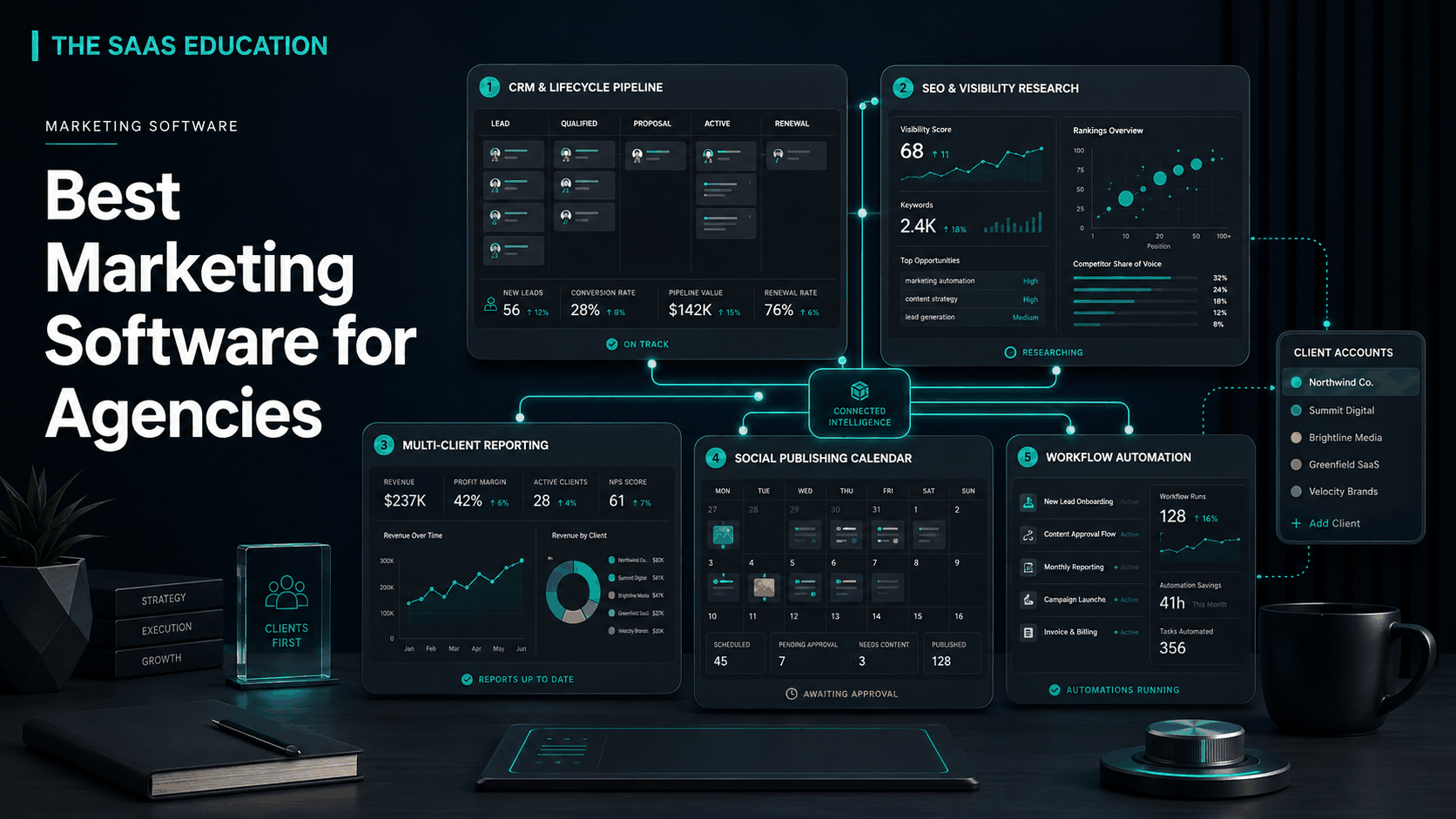
The best marketing software for an agency depends on the part of the client lifecycle it must control. HubSpot Marketing Hub is the strongest general starting point for CRM-connected campaigns, lead management, automation, and reporting. Semrush is the better specialist for search research, competitive visibility, audits, tracking, and recurring SEO delivery. AgencyAnalytics is the clearest fit for multi-client dashboards and reporting. Buffer is a practical choice for social planning, publishing, approvals, engagement, and channel analytics. Zapier is the integration layer for reducing manual handoffs among the systems.
These products are not five substitutes for the same job. They form a shortlist across five different agency responsibilities. A full-service agency may use several together; a focused agency may need only one specialist and its existing project or CRM system.
The buying mistake is to select software from a feature list without mapping how a prospect becomes a client, how work is approved, how campaign data is collected, and how results are explained. The right stack gives each record an owner, isolates client access, preserves evidence, and reduces repeated operations without creating invisible automation.
Best marketing software for agencies: shortlist
| Software | Best for | Primary agency role | Main check before buying |
|---|---|---|---|
| HubSpot Marketing Hub | CRM-connected marketing operations | Leads, campaigns, automation, attribution, reporting | Contacts, seats, onboarding, business units, permissions, and required hubs |
| Semrush | Search-led agency delivery | Research, competitors, audits, tracking, visibility, reporting | Projects, keywords, crawl limits, users, add-ons, and client reporting needs |
| AgencyAnalytics | Multi-client performance reporting | Dashboards, scheduled reports, client visibility | Data-source coverage, metric definitions, branding, client access, exports |
| Buffer | Social media management | Ideas, scheduling, publishing, approvals, engagement, analytics | Channels, access levels, approvals, analytics depth, and scaling model |
| Zapier | Cross-app workflow automation | Routing records, alerts, enrichment, repetitive handoffs | Task volume, error handling, permissions, ownership, and monitored recovery |
How we selected the tools
We first reviewed current search results to understand what agency buyers expect from this topic. Ranking pages commonly combine project delivery, marketing execution, reporting, and sales tools, but that approach can become an unstructured software directory. We narrowed the scope to platforms that directly support the agency’s marketing or marketing-delivery lifecycle.
We then checked official product, pricing, and documentation sources. This is an official-source evaluation, not a controlled performance test. We did not award numerical scores or claim one platform produces better campaign outcomes without comparable evidence.
The evaluation criteria were:
- Multi-client structure: whether the product can separate brands, accounts, workspaces, or reporting views.
- Permissions and approvals: whether employees, contractors, and clients can receive appropriate access.
- Repeatability: whether templates, workflows, dashboards, or automations can be reused without mixing client data.
- Reporting and evidence: whether the agency can explain what happened, where data came from, and how a metric is defined.
- Integration quality: whether information can move among the CRM, delivery, advertising, analytics, finance, and communication stack.
- Commercial fit: whether costs scale predictably with contacts, seats, channels, projects, usage, or add-ons.
- Governance: whether the agency can assign ownership, retain authoritative records, control access, and recover when something fails.
What an agency actually needs from marketing software
An agency operates at least two marketing systems. It markets its own services, and it delivers work inside client environments. Those environments should not be casually merged. A shared calendar, automation, or dashboard can save time, but an incorrect permission or routing rule can expose one client’s data to another.
Before building a shortlist, draw the workflow from lead to renewal:
- A lead enters a form, inbox, referral process, or outbound sequence.
- The agency qualifies the opportunity and stores the relationship in a CRM.
- A signed client receives a defined workspace, access model, and delivery plan.
- Specialists research, create, approve, publish, and monitor campaigns.
- Data flows into governed reports whose metric definitions are understood.
- The account team explains performance, decisions, risks, and next actions.
- Finance and leadership reconcile effort, scope, margin, and retention.
No single product in this guide automatically owns every step. Decide which platform is the system of record for the customer, campaign plan, deliverable approval, performance metric, and commercial agreement. Integrations should connect those owners rather than create duplicate records with uncertain authority.
1. HubSpot Marketing Hub: best general CRM-connected starting point
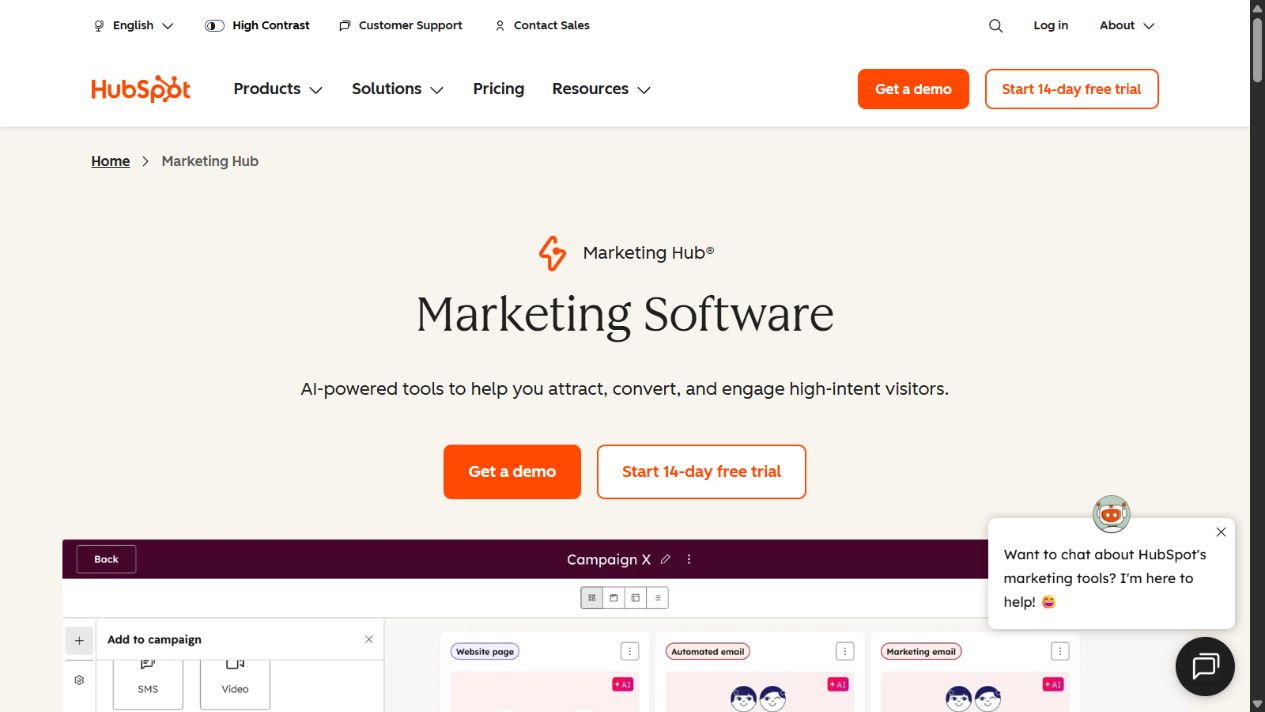
HubSpot Marketing Hub is the broadest general agency option in this shortlist. Official product materials describe email, forms, landing pages, campaigns, automation, lead management, content, social, advertising tools, and reporting connected to HubSpot’s customer platform. That combination is useful when the agency wants marketing activity and relationship context in a common environment.
Why it fits agencies
The main advantage is continuity. A campaign response can connect to a contact and company record rather than remaining an isolated channel event. Teams can coordinate acquisition, nurture, sales handoff, and reporting around shared customer context. An agency that also supports client CRM or revenue operations can extend the same operating model beyond campaign production.
HubSpot is particularly relevant when clients want one marketer-facing suite instead of separate form, email, landing-page, automation, and campaign tools. A familiar interface may also reduce training across account teams.
Strengths
- Broad marketing workflow connected to CRM records.
- Campaign, lead-management, automation, and reporting functions in one platform.
- Connections to other HubSpot hubs can support sales, service, content, and operations handoffs.
- Suitable for building repeatable lifecycle processes when permissions and ownership are designed carefully.
Limitations
Breadth creates commercial and architectural complexity. Complete cost can depend on editions, seats, marketing contacts, onboarding, business units, limits, and additional hubs. An agency must also determine whether each client owns its portal or the agency manages activity inside a shared commercial arrangement.
Validate business-unit separation, client access, data export, regional requirements, attribution logic, account ownership, and what happens when a client leaves. A convenient combined suite is not a reason to weaken data boundaries.
Choose HubSpot when
Choose it when CRM-connected lifecycle marketing is more important than having the deepest specialist platform for every channel. It is a strong foundation for inbound, nurture, lead handoff, and revenue-aligned engagements.
Source: HubSpot Marketing Hub and HubSpot marketing pricing .
2. Semrush: best for search and competitive visibility work
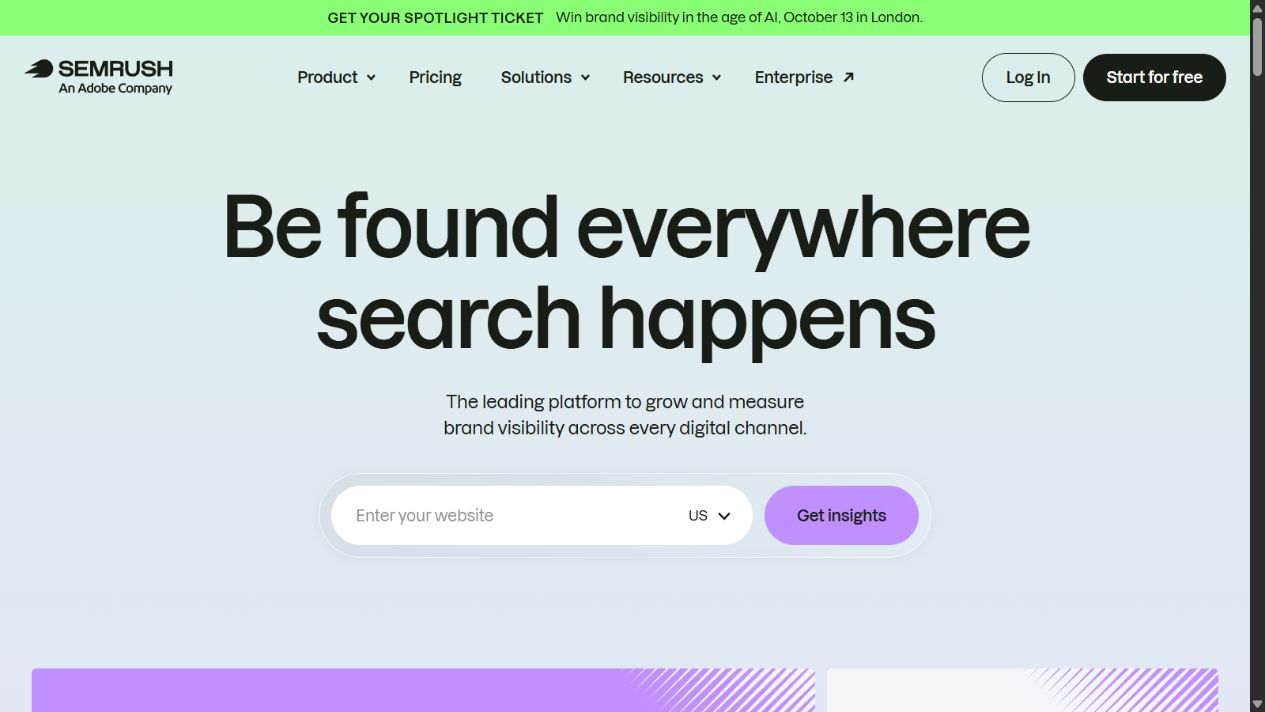
Semrush is the strongest specialist here for agencies whose retainers center on SEO, search visibility, competitor research, audits, rank tracking, backlinks, and recurring performance analysis. Official product navigation covers those areas alongside additional content, local, advertising, reporting, and AI-visibility workflows.
Why it fits agencies
Search engagements produce recurring work: research a market, establish a baseline, audit technical issues, prioritize opportunities, monitor changes, investigate competitors, and communicate results. A connected specialist platform can reduce exports and keep the methodology more consistent across accounts.
Semrush can be useful for standardizing project setup and reporting while allowing specialists to move from discovery to monitoring. Its breadth across search workflows may reduce the number of disconnected point tools, although an agency should not assume every included module has equal depth for its exact service.
Strengths
- Connected keyword, competitor, backlink, tracking, and site-audit workflows.
- Suitable for recurring projects and standardized search delivery.
- Reporting and adjacent digital visibility tools can support client communication.
- Broad enough to serve multi-disciplinary search teams while retaining specialist orientation.
Limitations
The buyer must model projects, users, tracked terms, crawl limits, databases, modules, and add-ons. A plan that looks sufficient for one internal website may not support dozens of active clients. Agencies also need a process for validating automated audit findings and explaining changes rather than sending unedited platform exports.
Rank tracking and visibility metrics are not identical to business outcomes. Connect search reporting to agreed conversions and client-owned analytics without implying causation that the evidence does not establish.
Choose Semrush when
Choose it when search research, audits, competitive analysis, tracking, and recurring visibility reporting are central deliverables. A general marketing suite is unlikely to replace this specialist depth for a search-led agency.
Source: Semrush and Semrush pricing .
3. AgencyAnalytics: best for multi-client reporting
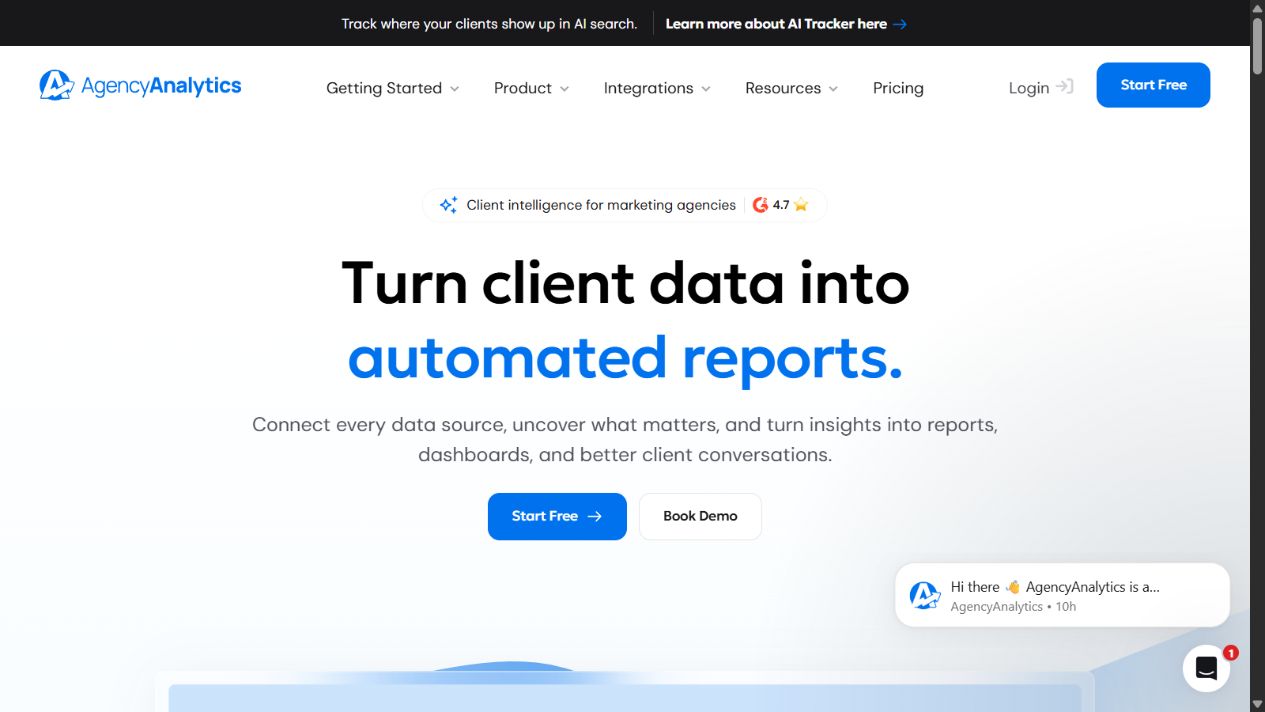
AgencyAnalytics is the most focused reporting option in this shortlist. Its official positioning centers on agency reporting, dashboards, data connections, scheduled client communication, and managing performance views across multiple accounts.
Why it fits agencies
Client reporting is not just chart assembly. An agency must collect data from multiple sources, keep account connections healthy, define metrics consistently, apply brand and access rules, and add interpretation. A dedicated reporting layer can reduce repeated manual deck production and provide clients with controlled visibility.
The strongest use case is a team serving many clients with a stable report structure. Reusable dashboards and scheduled reports can create operational consistency while account managers focus on narrative, anomalies, decisions, and next actions.
Strengths
- Agency-oriented multi-client dashboard and reporting structure.
- Can centralize recurring views across supported marketing data sources.
- Scheduled delivery and branded client experiences may reduce manual production.
- Useful as a presentation and communication layer above specialist execution tools.
Limitations
A dashboard does not resolve differences in attribution, time zones, currencies, channel definitions, filters, or source freshness. The agency must document each metric and monitor broken connections. Client-facing automation should not distribute misleading data without review.
Confirm every required source, refresh behavior, calculated metric, white-label requirement, permission model, export format, and account limit. Keep raw and authoritative data in the appropriate source system.
Choose AgencyAnalytics when
Choose it when recurring multi-client reporting consumes substantial delivery time and the agency needs a consistent dashboard layer. It complements rather than replaces CRM, ad platforms, analytics, and specialist execution tools.
Source: AgencyAnalytics and its official product documentation.
4. Buffer: best for practical social publishing and approvals
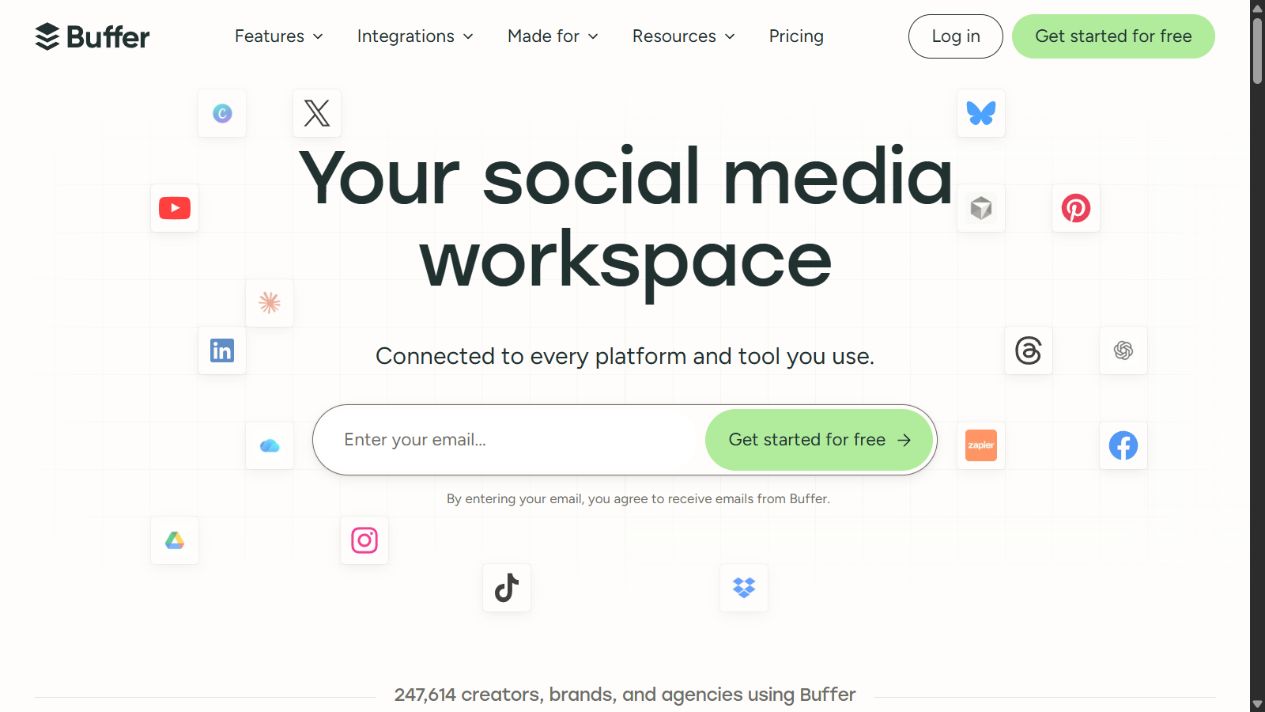
Buffer is a practical option for agencies managing social content across multiple client channels. Its official site documents idea organization, creation, scheduling, publishing, engagement, analytics, collaboration, access levels, and approval workflows. It also identifies agencies as a supported audience.
Why it fits agencies
Social delivery requires a controlled path from idea to approved post. Content must be adapted by channel, scheduled correctly, reviewed by the right client, and monitored after publication. Buffer groups these activities in a relatively focused workspace rather than trying to become the agency’s entire operating system.
Official pricing information uses connected channels as an important scaling unit and documents plan-dependent team access and approvals. That can be easier to model than an opaque enterprise quote, but the number of accounts and channels may still grow rapidly across clients.
Strengths
- Covers planning, publishing, engagement, analytics, and collaboration.
- Access levels and approval workflows support controlled team participation on relevant plans.
- Broad channel support can consolidate routine scheduling.
- Agency-oriented, channel-based model can be mapped to client scope.
Limitations
An agency should calculate cost using the real channel portfolio, not a single brand example. Validate which networks and post types are supported, approval depth, analytics history, branded reporting, community features, and how departed clients are removed.
Social platform APIs change, and no scheduler can guarantee that every native feature behaves identically. Maintain publication checks and a response process for failed or incorrectly formatted posts.
Choose Buffer when
Choose it for a focused social publishing operation that needs calendars, approvals, access control, engagement, and analytics without a very large enterprise social suite.
Source: Buffer and Buffer pricing .
5. Zapier: best for cross-app workflow automation
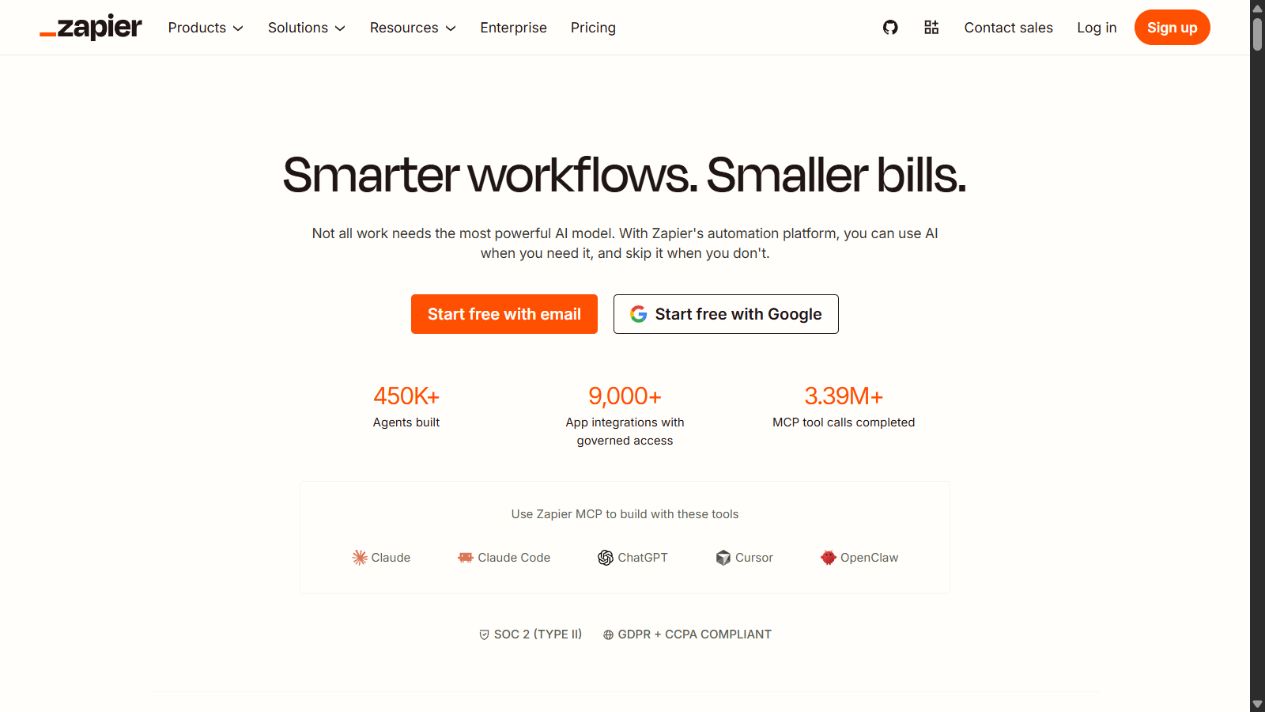
Zapier is the connective option in this shortlist. Official materials describe automation across applications through triggers, actions, workflows, and broader automation products. For an agency, it can reduce manual movement between lead capture, CRM, project setup, notifications, reporting inputs, and administrative systems.
Why it fits agencies
Agency stacks are inherently multi-product. A form may need to create or update a CRM record, notify an owner, start a qualification task, and preserve campaign context. A signed deal may trigger workspace creation and an onboarding checklist. Automation can reduce repetitive entry and missed handoffs.
The benefit is leverage, but it comes with operational responsibility. Each workflow needs an owner, appropriate credentials, error alerts, test data, documentation, and a recovery path. The automation layer should not become an invisible second database.
Strengths
- Connects many common business and marketing applications.
- Can automate repetitive routing and administrative handoffs.
- Useful for prototyping integrations without building custom software immediately.
- Supports standardization when workflows are documented and monitored.
Limitations
Zapier pricing was not sufficiently verified in the approved cache for this article, so we exclude price claims. Buyers should check current plans and task or usage mechanics directly.
Automation can create duplicates, loops, stale records, permission exposure, and silent failures. Avoid using a loosely controlled workflow for irreversible financial, privacy, or client-facing actions. Use least-privilege service accounts and preserve logs.
Choose Zapier when
Choose it when repetitive cross-app handoffs are measurable and the agency can own monitoring. Do not choose it as a substitute for deciding where authoritative customer, project, or performance records belong.
Source: Zapier and its official documentation.
Which tool should your agency choose?
Choose HubSpot Marketing Hub if
You need a CRM-connected marketing foundation and want campaigns, leads, automation, and reporting to share customer context. Confirm portal ownership and total cost before standardizing it across clients.
Choose Semrush if
Search strategy and recurring SEO delivery are core services. Model project and usage limits against the complete client roster, and keep human review in every audit and recommendation.
Choose AgencyAnalytics if
The reporting process is fragmented or consumes too much account-management time. Use it to standardize presentation while retaining metric definitions and source-system ownership.
Choose Buffer if
Your agency manages many social channels and needs a straightforward content, approval, publishing, and engagement workflow. Calculate the full channel footprint.
Choose Zapier if
The systems are already selected but staff repeatedly copy information among them. Automate only stable, bounded handoffs with monitoring and recovery.
Recommended stack by agency type
| Agency type | Practical starting stack | Why |
|---|---|---|
| Inbound or lifecycle agency | HubSpot Marketing Hub plus controlled automation | Keeps marketing and relationship context connected |
| SEO agency | Semrush plus AgencyAnalytics | Separates specialist execution from client reporting |
| Social media agency | Buffer plus AgencyAnalytics where broader reporting is needed | Supports approval and publishing with a client-facing performance layer |
| Full-service agency | HubSpot, selected specialists, AgencyAnalytics, and Zapier | Provides a system of record, delivery depth, reporting, and governed handoffs |
| Small specialist agency | One specialist tool plus existing CRM/project system | Avoids buying a large overlapping stack before workload justifies it |
This is a framework, not a required bundle. Adding every product can increase subscription cost, onboarding time, credential risk, and data inconsistency. Start with the bottleneck that affects client delivery or revenue most.
Implementation plan
Agency procurement scorecard
Use the same scored evidence for every finalist so a polished demonstration does not control the decision. Weight the criteria according to the service being delivered, then require the evaluator to attach a note, screenshot, export, or test result to every score.
| Criterion | Evidence to collect during the pilot |
|---|---|
| Client separation | Demonstrate that a user assigned to one client cannot discover another client’s records, dashboards, drafts, or connections |
| Role design | Test account manager, specialist, contractor, client reviewer, administrator, and finance access |
| Workflow completion | Run one real deliverable from intake through approval, publication, measurement, and reporting |
| Data reliability | Reconcile a sample of contacts, campaign events, channel results, and calculated metrics with the authoritative source |
| Reporting clarity | Ask an account manager and a client stakeholder to interpret the same dashboard without vendor assistance |
| Integration recovery | Deliberately supply an invalid record or disconnect a test credential and document detection, retry, and repair |
| Commercial predictability | Model the current client roster plus realistic growth in users, contacts, channels, projects, reports, and automation volume |
| Exit readiness | Export representative records and document how permissions, connections, templates, and client assets would be transferred or removed |
Set acceptance criteria before the trial. For example: every client-facing metric must reconcile within the agreed definition; a contractor must be unable to access unrelated accounts; a failed automation must notify an owner; and a departing client must be removable without deleting another client’s shared template. These are more useful buying signals than counting features during a sales call.
1. Define systems of record
Name the authoritative platform for contacts, agreements, deliverables, approvals, campaign configuration, performance data, and invoices. A connected dashboard or automation should reference those systems, not quietly replace them.
2. Create a client isolation model
Document how workspaces, portals, projects, connections, credentials, and exports are separated. Test with a sample client and contractor role before adding production data.
3. Build one complete workflow
Implement one service from intake to report. Measure cycle time, errors, review time, client questions, and manual steps. Do not automate ten incomplete processes at once.
4. Establish reporting definitions
For every client-facing metric, define source, date range, filters, attribution assumptions, currency, owner, and interpretation. Add narrative and decisions rather than sending dashboards without context.
5. Control integrations
Use named owners, least-privilege credentials, test environments where possible, error notifications, runbooks, and periodic access review. Remove access promptly when employees, contractors, or clients leave.
6. Review commercial fit quarterly
Track seats, contacts, channels, projects, usage, add-ons, and inactive client assets. Compare total cost with utilization and margins. Tool sprawl often grows quietly after new client wins.
Final verdict
HubSpot Marketing Hub is the best general marketing software starting point for an agency that wants CRM-connected lifecycle work. Semrush is the stronger specialist for search delivery, AgencyAnalytics for client reporting, Buffer for social publishing, and Zapier for cross-app automation.
The winning choice is rarely the product with the longest feature list. It is the smallest governed stack that supports the agency’s services, keeps client data separated, produces defensible reporting, and gives every workflow a clear owner.
Sources checked
Frequently asked questions
What is the best marketing software for agencies?
HubSpot Marketing Hub is the strongest general starting point when an agency needs CRM-connected lead management, campaigns, automation, and reporting. Semrush is stronger for search-led delivery, AgencyAnalytics for client reporting, Buffer for social publishing, and Zapier for workflow automation.
Do agencies need one marketing platform or several tools?
Most agencies need a small governed stack because CRM, search intelligence, social publishing, client reporting, and automation are different jobs. Consolidate only when one platform meets the required depth, permissions, account separation, and economics.
What features matter most in agency marketing software?
Prioritize client and account separation, role permissions, approvals, reusable templates, reporting, integrations, auditability, exports, predictable scaling, and a clear system of record. Feature count matters less than reliable handoffs across the client lifecycle.
How should an agency compare software pricing?
Model the complete cost for clients, channels, contacts, projects, users, reporting, add-ons, onboarding, support, and automation volume. Compare that annual cost with delivery time saved, avoided rework, and the revenue or retention supported.
Which marketing software is best for client reporting?
AgencyAnalytics is the most focused option in this shortlist for multi-client dashboards and scheduled reporting. Buyers should still confirm supported data sources, metric definitions, branding, permissions, and export requirements.
Which tool is best for a social media agency?
Buffer is a practical starting point for agencies needing multi-channel planning, publishing, approvals, engagement, and analytics. Validate the number of client channels, access levels, reporting depth, and current per-channel economics.
Can Zapier replace an agency marketing platform?
No. Zapier connects applications and automates handoffs; it is not the authoritative CRM, search platform, reporting system, or social publisher. Use it as a controlled integration layer with ownership, monitoring, and recovery procedures.