Best Marketing Software for Remote Teams
Compare five marketing platforms for remote teams across customer data, email, social publishing, creative production, search, and cost.

Direct answer
The best marketing software for a remote team depends on the job that must become repeatable first. HubSpot Marketing Hub is the strongest customer-platform option in this shortlist when lead capture, CRM data, automation, and revenue reporting need to share one record. Mailchimp is the clearer email-first starting point for a small team building an audience and basic lifecycle campaigns. Buffer is the focused choice for planning and publishing social content without adopting a broad marketing suite. Canva is the creative-production layer for teams that need to produce consistent visual assets quickly. Semrush is the search-acquisition option when SEO, competitive research, site health, and visibility tracking drive growth.
These tools are not five substitutes for the same problem. A remote team can reasonably use more than one, but it should not buy all five by default. The leanest stack assigns one owner to customer data, one primary acquisition workflow, one reporting source, and only the production tools needed to sustain that workflow.
This guide uses official sources checked on September 7, 2026. We did not run campaigns, connect production customer data, test deliverability, or conduct a controlled implementation. Product capabilities are verified from vendor pages; the “best for” labels are editorial inferences based on remote-team workflow fit.
Remote-team marketing software shortlist
| Product | Best fit | Primary job | Material constraint |
|---|---|---|---|
| HubSpot Marketing Hub | Distributed teams connecting CRM, lead capture, automation, and reporting | Customer-centered marketing operations | Cost scales with seats, marketing contacts, edition, onboarding, and credits |
| Mailchimp | Email-first audience building and lifecycle campaigns | Email, forms, landing pages, and automation | Contact definitions, send limits, audiences, seats, and overages affect cost |
| Buffer | Lean social publishing and scheduling | Plan, publish, analyze, and engage across social channels | Paid pricing scales by connected channel; collaboration requires the right plan |
| Canva | Fast visual production and brand consistency | Create campaign, social, presentation, and marketing assets | It does not replace CRM, delivery, consent, or attribution systems |
| Semrush | Search-led acquisition and competitor research | Keyword, competitor, site, position, and visibility workflows | Modular products and usage limits can make the stack expensive or complex |
Build the workflow before buying the stack
A remote team marketing stack should follow the customer journey rather than a vendor’s product map. Start by writing the path from first touch to qualified opportunity. Identify where consent is collected, which system owns the contact, how campaign membership is recorded, what event counts as a conversion, who follows up, and which report decides whether the campaign continues.
At minimum, assign these responsibilities:
- Customer and consent record: email status, source, lawful basis where required, lifecycle stage, company, owner, and suppression history.
- Acquisition: the channels used to reach the intended audience, such as search, social, partnerships, product-led content, or paid campaigns.
- Content production: briefs, brand assets, approvals, publication, localization, and reusable templates.
- Campaign delivery: segmentation, scheduling, personalization, quality checks, unsubscribe handling, and deliverability monitoring.
- Conversion: forms, landing pages, meeting requests, trials, product events, or sales-qualified actions.
- Handoff: routing, service-level expectations, duplicate control, enrichment, and feedback between marketing and sales.
- Measurement: campaign cost, qualified pipeline, conversion quality, payback assumptions, attribution limits, and experiment decisions.
Do not assume an all-in-one platform automatically creates this operating model. It can centralize data and reduce integration work, but someone still has to define fields, permissions, campaign rules, naming conventions, lifecycle stages, and reporting ownership. A collection of specialist tools can be leaner, but only if the connections and exports are reliable.
How we selected the tools
We selected five established products representing different remote team marketing jobs. Each required current official information and enough public evidence to explain capabilities, pricing structure, and limitations without relying on affiliate summaries. We evaluated:
- fit for a small or scaling distributed marketing team;
- the specific workflow the product should own;
- free plan or trial availability where published;
- pricing model and the variables that can increase cost;
- contact, send, seat, channel, project, crawl, keyword, or AI limits;
- automation and collaboration scope;
- integration and data-export considerations;
- implementation effort and administrative ownership;
- security, privacy, permissions, consent, and regional questions to verify;
- the risk of paying for breadth before the remote team has a repeatable process.
We did not use awards, customer counts, affiliate payouts, or third-party star ratings to rank products. “Best” means the clearest fit for a defined remote team job, not a universal market winner. Products whose public documentation did not support a specific recommendation were excluded.
1. HubSpot Marketing Hub: best customer-centered marketing platform
HubSpot describes Marketing Hub as marketing automation software for attracting an audience, converting visitors, and running inbound campaigns. Its official product and pricing pages show free tools plus Starter, Professional, and Enterprise editions. Published capabilities include email, forms, live chat, calls to action, automation, social features, reporting, lead scoring, content personalization, and customer-journey functions, with availability and limits depending on edition.
The strategic reason to choose HubSpot is not that it contains the longest feature list. It is that marketing activity can share the same customer platform and CRM context used by adjacent teams. That can make a lead’s source, activity, lifecycle stage, ownership, and revenue outcome easier to connect than in a stack assembled from isolated tools.
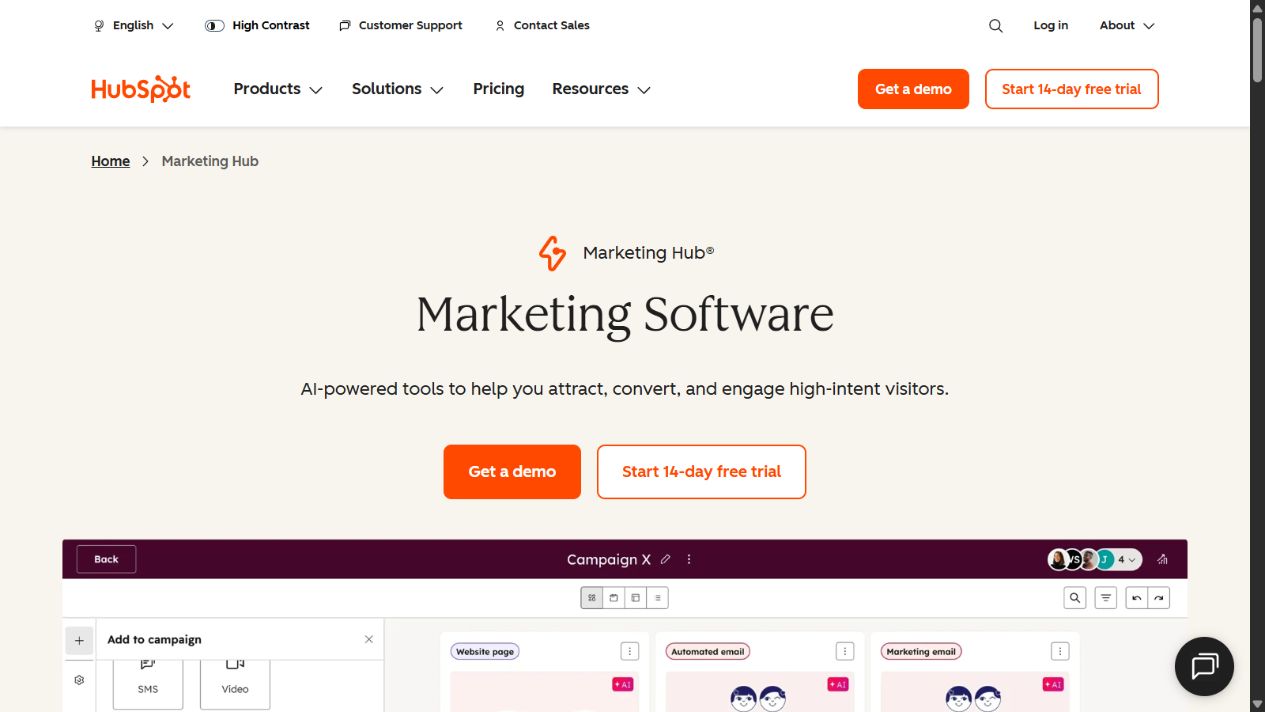
HubSpot Marketing Hub official page, captured August 29, 2026. Source: HubSpot Marketing Hub .
Choose it when: the remote team needs forms, customer data, lifecycle automation, campaign execution, sales handoff, and reporting to operate around one record.
Check before buying: marketing-contact definitions; included contacts; seat types; email limits; HubSpot Credits; automation depth; attribution; required onboarding; annual commitments; support; integration permissions; export; and what happens when a contact tier is exceeded.
Cost model: HubSpot publishes a free entry point and paid editions. The exact bill can depend on edition, seats, marketing contacts, onboarding, add-ons, credits, billing term, and temporary discounts. Professional and Enterprise introduce a materially larger commitment than a simple email tool. Model twelve months at current and forecast contact volumes.
Practical limitation: a remote team can buy HubSpot before it has a usable lifecycle definition. That produces a sophisticated database filled with inconsistent stages and low-value automation. Design the process and data model first.
Official sources: Marketing Hub , Marketing Hub pricing , and HubSpot Product & Services Catalog .
2. Mailchimp: best email-first platform
Mailchimp’s official small-business material positions the product around consistent marketing when staff and time are limited. Its help documentation defines four marketing plans: Free, Essentials, Standard, and Premium. It also explains that plan cost is affected by the selected contact tier and that stored subscribed, unsubscribed, and non-subscribed contacts can count, while archived, cleaned, and deleted contacts do not.
Mailchimp is the more focused choice when the remote team needs audience capture, newsletters, email campaigns, basic forms or landing pages, and progressively more capable automation without adopting a customer platform across sales and service. Its familiar email workflow can be easier to govern for a small marketing team.
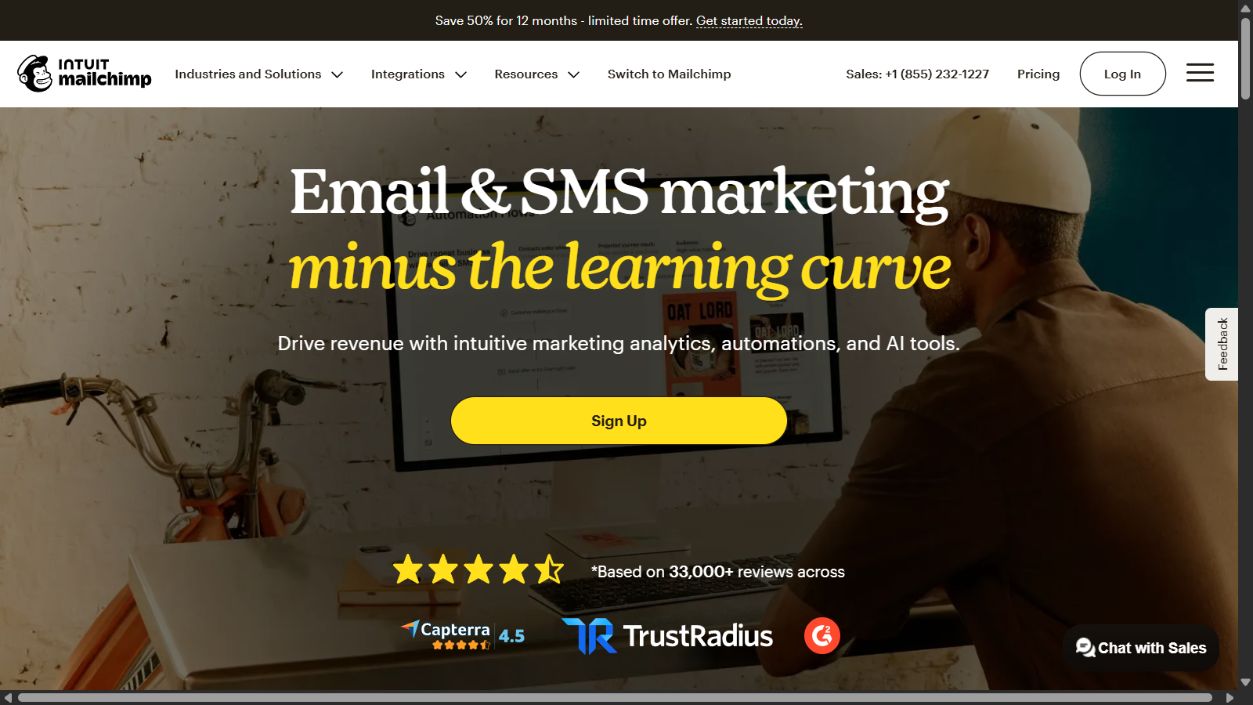
Mailchimp official homepage, captured August 29, 2026. Source: Mailchimp .
Choose it when: email is the remote team’s primary owned channel and the team wants a focused path from list growth to segmented campaigns and automation.
Check before buying: which contact states count; contact and send limits; audiences; seats; automation-step limits; templates; testing; SMS availability; support; overage handling; domain authentication; consent records; suppression; exports; ecommerce integrations; and the cost at the next two list sizes.
Cost model: the Free plan has published contact and send limits. Paid plans combine plan type with contact tier, and send limits vary by plan. A low initial price is not the same as a low long-term price if the database grows or duplicate contacts are spread across audiences.
Practical limitation: Mailchimp can become a second customer database if sales or product teams maintain separate records. Define the source of truth and synchronization rules before building lifecycle automation.
Official sources: Mailchimp , Mailchimp pricing-plan guide , and Mailchimp pricing .
3. Buffer: best focused social publishing workflow
Buffer’s official help center describes the product as social media management software for small businesses, covering scheduling, analysis, and community engagement. Its current pricing guide documents Free, Essentials, and Team plans. The Free plan supports a limited number of connected channels and scheduled posts; paid plans use per-channel pricing, while Team adds collaboration-oriented access.
Buffer belongs in this shortlist because it solves a narrower operational problem than HubSpot or Mailchimp. A remote team that already knows which social channels matter may need a reliable calendar, publishing queue, basic analytics, and response workflow rather than another broad customer database.
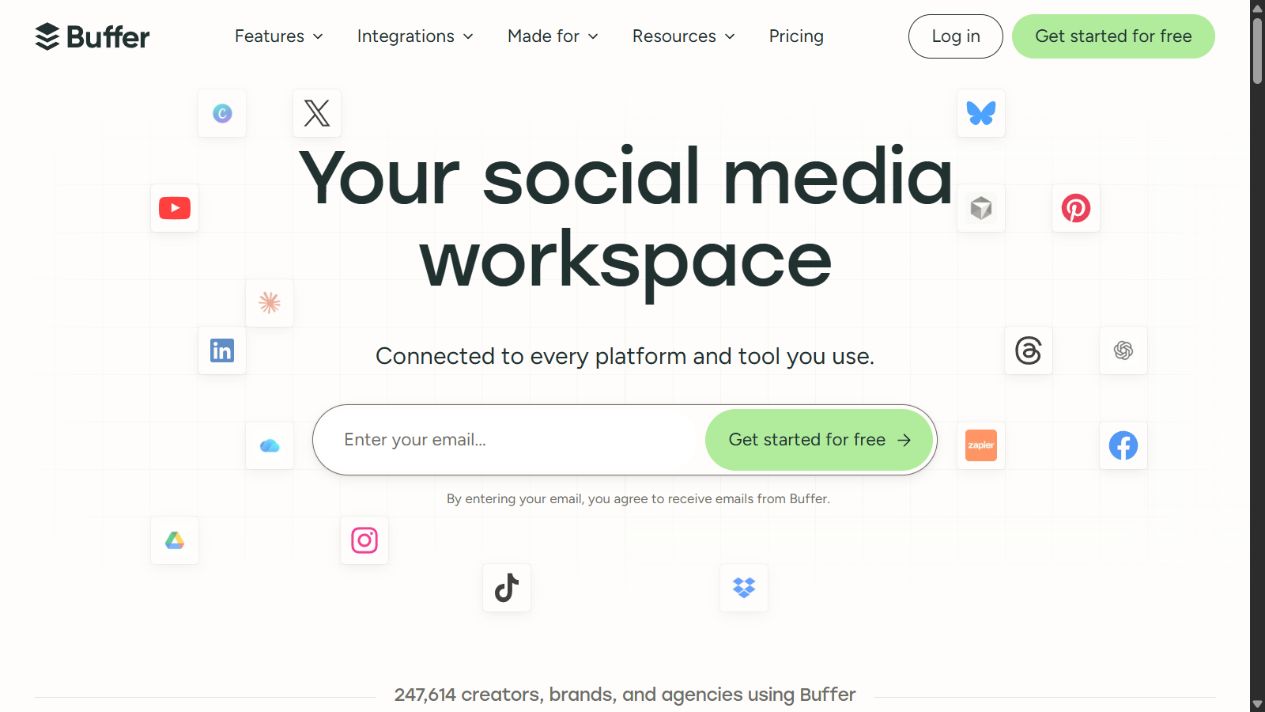
Buffer official homepage, captured August 29, 2026. Source: Buffer .
Choose it when: a founder or lean team needs to plan, schedule, publish, analyze, and respond across a defined set of social channels.
Check before buying: supported networks and post types; number of channels; users; approval workflow; scheduled-post limits; analytics; exports; community inbox; link tracking; media requirements; API allowance; integrations; and whether the remote team actually has a sustainable content cadence.
Cost model: Buffer publishes a Free plan and paid pricing that scales with connected channels. This is understandable, but a remote team with many profiles should model the complete channel set and collaboration needs rather than comparing the first-channel price.
Practical limitation: scheduling software cannot create a viable social strategy. It can make an ineffective cadence more consistent. Define audience, channel purpose, content source, response ownership, and a stop rule for channels that do not produce useful outcomes.
Official sources: Buffer , Buffer pricing and features , and What is Buffer? .
4. Canva: best creative-production layer
Canva’s official business pages describe a visual workspace spanning presentations, social content, video, documents, websites, templates, brand management, team collaboration, content organization, apps, and integrations. Its pricing page separates Free, Pro, Business, and Enterprise options, with the exact package and commercial terms subject to change.
Canva is useful to a remote team because creative bottlenecks often stop campaigns before automation matters. Shared brand assets and templates can reduce repetitive design work and help non-designers produce routine marketing material. That benefit is operational rather than a claim that every Canva output is strategically or creatively strong.

Canva official homepage, captured August 29, 2026. Source: Canva .
Choose it when: the remote team repeatedly needs social assets, presentations, simple videos, campaign graphics, documents, and reusable brand templates without a full design-production workflow.
Check before buying: plan rights; team and brand controls; template governance; asset licensing; AI feature terms and usage; approval needs; export formats; version history; storage; integrations; security; single sign-on; and how professional designers will manage source files outside Canva.
Cost model: Canva publishes free and paid options. Compare the features and controls actually required, not just access to premium assets. Teams should confirm licensing and plan terms for their intended commercial use.
Practical limitation: Canva does not own consent, customer identity, delivery, attribution, or campaign strategy. It should produce assets for a defined workflow, not become an ungoverned folder of disconnected designs.
Official sources: Canva , Canva Business features , and Canva pricing .
5. Semrush: best search-acquisition research platform
Semrush’s official pages position its SEO Toolkit around competitor research, target keywords, position tracking, site health, and related search workflows. Its remote team and small-team page describes modular access to SEO, AI visibility, local, content, social, and other toolkits. The published SEO plans differ substantially in websites, tracked keywords, crawl volume, report results, and advanced capabilities.
Semrush is the right kind of purchase when organic search is a deliberate acquisition channel with an owner, a publishing process, technical capacity, and a plan for converting demand. It is not justified merely because competitors use SEO tools.
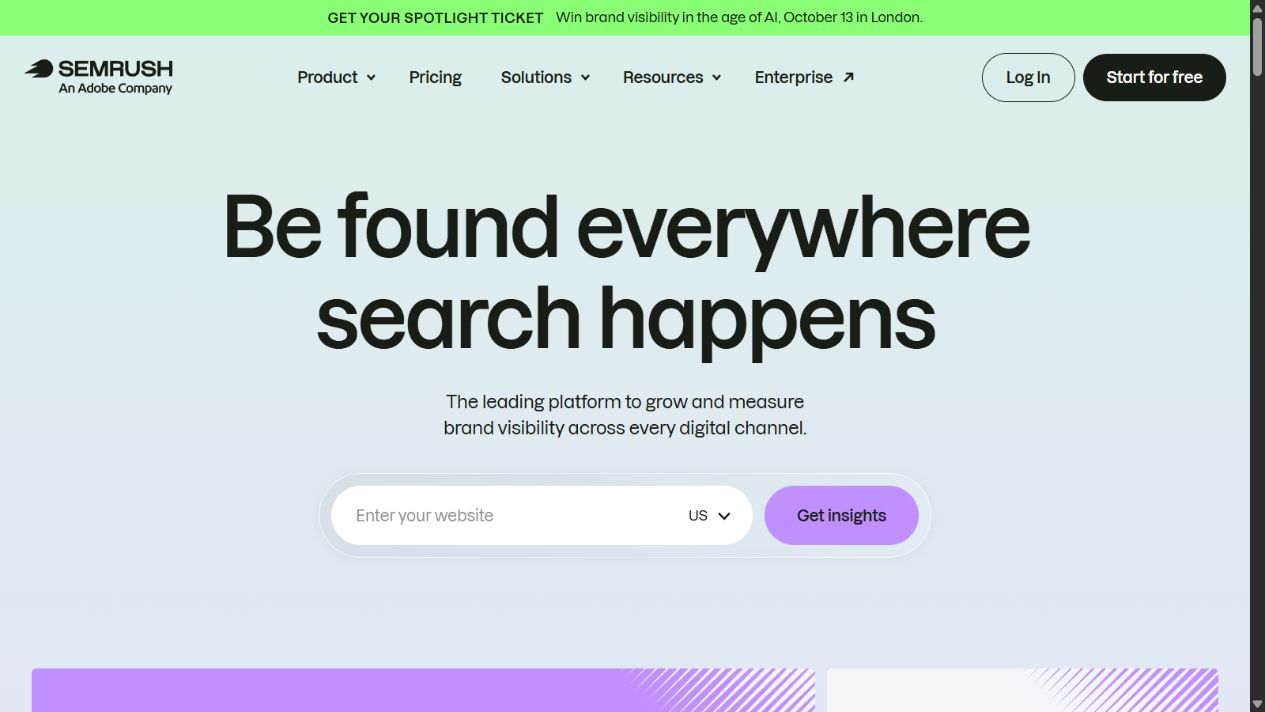
Semrush official homepage, captured August 29, 2026. Source: Semrush .
Choose it when: the remote team needs repeatable keyword, competitor, site-audit, position, backlink, content, or AI-visibility research and has people able to act on the findings.
Check before buying: which toolkit is required; projects; websites; tracked keywords; crawl allowance; report rows; historical data; additional users; exports; API; local or social add-ons; AI prompt limits; regional databases; billing term; and whether simpler first-party tools already answer the immediate question.
Cost model: Semrush pricing is modular. The official SEO guide publishes Pro, Guru, and Business tiers with different limits, while other toolkits and users can add cost. Model the complete workflow rather than one advertised starting figure.
Practical limitation: research volume is not execution. A remote team can accumulate keyword lists and audit warnings without producing useful pages, fixing technical constraints, or earning distribution. Tie every recurring report to an owner and decision.
Official sources: Semrush for remote teams and small teams , SEO Toolkit pricing and limits , and Semrush subscription questions .
Comparison by remote team job
| Remote Team job | Best starting point | Why | Do not choose it merely because… |
|---|---|---|---|
| Connect lead capture, CRM, automation, and revenue context | HubSpot Marketing Hub | Shared customer platform can reduce fragmented lifecycle data | it offers many features |
| Build an owned email audience | Mailchimp | Focused email, audience, form, and automation path | it has a familiar brand |
| Maintain a sustainable social publishing process | Buffer | Narrow scheduling, publishing, analytics, and engagement workflow | posting more often sounds productive |
| Produce repeatable visual assets | Canva | Templates, brand assets, collaboration, and broad output formats | anyone can make designs quickly |
| Build search as a measurable acquisition channel | Semrush | Competitor, keyword, site, position, and visibility research | competitors appear to use SEO tools |
What a lean remote team stack can look like
Stage 1: prove one acquisition loop
Use the smallest viable combination. A content-led remote team might use Canva for assets, Buffer for one or two social channels, and a simple email plan in Mailchimp. A sales-led remote team may instead make HubSpot the contact and conversion system. A search-led remote team can begin with free first-party tools and add Semrush only when deeper research and monitoring change decisions.
The objective is not tool adoption. It is proving that a defined audience responds to a repeatable message and takes a measurable next step.
Stage 2: connect customer data and handoffs
As volume grows, centralize identity and lifecycle ownership. Decide whether HubSpot becomes the customer platform or whether Mailchimp remains a campaign system synchronized with another CRM. Document field ownership, consent, deduplication, routing, campaign naming, and error recovery.
Stage 3: add specialization only when justified
Add Semrush when search work has an owner and publishing capacity. Add Buffer when multiple channels create scheduling or collaboration friction. Expand Canva controls when brand consistency, approvals, licensing, and asset organization become material. Each addition should remove a documented bottleneck or improve a measurable decision.
A practical 30-day evaluation workflow
Before the timed pilot, test the remote collaboration path. Ask one teammate in each normal time zone to create or request an asset, review copy, approve a campaign, correct a customer record, respond to a comment, and explain the resulting report without a live meeting. Confirm that assignments, due dates, comments, versions, permissions, and notifications make ownership obvious. A remote team should not need private messages to discover whether a campaign is approved or why a number changed.
Also test continuity when an owner is unavailable. Reassign scheduled work, revoke access for a departing contractor, recover a prior asset version, and verify that shared connections do not depend on one person’s credentials. Marketing software is useful to a distributed team only when work and evidence remain accessible across handoffs without exposing customer data or publishing rights too broadly.
Week 1: define requirements and baseline
- Choose one audience, journey, offer, and conversion.
- Record current contact volume, channels, publishing frequency, conversion rate, and manual effort.
- Define required integrations, permissions, exports, consent handling, and regional constraints.
- Set a budget range that includes implementation and forecast growth.
Week 2: configure a controlled pilot
Use test or explicitly authorized data. Configure one form or acquisition source, one segment, one campaign, one asset workflow, one handoff, and one report. Avoid migrating the entire database before the pilot proves the data model.
Week 3: run the end-to-end workflow
Test mobile and desktop capture, duplicate contacts, bounced email, unsubscribe, incorrect ownership, failed integration, delayed reporting, asset approval, channel formatting, and export. Verify that the team can explain the result without vendor assistance.
Week 4: compare evidence and total cost
Score task completion, data quality, implementation effort, administrative ownership, reporting usefulness, support, security review, and twelve-month cost. Record which features were tested, which remain documentation-only, and what must be rechecked before signing.
Buying checklist
- The remote team has named the first workflow the product will own.
- One system is designated as the source of truth for each important field.
- Contact, send, seat, channel, project, and usage limits are documented.
- The forecast includes growth, add-ons, onboarding, implementation, and renewal terms.
- Consent, suppression, deletion, retention, and export have been tested.
- Permissions follow least privilege and shared accounts are prohibited.
- Integrations have an owner, monitoring method, and failure process.
- Reports lead to a documented decision rather than passive dashboards.
- The team can leave the product with usable data and assets.
- Commercial relationships and affiliate incentives do not determine the recommendation.
Final recommendation
Choose HubSpot Marketing Hub when a shared customer platform and cross-team lifecycle matter more than keeping marketing narrowly scoped. Choose Mailchimp when the immediate job is building and communicating with an email audience. Choose Buffer when social publishing needs structure, not another broad suite. Choose Canva when content production and brand consistency constrain campaign throughput. Choose Semrush when search is an owned acquisition program with capacity to act on research.
Most remote teams should begin with one core customer or campaign system and one production tool, then add specialists only after a bottleneck is measured. The best marketing software for remote teams is the smallest defensible stack that preserves consent, produces reliable data, and helps the team make a better growth decision.
Sources and verification notes
All material product claims in this guide link to official vendor pages. Sources were rechecked on September 7, 2026. Pricing, promotions, limits, AI features, integrations, plan names, and regional availability are volatile and should be rechecked on the purchase date. Screenshots show public official pages, not authenticated product testing. The SaaS Education did not receive compensation from the listed vendors for inclusion in this guide.
Frequently asked questions
What marketing software should a remote team buy first?
Buy the system that fixes the remote team's first measurable bottleneck. That may be email and lead capture, social publishing, creative production, or search research. Define the customer journey and reporting owner before purchasing an all-in-one platform.
Is HubSpot too expensive for a remote team?
HubSpot has free and Starter options, but total cost can rise with seats, marketing contacts, editions, onboarding, and usage-based features. It is defensible when its shared CRM and automation replace fragmented work; it is excessive when the remote team only needs a focused email or publishing tool.
Should a remote team choose Mailchimp or HubSpot?
Mailchimp is the more focused email-first choice in this shortlist. HubSpot is the broader customer-platform choice when CRM data, forms, automation, campaigns, and revenue reporting need to work together. Compare the actual workflow and future contact costs rather than feature counts.
Can Canva replace marketing software?
No. Canva can accelerate visual content production and brand consistency, but it does not replace a customer database, consent management, campaign delivery, attribution, or a complete analytics process. Treat it as the creative-production layer.
What is the best free marketing software for a remote team?
There is no universally best free product. HubSpot, Mailchimp, Buffer, and Canva publish free entry options, but each has different limits. A free plan is useful for validation only when its contact, send, channel, user, export, branding, and support limits fit the pilot.
How should a remote team test marketing software?
Run one controlled campaign from consent capture through delivery, conversion, CRM update, reporting, export, and deletion. Test permissions, attribution, duplicate handling, unsubscribe behavior, mobile usability, integrations, and the expected cost at the next growth milestone.
How often should a remote team review its marketing stack?
Review it quarterly during rapid growth and at least twice a year otherwise. Reassess when contact volume, channels, team size, regulation, attribution needs, or acquisition strategy changes, and before renewing an annual contract.