Best Marketing Software with a Free Plan
Compare free marketing software by audience limits, email sends, social queue depth, seats, and the capacity checks that matter for your campaign calendar.
The best marketing software with a free plan is the option whose recurring limits fit the campaign you actually intend to run. Shortlist Brevo for modest daily email volumes, MailerLite for a small subscriber list, Zoho Campaigns for a larger newsletter allowance, Mailchimp for a tightly bounded starter audience, and Buffer for social publishing. Their free tiers measure different things, so they should not be ranked by one headline number.
Research scope and limitations
- Research type
- Official-source documentation review and editorial analysis
- Hands-on tested
- No
- Last verified
- November 3, 2026
- Limitations
- No hands-on benchmark or human signoff claimed. Hypothetical examples are editorial analysis. Unverified entitlements excluded.

Table of contents
The best marketing software with a free plan is the option whose recurring limits fit the campaign you actually intend to run. Shortlist Brevo for modest daily email volumes, MailerLite for a small subscriber list, Zoho Campaigns for a larger newsletter allowance, Mailchimp for a tightly bounded starter audience, and Buffer for social publishing. Their free tiers measure different things, so they should not be ranked by one headline number.
This guide uses official sources checked November 3, 2026. It separates verified plan facts from editorial recommendations and proposed tests. We did not run deliverability, conversion or usability benchmarks, and we do not infer paid features from free trials. Current account terms should be confirmed before importing an audience or scheduling a launch.
The distinctive decision here is capacity fit. A daily sending cap, a monthly sending allowance, a subscriber ceiling and a social queue depth constrain different work. A useful free-plan comparison shows how those limits interact with your calendar, rather than presenting the largest allowance as an automatic winner.
Best marketing software with a free plan: compare the limits
| Candidate | Verified recurring free boundary | Starting use case | Primary check |
|---|---|---|---|
| Brevo | 300 email sends per day; one marketing seat | Small, regular email batches | Does the largest day’s workload fit? |
| MailerLite | 250 active subscribers; 2,500 emails monthly; two seats | A small newsletter operation | Can both audience and monthly frequency fit? |
| Zoho Campaigns | 2,000 contacts; 6,000 monthly emails; five users | A recurring permission-based newsletter | Confirm required features outside the trial |
| Mailchimp | 250 contacts; 500 monthly sends; 250 daily; one seat | A small, infrequent starter list | Count every campaign against both send limits |
| Buffer | Three channels; ten queued posts per channel; one user | A small social publishing calendar | Queue depth is not monthly posting volume |
These facts come from each vendor’s official pricing or help material linked below. They establish scope, not quality. Use the marketing software evaluation guide to define the required workflow before comparing allowances.
Start with a campaign workload, not an application category
Write a sample month containing the campaigns you plan to send, the audiences for each one and the people who need access. Include a launch day, an ordinary week and one correction or resend scenario. The objective is to expose the busiest day and the realistic monthly workload.
For email, a first planning approximation is recipients multiplied by campaigns. A hypothetical 200-person newsletter sent four times creates 800 planned deliveries before any other activity is considered. This is arithmetic for a sample workload, not a promise about how a particular vendor counts messages or account events.
For social publishing, count connected channels and the number of future posts that must remain queued on each one. A team may publish frequently while keeping only a short queue, or publish rarely while needing to prepare several months ahead. Those teams can hit different constraints despite similar total output.
Finally, separate the software from the outcome. Sending access does not establish inbox placement, engagement or permission to contact someone. Scheduling access does not guarantee that a social network accepts every format. Your acceptance test should include the actual content type, account connection and audience-management work you intend to use.
Brevo: shortlist for a daily email rhythm
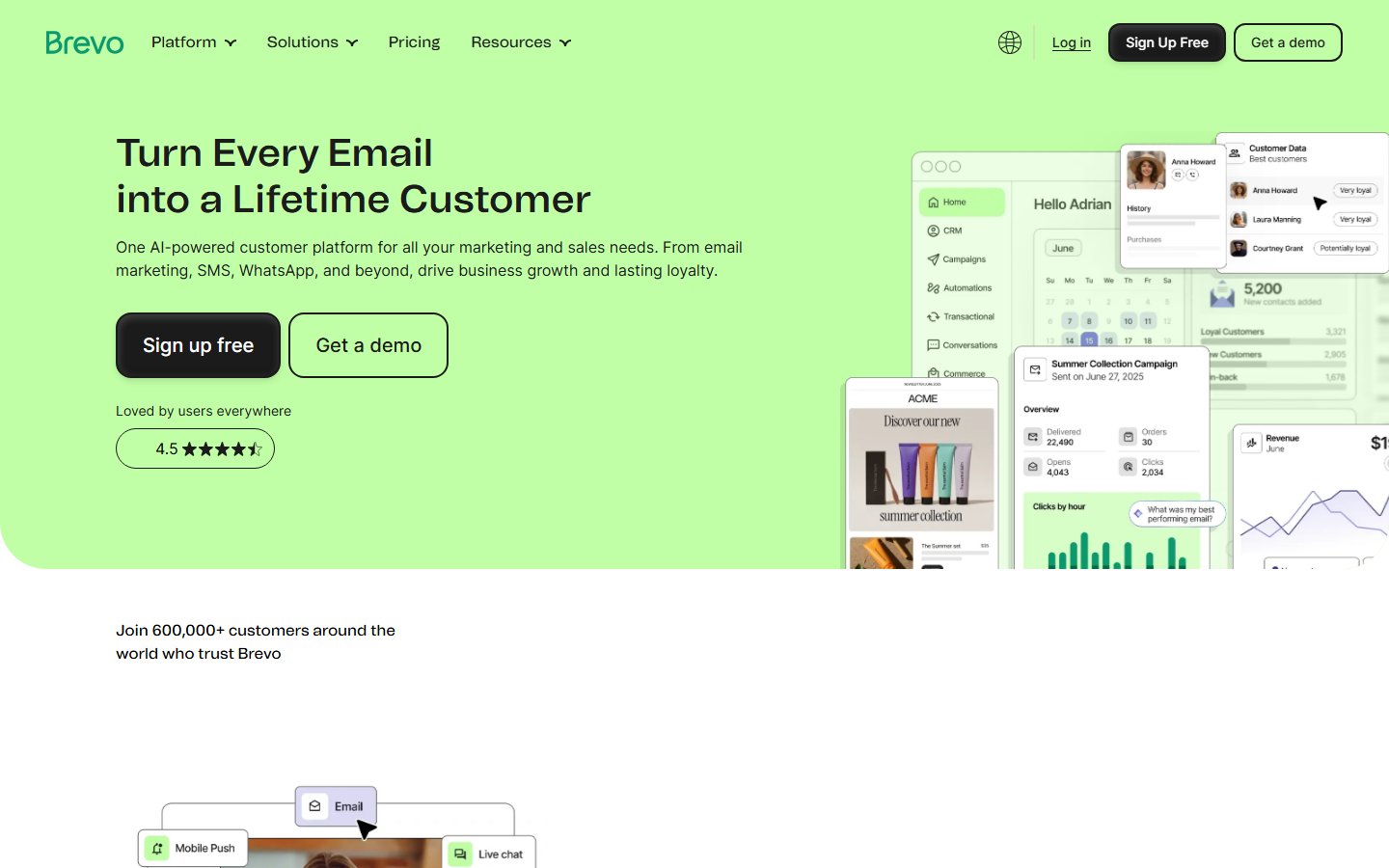
Official-source screenshot: https://www.brevo.com/ , captured November 3, 2026. Brevo public homepage, email marketing product context.
Brevo’s official plan explanation lists 300 daily email sends and one marketing seat on Free. It also explains that unused daily sends do not carry forward. The daily boundary is therefore central to the selection, even when a monthly total looks comfortable.
The editorial strength is fit for a small, regular sending rhythm. Consider a hypothetical organization that communicates with a modest segment each day. Its workload could fit a daily cap better than a business that sends a single large announcement to everyone at once. That is a scheduling inference, not a deliverability comparison.
The principal limitation is concentration. A monthly average can conceal a launch day that exceeds the plan. Do not describe 300 daily sends as an interchangeable monthly bucket. Nor should the presence of SMS or other channels in the broader platform be interpreted as free traffic on those channels.
For a proposed pilot, use a small permissioned internal test group and prepare the real campaign format. Check sender setup, review the final message, inspect the plan’s counting display and record the result. Keep marketing experiments separate from essential operational communications until the configuration has been evaluated.
Before choosing it, write down the maximum intended daily volume, the single-seat operating owner and the response when a campaign cannot be sent as planned. If splitting an announcement across days would undermine its purpose, the free route may be unsuitable even when ordinary weeks fit.
MailerLite: use the current small-audience limits
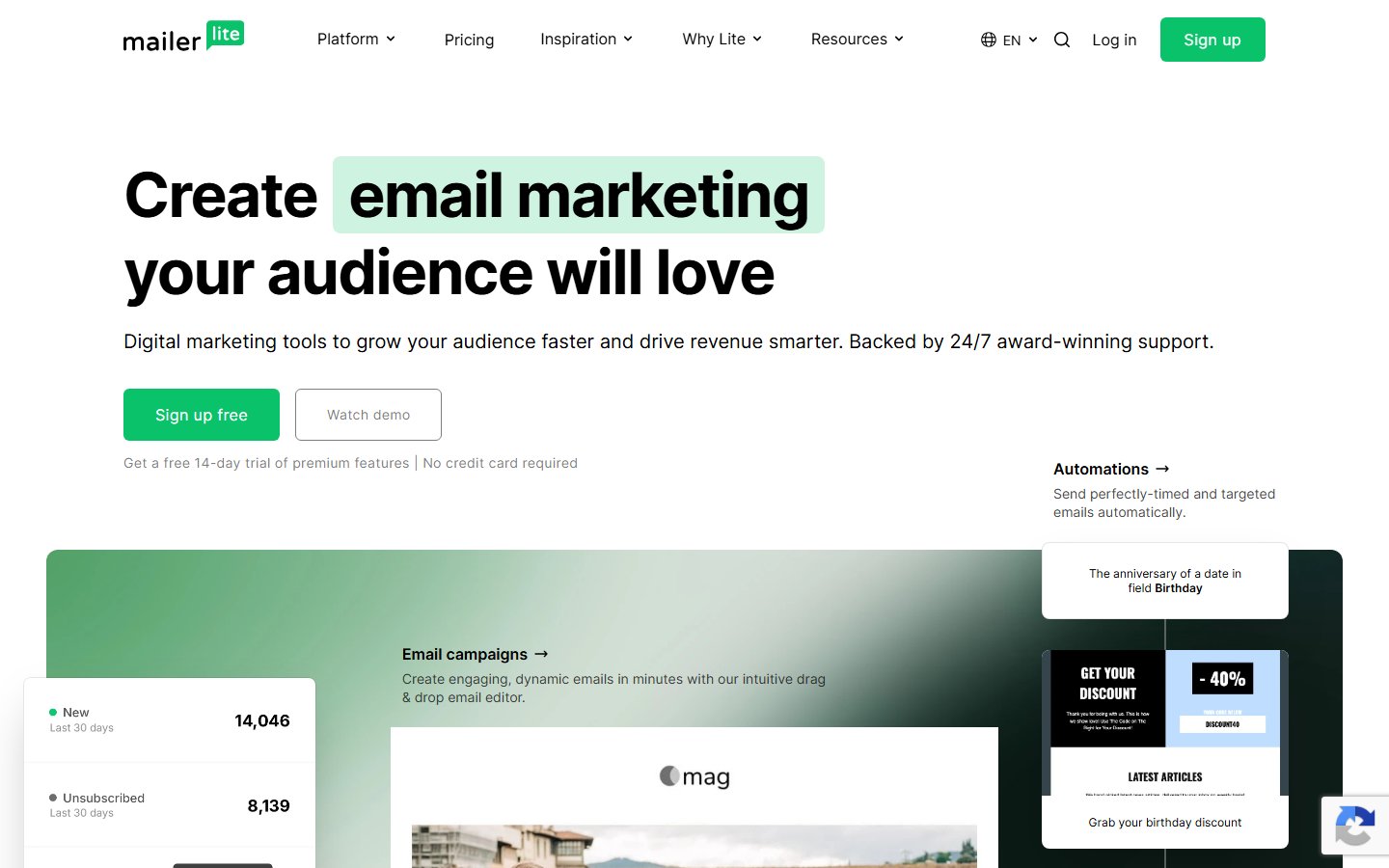
Official-source screenshot: https://www.mailerlite.com/ , captured November 3, 2026. MailerLite public homepage, newsletter product context.
MailerLite’s June 2026 Free-plan update documents a 250-active-subscriber ceiling, 2,500 monthly emails and two seats. The current pricing table also explains the effect of exceeding the active-subscriber limit. Older references to larger free audiences should not drive a new selection.
The potential strength is a small newsletter operation with a defined audience and two people who need access. The limitation is that a comfortable monthly send allowance does not remove the audience ceiling. A business can have ample unused email capacity and still exceed the active-subscriber boundary.
Use a fictional workload to compare the two dimensions. A sample audience of 200 receiving four campaigns implies 800 planned sends. That fits the cited numerical ceilings on paper, but the organization still needs to confirm actual counting, subscriber status and the features used in its workflow. Arithmetic is the first filter, not final acceptance.
An appropriate pilot includes a normal subscription, a subscriber update and an unsubscribe. Observe whether the operator can understand each person’s current status and prevent accidental reintroduction through a later import. Check the continuing free configuration rather than assuming that all features encountered during initial access remain available.
Shortlist it when the audience is genuinely small and the current limits leave room for expected growth. Reassess before a campaign designed to attract a large influx of subscribers. An audience-acquisition effort should not discover its operating boundary only after signups arrive.
Zoho Campaigns: evaluate newsletter capacity and feature scope
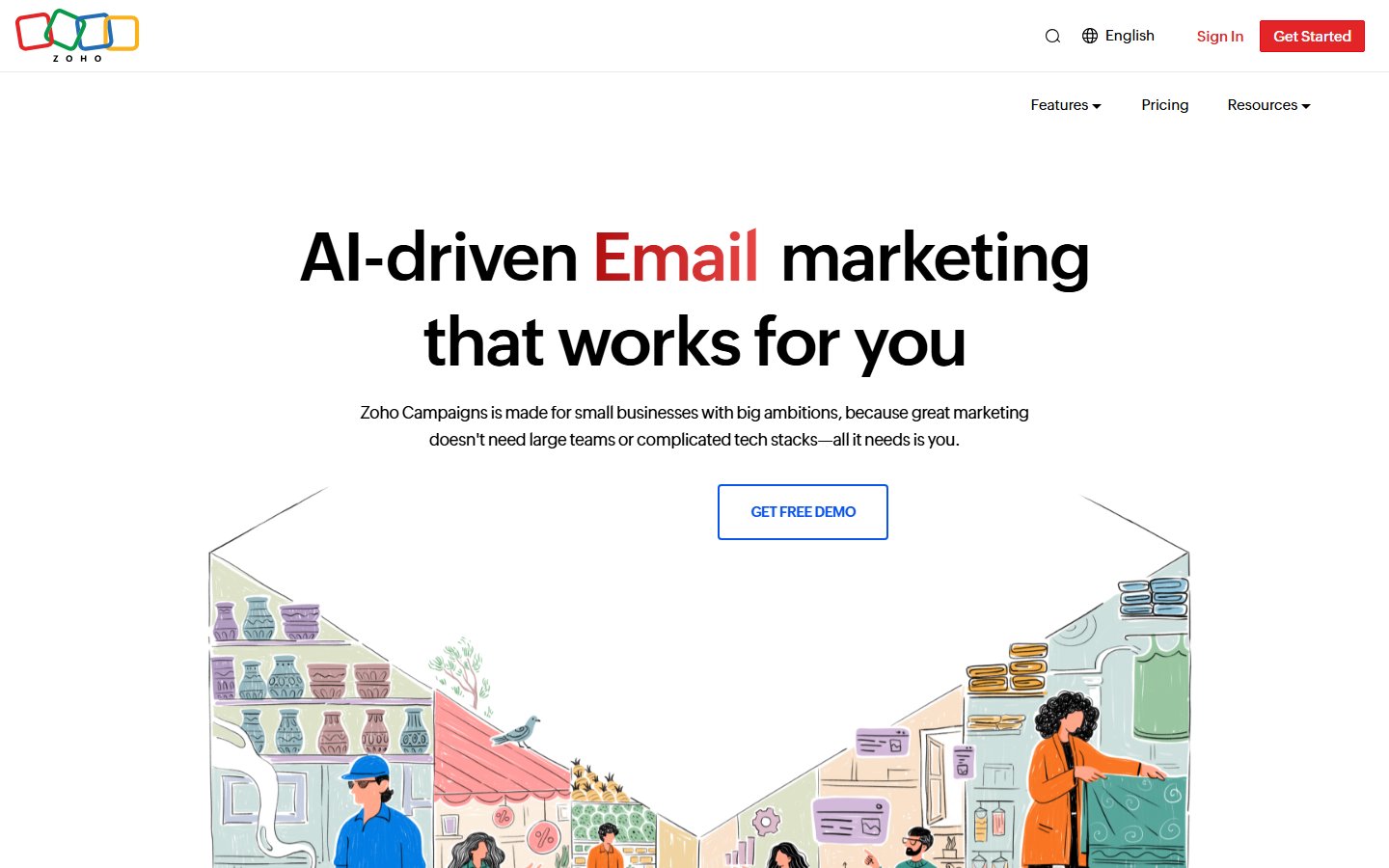
Official-source screenshot: https://www.zoho.com/campaigns/ , captured November 3, 2026. Zoho Campaigns public homepage, campaign product context.
Zoho Campaigns’ official pricing page describes Forever Free with up to 2,000 contacts, 6,000 emails per month and five users. Its FAQ distinguishes this ongoing route from the introductory trial. Those are useful starting facts for a newsletter team comparing audience, frequency and access together.
The editorial strength is the combination of a larger cited contact allowance and multiple users within this shortlist. The limitation is entitlement detail: broader paid automation or other advanced capabilities should not be inferred from the free offer. A trial demonstration and a permanent free workflow are different evidence.
Take a hypothetical 1,000-contact list receiving four ordinary campaigns. The first planning estimate is 4,000 sends before additional activity. The useful next question is whether the team’s required segmentation, review process and campaign behavior are actually available in its Free account. A numerical fit alone cannot answer that.
Have the proposed operator prepare a sample campaign and the proposed reviewer inspect it using the access they will actually hold. Record any task that must happen outside the application. Multiple users do not automatically establish the permission model or approval controls your organization requires.
Choose it for further evaluation when newsletter capacity is the immediate bottleneck. Verify the real audience import, status treatment and available exports with sanitized practice data before migration. Keep existing suppression information available through the transition instead of treating the new tool as a reason to restart everyone as subscribed.
Mailchimp: keep the starter workload tightly defined
Mailchimp’s official marketing pricing page lists Free with 250 contacts, 500 sends per month, a 250-send daily limit, one audience and one seat. It states that sending pauses when the relevant limits are exceeded. Those limits differ materially from older free-plan descriptions circulating online.
The potential use case is a tightly bounded starter list with infrequent campaigns and one responsible operator. The tradeoff is frequency. A plan can accommodate the audience size while leaving little room for repeated full-list messages, corrections or additional campaigns within the same month.
For example, a hypothetical 200-recipient campaign sent twice creates 400 planned sends. A third full-list campaign would push that simple estimate to 600. This illustrates why counting only contacts is inadequate. Confirm the platform’s actual accounting and any other included activity before deciding whether a workload fits.
The single-seat boundary also matters. If two colleagues need independent access, do not design the workflow around sharing one login. Determine whether an acceptable review can happen outside the tool or whether a different plan or candidate better fits the organization’s access needs.
Shortlist it when the actual recurring workload is small enough and the required functionality has been demonstrated on Free. Exclude historical allowances, promotional access and paid-trial features from the decision. Brand familiarity can justify investigating a tool, but it cannot expand the current contract.
Buffer: treat social publishing as a separate job
Buffer’s official pricing page lists Free with up to three connected channels, ten scheduled posts per channel and one user. The queue can be refilled as posts are published. This is a queue-depth rule, not a statement that an account may publish only ten posts per month.
The editorial strength is a bounded social calendar for one operator managing a small number of channels. Its limitation in this comparison is category scope. Buffer is not a substitute for the email-sending allowances of the other candidates. It can sit alongside an email tool when the organization has separate jobs for both.
A useful proposed pilot prepares the actual mix of post formats for each intended channel. Check the connection, the publishing path and the final result through an authorized test or draft workflow. Do not assume that every format available on a social network is supported identically through a scheduler.
Queue planning is the distinctive test. Ask how far ahead the operator needs to prepare. A business that wants a long holiday backlog may hit queue depth sooner than a business that replenishes a short schedule every week. The same monthly publishing volume can therefore produce a different plan decision.
Also document responsibility for replies and unexpected changes. A publishing queue does not eliminate editorial review or community management. Keep an owner for correcting an outdated scheduled message when circumstances change, especially when posts have been prepared well before publication.
Use a capacity worksheet before importing your audience
Build a simple worksheet with one row per campaign and columns for date, recipients, channel, owner and expected count. Add daily and monthly totals separately. Then compare each relevant total with the cited plan boundary. A blank cell should mean unresolved information, not zero consumption.
Include a deliberately busy period. A product launch may combine a newsletter, an event reminder and a correction. A social campaign may require several queued variations for different channels. Testing only a quiet month can make a fragile plan appear suitable and postpone the expensive decision until the busiest week.
Keep a small reserve in your planning assumptions. The size of that reserve is your business decision, not a vendor entitlement or a universal percentage. Its purpose is to expose the point where an extra communication would require a different schedule, an upgrade or a different candidate.
Compare access requirements at the same time. A suitable allowance is less useful if the team cannot operate the account responsibly. Count the actual people who need to edit, review or administer, then verify which capabilities their real roles have. Never equate “seats included” with a complete approval process.
Preserve audience status during migration
Before moving data, define what each record means. An email address alone does not tell you whether the person is currently eligible for marketing, which topics they requested, or whether an earlier unsubscribe must be respected. The migration plan needs those distinctions before any sending begins.
Use a sanitized practice dataset with subscribed, unsubscribed, duplicate and incomplete examples. Establish the expected result for each case. Import through the intended route, inspect the resulting status and test whether a subsequent update changes it unexpectedly. These are proposed checks, not a claim that every candidate handles the cases identically.
Retain an authoritative copy of the source status information during the transition. If two systems disagree, name the person who decides which record governs. Avoid running overlapping campaigns from both systems unless the operating process can reliably prevent duplicate or inappropriate messages.
For a startup, the broader marketing software startup guide can help decide whether migration is worthwhile now. The right free plan may be the one that fits the existing process with the least unresolved data work, rather than the one with the largest theoretical allowance.
Test content and operation independently
A useful campaign test has two parts. The content review checks the message, audience, links and intended next action. The operating review checks the actual account, plan, sender, schedule and responsible person. Passing one review does not imply the other has passed.
For email, inspect the final message in the environments your audience uses, with an authorized internal test group. For social, inspect the native post or the supported preview route for the specific format. Record problems as observations from that exercise, not as general claims about the vendor’s quality.
Measure the work you control: preparation time, corrections, unresolved exceptions and whether the intended reviewer can make a clear decision. Do not claim improved conversions or inbox placement from a small setup exercise. Those outcomes require an appropriate measurement design and a longer operating history.
The small-business marketing software guide and remote-team marketing guide are useful when collaboration and ownership matter more than a free-plan limit. Keep the buying question tied to the actual team.
Know the upgrade trigger and the exit route
An upgrade trigger should have an observable condition: projected recipients exceed a confirmed ceiling, a launch day exceeds daily capacity, another operator needs access, or a required control is unavailable. Record who reviews that condition and how much notice the team needs to change plans safely.
Verify the current paid route when the trigger approaches. This guide does not quote paid prices for these candidates because the buying decision also depends on audience tiers, billing terms and features that need a separate scoped review. Avoid assuming that a free-to-paid transition preserves every workflow without revalidation.
Check the exit route before adoption. Identify the records, content and status information the business would need if it moved again. Demonstrate the available export or retrieval process on practice data. A low subscription bill is not a good reason to accept an undocumented audience dependency.
For an agency managing several brands, compare the agency marketing software shortlist rather than stretching a single-user Free account across client responsibilities. Client separation and review ownership can become the decisive requirements before send volume does.
Choose the free marketing plan that fits the calendar
The best marketing software with a free plan fits the audience, the busiest day, the monthly workload and the people responsible for delivery. Brevo, MailerLite, Zoho Campaigns, Mailchimp and Buffer each provide a different starting boundary. Their allowances become useful only when mapped to a real campaign schedule.
Start with the worksheet, select two candidates that pass the numerical filter, and run one representative practice campaign in each. Confirm continuing Free access, preserve audience status and document the upgrade trigger. Choose based on demonstrated operating fit, while keeping unsupported claims about performance out of the decision.
Explore the Marketing Software category for related evaluation guides and current software research.
Frequently asked questions
Which free marketing tool has the largest useful allowance?
There is no single comparable allowance across this shortlist. Audience size, monthly emails, daily sends, seats and queued social posts constrain different work. Begin with a representative calendar and calculate the relevant totals. A tool with a larger monthly email figure can still fail a busiest-day requirement or an access requirement. Choose the plan whose verified boundaries fit the full operating process.
Does Buffer Free allow only ten posts per month?
The cited boundary is ten scheduled posts per channel in the queue, not ten monthly publications. Queue slots can be refilled as posts publish. Evaluate how far ahead you need to prepare and how often the operator can replenish the schedule. Confirm the supported format and connection for each intended channel. Do not compare queue depth directly with an email-sending allowance.
Are old MailerLite and Mailchimp free-plan limits still reliable?
Use current official terms rather than historical summaries. The sources checked here describe a smaller MailerLite active-subscriber ceiling and the current Mailchimp contact and sending boundaries shown in the table. An existing account may also need its own review. Record the plan and date used in your decision, then confirm the account configuration before importing an audience or scheduling a large campaign.
How do I estimate whether a newsletter fits?
List each planned campaign, its date and expected recipients. Add daily and monthly totals separately, then compare audience, access and feature requirements as well. Recipients multiplied by campaigns is a planning approximation, not a guarantee of vendor accounting. Include the busiest period and some explicitly chosen reserve for corrections or additional work. Confirm actual counting with the continuing free account.
Should I migrate subscribers just to gain a free allowance?
Only after the capacity benefit outweighs migration work and the new process passes your acceptance test. Preserve subscriber status, suppression information and ownership of the authoritative record. Test duplicates, updates and unsubscribes using sanitized practice data. A larger allowance does not justify losing audience history or sending conflicting campaigns from two systems. Demonstrate the exit route before making another long-term dependency.