Best Productivity Tools for Agencies
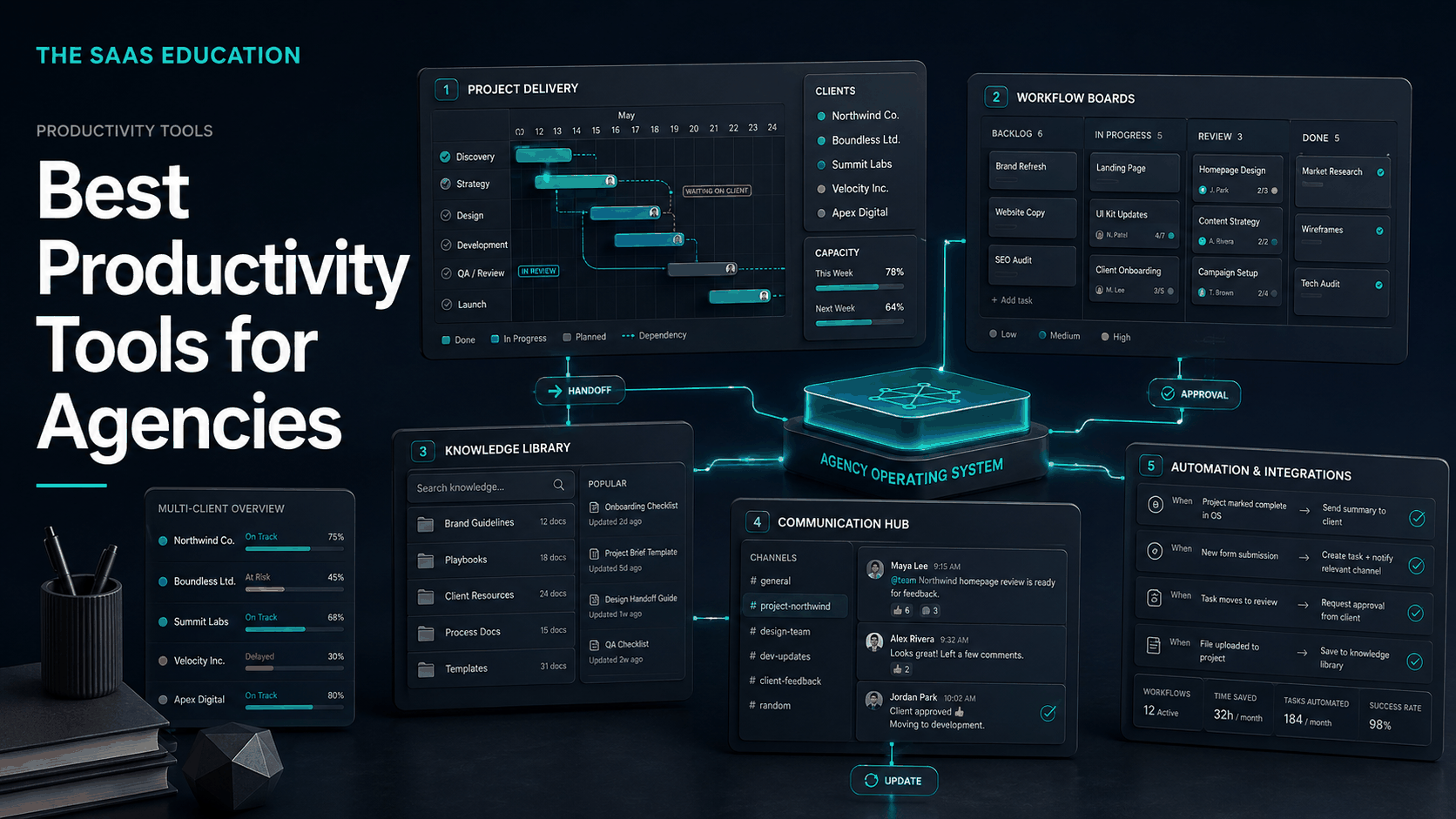
Compare five productivity tools for agencies across client delivery, capacity, knowledge, communication, automation, permissions, and workflow governance.
Direct answer
The best productivity tool for an agency depends on which operating constraint is slowing client delivery. Asana is the strongest general starting point for structured projects, dependencies, ownership, timelines, and portfolio visibility. monday work management is a stronger option when the agency needs highly configurable boards and cross-functional operating workflows. Notion is the best fit here for shared knowledge, briefs, playbooks, and flexible project context. Slack is the communication layer for channels, coordination, and connected work. Zapier automates repeatable handoffs among the stack.
These products do not solve the same problem. An agency may choose one delivery platform, one knowledge system, and one communication layer, then add automation selectively. Buying all five without defining boundaries will create more tabs, alerts, duplicate records, and administrative work rather than more productivity.
The right stack makes it easier to answer five questions: What outcome is due? Who owns it? What is blocking it? Which version did the client approve? Where is the authoritative record? If the software cannot answer those questions reliably, activity may rise while delivery quality falls.
Best productivity tools for agencies: shortlist
| Tool | Best for | Primary agency role | Main buying check |
|---|---|---|---|
| Asana | Structured client delivery | Projects, dependencies, portfolios, goals, workload context | Guest model, permissions, templates, reporting, capacity, and plan limits |
| monday work management | Configurable agency operations | Boards, workflows, dashboards, automations, cross-team processes | Governance, board sprawl, automation limits, permissions, and administration |
| Notion | Knowledge-centered work | Briefs, playbooks, documentation, databases, project context | Workspace structure, search, permissions, database governance, and offline/export needs |
| Slack | Team and client communication | Channels, discussion, huddles, connected notifications, coordination | Retention, external access, notification design, app permissions, and decision capture |
| Zapier | Cross-app automation | Intake, routing, alerts, record creation, repetitive handoffs | Usage mechanics, ownership, error recovery, credentials, and duplicate prevention |
How we selected the tools
We reviewed current search results for agency productivity software before selecting the shortlist. Ranking pages frequently combine project management, CRM, communication, time tracking, file storage, finance, and creative applications. That breadth reflects real agency stacks, but it can turn a buying guide into an undifferentiated directory.
We selected five platforms representing distinct operating layers. We then verified product-led statements against official product, pricing, and documentation sources. This is not a hands-on speed test, and we do not claim that any tool produces higher output or profitability without comparable evidence.
Our criteria were:
- Client delivery control: owners, deadlines, dependencies, approvals, and portfolio visibility.
- Multi-client separation: permissions, guests, workspaces, projects, channels, and access review.
- Capacity context: visibility into workload, priorities, bottlenecks, and competing commitments.
- Knowledge durability: briefs, decisions, templates, playbooks, search, and version ownership.
- Communication quality: fast coordination without losing commitments in message history.
- Automation safety: reliable handoffs, logs, least privilege, failure alerts, and recovery.
- Commercial fit: complete cost across staff, contractors, clients, storage, add-ons, and usage.
- Exit readiness: exportability, transfer of client assets, permission removal, and data ownership.
Productivity for an agency is a system, not an app
An agency sells coordinated expertise under deadlines. A strategist may define the approach, a specialist creates work, a reviewer checks quality, a client approves it, and an account lead explains the result. Every handoff introduces delay and the possibility of lost context.
A useful productivity stack separates different kinds of information:
- Commitments belong in the delivery system with an owner and due date.
- Knowledge belongs in a searchable, governed repository.
- Conversation belongs in channels that support rapid coordination.
- Files belong in approved storage with version and access controls.
- Customer records belong in the CRM.
- Commercial records belong in finance and contract systems.
- Automation connects these owners but should not create an invisible competing database.
When a team treats chat as project management, a document as a database, or an automation history as the only audit trail, the stack becomes fragile. Product selection should follow the information architecture, not precede it.
1. Asana: best general starting point for structured client delivery
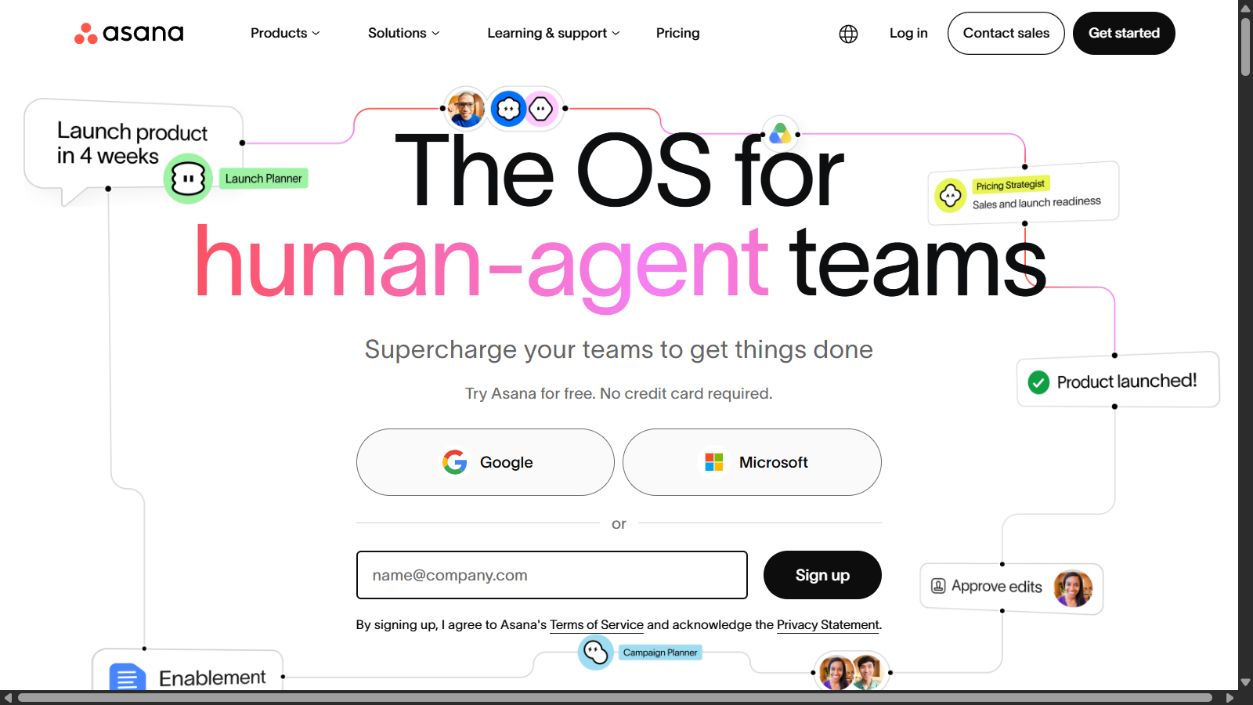
Asana is the strongest overall option in this shortlist for agencies that want a clear delivery hierarchy. Official materials describe tasks, projects, portfolios, goals, dependencies, forms, workflow automation, reporting, workload-related capabilities, and integrations. That structure is relevant when many client engagements compete for the same specialists.
Why it fits agencies
Agency work needs more than a list of tasks. A campaign or implementation may include dependencies, review stages, client inputs, launch dates, and recurring deliverables. Asana can provide a common structure for those commitments and roll project status into broader views.
Reusable project templates can reduce inconsistent setup across account managers. Forms can standardize intake, rules can route predictable work, and portfolios can help leaders see which client projects are at risk. The value depends on disciplined ownership and status updates; software cannot infer reliable capacity from abandoned tasks.
Strengths
- Structured tasks, dependencies, milestones, projects, and portfolios.
- Reusable workflows can standardize onboarding and recurring delivery.
- Multiple views and reporting support different operating roles.
- Suitable for cross-functional work where specialists serve several accounts.
- External collaboration can reduce approval by email when permissions are designed correctly.
Limitations
An agency must test how guests, clients, contractors, teams, and private projects interact. A convenient guest model can still expose the wrong project if administrators do not define boundaries. Advanced reporting, workload, automation, and governance capabilities may depend on the selected plan.
Task volume can become a false productivity metric. Overly granular templates create administrative work, while stale assignments make workload views misleading. Define what deserves a task, how status is updated, and when completed work is archived.
Choose Asana when
Choose Asana when delivery complexity, dependencies, and portfolio visibility are the main problems. It is a strong fit for agencies that can standardize recurring services but still need flexible projects for custom work.
Source: Asana and Asana pricing .
2. monday work management: best for configurable agency operations
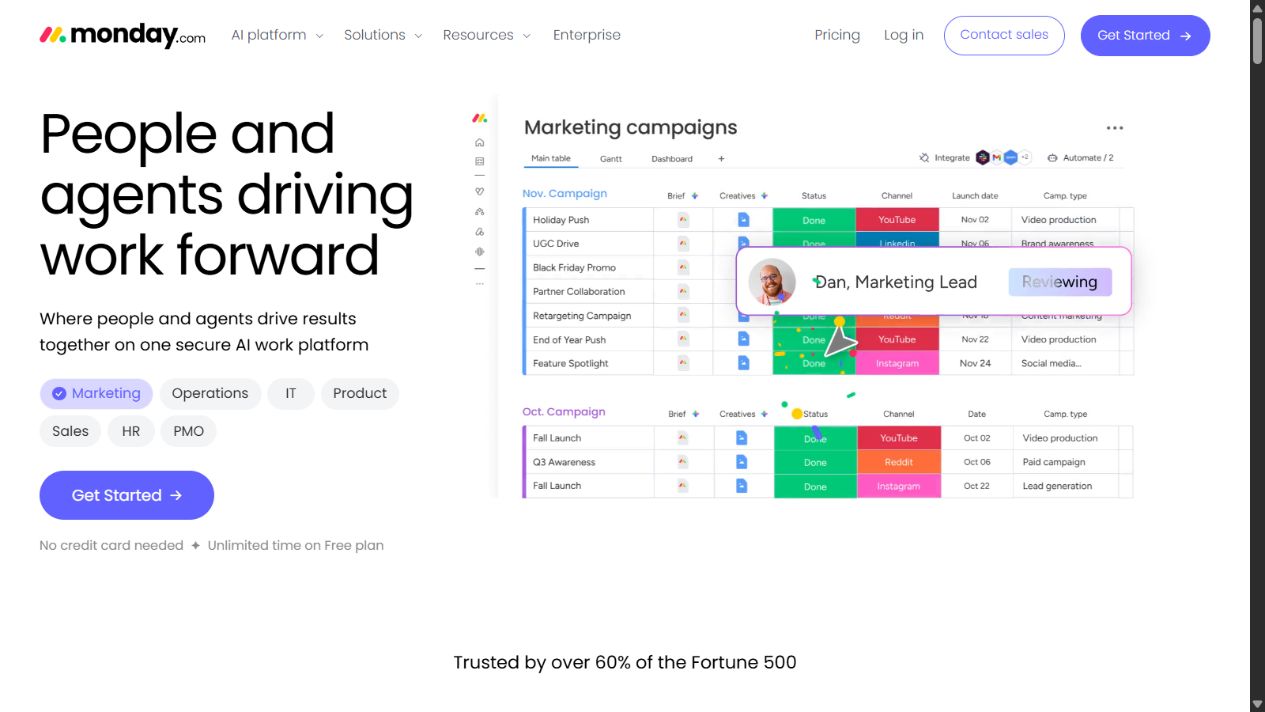
monday work management is a strong option for agencies that want to configure boards, views, dashboards, forms, automations, and cross-team workflows around their operating model. Official materials position it as a flexible work platform rather than a single fixed project methodology.
Why it fits agencies
Not every agency organizes work the same way. A creative studio may center its system on briefs and approval stages, while a performance agency may organize by campaigns, recurring checks, and client reporting cycles. monday’s configurable board model can represent these differences without custom software.
Dashboards can combine operational views, and automations can move or notify work based on structured changes. This flexibility is useful for cross-functional agencies, but it also means the organization must govern who creates boards, columns, statuses, and automations.
Strengths
- Flexible boards and views support varied agency service models.
- Forms, dashboards, templates, and automations can connect intake and delivery.
- Visual configuration is approachable for operational teams.
- Can support workflows beyond projects, such as requests, content pipelines, and account routines.
Limitations
Configuration freedom can create board sprawl. Two teams may use different status labels for the same concept, duplicate client records, or build automations that conflict. Without naming rules and administrators, the workspace becomes difficult to report on.
Buyers should validate item and automation limits, dashboard needs, permissions, guest access, storage, integrations, and plan-dependent controls. Prototype a complete service workflow rather than judging only a sample board.
Choose monday work management when
Choose it when the agency needs a configurable operating layer and has someone responsible for workspace governance. It is especially relevant when project work, intake, content operations, and recurring processes must coexist.
Source: monday work management and monday pricing .
3. Notion: best for knowledge-centered agency work
Notion is the strongest knowledge and flexible workspace option in this shortlist. Official materials describe documents, wikis, projects, databases, search, templates, collaboration, and plan-dependent AI and administrative capabilities. That combination suits agencies whose deliverables depend on briefs, research, playbooks, and reusable intellectual property.
Why it fits agencies
Agencies repeatedly recreate context: client background, brand rules, service procedures, campaign decisions, research notes, and onboarding guidance. A connected document and database workspace can keep that knowledge closer to current projects than a folder of disconnected files.
Notion can support client portals, internal wikis, content calendars, meeting notes, and lightweight project views. Relations and templates may connect context without requiring a separate document for every record. Its flexibility is valuable, but the workspace needs an intentional hierarchy and clear owners.
Strengths
- Combines documents, wikis, databases, and project context.
- Templates can standardize briefs, onboarding, retrospectives, and playbooks.
- Useful for turning repeated expertise into searchable operating knowledge.
- Flexible enough for internal and carefully controlled client-facing spaces.
- Can reduce separation between instructions and the work they support.
Limitations
Notion can become an attractive but unreliable knowledge archive when pages lack owners, review dates, naming rules, or archive procedures. Flexible databases may drift into competing schemas. Important operational commitments can be harder to control if the agency needs deep dependency, capacity, or portfolio functions.
Validate guest access, teamspaces, page permissions, search, export, backup expectations, database governance, and plan-specific administration. Decide whether Notion is the project system or the knowledge layer; do not leave that boundary implicit.
Choose Notion when
Choose it when briefs, research, documentation, reusable methods, and project context are the main productivity opportunity. Pair it with a structured delivery platform if operational control requires deeper dependencies or resource visibility.
Source: Notion and Notion pricing .
4. Slack: best for fast coordination and connected communication
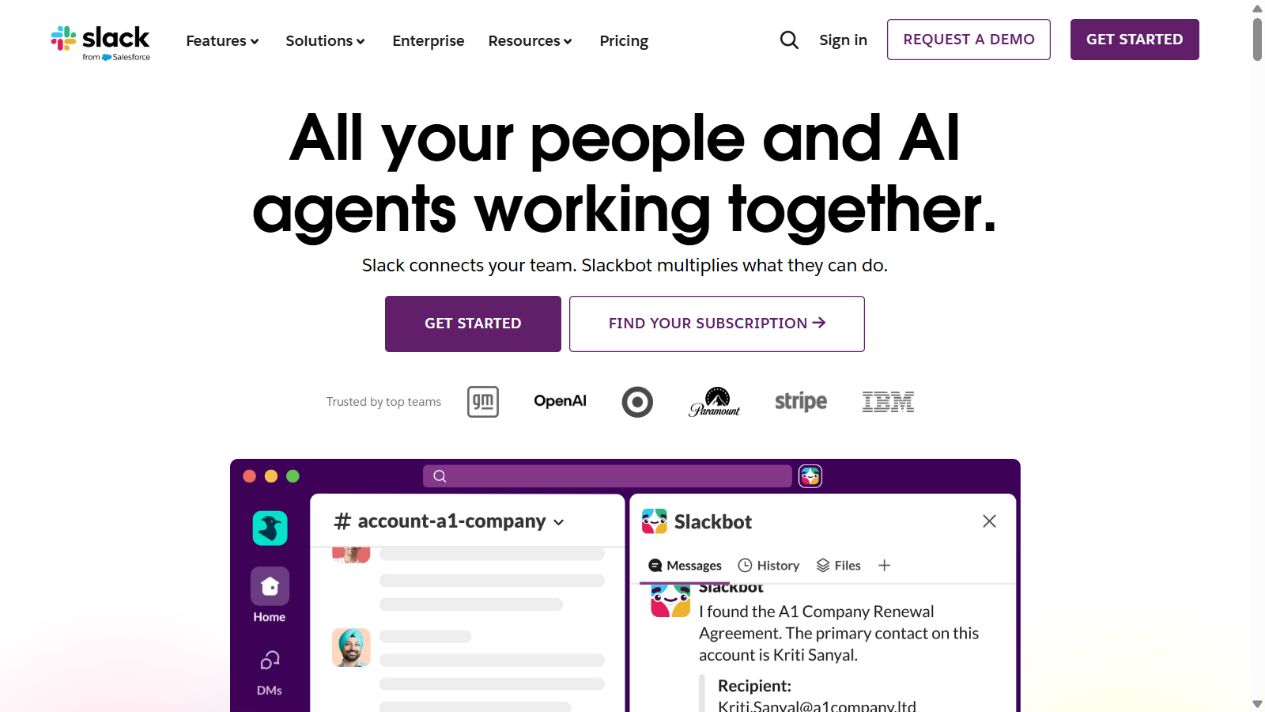
Slack is the communication layer in this shortlist. Official product materials describe channels, messaging, huddles, search, files, workflow capabilities, integrations, and enterprise-oriented administration. For distributed agencies, it can reduce fragmented email threads and provide visible spaces for teams or clients.
Why it fits agencies
Client delivery generates questions that do not belong in formal project updates: quick clarifications, production coordination, incident response, and live collaboration. Channels can organize those conversations by client, function, or initiative. Integrations can bring selected alerts into the conversation where the responsible team is already working.
The productivity gain comes from shorter coordination cycles, not from replacing every other system. Slack should point people toward the authoritative task, file, dashboard, or customer record. A decision made in conversation should be captured where it can be found and governed later.
Strengths
- Channels organize ongoing team and client communication.
- Searchable conversation can reduce repeated questions when retention supports it.
- Huddles and messaging support distributed coordination.
- Integrations can centralize important notifications and actions.
- External collaboration options may reduce cross-company email, subject to controls.
Limitations
High message volume can fragment attention. If every tool posts every event, important signals disappear. Agencies need notification standards, channel naming, ownership, escalation paths, and rules for moving commitments into the delivery system.
External access, app permissions, retention, exports, guest behavior, and security controls require careful review. A channel should not expose another client’s files or connected notifications. Offboarding must remove access promptly.
Choose Slack when
Choose Slack when the agency needs rapid, organized communication across distributed specialists or controlled client collaboration. Do not choose it as the sole project, knowledge, or approval record.
Source: Slack and Slack pricing .
5. Zapier: best for repetitive cross-app handoffs
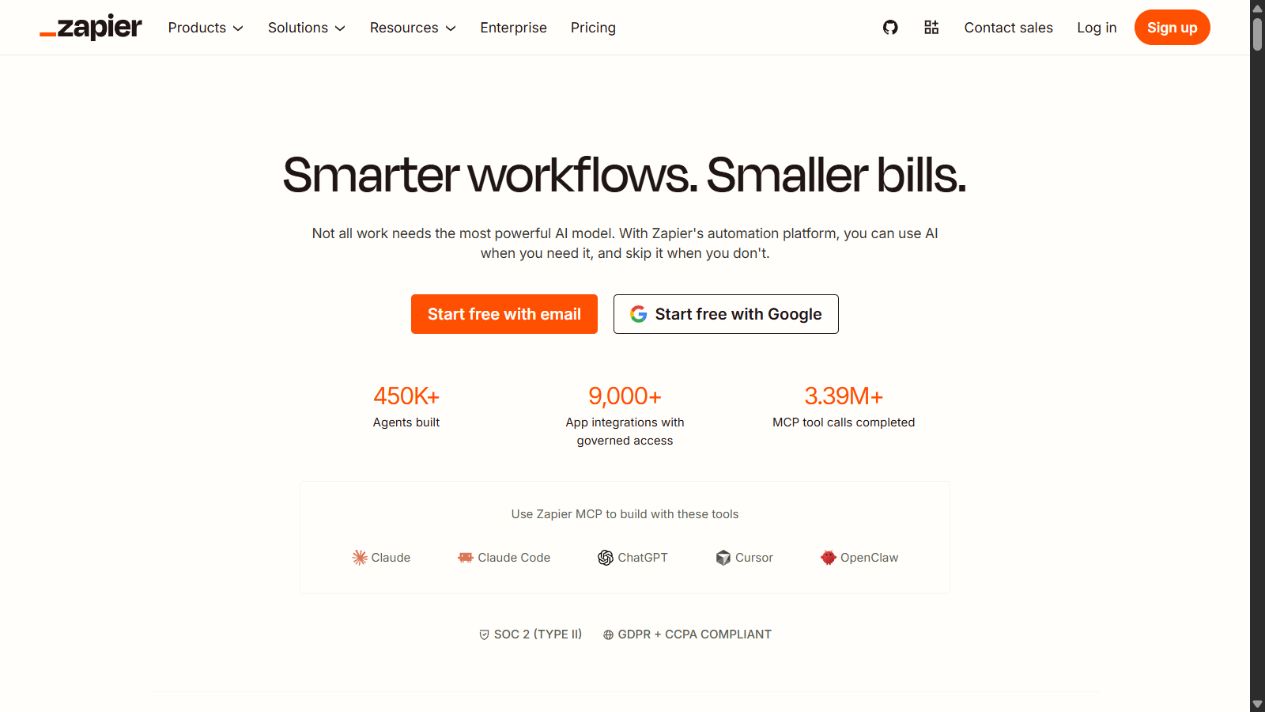
Zapier is the automation layer for agencies using several specialist systems. Official materials describe triggers, actions, multi-step workflows, application connections, and broader automation capabilities. It can reduce repeated data entry and administrative routing when the underlying process is stable.
Why it fits agencies
Common agency handoffs are predictable. A qualified request may need a CRM update, task creation, channel notification, and acknowledgment. A signed client may need a project template and onboarding request. A completed deliverable may trigger a review reminder or reporting process.
Automating those steps can reduce delay and omission. It also creates a dependency on credentials, field mappings, app APIs, and error handling. Treat each automation like a small production system rather than a private convenience built by one employee.
Strengths
- Connects many applications used in agency stacks.
- Automates stable routing and record-creation tasks.
- Can prototype integration value before custom development.
- Reduces manual copying when fields and owners are clearly defined.
- Supports repeatability across similar client onboarding or delivery workflows.
Limitations
The approved source cache did not sufficiently verify current Zapier pricing, so this article excludes price claims. Buyers must check current usage mechanics, limits, and plans directly.
Automations can fail silently, create duplicates, overwrite records, or expose information through broad credentials. Assign an owner, use least privilege, monitor failures, keep test cases, and document manual recovery. Do not automate unstable processes merely to make them fail faster.
Choose Zapier when
Choose it after the agency has defined authoritative systems and found repetitive handoffs worth automating. Avoid using it to compensate for an unclear process or uncontrolled tool sprawl.
Source: Zapier and Zapier Help Center .
Which productivity tool should your agency choose?
Choose Asana if
Client projects, dependencies, ownership, and portfolio visibility are the central need. It is the safest general starting point for a delivery-first agency.
Choose monday work management if
The agency wants configurable boards and operating workflows spanning intake, production, requests, and recurring processes. Assign governance before scale.
Choose Notion if
Knowledge fragmentation is causing repeated work. Use it for briefs, playbooks, research, and project context, with explicit ownership and archive rules.
Choose Slack if
Communication latency is the constraint. Pair it with a durable system for tasks, decisions, approvals, and files.
Choose Zapier if
Staff repeatedly transfer stable information among already approved systems. Automate with monitoring and recovery, not as an invisible workaround.
Suggested stacks by agency stage
| Agency situation | Practical starting approach | Why |
|---|---|---|
| Small specialist team | One delivery tool plus existing file and communication systems | Keeps administration low while establishing ownership |
| Knowledge-heavy consultancy | Notion plus structured communication | Preserves methods, research, briefs, and reusable context |
| Growing multi-service agency | Asana or monday, Notion, Slack, selective Zapier workflows | Separates delivery, knowledge, conversation, and automation |
| Client-collaboration-heavy studio | Delivery platform with tested guest roles plus controlled Slack or portal access | Gives clients visibility without broad internal access |
| Mature agency operations | Governed stack with identity, access reviews, reporting, integration monitoring, and exit procedures | Treats productivity as an operating system rather than tool adoption |
Do not adopt this as a mandatory bundle. Every additional platform creates subscription, security, training, search, integration, and offboarding costs. A smaller stack with clear ownership usually performs better than a larger stack connected by assumptions.
Agency pilot scorecard
Run the same representative project through each serious finalist. Use real roles and sanitized data, then collect evidence rather than impressions.
| Criterion | Pilot evidence |
|---|---|
| Setup repeatability | Create a new client engagement from an approved template and record required manual changes |
| Client isolation | Confirm that a client or contractor cannot discover unrelated projects, pages, channels, files, or notifications |
| Delivery control | Demonstrate dependencies, approvals, blockers, and ownership from intake through completion |
| Capacity accuracy | Compare the tool’s workload view with actual commitments and unavailable time |
| Knowledge retrieval | Ask a new team member to find the current brief, decision, process, and final approved asset |
| Communication handoff | Capture a decision from chat into the authoritative task or document with context and owner |
| Automation resilience | Trigger a failed integration and document alerting, retry, correction, and duplicate prevention |
| Exit readiness | Export a project and remove a test client while preserving internal templates and audit needs |
Define pass criteria before demonstrations. Examples include: every deliverable has one owner; a client cannot access unrelated material; an overdue dependency is visible before the deadline; a new employee can find the current process without asking its author; and a failed automation reaches a named operator.
Implementation plan
1. Map the current work
List recurring services from request to completion. Identify where work waits, information is re-entered, approvals are unclear, and client context is recreated. Choose software for the observed bottleneck.
2. Define information ownership
Name the system of record for projects, documents, files, customer records, approvals, conversations, and billing. Write the boundary into onboarding material so employees do not invent a new one for each client.
3. Design roles before spaces
Define employee, contractor, client reviewer, account lead, administrator, and executive access. Test permissions with sample accounts. Avoid granting broad access simply because project setup is faster.
4. Standardize one service
Build one complete template with intake, milestones, dependencies, review, client approval, completion, reporting, and archive steps. Observe it across several projects before cloning it to every service.
5. Set communication rules
Specify which conversations need a task, when a decision must be documented, where final files live, which alerts enter chat, and what qualifies as urgent. Quiet systems can be more productive than continuously active ones.
6. Add automation last
Automate only after fields, owners, and exceptions are stable. Start with reversible administrative handoffs. Add error alerts, logs, and manual recovery before increasing volume.
7. Measure completed outcomes
Track cycle time, missed deadlines, rework, approval delay, blocked time, utilization context, client questions, and margin. Do not use tasks created, messages sent, or automation runs as standalone evidence of productivity.
8. Review the stack quarterly
Remove unused guests, stale spaces, old credentials, duplicate templates, unnecessary apps, and inactive automations. Compare total cost with adoption and delivery value. Update owners and documentation when services change.
Common mistakes to avoid
Using chat as the permanent record
Conversation is fast but commitments become difficult to find. Move decisions, deadlines, and approvals into durable systems.
Building a template for every exception
Overdesigned workflows burden simple work. Standardize the stable core and allow documented variation where client requirements genuinely differ.
Confusing visible activity with capacity
A full task list does not show whether work is feasible. Account for dependencies, focus time, skill availability, review load, and non-project responsibilities.
Inviting clients before testing permissions
External collaboration is valuable only when isolation is proven. Test discovery, search, files, notifications, and integrations with sample accounts.
Automating an unclear process
Automation preserves ambiguity at scale. Resolve record ownership, required fields, exceptions, and recovery first.
Final verdict
Asana is the best general productivity starting point for agencies that need structured client delivery and portfolio visibility. monday work management is stronger for configurable operations, Notion for knowledge-centered work, Slack for communication, and Zapier for cross-app automation.
The best agency stack is not the one with the most integrations. It is the smallest set of tools that preserves commitments, separates client access, makes knowledge retrievable, keeps communication actionable, and automates only what the team can monitor and recover.
Sources checked
Frequently asked questions
What is the best productivity tool for agencies?
Asana is the strongest general starting point when an agency needs structured client delivery, dependencies, ownership, timelines, and portfolio visibility. monday work management is better for highly configurable operations, Notion for knowledge, Slack for communication, and Zapier for cross-app automation.
Do agencies need both project management and communication software?
Usually yes. The project platform should preserve assignments, deadlines, approvals, and decisions, while communication software handles discussion and rapid coordination. Important commitments should be moved from chat into the authoritative delivery record.
Which features matter most for agency productivity?
Prioritize client separation, permissions, reusable templates, workload visibility, dependencies, approvals, time or effort context, external collaboration, search, exports, integrations, and reliable ownership. Productivity should be measured by completed client outcomes, not message or task volume.
How should an agency evaluate productivity software pricing?
Model the full cost of employees, contractors, guests, clients, storage, automation, reporting, security, support, and required add-ons. Include migration, administration, review, and duplicated-tool costs rather than comparing only the entry plan.
Is Notion a replacement for project management software?
Notion can combine documents, databases, and project views, but suitability depends on required dependency management, workload planning, governance, reporting, and operational rigor. Some agencies use it as the knowledge layer alongside a dedicated delivery platform.
Can Slack be the main project management system?
Slack is strongest for communication and coordination, not as the sole authoritative project record. Decisions, owners, deadlines, approvals, and final files should be preserved in systems designed for durable delivery management.
Can Zapier improve agency productivity?
Yes, when it automates stable repetitive handoffs among approved systems. It needs named owners, least-privilege credentials, failure alerts, logs, and recovery procedures; otherwise automation can silently multiply errors.