Best Productivity Tools for Enterprise Teams
Compare Microsoft 365, Google Workspace, Slack, Notion, and Asana for enterprise productivity, governance, collaboration, knowledge, and work management.
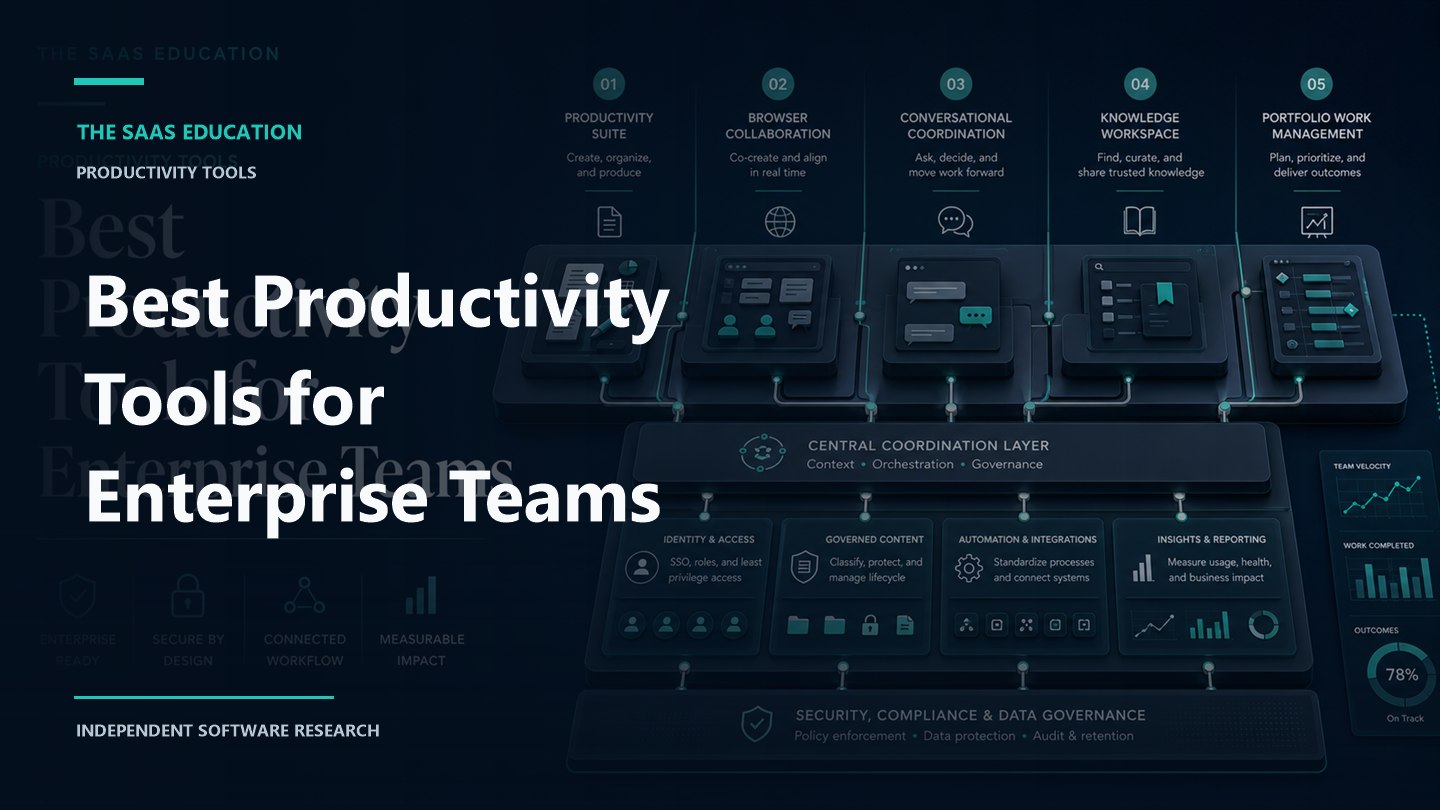
Direct answer
Microsoft 365 is the best broad productivity starting point for enterprises that already rely on Microsoft identity, Office applications, email, meetings, content, devices, and compliance. Google Workspace is the strongest browser-first suite. Slack is best for conversational coordination across people, applications, and agents. Notion is best for connected knowledge and flexible team workspaces. Asana is best for structured cross-functional work, portfolios, goals, and execution.
These products are not perfect substitutes. An enterprise commonly uses a core suite plus one or more coordination, knowledge, and work-management layers. The buying decision is therefore architectural: decide where identity, files, authoritative knowledge, conversations, tasks, approvals, records, search, and AI actions belong.
This guide combines a live SERP review with official sources checked on September 2, 2026. We did not run a controlled enterprise implementation, and we do not use vendor customer outcomes as proof that another organization will achieve the same result.
Enterprise productivity shortlist
| Tool | Best fit | Primary layer | Main validation question |
|---|---|---|---|
| Microsoft 365 | Microsoft-standardized enterprises | Suite, content, communication, identity-adjacent work | Can the organization govern licences, content, Teams, SharePoint, devices, AI, and compliance as one operating model? |
| Google Workspace | Browser-first collaboration | Suite, content, email, meetings, administration | Do edition, storage, data location, offline, interoperability, and advanced-control requirements fit? |
| Slack | Conversational coordination | Messaging, search, workflows, application and agent coordination | Can channels, retention, guests, enterprise search, apps, and actions remain governed at scale? |
| Notion | Connected knowledge and flexible workspaces | Wiki, documents, projects, search, workflows | Can flexible authoring remain authoritative, permissioned, findable, and maintainable? |
| Asana | Structured cross-functional execution | Work, portfolio, goals, capacity, workflows | Can teams adopt a shared work model without duplicating systems of record or over-configuring the platform? |
What ranking pages often miss
Current first-page results commonly list productivity products by features, ease of use, price, or broad categories. That helps individuals but understates enterprise constraints. Large organizations need vendor-risk review, identity lifecycle, delegated administration, legal hold, records, data residency, accessibility, integration ownership, business continuity, change management, and measurable adoption.
A second problem is category mixing. Office suites, chat applications, work-management platforms, knowledge bases, time trackers, and AI assistants may all be called productivity tools. A ranked list implies that one winner replaces the others. In practice, productivity falls when overlapping tools create duplicate files, conversations, notifications, tasks, search indexes, and AI knowledge.
Our shortlist therefore maps each product to an enterprise layer and evaluates the boundaries between them.
How we selected the tools
We evaluated each platform against twelve requirements:
- Core work: documents, spreadsheets, presentations, email, meetings, messaging, tasks, projects, knowledge, and search.
- Enterprise structure: organizations, domains, business units, teams, workspaces, sites, guests, and delegated administration.
- Identity lifecycle: SSO, provisioning, groups, roles, account recovery, offboarding, and service identities.
- Content governance: ownership, sharing, retention, records, legal hold, classification, export, and deletion.
- Security and compliance: encryption, audit, threat protection, data controls, regions, certifications, and incident response.
- Integration: APIs, marketplaces, connectors, webhooks, automation, event models, rate limits, and monitoring.
- AI: grounding, permissions, citations, actions, model access, data treatment, controls, audit, and cost.
- Accessibility: keyboard operation, assistive technology, captions, transcripts, contrast, zoom, and document accessibility.
- Resilience: status visibility, continuity, offline work, export, restore, recovery, and vendor exit.
- Adoption: information architecture, templates, defaults, training, support, champions, and measurement.
- Commercial model: seats, storage, add-ons, AI, calling, services, support, and renewal terms.
- Operational fit: how clearly the platform owns a layer without duplicating another system.
1. Microsoft 365: best broad enterprise productivity foundation
Microsoft 365 combines familiar productivity applications with cloud email, content, storage, meetings, collaboration, administration, security, compliance, device-related capabilities, automation, and plan-dependent Copilot or agent features. Exact products and rights depend on the selected enterprise licences and add-ons.
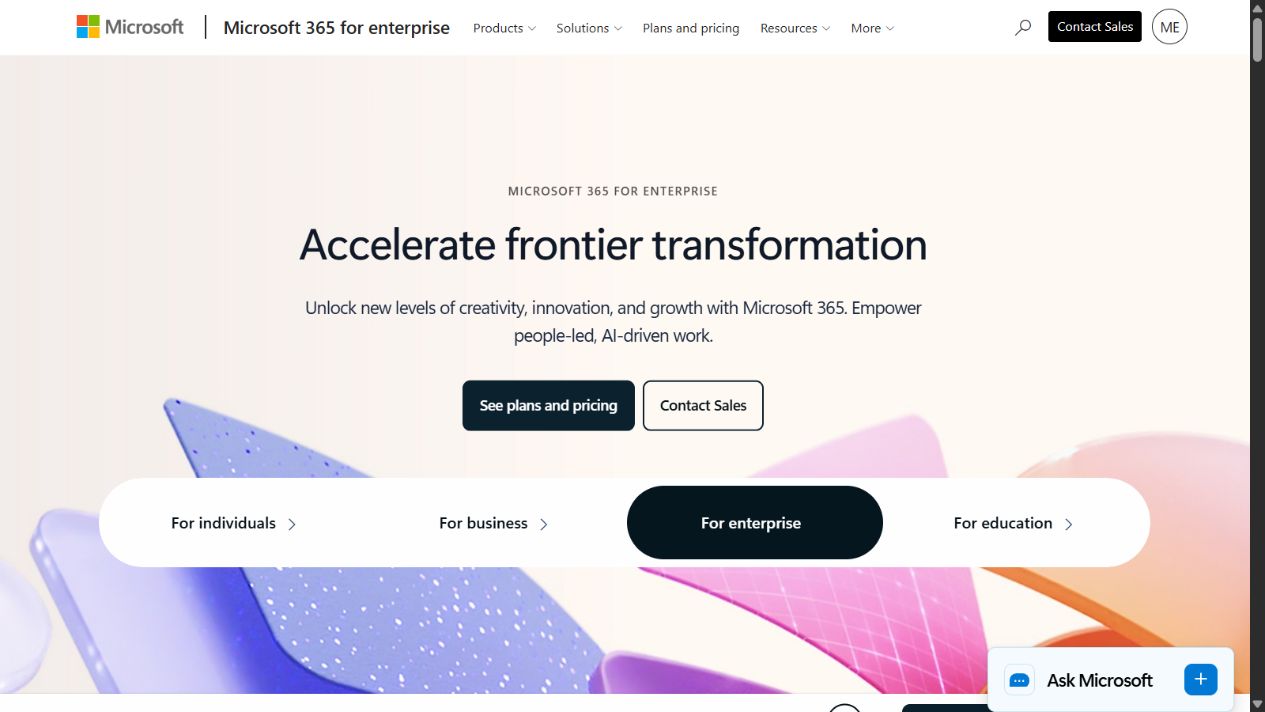
Microsoft 365 enterprise homepage captured September 2, 2026. Verify the exact suite, security, compliance, calling, and AI entitlements in the proposal.
Microsoft 365 is the strongest starting point when Word, Excel, PowerPoint, Outlook, Teams, OneDrive, SharePoint, and Microsoft identity already anchor daily work. The strategic advantage is not one application. It is the possibility of governing content, communication, identity, devices, automation, and compliance across a connected environment.
Choose Microsoft 365 when
- Office file fidelity and desktop applications are essential.
- Outlook, Teams, SharePoint, OneDrive, and Microsoft identity already have broad adoption.
- Security, compliance, information protection, device, and records requirements influence the productivity architecture.
- The enterprise can fund specialist administration for identity, messaging, Teams, SharePoint, endpoints, security, compliance, and adoption.
- Copilot or agents are expected to work across governed Microsoft content and applications.
Check before buying
Map every requirement to a named licence and service. Similar plan names can hide major differences in security, compliance, analytics, telephony, device management, storage, and AI. Include frontline, contractor, shared-device, service, external, and occasional users.
SharePoint and Teams governance deserve their own design. Define site and team creation, naming, sensitivity, external sharing, ownership, lifecycle, archival, records, and recovery. Without this, collaboration produces a large collection of abandoned workspaces and uncertain sources of truth.
Test Copilot with the real permission model. AI can surface overshared information more quickly; it does not create the underlying permission problem. Remediate content access, ownership, labels, retention, and stale sites before broad enablement.
Sources: Microsoft 365 for enterprise , Microsoft 365 documentation , and Microsoft Trust Center .
2. Google Workspace: best browser-first enterprise suite
Google Workspace brings Gmail, Calendar, Drive, Docs, Sheets, Slides, Meet, Chat, Forms, Sites, and administration into a browser-first collaboration environment. Official edition documentation distinguishes Business, Enterprise, Essentials, Education, and other offerings, with differences in users, storage, security, management, support, and Gemini capabilities.
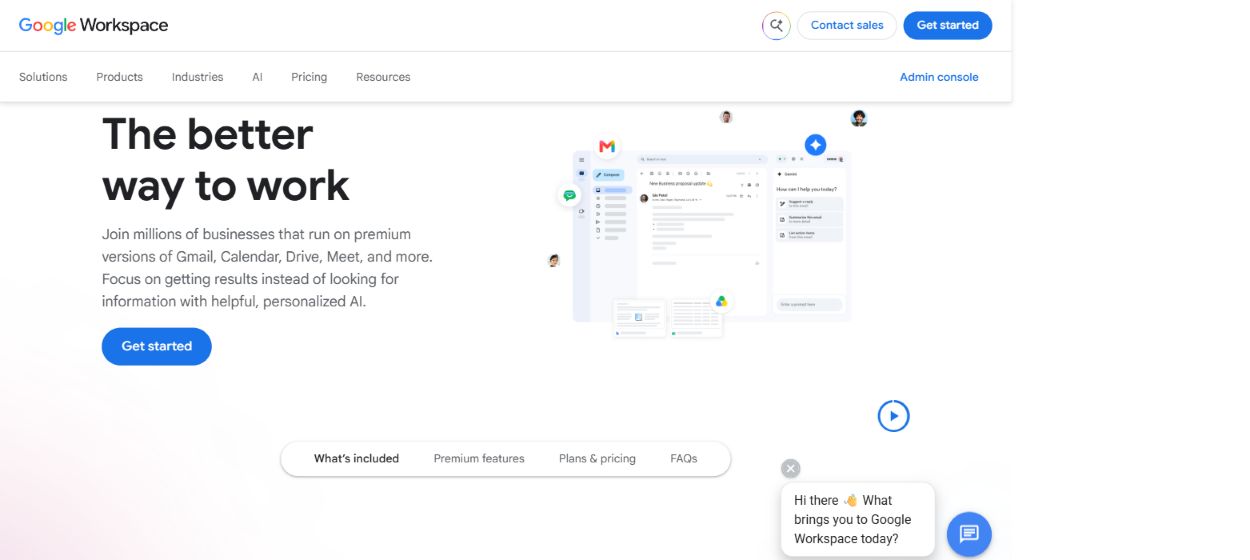
Google Workspace homepage captured September 2, 2026. Confirm current enterprise editions, storage, Gemini access, and regional terms.
Workspace is compelling when real-time browser collaboration and simple sharing are central. Documents can remain active collaborative objects rather than attachments passed between users. A consistent web experience can reduce endpoint complexity and help distributed teams work quickly.
Choose Google Workspace when
- The organization prefers browser-first, cloud-native collaboration.
- Gmail, Drive, Docs, Sheets, Slides, Meet, and Calendar can form the primary daily suite.
- Real-time coauthoring and straightforward cross-organizational work matter.
- Administrators can define domain, organizational-unit, group, sharing, retention, device, and application controls.
- Gemini features are being evaluated inside governed Workspace content and identity.
Check before buying
Test complex spreadsheets, presentations, document formatting, macros, offline work, large files, desktop workflows, assistive technology, and exchange with Microsoft-heavy customers or regulators. Migration success depends on edge cases, not average documents.
Design Drive ownership and information architecture. Compare My Drive, shared drives, group access, external sharing, link settings, lifecycle, Vault, retention, export, and deletion. Determine how business records remain owned when employees leave.
Model storage and edition changes over time. Include pooled storage, archiving, eDiscovery, advanced security, endpoint requirements, support, Gemini, migration, coexistence, and third-party backup or security tools.
Sources: Google Workspace , Google Workspace editions , and Google Workspace security .
3. Slack: best for conversational coordination
Slack organizes work around channels, direct messages, huddles, canvases, lists, workflows, search, applications, and plan-dependent AI or enterprise search. Its enterprise positioning emphasizes connecting people, tools, data, and agents inside the flow of work.
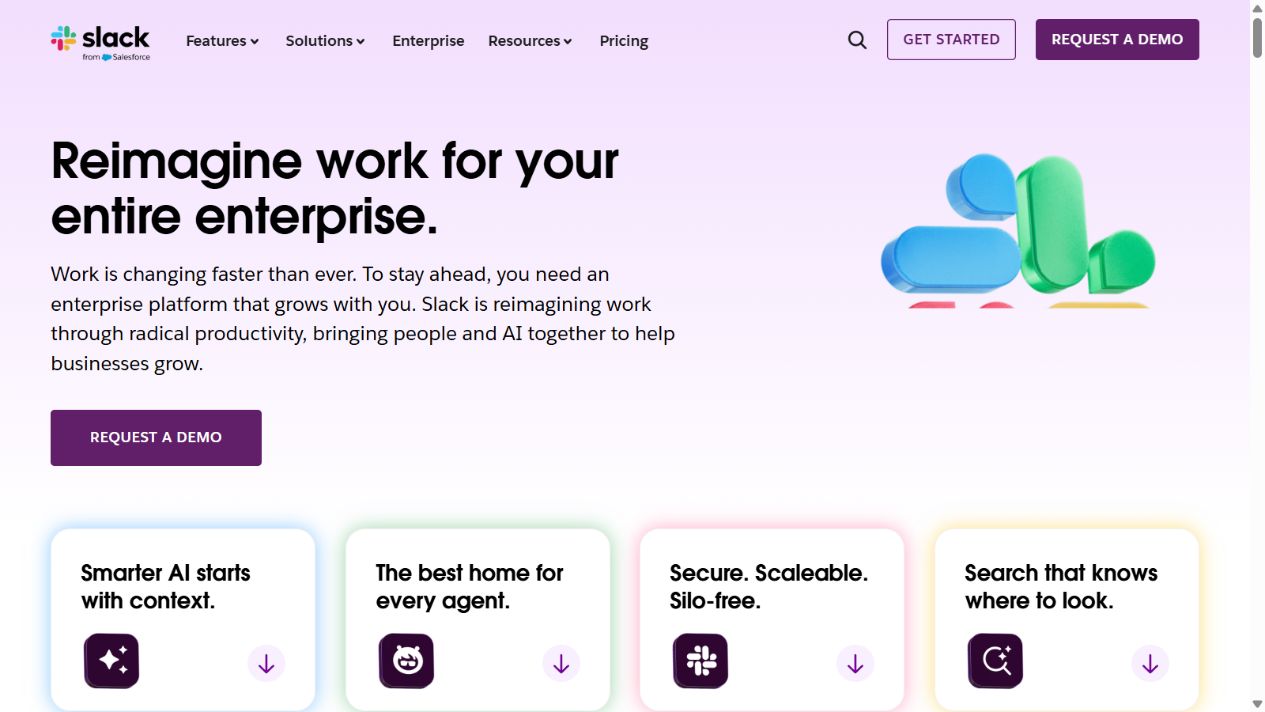
Slack enterprise homepage captured September 2, 2026. Validate retention, search, applications, AI, and enterprise-plan controls.
Slack is strongest when coordination is the bottleneck. A well-designed channel can bring the right people, alerts, decisions, files, workflow actions, and application context together. It can reduce email and meeting load while creating a searchable narrative of work.
Choose Slack when
- Cross-functional teams need fast, transparent, channel-based coordination.
- Important business systems can deliver context and actions through governed integrations.
- External partners require controlled collaboration.
- Enterprise search and AI are expected to connect conversational knowledge with approved applications.
- The organization will actively govern channel purpose, lifecycle, retention, guests, applications, and automation.
Check before buying
Do not let Slack become the only system of record. Define which decisions, tasks, approvals, documents, incidents, and customer records must move into authoritative systems. Messages are excellent coordination context but can be weak permanent records when ownership and lifecycle are unclear.
Control notification load. Establish channel conventions, mention rules, response expectations, status use, quiet hours, incident channels, and escalation paths. Measure interruption and meeting reduction together; fewer emails with more alerts is not a productivity gain.
Review every application and agent as an integration. Test scopes, data access, external actions, installation approval, tokens, service identities, logs, retention, failure handling, and offboarding.
Sources: Slack Enterprise , Slack plans and features , and Slack Trust Center .
4. Notion: best for connected knowledge and flexible workspaces
Notion combines pages, databases, wikis, projects, search, workflows, integrations, and AI in a configurable workspace. Its enterprise material emphasizes connected knowledge and work, enterprise search, projects, automation, integrations, governance, security, and administration.
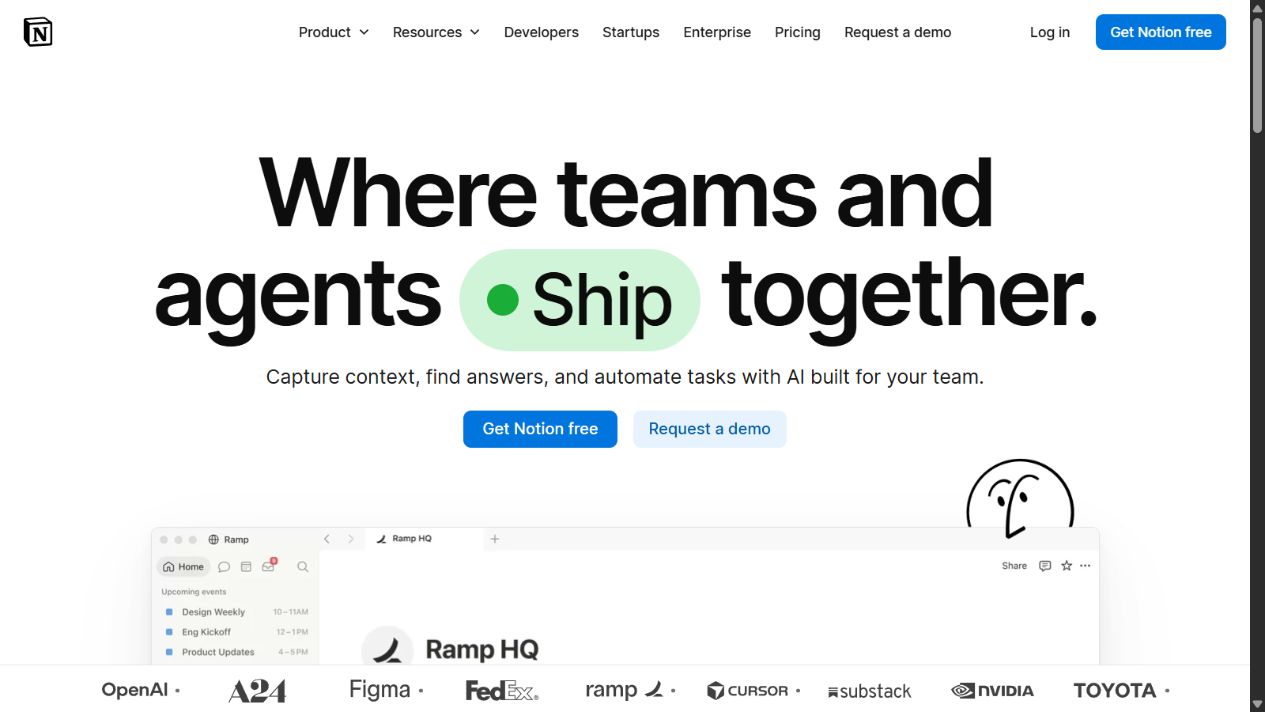
Notion enterprise homepage captured September 2, 2026. Verify current search, AI, connector, permission, and enterprise-plan behavior.
Notion is strongest when teams need a shared environment flexible enough for documentation, planning, lightweight databases, project context, and team operations. That flexibility can replace scattered wikis and small point solutions.
Choose Notion when
- Company knowledge and team work should live in a connected, approachable workspace.
- Teams need customizable pages and databases without a development project for every workflow.
- Projects, documents, decisions, and operating context benefit from being linked.
- Enterprise search and connectors are being evaluated against governed content sources.
- The organization can establish workspace architecture, templates, ownership, and lifecycle standards.
Check before buying
Flexibility needs boundaries. Define teamspaces, page ownership, database schemas, templates, publishing, guest access, verification, archival, deletion, and authoritative-source labels. Otherwise, teams create attractive but inconsistent systems that become difficult to search and maintain.
Test permissions through nested pages, databases, views, synced content, guests, exports, public publishing, integrations, and AI search. Use realistic reorganizations and employee departures. Confirm how inherited and explicit permissions behave in the proposed design.
Establish knowledge maintenance. Every policy, process, product fact, and operating document needs an owner, review date, status, and archive path. Search and AI cannot make stale knowledge reliable.
Sources: Notion for Enterprise , Notion pricing , and Notion enterprise administration .
5. Asana: best for structured cross-functional execution
Asana is a work-management platform for tasks, projects, portfolios, goals, reporting, forms, workflows, approvals, capacity, and enterprise administration. Current official enterprise material also describes AI teammates, AI Studio, service-management and other agentic work capabilities.
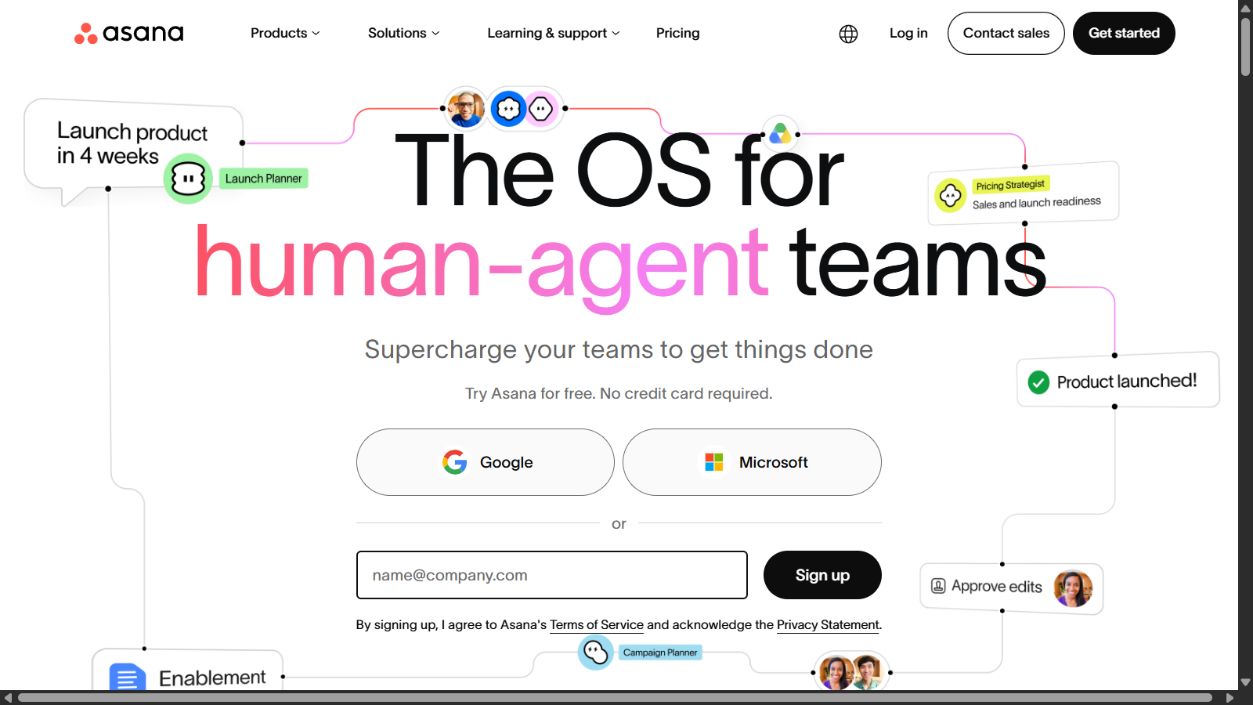
Asana enterprise homepage captured September 2, 2026. Confirm the proposed edition, AI credits, controls, services, and integrations.
Asana is strongest when the enterprise needs consistent execution across departments. It can connect strategic goals to portfolios, projects, owners, deadlines, dependencies, workload, status, and approvals more clearly than a document suite or messaging platform.
Choose Asana when
- Cross-functional initiatives lack visible ownership, dependencies, status, and outcomes.
- Teams need reusable workflows, intake forms, approvals, portfolios, goals, and capacity planning.
- Leaders need a consistent view without forcing every department into the same detailed process.
- Integrations can connect work with documents, communication, CRM, development, analytics, and service systems.
- Enterprise administrators can own templates, permissions, guests, reporting, automation, and lifecycle.
Check before buying
Define the work graph before configuring fields. Decide what constitutes a goal, portfolio, project, task, milestone, request, incident, approval, and status. Agree on required fields, ownership, dates, dependencies, and closure. Excessive customization makes reporting inconsistent.
Prevent duplicate task systems. Teams may already use Jira, service management, CRM, spreadsheets, product tools, and local boards. Specify which work belongs in Asana and how references, synchronization, failures, and conflicting updates are handled.
Model AI-credit and automation consumption using real workflows. Confirm who can build agents or automations, which data they access, what actions they take, how changes are tested, and how administrators stop a faulty workflow.
Sources: Asana Enterprise , Asana pricing , and Asana Trust Center .
How these tools fit together
A common architecture uses Microsoft 365 or Google Workspace as the core communication and content suite, Slack as the conversational coordination layer, Notion as a curated knowledge and flexible operations layer, and Asana as the structured execution layer. This is only useful when boundaries are explicit.
For each information type, name one authoritative home:
| Information | Possible system of record | Coordination surface |
|---|---|---|
| Identity and groups | Enterprise identity platform | All tools consume governed groups |
| Final documents and records | SharePoint, Drive, or governed repository | Slack, Notion, and Asana link rather than duplicate |
| Policies and operating knowledge | Governed wiki or repository | Search and AI retrieve with source labels |
| Tasks and project status | Asana or another approved work system | Slack notifications and documents provide context |
| Customer and product records | CRM, ERP, support, or product system | Productivity tools reference controlled views |
| Decisions | Approved decision log or project record | Conversations lead to recorded decisions |
Avoid two-way synchronization unless the business value justifies conflict handling, monitoring, and support. A link with clear ownership is often safer than copying the same object everywhere.
Enterprise pilot design
Run a pilot with representative business units, countries, accessibility needs, devices, security roles, external collaborators, and information types. Include ordinary users, administrators, records and legal teams, security, support, and executive sponsors.
Test complete workflows:
- Create and approve a sensitive cross-functional document.
- Coordinate a project with external partners.
- Find an authoritative answer across permitted sources.
- Onboard, transfer, and offboard a user.
- Apply retention, legal hold, export, and deletion.
- Recover from accidental sharing or automation failure.
- Use AI to summarize and act while respecting permissions.
- Complete the workflow on mobile and with assistive technology.
Measure task completion time, search success, meeting load, notification load, duplicate content, permission incidents, support requests, reviewer effort, adoption, and accepted outcomes. Do not use messages sent, documents created, or AI prompts as productivity measures by themselves.
Total-cost model
Build a three-year model covering licences, add-ons, AI, storage, calling, security, compliance, migration, coexistence, integrations, backup, services, training, support, internal administration, champions, records, and exit. Include contractors, frontline workers, guests, service accounts, seasonal staff, mergers, and regional requirements.
Calculate overlap. A new tool may replace local wikis or spreadsheets but add another search index, notification stream, permission model, and vendor review. Count the work required to keep information consistent across platforms.
Price matters, but adoption without governance can cost more than licences. An unused feature is waste; a widely used uncontrolled feature can create legal, security, records, and operational risk.
Implementation roadmap
- Map current workflows, tools, owners, data, records, pain points, and costs.
- Define the target architecture and one authoritative home for each information type.
- Establish identity, sharing, retention, naming, lifecycle, accessibility, and integration standards.
- Configure a limited pilot with representative users and data.
- Measure outcomes and repair workflow or knowledge problems.
- Migrate active content selectively; archive or retire stale material.
- Roll out with role-based training, office hours, support, and champions.
- Monitor adoption, duplication, access, search, automation, AI, cost, and incidents.
- Review the stack quarterly and remove redundant workflows.
- Preserve export and exit procedures before renewal.
Change management and adoption controls
Treat adoption as a redesign of work, not a communication campaign. Employees need to understand which tool to use, what information belongs there, what should remain in a specialist system, and what evidence is required before an action is complete. Publish short role-based standards with examples for common workflows rather than a long feature catalogue.
Managers must model the target behavior. If leaders request updates in private messages while the official project lives in Asana, distribute attachments while SharePoint or Drive is authoritative, or approve policy through an undocumented meeting, employees will follow the exception. Build executive routines around the same systems and records expected from everyone else.
Create an adoption dashboard that combines quantitative and qualitative signals. Useful measures include active target users, successful search, completed governed workflows, reduction in duplicate repositories, meeting and notification load, inaccessible documents, external-sharing exceptions, support demand, stale content, automation failures, and time to approved outcome. Avoid rewarding message, page, task, or prompt volume.
Provide migration office hours and a clear support path. Users will encounter edge cases involving ownership, sharing, formatting, records, guests, integrations, mobile access, and accessibility. Resolve recurring issues through configuration, templates, documentation, or product decisions rather than asking each user to improvise.
Decommission old tools deliberately. Freeze new creation, export required records, preserve approved archives, redirect integrations, remove tokens, revoke access, update documentation, and confirm contract termination. Leaving the old platform available “temporarily” often creates a permanent shadow workflow and weakens confidence in the new source of truth.
Finally, review exceptions. Some departments may require specialist systems for engineering, regulated records, creative production, customer data, or service delivery. Approve these exceptions with documented boundaries and integration ownership. Standardization should reduce accidental complexity without forcing every kind of work into a productivity suite that cannot safely own it.
Reassess every retained platform against a named enterprise capability each year. If two products own the same outcome, require evidence that the overlap reduces risk or materially improves completion time. Otherwise, consolidate the workflow and retire the duplicate contract.
Final recommendation
Choose Microsoft 365 as the broad foundation for a Microsoft-standardized enterprise and Google Workspace for a browser-first collaboration model. Add Slack when conversational coordination is a distinct requirement, Notion when connected knowledge and flexible workspaces are the gap, and Asana when structured cross-functional execution is the priority.
Do not buy all five by default. The strongest enterprise productivity stack is the smallest governed combination that gives each file, conversation, task, decision, record, and AI action a clear home. Productivity improves when users know where work belongs, can find trusted information, and can complete a workflow without creating another duplicate system.
Frequently asked questions
What is the best productivity tool for an enterprise team?
Microsoft 365 is the strongest broad starting point for enterprises standardized on Microsoft identity, Office applications, communication, content, device management, and compliance. Google Workspace fits browser-first collaboration, Slack fits conversational coordination, Notion fits connected knowledge and flexible workspaces, and Asana fits structured cross-functional work management.
Does an enterprise need more than one productivity platform?
Usually. A core productivity suite may handle email, documents, storage, and meetings, while work management, knowledge, messaging, or specialist workflows require another layer. The goal should be a governed architecture with explicit system ownership, not the fewest possible tools.
How should enterprises compare productivity software?
Test representative workflows across identity, content, communication, projects, knowledge, search, automation, AI, administration, security, accessibility, integration, records, mobile use, and total cost. Score only capabilities that are demonstrated, documented, contracted, or tested.
Which productivity tool is best for enterprise knowledge management?
Notion deserves priority when teams need a flexible connected workspace for knowledge, projects, search, and workflows. Microsoft 365 and Google Workspace may be stronger when governed document repositories and existing suite adoption matter more.
Which productivity tool is best for project and portfolio management?
Asana is the strongest option in this shortlist for structured projects, portfolios, goals, capacity, workflows, and cross-functional execution. Validate the proposed enterprise edition, reporting model, permissions, guests, integrations, and AI-credit consumption.
How important is AI when choosing enterprise productivity software?
AI matters only when it improves a governed workflow. Buyers should test permissions, grounding, citations, actions, data boundaries, auditability, model changes, cost, and human accountability rather than selecting a suite because it has the longest AI feature list.
What productivity-software costs are commonly missed?
Add-ons, AI licences or credits, storage, calling, security, compliance, migration, integration, implementation, support, contractors, administration, records, eDiscovery, training, duplicate tools, and exit work are commonly missed.