Best Productivity Tools for Startups
Compare five productivity tools for startups across knowledge, communication, collaboration, automation, async video, costs, and implementation risk.
Direct answer
The best productivity tool for a startup depends on which layer of work needs a dependable home. Google Workspace is the strongest operational foundation in this shortlist for business email, files, documents, calendars, and meetings. Notion is the best fit for a connected company wiki, project context, and structured knowledge. Slack is the communication layer for teams that need searchable channels and timely coordination. Zapier is the automation layer for moving information between applications after a workflow is stable. Loom is the async-video option for walkthroughs, updates, demonstrations, and feedback that do not require a live meeting.
These products are not five substitutes, and a startup should not buy all five automatically. The better stack is the smallest one that gives every important record a clear owner. A document, decision, task, customer record, file, and automation should each have one authoritative location. Adding software before setting those rules usually distributes confusion rather than increasing productivity.
This guide uses official vendor sources checked on August 29, 2026. We did not connect production data, run controlled usability tests, or measure team output. Capabilities and published commercial terms are verified facts; the “best for” labels are editorial inferences based on the workflow each tool is designed to support.
Startup productivity software shortlist
| Product | Best fit | Primary job | Material constraint |
|---|---|---|---|
| Google Workspace | Startups needing a dependable business foundation | Email, files, documents, calendars, meetings, and administration | Per-user cost, storage, security, AI, and meeting capabilities vary by plan |
| Notion | Teams organizing shared knowledge and project context | Wiki, docs, projects, databases, search, and reusable company context | Flexible workspaces need ownership, permissions, and information architecture |
| Slack | Teams coordinating work across functions and locations | Channel-based communication, search, huddles, files, apps, and automation | Message volume, retention, notifications, and plan limits can undermine focus |
| Zapier | Startups connecting repeatable workflows across applications | Trigger-action automation, data movement, orchestration, and monitoring | Task usage, app support, error handling, and governance determine real cost |
| Loom | Teams replacing selected meetings with asynchronous explanation | Screen, camera, and audio recording with sharing and collaboration | Video can become another unsearchable knowledge silo without lifecycle rules |
Design the operating model before choosing tools
“Productivity” is not the number of apps a team uses or the volume of visible activity it produces. A startup is productive when important work moves from question to decision to execution with limited delay, reliable context, and clear accountability. Software can support that flow, but it cannot define it on the team’s behalf.
Map six foundations before evaluating products:
- Identity and communication: business email, calendars, meetings, authentication, groups, and urgent coordination.
- Files and documents: where working files live, who can share them, how versions are controlled, and how former employees lose access.
- Knowledge and decisions: where policies, specifications, meeting outcomes, customer insights, and operating procedures become durable records.
- Work tracking: where commitments, owners, due dates, dependencies, and status are maintained.
- Automation: which repetitive handoffs can be automated, how failures are detected, and who can change the workflow.
- Asynchronous explanation: when a written note is insufficient but a live meeting is unnecessary, and how recordings are retained or summarized.
Every layer needs an owner and a rule for what belongs there. If Slack contains final decisions, Notion contains conflicting specifications, Drive contains duplicate source files, and Loom contains undocumented instructions, the startup has not created a stack. It has created several partially searchable memories.
How we selected the tools
We selected five established products that represent distinct startup productivity jobs. Each product needed current official evidence for its central capabilities, plan structure, limitations, or operational controls. We evaluated:
- fit for a small team that may grow quickly;
- clarity of the product’s primary job;
- ability to support remote, hybrid, or distributed work;
- collaboration, sharing, permissions, and administrative scope;
- free plan, trial, startup program, or entry option where officially published;
- per-user, storage, automation-task, video, AI, or usage cost drivers;
- integrations and export considerations;
- security, privacy, retention, and access questions a buyer should verify;
- implementation effort and the risk of creating duplicate sources of truth;
- whether the tool can remove a measurable bottleneck rather than merely add features.
We did not use affiliate commissions, awards, popularity rankings, or third-party star ratings. The shortlist is not exhaustive. “Best” means the clearest fit for a defined startup workflow, not the universal winner for every company.
1. Google Workspace: best operational foundation
Google Workspace combines business versions of Gmail, Calendar, Drive, Meet, Docs, Sheets, Slides, Chat, Forms, Sites, and related services. Its official business page publishes Starter, Standard, Plus, and Enterprise editions. Storage, meeting capacity, recording, security, administration, AI access, and other capabilities differ by edition and can change.
For a startup, Workspace’s main advantage is foundational rather than specialized. The company can establish domain-based email, shared calendars, controlled files, collaborative documents, and meetings within one administrative environment. That provides a stable base before the team adds a wiki, project platform, communication layer, or automation service.
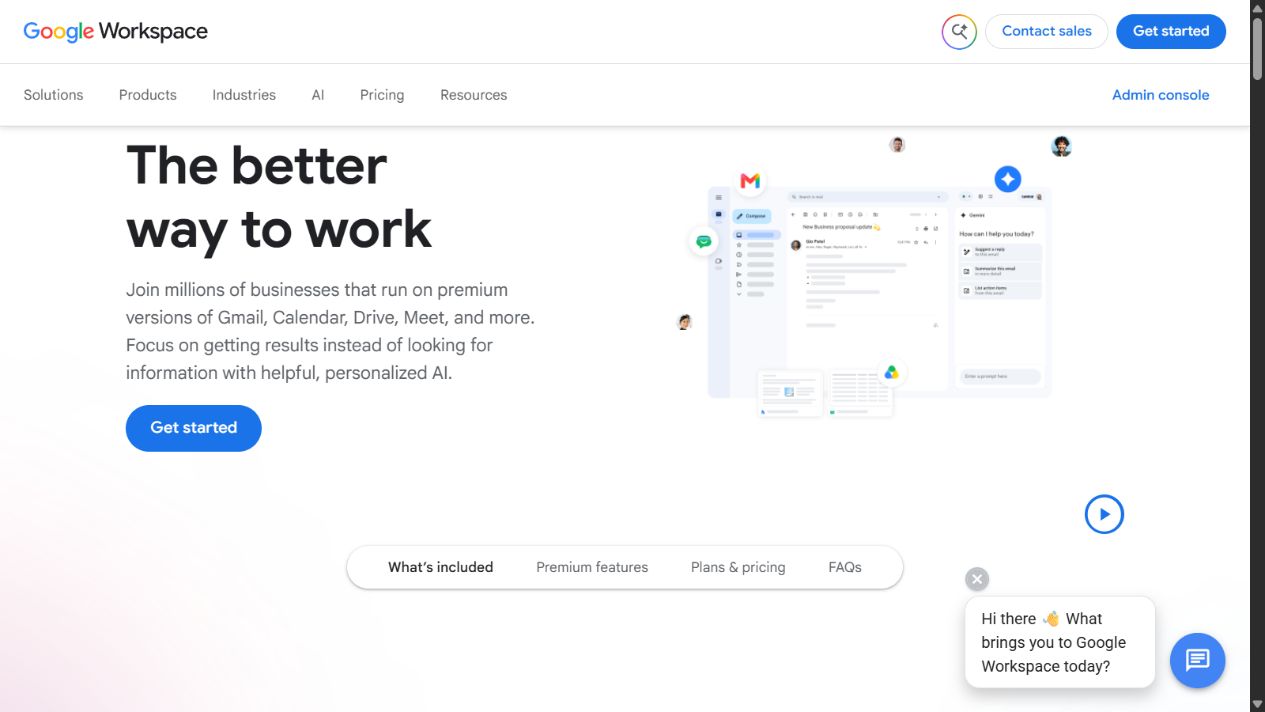
Google Workspace official homepage, captured August 29, 2026. Source: Google Workspace .
Choose it when: the startup needs a business identity and a broadly understood system for email, documents, spreadsheets, files, calendars, meetings, and basic collaboration.
Check before buying: annual versus flexible billing; user count; pooled storage; meeting size and recording; shared-drive requirements; data regions; retention; endpoint management; single sign-on; vault or archiving needs; Gemini access; external sharing; migration; support; and offboarding.
Cost model: Google publishes per-user editions and enterprise sales terms. Model forecast headcount, contractors, storage growth, meeting requirements, security controls, and the cost of migrating or managing files. Promotional prices and regional terms should not be treated as permanent.
Practical limitation: Workspace can become a maze of personal Drives, shared folders, duplicated documents, and unclear permissions. Establish naming, ownership, shared-drive, external-sharing, and offboarding rules before the file estate expands.
Official sources: Google Workspace for business , Workspace pricing , and Workspace security .
2. Notion: best for shared knowledge and project context
Notion describes its workspace around docs, wikis, projects, search, and AI-supported work. Its startup program publishes eligibility conditions and temporary offers for qualifying organizations, while its standard pricing and help pages define plan-specific collaboration and administrative capabilities. Startup offers, eligibility, duration, and partner requirements are volatile and should be rechecked directly.
Notion is strongest when a startup needs one structured place for operating principles, product context, research, project briefs, meeting decisions, onboarding, and reusable processes. Databases and linked pages can make relationships visible without forcing every team into a rigid hierarchy.
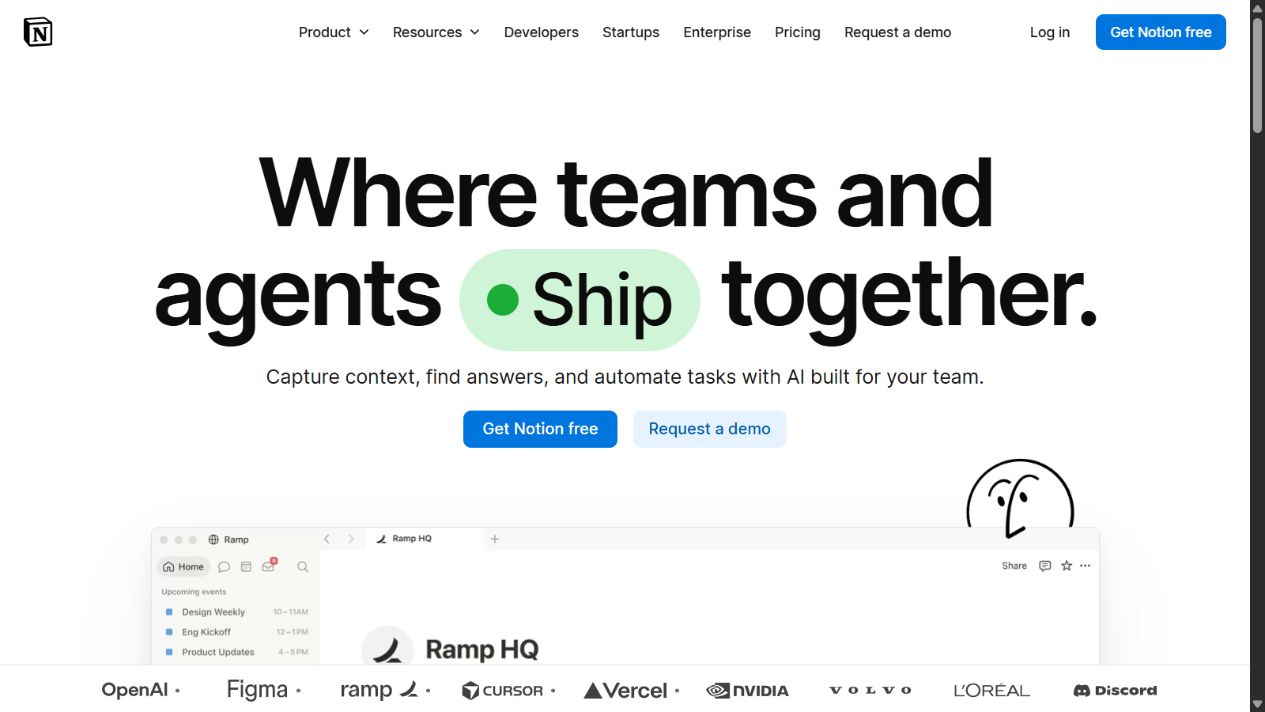
Notion official homepage, captured August 29, 2026. Source: Notion .
Choose it when: scattered documents and tribal knowledge are slowing onboarding, decisions, project context, or cross-functional work.
Check before buying: member and guest roles; page permissions; public sharing; search; database limits; file uploads; version history; exports; audit and security controls; AI terms and usage; integrations; API behavior; startup-program eligibility; and ownership after an employee leaves.
Cost model: compare the standard plan needed after any startup promotion ends. Include members, guests, AI or business features, security requirements, and administration time. A temporary free period is useful only if the post-offer cost and migration risk are acceptable.
Practical limitation: Notion’s flexibility allows every team to create a different structure. Without a small set of canonical databases, page owners, templates, archive rules, and publishing conventions, search results can surface several plausible versions of the truth.
Official sources: Notion for startups , Notion startup program , and Notion pricing .
3. Slack: best for timely team coordination
Slack organizes team communication into channels, direct messages, huddles, canvases, lists, search, and connected applications. Its official pricing and plan documentation describe Free, Pro, Business+, and Enterprise+ options. Searchable history, application access, AI capabilities, administration, security, and collaboration controls vary by plan.
Slack’s value is reducing the delay involved in reaching the right people with enough shared context. Channels can organize communication by team, project, incident, or customer. Integrations can bring alerts and workflow events into the place where the responsible team already coordinates.
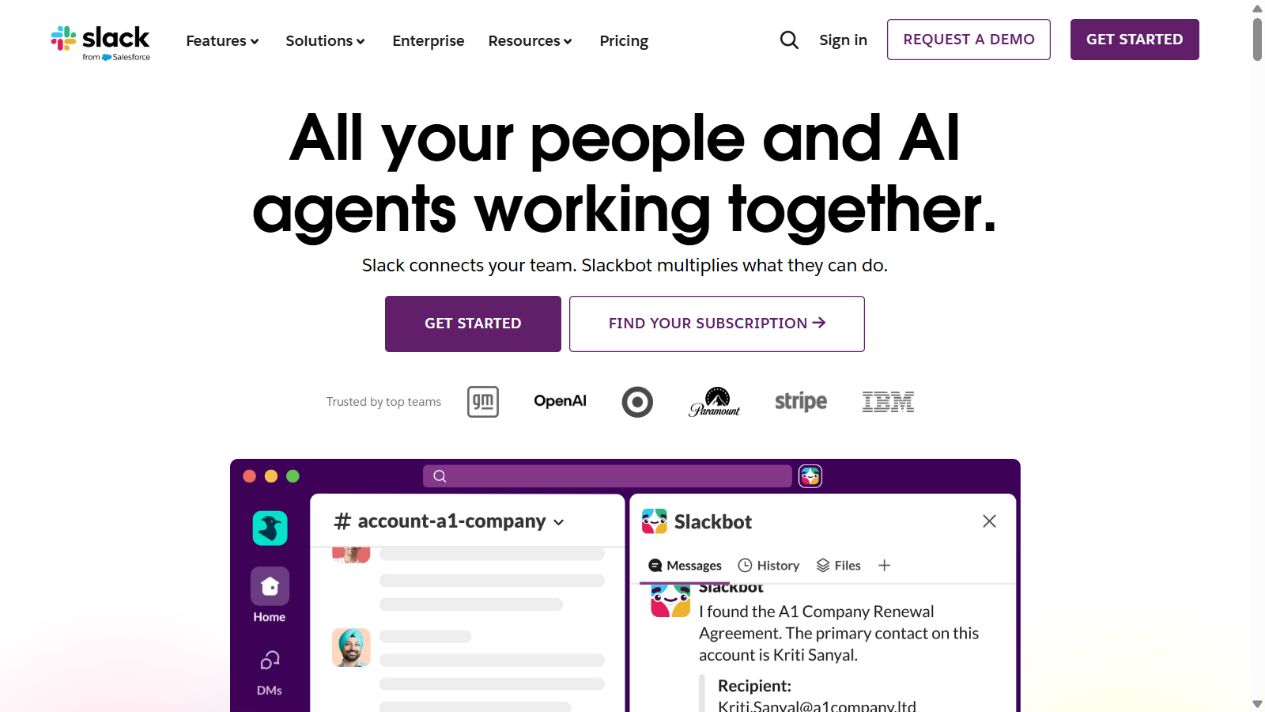
Slack official homepage, captured August 29, 2026. Source: Slack .
Choose it when: email threads and disconnected chats are slowing coordination, especially across functions, locations, or time zones.
Check before buying: searchable history; retention and deletion; guests and external collaborators; huddles; integrations; workflows; AI features; exports; data residency; legal hold; security; administration; notification controls; support; and the policy for turning a message into a durable record.
Cost model: Slack charges by plan and users under its current commercial terms. Calculate employee growth, guests, billing treatment, enterprise controls, AI availability, and the operational cost of channel administration. Free-plan limits should be tested against the team’s need to retrieve old decisions.
Practical limitation: Slack can make work feel urgent even when it is not important. If every channel demands attention and decisions remain inside message threads, the product increases interruption and weakens institutional memory. Define response expectations and move durable outcomes into the system of record.
Official sources: Slack pricing , Slack plans and features , and Slack security .
4. Zapier: best for cross-application automation
Zapier describes its platform as connecting applications through automated workflows. Its documentation explains triggers, actions, Zaps, tasks, and broader automation or orchestration capabilities. Official pages publish a large integration directory and plans whose cost can depend on tasks, users, products, or advanced controls.
Zapier becomes valuable when a startup has a repeatable process that crosses application boundaries: a qualified form submission creates or updates a record, a signed agreement starts onboarding, a support event alerts an owner, or a recurring report gathers information. The goal should be fewer manual handoffs and errors, not the largest automation count.
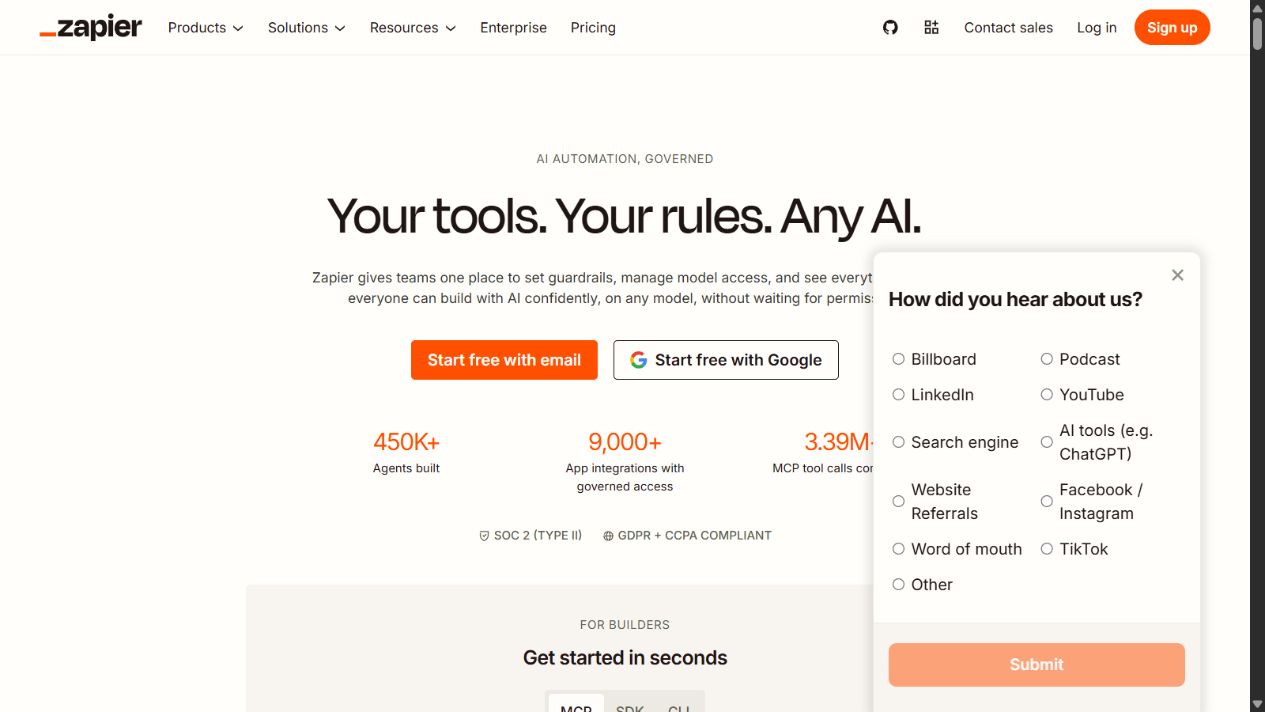
Zapier official homepage, captured August 29, 2026. Source: Zapier .
Choose it when: people repeatedly copy data, send predictable notifications, or perform rule-based steps between supported applications.
Check before buying: exact app triggers and actions; premium applications; polling intervals; task counting; multi-step workflows; filters and paths; tables or interfaces; error handling; replay; logs; permissions; shared connections; secrets; personally identifiable data; retention; test environments; ownership; and downgrade behavior.
Cost model: task volume can make a simple workflow expensive at scale. Forecast executions, paths, loops, retries, growth, premium apps, users, and seasonal peaks. Compare that cost with native integrations, direct API work, and the labor or error cost of the manual process.
Practical limitation: automation hides work until it fails. Every production workflow needs an owner, meaningful name, change history, alert, reconciliation method, manual fallback, and periodic review. Do not put critical financial, customer, or compliance processes into unattended automations without appropriate controls.
Official sources: Zapier for startups , What is Zapier? , Zapier pricing , and selecting a Zapier plan .
5. Loom: best for asynchronous video explanations
Loom, now presented as Atlassian Loom, supports screen, camera, and audio recording with links for asynchronous sharing. Its official pricing page describes entry and paid options, while product pages cover recording, viewing, collaboration, transcription, and AI-supported functions whose availability depends on plan and current terms.
Loom is useful when the communication benefits from voice and visual context but does not require every participant at the same time. Product walkthroughs, design feedback, bug demonstrations, onboarding explanations, weekly updates, and customer handoffs can be clearer in a short recording than in a long message or recurring meeting.
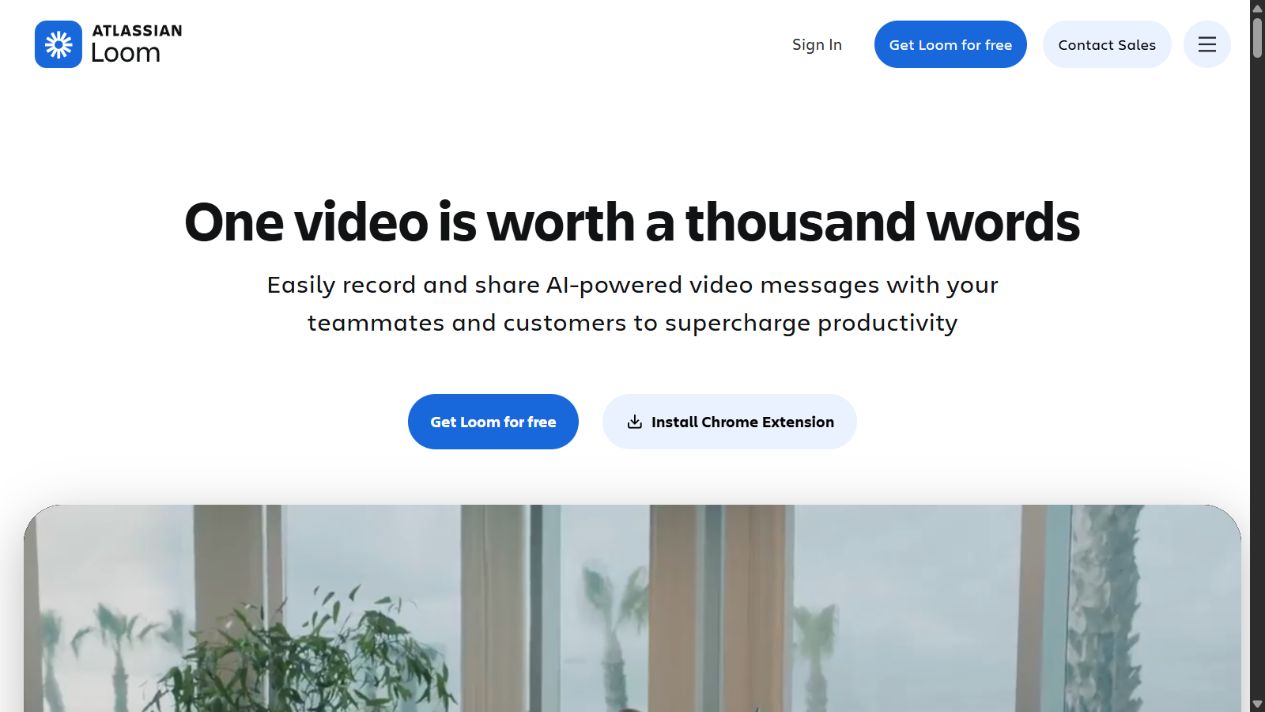
Atlassian Loom official homepage, captured August 29, 2026. Source: Loom .
Choose it when: the startup needs to explain visual or procedural work across time zones without scheduling another meeting.
Check before buying: recording and storage limits; video length; editing; transcription; captions; AI features; viewer access; passwords; downloads; comments; analytics; workspace administration; retention; exports; ownership; sensitive data; supported browsers and devices; and Atlassian integration.
Cost model: compare the number of creators, plan limits, AI features, security controls, and expected recording volume. Viewers may not require the same access as creators, but current licensing terms must be verified.
Practical limitation: videos are slower to scan and update than text. A critical procedure should not exist only in a twenty-minute recording. Pair the video with a short written summary, decision, owner, and durable documentation link. Set retention rules so obsolete recordings do not keep circulating.
Official sources: Loom , Loom pricing , Loom AI , and async video .
Which tool should own each job?
| Startup job | Recommended owner | Boundary to enforce |
|---|---|---|
| Business email, files, calendars, and meetings | Google Workspace | Use shared ownership for company records; avoid critical files in personal drives |
| Policies, operating knowledge, briefs, and project context | Notion | Publish canonical pages; archive superseded versions |
| Timely coordination and discussion | Slack | Move final decisions and durable instructions out of chat |
| Cross-application handoffs | Zapier | Document ownership, monitoring, reconciliation, and fallback |
| Walkthroughs and asynchronous explanations | Loom | Pair important videos with searchable written context |
Three defensible startup stack patterns
A minimal operating foundation
Start with Google Workspace and a lightweight task process. Add Notion only when shared knowledge or project context is genuinely difficult to manage in documents. This pattern reduces tool switching and keeps administration simple during the earliest stage.
A distributed knowledge and coordination stack
Use Google Workspace for identity and files, Notion for published internal knowledge, and Slack for timely coordination. The key is a written rule: Slack discusses, Notion records durable decisions, and Workspace owns source files that need native document or spreadsheet behavior.
An automation and async-first stack
Add Zapier only for stable cross-app handoffs and Loom only for communication that benefits from screen and voice. Automation and video should remove repeated work; neither should become an excuse to avoid maintaining clear process documentation.
A 30-day productivity-stack pilot
Week 1: define the baseline
- List the five workflows creating the most delay or repeated manual work.
- Record where documents, decisions, tasks, customer data, and credentials currently live.
- Identify required security, retention, residency, export, and compliance controls.
- Define a maximum annual cost at current and forecast headcount.
- Choose one workflow to test; do not migrate the entire company at once.
Week 2: configure a controlled workspace
- Create roles, groups, guest rules, naming conventions, and ownership.
- Build only the minimum channel, database, folder, or automation structure.
- Import a small representative data set without sensitive production content where possible.
- Configure authentication, sharing, recovery, and offboarding controls.
- Document what belongs in the system and what does not.
Week 3: run real work
- Complete the chosen workflow from request to validated outcome.
- Include an exception, an external collaborator, and an ownership transfer.
- Test search, export, mobile access, notifications, and permission boundaries.
- For automation, force a failure and verify alerting and recovery.
- For video, confirm captions, sharing, searchability, and the written follow-up.
Week 4: decide with evidence
- Compare cycle time, repeated entry, errors, interruptions, and retrieval time with the baseline.
- Audit inactive users, duplicate records, external shares, and unclear owners.
- Forecast the cost at the next two headcount or usage milestones.
- Record which features were necessary, unused, or missing.
- Adopt, revise, or reject the tool with a named owner and review date.
Security and data questions startups should not postpone
Fast adoption can create durable exposure. Before connecting customer, employee, financial, source-code, or regulated information, ask:
- Who administers the tenant and recovers access if a founder leaves?
- Is multi-factor authentication required, and is single sign-on appropriate?
- Which employees, guests, applications, and service accounts can access each data class?
- How are public links, external shares, and application connections reviewed?
- What data is used for AI features, and what controls or contractual terms apply?
- How long are messages, files, recordings, logs, and deleted content retained?
- Can the company export data in a useful format and prove deletion where required?
- Where is data processed or stored, and do regional requirements apply?
- How are automation credentials, failures, and changes monitored?
- What happens to company records during offboarding, downgrade, or cancellation?
The correct answers depend on the startup’s market, customers, contracts, and risk. Vendor security pages provide evidence about available controls, but the buyer must map those controls to its own obligations.
Common buying mistakes
Buying an “all-in-one” before defining work
Breadth is valuable only when the startup can govern it. A broad platform does not decide which database is canonical, who owns a field, or when a message becomes a record.
Treating communication as documentation
Fast conversation is not durable knowledge. Write down decisions, rationale, owners, and dates in the designated system of record.
Automating an unstable process
Automation makes a rule run faster and more consistently, including a bad rule. Stabilize and observe the manual workflow before encoding it.
Comparing only advertised seat prices
Storage, AI usage, task volume, guests, security controls, add-ons, support, implementation, and administration can outweigh the entry price.
Ignoring retrieval and exit
The startup should be able to find the current answer, export important records, transfer ownership, and leave a product without losing operational memory.
Final recommendation
For most startups, Google Workspace is the sensible first productivity purchase because identity, email, documents, files, calendars, and meetings are foundational. Add Notion when structured knowledge and project context need a clearer home. Add Slack when timely coordination across teams justifies another communication layer. Add Zapier after repeatable cross-application work has an owner and monitoring. Add Loom when visual explanation can replace selected meetings without weakening documentation.
Do not judge the stack by how modern it looks. Judge it by whether people can find the current answer, understand the next action, protect company information, recover from errors, and complete important work with less delay. The best productivity tools for startups are the ones with explicit boundaries, accountable owners, and a measurable reason to exist.
Sources reviewed
Frequently asked questions
What productivity tools does a startup need first?
Most startups need a dependable business suite for email, files, documents, calendars, and meetings before specialist tools. Add a knowledge workspace, communication platform, automation layer, or async-video tool only when a documented workflow problem justifies it.
Is Notion or Google Workspace better for a startup?
They solve different primary jobs. Google Workspace is the stronger operational foundation for business email, files, documents, calendars, and meetings. Notion is the stronger structured workspace for shared knowledge, project context, and connected documentation. Many startups use both, but ownership rules must prevent duplicate sources of truth.
Should a startup use Slack for every conversation?
No. Slack is useful for timely coordination, but decisions, policies, specifications, and durable knowledge should move into an owned system of record. Set channel conventions, notification expectations, retention rules, and escalation paths before message volume grows.
When should a startup add Zapier?
Add Zapier after the underlying process is stable enough to describe, measure, and recover. Automate a repetitive handoff with clear inputs, outputs, ownership, error alerts, and a manual fallback. Do not automate an undefined process merely because two applications can connect.
Is Loom a replacement for meetings?
Loom can replace some status updates, walkthroughs, feedback explanations, and demonstrations, but not every discussion. Use live meetings for high-ambiguity decisions, sensitive conversations, negotiation, and collaborative problem solving where immediate questions materially improve the outcome.
How should a startup compare productivity software prices?
Model the complete annual cost using forecast users, billing cadence, AI or usage allowances, storage, guests, external collaborators, automation tasks, retention, implementation time, and administrative overhead. The cheapest advertised seat can create a more expensive operating model.
How often should a startup review its productivity stack?
Review the stack quarterly during rapid growth and at least twice a year otherwise. Reassess ownership, adoption, duplicate data, inactive licenses, security, exports, retention, automation failures, and whether each tool still removes more friction than it creates.