Best Project Management Software for Agencies
Compare Teamwork, ClickUp, Asana, monday work management, and Wrike for agency client delivery, approvals, time, capacity, budgets, and reporting.
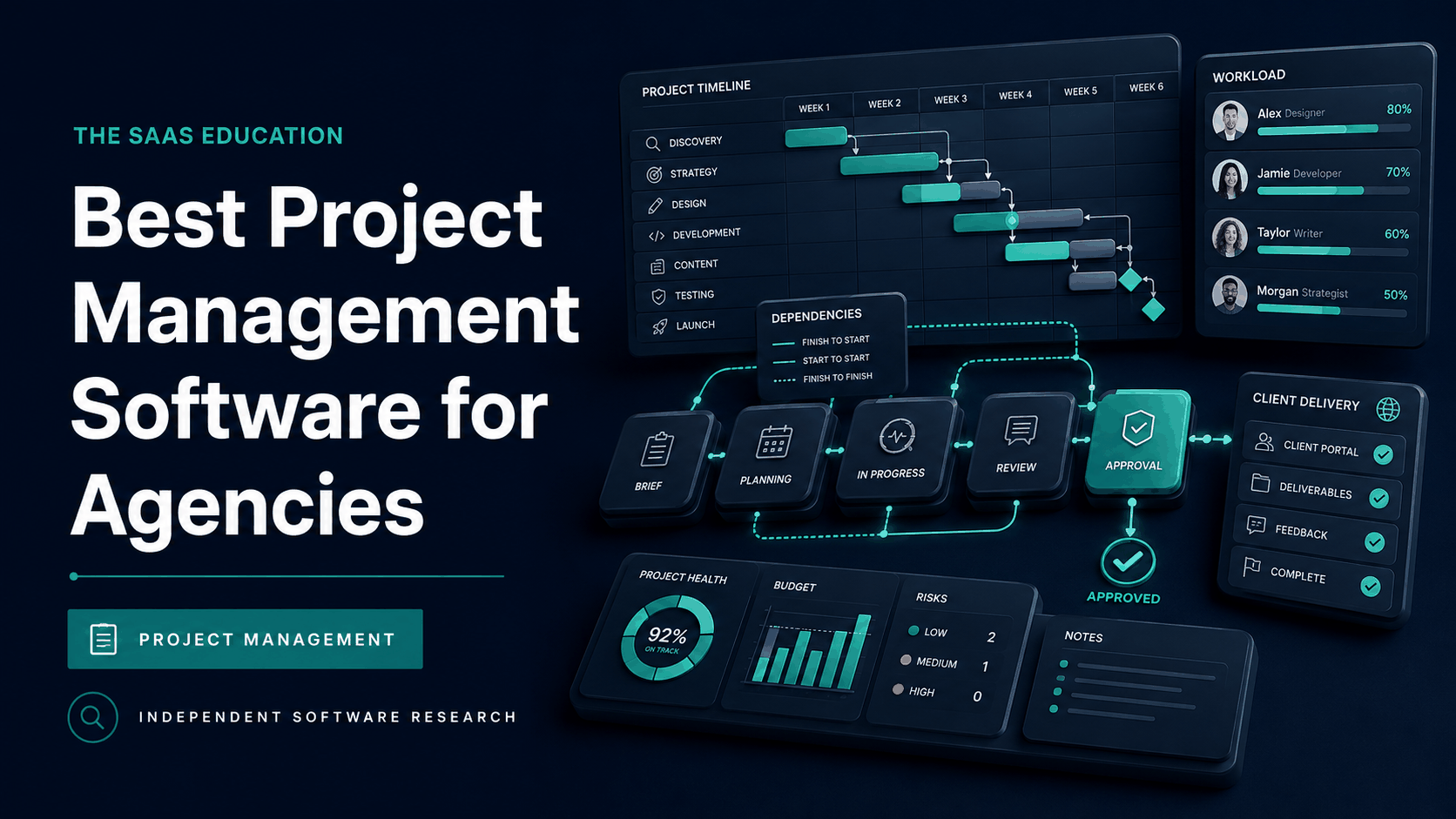
Direct answer
Teamwork is the strongest general starting point for agencies that want projects, client work, billable time, capacity, budgets, and profitability connected in one operating model. Its official product and pricing information is explicitly organized around client delivery and professional-services workflows.
ClickUp is the better fit for agencies that need highly configurable workflows and can govern the resulting complexity. Asana is strong for structured cross-functional delivery and portfolio visibility. monday work management suits teams that want visual, adaptable operations. Wrike deserves priority for larger or more controlled creative operations where proofing, workflow governance, and portfolio reporting matter.
There is no universal winner. A branding studio, SEO retainer agency, software consultancy, paid-media team, and global production network have different work objects, approval paths, financial models, and client expectations. Choose the platform that makes the agency’s real operating system visible, not the one with the longest feature list.
Shortlist
| Product | Best fit | Main reason to shortlist | Main caution |
|---|---|---|---|
| Teamwork | Client-service agencies | Connects client projects, time, capacity, budgets, retainers, and profitability | Advanced financial and resource capabilities depend on plan and setup |
| ClickUp | Highly configurable agencies | Broad tasks, docs, forms, dashboards, time, automation, and workflow options | Workspace sprawl can grow without standards |
| Asana | Process-driven agencies | Structured intake, projects, portfolios, workflows, goals, and reporting | Financial operations may remain in connected systems |
| monday work management | Visual operations teams | Adaptable boards, dashboards, forms, workload, and automations | Flexibility can create inconsistent boards and duplicated data |
| Wrike | Larger creative and delivery teams | Enterprise work management, proofing, approvals, resource and portfolio controls | Implementation and administration can be heavier |
How we selected the tools
We reviewed live search results for “best project management software for agencies” to identify the current buyer intent. Ranking pages consistently emphasize multi-client delivery, billable time, proofing, approvals, workload, profitability, client access, and reporting. That is more useful than evaluating generic task lists in isolation.
We then checked official product, pricing, help, security, and integration sources for the shortlisted vendors. We did not perform a controlled implementation, so this is an official-source evaluation rather than a claim of hands-on testing.
The selection criteria were:
- Client and project separation.
- Intake, estimation, templates, dependencies, and recurring work.
- Internal and external collaboration, proofing, and approvals.
- Time, workload, skills, capacity, and resource forecasting.
- Budgets, retainers, rates, cost, revenue, invoicing handoff, and profitability.
- Portfolio and client reporting.
- Permissions, identity, audit, retention, export, and administration.
- Integrations and reliable ownership of records.
- Adoption effort across employees, contractors, and clients.
- Total cost at the agency’s actual seat and client model.
What makes agency project management different?
An agency sells delivery capacity to clients. A task can affect a deadline, relationship, utilization target, scope agreement, invoice, and margin at the same time. Generic project completion is therefore not enough.
The system should connect a request to a client, statement of work, estimate, owner, schedule, reviewer, time record, budget, deliverable, approval, and final archive. It should distinguish internal work from billable work, active commitments from tentative pipeline, and client-visible information from private commercial or staffing notes.
Recurring retainers create another challenge. The agency may repeat similar work every month while changing priorities, channels, budgets, and approvals. Templates help, but they must preserve flexibility without silently carrying stale dates, owners, rates, assets, or requirements into a new cycle.
1. Teamwork: best overall for client-service operations
Teamwork is the most agency-specific option in this shortlist. Its current official pricing page groups capabilities around managing client work, planning resources, maximizing billable time, controlling budgets, tracking profitability, invoicing, and connecting accounting or CRM systems.
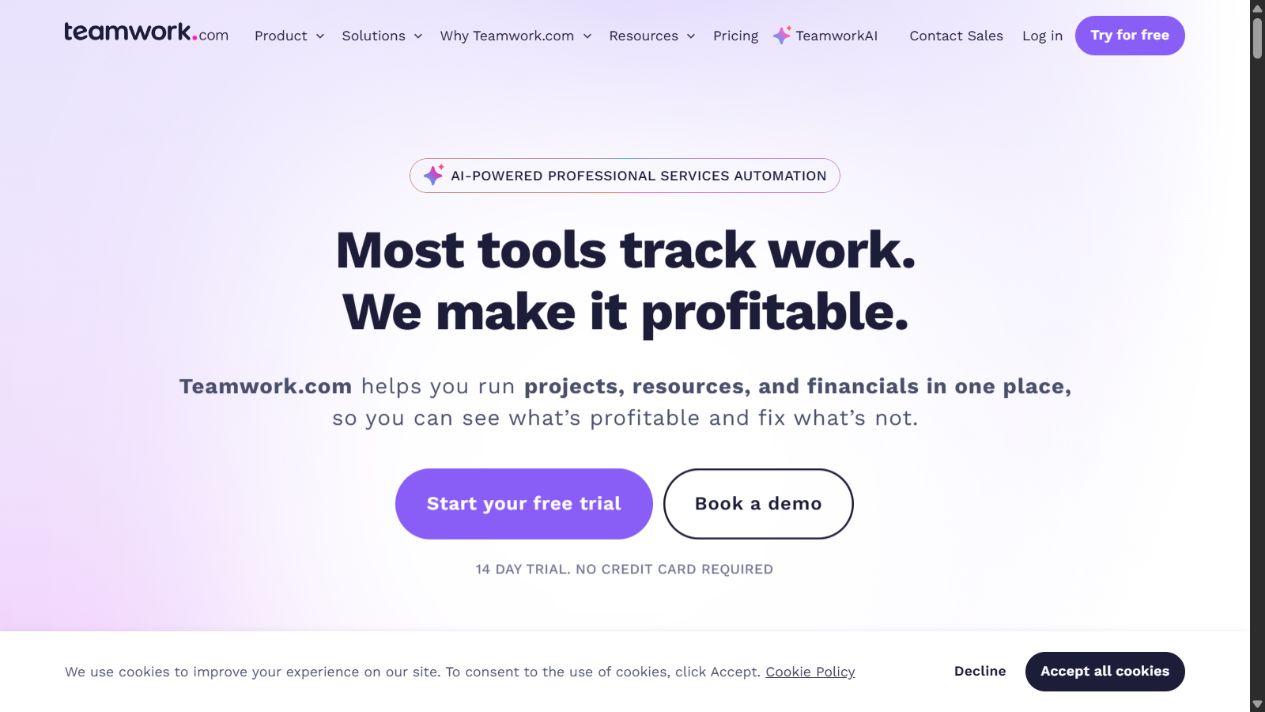
Why agencies should shortlist Teamwork
The product organizes work by client and supports common project views, templates, dependencies, milestones, custom fields, time estimates, and automation. Paid tiers add varying levels of forms, workload and capacity planning, retainers, invoicing, financial reporting, proofs, portfolio visibility, and integrations.
This connected model is valuable because time and financial data keep project context. An account lead can evaluate whether work is late, over budget, under-resourced, or commercially weak without manually reconciling unrelated systems.
Teamwork also describes third-party client users, client status sharing, proofing, and permissions. Agencies should still test the exact client experience. A feature can exist while notification volume, navigation, or paid-seat rules make it impractical for occasional reviewers.
Check before buying
Map each requirement to the exact plan. Teamwork’s Free, Basics, Accelerate, Optimize, and Enterprise options differ substantially across projects, users, automations, workload, resource planning, financial management, reporting, integrations, security, and support. AI packaging is also changing, so verify current credits and terms.
Test rate changes, multi-currency work, fixed-fee projects, retainers, write-offs, expenses, invoice adjustments, tentative pipeline, and shared staff. Confirm where accounting remains authoritative and how corrected data flows between systems.
Choose Teamwork when: the agency wants one client-work platform connecting delivery and commercial visibility.
2. ClickUp: best for configurable agency workflows
ClickUp combines tasks, projects, views, docs, forms, dashboards, goals, time tracking, automation, and integrations in a highly configurable workspace. That breadth can support creative, content, development, campaign, operations, and account-management processes.
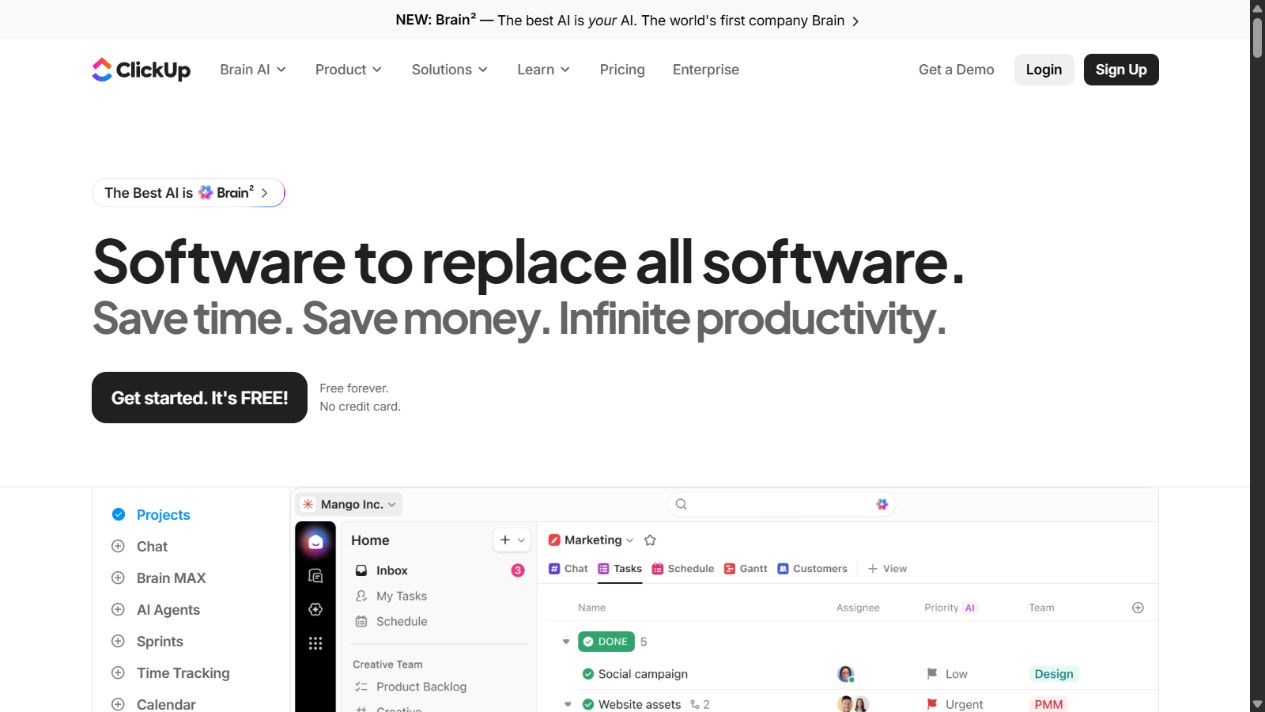
Why agencies should shortlist ClickUp
Different departments can use appropriate views while keeping shared work objects. Forms can standardize requests; templates can create delivery structures; custom fields can capture client, channel, priority, estimate, or approval state; dashboards can summarize workload and progress.
This flexibility is useful for multidisciplinary agencies. A website project and a monthly content retainer need different stages, but leadership may still need one capacity and portfolio view.
ClickUp also offers docs and collaboration around projects. Used carefully, this can reduce scattered briefs and status notes. Used without governance, it can create multiple places for the same requirement, decision, or approval.
Check before buying
Design the workspace architecture before migration. Define spaces, folders, lists, templates, statuses, fields, permissions, guests, naming, automation ownership, and archive rules. Limit who can create new structures. Otherwise, each team may build an incompatible version of the agency process.
Verify plan limits for storage, automations, dashboards, time, workload, guests, permissions, AI, integrations, and support. Test performance and usability with realistic data volume rather than an empty demonstration workspace.
Choose ClickUp when: the agency needs broad configuration and will fund disciplined workspace administration.
3. Asana: best for structured cross-functional execution
Asana is a strong choice for agencies that value consistent intake, dependencies, milestones, portfolios, forms, workflow rules, workload visibility, and goals. It provides a clear hierarchy from individual tasks to project and portfolio oversight.
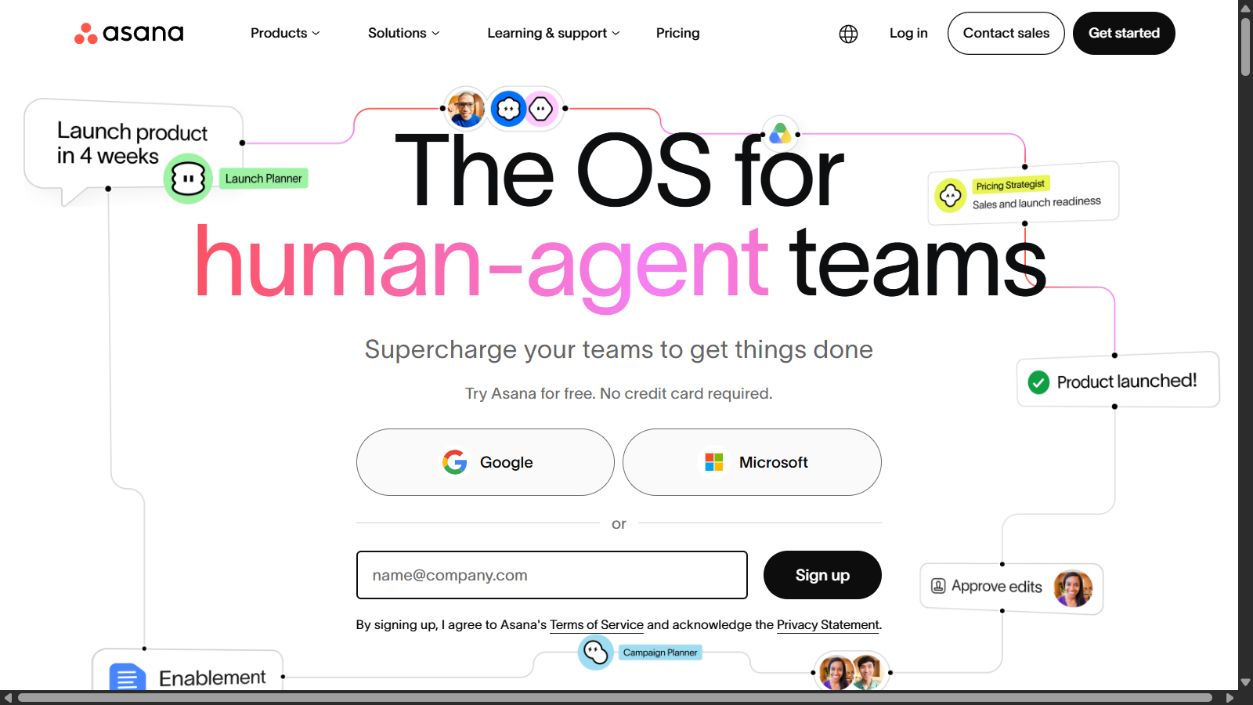
Why agencies should shortlist Asana
Structured projects help teams standardize recurring delivery while keeping accountability visible. Forms can turn requests into work; templates can define required stages; dependencies and milestones clarify sequencing; portfolios help leaders monitor multiple client engagements.
Asana can work well where the financial system remains separate and project management must excel at orchestration. Agencies can connect CRM, communication, files, time, and reporting tools while keeping Asana as the execution record.
The product’s relative structure can also aid adoption. Teams that struggle with overly customizable platforms may benefit from a more consistent operating model, although Asana still requires thoughtful templates and ownership.
Check before buying
Confirm how time, budgets, rates, invoices, retainers, and profitability will be managed. If another system owns those records, test the integration and reconciliation process. A polished project view does not compensate for delayed or unreliable margin data.
Review guest access, portfolios, workload, approvals, forms, rules, reporting, goals, security, and administration against the exact plan. Test client notifications and mobile review with non-technical participants.
Choose Asana when: repeatable cross-functional delivery and portfolio clarity matter more than an all-in-one agency financial system.
4. monday work management: best for visual agency operations
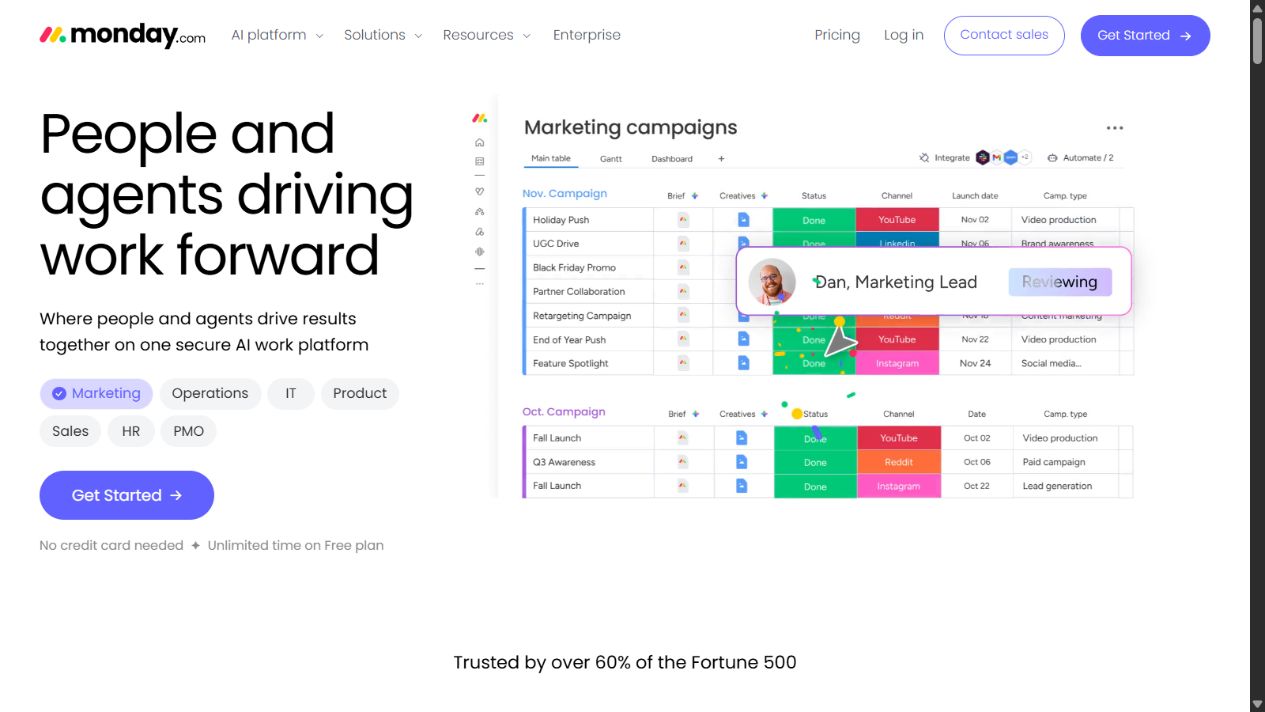
monday work management offers flexible boards, forms, views, dashboards, workload tools, automations, and connected workflows. It is attractive to agencies that want to model processes visually and adapt them without conventional software development.
Why agencies should shortlist monday.com
Boards can represent leads, requests, campaigns, production queues, editorial calendars, deliverables, or resource plans. Dashboards can combine selected information for account leads or executives. Forms and automations can reduce manual intake and routing.
This makes monday.com useful where visibility and stakeholder communication are central. Teams can create focused interfaces for different roles while connecting related records across the operation.
Check before buying
Flexibility can produce board duplication, inconsistent columns, fragile formulas, excessive notifications, and unclear ownership. Establish a controlled template library, field dictionary, permission model, automation register, and archive policy.
Test how client, project, task, time, budget, approval, and invoice data relate. Verify whether the chosen plan supports the required dashboards, workload, automations, integrations, guests, permissions, security, and scale.
Choose monday work management when: visual adaptability and configurable operations are priorities, with governance to prevent workspace drift.
5. Wrike: best for controlled creative operations
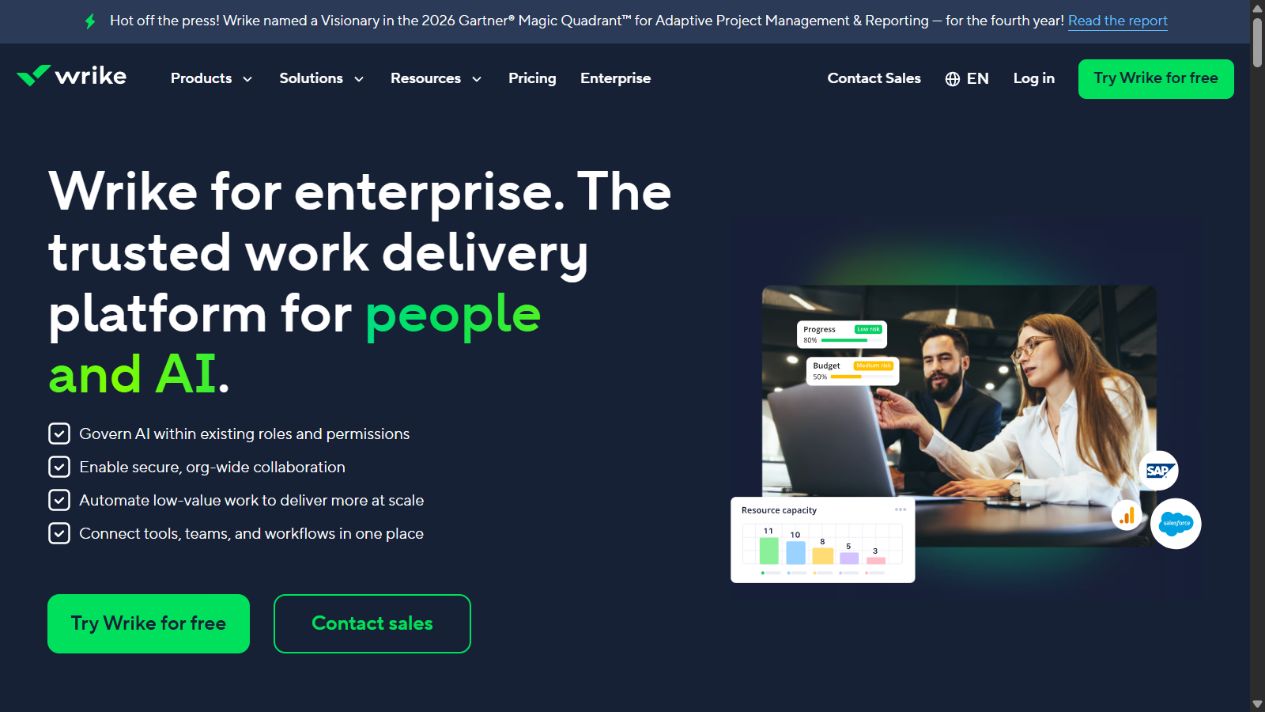
Wrike is oriented toward complex work management with projects, portfolios, request forms, custom workflows, resource planning, proofing, approvals, reporting, automation, and enterprise controls depending on plan.
Why agencies should shortlist Wrike
Creative and production agencies often need more than a task approval checkbox. Reviewers may comment directly on files, compare versions, route approvals, and preserve a record. Wrike’s proofing and workflow orientation makes it relevant for these environments.
Larger agencies can also benefit from portfolio, resource, and reporting capabilities where many teams share specialists and leaders need standardized oversight. Request forms can enforce intake requirements before work reaches production.
Check before buying
Wrike can require more implementation and administration than a simple task tool. Test configuration, migration, reporting, permission design, external collaboration, and training effort. Confirm which proofing, resource, analytics, automation, integration, security, and support capabilities belong to each plan.
Choose Wrike when: controlled intake, production, proofing, approvals, portfolios, and enterprise governance justify a more substantial rollout.
How to choose among the five
Start with the operating bottleneck:
- Choose Teamwork when delivery and profitability must connect.
- Choose ClickUp when varied workflows require deep configuration.
- Choose Asana when consistent execution and portfolios are central.
- Choose monday.com when visual operations and adaptable boards drive adoption.
- Choose Wrike when proofing, controlled workflows, and enterprise scale dominate.
Then identify non-negotiable evidence. For example, do not write “client collaboration” as a requirement. Specify that an external reviewer must access one deliverable without seeing private tasks, comment without a paid internal seat, approve from mobile, and leave an auditable record.
Build a requirements scorecard
Score complete workflows rather than isolated features. Use a 1–5 scale with evidence notes and weights that total 100 percent.
| Area | Example weight | Evidence |
|---|---|---|
| Client delivery and approvals | 20% | External user completes review without assistance |
| Capacity and resourcing | 15% | Manager resolves a realistic staffing conflict |
| Time and financial visibility | 20% | Fixed-fee and retainer projects produce trusted margin data |
| Workflow and automation | 15% | Intake creates correctly owned, templated work |
| Reporting | 10% | Account and leadership views reconcile with source records |
| Governance and security | 10% | Permissions, offboarding, export, and audit pass review |
| Adoption and accessibility | 10% | Representative users complete work on desktop and mobile |
Require written evidence for every score. A vendor demonstration can inform the shortlist, but agency staff should complete decisive tasks themselves.
Four-to-six-week pilot
Pilot two finalists with one new project, one recurring retainer, and one difficult recovery scenario. Include account management, delivery, finance, operations, a contractor, and a client reviewer.
Test the full lifecycle:
- Capture a request and qualify the scope.
- Estimate work, assign skills, and reserve capacity.
- Create a project from an approved template.
- Share the brief and manage dependencies.
- Submit a deliverable for internal and client approval.
- Process a scope change and revised deadline.
- Record time, cost, budget, and commercial impact.
- Produce client and leadership reporting.
- Transfer ownership and offboard a participant.
- Export and archive the completed engagement.
Measure setup time, cycle time, on-time delivery, first-pass approval, revision rounds, late timesheets, forecast accuracy, budget variance, write-offs, utilization visibility, support requests, client friction, and administrator effort.
Total-cost model
Build a three-year model covering employees, contractors, guests, clients, administrators, plan minimums, add-ons, AI, storage, automation, integrations, time tracking, proofing, reporting, services, migration, training, support, and renewal increases.
Include internal operating cost. A cheaper subscription may require more spreadsheet reconciliation, custom integration work, status meetings, manual reporting, or administrator time. An expensive platform may still be poor value if users bypass it and financial data remains unreliable.
Model growth and contraction. Check how pricing behaves when the agency adds seasonal contractors, many occasional clients, a second region, an acquired team, or a new service line. Review data export and exit before signing.
Match the platform to the agency revenue model
Agency economics change the required workflow. A fixed-fee project needs an approved estimate, clear scope, planned effort, change control, and continuous comparison of actual cost with the remaining budget. The platform should show risk before the final timesheet proves that margin has already disappeared.
A monthly retainer needs a different model. Teams must distinguish committed recurring work from ad hoc requests, carry incomplete work deliberately, preserve monthly reporting, and prevent unused capacity or unlimited revisions from becoming invisible. Test whether budgets reset correctly and whether account leads can explain consumed and remaining value to clients.
Time-and-materials work depends on accurate time classification, rates, approvals, and invoice handoff. Test employee, contractor, role, client, and blended rates. Confirm how corrections after invoice preparation are handled and whether non-billable work remains visible for utilization and profitability analysis.
Performance-fee or hybrid engagements may require specialist financial systems. The project platform can still own delivery tasks and evidence, but it should not invent revenue calculations that belong in accounting, analytics, or contract-management systems. Document the integration and reconciliation owner.
Evaluate production and client experience separately
Employees and clients experience different products even inside the same platform. Internal teams need prioritization, dependencies, capacity, private discussion, commercial context, and operational reporting. Clients typically need a calm view of deliverables, decisions, deadlines, feedback, and approved status.
During the pilot, give client reviewers no special coaching beyond the instructions the agency would normally provide. Observe whether they can locate the current file, understand what decision is required, comment in context, approve from mobile, and return later to find the record. Count support messages and approvals completed through email because the platform was confusing.
Also test production specialists. Designers may need version comparison and annotation; developers need dependencies, acceptance criteria, and repository links; media buyers need campaign, budget, and launch records; writers need briefs, sources, review, and editorial status. One platform does not need to replace every specialist tool, but the handoff must be unambiguous.
Migration and data quality
Do not migrate every historical task. Classify active projects, reusable templates, contractual records, final deliverables, decisions, and archives. Move only information that has an owner and future operational or legal value. Preserve old records read-only when that is safer than reconstructing them.
Clean clients, users, statuses, custom fields, tags, rates, templates, and integrations before import. Duplicate structures are especially damaging because they make reports appear complete while dividing the underlying work. Reconcile record counts and sample important projects after migration.
Run old and new systems in parallel only for a defined period. Name the authoritative platform each week, freeze new creation in the old system, redirect forms and automations, revoke obsolete integration tokens, and publish the retirement date. An indefinite overlap creates two status systems and weakens every adoption metric.
Implementation controls
Name an executive owner, platform owner, process owners, and data owners. Publish which system owns clients, opportunities, contracts, projects, time, rates, invoices, files, decisions, and final deliverables.
Create controlled templates for major service lines. Define required fields, stages, approval gates, naming, permissions, automations, reports, archive, and exception handling. Test accessibility and mobile workflows.
Train by role and scenario rather than feature. Account managers need intake, client access, scope, and reporting. Producers need briefs, priorities, dependencies, and approvals. Finance needs time, rates, budgets, and reconciliation. Executives need portfolio, capacity, and margin signals.
Review adoption through outcomes, not activity volume. More tasks or notifications do not prove better project management. Track trusted forecasts, accepted delivery, fewer missed requirements, reduced reconciliation, timely approvals, and clearer commercial decisions.
Final recommendation
Teamwork is the best overall starting point for a client-service agency because its product model connects projects with time, resources, budgets, retainers, and profitability. ClickUp is the strongest configurable alternative, Asana the structured execution choice, monday work management the visual operations choice, and Wrike the controlled creative-enterprise choice.
Do not buy all five or select from screenshots. Shortlist two based on the agency’s operating bottleneck, run the same end-to-end pilot, and choose the smallest governed system that gives every client commitment, deliverable, approval, hour, budget, and decision a clear home.
Sources
- Teamwork
- Teamwork pricing
- ClickUp
- ClickUp for marketing teams
- ClickUp pricing
- Asana
- Asana pricing
- monday work management
- monday.com pricing
- Wrike
- Wrike pricing
Frequently asked questions
What is the best project management software for agencies?
Teamwork is the strongest general starting point when client work, time, capacity, budgets, and profitability must connect. The right choice still depends on the agency’s delivery and commercial model.
Which tool is best for a creative agency?
Wrike deserves priority when formal proofing and approvals dominate. ClickUp, Asana, monday.com, and Teamwork may fit when creative review is one part of a broader client-delivery workflow. Test real files and reviewers.
Which tool is best for a small agency?
Start with the simplest finalist that supports the required client, time, budget, and reporting workflow. Teamwork and ClickUp are reasonable starting points, but seat rules and setup effort matter as much as entry price.
Do clients need paid seats?
Guest and client rules vary by product, plan, role, and action. Test whether each client can view, comment, approve, upload, and receive notifications without seeing private information or creating unexpected cost.
Should time tracking be built in?
Built-in time can preserve project context, but a specialist tool can work when integration and reconciliation are reliable. Test late entries, corrections, approvals, rates, retainers, and invoice handoff.
How long should an agency pilot last?
Four to six weeks is usually enough to test a new project, recurring work, client approval, time, reporting, administration, and one failure scenario under realistic deadlines.
What is the biggest implementation mistake?
Migrating existing clutter without defining systems of record, templates, fields, permissions, ownership, and success measures. The tool should support a deliberate operating model rather than reproduce every old workaround.
Frequently asked questions
What is the best project management software for agencies?
Teamwork is the strongest starting point when client delivery, billable time, capacity, budgets, and profitability belong in one system. ClickUp suits highly configurable workflows, Asana structured execution, monday.com visual operations, and Wrike complex proofing and governance.
Which agency project management tool is best for client access?
Client access depends on the exact plan, guest rules, permissions, proofing, dashboards, and paid-seat treatment. Test a real client workflow in Teamwork, ClickUp, Asana, monday.com, and Wrike before deciding.
Do agencies need time tracking and profitability in the same platform?
Not always, but the integration must preserve project, client, rate, budget, and approval context. A disconnected timer creates weak profitability data when people select the wrong project or submit time late.
Is ClickUp or Asana better for agencies?
ClickUp offers broader configuration for teams willing to govern their workspace. Asana is often easier to standardize around structured projects, portfolios, forms, workflows, and goals. Compare setup effort and adoption with the same client project.
Can monday.com manage an agency?
monday work management can support intake, project boards, workload, dashboards, automation, and connected workflows. Agencies should verify time, financial, client-access, permission, and reporting requirements against the current plan.
How should an agency test project management software?
Run a four-to-six-week pilot covering intake, estimation, resourcing, delivery, feedback, scope change, time, invoicing handoff, reporting, and archive. Measure accepted delivery, margin visibility, reviewer effort, and client experience.
Should an agency buy an all-in-one platform?
Only when the combined workflow is strong enough. An all-in-one system can reduce handoffs, but weak specialist functions may create workarounds. Define systems of record and compare total operating effort, not feature count.