Best Project Management Software for Remote Teams
Compare Asana, ClickUp, monday.com, Trello and Notion for remote project ownership, asynchronous updates, dependencies and delivery.
The best project management software for remote teams makes responsibility and work state understandable without a live explanation. Evaluate Asana for structured ownership, ClickUp for configurable work with supporting context, monday.com for visual coordination, Trello for a bounded board workflow, and Notion for projects centered on documents and structured knowledge.
Research scope and limitations
- Research type
- Official-source shortlist with editorial pilot criteria
- Hands-on tested
- No
- Last verified
- October 30, 2026
- Limitations
- No paid-account trial, delivery-speed benchmark or universal ranking. Plan-specific capabilities and prices require a current purchase check.

Table of contents
Direct answer
The best project management software for remote teams makes responsibility and work state understandable without a live explanation. Evaluate Asana for structured ownership, ClickUp for configurable work with supporting context, monday.com for visual coordination, Trello for a bounded board workflow, and Notion for projects centered on documents and structured knowledge.
This is a use-case shortlist, not a universal performance ranking. Your team should choose the system that makes the next action, dependency and exception clear while colleagues work on different schedules. An attractive dashboard is helpful only when its underlying records can be trusted.
We reviewed official product information on 30 October 2026. We did not test authenticated paid accounts or measure delivery outcomes. Feature descriptions are vendor-documented, while selection advice and pilot scenarios are editorial analysis. Exact subscription prices and unverified plan entitlements are not reproduced.
Who this guide is for
This guide is for a distributed team that needs accountable project execution. It fits a team moving from spreadsheets or chat-based requests, and a growing organization whose current tool contains tasks but no longer provides dependable project visibility.
Who should avoid choosing software first? A team that cannot define who accepts work, what completion means or how priorities change should settle those rules before configuring a platform. Software can make a working agreement visible, but it cannot resolve competing decisions about authority on its own.
For wider requirements, start with our project management evaluation guide . If your problem is finding documents or discussing work rather than managing delivery, the remote productivity shortlist is the more relevant starting point.
Quick comparison by operating need
| Candidate | Evaluate it when | First pilot question | Tradeoff to investigate |
|---|---|---|---|
| Asana | You want structured task and project responsibility | Can a colleague identify the owner, blocker and dependency without asking? | Accurate project reporting still needs maintained work records |
| ClickUp | You want configurable tasks near supporting context | Can one shared work model serve the pilot without excessive setup? | Too many configuration choices can fragment conventions |
| monday.com | You want visual project coordination and reporting | Do board definitions produce an honest management view? | Different board meanings can weaken rollups |
| Trello | You have a bounded, understandable flow of work | Does each card make the next action and owner obvious? | Complex coordination may require more process or tooling |
| Notion | Documents and decisions are central to project work | Can a reader connect the plan to current responsibilities? | Flexible structure needs active maintenance |
The table intentionally avoids a feature-count winner. A team with one repeating workflow and a team coordinating several departments can reasonably choose different systems, even when both describe themselves as remote.
What remote project management needs to make visible
Start with ownership. Someone should be responsible for moving a task forward, and the team should know whether that person has accepted the assignment. A record containing several names can describe involvement without identifying responsibility.
Next comes context. The person beginning work needs an expected result, relevant source material and a way to identify missing inputs. Remote work exposes weak briefs because the requester may be offline when questions arise.
Then define state. “In progress” is rarely enough to distinguish active work, waiting for information, awaiting review and genuinely blocked delivery. Use a short status vocabulary with explicit meanings, rather than creating many labels that contributors interpret differently.
Finally, make exceptions visible. A task can be assigned correctly and still miss its date because a dependency changed. The team should be able to record that change, identify the affected work and decide who handles the escalation.
These are the requirements behind the shortlist. A software demonstration should show them using a real project, not only show that a platform offers many views, colors or automation options.
Asana: evaluate it for structured work ownership
Asana’s official features page describes project and task management, including assignments, dependencies, custom fields and recurring work. Those capabilities make it a candidate when your remote team needs explicit work records rather than a loose collection of requests.
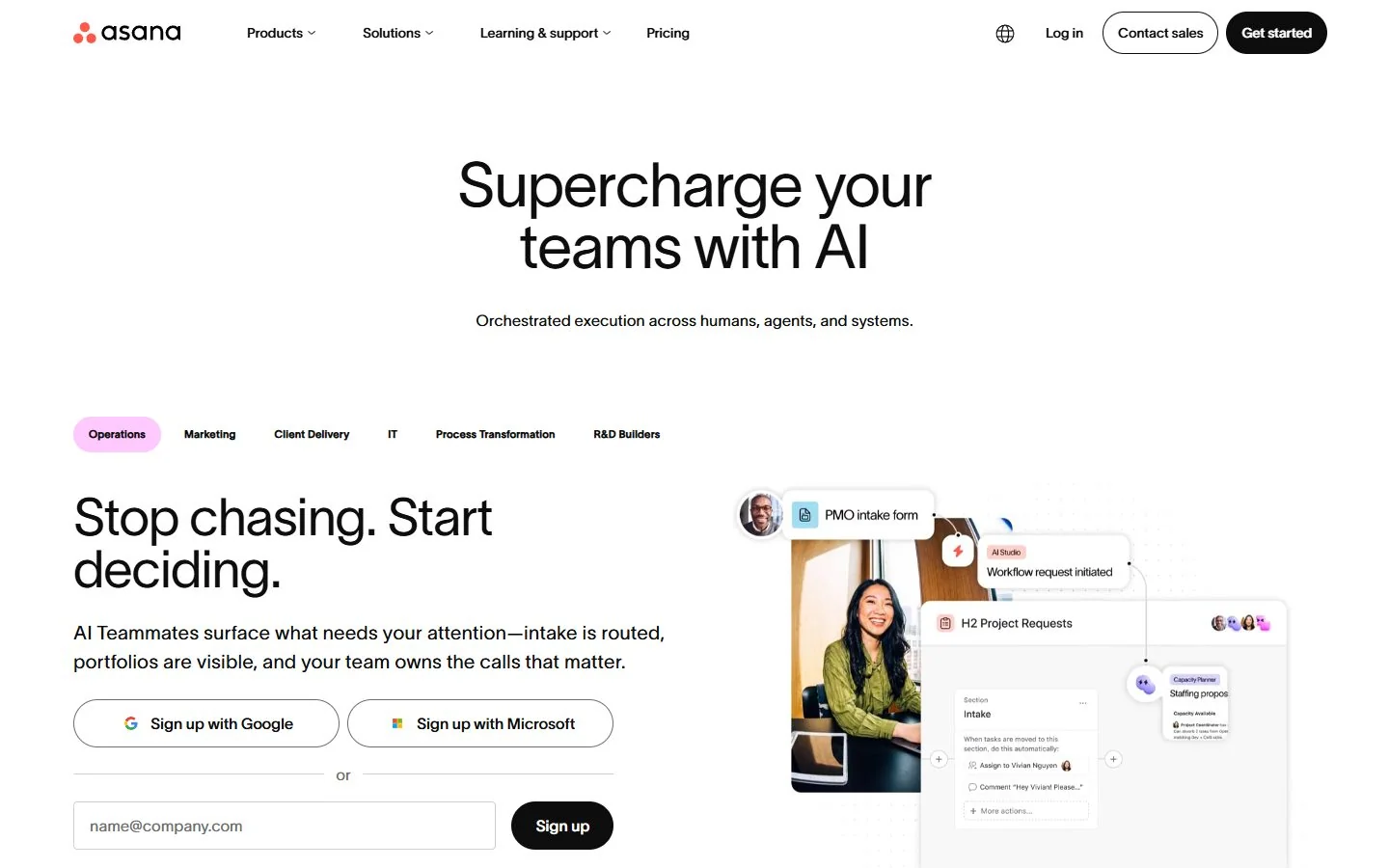
The editorial pro is a structured place to connect responsibility with project context. The limitation is that visibility is only as reliable as the updates feeding it. A project can look organized while several owners quietly work from an unrelated private list.
Pilot a small cross-functional launch. Include an initial brief, a review task and a deliverable that depends on that review. Give each task one accountable role and define what information must be present before work begins.
Now introduce a realistic interruption. Let the review return a required change while the original requester is offline. Ask another colleague to identify the next action, the person responsible and the effect on the planned delivery. Record where the tool helps and where the process still depends on a private explanation.
Use custom fields sparingly during this trial. Every field should support a decision, routing rule or reporting need. If contributors cannot explain why they maintain a value, it may be administrative noise rather than useful structure.
Shortlist Asana if your pilot shows that contributors can maintain accurate work records and managers can interpret them consistently. Do not assume a structured tool removes the need for an ownership agreement or regular review of neglected tasks.
ClickUp: evaluate it for configurable work with context
ClickUp’s official feature overview lists tasks, Docs, views and dashboards. It is a candidate when a remote team wants to connect tracked execution with the documents and context that explain the work.
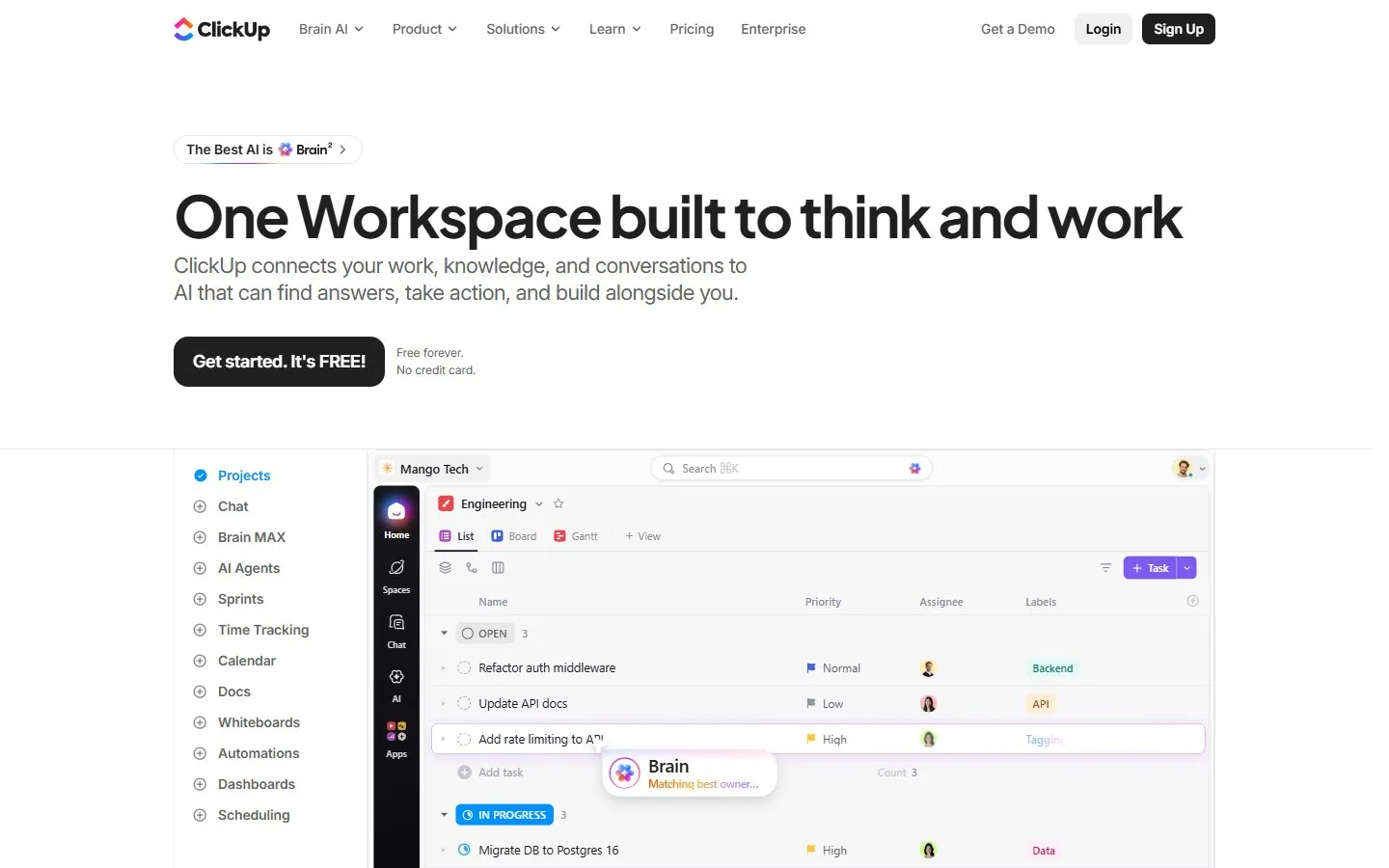
The editorial strength is flexibility across related work. The limitation is the same flexibility applied without shared conventions. A workspace where every project uses a different status model can be harder to understand than several simple tools with clear responsibilities.
Build one workflow before designing an organization-wide system. Use a short sequence such as requested, accepted, active, review and complete. Define how to signal a blocker without confusing it with a normal waiting stage.
Place the authoritative brief near the task and link supporting material. Ask a teammate in another time zone to begin work from that record. If they need to search a conversation for the real requirement, the pilot has not yet created a dependable handoff.
Evaluate the reporting view only after the underlying records work. A dashboard should answer a specific question, such as which deliverables lack an accepted owner or which deadlines are affected by missing inputs. Extra charts are not evidence of better delivery control.
Shortlist ClickUp when the team can keep one understandable model while benefiting from connected context. Be cautious if the pilot succeeds only because one administrator continuously repairs fields, statuses and links behind the scenes.
monday.com: evaluate it for visual coordination
monday.com’s project-management page describes boards, dashboards and timeline-related features. It is a candidate for teams that want a visual representation of project state and cross-functional work.
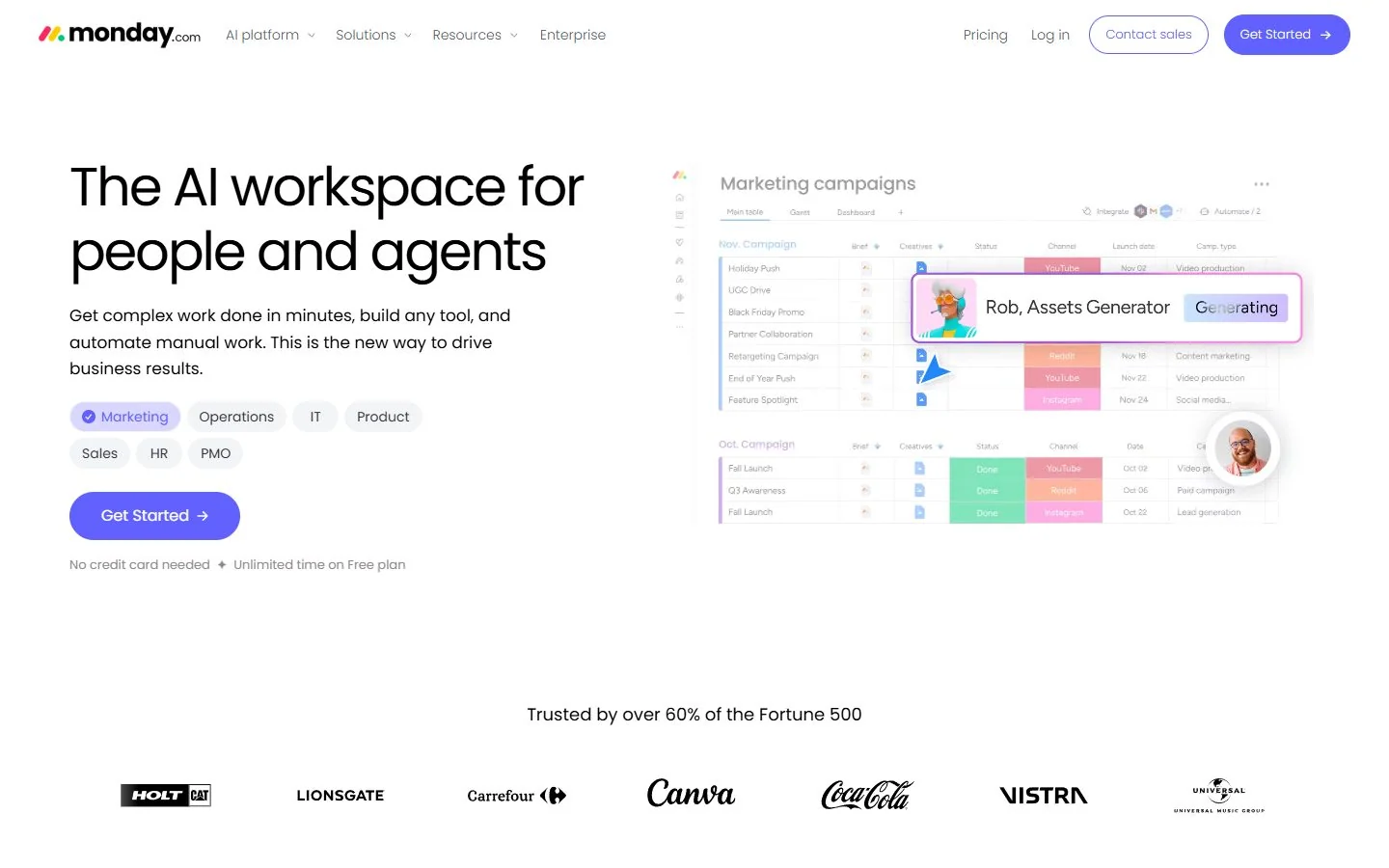
The editorial pro is a common visual language that can support coordination. The limitation is consistency: a board’s green label means little if one team uses it for “finished” and another uses it for “no current concern.” Reporting needs definitions, not merely matching colors.
Choose a pilot involving two roles with different reporting needs. Contributors need to know their next task; a delivery lead needs to see risk and dependencies. Agree on the meaning of each shared field before building the management view.
Introduce a change that makes a previously healthy deliverable uncertain. Can the owner explain the reason and identify the next decision? Does the management view reflect the changed state without someone maintaining a separate spreadsheet?
Check the relevant capabilities in the plan you would actually purchase. A public feature page is not a guarantee that every view, allowance or administrative control is included in every account. Keep the procurement check separate from the operational pilot.
Shortlist monday.com if its visual approach helps different roles interpret the same work accurately. Do not buy simply because a demonstration makes a complex project look tidy. The useful test is whether the representation stays honest when the project becomes messy.
Trello: evaluate it for a bounded flow of work
Trello’s homepage documents boards and cards, along with automation and extension options. It is a candidate when a remote team can describe its work as a clear sequence and wants a simple shared place to see movement.
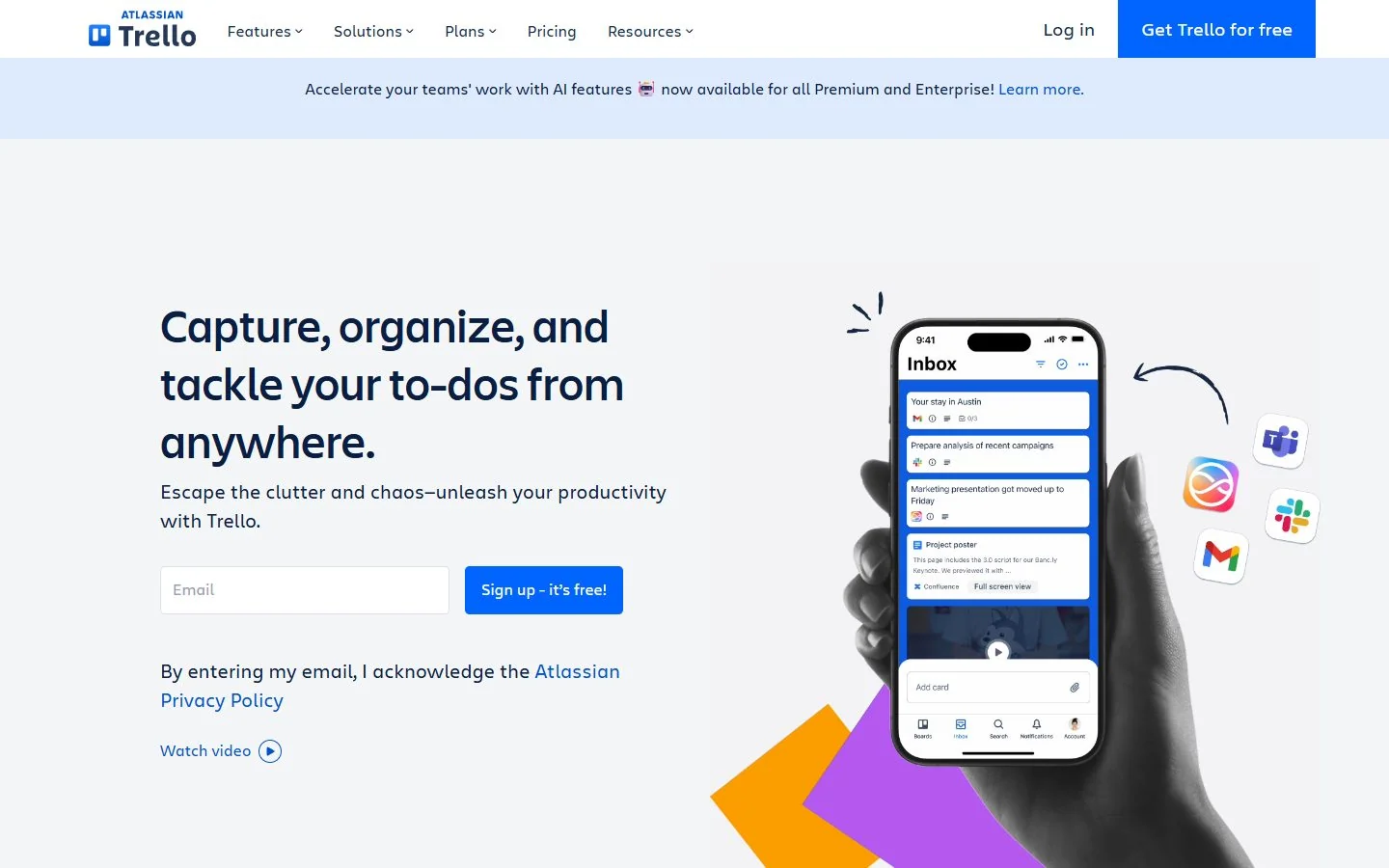
The editorial strength is an approachable visual workflow. The limitation is that a card moving between columns can hide uncertainty if nobody defines the entry and exit conditions. Simplicity should remove unnecessary administration, not remove essential accountability.
Pilot a recurring editorial or operations workflow. A card should contain the expected result, responsible person, relevant material and completion rule. Define what it means to enter review and who can move work into complete.
Include a rejected review. Can the team see what must change and whether the original owner has resumed responsibility? If a card simply moves backward with no explanation, the board may show motion without providing useful history.
Then test the boundary of the workflow. If several projects depend on the same scarce specialist, can the team understand the conflict using its intended setup? Do not assume a system suitable for a single queue automatically supplies the controls needed for complex delivery.
Shortlist Trello when the team genuinely benefits from a bounded board model. If maintaining dependencies requires a growing web of manual notes, evaluate whether a more structured project system would be easier to operate than extending the board indefinitely.
Notion: evaluate it for document-centered projects
Notion’s product page and feature overview describe connected information and structured workspace capabilities. It is a candidate when the project plan, written decisions and supporting knowledge are central to how the team works.
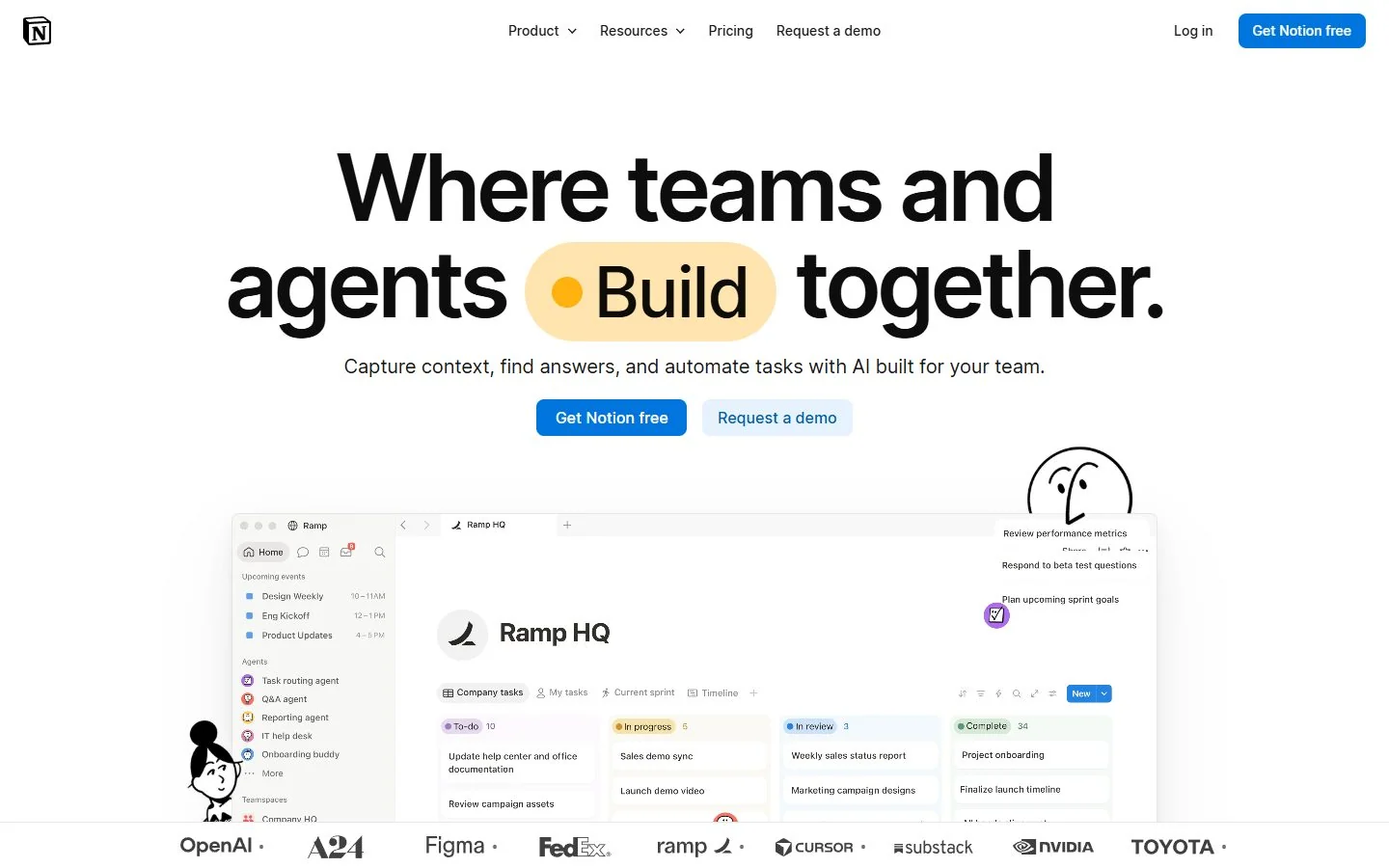
The editorial pro is keeping the explanation of work near the records describing it. The limitation is maintenance. A flexible workspace can contain an excellent project document whose status no longer matches the work being delivered.
Pilot a project in which written decisions materially affect execution. Give the brief an owner and make the current approval visible. Connect the plan to a small set of work records rather than embedding a second, competing task list in several pages.
Ask a colleague who missed the latest discussion to reconstruct the project state. They should distinguish the current plan from an earlier proposal and identify the person responsible for the next deliverable. If several pages appear equally authoritative, simplify the structure.
Evaluate task depth against the real requirement. A documentation-centered team may value flexible context more than specialized project controls. A complex delivery organization may need controls that deserve a separate platform evaluation. Treat that distinction as a design choice, not a criticism of either type of tool.
Shortlist Notion when your team can maintain one coherent workspace and the project primarily benefits from close connection to written knowledge. Review conventions regularly so the system remains understandable to people who did not build it.
Define task ownership before configuring the software
Write a short agreement covering requester, accountable owner, contributor and approver. One person can occupy several roles in a small team, but the roles should remain understandable. In particular, completing work and accepting work are different decisions.
Specify how an assignment becomes accepted. A task appearing in a person’s queue may not mean the person has seen it or can meet the date. Decide how capacity conflicts or missing information should be raised.
Define a clear review outcome. “Looks good” in a conversation is easy to lose. The project record should show whether the deliverable is accepted, requires a change or is waiting for a decision. Link to the actual artifact being reviewed.
Our guide to task ownership models explores the roles further. For a pilot, keep the agreement short enough that contributors can use it while doing real work.
Make asynchronous status useful
A useful status update explains what changed, what remains uncertain and what decision is needed. It should not force a manager to interpret a collection of percentages with no account of the underlying work.
Choose a rhythm that matches the project. A short daily exception note may suit active delivery, while a slower project may need a different cadence. Do not require frequent updates simply because the tool can send reminders.
Keep the update close to the work it describes. If the formal status lives in one place and the actual blocker lives in another, link them or consolidate the record. Your goal is to let an offline colleague reconstruct the situation without asking for a recap.
Test stale information. Leave a pilot task unchanged after its expected date and observe how the team notices and handles it. The correct process should identify an owner and next action rather than merely displaying an overdue label.
Practical buying criteria beyond the task list
Examine external participation. A client reviewer, a temporary specialist and an internal owner may need different access. Test appropriate visibility using the actual account configuration and current plan terms. Do not expose an entire workspace merely to obtain feedback on one deliverable.
Inspect change history and review records where your requirements depend on them. Can the team explain why a date changed and who accepted the new plan? The required depth depends on the work, but the need should be explicit before purchase.
Evaluate integration ownership without assuming that a listed connection solves the workflow. Decide which system owns each field and what happens when an update fails or arrives late. Any material integration promise should be verified in current official documentation before you rely on it.
Consider continuity. Can another administrator understand the setup? Are conventions written down? If the workspace depends on one person’s memory, your project-control problem has moved into administration rather than disappeared.
Pricing and the cost of maintaining visibility
Compare the current terms for the users, capabilities and administrative requirements you actually need. This guide does not quote prices or assume that a free plan reproduces a paid workflow. Obtain current official terms before making a commercial commitment.
Include routine maintenance in the cost. Someone creates templates, reviews neglected tasks, repairs incorrect statuses and answers access questions. A platform that saves management time while substantially increasing contributor administration may not improve the overall process.
Check duplication before migration. If a team must update a project tool, a spreadsheet and a status presentation separately, identify which updates can be removed. Do not count the new platform as a replacement until the old reporting obligation is actually retired.
Use pilot observations for the business case. Record the work required to maintain accurate visibility and the number of handoffs that needed extra explanation. Avoid adopting a vendor’s broad productivity claim as a prediction for your own team.
A pilot designed to expose delivery problems
Choose one real project with enough complexity to reveal meaningful differences. It should contain several owners, a review point and at least one dependency. Define success before configuring the tool so the evaluation does not become a tour of attractive features.
Use the first phase to create the brief and ownership agreement. Enter only the fields needed to route work and understand delivery. Ask contributors to explain each status in ordinary language; inconsistent answers are a setup issue to resolve now.
During execution, introduce a late input, a rejected review and a changed priority. Observe whether the system makes each consequence visible. A tool that handles a clean demonstration but requires private coordination for every exception has not solved the remote-work problem.
Ask an offline colleague to reconstruct the project state from the records. They should identify current commitments, unresolved blockers and the next required decision. This exercise is often more revealing than asking everyone whether they like the interface.
Close the pilot by comparing delivery visibility with administrative effort. Gather feedback from owners and reviewers, not only the person who configured the workspace. Decide whether to adopt, simplify, change the workflow or test another candidate.
Migration without two competing sources of truth
Inventory the projects you intend to move and decide which records must remain accessible. Test a representative migration before transferring everything. Preserve identifiers and links that people need to find supporting context.
Set a cutover rule for the pilot project. After the agreed point, one system owns task state. The older location can link to it or remain as a historical record, but contributors should not have to guess where to make the next update.
Keep a rollback plan for a failed pilot. This does not mean running two complete task systems indefinitely. It means knowing how to recover the brief, current work, decisions and ownership if the new setup cannot support the project.
Review the result after several weeks of ordinary use. Simplify fields that nobody uses and address workarounds people have invented. A successful launch is only the start of maintaining a project system that remains credible.
Decision guidance
Before signing off, ask the project sponsor to review one completed task and one blocked task without assistance. The sponsor should be able to identify the accepted result in the first case and the required decision in the second. If both records look equally healthy, your reporting conventions are hiding meaningful differences.
Repeat the exercise with a contributor. Ask whether the information requested by management also helps them do the work. Remove fields that merely recreate another report, and retain the small set that supports routing, review and escalation. A credible project system should reduce ambiguity for the person delivering the task as well as the person overseeing it.
Choose the best project management software for remote teams by the work model your people can maintain. Asana, ClickUp, monday.com, Trello and Notion are candidates for different needs; none eliminates the responsibility to keep commitments and project records accurate.
Start with ownership, context, state and exceptions. Select the smallest configuration that makes those four things clear across time zones. When someone can return after being offline and act correctly without a meeting, the project system has demonstrated practical value.
Frequently asked questions
What is the best project management software for remote teams?
Evaluate Asana for structured ownership, ClickUp for configurable work and context, monday.com for visual reporting, Trello for a bounded board workflow, and Notion for document-centered projects.
Which features matter most across time zones?
Clear ownership, complete task context, explicit blockers, dependable dates, written status and an exception route matter more than the number of views.
Can we manage remote projects in a simple board?
Yes, when the workflow is bounded and the team can see ownership and next steps. Test complex dependencies before assuming a simple board will scale.
How should a team pilot project management software?
Use one real project with a late input, a blocked task and a review rejection. Check whether someone offline can reconstruct what happened and who acts next.
Do we need to replace our communication tools?
Only if a pilot shows that replacement improves work. Keep one source of truth for tasks and explain how conversations link to it.