Best Project Management Software for Small Businesses
Compare eight project management tools for small businesses by workflow fit, collaboration, implementation, reporting, automation, and cost drivers.

Direct answer
Asana is the strongest general starting point for structured team projects. Trello is best for a simple visual board. ClickUp is the broad-function option. monday.com is best for configurable workflows. Notion is best when projects and team knowledge need to live together. Basecamp favors simplicity, Teamwork favors client-service delivery, and Zoho Projects is worth considering for value-focused teams.
The right choice depends on workflow complexity, client access, reporting, automation, and how much setup the team can maintain. This shortlist uses official product and pricing sources checked on August 15, 2026 and does not claim hands-on implementation testing.
Shortlist
| Product | Best fit | Main strength | Main buying risk |
|---|---|---|---|
| Asana | General cross-functional projects | Structured tasks, views, goals, and reporting progression | Advanced work may require higher plans |
| Trello | Simple visual task flow | Fast board-and-card adoption | Reporting and multi-project control are limited at the simple end |
| ClickUp | Teams wanting broad capability | Tasks, docs, views, goals, dashboards, and automation | Breadth can increase setup and governance effort |
| monday.com | Configurable work management | Flexible boards, dashboards, automations, and views | Seat blocks and action limits affect cost |
| Notion | Projects plus team knowledge | Docs, databases, tasks, and shared context | Requires disciplined workspace architecture |
| Basecamp | Small teams prioritizing simplicity | Central project communication and straightforward organization | Less depth for portfolio and resource management |
| Teamwork | Agencies and client services | Client work, time, workload, and delivery context | Value depends on service-workflow fit and plan |
| Zoho Projects | Value-focused and Zoho-aligned teams | Project planning and ecosystem connections | Regional editions and adjacent-product dependencies vary |
How we selected the tools
We looked for products that a small business can reasonably evaluate without buying an enterprise portfolio suite. Criteria were task and project structure, collaboration, views, client or guest access, reporting, automation, implementation effort, integrations, export, and total cost.
The shortlist is not an exhaustive market ranking. It is a set of distinct starting points. Use our project management software evaluation guide to turn your workflow into requirements before comparing plans.
1. Asana: best general starting point
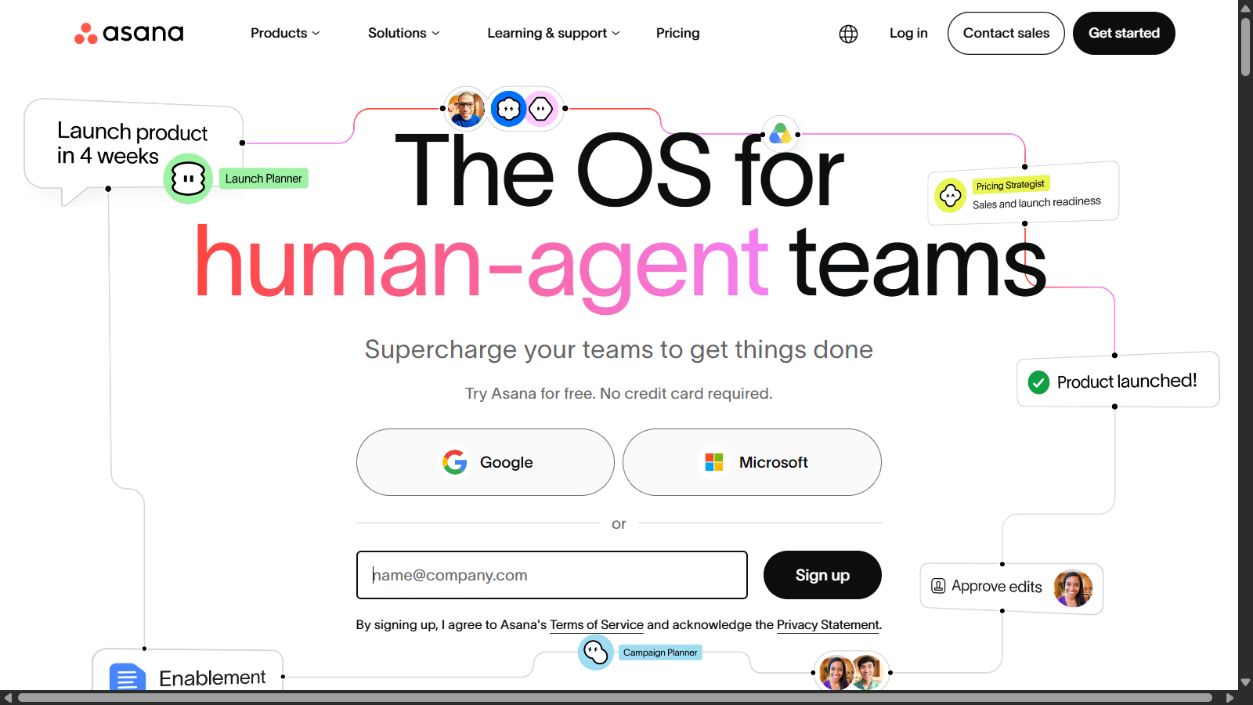
Asana is a strong default when a business needs more structure than a simple board but does not want to design every workflow from scratch. Official product and pricing pages document list, board, timeline, calendar, goals, portfolios, forms, reporting, and automation capabilities that vary by plan.
Choose it when: several teams need consistent ownership, dependencies, status, and reporting.
Check before buying: plan access for timeline, portfolios, goals, workload, automation, guests, permissions, and reporting.
Sources: Asana and Asana pricing .
2. Trello: best simple visual option
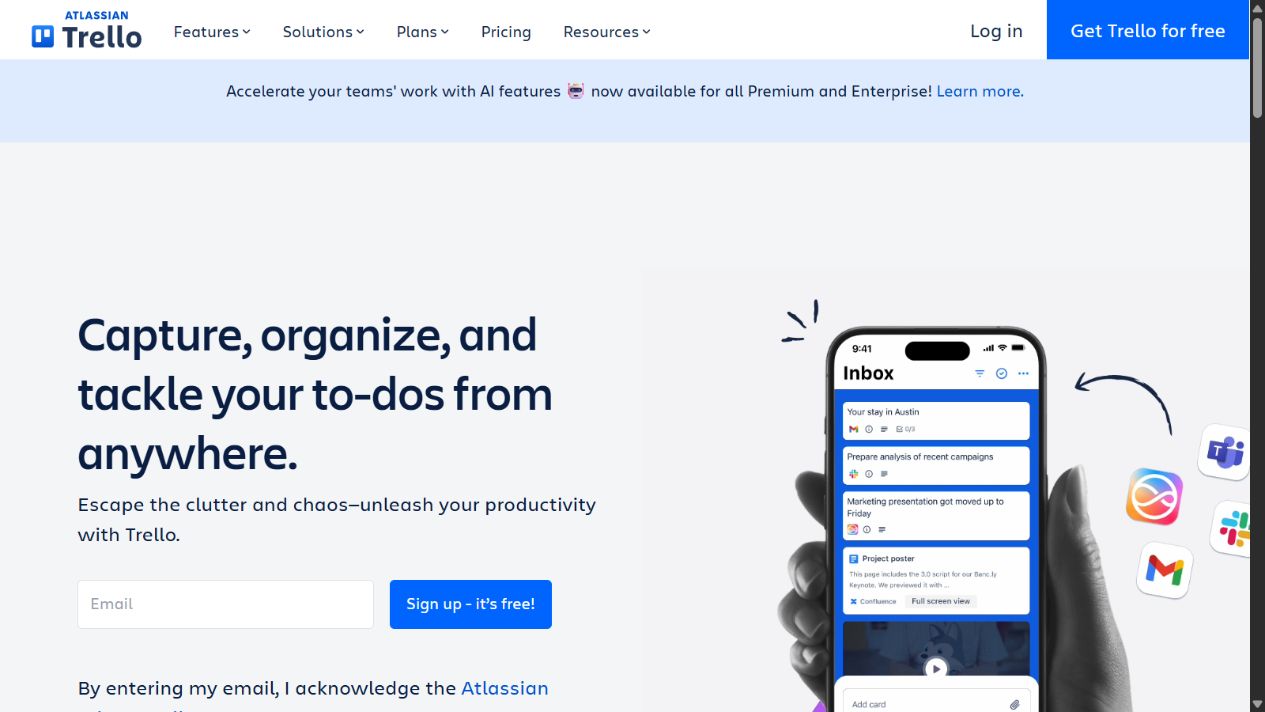
Trello is the easiest shortlist choice when work can be represented as cards moving through a small number of stages. Its visual model is approachable for editorial calendars, sales handoffs, hiring pipelines, and lightweight delivery.
Choose it when: speed of adoption matters more than portfolio depth.
Check before buying: workspace limits, views, permissions, automation quotas, power-ups, reporting, and how the team will coordinate several boards.
Sources: Trello and Trello pricing .
3. ClickUp: best broad-function option
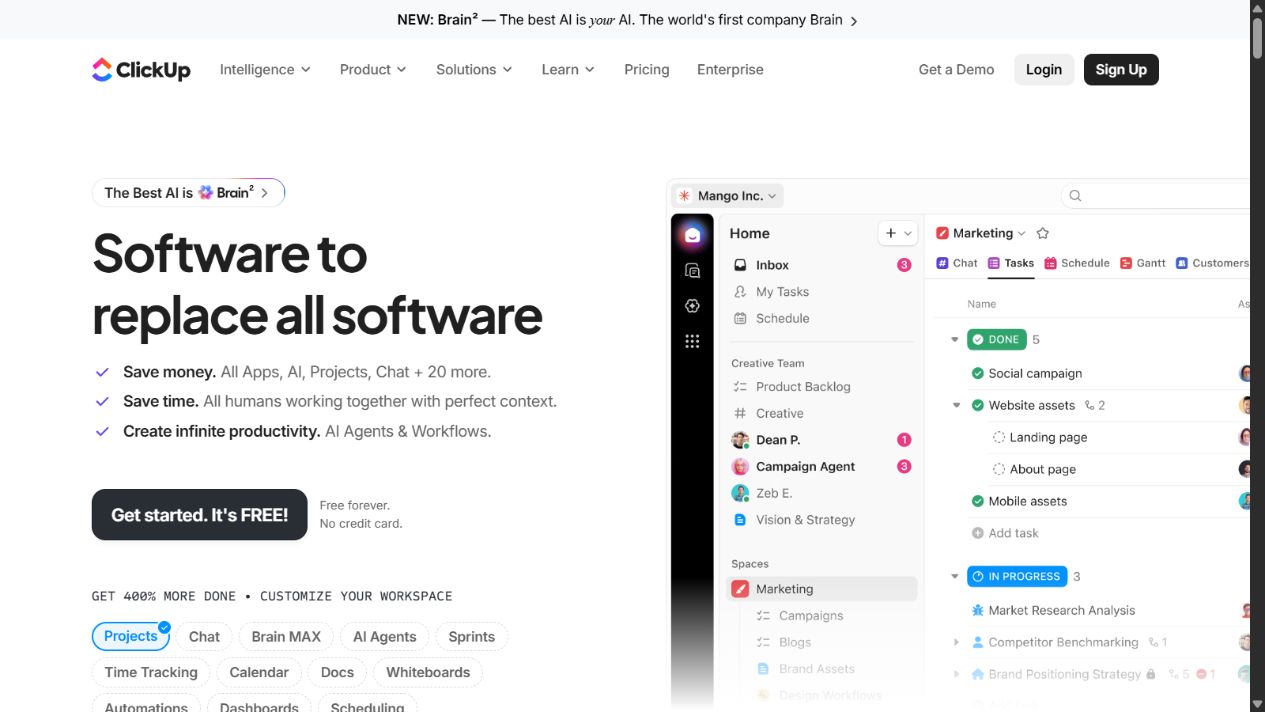
ClickUp is attractive when a small business wants tasks, documents, goals, dashboards, views, whiteboards, automation, and other work functions in one platform. The breadth can reduce the number of tools, but it can also create configuration sprawl.
Choose it when: the team will actively govern templates, spaces, fields, statuses, and permissions.
Check before buying: storage, automations, dashboards, guests, permissions, AI costs, and the setup needed to keep work consistent.
Sources: ClickUp and ClickUp pricing .
4. monday.com: best configurable work management
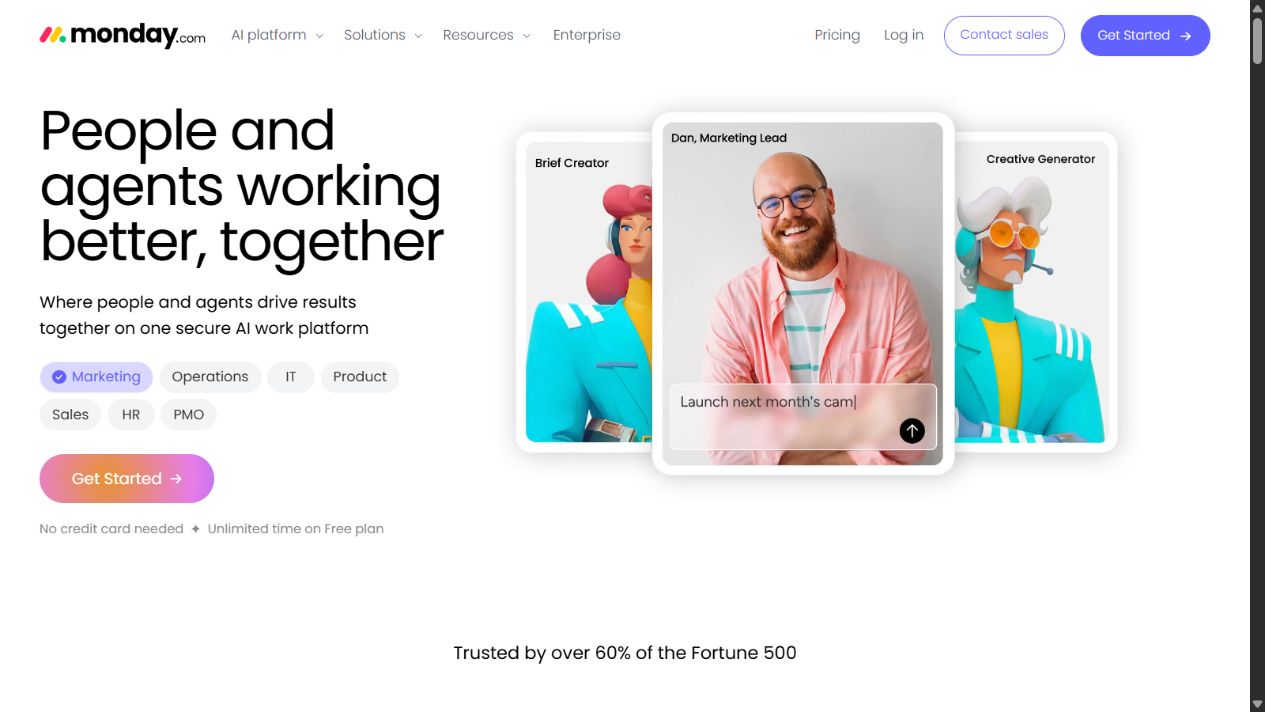
monday.com suits teams that want to model projects, requests, operations, and dashboards through configurable boards and columns. Official pricing documents views, automations, integrations, dashboards, and permissions that scale by plan.
Choose it when: the business needs flexible workflows and has an owner who can keep them controlled.
Check before buying: minimum seat blocks, automation and integration actions, dashboard limits, guests, private boards, AI credits, and annual versus monthly pricing.
Sources: monday.com and monday.com pricing .
5. Notion: best for projects plus team knowledge
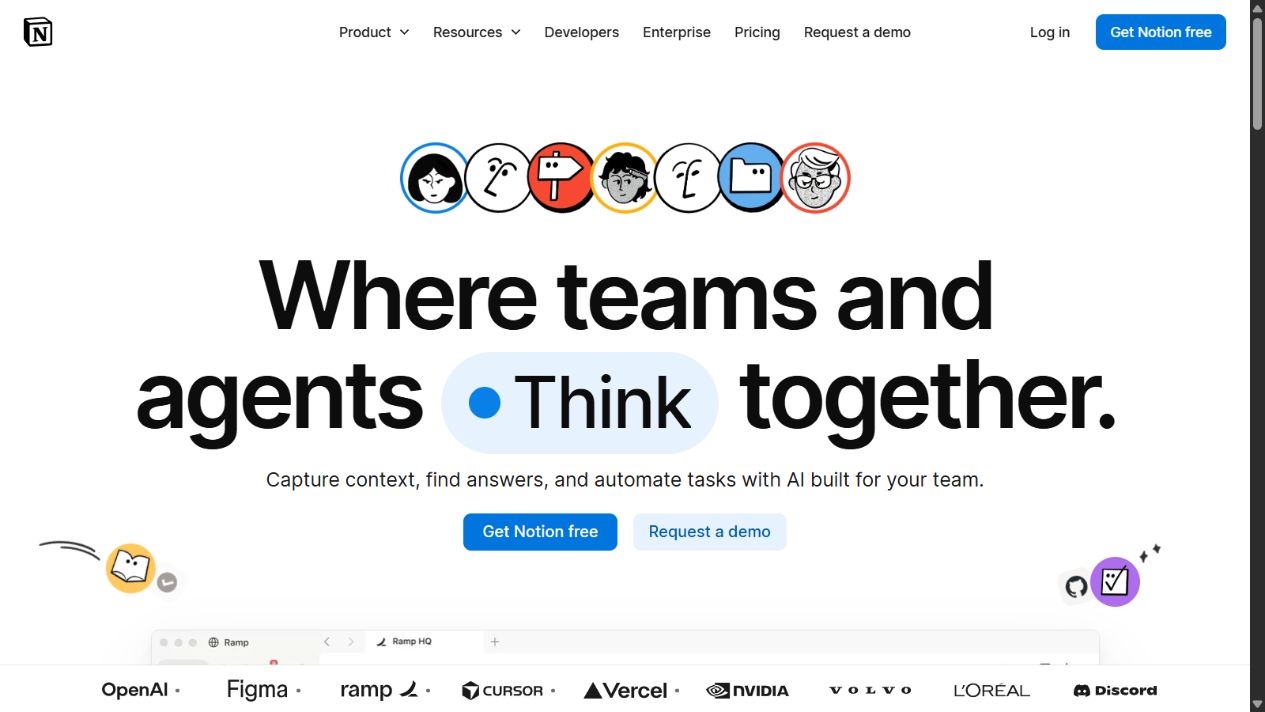
Notion is strongest when project tracking must sit beside briefs, meeting notes, policies, databases, and team knowledge. It gives a small business a flexible shared workspace rather than a rigid project model.
Choose it when: context and documentation are as important as task status.
Check before buying: database design, permissions, guest access, automations, forms, charts, AI, offline needs, and who will maintain the workspace structure.
Sources: Notion and Notion pricing .
6. Basecamp: best for deliberate simplicity
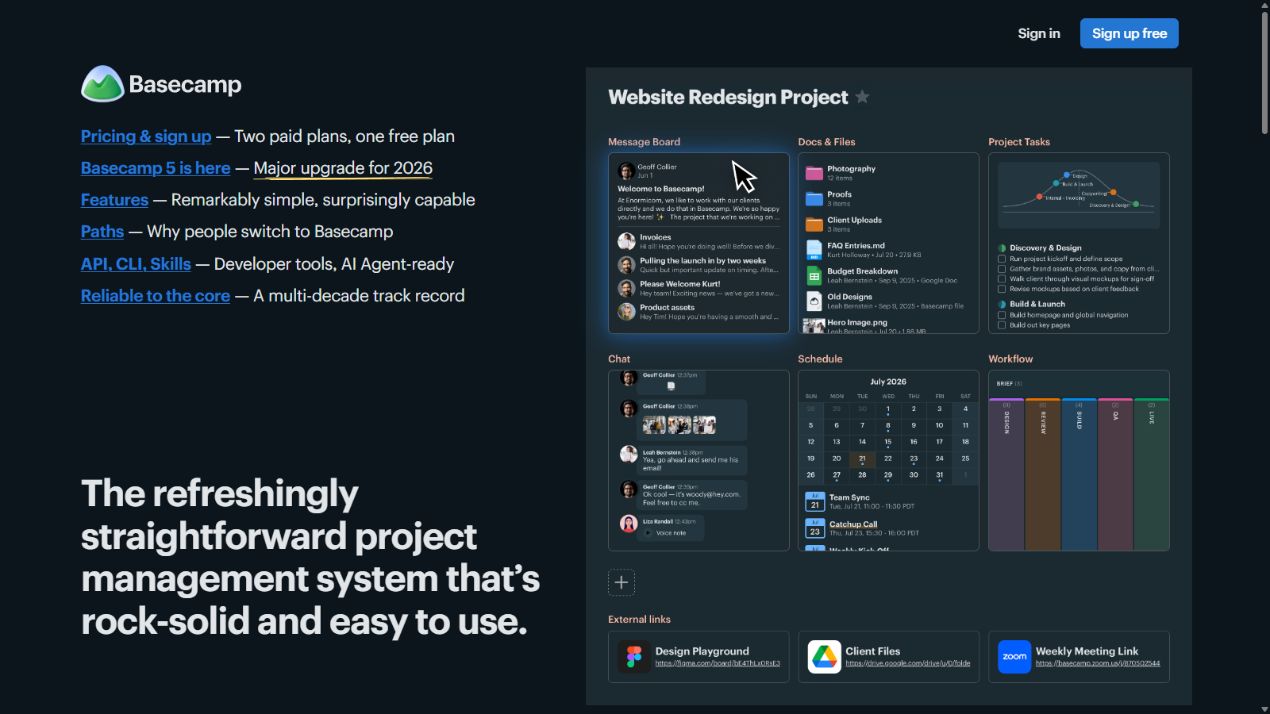
Basecamp appeals to teams that want projects, messages, to-dos, schedules, files, and communication without building an elaborate operating system. Its opinionated simplicity can reduce administration.
Choose it when: the main problem is scattered communication rather than advanced portfolio control.
Check before buying: reporting, dependencies, workload, customization, time tracking, client access, and the difference between per-user and fixed-price options.
Sources: Basecamp and Basecamp pricing .
7. Teamwork: best for client-service delivery
Teamwork is a focused shortlist candidate for agencies, consultancies, and service businesses that need client projects, workload, time, budgets, and delivery reporting in one environment.
Choose it when: utilization, client delivery, and project profitability are central to the operating model.
Check before buying: user minimums, client users, time and budget features, workload, invoicing connections, reporting, and required add-ons.
Sources: Teamwork and Teamwork pricing .
8. Zoho Projects: best value-focused ecosystem option
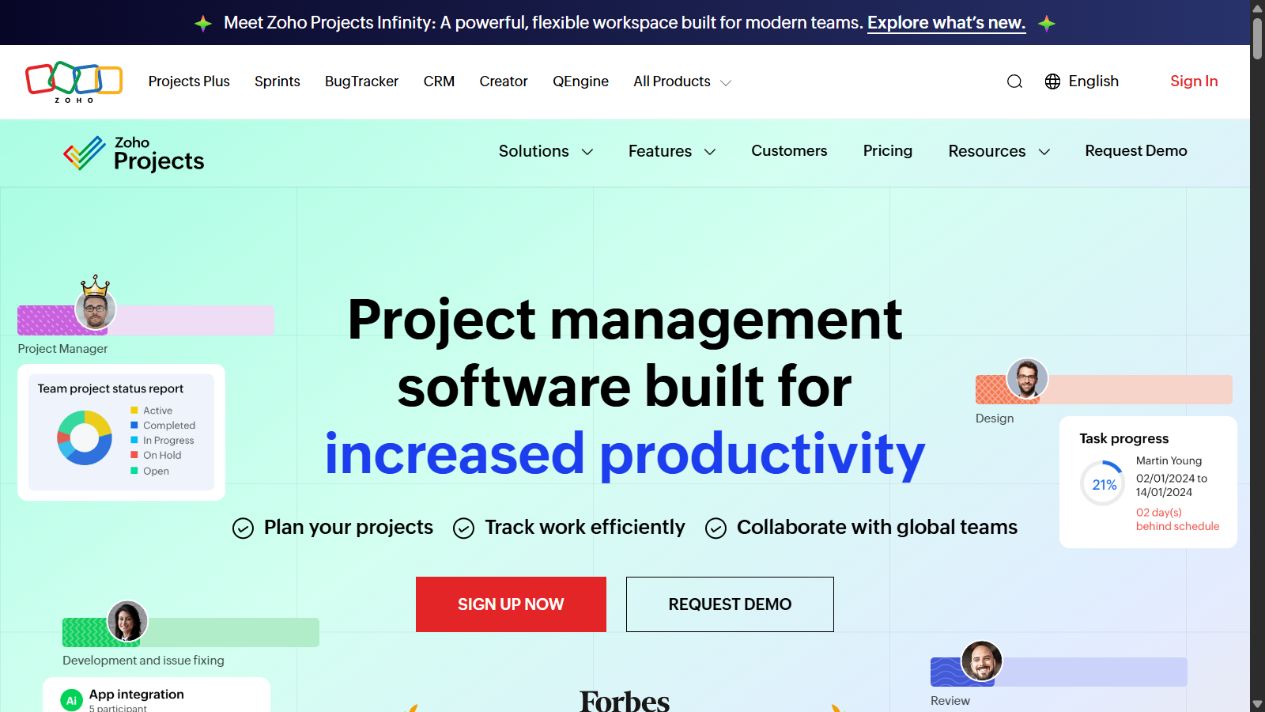
Zoho Projects is worth evaluating when the business already uses Zoho or wants a value-focused project system with task planning, milestones, collaboration, time, and integrations.
Choose it when: ecosystem fit and cost discipline matter more than choosing the most fashionable interface.
Check before buying: local pricing, users, storage, project limits, time tracking, portfolio needs, automation, client access, and which workflows require another Zoho product.
Sources: Zoho Projects and Zoho Projects pricing .
How to choose in two weeks
Create one real project with 20–30 tasks, two owners, one approval, one external collaborator, a deadline change, and a weekly status report. Import representative work rather than a clean demonstration dataset.
Measure:
- setup and training time;
- task completion and overdue visibility;
- how easily users find their next action;
- reporting and status-preparation time;
- guest and permission clarity;
- automation failures or manual workarounds;
- export quality and projected annual cost.
Choose the simplest tool that handles the real workflow without creating hidden spreadsheet work. A broader feature list is not a benefit when the team cannot maintain it.
Final recommendation
Start with Asana for balanced structure, Trello for simplicity, ClickUp for breadth, monday.com for configuration, Notion for knowledge-centered work, Basecamp for low-admin coordination, Teamwork for client services, or Zoho Projects for value and ecosystem fit.
Do not move the whole company during the trial. Prove one workflow, define governance, verify current plan limits, and keep an export path before expanding.
Frequently asked questions
What is the best project management software for a small business?
Asana is a strong general starting point, Trello suits simple visual workflows, ClickUp fits teams seeking broad functionality, monday.com suits configurable work management, Notion combines projects with team knowledge, Basecamp emphasizes simplicity, Teamwork fits client services, and Zoho Projects can suit value-focused teams.
Should a small business use free project management software?
A free plan can validate the workflow, but check user, project, storage, automation, reporting, guest, permission, and export limits before building a critical process around it.
How should a small business test project management software?
Pilot one real project for two weeks and measure setup time, task adoption, overdue work, status reporting, guest collaboration, automation reliability, and how easily data can be exported.