Best Project Management Software for Startups
Compare five project management tools for startups across product delivery, cross-functional work, documentation, automation, reporting, and cost.

Direct answer
The best project management software for a startup depends on the work the system must govern. Linear is the strongest fit in this shortlist for a product and engineering startup that wants focused issue, cycle, project, and product-planning workflows. Asana is the best cross-functional option for coordinating launches, campaigns, operations, and leadership work. ClickUp is the broadest consolidation option for a startup trying to combine tasks, documents, goals, communication, and automation. monday.com is the best fit for teams that want highly configurable, visual workflows across departments. Notion is the strongest documentation-led option for connecting company knowledge, project briefs, decisions, and lightweight execution.
None is automatically best for every startup. The decisive question is not which product has the longest feature list. It is which product can become the dependable record of commitments without creating excessive setup, duplicate data, notification noise, or administrative work. A small team should establish one clear workflow before it expands into portfolio views, AI features, complex automation, or a second project platform.
This guide uses official vendor sources checked on August 30, 2026. We did not run controlled usability tests, connect production company data, or independently verify uptime and support outcomes. Product and plan facts come from official sources; the “best for” labels are editorial inferences based on workflow fit.
Startup project management shortlist
| Product | Best fit | Core strength | Main buying risk |
|---|---|---|---|
| Linear | Product and engineering startups | Focused issues, cycles, projects, initiatives, product planning, and agent-supported delivery | Narrower fit for general business processes outside product development |
| Asana | Cross-functional startup execution | Projects, tasks, forms, dependencies, rules, goals, portfolios, and reporting | Structure can become inconsistent when every team invents its own conventions |
| ClickUp | Startups consolidating several work tools | Broad task, document, goal, communication, automation, and reporting scope | Breadth increases configuration, governance, and adoption demands |
| monday.com | Teams needing configurable visual workflows | Flexible boards, views, dashboards, forms, automations, and departmental products | Usage limits and plan boundaries can affect the final operating model |
| Notion | Documentation-led startups | Connected docs, wikis, databases, projects, and searchable company context | Flexibility can create competing databases and uneven project discipline |
Define the system before selecting software
A startup usually starts with informal coordination: a founder sends a message, somebody creates a checklist, and decisions live in meetings. That can work while everyone shares the same context. It fails as functions, customers, dependencies, and deadlines multiply. Project management software should reduce the cost of coordination, not merely make work more visible.
Define six things before comparing products:
- Unit of work: Decide whether the primary record is an issue, task, project, campaign, customer implementation, objective, or another object.
- Lifecycle: Define how work enters the system, who prioritizes it, which statuses matter, and what “done” means.
- Ownership: Every active commitment needs one accountable owner, even when several people contribute.
- Planning horizon: Separate immediate tasks from sprint or cycle work, quarterly projects, and company initiatives.
- Stakeholder view: Leaders, customers, contractors, and contributors need different detail and permissions.
- Evidence: Decide which status, dependency, decision, output, or metric proves that work moved forward.
Without these rules, a configurable platform becomes an expensive collection of views. Teams create duplicate task databases, use status labels differently, and report progress manually because no one trusts the system. The right product is the one whose native model most closely matches the startup’s desired behavior.
How we selected the tools
We selected five established products representing different project-management models. Each needed current official evidence for its core workflow, plan structure, controls, or limitations. We assessed:
- suitability for a startup that may change team structure quickly;
- product, engineering, marketing, operations, and leadership use cases;
- task, issue, project, goal, portfolio, and documentation models;
- intake, prioritization, ownership, dependencies, recurring work, and reporting;
- internal members, contractors, guests, and external collaborators;
- automation, integrations, API, export, and migration considerations;
- permissions, administration, security, and enterprise upgrade paths;
- published free plans, paid plans, trials, and startup offers;
- setup effort and the risk of creating duplicate sources of truth;
- total cost rather than headline price alone.
We did not use affiliate commissions, popularity rankings, awards, or third-party review scores. The shortlist is not exhaustive. “Best” means the clearest match for a defined operating model.
1. Linear: best for product and engineering startups
Linear presents itself as a product-development system. Its official product and documentation pages organize work around issues, projects, cycles, initiatives, roadmaps, product intake, integrations, and workflows shared by people and agents. Its pricing page publishes Free, Basic, Business, and Enterprise editions with different limits and capabilities.
That focus is Linear’s advantage. A software startup can use issues for executable work, cycles for near-term planning, projects for coordinated outcomes, and initiatives for broader direction. The model is easier to govern when product and engineering delivery is the company’s central operating rhythm.
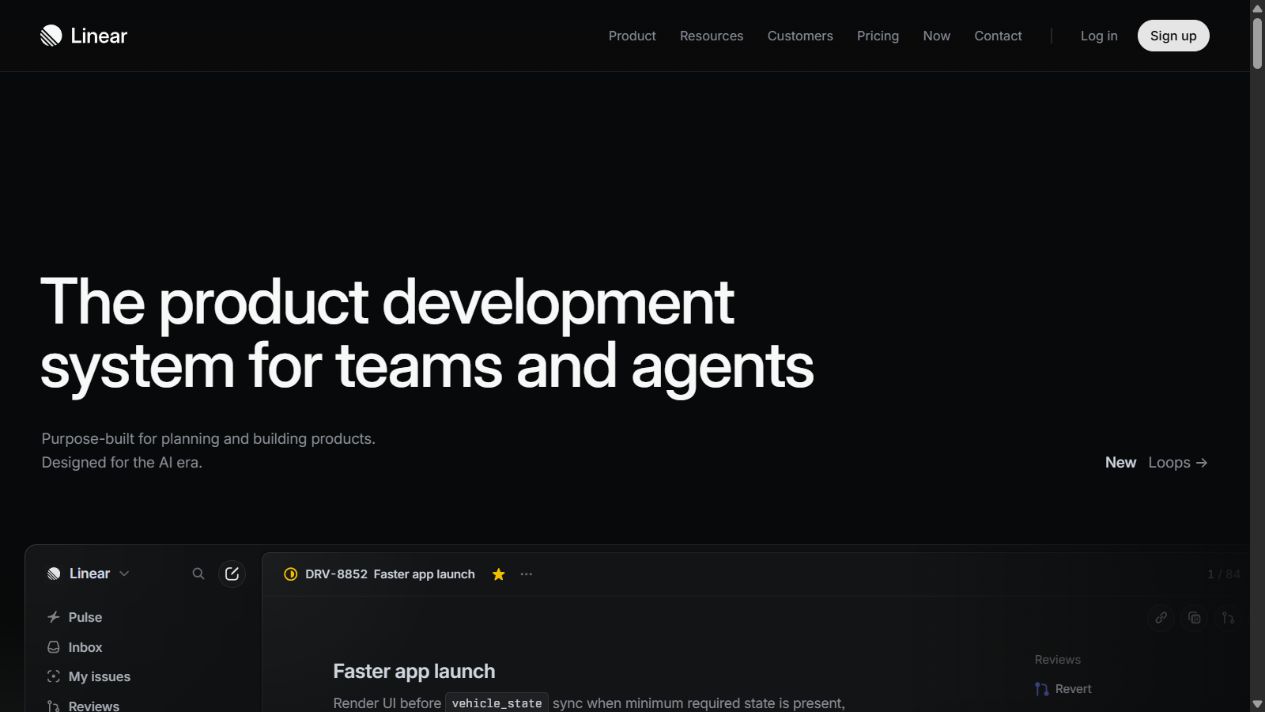
Linear official homepage, captured August 30, 2026. Source: Linear .
Choose it when: product, design, and engineering need a fast, opinionated system for planning and shipping software, and most company execution can connect to that product model.
Check before buying: workspace and team structure; issue and project limits; cycles; initiatives; customer feedback; roadmaps; views; templates; integrations; API; agent features; guests; security; exports; audit requirements; and whether nontechnical teams can participate without creating a parallel tracker.
Startup program: Linear publishes a startup program through official partners and eligibility conditions. Treat any discount or credit as temporary. Model the standard plan required after the offer ends and verify the current application route directly.
Practical limitation: a focused product-development system may not be the best primary home for finance operations, recruiting pipelines, campaign calendars, or other general business processes. A startup using Linear plus another work platform needs rules about which commitments belong where.
Official sources: Linear pricing , Linear documentation , Linear security , and Linear for startups .
2. Asana: best for cross-functional execution
Asana’s official plan and product pages cover tasks, projects, list and board views, timeline, Gantt, forms, custom fields, rules, dependencies, goals, portfolios, workload, and reporting, with availability varying by plan. That breadth makes Asana a strong coordination layer when a startup’s important work crosses product, marketing, operations, sales, and leadership.
Asana works best when the organization standardizes a modest set of project templates and fields. A launch can connect product milestones, campaign deliverables, approvals, dependencies, and executive reporting without forcing every contributor into an engineering-oriented issue model.
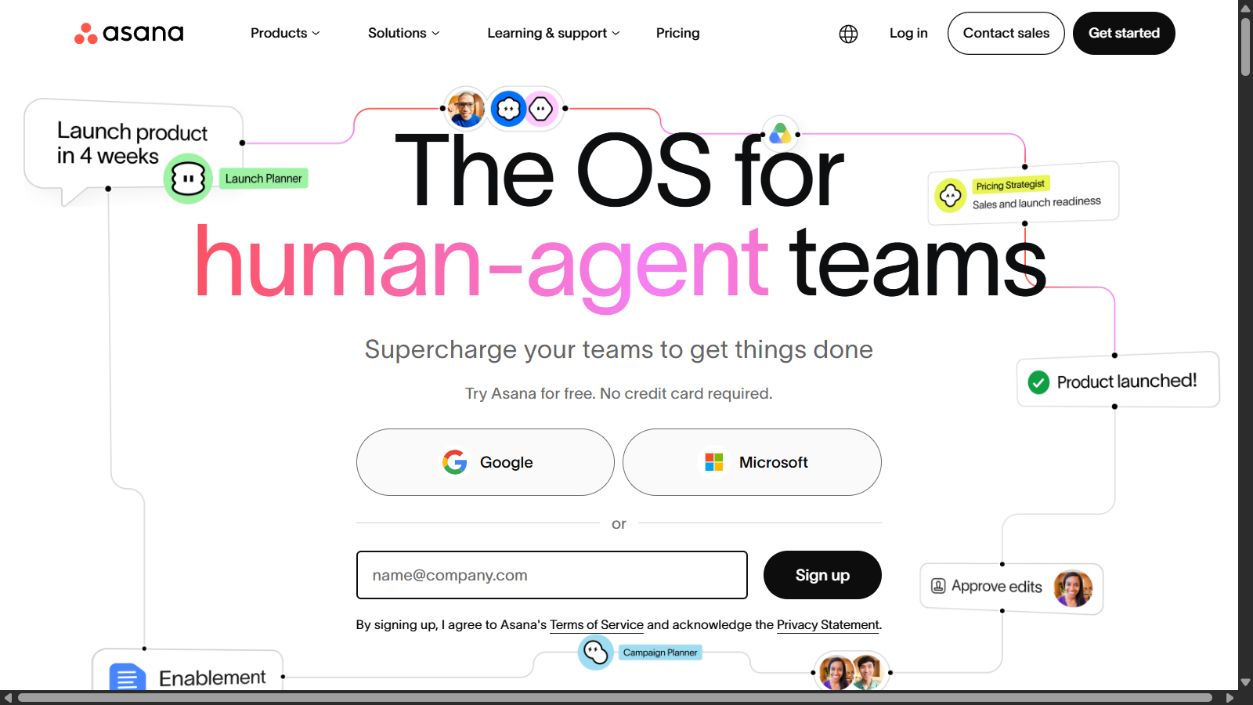
Asana official homepage, captured August 30, 2026. Source: Asana .
Choose it when: several business functions need one shared coordination layer and stakeholders require portfolio-level visibility beyond individual task boards.
Check before buying: Personal, Starter, Advanced, and enterprise plan boundaries; forms; timeline and Gantt; dependencies; custom fields; rules; goals; portfolios; workload; reporting; guests; permissions; templates; integrations; API; data export; security; support; and AI availability.
Implementation approach: start with one recurring process or launch rather than importing every historical task. Define project owner, task owner, status, due-date policy, dependencies, and update cadence. Add rules only after the manual process is understood.
Practical limitation: Asana can hold many types of work, which means teams can create inconsistent projects, fields, and status conventions. A small governance group should own templates, custom fields, archive rules, and portfolio definitions.
Official sources: Asana pricing , Asana Starter , Asana product features , and Asana security and permissions .
3. ClickUp: best broad all-in-one workspace
ClickUp’s official pages position the platform across projects, tasks, docs, chat, goals, dashboards, whiteboards, time tracking, automations, integrations, and AI-related products. Its pricing page publishes Free Forever, Unlimited, Business, and Enterprise options, with feature and usage limits varying by tier.
For a startup, the appeal is consolidation. A team may be able to keep planning, documentation, communication, goals, and reporting closer together instead of assembling several specialist products. Consolidation can lower context switching, but only when the workspace is intentionally configured.
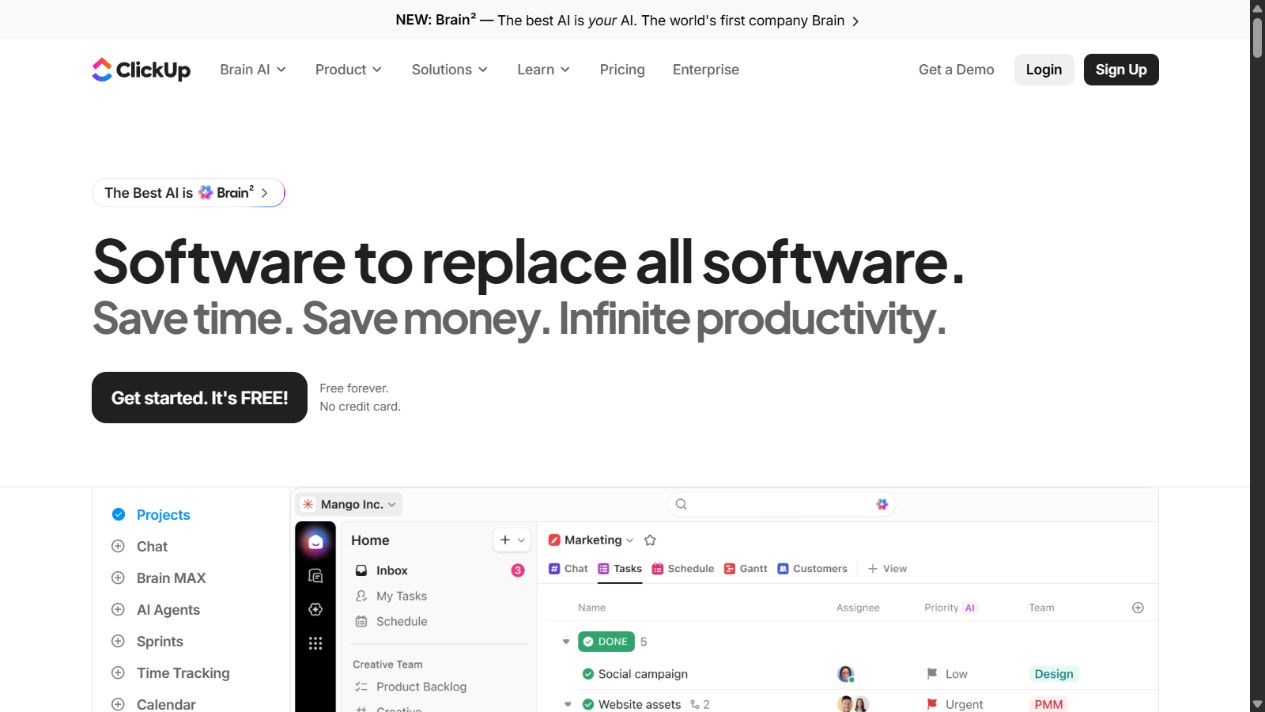
ClickUp official homepage, captured August 30, 2026. Source: ClickUp .
Choose it when: the startup wants one broad environment and is willing to define a controlled hierarchy, naming system, permissions model, and set of approved features.
Check before buying: spaces, folders, lists, tasks, custom fields, views, docs, chat, goals, dashboards, time tracking, automations, integrations, API, guests, storage, AI usage, permissions, exports, security, support, and enterprise requirements.
Cost model: published per-user prices are only one input. Include automation usage, AI products, guests, implementation, training, template maintenance, and the cost of administering a broad platform. Confirm current billing and regional terms on the official page.
Practical limitation: breadth creates choice. If every team activates different views, statuses, custom fields, dashboards, and automations, the workspace becomes harder to understand than the tools it replaced. Begin with a narrow standard and enable additional modules only for documented needs.
Official sources: ClickUp pricing , ClickUp features , ClickUp security , and ClickUp integrations .
4. monday.com: best for configurable visual workflows
monday.com provides a configurable work platform with boards, columns, views, forms, dashboards, automations, integrations, documents, and products oriented toward different business functions. Official pricing and support pages publish Free, Basic, Standard, Pro, and Enterprise levels, with limits and capabilities that differ by plan and product.
The platform is useful when a startup needs visual workflows that do not fit one rigid project template. Recruiting, campaign production, implementation, operations, sales work, and portfolio tracking can each be modeled while still sharing common reporting and governance.
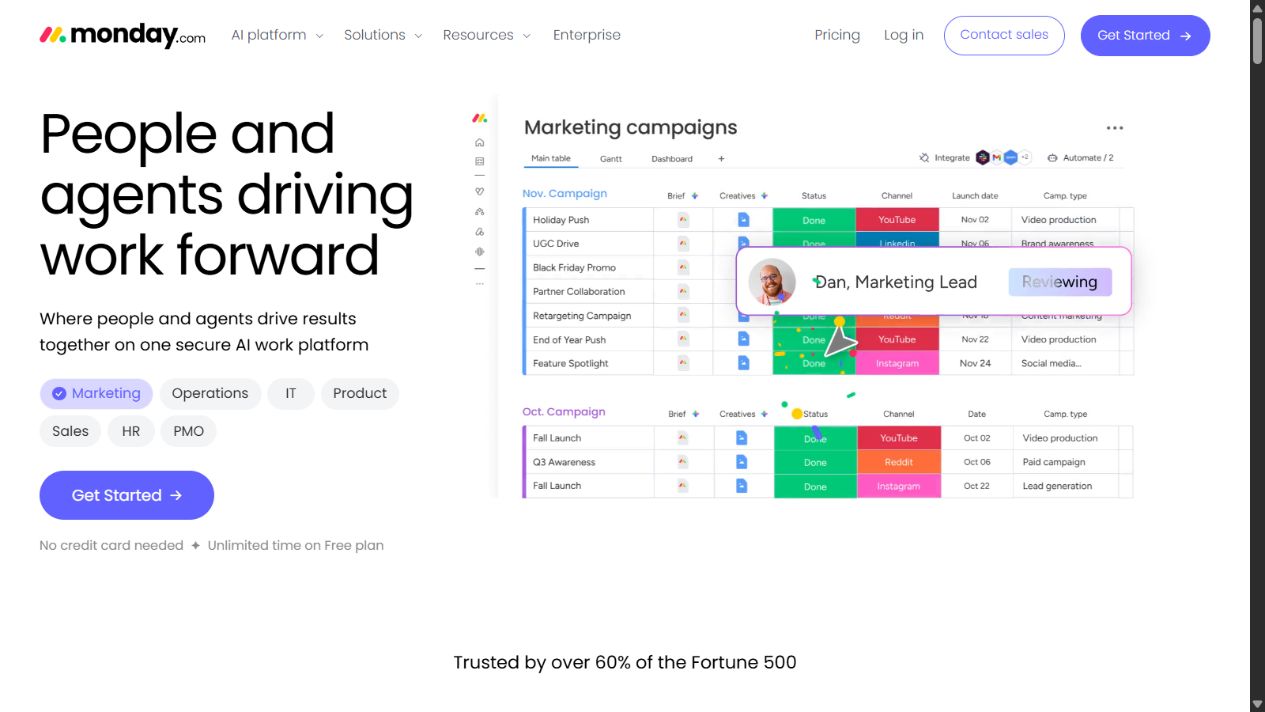
monday.com official homepage, captured August 30, 2026. Source: monday.com .
Choose it when: teams value visual configuration and need to model several repeatable processes with forms, status columns, views, dashboards, automations, and integrations.
Check before buying: product and plan selection; board and item limits; users and minimum seats; guests; private boards; views; dashboards; automations and integrations; permissions; forms; documents; portfolio features; storage; activity history; exports; security; support; and AI capabilities.
Implementation approach: design a shared vocabulary before building boards. Reuse a controlled set of status values, owners, dates, priority definitions, and dashboard metrics. Otherwise two attractive boards can describe the same work in incompatible ways.
Practical limitation: highly visual configuration can hide structural inconsistency. Dashboards are trustworthy only when source boards use the same definitions and teams update them reliably. Buyers should test the required plan limits with realistic automation and dashboard volume.
Official sources: monday.com pricing , monday.com plans and pricing , and monday.com trust center .
5. Notion: best for documentation-led projects
Notion combines docs, wikis, databases, projects, search, and AI-supported work in one workspace. Its official Projects page describes tasks, timelines, dependencies, templates, views, and connected project knowledge, while pricing and help pages define plan-specific collaboration, history, file, guest, administrative, and security capabilities.
Notion is strongest when project work is inseparable from context. A product brief, customer research, decision record, meeting note, task database, and project update can live in a connected structure. This is especially useful for an early startup where documenting why a decision was made can be as valuable as tracking the next action.
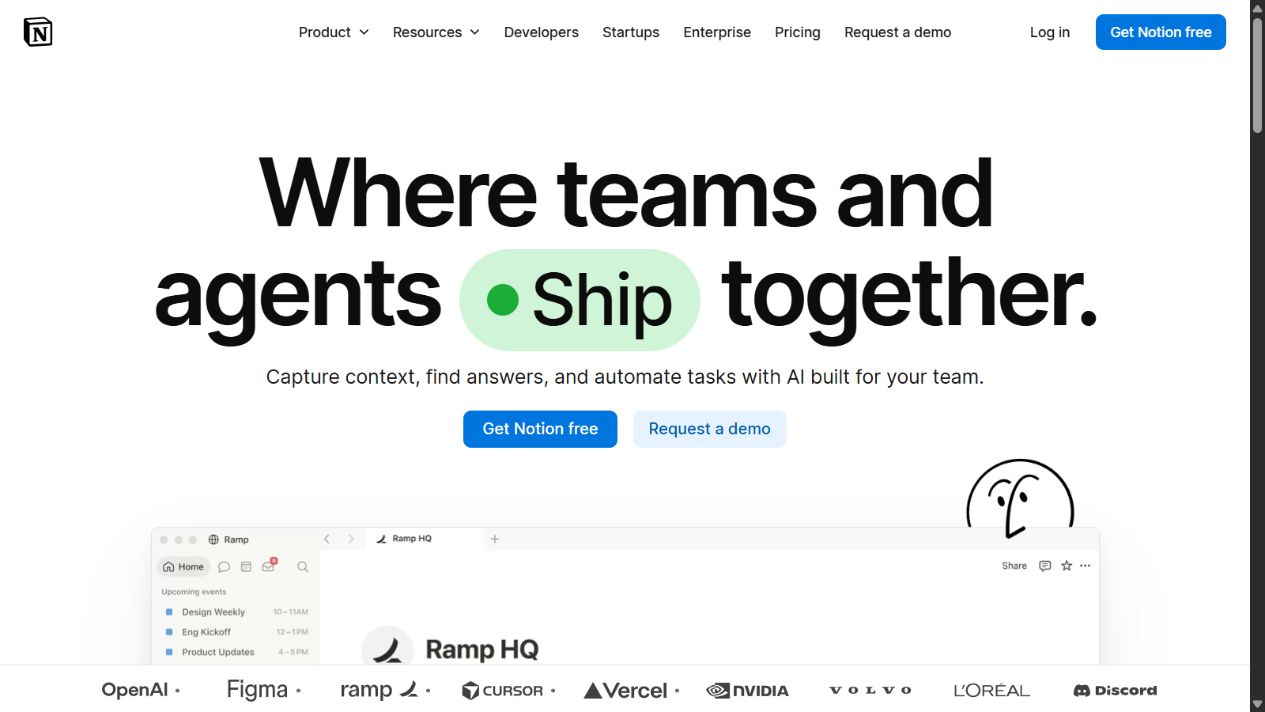
Notion official homepage, captured August 29, 2026. Source: Notion .
Choose it when: the startup’s primary problem is fragmented knowledge and lightweight projects benefit from living beside briefs, research, policies, and decisions.
Check before buying: member and guest roles; databases; dependencies; timeline and board views; forms; automations; templates; page permissions; public sharing; search; file limits; history; exports; integrations; API; AI terms; security; audit requirements; and startup-program eligibility.
Governance approach: designate a small number of canonical databases and give important pages owners and review dates. Use templates for project briefs, decisions, meetings, and retrospectives. Archive stale material so search does not present obsolete guidance as current.
Practical limitation: Notion can reproduce a dedicated project tracker, but flexibility does not guarantee operational discipline. Teams needing sophisticated sprint management, issue triage, portfolio governance, or tightly controlled reporting should test those workflows carefully.
Official sources: Notion Projects , Notion pricing , Notion for startups , and Notion security .
Which product should your startup choose?
Use the operating model as the decision rule:
- Choose Linear when product and engineering delivery is the center of the company and a focused issue-to-initiative model is desirable.
- Choose Asana when launches and operating priorities cross several functions and leaders need shared portfolio visibility.
- Choose ClickUp when consolidating several work tools is a strategic goal and the team can govern a broad platform.
- Choose monday.com when several repeatable business workflows need flexible visual configuration and common dashboards.
- Choose Notion when project execution must stay close to company knowledge, briefs, research, and decisions.
A startup may reasonably use Linear for engineering and Notion or Asana for company-wide work. That arrangement needs an explicit boundary. Product issues should not be copied manually into a second platform unless a specific stakeholder workflow requires it. Where synchronization is necessary, define the master field, update direction, failure handling, and owner.
Run a realistic pilot
Do not pilot with a fictional task list. Select one real project with meaningful dependencies and at least two functions. Configure only the required structure, then run it from intake to completion. The pilot should test:
- how a request enters the system;
- how priority and scope are approved;
- how owners and contributors are represented;
- how dependencies and blockers become visible;
- how stakeholders receive updates without demanding another status meeting;
- how decisions and files connect to the work;
- how contractors or guests are restricted;
- how a completed project is reviewed and archived;
- how records are exported or recovered;
- how much administration the process requires each week.
Track time spent searching for context, preparing status reports, correcting duplicate records, maintaining fields, and resolving notification overload. A product that is fast to demonstrate but expensive to maintain is not the best startup choice.
Compare the full cost
Headline per-seat pricing rarely represents the complete cost. Build a 12- to 24-month model using:
- expected employees, contractors, and guests;
- annual versus monthly billing;
- minimum-seat or plan requirements;
- automation and integration allowances;
- AI usage or add-on terms;
- storage, history, and export needs;
- portfolio, reporting, and workload features;
- security, single sign-on, audit, and data controls;
- implementation, migration, training, and administration;
- startup discounts and the standard price after they expire;
- the cost of a second platform if one tool cannot support all required work.
The cheapest plan can be the most expensive operating choice if it forces manual reporting or a premature migration. Conversely, a broad platform can waste money when a small team uses only a simple task board. Buy for the next credible stage of the company, not an imagined enterprise future.
Security and ownership questions
Project systems contain roadmaps, customer information, contracts, incidents, personnel context, and strategic decisions. Review:
- identity provider and single sign-on support;
- multifactor authentication and domain controls;
- member, admin, guest, and contractor permissions;
- public links and external sharing;
- audit logs, history, retention, deletion, and legal needs;
- encryption, data location, subprocessors, and certifications;
- API tokens, integrations, bots, and automation credentials;
- backup, export, and account-recovery procedures;
- offboarding and transfer of owned work;
- AI data handling and administrator controls.
Official security pages are inputs, not substitutes for the startup’s own risk assessment. Test the controls available on the plan you will actually buy.
Reporting without creating reporting work
A startup does not need dozens of dashboards. It needs a small reporting layer that helps people decide. Define the audience and decision behind every view. A delivery team may need blocked work, cycle progress, and upcoming dependencies. A functional leader may need project health, capacity, and unresolved risk. Founders may need a compact view of strategic outcomes, not a replica of every task.
Test whether reports update from normal work or require a weekly cleanup ritual. A status dashboard that depends on one operations manager correcting every record is not automated reporting. It is a hidden manual process. Agree on which fields are mandatory, who updates project health, when an overdue item becomes an escalation, and how narrative context accompanies a red indicator.
Avoid turning activity into performance measurement. Task counts, comments, hours, and closed issues can help explain flow, but they do not independently prove customer or business value. Use project software to make commitments and risks legible, then pair that evidence with relevant product, customer, financial, or operational outcomes.
Migration and exit planning
Even a young company should understand how it can leave a platform. Before migrating, inventory active projects, custom fields, recurring work, dependencies, attachments, documents, comments, automations, integrations, users, guests, and archived records. Decide what must remain editable, what can become a read-only archive, and what should be deleted under the retention policy.
Run a sample export before committing to a broad rollout. Confirm whether relationships, comments, attachments, history, and custom data survive in a usable form. An export file may technically contain records while losing the context needed to reconstruct the workflow.
Migration is also an opportunity to remove obsolete work. Do not reproduce every old folder, board, and status in the new system. Map only the target operating model, move active commitments, preserve required evidence, and assign owners to unresolved records. Keep a temporary read-only reference where appropriate, with a defined retirement date.
Adoption signals to monitor
Measure whether the platform improves work after the launch. Useful signals include the percentage of active projects with an owner and current status, time needed to answer a stakeholder question, age of blocked work, missed dependencies, duplicate task reports, manual status-preparation time, notification volume, inactive paid seats, and the number of commitments that still live only in chat or meetings.
Low adoption is not always a training problem. It can indicate that the workflow is too complex, fields do not help contributors, permissions are wrong, or the system duplicates another source of truth. Remove unnecessary structure before adding more reminders. The durable solution is usually a simpler required path, clear ownership, and reports that give contributors something useful in return for keeping records current.
Final recommendation
Start with the workflow, not the vendor. A product and engineering startup should evaluate Linear first. A cross-functional organization should begin with Asana. A team prioritizing consolidation should test ClickUp. A company needing configurable visual processes should evaluate monday.com. A documentation-led startup should begin with Notion.
Whichever product you choose, keep the initial model small: one intake route, a limited set of statuses, one owner per commitment, a documented update cadence, and one trusted reporting layer. Project management software creates value when it makes decisions and accountability easier to retrieve. It fails when the startup spends more time maintaining the system than moving the work.
Sources and verification notes
Official sources were reviewed on August 30, 2026. Pricing, plan limits, AI capabilities, startup offers, product packaging, and regional availability can change. Recheck the linked vendor pages and run a controlled pilot before committing company-wide.
Frequently asked questions
What is the best project management software for a startup?
There is no universal winner. Linear is the clearest fit for product and engineering delivery, Asana for cross-functional coordination, ClickUp for broad workspace consolidation, monday.com for configurable visual workflows, and Notion for documentation-led lightweight projects. Choose against a defined operating model and pilot the actual workflow.
Should a startup use a free project management plan?
A free plan can support a pilot, but it should not decide the long-term architecture. Check users, guests, history, storage, permissions, integrations, automations, reporting, exports, security, and the cost of moving to the required paid plan as the team grows.
Is Linear better than Asana for startups?
Linear is generally the stronger fit when product and engineering work is the center of the operating model. Asana is generally stronger when marketing, operations, product, and leadership need one cross-functional coordination layer. The better choice depends on the work being governed.
Can Notion replace dedicated project management software?
Notion can manage lightweight projects closely connected to documents, databases, and company knowledge. A team needing mature issue workflows, sprint mechanics, complex dependencies, portfolio controls, or tightly governed reporting may prefer a dedicated project platform or a carefully defined combination.
How many project management tools should a startup use?
Use the smallest number that gives each commitment one authoritative home. A specialist engineering tracker plus a cross-functional layer can be justified, but duplicate tasks and status fields need explicit synchronization and ownership rules. More tools should not mean more versions of the truth.
What should a startup test before buying project management software?
Run a real project through intake, prioritization, assignment, dependencies, status updates, stakeholder reporting, guest collaboration, notifications, search, exports, and offboarding. Measure administrative effort and information retrieval, not only how quickly the team can create tasks.
How should startups compare project management software costs?
Model annual cost using expected employees, contractors, guests, minimum-seat rules, billing cadence, automations, integrations, AI allowances, storage, security, implementation, administration, and migration. Compare the required plan rather than the lowest advertised tier.