Best Project Management Software with a Free Plan
Compare five project management tools with ongoing free plans, current user and project limits, practical pilot tests and clear upgrade triggers.
The best project management software with a free plan depends on the capacity your team needs to retain: collaborators, active projects, attachments, views and a workable exit path. Trello, Asana, ClickUp, Zoho Projects and Wrike are five documented candidates. Choose the smallest ongoing plan that supports your real workflow without relying on temporary access to paid features.
Research scope and limitations
- Research type
- Official-source documentation review and editorial analysis
- Sources reviewed
- 7
- Hands-on tested
- No
- Last verified
- November 5, 2026
- Limitations
- No authenticated account or performance benchmark. Examples and fit recommendations are editorial analysis. Paid prices and unlisted account entitlements not verified.

Table of contents
The best project management software with a free plan depends on the capacity your team needs to retain: collaborators, active projects, attachments, views and a workable exit path. Trello, Asana, ClickUp, Zoho Projects and Wrike are five documented candidates. Choose the smallest ongoing plan that supports your real workflow without relying on temporary access to paid features.
This shortlist uses official sources checked November 5, 2026. It is organized by operating approach rather than a measured ranking. We have not run a hands-on account benchmark or a paid-plan trial. Product statements are linked to documentation; proposed exercises, fit judgments and capacity worksheets are editorial analysis. Account-specific arrangements and unlisted entitlements remain questions to verify.
A free plan is useful only if the team can keep using it after the initial setup. A board that works for two people can fail when a client, manager and contractor join. An attractive timeline may belong to a temporary trial. Evaluate the permanent operating envelope before inviting the whole organization or moving the only copy of project history.
Best project management software with a free plan: shortlist
Start with three requirements: who must participate, what work must remain visible and how the information will be recovered later. These requirements prevent the comparison from becoming a feature-count contest. A small team can succeed with a simple shared board, while a similarly sized team may need structured permissions because it works with several unrelated clients.
The table summarizes a narrow set of documented facts. It is not a complete entitlement specification. Consult the linked official source and verify your actual workspace before relying on any feature for production work. The relevant limit is often a shared workspace allowance rather than an amount each participant receives independently.
| Candidate | Documented free scope | Editorial reason to shortlist | Boundary to verify |
|---|---|---|---|
| Trello | Ten collaborators and ten boards per workspace | A visible board-centered workflow | Guests and pending invitations count |
| Asana | Personal for two users, unlimited tasks and projects | Individual or two-person coordination | Additional teammates need a separate decision |
| ClickUp | Free Forever, with AI trial access distinguished | Evaluate an ongoing workspace separately from AI | Exact permanent limits for required features |
| Zoho Projects | Current pricing lists five users and three projects | A small defined portfolio | Older help pages show conflicting historical limits |
| Wrike | One shared space, 200 active tasks including subtasks | Structured coordination without assuming advanced tiers | Current capacity and access for your workflow |
Do not select the apparent winner from this table alone. An allowance for many tasks says little about whether the correct person can see the correct work. A generous board limit may be irrelevant when client separation fails. Use each documented fact to narrow the pilot, then verify the behavior and permissions that determine whether the team can operate safely.
Trello: consider a board-centered team
Trello’s pricing page lists an ongoing Free plan with up to ten collaborators and ten boards per workspace. The collaborator-limit documentation explains that the count includes workspace members, board guests and pending invitations. A guest is therefore not automatically a way to add unlimited participants to a free workspace.
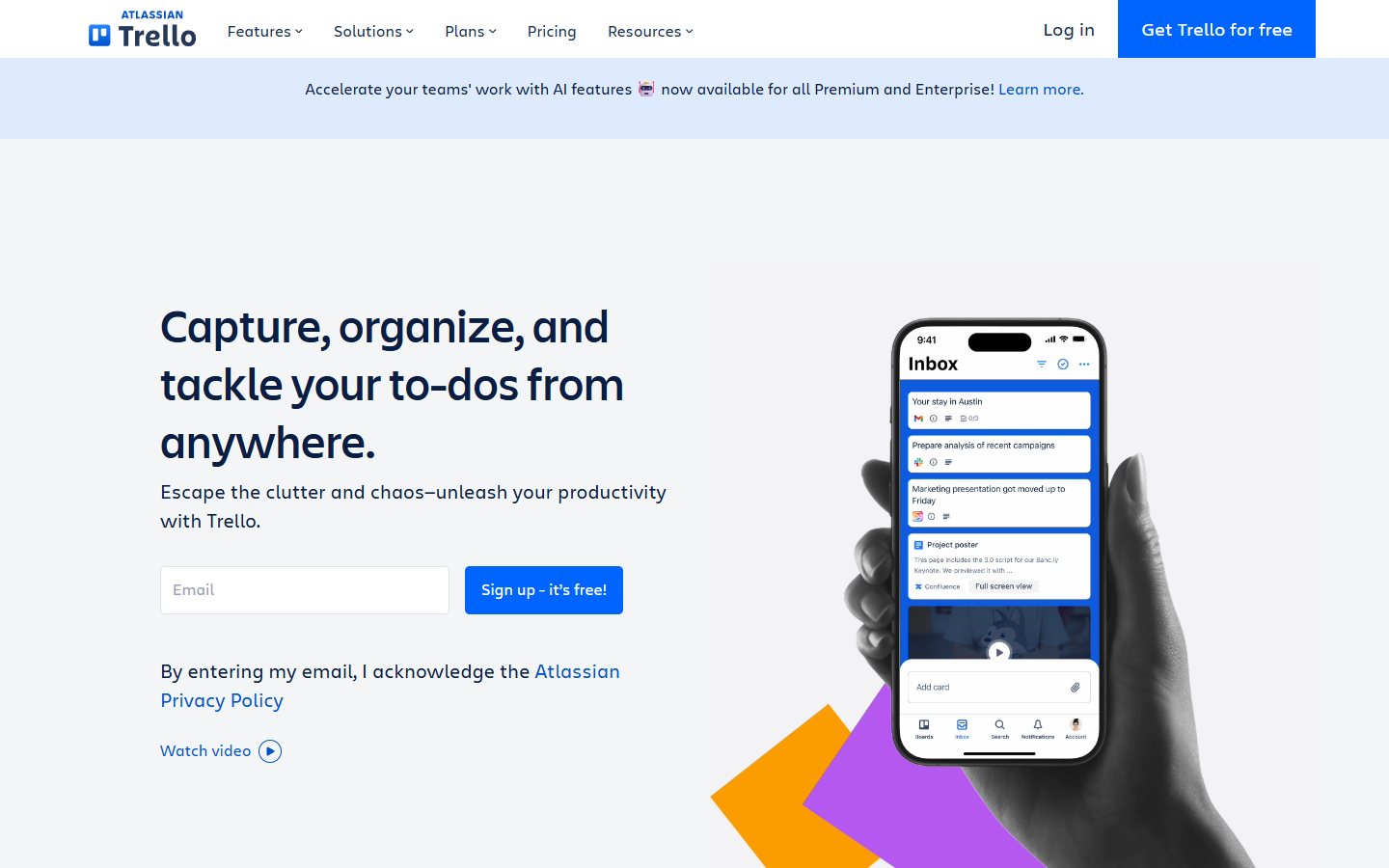
The editorial fit is a team that can represent work through a visible board and a small number of clear states. An example is an agency maintaining a production board for a few recurring deliverables. Before setup, define what “ready,” “in progress,” “review” and “done” mean. If every person interprets the columns differently, the board will display activity without providing a reliable picture of delivery.
Build a collaborator census. Include employees, occasional reviewers, contractors and clients who need access. Count pending invitations too. Then assign each participant to the boards they actually need. This exercise makes the workspace boundary concrete. Do not assume separate boards isolate commercially sensitive client information until you have checked the actual visibility and access settings.
The potential pro is a small operational vocabulary: cards, boards, owners and due dates can make a straightforward workflow easier to discuss. That is an editorial inference, not a usability test. The main documented capacity con is the shared collaborator ceiling. A team can outgrow it through external participation even when its employee count remains unchanged.
For a pilot, move one noncritical project onto a board and run a complete review cycle. Ask an occasional reviewer to find the item awaiting their action. Check whether decisions are recorded on the work item rather than scattered across a separate conversation. At the end, ask someone other than the project owner to reconstruct why the last deliverable was accepted.
Keep the buying trigger specific: an additional required collaborator, a verified advanced permission requirement or a documented feature that the ongoing plan lacks. Avoid upgrading just because a trial exposes more views. Conversely, do not split one real workflow into a confusing collection of workspaces solely to avoid a limit if that makes ownership, reporting and access harder to manage.
Asana: evaluate the current Personal allowance
Asana’s current pricing page describes Personal as free for up to two users, with unlimited tasks and projects and list, board and calendar views. This matters because older guides can describe a larger free-team allowance. Do not carry a historical number into a new account decision without current evidence that it applies to the account you intend to create.
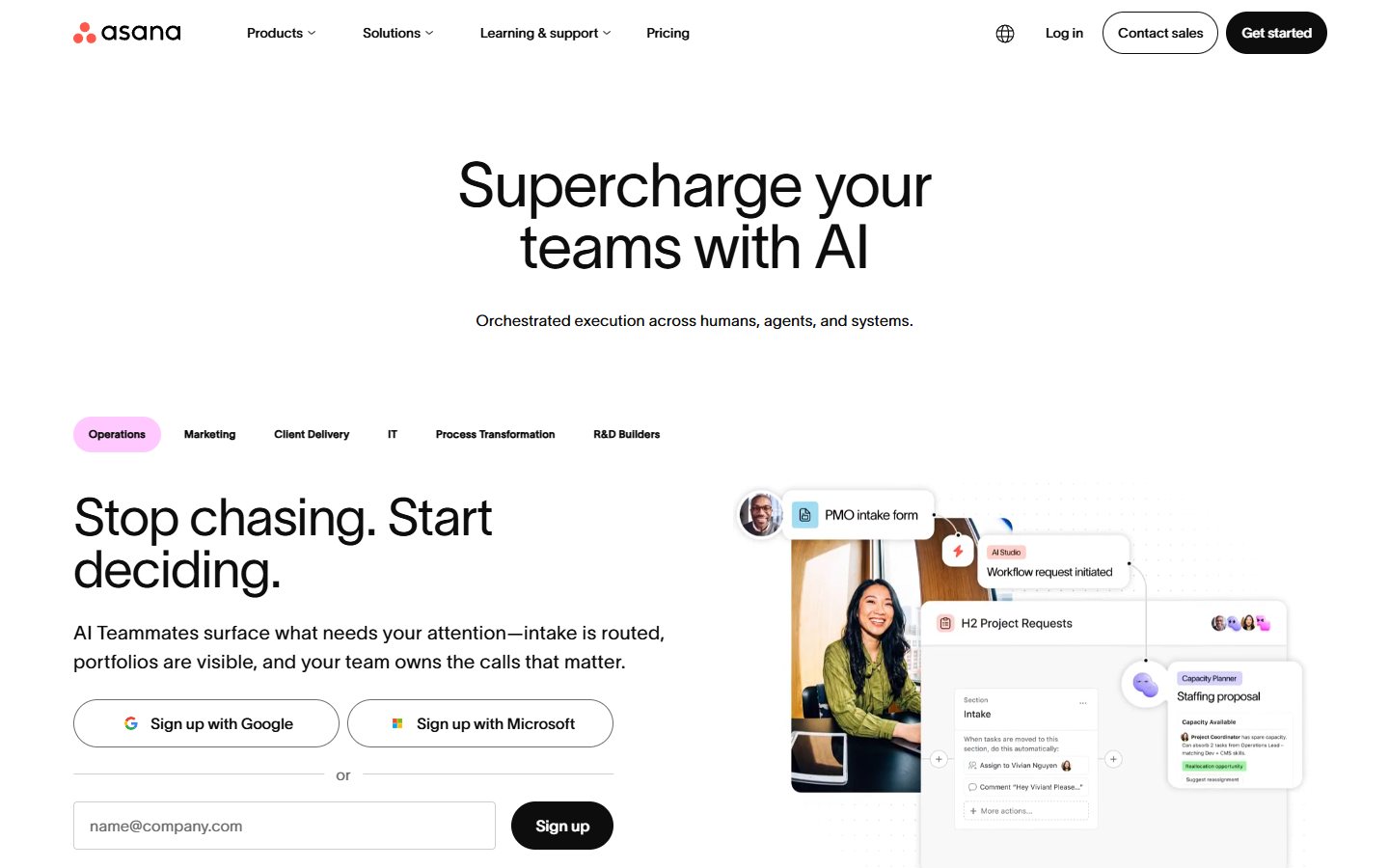
The editorial fit is personal organization or a two-person collaboration in which explicit task ownership and due dates are enough. Consider a founder and an operations partner coordinating a launch. They may have many tasks but only two active operators. The number of tasks alone should not force the choice; the question is whether the entire required collaboration fits the current allowance.
Run the pilot with tasks from intake through completion. Give each item one clear owner and a concrete next action. Test whether a handoff is visible without opening a separate status spreadsheet. If a manager, freelancer or client needs to participate directly, investigate that access route rather than assuming the two-person arrangement extends to everyone who occasionally comments.
The potential strength is the documented ability to keep many tasks and projects within a small participant boundary. The limitation is that task capacity and team capacity are different dimensions. A team with three essential operators should not treat an unlimited-task statement as evidence that its whole team can remain on the free edition.
Use a rejected-task example as well as a successful task. Suppose a request lacks an approved brief. The workflow should show that the request is waiting for information rather than allowing it to disappear among completed work. This tests operating discipline, not a proprietary feature. Any selected product should support a clear explanation of blocked work and the person responsible for resolving it.
Review the arrangement when the team changes. Adding one essential participant can change the plan decision even if the project volume stays flat. Preserve the current offer evidence and keep the migration owner informed. A free setup remains a good choice only while its boundaries continue to match the work; it is not a permanent entitlement for every future organizational structure.
ClickUp: separate the workspace from AI trials
ClickUp’s pricing page lists Free Forever and distinguishes trial access to AI features from paid AI offers. For this shortlist, the established fact is the presence of an ongoing free workspace option. Do not assume that every AI capability encountered during onboarding is included permanently or available without a separate usage arrangement.
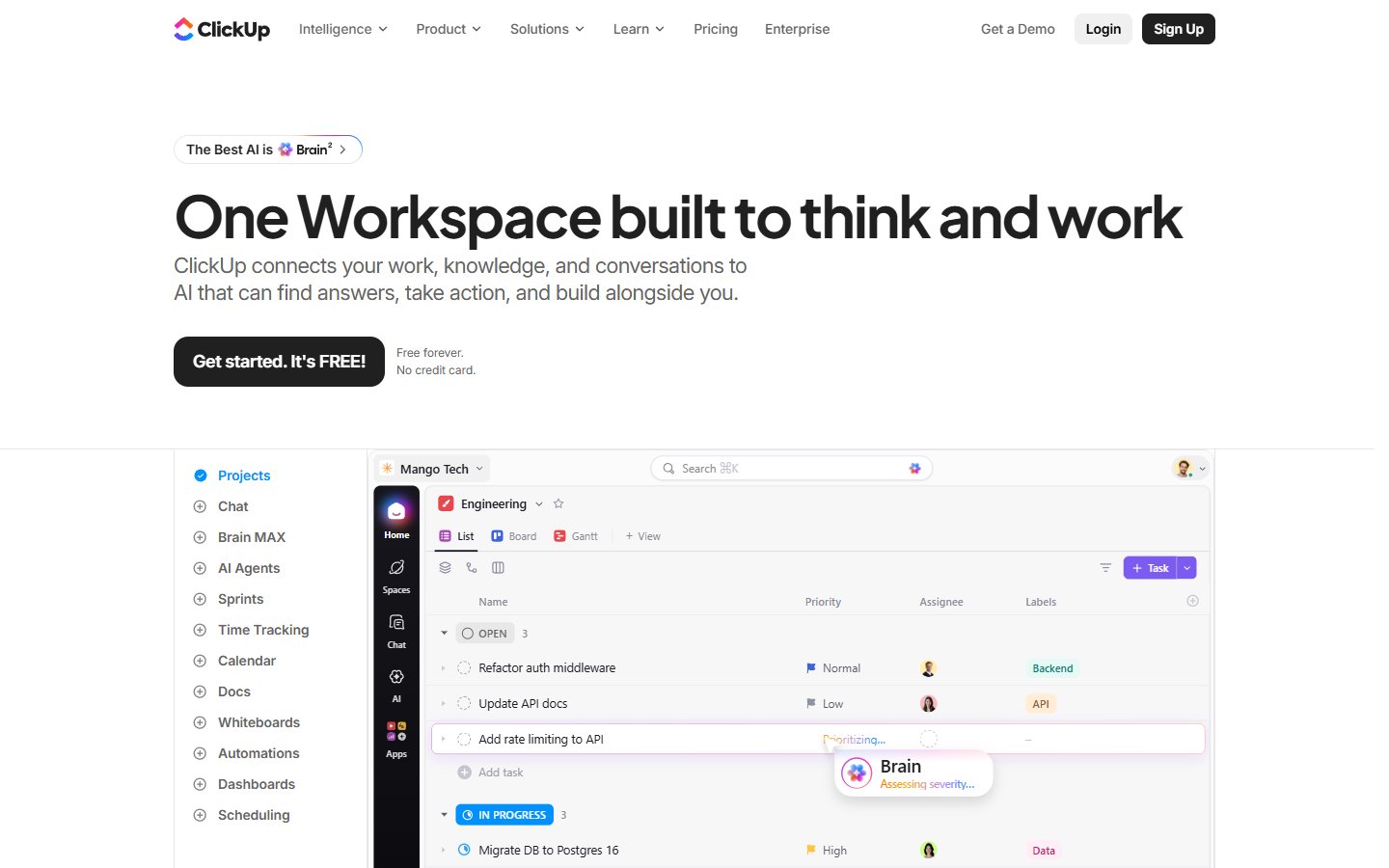
The editorial case is a team willing to evaluate its required workflow explicitly rather than adopting every visible feature. Begin with a short list: task intake, ownership, status, review and retrieval. Ask the workspace owner to demonstrate these using only the ongoing free scope. Record any feature that is temporarily available so it cannot quietly become a hidden dependency.
A useful pilot is a recurring operations checklist. Create a representative work item, assign it, attach the permitted reference material and take it through review. Have another person locate the final decision later. If the team depends on a specific dashboard, automation, custom field or AI function, verify its permanent plan treatment separately before approving the workflow.
The potential pro is the availability of a free entry point for evaluation. The con is the risk of confusing a broad product demonstration with the smaller entitlement the team can retain. This is a procurement and adoption risk, not a finding that any specific undocumented feature is absent. Keep unknowns in the worksheet until official documentation or the actual account resolves them.
Resist recreating every spreadsheet field on day one. Start with the information a teammate needs to take the next action. Additional fields should answer a real operating question: what is waiting, who owns it or what evidence closes it. A complex setup can consume more maintenance effort than the free subscription saves, regardless of which vendor provides it.
The buying trigger should identify the verified constraint and the work it blocks. If a useful automation is paid, estimate how often the manual step occurs before choosing an upgrade. Label the estimate as an assumption until observed. Do not claim a productivity return from a theoretical feature count, and do not treat temporary AI access as proof of a sustainable zero-cost process.
Zoho Projects: use current corroborated plan evidence
Zoho Projects’ current pricing page lists a free tier with five users and three projects. The current edition comparison corroborates three projects. Older help material describes different limits, so this guide uses the current pricing evidence and does not make a claim about grandfathered accounts or historical editions.
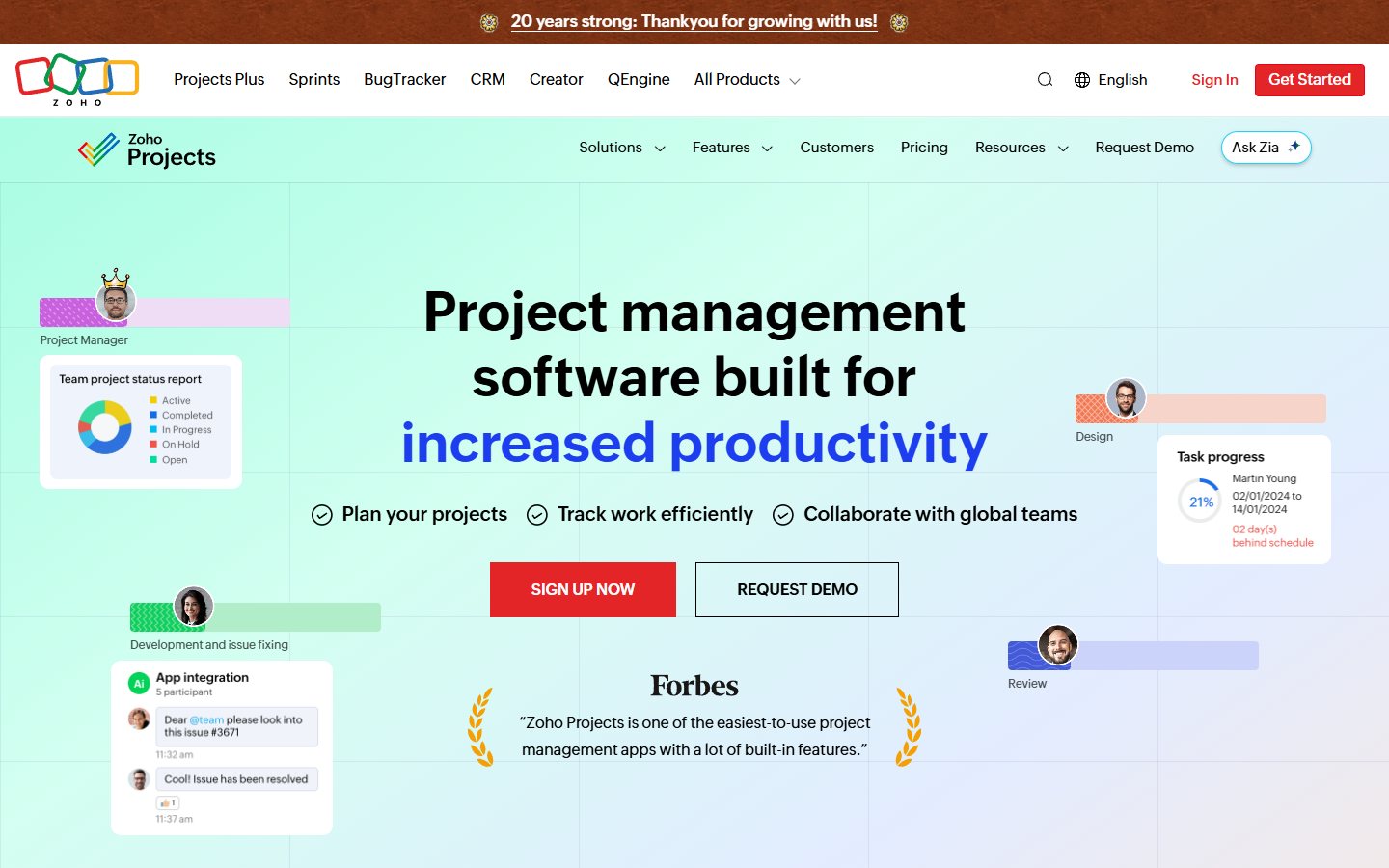
The editorial fit is a small team with a clearly bounded active portfolio. For example, a studio may have three concurrent client projects and five internal participants. The important question is whether completed work, new work and external reviewers fit the account’s actual treatment. Do not assume that archiving a project resets a limit without checking the relevant current behavior.
For a pilot, define one project with an approved scope, milestones and tasks. Record which tasks depend on a client decision and which can proceed independently. The purpose is to see whether the team can understand the delivery sequence and identify the next owner. You do not need to reproduce every possible project-management method to evaluate that basic requirement.
The potential pro is a documented free capacity envelope that a small team can compare with its active workload. The con is that the portfolio limit can become the decisive constraint before individual task volume does. Separate users, projects and required functionality in the worksheet. One allowance should not be used as a proxy for all the others.
Treat the documentation discrepancy as a research lesson. Save the current source and the account-specific confirmation you rely on. If the account presents different limits, resolve that mismatch before migration rather than choosing whichever number makes the shortlist look stronger. A date-stamped source is useful because software editions change; it is not a guarantee that all accounts share identical terms.
The buying trigger might be a fourth necessary active project, an additional essential user or a verified requirement outside Free. State the trigger in the team’s own language. “We need a separate workspace for each of four ongoing clients” is more useful than “we want more powerful project management,” because the former can be checked against a real plan and a real operating need.
Wrike: check the core coordination workflow
Wrike’s Free documentation describes core tools including projects, tasks, subtasks, comments and file sharing. The same official guidance limits Free to one shared space and 200 active tasks, including subtasks. This guide does not infer an unlimited allowance or advanced reporting entitlement from the feature description. Verify the current capacity and the exact feature scope needed by your team before choosing it as the permanent system.
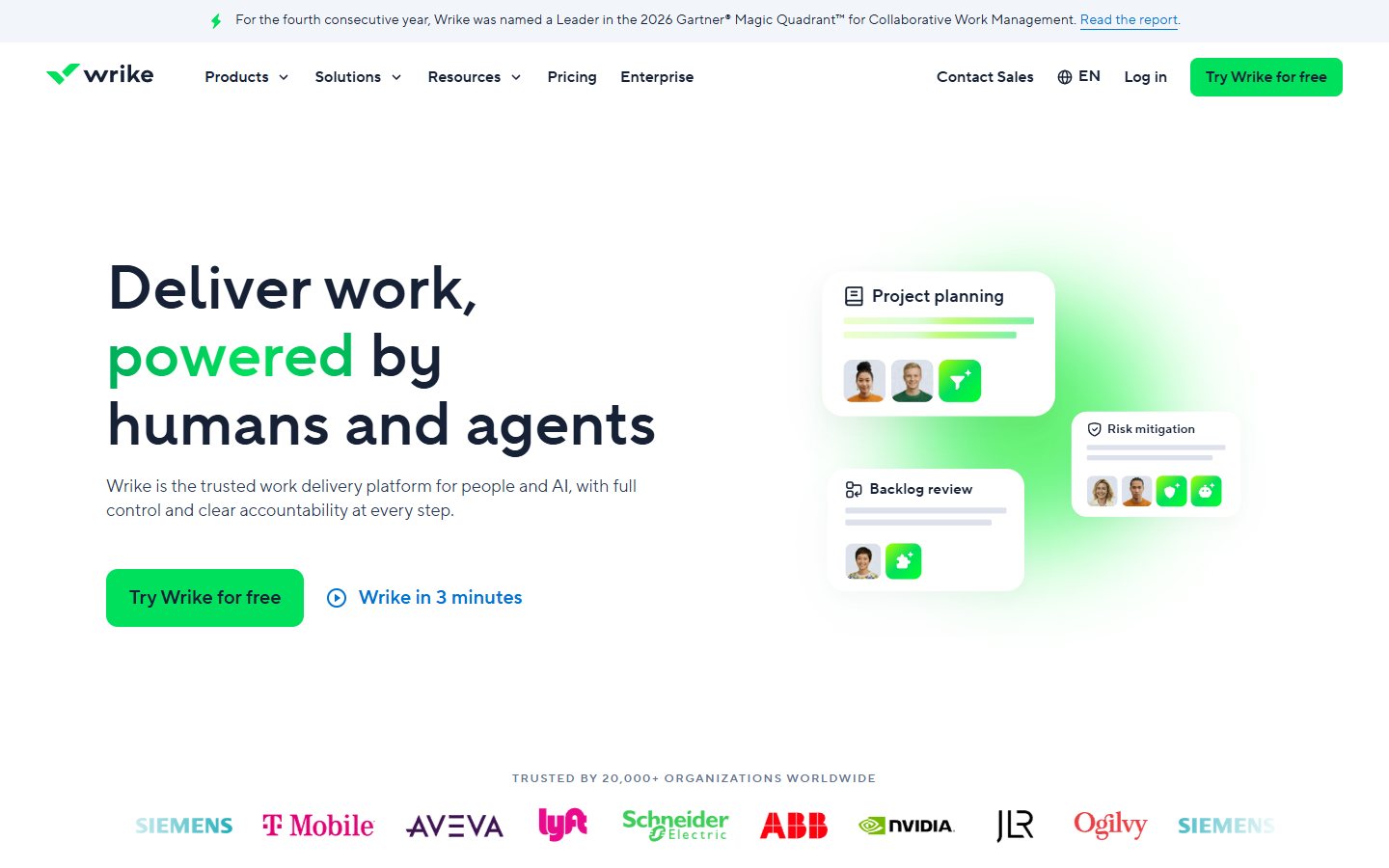
The editorial reason to shortlist Wrike is a task-and-project structure that the team can evaluate without assuming paid portfolio features. Consider an internal service team taking requests from several departments. The pilot should make the relationship between a request, its tasks and the final acceptance visible. A structured hierarchy is useful only if people can find their work and understand who acts next.
Try a request containing several subtasks and a change in scope. Ask the owner to record the original requirement, the requested change and the decision. Then ask another teammate to identify which work remains authorized. This checks whether the process preserves decisions rather than simply collecting comments. The exercise is a proposed workflow test, not a claim that we used a Wrike account.
The potential pro is access to documented core coordination tools. The limitation is the need to verify the surrounding envelope instead of treating the word “Free” as a complete specification. Capacity, history, permissions and exports can matter as much as task creation. Mark anything not established by current evidence as unknown until the pilot or official guidance resolves it.
For teams with occasional participants, check how access is granted and removed. Who owns the workspace if the original administrator leaves? Can the team retrieve the project record? These are general acceptance questions rather than assertions about an undocumented Wrike capability. A free product should still have an accountable owner and an understood offboarding process.
Choose the next step from the observed constraint. If the core workflow passes and required scope remains available, continue the bounded pilot. If an essential permission or retrieval requirement fails, compare an upgrade with another candidate. Do not stretch a tool into a role that forces the team to maintain a second unofficial source of truth for decisions.
Build a capacity envelope before migrating
Create one worksheet with six rows: active operators, external participants, active projects, attachment needs, required review process and exit requirements. Enter the current need and a plausible near-term scenario for each. Keep assumptions labeled. This gives the shortlist a concrete operating target without inventing a universal team size or an unsupported growth forecast.
Count occasional access explicitly. A contractor who joins once a month may still affect the plan. A pending invitation can matter in a workspace with a collaborator ceiling. A manager who only reads status may have a different access route from an editor, but that difference must be documented rather than assumed. Match your participant census to the vendor’s actual definitions.
Separate storage from file size and retention. The team may store references elsewhere, but the project record still needs stable links and appropriate permissions. Test the experience of someone who did not create the folder. A project-management tool that links to inaccessible documents will appear organized while leaving the next person unable to complete the task.
Run one full project cycle
Use a noncritical project with a real beginning and end. Start at request intake, confirm the brief, assign work, record a review, resolve one change and close the deliverable. Include one blocked item and one handoff. This produces more useful evidence than filling a demo workspace with dozens of attractive sample tasks that never require a decision.
Ask two people to work from the tool without a verbal explanation. Can they tell what is ready, what is blocked and who must act? Can the reviewer find the acceptance criteria? If they cannot, first inspect the workflow design. A new subscription will not automatically repair unclear ownership or vague task descriptions.
At closure, retrieve the decision record and verify a practical exit path. Keep an authorized backup or export where available and appropriate. Record what does not transfer. Do not delete the original project history until the team has accepted the migrated record. Migration is complete when the work and its decisions remain usable, not merely when a CSV upload reports success.
Buying advice: upgrade from a demonstrated constraint
Use a specific threshold to trigger a purchase review: a required participant no longer fits, an essential permission is unavailable or a recurring manual task has a documented cost. Compare the actual offer against another suitable option. This guide does not quote paid prices or claim that an upgrade will pay for itself. Preserve the distinction between vendor charges and internal maintenance effort.
The right free plan may be less elaborate than the most impressive demonstration. A small team benefits when everyone understands the operating process and the plan can retain it. Use our Project Management evaluation guide , task management comparison , workflow automation guide and Productivity Tools guide for adjacent decisions. Browse the Project Management category for related coverage.
Frequently asked questions
Which free project management plan is best for a small team?
Begin with the complete participant count and required workflow. Trello, Asana, ClickUp, Zoho Projects and Wrike are candidates with documented free options, but their scope differs. Test the permanent allowance with one complete project cycle. This article provides a task-based shortlist rather than a measured overall winner.
Do Trello guests count toward the free collaborator limit?
Yes. Trello’s official guidance says the free-workspace collaborator count includes board guests as well as workspace members and pending invitations. Count clients and contractors before creating the workspace. A small employee count does not establish that the full collaboration remains within the documented limit.
Can I rely on an old Asana free-team limit?
Use current official evidence for the account you plan to adopt. The pricing page checked for this guide lists Personal for two users. Older guides can describe a different allowance. Do not assume a historical statement applies to a new workspace or proves a particular legacy account arrangement.
Are AI features part of every ongoing free plan?
No such general assumption is safe. A product can offer a permanent free workspace while exposing AI through a trial or separate paid arrangement. Identify which features remain after the trial and verify the account-specific terms. Keep the team’s essential process independent of temporary access until that question is resolved.
When should a team pay for project management software?
When a demonstrated requirement exceeds the usable free scope and the actual paid offer solves it at an acceptable total cost. Document the participant, permission, capacity or workflow constraint. Compare alternatives and include setup, review and migration effort. Paying because a feature exists is weaker evidence than paying to remove an observed operating bottleneck.