Bigin vs HubSpot CRM: Which Is Better?
Compare Bigin and HubSpot CRM for pipeline structure and sales-to-onboarding work. Check records, access, migration and the exact purchase scope.
Bigin is worth shortlisting when a small team wants customer work organized around clearly defined pipelines. HubSpot is worth shortlisting when the decision includes a broader customer platform and several connected business functions. Neither choice is settled by the number of features on a product page. Compare the actual sale, handoff, record permissions and subscription needed by your team.
Research scope and limitations
- Research type
- Official-source documentation review and editorial analysis
- Sources reviewed
- 6
- Hands-on tested
- No
- Last verified
- November 12, 2026
- Limitations
- Official public-source review, not an authenticated account test or performance benchmark. Numeric Descript pricing is dated official information; personalized rates and account-specific entitlements require confirmation. Proposed tests and verdicts are editorial analysis.
Table of contents
Direct answer
Bigin is worth shortlisting when a small team wants customer work organized around clearly defined pipelines. HubSpot is worth shortlisting when the decision includes a broader customer platform and several connected business functions. Neither choice is settled by the number of features on a product page. Compare the actual sale, handoff, record permissions and subscription needed by your team.
The useful question in Bigin vs HubSpot CRM is what happens after a salesperson changes a deal to won. Can the next person see the promise made to the customer, accept responsibility and complete the next step without rebuilding the record elsewhere? A system that tracks opportunities neatly can still leave delivery waiting for an email.
This comparison uses official public product and documentation pages reviewed November 12, 2026. It is a documentation review and independent editorial analysis, not an authenticated trial. We have not measured either product’s reliability, implementation time or financial return. Numeric paid prices are excluded because the Bigin pricing response localized and displayed incomplete paid values. Verify current currency, billing term and entitlements directly before buying.
Bigin vs HubSpot CRM at a glance
| Decision | Bigin | HubSpot CRM | What to inspect |
|---|---|---|---|
| Starting point | Pipeline-oriented customer work | CRM within a broader customer platform | Which team owns the workflow? |
| Process structure | Team Pipelines and sub-pipelines | Object pipelines with stages | Are records and relationships modeled correctly? |
| Handoff design | Separate customer-facing processes can have their own pipeline structure | Different objects and associated processes need a deliberate design | Does the next owner get enough context? |
| Access | Pipeline-specific customization and access are documented | Pipeline setup requires the documented permissions | Test a restricted user, not only an administrator |
| Plan evaluation | Check the current edition and feature matrix | Check product, pricing model and subscription scope | Is the demonstrated feature included in the intended account? |
| Best starting hypothesis | A bounded customer process that benefits from visible stages | A customer-process roadmap spanning more functions | Treat these as trial hypotheses, not proven outcomes |
Sources: Bigin Team Pipelines , Bigin feature availability , HubSpot CRM and HubSpot pipeline documentation . The final column is our proposed evaluation method. No row promises that an entire workflow is included in every plan.
For the broader selection process, start with our CRM software evaluation guide . This article narrows that decision to two products and a specific sales-to-onboarding boundary.
Where Bigin makes sense
Bigin’s official Team Pipelines page describes separate processes for customer-facing work, with sub-pipelines and customizable fields and stages. That gives a small team a concrete model to investigate: sales can have one process while onboarding has another. It does not establish that your particular transition, approval or reporting requirement is already configured.
Consider an illustrative equipment supplier. A salesperson qualifies an inquiry, collects the required specification and agrees a delivery window. An operations colleague then checks availability and arranges installation. Those are different responsibilities. Copying every sales stage into an installation pipeline would make the record harder to interpret.
For this team, evaluate whether each process can ask for the information it actually needs. The sales record might need decision-maker and quote details. Installation might need a confirmed address and access arrangements. Keep the shared customer identity consistent while inspecting how the relevant records connect. This is a proposed design exercise, not a claim that we built it in Bigin.
Strengths to investigate: the documented pipeline model offers a way to make different customer operations visible without treating every activity as the same kind of deal. A clearly bounded workflow also gives a manager a manageable starting point for configuration and training. The latter is editorial reasoning, not a measured ease-of-use advantage.
Limitations: an edition’s pipeline allowance is not the only constraint. Fields, records, automation and integrations can also affect the design. Consult the current Bigin plan matrix , then ask the vendor to demonstrate the exact required actions. Do not translate a pipeline feature into a promise of full project management, sophisticated campaign attribution or an unrestricted service platform.
Best fit: a team that can name a small set of customer processes, assign a responsible owner to each one and define observable exit conditions. If nobody agrees what a stage means, the visual board will expose that uncertainty rather than resolve it.
Where HubSpot makes sense
HubSpot’s CRM overview places customer records within its wider marketing, sales and service offering. That makes it a candidate when today’s sales decision is connected to a wider customer-operation roadmap. It also makes purchase scope important: a free CRM entry point does not mean every function across the platform is free or available on the same terms.
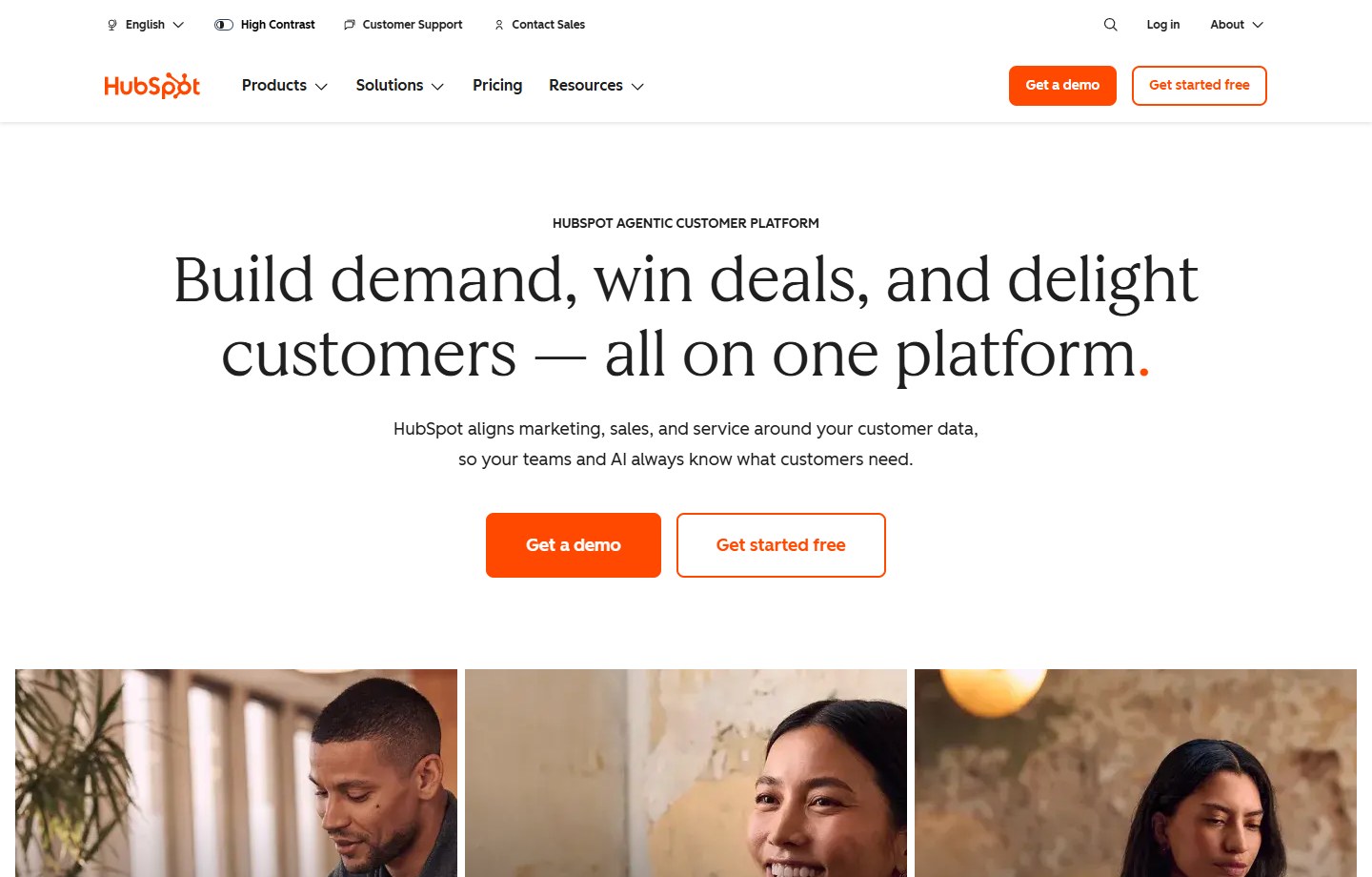
Source: HubSpot official public page , captured November 12, 2026. Vendor presentation; no account test or performance result is implied.
The official pipeline documentation describes stages for different objects and explains that some capabilities require particular subscriptions. It also distinguishes pricing models. Read the documentation applicable to the actual portal before treating a screenshot or an older plan comparison as authoritative.
An illustrative business selling recurring services might need a deal record for commercial qualification, a service process for customer issues and a separate view of renewal opportunities. The buying team should establish which objects represent those needs and what connects them. Trying to force an issue, renewal and delivery milestone into one overloaded deal stage would make reports ambiguous.
Strengths to investigate: the platform scope is relevant when several departments need a coherent customer model. It can support a serious evaluation of how customer-facing work should connect. That is a reason to shortlist HubSpot, not evidence that every integration or department-specific requirement has been solved.
Limitations: scope can expand during evaluation. A team starts by demonstrating contacts and deals, then adds reporting, automation and other functions without recording the required products or subscriptions. The result can be a comparison between a narrow Bigin configuration and an unpriced HubSpot demonstration. Keep the intended configuration written beside every requirement.
Best fit: a team with an owner for the wider customer data model and a justified reason to assess functions beyond a single sales board. A large feature catalogue is less helpful when nobody will maintain the relationships, permissions and operating definitions after launch.
Make the handoff the center of the comparison
Use one representative customer engagement in both evaluations. Include an ordinary successful case and a troublesome case, such as a signed agreement whose installation details are incomplete. The difficult case tells you whether the process prevents premature progress or merely records it after the fact.
Create a small evidence pack before the demonstration: the fictional customer’s name, a sample quote, the agreed scope, a missing-information example and the roles of the people involved. Keep personal customer data out of an exploratory trial unless its use has been approved. Record the product configuration and plan under evaluation so the demonstration can be reproduced.
Then follow five moments:
- Capture: identify the customer and the reason for the inquiry without creating duplicate identities.
- Qualify: record the information needed to decide whether the opportunity is real.
- Commit: identify who can approve the commercial promise and what must exist first.
- Transfer: make the receiving owner and required delivery information visible.
- Close: record what finished, what remains outstanding and where an exception belongs.
The evidence should be a record or visible system action, not a presenter saying that it can be automated later. Where a demonstration relies on an integration or a custom action, mark that dependency. A manual transition can be acceptable if the team understands its owner and workload. An undocumented manual transition is the problem.
Our sales pipeline stages and CRM design guide explains why stage definitions need observable exit conditions. Here, use that principle to avoid declaring either product better merely because moving a card is convenient.
Separate record structure from the appearance of the board
A board can look correct while the underlying information is wrong. For example, a company may have two contacts, three active opportunities and one installation issue. Decide which facts belong to the company, which belong to a person and which belong to the individual engagement before importing anything.
Build a tiny relationship map in plain language: one customer organization can have several contacts; one contact can participate in more than one opportunity; one won engagement can generate follow-up work. These are business requirements to validate, not assertions that both products implement every relationship identically.
For each relationship, ask the demonstrator to show where the information lives and what happens when it changes. Change a contact’s email address, reassign the opportunity and cancel the follow-up activity. Check whether the team still sees a coherent account of events. Do not score the systems on an assumed synchronization behavior.
Avoid carrying spreadsheet shortcuts directly into the CRM. A column labeled “client status” might mix payment, sales and delivery meanings. Splitting those meanings during migration is often more valuable than importing every historical label. Our CRM data cleanup guide provides supporting preparation steps.
Test access with real responsibilities
An administrator’s view is insufficient evidence for everyday operation. Define at least three evaluation roles: the salesperson, the receiving operator and the manager. Add a restricted role if contractors or external collaborators are part of the process. Verify the applicable account’s access controls rather than assuming a permission described elsewhere is included.
Ask the salesperson to make a normal update and then attempt an inappropriate change, such as editing an approved commercial amount. Ask the operator to find the delivery requirements without exposing unrelated sensitive information. Ask the manager to identify unaccepted handoffs. The desired results must be agreed before the exercise.
Record the difference between prevention and detection. A configuration that blocks an unauthorized action is different from a report that reveals it later. Either might meet a requirement, but the operating burden is different. If an approval depends on a separate tool, include that tool in the implementation and cost review.
Also test reassignment when someone is absent. A CRM can contain a named owner while the actual work remains unattended. Decide who checks stalled records, who can reassign them and how the team knows that responsibility was accepted. This is process design that should accompany either purchase.
Migration and integration questions that change the decision
Start with a controlled sample import rather than the whole database. Include duplicate names, an organization with several contacts, an old inactive opportunity and a record with missing required information. Define expected results for each case before opening the import tool.
Save the input file and record how the fields were mapped. After import, check record counts, relationships and a few critical values. A matching total does not prove that the right contacts are associated with the right customer. Inspect those associations directly.
For each integration, ask four questions: what event starts it, what fields it transfers, what happens when it fails and who resolves the exception. The existence of an integration listing does not answer those questions. Permissions, connector subscriptions and third-party charges may sit outside the demonstrated CRM package.
Before any cutover, decide how to stop simultaneous editing of the old and new systems. Otherwise, two apparently reasonable records can diverge during migration. The CRM migration checklist is useful for planning ownership, validation and a fallback route.
Pricing: compare a specified operating configuration
Check Bigin’s official pricing page and HubSpot’s current pricing catalogue . We are not publishing a numeric paid-price comparison because the retrieved Bigin page localized and rendered incomplete paid values. A zero in an incomplete dynamic response is not a verified free paid plan.
Build a quote worksheet with named users, required processes, record volume, required integrations and the functions demonstrated. Add currency, taxes, billing term and any implementation or outside-connector costs. For HubSpot, identify the required products and applicable pricing model. For Bigin, identify the edition and any required extensions or additional capacity.
Then evaluate three operating cases: the current team, a modest expansion and a change in workflow scope. Use your own realistic assumptions. Label every illustrative quantity so nobody mistakes it for a vendor limit. The goal is to discover which requirement causes a purchase change, not to manufacture a dramatic savings claim.
A higher subscription can still be justified if it replaces work the team genuinely needs and can maintain. A lower subscription can be the better decision if the broader platform adds administration without solving a real problem. Neither outcome can be concluded from a headline monthly price alone.
A practical trial scorecard
Use pass, qualified pass and fail rather than invented star ratings. A pass requires observed evidence in the intended configuration. A qualified pass identifies an acceptable dependency or manual step. A fail means a necessary requirement has not been met or verified.
| Requirement | Evidence to collect | Stop condition |
|---|---|---|
| Accurate customer identity | Checked sample records and associations | Duplicates or wrong relationships remain unexplained |
| Usable handoff | Receiving owner finds scope and accepts work | Next step still depends on an undocumented message |
| Appropriate access | Restricted-role exercise | A sensitive change lacks the required control |
| Maintainable process | Named administrator explains routine changes | Ordinary adjustments require unowned custom work |
| Clear purchase scope | Written quote tied to the demonstration | Critical entitlement or recurring cost is unknown |
Keep unresolved items visible. Do not average a serious permissions failure into a numerical score that still looks acceptable. A requirement that protects confidential information or prevents an unauthorized commitment deserves its own decision.
For a smaller team, the founder-led CRM selection guide offers a useful reminder to match administration to actual capacity. Someone must own the operating model after the initial excitement of implementation ends.
Editorial verdict
In Bigin vs HubSpot CRM, start with Bigin when a clearly bounded pipeline-based operating model is the requirement to prove. Start with HubSpot when the purchase is part of a justified broader customer-platform decision. Treat those as conditional recommendations from documented scope, not claims of superior performance.
Choose the product whose specified configuration demonstrates your essential handoff with understandable ownership, acceptable access controls and a defensible recurring cost. If neither demonstration passes, improve the process definition or continue evaluating. Buying a CRM does not settle unresolved responsibilities between people.
FAQs
Is Bigin the same product as Zoho CRM?
No. This comparison concerns Bigin, with its own product pages, editions and pipeline documentation. Do not assume a capability or subscription described for the broader Zoho CRM product is included in Bigin. Ask for the exact product and edition when a demonstration introduces another Zoho service.
Is HubSpot automatically better for a growing business?
No. Growth can mean more users, more records or genuinely different customer processes. Those create different requirements. HubSpot’s wider scope is a reason to evaluate it when the roadmap needs that scope. It is not evidence that every growing team will benefit from adopting it.
Can Bigin manage work beyond the sales pipeline?
Bigin documents Team Pipelines for different customer-facing operations. Validate your specific onboarding or service process, record relationships and required edition. Do not infer unrestricted project management, every reporting capability or every automation from the existence of additional pipelines.
Why are paid subscription prices not listed here?
The Bigin pricing response reviewed for this article localized and contained incomplete paid values, so publishing those numbers would be misleading. Obtain current official quotes for both specified configurations. Compare currency, billing term, user roles, required capacity and any separate services.
What should decide the trial if both products look suitable?
Use the most important unresolved operational requirement: a reliable handoff, a permission boundary or a relationship that must survive migration. Require visible evidence in the intended subscription. If both pass, compare ongoing administration and total quoted scope rather than relying on a generic feature count.