Bolt.new Features: Complete Guide
A practical guide to Bolt.new features, including prompt-based app generation, browser development, imports, deployment, and collaboration.
Direct answer
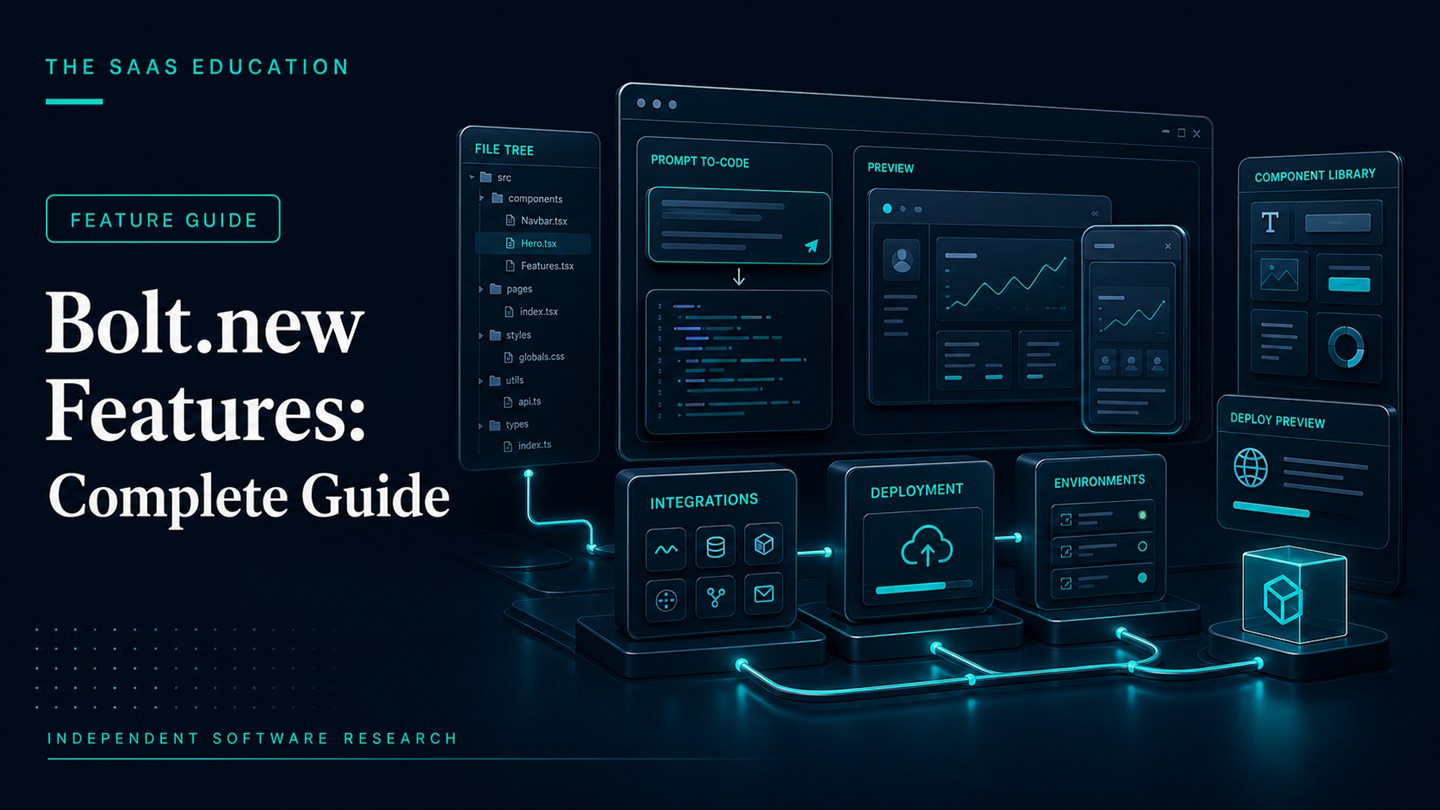
Bolt.new combines prompt-based application generation, editable code, a live browser preview, imports, deployment, and Bolt Cloud services in one workspace. The integration is the important feature: users can move from a written requirement to a running web project without assembling a local development environment first.
That convenience does not make every generated application production-ready. Features that accelerate creation still need engineering ownership, security review, testing, accessibility checks, and operational controls. This guide explains what each capability is useful for, what it does not prove, and what a buyer should verify.
We reviewed official Bolt pages on August 24, 2026. Availability, usage allowances, supported integrations, and plan boundaries can change.
Bolt.new feature summary
| Feature area | Practical use | Important qualification |
|---|---|---|
| Prompt-based generation | Creates an initial application from written requirements | Output quality depends on specification and review |
| Browser workspace | Brings code, preview, and iteration together | Complex debugging still requires technical skill |
| Code editing | Lets users inspect and change generated files | Editable code is not automatically maintainable code |
| Imports | Starts from supported repositories or design assets | Test compatibility on a copy before relying on it |
| Bolt Cloud | Supports deployment and backend-related workflows | Limits and responsibilities vary by plan |
| Collaboration | Helps teams share and iterate on projects | Governance and ownership must be defined |
| Deployment | Shortens the path to a public environment | Release controls, monitoring, and rollback remain necessary |
Prompt-based application generation
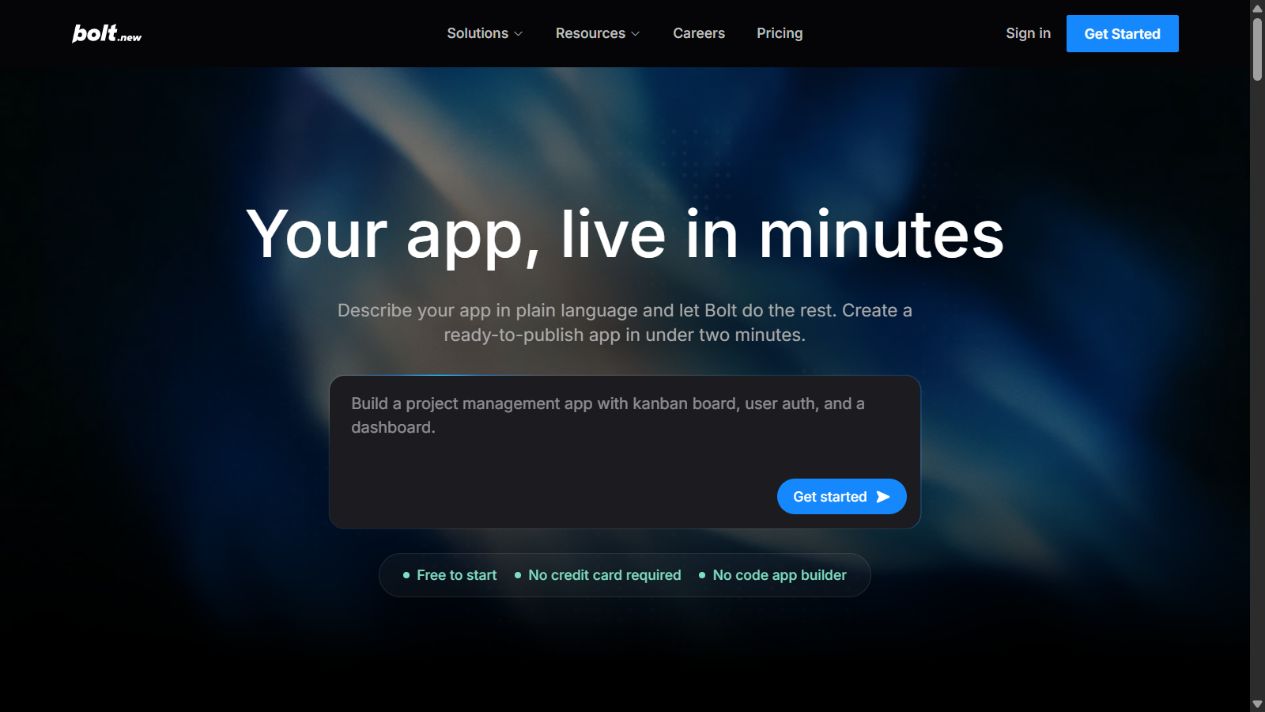
Users describe the application they want, including pages, workflows, data, visual direction, and behavior. Bolt generates project files and a running result. This is useful for moving from an idea to something stakeholders can inspect.
The prompt should be treated as a specification, not a wish. Define users, permissions, states, errors, data rules, acceptance criteria, and exclusions. A vague prompt can create an attractive default while overlooking the difficult behavior that determines whether the application works.
Use generation for a bounded first version. Review what was created before requesting broad changes. Smaller instructions make regressions easier to identify and reduce unnecessary regeneration.
Integrated browser development workspace
Bolt’s browser environment connects conversation, project files, code, runtime output, and preview. This reduces context switching and makes prototypes accessible to people who do not maintain a local toolchain.
The workspace is especially useful during discovery. Product managers can clarify a flow, designers can inspect interaction states, and developers can review the resulting structure. It does not eliminate the need to understand build tools, dependencies, environment variables, logs, and browser behavior when a project becomes important.
Confirm that the team can diagnose failures rather than only regenerate the application. Repeatedly asking the agent to fix an unexplained problem can consume usage and introduce unrelated changes.
Editable source code
Generated code can be inspected and edited, which distinguishes Bolt from a closed visual mockup. This matters because teams can review dependencies, correct implementation details, and continue work through conventional engineering practices.
Code access does not answer whether the architecture is appropriate. Review naming, component boundaries, state management, data access, error handling, tests, and dependency quality. Verify that another developer can understand the project without reconstructing the entire prompt history.
Establish version control before significant changes. Commit stable milestones, use descriptive messages, and preserve a rollback point. The ability to edit code is valuable only when changes remain governable.
Live preview and iterative changes
A running preview helps users see whether instructions produced the intended interface. It supports rapid feedback on layout, copy, navigation, and simple interactions.
Visual completion can be misleading. Test empty, loading, error, permission, long-content, narrow-screen, and slow-network states. Verify forms with invalid data and confirm that destructive actions require suitable safeguards.
Use explicit acceptance criteria after each iteration. For example, specify that a user without permission cannot access a route, a failed request shows a recoverable error, or keyboard focus remains visible. This turns iteration into validation rather than cosmetic adjustment.
Project imports and existing assets
Official Bolt material describes ways to begin from supported repositories and design assets. Importing can reduce setup when a team already has code, a prototype, or a design direction.
Compatibility should be tested with the real technology stack. Complex repositories may depend on services, build steps, private packages, or environment assumptions that do not transfer cleanly. Use a branch or copy, document unsupported elements, and never expose production credentials during an experiment.
An import test should answer whether the project builds, whether the agent understands its structure, whether changes remain scoped, and whether the result can return to the team’s normal repository workflow.
Bolt Cloud and backend capabilities
Bolt describes Bolt Cloud as the infrastructure surrounding generated applications, including hosting and supporting backend workflows. This can simplify a prototype because deployment and services are closer to the creation environment.
Buyers should separate convenience from responsibility. Verify data location, authentication, authorization, backups, secrets, logs, limits, service availability, and export options. Confirm which capabilities are built into the selected plan and which rely on external providers.
For sensitive or regulated use, official feature pages are not enough. Security, privacy, legal, and compliance owners need to assess the actual configuration and contract.
Hosting, publishing, and custom domains
The ability to publish from the same environment shortens the feedback loop. It works well for demonstrations, campaign pages, and low-risk prototypes.
Before a production release, define domain ownership, DNS changes, TLS, environment separation, monitoring, incident response, backups, rollback, and who can deploy. A one-click publishing action should not become a one-person production process.
Test the deployed version rather than assuming it matches the preview. Check headers, caching, redirects, forms, analytics, accessibility, mobile behavior, and external integrations in the target environment.
Collaboration and team controls
Team capabilities can support shared projects and administration. Their value depends on whether responsibilities are visible: who owns requirements, who approves code, who controls deployment, and who responds when a service fails.
Review seat rules, project privacy, sharing, membership management, usage visibility, and offboarding. Use company-owned accounts for company assets. Avoid building a critical application in an individual’s workspace without a transfer plan.
Collaboration should create review, not merely more generation. Require peer inspection for material changes and preserve decisions outside transient chat history.
AI assistance across the project lifecycle
Bolt can help create files, revise interfaces, explain code, and respond to errors. The most effective use is usually a sequence of constrained tasks rather than one request for a finished system.
Start with architecture and boundaries, create one vertical workflow, validate it, and then expand. Ask the agent to explain significant changes and identify assumptions. When a bug appears, capture the error and reproduce it before requesting a fix.
Never accept a change solely because the preview looks right. Inspect the code and run tests appropriate to the risk.
Feature limitations buyers should understand
Security is not automatic
Generated authentication, authorization, validation, and secrets handling require review. A functioning login screen does not prove that access controls are correct.
Context and usage are finite
Large projects and repeated iteration can consume substantial tokens. Break work into clear milestones and keep stable documentation outside the conversation.
Integrations create external dependencies
APIs, payment services, databases, analytics, and email providers have separate limits, costs, and failure modes. Verify each one independently.
Maintenance remains a human responsibility
Dependencies, browsers, APIs, and business requirements change. Assign an owner for updates, monitoring, incidents, and technical debt.
First-pass quality varies
The result depends on the prompt, framework, project context, and required behavior. Evaluate a representative workflow rather than a polished demonstration.
Feature evaluation checklist
- Can the team specify the workflow and acceptance criteria clearly?
- Does the generated project use an approved stack and dependency set?
- Can a developer understand and maintain the code?
- Are authentication and permissions enforced server-side where required?
- Are secrets excluded from code and prompt history?
- Do imports and exports work with the team’s repository process?
- Does the deployed project pass functional and accessibility checks?
- Are hosting limits, logs, backups, and rollback understood?
- Can administrators manage membership and project ownership?
- Is the time saved greater than the review and repair effort?
Run a feature pilot that produces evidence
A feature list becomes useful only when it is tested against a representative job. Choose one workflow with enough complexity to expose real constraints but without sensitive production data. Define the expected users, screens, permissions, data objects, integration points, and acceptance criteria before opening the builder.
In the first stage, ask Bolt to create the smallest complete path. For example, a request workflow might include submission, validation, an approval state, an audit note, and a clear failure message. Avoid adding dashboards and decorative pages until the core behavior works.
During the second stage, inspect what was generated. Record the framework, dependencies, folder structure, data model, authentication approach, environment variables, and deployment settings. A developer should identify any surprising package, insecure default, duplicated logic, or inaccessible interaction.
The third stage should test controlled changes. Add a new role, alter a data rule, and revise one shared component. Observe whether the agent keeps changes scoped or disrupts working behavior. This is more informative than judging the initial screen because real software spends most of its life being changed.
Finally, deploy to a non-production environment and validate the published result. Test mobile layouts, keyboard operation, invalid input, slow responses, browser differences, permissions, logs, and rollback. Record token consumption and manual repair time for each stage.
The pilot passes only when the team can reproduce the project, explain the code, correct defects, and operate the deployed result. A visually convincing preview alone is not a pass.
Capability-to-risk matrix
| Capability | Useful signal | Risk signal | Required control |
|---|---|---|---|
| Prompt generation | Bounded workflow works with clear instructions | Broad regeneration changes unrelated behavior | Small tasks and versioned milestones |
| Code editing | Developer can understand and revise output | Team depends entirely on further prompts | Named technical owner and code review |
| Import | Existing project builds without destructive changes | Private dependencies or configuration fail silently | Test branch, credential isolation, compatibility notes |
| Cloud deployment | Staging release is repeatable and observable | Production is published without approval or rollback | Release checklist, roles, logs, backups |
| Integrations | Errors and limits are handled explicitly | Credentials are exposed or failures are ignored | Secrets management and integration tests |
| Collaboration | Reviews and ownership are visible | Shared access creates uncontrolled changes | Membership controls and peer approval |
Documentation the team should retain
Keep a written project brief, architecture summary, dependency list, data classification, environment inventory, deployment procedure, rollback instructions, and known limitations. Record which parts were generated and which were manually changed. Store important decisions with the repository rather than relying on conversation history.
For each release, note the Bolt plan and environment used, date, source revision, tests completed, unresolved risks, and approver. This documentation turns a rapid prototype into an auditable engineering artifact and makes future maintenance less dependent on the original operator.
Who benefits most from these features
Bolt is a strong fit for teams that need rapid prototypes, internal demonstrations, landing pages, or contained applications and have access to technical review. It can also help developers reduce setup for familiar patterns.
It is a weaker fit when the application is highly regulated, architecturally complex, latency-sensitive, deeply integrated, or unsupported by a capable owner. In those cases, Bolt may still assist discovery, but production should follow the organization’s established engineering process.
Final guidance
Bolt.new’s most important feature is the connected path from requirement to editable, running, deployable application. Evaluate that path with a realistic project, then judge code quality, security, operability, cost, and exportability. The features can accelerate software work, but they do not replace accountable software engineering.
FAQs
What is Bolt.new’s main feature?
Its main feature is an integrated prompt, code, preview, and deployment workflow in the browser.
Can Bolt.new import an existing project?
Official material describes supported import workflows. Test the real repository on a copy and verify compatibility before relying on it.
What is Bolt Cloud?
Bolt Cloud is the surrounding deployment and infrastructure layer described for generated applications under applicable plans.
Does Bolt.new replace testing?
No. Applications still require functional, security, accessibility, performance, and regression testing.
Can Bolt.new be used for production software?
It can contribute to production work, but a qualified owner must review architecture, security, data, dependencies, deployment, monitoring, and maintenance.
Official sources
Frequently asked questions
What is Bolt.new's main feature?
Its defining feature is an integrated browser workflow that turns natural-language instructions into editable application code, a running preview, and a deployment path.
Can Bolt.new import an existing project?
Official Bolt material describes import workflows, including GitHub and design-related starting points. Compatibility should be verified with a copy of the actual project.
What is Bolt Cloud?
Bolt Cloud is the surrounding infrastructure described for deploying and operating generated projects, including hosting and supporting backend capabilities under applicable plans.
Does Bolt.new replace software testing?
No. Generated applications still need functional, security, accessibility, performance, browser, and regression testing.
Did The SaaS Education test these features?
No. This guide is an official-source feature review checked on August 24, 2026 and does not claim hands-on testing.