Bolt.new Pros and Cons
A balanced analysis of Bolt.new pros and cons for app generation, browser development, deployment, collaboration, cost, security, and production use.

Direct answer
Bolt.new’s main advantages are speed from idea to running application, an integrated browser workspace, editable code, rapid iteration, and a connected deployment path. Its main disadvantages are unpredictable usage, variable generated-code quality, security and maintenance obligations, and the risk that a polished preview is mistaken for production readiness.
Bolt is most compelling for contained prototypes and teams that can review what it creates. It is less suitable as an unsupervised route to sensitive, regulated, or operationally critical software.
This assessment is based on official Bolt sources checked on August 24, 2026. We did not conduct a controlled hands-on build or reliability benchmark.
Bolt.new pros and cons summary
| Pros | Cons |
|---|---|
| Fast path from prompt to running project | Generated output still needs engineering review |
| Code, preview, and iteration in one browser workspace | Token usage can make iteration costs unpredictable |
| Editable code and import options | Existing projects may have compatibility constraints |
| Integrated deployment and Bolt Cloud | Production operations remain the customer’s responsibility |
| Accessible prototyping for cross-functional teams | Non-developers can underestimate security and maintenance |
| Useful for testing workflows before full development | Broad regeneration can create regressions and technical debt |
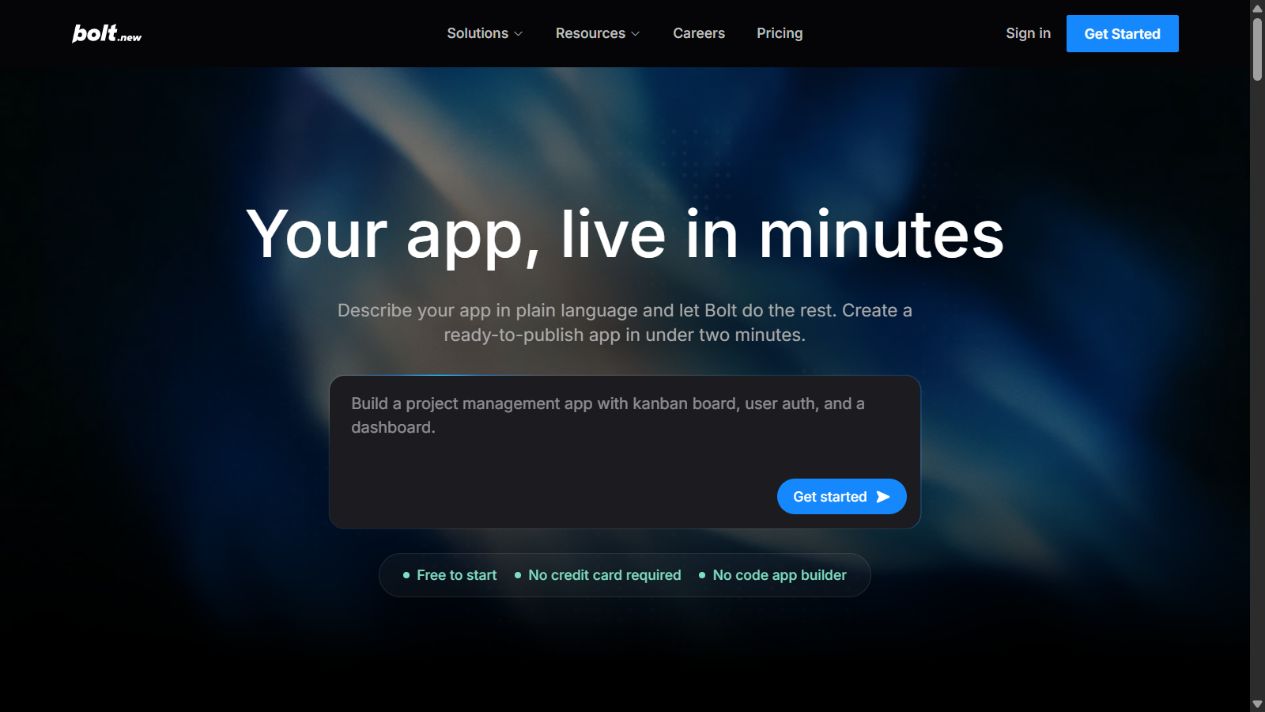
Pros of Bolt.new
1. It shortens the path from requirement to working prototype
Bolt can turn a written description into a running project without requiring the user to assemble a local framework, package manager, preview server, and deployment path first. That speed helps teams test a workflow, demonstrate an idea, and expose missing requirements earlier.
The benefit is strongest when the objective is learning. A working interface gives stakeholders something concrete to critique. It is less meaningful when teams count generated screens rather than validated decisions.
2. The browser workspace reduces context switching
Conversation, code, runtime output, and preview live close together. Product, design, and engineering participants can inspect the same artifact and request constrained changes.
This lowers the barrier to experimentation. It also makes disciplined version control important, because rapid changes can obscure which instruction introduced a defect.
3. Generated code remains editable
Users can inspect and modify project files rather than receiving only a static mockup. Developers can correct logic, change dependencies, and continue through conventional workflows.
Editable does not mean maintainable. The advantage is realized only when someone reviews structure, naming, tests, dependencies, and operational behavior.
4. Integrated preview supports rapid feedback
Immediate visual feedback makes layout and interaction issues easier to discuss. Teams can validate navigation, forms, copy, and basic states before committing to a larger build.
The preview should be tested beyond the happy path. Empty data, invalid input, permission failures, mobile layouts, keyboard use, and slow requests often reveal the real quality of the implementation.
5. Deployment is part of the workflow
Official Bolt material connects app creation with hosting and deployment through Bolt Cloud. This can make demonstrations and low-risk projects available quickly.
The feature is valuable when release responsibility is clear. Domain ownership, logs, backups, environment variables, monitoring, and rollback still need accountable owners.
6. It can improve cross-functional discovery
A product manager or designer can create a concrete prototype while a developer reviews technical feasibility. The shared artifact can reduce ambiguity in written requirements.
Bolt works best as a collaboration accelerator, not as a way to exclude engineering from decisions that affect data, security, or long-term ownership.
7. Imports can preserve a path from existing work
Official material describes supported import workflows. Starting from an existing repository or design asset may reduce recreation and help teams evaluate Bolt within their current process.
Test imports on a copy. Private packages, complex build steps, environment assumptions, and unsupported dependencies can limit how cleanly a real project transfers.
Cons of Bolt.new
1. A working screen can create false confidence
The interface may appear complete while authorization, validation, error handling, secrets, accessibility, and data integrity remain weak. Visual progress is easier to see than architectural risk.
Require code review and risk-based testing before any production release. Treat generation as an implementation proposal, not proof of fitness.
2. Security is not automatic
Authentication screens do not prove correct authorization. Generated applications can mishandle secrets, trust client-side checks, expose data, or use dependencies with unacceptable risk.
Sensitive use cases require threat modelling, data classification, secure configuration, dependency review, logging, and incident planning by qualified owners.
3. Usage can be difficult to predict
AI work consumes tokens, and complex context or repeated regeneration can increase usage. A team with imprecise requirements may spend more without achieving a stable outcome.
Estimate from a representative pilot. Track accepted work, discarded iterations, manual repair, and hosting rather than looking only at the plan fee.
4. Maintainability appears after the first build
Initial generation is not the hardest phase of software ownership. Requirements change, dependencies update, APIs fail, and defects appear under real use.
Someone must understand the code and accept responsibility for updates, monitoring, support, backups, and recovery. Without that owner, speed creates future dependency.
5. Broad changes can introduce regressions
Large prompts may cause the agent to alter unrelated parts of a project. Fixing one visible issue can break another workflow that was not included in the request.
Use small tasks, stable commits, automated checks, and explicit acceptance criteria. Test previously working behavior after material changes.
6. Imports and integrations add compatibility risk
Existing repositories and external services bring their own frameworks, credentials, limits, and failure modes. A successful demonstration does not establish that every dependency is supported.
Document integration ownership, isolate credentials, test errors, and retain an exit path.
7. Compliance depends on the actual use case
Product documentation cannot determine whether a particular deployment meets an organization’s legal, privacy, security, accessibility, or industry obligations.
Regulated or high-impact systems need review by the appropriate specialists. Avoid sensitive data during exploration unless the environment and contract are approved.
8. It can encourage solution-first behavior
Fast generation can tempt a team to build before confirming the problem, user, process, and success measure. This produces impressive prototypes with weak demand.
Begin with the decision the prototype must inform. Stop when evidence shows the workflow should not proceed.
Who benefits most
Bolt is a strong fit for founders validating a contained concept, product teams exploring workflows, designers making interactive prototypes, and developers accelerating familiar web patterns. These users benefit most when they can inspect the result and define a production boundary.
It is a weaker fit for teams without technical review, applications handling highly sensitive data, complex legacy systems, stringent real-time requirements, and organizations that cannot define deployment or maintenance ownership.
How to decide whether the pros outweigh the cons
Run one representative pilot. Measure time to a testable workflow, percentage of generated code retained, defects found, token consumption, manual repair, and deployment effort. Review security, accessibility, maintainability, and exportability.
The pros outweigh the cons when Bolt creates faster validated learning and the remaining risks are controlled by capable owners. They do not when generation replaces requirements work, unreviewed code reaches production, or maintenance effort exceeds the setup time saved.
Decision worksheet for a real project
Score each question as yes, partly, or no. A project with several “no” answers should remain a prototype until the gaps are resolved.
Problem and scope
- Is the user problem confirmed rather than assumed?
- Is the first release narrow enough to review completely?
- Are success measures and stopping conditions written down?
- Are high-risk functions explicitly excluded from the pilot?
Bolt’s speed is an advantage only when the project has a boundary. Without one, the team can generate more surface area than it can test or maintain.
Technical ownership
- Can a qualified developer inspect and modify the generated code?
- Has the team approved the framework and dependencies?
- Is the repository controlled by the organization?
- Are tests, versioning, and rollback part of the workflow?
If the answer depends on asking the same agent to explain and approve its own output, technical oversight is insufficient.
Data and security
- Is the data classified and minimized?
- Are authentication and authorization reviewed separately?
- Are secrets stored outside source code and prompts?
- Are logs, backups, retention, and incident response defined?
A prototype using synthetic data can proceed with fewer controls than a live customer system. Do not allow a change of data sensitivity to happen informally.
Operations
- Does the team know who can deploy and connect domains?
- Can it monitor failures and restore a previous version?
- Are external services and their limits documented?
- Is there an owner for updates and user support?
An application is operationally ready only when the team can respond after the initial builder session ends.
Economics
- Has token consumption been measured on representative work?
- Are third-party services and hosting included in the estimate?
- Is manual review and repair time recorded?
- Does the result create measurable learning or delivery value?
Compare Bolt with the actual alternative: a conventional build, a developer with another coding assistant, a no-code platform, an agency, or not building the project. Subscription price alone is not a meaningful comparison.
Scenarios where Bolt’s advantages are compelling
Testing an internal workflow
A team wants to test how requests, approvals, and status updates should work before asking engineering to build the final system. Synthetic data and a limited audience keep risk controlled. Bolt can create a concrete workflow quickly, and stakeholders can identify missing states. The prototype becomes evidence for a later implementation rather than an unplanned production service.
Demonstrating a product concept
A founder needs to learn whether users understand a new interaction. A functioning prototype may generate better feedback than slides. The founder defines what will not be tested, avoids collecting sensitive data, and has a developer inspect the project before any external release. Here, speed directly supports a decision.
Accelerating a familiar pattern
A developer uses Bolt to establish a conventional interface and then takes ownership of the code, tests, repository, and deployment. The developer can recognize poor output and correct it. The tool reduces repetitive setup without replacing engineering judgment.
Scenarios where the disadvantages dominate
Sensitive customer or employee data
A non-technical owner wants to generate an application that stores identity, financial, health, or employee information and publish it immediately. The apparent speed is outweighed by data, authorization, compliance, and incident risks. Use an approved engineering process and specialist review.
Complex legacy integration
The project depends on undocumented internal APIs, private packages, unusual infrastructure, and strict availability. Importing code into a convenient browser environment does not remove those constraints. A conventional development workflow with controlled access and observability is likely more appropriate.
No maintenance owner
The team can generate the first version but nobody is responsible for dependencies, monitoring, defects, backups, or user support. The project should not become operational. Generation without ownership converts immediate speed into deferred risk.
Controls that preserve the advantages
Use synthetic data during discovery, company-owned accounts, version control from the beginning, small prompts, peer review, automated checks, staging before production, and an explicit release approver. Keep architecture, dependencies, data flows, known limitations, and rollback instructions with the repository.
Review token usage and retained output after each project. If most work is discarded or manually rebuilt, change the workflow or choose another tool. If the team consistently reaches validated outcomes faster without increasing defects, the advantage is supported by evidence.
Final assessment
Bolt.new is valuable as an integrated application prototyping and development accelerator, not as an automatic software-delivery guarantee. Its speed, editable code, preview, and deployment path can remove meaningful friction. Its limitations require equally deliberate ownership of security, cost, testing, and maintenance.
FAQs
What is Bolt.new’s biggest advantage?
The integrated path from requirement to editable code, live preview, and deployment is its clearest advantage.
What is its biggest limitation?
Generated applications can look complete before security, data, accessibility, and maintainability have been validated.
Is Bolt.new suitable for non-developers?
It can help non-developers prototype, but production work still needs qualified technical review.
Does Bolt.new reduce development cost?
It may reduce setup and prototyping effort. Total cost still includes usage, hosting, integrations, review, testing, and maintenance.
Is Bolt.new safe for business applications?
That depends on the application, data, configuration, contract, and review. Do not infer safety from a working preview.
Official sources
Frequently asked questions
What is Bolt.new's biggest advantage?
Its biggest advantage is the integrated path from a written requirement to editable code, a running preview, and deployment in one browser workspace.
What is Bolt.new's biggest limitation?
A working generated interface can hide security, data, dependency, accessibility, and maintainability problems that still require professional review.
Is Bolt.new suitable for non-developers?
Non-developers can use it for prototypes, but a qualified technical owner should review any production application.
Does Bolt.new reduce development cost?
It can reduce setup and prototyping effort, but total cost also includes tokens, hosting, integrations, testing, security, repair, and maintenance.
Did The SaaS Education test Bolt.new?
No. This analysis uses official sources checked on August 24, 2026 and does not claim hands-on testing.