Canva Magic Studio Features: Complete Guide
A verified guide to Canva Magic Studio features for design generation, media creation, editing, writing, translation, and brand workflows.
Direct answer
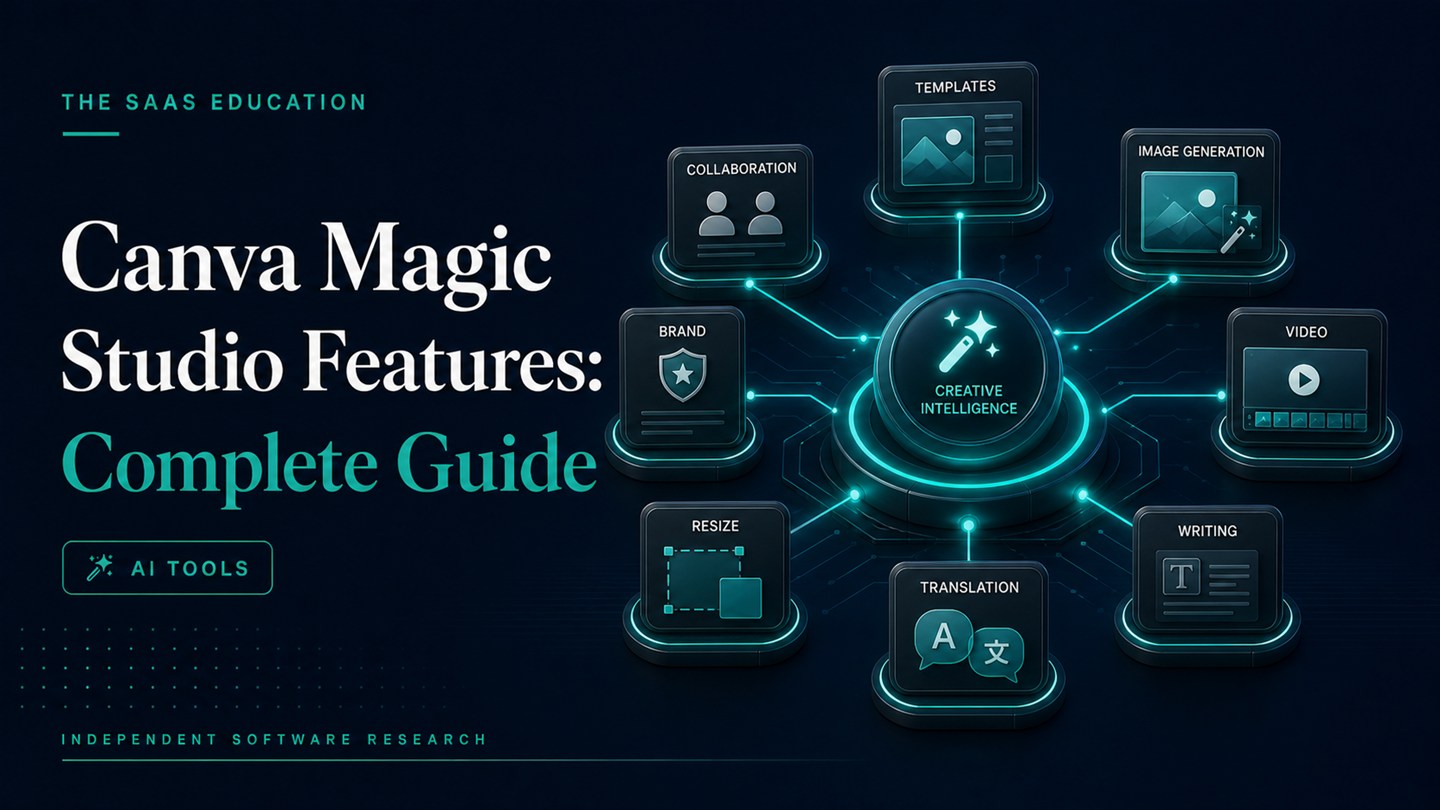
Canva Magic Studio combines AI-assisted design generation, media creation, writing, translation, resizing, and focused editing inside Canva’s broader visual communication platform. Its most important feature is the connected workflow: a user can create a starting point, edit the result, apply brand resources, collaborate, and export without treating AI generation as a separate destination.
The feature set is broad, but it is not uniform. Canva uses several distinct tools, and access or usage allowances can vary by plan, market, account, and product update. A buyer should therefore evaluate specific workflows rather than assuming the words “Magic Studio” mean unlimited access to every AI capability.
This guide uses official Canva product, pricing, newsroom, and Help Center sources checked on August 24, 2026. We did not run a controlled product test. Statements about documented features are verified facts; workflow recommendations are editorial inferences.
Canva Magic Studio features at a glance
| Feature area | What it helps users do | Important limitation |
|---|---|---|
| Magic Design | Generate editable design or template starting points | It arranges and stylizes content; it is not every kind of media generator |
| Magic Media | Generate images or short video clips from prompts | Output type, quality, and allowances vary |
| Canva AI Video | Generate longer video clips with sound where available | Availability and limits should be checked in the current account |
| Magic Write | Draft or transform text inside Canva workflows | Human factual and editorial review remains necessary |
| Magic Switch | Adapt designs across formats or languages | Automated adaptation still requires layout and translation review |
| Focused image editing | Remove, replace, expand, or modify parts of images | Generated edits can introduce visual errors or rights questions |
| Brand and team workflow | Apply plan-dependent brand, template, approval, and collaboration controls | Controls do not guarantee every output follows policy automatically |
Magic Design: editable starting points
Magic Design is one of the clearest examples of Canva’s approach. According to Canva’s Help Center, it suggests templates based on a user’s text, images, or ideas. Supported starting formats include presentations, social posts, videos, and documents. Users can then customize the suggested result with their own text, photos, videos, Canva assets, or AI-generated media.
The practical value is editability. A generated layout can become a working draft rather than a fixed image. A marketing team can replace copy, adjust hierarchy, change colors, apply approved assets, and route the result for review.
Canva also documents an important boundary: Magic Design helps arrange and stylize content, while media generation happens through tools such as Magic Media or Canva AI Video. That distinction prevents a common buyer mistake—treating a single branded feature name as though it performs every stage of creation.
Use Magic Design for:
- presentation or social-design starting points;
- arranging supplied copy and imagery into candidate layouts;
- exploring several template directions quickly;
- giving non-designers an editable structure;
- reducing blank-page time for recurring visual formats.
Do not assume it will produce a final approved design. Generated layouts still require checks for readability, factual accuracy, hierarchy, accessibility, brand fit, and rights.
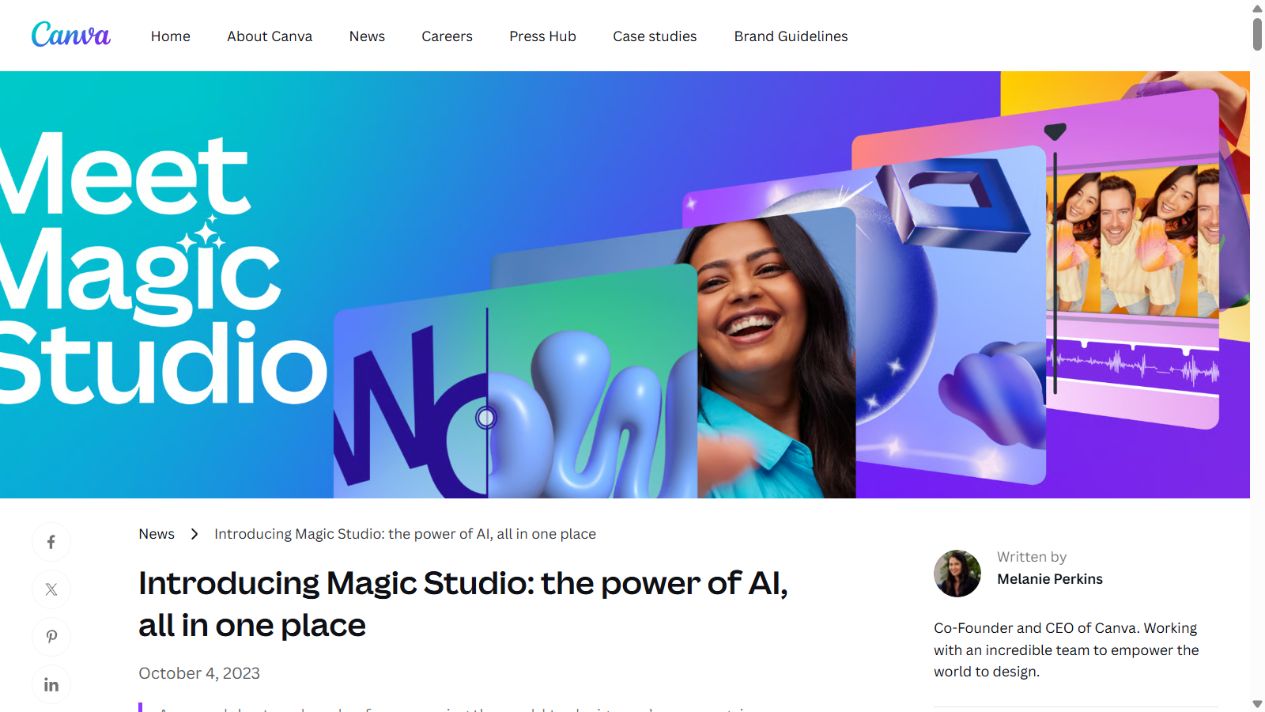
Official Magic Studio introduction page. Source: Canva . Captured August 7, 2026, to document the product’s feature positioning.
Magic Media: prompt-based image and video creation
Canva’s Help Center describes Magic Media as a way to generate photos, graphics, and short video clips from prompts. It sits inside Canva, allowing generated media to be placed into a design and edited alongside other elements.
That integrated context is the principal workflow advantage. A user does not have to export every generated asset from a separate service before testing it in a presentation, social post, or document. The trade-off is that a specialist generator may provide deeper controls for a particular image or video workflow.
Canva distinguishes Magic Media video from Canva AI Video. Its current Help Center material describes different clip lengths and sound behavior. Because these specifications are volatile, teams should verify the current interface and plan allowance before promising a specific production outcome.
Use prompt-based media generation for concept exploration, background assets, draft illustrations, or short visual elements. Do not publish generated media without reviewing anatomy, text, trademarks, permissions, representation, and context.
Canva AI Video and video assistance
Canva’s video-related AI capabilities can generate or help assemble video material, but buyers should separate three jobs:
- generating a clip from a prompt;
- arranging uploaded or generated material into a video layout;
- editing and delivering the final video.
Different Canva tools handle different parts of that process. Magic Design for Video can suggest a structure from content; Magic Media or Canva AI Video can create media; Canva’s editor supports assembly and revision.
This is useful for social and presentation workflows, but it is not evidence that Canva replaces specialist video software. Teams needing advanced timelines, color work, sound production, motion graphics, or controlled generation should test those requirements directly.
Magic Write: text assistance inside designs
Magic Write supports writing and rewriting within Canva’s content environment. It can help produce a first draft, shorten or expand text, change tone, summarize, or generate options for content that belongs in a presentation, document, or design.
The convenience is proximity. A user can work on copy without leaving the design. The limitation is the same as with other generative writing tools: plausible output may still be inaccurate, repetitive, generic, or inappropriate for the audience.
Use it for draft headings, variations, summaries, or structure—not as an unreviewed factual authority. Any claim about a product, customer, statistic, law, or event still needs an approved source.
Magic Switch: format and language adaptation
Canva positions Magic Switch as a way to adapt designs, including resizing content and translating it. This can help teams turn one approved direction into several channel formats or language versions.
Automated adaptation reduces mechanical work but does not remove review. A design that works in a presentation may not work in a square social format. Text can wrap poorly, visual hierarchy can collapse, and translation may not match local terminology or brand voice.
The correct workflow is:
- approve the source design and copy;
- generate format or language adaptations;
- inspect every important output at its final size;
- have a qualified reviewer check translated material;
- correct layout, truncation, contrast, and cultural issues before delivery.
AI-assisted image editing
Magic Studio includes focused editing capabilities that can modify parts of an image, remove or replace elements, expand a scene, or extract editable content where supported. Canva has documented tools such as Magic Edit, Magic Eraser, Magic Grab, and Grab Text across product updates and Help Center material.
These functions are useful because they operate on a selected problem rather than asking a user to regenerate the entire asset. For example, a team may need to remove a distracting element, extend a background to fit a new format, or separate an object for repositioning.
Focused editing still carries risk. Generated areas can contain inconsistent lighting, distorted objects, incorrect text, or details that change the meaning of the source image. Teams also need permission to modify and publish the original material.
Brand Kits, templates, and team controls
Magic Studio’s output becomes more valuable when it operates inside a controlled content system. Canva’s paid plans list different levels of Brand Kits, storage, premium content, collaboration, approvals, and administrative capability.
These are broader Canva platform features, but they affect whether AI-assisted production is usable in an organization. A team can create approved templates, store brand resources, and define review steps around generated drafts.
Do not overstate what those controls do. A Brand Kit can make approved colors, type, and assets easier to apply; it does not automatically verify claims, prevent every off-brand decision, or make a generated design accessible.
Canva Shield and AI safety controls
Canva publishes information about Canva Shield, its approach to AI safety, content controls, and protections. Buyers should read the current terms and enterprise documentation relevant to their plan and market.
An official safety program is a useful source, but it does not replace the buyer’s diligence. Review:
- what uploaded data may contain;
- whether inputs or outputs are used to improve services;
- retention and deletion behavior;
- access controls and account administration;
- rights and indemnification terms;
- acceptable-use restrictions;
- incident and support processes.
For sensitive or regulated work, involve privacy, security, and legal owners before connecting real data.
Plan-dependent AI allowances
Canva’s current pricing page lists a limited AI allowance for the Free plan and larger allowances for paid plans. It also notes that different AI uses may consume allowances differently. This means a feature can be technically available but still unsuitable for a high-volume workflow.
Before choosing a plan, estimate:
- users who will generate content;
- expected generations or transformations per week;
- which tools count as standard, premium, or higher-tier uses;
- storage and asset-library requirements;
- number of brands or Brand Kits;
- approval and administrative needs;
- whether an additional AI allowance or add-on may be required.
Verify these details on the official pricing page in the relevant market. Do not use an old article’s allowance as a procurement baseline.
Which Magic Studio features matter by use case
Social and content marketing
Prioritize Magic Design, format adaptation, templates, Brand Kits, image generation, and scheduling-related workflow. Test whether the system can produce channel variations without creating large cleanup costs.
Presentations
Prioritize editable slide starting points, writing assistance, brand application, media creation, collaboration, and export. Review every slide for logical flow, evidence, legibility, and speaker needs.
Small-business visual production
Prioritize ease of revision, reusable templates, basic brand consistency, asset access, and plan affordability. Start with a real weekly deliverable rather than exploring features without a target.
Enterprise content operations
Prioritize administration, permissions, approvals, brand governance, security review, support, data terms, and predictable allowances. Generation quality is only one part of the decision.
What Magic Studio does not solve
Magic Studio does not provide the business strategy, verified research, legal approval, accessibility judgment, or creative direction behind a strong asset. It can accelerate production steps, but a team still needs to decide:
- what the audience needs;
- what claims are supportable;
- which visual direction fits the brand;
- who owns final review;
- how generated material will be disclosed or documented;
- whether the output is worth publishing.
If those decisions are missing, faster generation can simply produce more inconsistent content.
How to evaluate the features before buying
Use one complete workflow as a pilot:
- Select a recurring asset with an approved brief.
- Record the current production and review time.
- Use only the Magic Studio features relevant to that asset.
- Take the output through editing, brand review, factual review, accessibility checks, and delivery.
- Record errors, manual cleanup, allowance consumption, and review rounds.
- Compare the complete result with the baseline.
- Choose a plan only after confirming usage and governance requirements.
The Canva Magic Studio review provides broader buyer guidance. For a general-purpose alternative, read Canva Magic Studio vs ChatGPT . Teams comparing wider options can use the AI tools evaluation guide .
Sources checked
- Canva: Introducing Magic Studio
- Canva Help Center: Use Magic Design
- Canva Help Center: Use Magic Media
- Canva Help Center: Grab Text
- Canva plans and pricing
- Canva Shield and safe AI
- Canva Create 2025 product update
Final takeaway
Canva Magic Studio’s strongest feature is the connection between AI assistance and an editable visual workflow. Magic Design, Magic Media, writing, format adaptation, focused editing, and plan-dependent brand controls can reduce production friction when they serve a defined deliverable.
Do not evaluate the product by counting feature names. Test the exact creation, review, and delivery process your team repeats. The useful feature is the one that improves that process without weakening accuracy, brand quality, accessibility, governance, or cost control.
Frequently asked questions
What features are included in Canva Magic Studio?
Magic Studio brings together AI-assisted design generation, image and video creation, writing, translation, resizing, and focused editing capabilities inside Canva. Exact tools, usage allowances, and premium functions vary by plan and account.
What is the difference between Magic Design and Magic Media?
Magic Design suggests editable layouts and templates based on content or a prompt. Magic Media generates media such as images or short video clips from prompts. Magic Design can arrange generated or uploaded media but does not perform every media-generation task itself.
Can Canva Magic Studio create videos?
Canva provides AI-assisted video options, including Magic Media and Canva AI Video, with different output formats and limits. Buyers should confirm current availability and allowances in their account before depending on a specific workflow.
Does Canva Magic Studio include brand controls?
Canva's broader paid plans include plan-dependent Brand Kits, templates, approvals, collaboration, and administrative capabilities. These controls are part of the Canva platform around Magic Studio rather than proof that every AI output is automatically brand compliant.
Are all Canva Magic Studio features free?
No. Canva Free provides a limited AI allowance, while paid plans offer larger allowances and additional premium design, content, storage, brand, collaboration, or administration features. Current plan details should be verified on Canva's official pricing page.