Canva Magic Studio Pros and Cons
A balanced analysis of Canva Magic Studio pros and cons, verified product facts, buyer tradeoffs, plan considerations, and selection guidance.
Direct answer
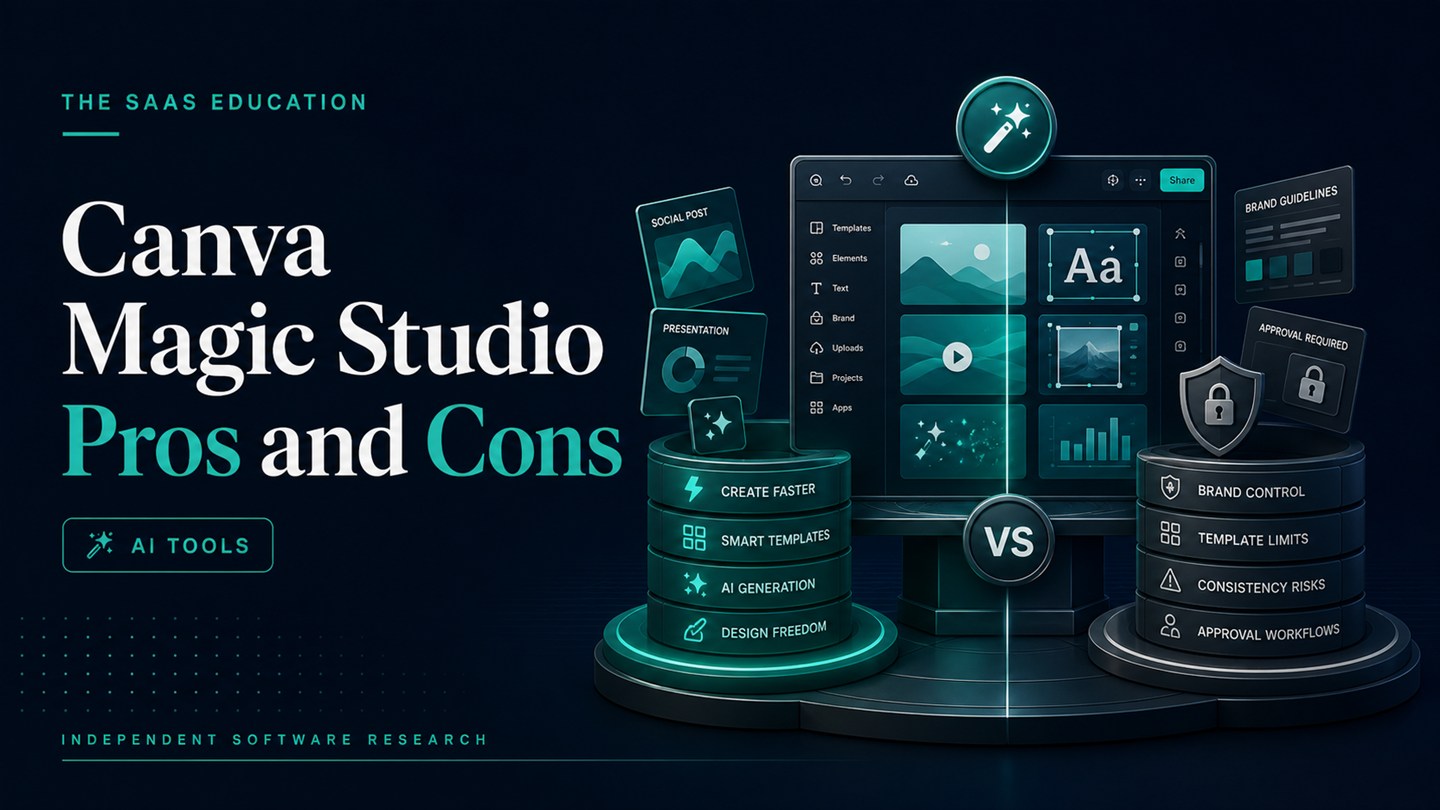
Canva Magic Studio’s main advantage is that AI-assisted creation and editing happen inside a familiar, editable visual workflow. Its main disadvantage is that broad access to AI tools does not guarantee specialist depth, consistent output, predictable usage capacity, or production-ready results.
For teams that already rely on Canva, Magic Studio can reduce the friction between an idea and a reviewable visual draft. For teams whose main work is research, analysis, coding, advanced creative production, or autonomous automation, it may be too design-centered or too general.
This analysis uses official Canva product, pricing, Help Center, newsroom, and safety sources checked on August 24, 2026. It is not based on a controlled hands-on test. Product capabilities are verified facts; the strengths, limitations, and buyer recommendations are editorial inferences from those facts.
Canva Magic Studio pros and cons at a glance
| Pros | Cons |
|---|---|
| AI assistance is integrated with Canva’s editor and templates | Individual tools may be less deep than specialist applications |
| Generated starting points remain editable | Outputs still require factual, visual, legal, and accessibility review |
| Useful for presentations, social content, documents, and visual campaigns | Plan access and AI allowances require careful verification |
| Low-friction adoption for existing Canva users | Template-led work can become visually generic |
| Limited free access supports initial testing | It is not a general research, coding, or data-analysis environment |
| Plan-dependent brand and collaboration controls support teams | Brand controls do not make every generated output compliant |
Pros of Canva Magic Studio
1. It connects generation to an editable design workflow
Canva’s strongest advantage is not a single generated image or paragraph. It is the connection between AI-assisted creation and an editor where users can change layout, type, colors, imagery, and individual elements.
Magic Design, for example, suggests templates from a prompt or supplied content. Canva’s Help Center explains that users can then customize those starting points with their own text, images, videos, stock content, or generated media. This is more useful than a flat result when the asset must go through brand and editorial review.
The benefit is highest for recurring deliverables such as social graphics, campaign assets, presentations, simple videos, and documents. A first draft can stay inside the same system through revision and export.
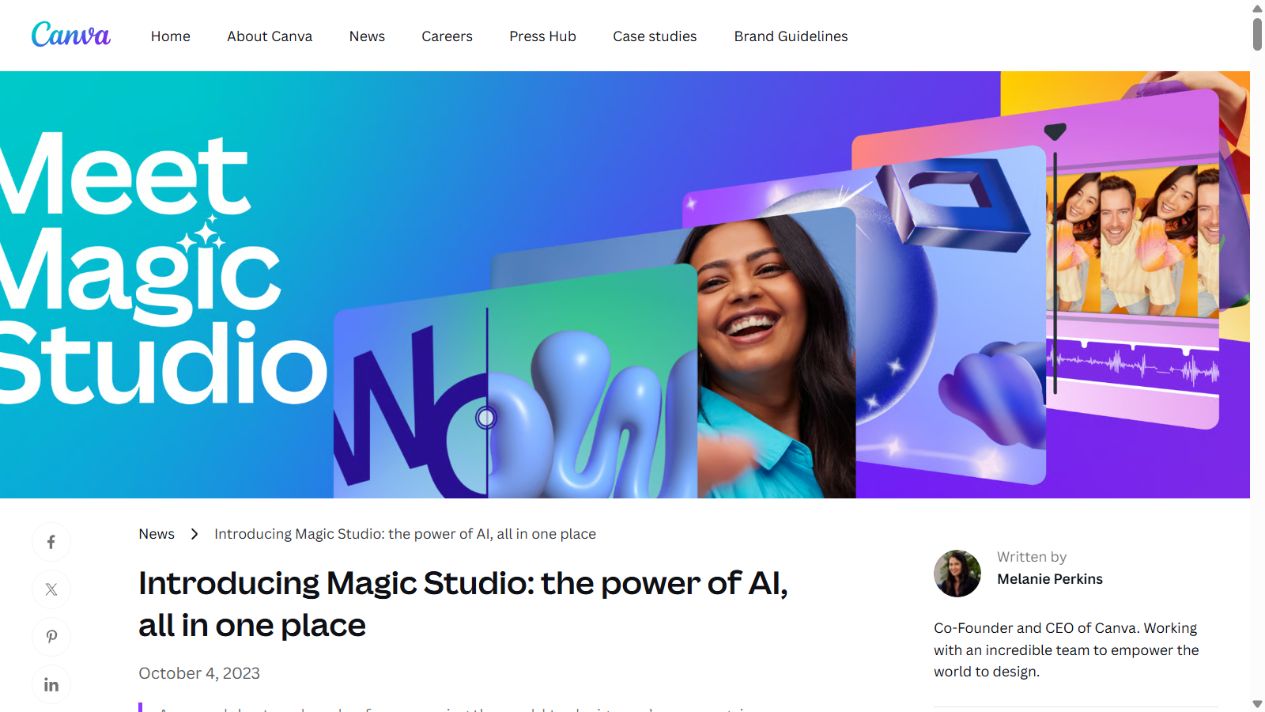
Official Magic Studio introduction page. Source: Canva . Captured August 7, 2026, to support the discussion of Canva’s integrated workflow.
2. It lowers the starting barrier for non-designers
Templates and guided creation can help a non-designer move from a brief to a structured draft. The person still needs judgment, but they do not always have to begin with an empty canvas.
This is valuable for small teams where founders, marketers, sales staff, or operations employees create routine visual material. A template-led workflow can make spacing, hierarchy, and format easier to manage than unrestricted professional software.
The benefit should not be overstated. Ease of creation is not the same as design expertise. A team still needs standards for what may be published and who approves it.
3. It covers several common visual tasks
Official Canva material describes AI-assisted design generation, image and video creation, writing, translation, resizing, and focused image editing. The range can reduce the need to move among several small tools for a basic content workflow.
Breadth is useful when the same team creates a presentation, social variations, a document, and supporting imagery. It is less useful when the team needs one advanced specialist capability and will not use the surrounding platform.
4. It gives existing Canva users a familiar path to AI
An existing Canva user can explore AI-assisted functions without introducing an entirely separate workspace for every task. Designs, uploaded assets, templates, and plan-dependent brand resources remain close to the generation workflow.
That familiarity can reduce training and switching costs. It can also simplify file ownership compared with teams that scatter assets across multiple personal AI accounts.
5. Editable templates support repeatability
Repeatable production is often more valuable than a one-off impressive output. Canva lets teams save and reuse structures, although the exact template and brand capabilities vary by plan.
A content team can create an approved presentation or campaign system, then use AI assistance to accelerate drafts inside that system. The human-owned template becomes the control layer; AI is a production aid rather than the brand director.
6. A limited free tier supports piloting
Canva’s current pricing page lists AI use on the Free plan, with limited allowances. That gives individuals and teams a way to test selected workflows before committing to a paid plan.
A proper pilot should use a real deliverable and track allowance consumption. Casual experimentation may not reveal whether the free or paid capacity is sufficient for weekly production.
7. Paid plans add useful surrounding controls
Canva’s paid plans list larger content libraries, storage, Brand Kits, premium design tools, collaboration, and administration features at different levels. Those functions can matter more to a business than the generation model itself.
For example, a team may value approved brand resources and shared templates because they reduce inconsistency across users. An enterprise buyer may prioritize administration and governance. These are broader Canva features, but they make the AI-assisted workflow more usable.
8. Canva publishes safety and governance material
Canva provides public information about Canva Shield and its AI safety approach. This gives a buyer an official starting point for reviewing content controls, protections, and terms.
Public documentation is a positive signal, not a complete approval. Security, privacy, legal, and procurement teams should still evaluate the exact plan, data type, market, and contract.
Cons of Canva Magic Studio
1. Broad capability does not mean specialist depth
Magic Studio covers many tasks, but specialist tools may offer more control for advanced image generation, video editing, presentation design, writing, or other production work.
A team should compare the full workflow rather than assume the all-in-one option is automatically best. Canva may be sufficient for a recurring social campaign while falling short for professional motion work or controlled creative production.
2. Outputs still require substantial review
AI-assisted writing, images, layouts, translations, and video can contain errors. Generated text may invent facts. Images may contain distorted details or text. Layouts may have weak hierarchy. Translation may miss local context.
The team remains responsible for:
- factual verification;
- brand and editorial review;
- accessibility and contrast;
- image rights and permissions;
- privacy and confidential data;
- representation and cultural fit;
- final production quality.
If the organization has no review owner, faster generation can increase risk rather than save time.
3. AI allowances complicate cost planning
Canva’s official pricing page distinguishes AI allowances by plan and notes that different AI capabilities may consume usage differently. A feature list alone does not show how much real work the plan supports.
Buyers need to model users, frequency, tools, Brand Kits, storage, approvals, and any additional allowance or add-on. Pricing and limits can change, so procurement should use the current local pricing page.
4. Template-led output can look generic
Templates make production easier, but overreliance on common layouts, stock media, and default suggestions can make a brand visually interchangeable. AI can accelerate this effect by generating many adequate but undistinctive variations.
The remedy is not to avoid templates. It is to build a distinctive system: original examples, owned photography or illustration, approved typography and composition, and clear editorial judgment.
5. Canva is not a general-purpose knowledge workspace
Magic Studio includes writing and content assistance, but the platform is centered on visual creation. It is not primarily designed for complex research, large-document synthesis, coding, data analysis, or broad conversational work.
Teams with those needs should compare a general assistant or specialist system. The Canva Magic Studio vs ChatGPT comparison explains this boundary in more detail.
6. Automation can hide weak inputs
AI-assisted tools can create polished-looking material from a weak brief. A visually credible asset may still contain a poor argument, unsupported claim, unclear audience, or irrelevant recommendation.
Organizations need a strong input process: defined audience, approved message, verified evidence, brand direction, and review criteria. Software cannot compensate for missing strategy.
7. Brand controls are not automatic compliance
Brand Kits and templates can make approved elements easier to use, but they do not guarantee compliance. A user can still choose an unsuitable image, create inaccessible text, make an unsupported claim, or publish outside an approval path.
Treat brand features as tools inside governance, not as governance by themselves.
8. Safe business adoption requires policy work
Before uploading customer, employee, financial, unreleased, or regulated information, a business needs to review data terms, retention, access, permissions, and acceptable use.
Canva’s published safety material supports that review, but the final decision belongs to the organization. Sensitive workflows may require a specific plan, contract, configuration, or prohibition.
When the pros outweigh the cons
Canva Magic Studio is a strong shortlist candidate when:
- Canva already hosts a meaningful share of the team’s visual work;
- the team produces frequent presentations, social assets, documents, or campaign variations;
- generated output must remain editable;
- non-designers need structured starting points;
- templates and brand resources can be governed;
- a human review process already exists;
- the plan allowance fits measured usage.
In this situation, the integrated workflow can be more valuable than choosing separate best-in-class tools for every small task.
When the cons should stop the purchase
Avoid or delay the purchase when:
- the primary requirement is advanced specialist production;
- the team expects unreviewed or autonomous publishing;
- sensitive data use has not been approved;
- expected usage and plan limits are unknown;
- no one owns factual, brand, legal, or accessibility review;
- the organization is buying because of AI pressure rather than a measurable workflow.
A narrow pilot can resolve many of these uncertainties without a broad rollout.
A practical decision framework
Score one real workflow against five questions:
- Fit: Does Canva support the complete deliverable, not only the first draft?
- Control: Can the team edit, brand, review, and approve the output?
- Quality: How much manual cleanup remains after generation?
- Governance: Are data, rights, accessibility, and ownership requirements satisfied?
- Economics: Does the selected plan support expected users and usage at an acceptable total cost?
Record the baseline and pilot result. If the workflow becomes faster without increasing errors or review risk, the product has a defensible use case. If it merely produces more drafts, the adoption case is weak.
Questions to settle before approving a plan
Ask the workflow owner to document the expected deliverables, users, monthly production volume, and required review steps. Ask procurement to confirm the current billing cadence, local price, taxes, renewal terms, AI allowance, and any add-on. Ask the brand owner which templates, fonts, imagery, and approval rules must apply. Ask privacy and security owners which information may be uploaded and which account controls are required.
Finally, decide how the team will measure success. Useful measures include time to an approved asset, number of review rounds, percentage of drafts requiring major rework, accessibility defects, brand exceptions, and allowance consumed per finished deliverable. These questions turn a general enthusiasm for AI into a decision that can be reviewed after the pilot. A product should not pass merely because users generated more options; it should improve an accountable production outcome.
The Canva Magic Studio features guide explains the individual capabilities. The Canva Magic Studio review provides broader buyer fit, and the AI tools evaluation guide offers a reusable pilot checklist.
Sources checked
- Canva: Introducing Magic Studio
- Canva plans and pricing
- Canva Help Center: Use Magic Design
- Canva Help Center: Use Magic Media
- Canva Shield and safe AI
- Canva Create 2025 product update
Final assessment
Canva Magic Studio is strongest when it accelerates an existing visual content system. Its integrated editor, templates, media tools, and plan-dependent brand capabilities make AI-assisted drafts easier to revise and deliver.
The limitations are equally important: specialist depth varies, allowances need verification, generated work requires review, and easy templates can create generic output. Buy it for a measured workflow with an owner and review process—not for the promise of effortless content creation.
Frequently asked questions
What is the biggest advantage of Canva Magic Studio?
Its biggest advantage is workflow integration. AI-assisted creation and editing sit inside Canva's template, visual editor, collaboration, brand, and export environment, so generated starting points can remain editable.
What is the biggest limitation of Canva Magic Studio?
Its breadth can hide plan and workflow limits. Not every feature has the same allowance or depth, and teams still need human review for accuracy, originality, accessibility, rights, and brand quality.
Is Canva Magic Studio worth paying for?
It may be worth paying for when a team repeatedly produces visual content and benefits from premium assets, larger AI allowances, Brand Kits, storage, collaboration, or administration. A real workflow pilot should confirm the value before purchase.
Can Canva Magic Studio replace professional design software?
It can replace some routine production steps, but specialist designers may still need deeper controls for advanced image, video, layout, motion, or production work. The answer depends on the deliverable and required precision.
Is Canva Magic Studio safe for business use?
Canva publishes AI safety and governance information, but each business must still review current data terms, permissions, retention, account controls, acceptable use, and legal requirements for its own information and market.