Canva Magic Studio vs ChatGPT: Which Is Better?
Compare Canva Magic Studio and ChatGPT for design production, writing, research, team workflows, governance, and overall buyer fit.
Direct answer
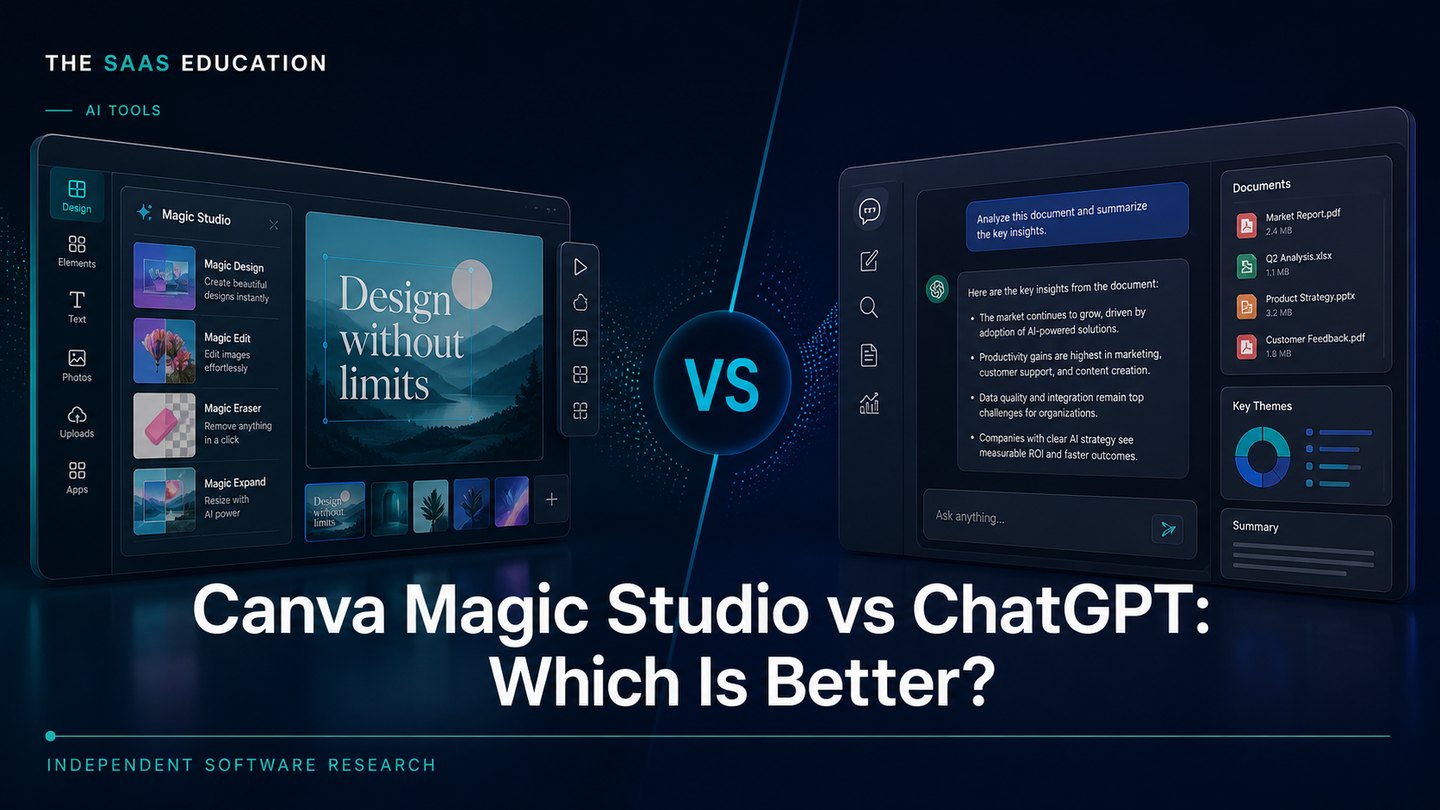
Canva Magic Studio is better for producing polished visual content inside an established design workflow. ChatGPT is better for general-purpose knowledge work, including writing, analysis, research support, planning, files, and conversational image creation.
The choice is less about which product has more AI and more about where the finished work must land. Canva surrounds AI generation with templates, a visual editor, Brand Kit controls, presentations, resizing, collaboration, and publishing. ChatGPT surrounds AI with conversation, reasoning, search, file handling, data analysis, projects, and broader assistance.
This comparison uses official sources checked on August 14, 2026. We did not run a controlled output benchmark, measure prompt accuracy, or test paid workspaces. Recommendations are editorial inferences from documented capabilities, plan structure, and workflow fit.
Canva Magic Studio vs ChatGPT at a glance
| Decision area | Canva Magic Studio | ChatGPT |
|---|---|---|
| Best for | Branded visual creation and design production | Broad business assistance and knowledge work |
| Core workflow | Prompt or template to editable visual asset | Conversation or file to answer, analysis, draft, plan, or image |
| Design environment | Templates, editor, Brand Kit, presentations, resizing | Image generation and editing inside a conversational workspace |
| Writing and analysis | Useful inside content and design workflows | Stronger general-purpose fit across documents, data, and planning |
| Team controls | Plan-dependent brand and administrative controls | Business and Enterprise workspace controls vary by plan |
| Buyer to shortlist it | Marketing, content, design, and communications teams | Founders, operators, analysts, marketers, and mixed-function teams |
Choose Canva Magic Studio for finished visual assets
Canva describes Magic Studio as AI-powered functionality distributed across the Canva creation workflow. Its official material covers first-draft generation, image and video creation, presentations, translation, resizing, editing, and creating content at scale. The practical advantage is that a generated idea stays inside an editable design.
That makes Canva the clearer choice for tasks such as:
- building social graphics from approved templates;
- creating and adapting presentations;
- generating campaign variants in brand colors and fonts;
- resizing a design for multiple channels;
- turning source material into a visual draft;
- coordinating non-designers around editable assets.
Canva also documents workplace controls through Canva Shield and plan-dependent administration. Buyers should still verify which AI allowances, brand features, and administrative controls are included in the plan they are considering.
Canva’s main limitations
Canva is not primarily a research or data-analysis environment. Its writing and AI tools can help with content inside a creative workflow, but a team that needs long-form analysis, code, complex document synthesis, or a general conversational assistant will usually find ChatGPT broader.
The second limitation is scope. Canva can make visual work easier, but it does not remove the need for brand review, factual review, accessibility checks, or permission to use uploaded source material.
Choose ChatGPT for broad knowledge work
OpenAI’s current ChatGPT plan pages describe a broader workspace: conversation, search, files, data analysis, projects, image generation, voice, apps, and business administration, with availability and limits varying by plan.
ChatGPT is therefore the stronger first choice when one team needs help across several tasks:
- drafting and editing documents;
- researching and comparing options;
- summarizing uploaded material;
- analyzing structured files;
- planning campaigns or projects;
- generating and revising images conversationally;
- creating repeatable assistants or workflows where the selected plan permits it.
ChatGPT’s image capabilities can support ideation and creative work. The trade-off is that the result does not arrive inside Canva’s full template, layout, brand, resizing, and publishing environment.
ChatGPT’s main limitations
A broad assistant can become an expensive default if the team has not defined acceptable use, sensitive-data rules, and review ownership. It can generate plausible but incorrect content, and plan limits or workspace controls differ. A business should verify current data terms and use a controlled pilot before connecting internal sources.
Which is better for marketing teams?
Canva is the stronger production layer. ChatGPT is the stronger thinking and drafting layer.
A marketing team might use ChatGPT to analyze a brief, map audience objections, develop message options, or summarize research. The same team might use Canva to turn an approved direction into presentations, social assets, one-pagers, and channel variants. Buying both can be justified when those roles are distinct; buying both because they each have an AI label usually creates overlap.
Which is better for small businesses?
Start with the bottleneck:
- Choose Canva if the recurring problem is producing consistent, polished visual material without a dedicated designer.
- Choose ChatGPT if the recurring problem is broader: proposals, research, analysis, customer communication, planning, documents, and occasional images.
- Consider both only after one tool has proved useful in a measurable workflow.
Use our AI tools evaluation guide to turn that choice into a pilot. The best AI tools for small businesses guide provides wider shortlist context, while Adobe Firefly vs ChatGPT covers a more production-focused creative comparison.
Teams comparing the ongoing cost should also review the AI productivity stack guide before licensing overlapping tools. If generated work will trigger automated actions, the AI agent governance checklist should be part of the pilot.
A practical buying test
Run the same four-step test for each product:
- Select one real deliverable. Use a campaign brief, presentation, report, or customer document the team already produces.
- Record the baseline. Note production time, review rounds, errors, and handoffs.
- Test the complete workflow. Do not stop at the first generated output; take it through editing, approval, and delivery.
- Review governance and cost. Check user count, plan allowances, uploaded-data rules, brand controls, and who approves the final work.
Neither may be right when
Neither product is a good purchase if the team has no recurring workflow, no owner for output review, or no policy for confidential information. A narrow specialist product may also be better when the job is video production, CRM automation, coding, or regulated analysis.
Sources checked
- Canva: Introducing Magic Studio
- Canva plans and pricing
- Canva Shield
- Canva Visual Suite and Magic Studio at scale
- ChatGPT pricing
- OpenAI: What is ChatGPT?
Verdict
Choose Canva Magic Studio when the finished result must be an editable, branded visual asset. Choose ChatGPT when the work begins with a question, document, dataset, or multi-step business problem. For teams that need both, keep the roles explicit: ChatGPT for analysis and drafting; Canva for design production and delivery.
Frequently asked questions
Is Canva Magic Studio better than ChatGPT?
Canva Magic Studio is the better fit when the main outcome is a polished design, presentation, campaign asset, or branded content workflow. ChatGPT is the better fit when the main work is writing, analysis, research support, file work, planning, or a mix of business tasks.
Can ChatGPT replace Canva?
ChatGPT can generate and edit images and help plan creative work, but it does not replace Canva's template library, visual editor, Brand Kit, resizing, presentation, and publishing workflow.
Can Canva replace ChatGPT?
Canva can support design-related writing and AI-assisted creation, but it is not a direct replacement for ChatGPT's broader conversational, analytical, file, research, and general business assistance.
Which should a small business buy first?
Buy Canva first when repeatable branded content is the bottleneck. Buy ChatGPT first when the bottleneck spans writing, analysis, planning, documents, and several business functions.