ChatGPT Features: Complete Guide
Understand ChatGPT features for writing, search, research, files, data analysis, images, voice, Canvas, projects, memory, tasks, and coding.
Direct answer
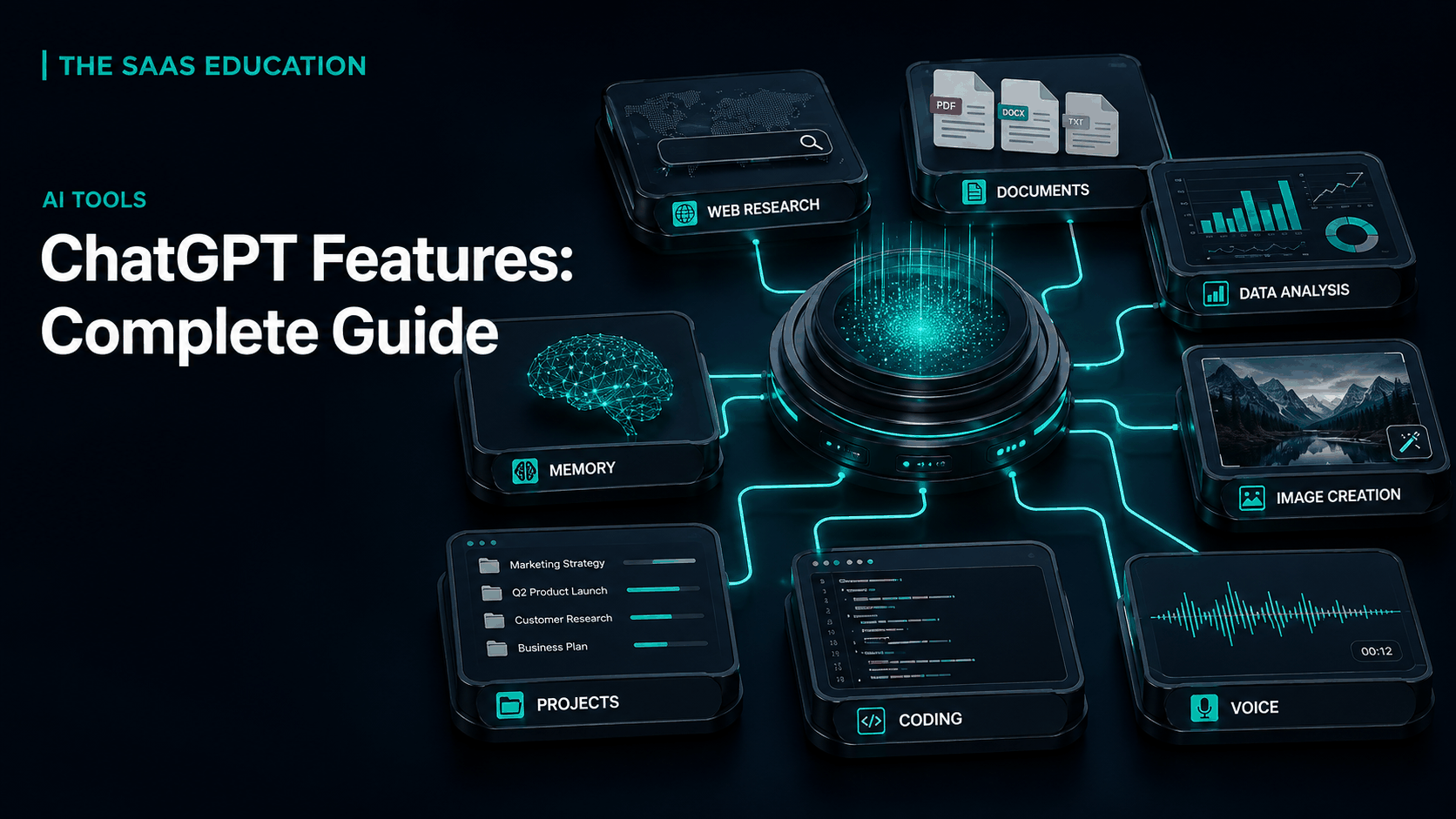
ChatGPT is no longer only a text chatbot. Its current feature set covers conversational assistance, writing, reasoning, translation, web search, deep research, files, data analysis, images, voice, Canvas, memory, projects, scheduled tasks, GPT-related experiences, apps, and coding. The useful question is not whether ChatGPT has many features, but which approved feature produces a reliable result for a specific workflow.
Features vary by plan, model, account, workspace, settings, region, and rollout. A capability listed by OpenAI may have different usage limits or controls in Free, paid individual, Business, Enterprise, or education environments. Check the live product and pricing pages immediately before adoption.
This guide uses official OpenAI sources checked September 6, 2026. It does not claim hands-on performance testing.
ChatGPT feature map
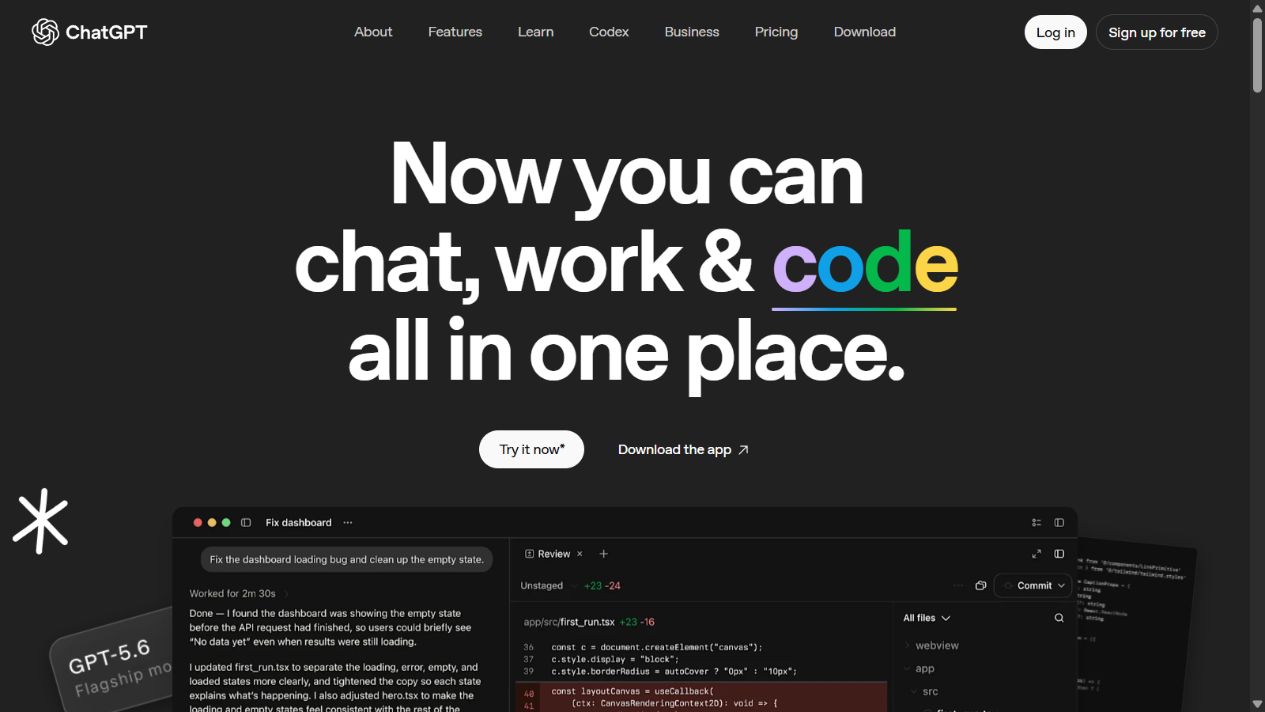
Official ChatGPT overview homepage, captured September 5, 2026. Product availability depends on the current account and plan.
| Feature | Practical role | Main caution |
|---|---|---|
| Conversation and reasoning | Explain, plan, draft, transform, and solve structured problems | Outputs can be wrong or incomplete |
| Search | Find current web information with source links | Citations still need inspection |
| Deep Research | Investigate a question across multiple sources | Scope, source quality, and synthesis require review |
| File input | Work with supported documents, images, and structured files | Extraction and permissions can fail |
| Data analysis | Execute code, calculate, clean data, and create charts | Definitions and calculations must be reconciled |
| Image tools | Generate, analyze, and edit images | Visual accuracy, text, identity, and rights need checks |
| Voice | Hold spoken conversations and use supported multimodal input | Privacy, environment, and transcription can affect results |
| Canvas | Develop and revise writing or code in an editable surface | It is not a publishing or version-control system |
| Projects | Keep chats, files, and instructions around continuing work | Stale files and weak ownership reduce reliability |
| Memory | Personalize future conversations from retained preferences | It is not an authoritative database |
| Scheduled tasks | Run supported future or recurring prompts | Delivery, permissions, and changing context need monitoring |
| GPTs and apps | Extend or specialize workflows | Governance and data boundaries vary |
1. Conversational assistance and reasoning
The core ChatGPT experience accepts natural-language instructions and produces responses in context. It can answer questions, explain concepts, outline work, summarize supplied material, translate, brainstorm, draft, critique, rewrite, plan, and help solve multi-step problems.
Conversation lowers the cost of iteration. A user can ask for an initial answer, identify a weakness, add context, request alternatives, or change the format. That is more useful than treating every prompt as a perfect command.
The limitation is confidence without certainty. ChatGPT can misunderstand the task, omit constraints, invent facts, or apply an unsuitable assumption. For important work, state the decision, audience, source boundary, definitions, output format, and review criteria. Ask it to separate evidence, inference, and uncertainty, then verify the result independently.
2. Writing and translation
ChatGPT can support outlines, drafts, edits, summaries, tone changes, headlines, emails, documentation, and translation. It is particularly useful when a user provides clear source material and asks for a controlled transformation.
Good writing workflows preserve human ownership. Start with an approved brief and source set. Generate a structure, review the argument, draft section by section, check every factual claim, remove repetition, and edit for audience and voice. For translation, use a glossary and review by a qualified speaker when meaning or legal effect matters.
Do not publish a fluent draft without checking originality, attribution, dates, names, links, quotations, claims, and local context. The system can produce generic language even when the grammar is correct.
3. ChatGPT Search
Search allows ChatGPT to retrieve current information from the web and provide links or citations. It is useful for recent events, current product information, definitions, discovery, and fast source gathering.
Search is not the same as proof. Open the cited page and confirm that it supports the statement. Check publication and event dates, primary versus secondary sourcing, jurisdiction, methodology, and whether a snippet removed necessary context. Prefer official documentation for product facts and primary sources for consequential claims.
Use a search prompt that names the question, date sensitivity, geography, required source type, and exclusions. Record the sources used in the final work rather than relying on chat history alone.
4. Deep Research
Deep Research is designed for longer investigations across multiple sources, producing a structured response with citations. It can help with market landscapes, vendor evaluation, policy comparisons, technical research, and other questions that require more than a quick search.
The user still owns the research design. Define scope, key questions, acceptable evidence, time range, geography, assumptions, and deliverable. Review whether the source set is balanced and authoritative. A long report can still be wrong if it begins with a weak frame or low-quality evidence.
For commercial research, use live search to understand the result landscape, then verify material product facts through official pages. Separate vendor claims from independent testing and never invent hands-on evidence.
5. Files and document analysis
ChatGPT can work with supported uploaded documents, images, presentations, and structured files. Users can request summaries, extraction, comparisons, questions, transformations, or analysis.
File handling requires checks. Scanned PDFs may need OCR. Tables can be extracted incorrectly. Footnotes, comments, hidden rows, formulas, merged cells, speaker notes, and charts may be missed or misunderstood. Password-protected, oversized, unsupported, or permission-restricted files can fail.
Before uploading, confirm that the account is approved for the data. After analysis, reconcile important statements to page, section, cell, or source. Keep the authoritative original outside ChatGPT.
6. Data analysis
OpenAI documents a code-backed data-analysis environment for supported files. ChatGPT can inspect data, clean records, calculate metrics, join tables, identify patterns, produce charts, and explain methods.
This is valuable for exploratory work, but correctness depends on definitions. Confirm the source range, units, date window, time zone, currency, missing values, duplicates, filters, joins, denominators, and rounding. Inspect the calculation or generated code for important outputs. Reconcile totals against an independent method.
Treat charts as claims. Check axis scales, labels, aggregation, category ordering, excluded records, and accessible descriptions. A polished visualization does not correct a wrong metric.
7. Image understanding, generation, and editing
ChatGPT can accept image input, describe or analyze supported visual material, generate new images, and make conversational edits. Use cases include concept development, illustration, mockups, diagrams, visual explanation, background changes, and bounded object edits.
Generated images need inspection for text, hands, identity, product geometry, logos, factual details, safety, bias, and rights. For edits, state what may change and what must remain unchanged. Save versions and compare against the source.
Exact typography, legal copy, pricing, accessibility text, and brand marks should be placed in a production design system after generation. Record provenance and client approval.
8. Voice and multimodal interaction
Voice supports spoken interaction, with experience and limits depending on the current account and device. It can be useful for hands-free questions, language practice, brainstorming, accessibility, and discussing visible or supplied material in supported modes.
Use voice thoughtfully in shared or sensitive environments. Background noise, pronunciation, transcription, accents, interruption, and connection quality can change meaning. Do not use a casual voice session as the authoritative record for a consequential instruction. Confirm important details in writing.
9. Canvas
Canvas is an editable workspace for developing writing and code alongside ChatGPT. It is useful when a task needs more direct revision than a sequence of chat messages. A user can work on a draft, select sections, request changes, or iterate on code.
Canvas is not a substitute for a content-management system, document approval workflow, repository, or test suite. Move approved work into the authoritative system, preserve versions, and run the required review or automated checks.
10. Projects
Projects organize related chats, uploaded files, and project instructions. They are useful for continuing research, content programs, planning, analysis, and other work that benefits from persistent context.
Create one project for a coherent purpose. Add only approved, current sources. Write instructions that define audience, terminology, evidence, output, and restrictions. Assign an owner and review stale files. Sharing, file limits, apps, and administrative controls vary by plan.
A project improves context but does not become truth. Conflicting files and outdated instructions can produce consistent but obsolete answers.
11. Memory and chat history
Memory can retain selected preferences or information to personalize future responses, subject to settings and availability. It may reduce repeated explanation for style, goals, or recurring context.
Do not use memory as a customer database, policy repository, project register, or compliance record. Review controls and remove information that should not persist. Organizational knowledge should remain in governed systems with ownership and versioning.
12. Scheduled tasks
ChatGPT supports plan-dependent scheduled or recurring tasks. A user may ask it to run a prompt later, provide a reminder, or monitor a recurring need where supported.
Automation needs a success condition, schedule, source boundary, notification rule, and owner. Avoid noisy updates when nothing changes. Verify that the task still has access to the intended context and that a human reviews consequential outputs. A schedule does not make the underlying information reliable.
13. GPTs and specialized assistants
GPT-related experiences can package instructions, knowledge, and capabilities for a specific purpose. They can standardize a repeated workflow such as onboarding guidance, content formatting, research intake, or internal support.
The builder must govern knowledge sources, sharing, actions, apps, data handling, permissions, and maintenance. A specialized name does not prove expert quality. Test adversarial inputs, missing data, outdated documents, permission boundaries, and escalation behavior.
14. Apps and connected services
ChatGPT can connect with supported applications and services depending on product, plan, workspace, and administrator settings. Connections can reduce manual uploads and help users work with information from other systems.
Every connection expands the data path. Review requested permissions, user versus administrator consent, source access, write actions, retention, logs, revocation, and incident response. Grant the minimum access and test offboarding. Do not connect an entire company repository to solve one narrow task.
15. Coding workflows
ChatGPT can explain code, generate examples, identify defects, write tests, help debug, and support broader software work. OpenAI also offers Codex-related functionality in eligible environments.
Generated code requires normal engineering controls: repository permissions, secret protection, dependency review, tests, static analysis, code review, staging, monitoring, and rollback. Never paste credentials or production data into an unapproved account. A working demo is not a secure production implementation.
16. Plans, models, and limits
ChatGPT’s exact experience changes across plans and rollouts. Free, paid individual, Business, Enterprise, and education offerings can differ in model access, usage, research, files, images, voice, projects, tasks, GPTs, apps, administration, security, and support.
Do not build a purchase decision from an old feature table. Check the live pricing page, Help Center, release notes, data commitments, and workspace documentation. Ask which limits are hard, dynamic, fair-use, or temporary. Pilot under the actual proposed plan.
Choosing the right features
Start with a workflow rather than enabling everything. Define the input, approved data, desired output, quality standard, reviewer, system of record, and consequence of error. Select the smallest feature set that completes the workflow reliably.
For example, a market brief may use Search for discovery, Deep Research for source gathering, files for primary documents, a project for context, Canvas for the draft, and human review before publication. A spreadsheet cleanup may use data analysis, independent reconciliation, and export into the approved workbook.
Track time, defects, rework, source quality, adoption, and cost. Remove workflows that produce impressive demos but weak operational value.
Final verdict
ChatGPT’s strength is the way its features connect. A conversation can become research, file analysis, a data calculation, a draft, an image, an editable Canvas, or a continuing project. That breadth makes it a strong general-purpose AI workspace.
The same breadth creates governance work. Organizations should approve accounts, classify data, configure sharing and connections, define review, and keep authoritative records outside the model. Use features because they improve a specific outcome, not because they appear in the menu.
Sources checked
Frequently asked questions
What are the main features of ChatGPT?
ChatGPT supports conversational assistance, writing, reasoning, translation, web search, deep research, file and image input, data analysis, image generation and editing, voice, Canvas, memory, projects, scheduled tasks, GPT-related experiences, apps, and coding workflows, subject to current plan and account limits.
Can ChatGPT search the internet?
Yes. OpenAI documents ChatGPT Search for current web information with source links. Search access and limits depend on the current account and service. Users should open citations and verify that they support important claims.
Can ChatGPT analyze PDF and spreadsheet files?
ChatGPT can work with supported uploaded documents and structured files. Data analysis can execute code for calculations and visualization. File limits, extraction quality, formulas, scans, permissions, and plan availability should be checked.
What is the difference between Search and Deep Research?
Search is suited to faster current-information questions, while Deep Research is designed for longer multi-source investigation and a cited report. Both require source review, and access or limits can vary by plan.
What are Projects and Canvas in ChatGPT?
Projects organize related chats, files, and instructions for continuing work. Canvas is an editable workspace for developing writing or code. Availability, sharing, limits, and organizational controls depend on the account and plan.
Does ChatGPT remember previous conversations?
OpenAI documents memory and chat-history features that can personalize responses, subject to account, settings, plan, and regional availability. Users can review controls and should avoid relying on memory as an authoritative record.
Are all ChatGPT features available on every plan?
No. Model access, usage limits, files, research, images, voice, projects, tasks, GPTs, apps, administration, and business controls can differ by plan and change during rollouts. Check the live pricing and Help Center pages before deciding.