Cursor vs ChatGPT: Which Is Better?
Compare Cursor and ChatGPT for coding, repository work, research, business tasks, team controls, cost structure, and the right workflow fit.
Direct answer
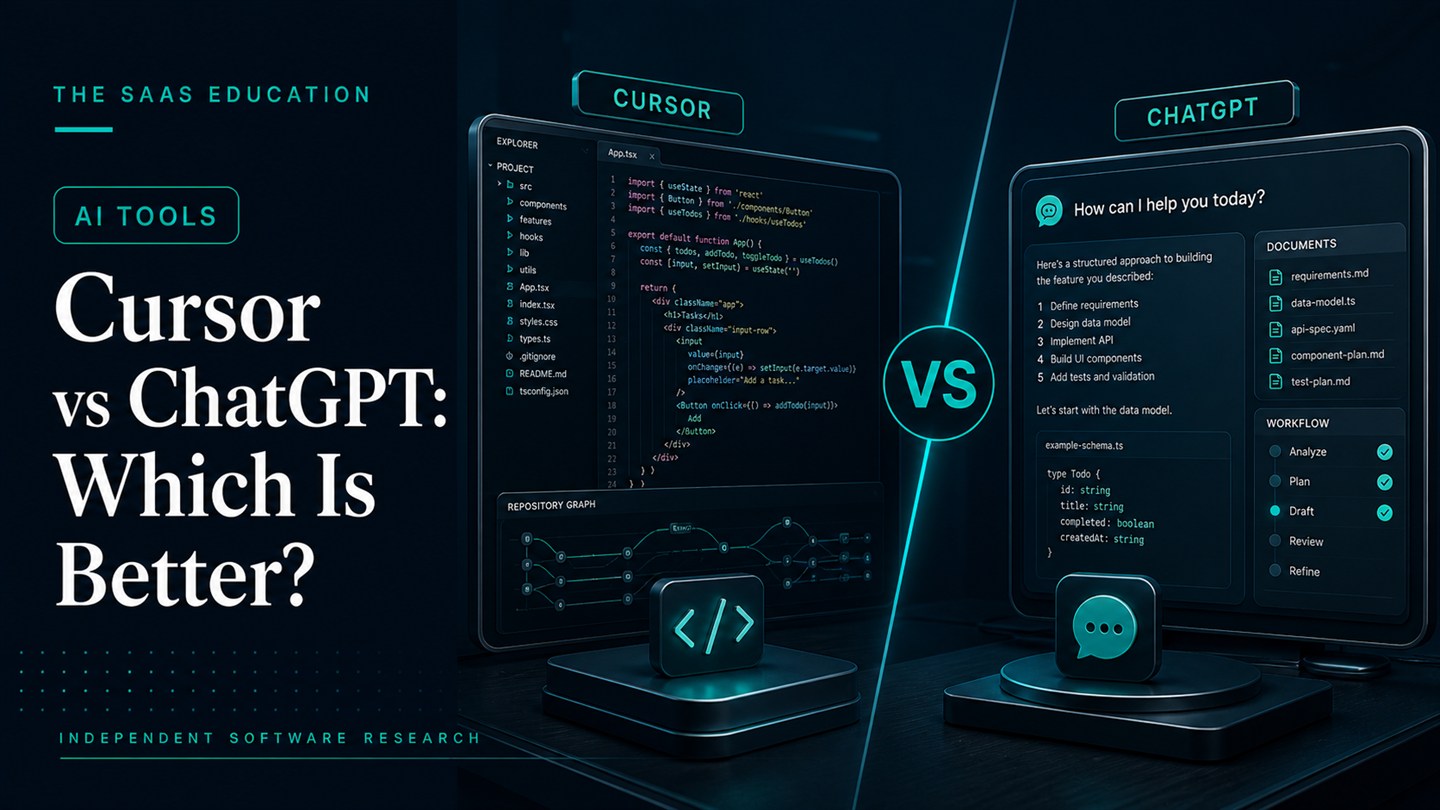
Cursor is better for developers who want an AI coding agent inside a repository-aware editor. ChatGPT is better for people who need one broader assistant across writing, research, analysis, files, planning, images, and coding.
The decision is not simply which product writes better code. Cursor is designed around understanding and changing a codebase, including searching files, editing, running commands, reviewing changes, and working with developer tools. ChatGPT is a general workspace that can assist with code but also serves many non-development jobs.
Choose Cursor when the primary outcome is a verified software change. Choose ChatGPT when coding is one part of a wider knowledge-work requirement. A software team may justify both, but only after defining separate responsibilities and measuring overlap.
This comparison uses official Cursor and OpenAI sources checked on August 24, 2026. We did not run a controlled benchmark, compare models on fixed repositories, or test paid team workspaces. Product facts are verified; recommendations are editorial inferences from documented workflow fit.
Cursor vs ChatGPT at a glance
| Decision area | Cursor | ChatGPT |
|---|---|---|
| Primary role | Repository-aware coding editor and agent | General-purpose conversational and agentic workspace |
| Best for | Developers building, debugging, and reviewing software | Mixed knowledge work, research, analysis, writing, files, and coding help |
| Working context | Local or connected codebase, files, terminal, developer workflow | Conversations, uploaded files, projects, tools, web research, and plan-dependent Codex access |
| Editing model | Direct code edits and diffs inside the development environment | Conversational output and plan-dependent software agent workflows |
| Model choice | Multiple supported models with plan-dependent usage | OpenAI models and tools determined by the selected ChatGPT plan |
| Team controls | Team and Enterprise capabilities documented by Cursor | Business and Enterprise workspace controls documented by OpenAI |
| Main limitation | Specialized around software development | Broader interface can be less integrated with the daily editor workflow |
The most important difference: editor versus general workspace
Cursor describes itself as a coding agent for building software. Its documentation focuses on understanding repositories, planning features, editing files, running terminal commands, fixing bugs, reviewing diffs, and connecting to developer workflows.
ChatGPT is broader. OpenAI positions it as a place for conversation, research, files, analysis, images, projects, and other work, with coding and Codex capabilities varying by plan and account. That breadth makes it useful across a company, but it also means the product is not organized exclusively around the editor loop.
The practical question is where the work must finish:
- If the answer is a tested change in a repository, Cursor has the clearer workflow fit.
- If the answer is an explanation, plan, analysis, document, research result, or mixed set of tasks, ChatGPT has the broader fit.
Choose Cursor for repository-centered development
Cursor’s official documentation says its Agent can explore a codebase, edit files, run terminal commands, and complete multi-step coding tasks. The editor also provides a diff-oriented review process so a developer can inspect what changed.
That environment matters because software work is not just text generation. A useful coding agent must locate the relevant code, preserve project conventions, understand dependencies, make a bounded change, run checks, and present the result for review.
Cursor is a strong shortlist candidate for:
- understanding an unfamiliar repository;
- planning and implementing a feature;
- debugging a reproducible defect;
- refactoring code across several files;
- writing or updating tests;
- running project commands and interpreting failures;
- reviewing a proposed change before merge;
- maintaining project-specific rules and context.
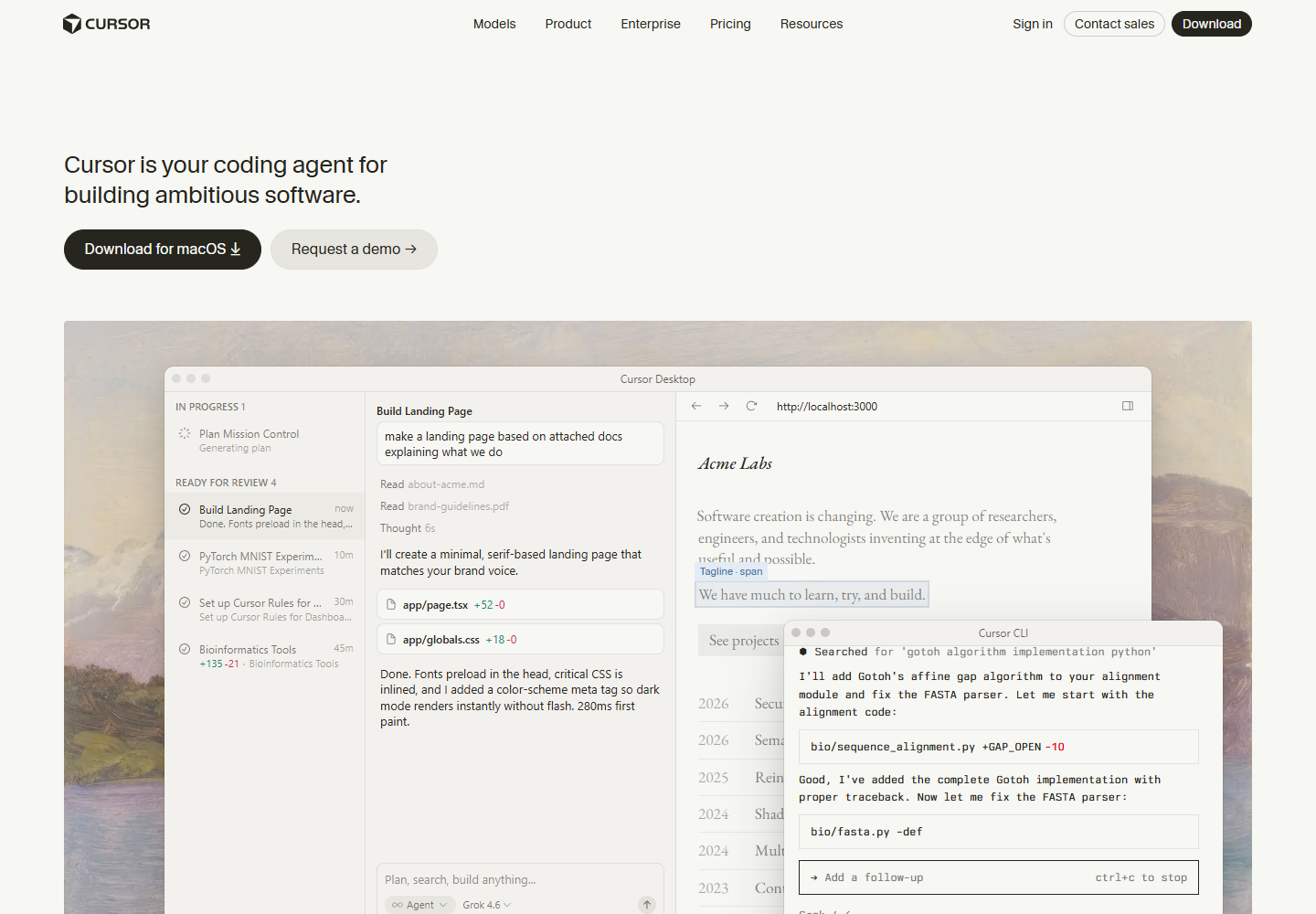
Cursor’s official homepage. Source: Cursor . Captured August 24, 2026, to document its coding-agent positioning and editor-centered workflow.
Cursor’s main strengths
Repository context is central. Cursor is designed to search and reason over the codebase rather than treating every question as an isolated snippet.
The agent can act inside the development workflow. Official documentation describes tools for file editing, code search, terminal execution, and related work.
Developers can inspect diffs. A generated change is easier to review when it appears in the same environment where the code is edited and tested.
Model choice is available. Cursor’s current documentation lists multiple supported models, with context, capability, and usage implications. This can help teams match model cost and behavior to a task.
Team capabilities are documented. Cursor’s pricing and enterprise material describe team billing, usage information, privacy controls, SSO, and higher-tier administration, although exact availability depends on the plan.
Cursor’s main limitations
It is specialized. A marketing, finance, operations, or research user who rarely works in a repository will not benefit from much of the editor-centered design.
Usage economics require attention. Cursor’s current plans combine subscriptions, included usage, model-dependent consumption, and separately priced capabilities. The correct cost depends on selected models and agent behavior, not only the advertised seat price.
Agent output still requires developer review. An agent can introduce regressions, insecure code, weak tests, or unnecessary changes. The developer remains responsible for scope, architecture, review, and verification.
Repository access increases governance requirements. Teams need rules for secrets, proprietary code, generated dependencies, network access, terminal commands, and what may be sent to model providers.
Choose ChatGPT for broader knowledge work
ChatGPT supports a wider range of work than a code editor. Official OpenAI material describes chat, search, files, data analysis, projects, image capabilities, apps, and workspace administration, with availability varying by plan.
For software professionals, that breadth is useful before and around implementation. A product manager can analyze requirements, a developer can explore an unfamiliar concept, a support lead can summarize incidents, and a technical writer can develop documentation in the same general environment.
ChatGPT is a strong shortlist candidate for:
- explaining technical concepts at different levels;
- researching APIs, standards, or implementation options;
- analyzing uploaded documents or structured files;
- drafting architecture notes and decision records;
- creating test cases or troubleshooting plans;
- writing and revising documentation;
- supporting coding questions without opening a repository;
- helping non-developers with adjacent work.
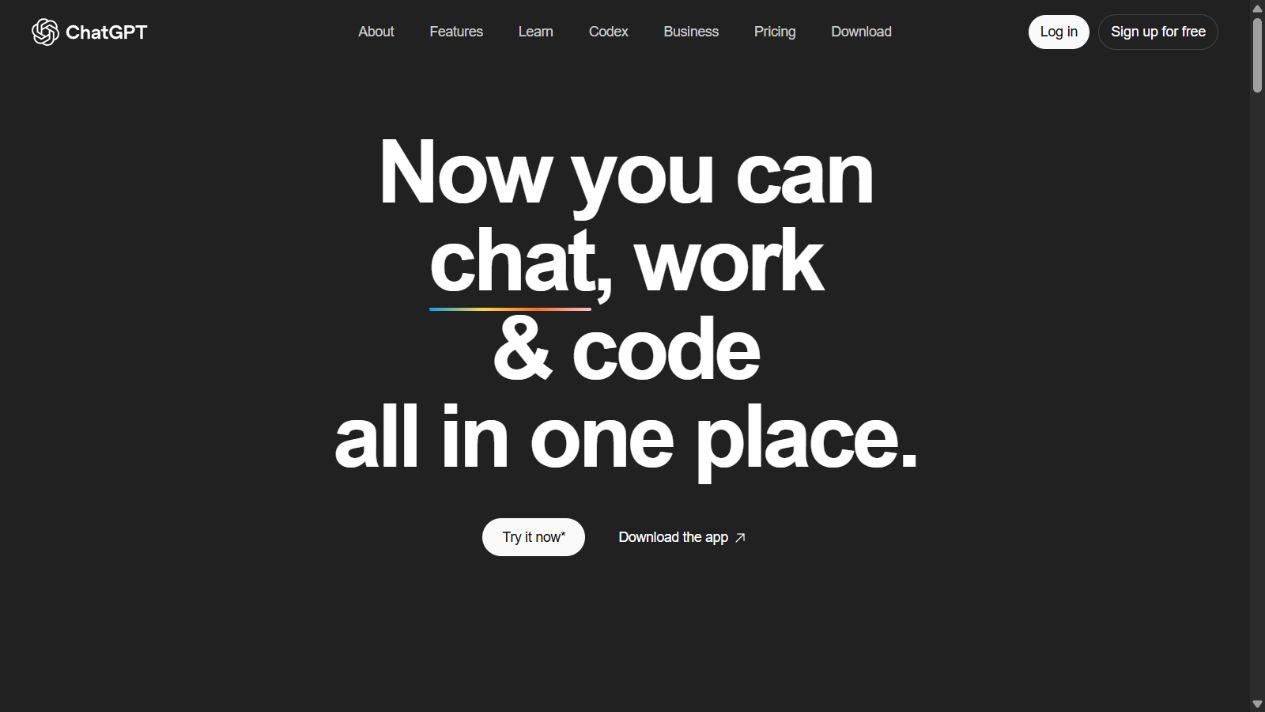
OpenAI’s official ChatGPT homepage. Source: ChatGPT . Captured August 15, 2026, to document the product’s general workspace positioning.
ChatGPT’s main strengths
It serves more roles. ChatGPT can support developers and non-developers without requiring everyone to work inside an IDE.
Conversation is a flexible interface. Users can move from explanation to planning, analysis, drafting, and revision without first structuring the work as a code change.
Files and research broaden the context. Plan-dependent tools can help with documents, structured data, web research, and other inputs relevant to software decisions.
Business workspaces provide centralized controls. OpenAI documents Business and Enterprise workspace administration, data policies, and pricing structures. Buyers should verify the current plan because these details are volatile.
Codex adds a software-work path. Eligible ChatGPT plans may include or connect to Codex capabilities, reducing the gap for teams that want an OpenAI-centered coding workflow. Exact access and charging should be checked in current OpenAI documentation.
ChatGPT’s main limitations
The general interface is not the same as an editor-native loop. A developer may spend more time transferring context, applying changes, and reviewing code when the task is handled only through conversation.
Breadth can create overlap. A company can accumulate ChatGPT, an editor agent, a documentation assistant, and other AI seats without clearly defining which system owns each workflow.
Output can be plausible but wrong. Code, explanations, and citations require verification. ChatGPT should not be treated as the source of truth for a repository or external fact.
Plan structure is changing. OpenAI’s official help material documents evolving seat types, included access, and flexible usage. Procurement should verify the current local terms rather than rely on an older comparison.
Which is better for writing and understanding code?
The answer depends on context.
Use Cursor when the code already exists in a repository and the task requires navigation, coordinated edits, commands, tests, or diffs. The product is designed to keep the agent close to those artifacts.
Use ChatGPT when the task is conceptual or portable: explain a language feature, compare approaches, sketch an algorithm, interpret an error, or draft an isolated example. It can also help prepare a plan before a developer applies it in the repository.
Do not evaluate either product from a one-file demo. A meaningful test should include the actual repository size, language, framework, test suite, dependency policy, and review process.
Which is better for debugging?
Cursor has the stronger workflow fit when the bug can be reproduced inside the codebase. Its agent can inspect files, run terminal commands, make edits, and help verify the result.
ChatGPT can be valuable when debugging begins with incomplete evidence. It can help structure an incident timeline, interpret logs, explain a protocol, generate hypotheses, or turn observations into a diagnostic plan.
A strong workflow may use ChatGPT for broader reasoning and Cursor for repository execution. However, the split is useful only if the handoff is explicit and sensitive information is handled appropriately.
Which is better for teams?
Development teams
Cursor is the more natural daily tool when most users write and review code. Evaluate repository support, model behavior, usage cost, privacy mode, administration, and integration with the existing engineering environment.
Cross-functional product teams
ChatGPT may have broader seat value because product, design, support, marketing, research, and engineering can use it for different jobs. That breadth can improve adoption but also makes governance and use-case definition more important.
Enterprise engineering organizations
Do not decide from feature lists alone. Review SSO, identity lifecycle, auditability, data retention, model-provider behavior, network controls, repository permissions, usage limits, support, and contract terms. Pilot with representative repositories and teams.
Pricing and total-cost considerations
Cursor and ChatGPT use different plan and usage structures. Both can change over time.
Cursor’s official pricing documentation describes individual, team, and enterprise plans, model-dependent usage, and separately priced products or agent compute in some cases. OpenAI’s official help and pricing material describes ChatGPT subscriptions, Business or Enterprise workspaces, and flexible usage or seat rules that vary by plan.
Model the total cost using:
- number and type of users;
- expected agent or model usage;
- selected models;
- included versus additional usage;
- administrative and security requirements;
- duplicate seats in other AI products;
- review time and failed changes;
- training and support.
The lowest subscription price is not the lowest workflow cost if developers spend time correcting poor changes or moving context among tools.
Security, privacy, and governance
Both products can process sensitive material. A buyer should review the exact current policies and settings for the selected plan.
For Cursor, consider source code, secrets, terminal access, repository permissions, model routing, retention, and background-agent environments. Cursor publishes information about Privacy Mode and enterprise controls, but the organization must confirm how those settings apply.
For ChatGPT, consider uploaded files, conversation data, connected apps, workspace administration, retention, and whether business data is used for model training by default under the selected offering. Use official OpenAI business documentation and contract terms.
For both:
- prohibit secrets and personal credentials in prompts;
- use least-privilege repository and connector access;
- require review before merge or publication;
- log important agent actions where the plan permits it;
- maintain rollback and incident procedures;
- define approved models and data classes.
A fair pilot for Cursor and ChatGPT
Run three representative tasks:
- Repository task: fix a known defect and run the existing tests.
- Understanding task: explain an unfamiliar subsystem and identify the relevant files and risks.
- Cross-functional task: turn a technical change into release notes, support guidance, and an internal summary.
For each product, record:
- time to a reviewable result;
- correctness and test outcome;
- unnecessary changes;
- developer review time;
- context or setup effort;
- usage consumed;
- security or policy exceptions;
- quality of the non-code deliverables.
Apply the same repository, instructions, and acceptance criteria. Do not declare a winner from a different task or model configuration.
Implementation and change-management differences
Cursor adoption affects the developer workstation and repository workflow. A rollout should define the supported operating systems, editor settings, extensions, project rules, model policy, repository access, terminal permissions, and how generated diffs enter code review. Start with a small group working on representative repositories. Preserve the team’s existing test, branch, and approval controls rather than creating a separate path for AI-generated changes.
ChatGPT adoption usually spans more roles and therefore needs a broader use-case policy. Define which teams may upload files, which connectors are allowed, how projects are organized, what content requires citation, and when output must be reviewed by a developer or subject-matter owner. A general workspace can spread quickly through an organization, so examples of approved and prohibited use are more useful than a vague instruction to “use AI responsibly.”
For either product, publish a short operating guide with:
- approved data classifications;
- repository or file-access rules;
- required human review;
- model and plan selection guidance;
- cost and allowance ownership;
- incident and rollback procedures;
- a process for reporting weak or unsafe output.
Review adoption after 30 days. Compare active use with completed, approved outcomes rather than logins or prompts. If users are generating more drafts but review time, defects, or software risk increases, the deployment has not succeeded.
Neither may be right when
Neither product should be adopted when the team lacks automated tests, code review, secret management, or a policy for AI access to repositories. An agent can accelerate unsafe development practices as easily as good ones.
A narrower completion tool may be enough for developers who do not want agentic edits. A self-hosted or contractually isolated system may be required for sensitive code. Some teams may prefer an existing IDE extension or vendor ecosystem to introducing another editor.
Verdict by use case
- Choose Cursor for repository-aware implementation, debugging, refactoring, terminal work, and editor-centered review.
- Choose ChatGPT for broad research, explanation, analysis, documentation, files, and coding as part of mixed work.
- Use both only when Cursor owns repository execution and ChatGPT owns clearly separate cross-functional or research workflows.
- Choose neither until the team has tests, review, access controls, and a measurable pilot.
The AI tools evaluation guide can structure that pilot. Teams comparing other software agents should also read Bolt.new vs ChatGPT and the best AI tools for startups guide.
Sources checked
- Cursor documentation
- Cursor Agent overview
- Cursor quickstart
- Cursor pricing and plans
- Cursor enterprise
- OpenAI: What is ChatGPT?
- OpenAI: What is ChatGPT Business?
- OpenAI business pricing
Final recommendation
Cursor and ChatGPT overlap in coding assistance, but they are not interchangeable products. Cursor organizes the work around a codebase and developer loop. ChatGPT organizes it around a general conversation and a wider set of knowledge-work tools.
Start with the environment where the finished work must be reviewed. If it is a repository change, test Cursor first. If it is a mixture of analysis, documents, research, and occasional code, test ChatGPT first. If both pass separate pilots, define the boundary before buying overlapping seats.
Frequently asked questions
Is Cursor better than ChatGPT for coding?
Cursor is generally the better fit for sustained work inside a repository because its editor and agents can search the codebase, edit files, run commands, and support review in the coding environment. ChatGPT is broader and may be better for explanation, research, mixed business work, and coding tasks that do not require a dedicated editor.
Can ChatGPT replace Cursor?
ChatGPT can help write, explain, debug, and analyze code, and its Codex capabilities can support software tasks on eligible plans. It does not make Cursor's editor-centered workflow irrelevant, especially for developers who want repository context, inline editing, and agent work inside their daily IDE.
Can Cursor use different AI models?
Cursor's official documentation lists support for multiple model providers and Cursor models, with availability, context, capability, and usage cost varying by plan and model. Check Cursor's current model and pricing documentation before selecting a plan.
Which is better for a non-developer?
ChatGPT is usually the better first choice for a non-developer because it supports a wider mix of writing, analysis, research, files, planning, images, and conversational work. Cursor is purpose-built for people working with software repositories.
Should a development team buy both Cursor and ChatGPT?
Possibly, but only when the roles are distinct. Cursor can serve repository-centered development while ChatGPT supports broader research, documentation, analysis, and cross-functional work. Pilot both against measurable workflows before licensing overlapping seats.