DeepL Features by Product, Language, and Platform
Map DeepL features across Translator, Write and API. Check product, language, platform and plan compatibility before designing a workflow.
DeepL features span several jobs: translating text, translating files, controlling terminology, adjusting supported translation formality, improving wording with DeepL Write and connecting language services to software through an API. They should be checked as a capability matrix, because a feature’s language, platform, product and plan support can differ.
Research scope and limitations
- Research type
- Official-source documentation review and editorial analysis
- Sources reviewed
- 7
- Hands-on tested
- No
- Last verified
- November 11, 2026
- Limitations
- No authenticated account test or performance benchmark. Paid rates and account-specific entitlements not verified; proposed tests and recommendations are editorial analysis.
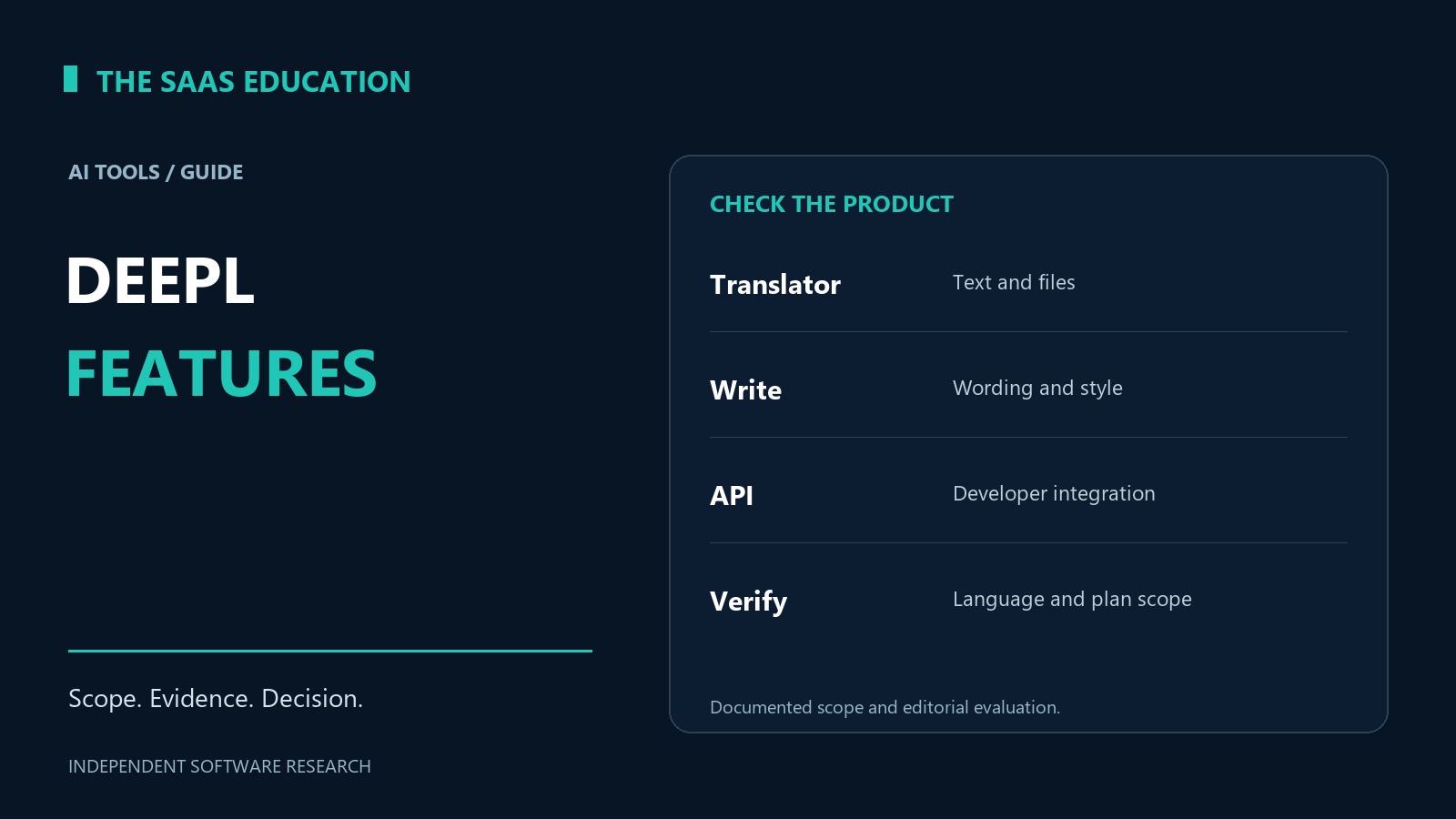
Table of contents
DeepL features: the direct answer
DeepL features span several jobs: translating text, translating files, controlling terminology, adjusting supported translation formality, improving wording with DeepL Write and connecting language services to software through an API. They should be checked as a capability matrix, because a feature’s language, platform, product and plan support can differ.
The practical question is not whether DeepL has a feature somewhere in its catalogue. It is whether the required feature works for the language pair, account and delivery method you intend to use. A web translation workflow, a writing-assistance workflow and a production API integration are separate requirements.
This guide is a reference for that distinction. Our DeepL review covers the broader evaluation decision, while the DeepL pricing guide addresses purchasing scope. We reviewed official public documentation on November 11, 2026, without testing a paid account or measuring output quality.
A feature map by task
| Task | Relevant capability | Essential compatibility check |
|---|---|---|
| Translate a passage | Translator text translation | Source and target languages, varieties and available controls |
| Translate a structured file | File translation | Exact format, size, allowance and required output |
| Keep approved terms consistent | Glossaries | Language pair, selected glossary and client support |
| Adapt the level of address | Translation formality | Supported target language and product access |
| Improve existing wording | DeepL Write | Supported language, client and customization options |
| Embed language work in software | DeepL API | API entitlement, endpoint and implementation requirements |
Use this map to build a requirement with a pass condition. “Supports documents” is too broad; “our approved file type can be translated and its numbered references remain reviewable” is a requirement someone can assess. A feature description identifies a candidate capability, not a completed acceptance test.
Text translation and language support
DeepL’s language documentation lists supported translation languages and varieties. It also warns that not every language supports every feature, including glossary, formality and alternative options. Check the exact language pair rather than treating the overall language list as a promise of identical functionality.
That distinction is useful when an organization expands an existing workflow. A team may be satisfied with one language pair and then add another audience. The second workflow needs its own compatibility record, even when employees use the same account and interface.
Record both direction and audience. A workflow from English to a target language does not establish that the reverse direction satisfies the same terminology and review requirements. Where a regional variety matters, ask the reviewer to define it explicitly instead of expecting a country name in a project brief to resolve the choice automatically.
The output still needs an appropriate reviewer. Supported language availability establishes that processing is offered; it does not establish suitability for a particular document, specialist vocabulary or publication consequence. This guide makes no accuracy ranking across language pairs.
Alternative wording and dictionary assistance
The official feature catalogue describes dictionary assistance and alternative wording. These options are useful to investigate when a translator or editor wants to compare possible expressions rather than accept the first output without inspection.
An alternative is a candidate wording choice. It should be assessed within the sentence and surrounding passage. A word that looks more familiar may change a qualification, product term or relationship between clauses. The useful question is why a reviewer prefers it, not simply whether an alternative is available.
For an internal acceptance exercise, distinguish three kinds of edit: correction of meaning, required terminology and stylistic preference. Keeping them separate prevents a team’s house style from being confused with a product error. It also helps explain which changes belong in a reusable terminology decision and which belong only in one document.
Check availability in the intended client. A tutorial showing an option in a desktop or web interface is not evidence that the same interaction exists in a mobile app or API request. Document the actual interface you plan to support before writing employee instructions.
Glossaries and terminology control
DeepL’s glossary overview describes preferred translations for words and phrases and facilities for managing terminology. The useful operating distinction is between a preferred term and a complete translation rule. A glossary entry helps express a terminology choice; it does not replace review of the whole sentence.
A term can be correct in one context and wrong in another. Consider a fictional product with a feature name that is also an ordinary noun. The team should decide when that name must remain unchanged and when an ordinary use of the noun should be translated normally. Adding a broad entry without that reasoning can create a new consistency problem.
Keep the term’s owner, language direction and intended use alongside the approved choice in your own terminology record. That record can explain the decision even when the tool’s entry interface stores less context. Avoid treating a large glossary as proof that terminology has been governed well.
Before wider use, review a small sample covering the preferred term, a related grammatical form and an unrelated meaning of the same word. These are proposed acceptance cases, not a claim that DeepL fails or passes them. The result tells the owner whether the entry should be kept, narrowed or revised.
File translation
DeepL’s file-translation learning material covers translating files and managing file translation usage. Supported formats, account limits and output options must be checked for the actual product and account. Do not infer a file allowance from a text-translation description.
File support and file acceptance are different questions. A document may process successfully while a reviewer still needs to check headings, references, table labels, numbers and layout. Decide what the recipient needs to do with the final file before evaluating whether the output is acceptable.
For example, a translated presentation may need readable labels and a correct sequence of slides. An internal reference document may need stable section numbering so employees can discuss the same passage. Those requirements determine the review work; they are not guaranteed merely by retaining a familiar file extension.
Ask which source file will be authoritative after corrections. If reviewers repair a translated copy while someone else revises the original, the next translation can silently discard approved changes. A clear version and handoff process is an important companion to the file capability itself.
Translation formality
The formality help article describes automatic and selectable formality options for eligible usage. Confirm language and account support before making a selectable formality level a mandatory requirement.
Formality is a language control, not an approval of the message’s business meaning. A courteous sentence can still make an unauthorized promise. When reviewing customer communication, preserve deadlines, conditions and uncertainty while checking that the level of address suits the intended audience.
It also helps to distinguish translation formality from a general writing brief. “Make this sound professional” may involve structure, vocabulary and company style as well as forms of address. A supported formality setting addresses part of that requirement. An editor still needs to interpret the complete brief.
If an account or language lacks a desired option, record that as a compatibility gap. Do not write instructions that tell employees to look for an interface control you have not verified. A narrower approved workflow is easier to operate than an assumed universal feature set.
DeepL Write customization
DeepL Write’s customization documentation covers alternative phrasing and controls such as writing style or tone, with client-specific qualifications. Write addresses wording improvement; it should not be described as simply another name for the Translator workflow.
This distinction changes the acceptance test. For a writing task, retain an original version and identify what the editor may change. The task may permit shorter phrasing while requiring a particular promise, qualification or technical name to stay intact. A more concise result is not automatically a better result if it removes those elements.
An original evaluation exercise is to mark the non-negotiable parts of a short draft before considering suggestions. The reviewer then checks each proposed change against those marks. Classify changes as acceptable, preference-dependent or meaning-changing, and retain the reason when a suggestion is rejected.
Do not infer broad brand-voice enforcement from the presence of a tone menu. A company’s style guide may contain rules that need their own configuration and review. Confirm the relevant product capability and language support before turning an informal editing preference into an organization-wide instruction.
API access and implementation
The DeepL developer quickstart explains API setup and authentication. Treat API access as its own entitlement and implementation requirement. A successful subscription to an employee-facing service is not enough evidence that an application has the required API access.
For a developer evaluation, describe the entire transaction: approved input, language configuration, terminology reference, returned result and failure handling. Name the application owner who will maintain that flow. The capability becomes useful only when the surrounding software can handle ordinary problems without losing track of the source or duplicating work.
Keep credentials out of client-side examples, shared documents and published troubleshooting screenshots. Use the organization’s approved secret-management approach. This article does not provide an integration script or claim to have connected a production account.
Also distinguish a developer reference from a current purchasing authority. Documentation can contain historical examples while an offer’s packaging changes. Confirm current access and billing separately, particularly when adapting an older tutorial. Our pricing guide addresses that distinction in more detail.
Build a compatibility record before rollout
A compact compatibility record avoids repeatedly answering the same availability questions. For each intended workflow, capture the product, account scope, interface, language pair, file type where applicable and required controls. Mark the source and date used to verify each item.
| Requirement field | Example of a useful entry | Why it helps |
|---|---|---|
| Job | Review an approved customer-help passage | Keeps scope tied to a real task |
| Language direction | Named source and target varieties | Prevents an assumed reverse mapping |
| Client | The exact supported web, desktop or API route | Makes employee guidance testable |
| Terminology | Named approved glossary and owner | Gives corrections an accountable destination |
| Acceptance | Meaning, names and numbers checked | Separates processing success from publication approval |
| Recheck trigger | Added language or changed account access | Keeps an old verification from becoming permanent |
Do not mark an item verified merely because it appears in a vendor’s navigation menu. The record should explain what was established and what still requires an authorized account check. This is particularly important when a feature is promoted across several product families.
Strengths, limitations and choosing the right feature
The documented range of DeepL features gives a team several language-workflow components to assess without treating every task as open-ended text generation. That focus can help teams describe a bounded requirement and identify a suitable reviewer.
The limitation is compatibility work. Product names and a broad feature catalogue do not establish that the exact combination of language, client, account and file format is available. Nor do they establish output quality for your material. These remain questions to verify rather than conclusions from this reference. The AI tools evaluation guide provides the wider acceptance framework, and our review methodology explains why a documented capability is different from a first-hand result.
Choose the smallest feature set that completes the approved job. If the task is a short passage, begin there rather than adding file automation and team-wide terminology changes at once. Expand when the operating process and evidence justify it. Our AI tools category and DeepL vs ChatGPT comparison provide related context for the wider buying decision.
FAQs
Are all DeepL features available in every language?
No. Official language documentation identifies feature limitations across supported languages. Check the exact language pair and the particular glossary, formality or alternative option you need rather than assuming every supported language has identical functionality.
Is DeepL Write the same as DeepL Translator?
No. Write focuses on improving existing wording, while Translator changes the language of source material. They may support related editorial work, but their purposes, available controls and account requirements should be assessed separately.
Does a glossary guarantee a correct translation?
No. It expresses preferred terminology. A reviewer still needs to check the sentence’s meaning, the term’s context and the rest of the document. Test ambiguous uses and grammatical variations before applying a terminology decision broadly.
Does a translated file need formatting review?
Yes. Successful processing does not establish that headings, references, numbers and layout satisfy your delivery requirement. Review the output in the form the recipient will use, and retain the approved source version for corrections.
Does a web subscription automatically provide API access?
Do not assume that it does. Verify the current API entitlement, credentials and billing for the implementation you intend to run. Employee-facing access and developer access are different purchasing and operational requirements.