GitHub Copilot vs ChatGPT: Which Is Better?
Compare GitHub Copilot and ChatGPT for coding, repositories, planning, debugging, research, team controls, security, pricing, and developer workflow fit.
Direct answer
GitHub Copilot is better when the primary job is software development inside GitHub, supported editors, the command line, pull requests, and repository-centered team workflows. ChatGPT is better when coding is one part of a broader AI workspace that also needs research, explanations, documents, files, data analysis, images, connected applications, and general problem solving. On eligible plans, ChatGPT also includes coding workflows through Codex, so the decision is no longer a simple editor assistant versus chatbot comparison.
For an individual developer, GitHub Copilot usually has the clearer advantage when minimizing context switching is the priority. For a founder, analyst, product manager, or developer who moves between code and noncode work, ChatGPT can provide broader utility. For a company, the decisive factors are repository permissions, execution boundaries, identity, administrator controls, data terms, policy management, auditability, review workflow, adoption, and total cost.
This comparison uses official GitHub and OpenAI sources checked on August 30, 2026. We did not run a controlled benchmark, measure generated-code acceptance, or submit confidential production repositories. Product facts are sourced; recommendations about workflow fit are editorial inferences.
GitHub Copilot vs ChatGPT at a glance
| Decision area | GitHub Copilot | ChatGPT |
|---|---|---|
| Best overall fit | Repository-centered software development | Broad individual and team knowledge work including coding |
| Core environment | GitHub, supported IDEs, CLI, agents, pull requests, and development workflow | Chat workspace, projects, files, apps, research, analysis, and Codex on eligible plans |
| Inline coding | Strong emphasis on editor-native completion and chat | Coding support, but the main ChatGPT workspace is broader than an editor |
| Repository work | Deep relationship with GitHub repositories and platform controls | Repository and coding work varies by selected ChatGPT/Codex experience and plan |
| Noncoding work | Development-focused | Writing, research, data, images, voice, files, and general assistance |
| Team administration | GitHub organization and enterprise-oriented controls by plan | ChatGPT Business and Enterprise workspace controls by plan |
| Main risk | Treating generated code as trusted because it appears inside the developer workflow | Sending insufficiently scoped context or using a general workspace without a defined engineering review path |
The products now overlap more than their names suggest
GitHub Copilot began with an editor-centered identity, while ChatGPT became known as a general conversational assistant. Their current product surfaces are broader. GitHub’s official Copilot pages describe assistance across editors, GitHub, agents, command-line work, code review, and business environments. OpenAI’s official ChatGPT and Codex material describes coding, repository tasks, execution, review, and delegation alongside the wider ChatGPT toolset.
That overlap makes feature counting unreliable. Both companies can add models, agents, integrations, or limits between procurement and renewal. A durable evaluation asks where the work happens, which context the assistant can access, what it can change or execute, how humans review the result, and which administrator can control the behavior.
1. Product focus and daily workflow
GitHub Copilot’s strongest differentiator is proximity to software work. The official product experience connects Copilot to GitHub and supported development environments. A developer can ask about code where code is already being written, receive completions, work with chat or agents, and use plan-dependent capabilities across repositories and development tools.
This proximity can reduce the friction of copying code and context into a separate assistant. It also means permissions and mistakes can travel closer to valuable repositories. Organizations should configure access and policies deliberately rather than assume that integration itself is a safety control.
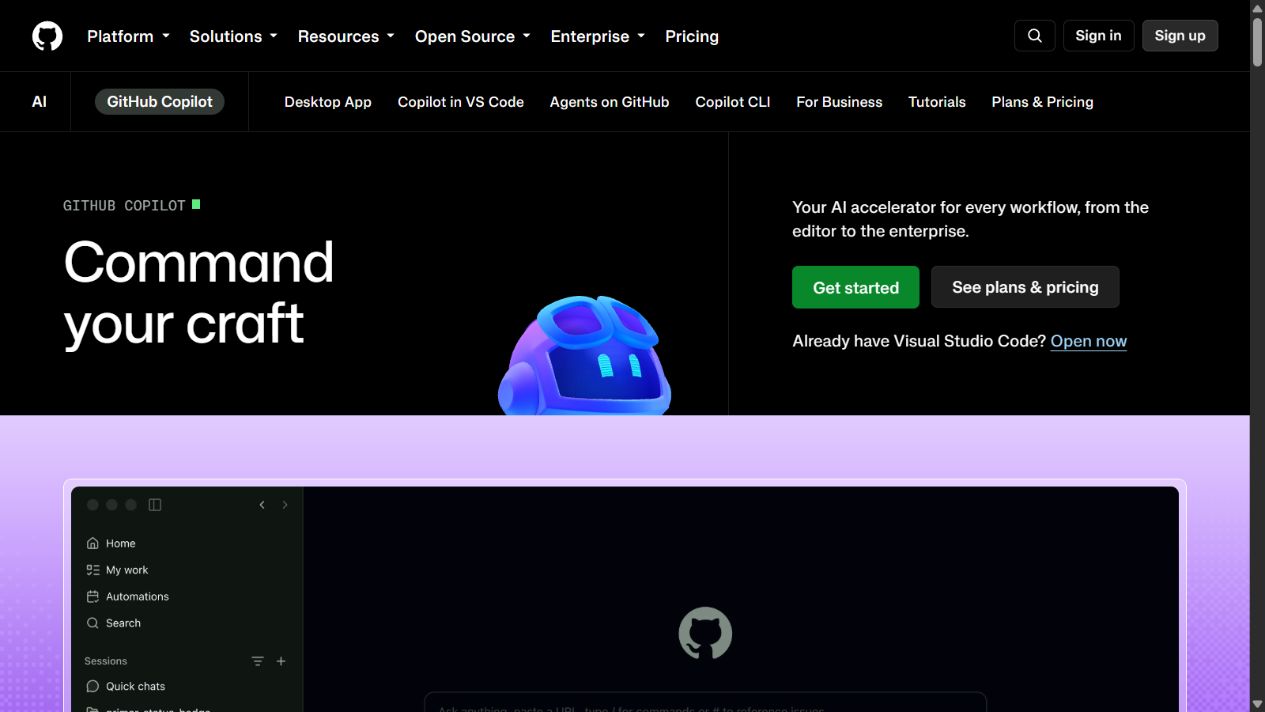
GitHub Copilot’s official product page, captured August 30, 2026. Source: GitHub Copilot .
ChatGPT is a broader workspace. Its official pages describe chat, search, deep research, files, data analysis, projects, tasks, custom GPTs, apps, voice, images, and coding capabilities that vary by plan. A software question can be investigated alongside a product brief, incident notes, a spreadsheet, or external research without leaving the same general environment.
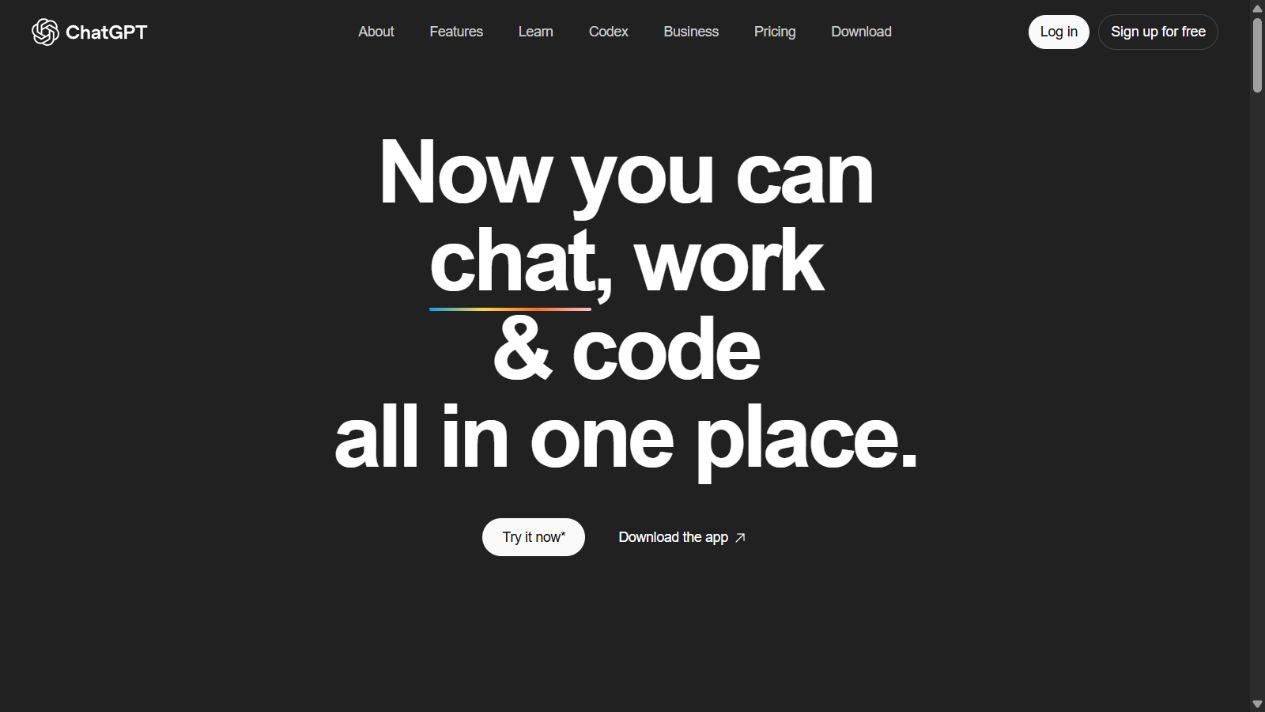
ChatGPT’s official homepage, captured August 15, 2026. Source: ChatGPT .
Decision: choose GitHub Copilot first when development workflow integration is the dominant requirement. Choose ChatGPT first when coding must sit inside a wider research and knowledge-work environment.
2. Inline completion and editor assistance
GitHub Copilot has the more obvious fit for developers who want suggestions and assistance while typing. Editor-native context can make small transformations, tests, repetitive code, comments, and navigation more convenient. The practical value should be measured in review-adjusted time, not the amount of generated code.
ChatGPT can generate and explain code, but a general chat window is not the same interaction as inline completion. OpenAI’s coding products and integrations reduce that distinction in some workflows, yet the team should verify exactly which editor, repository, execution, and review experience is included in the selected plan.
Inline output creates a specific cognitive risk: suggestions can be accepted because they look locally plausible and arrive with little friction. Teams should require tests, linting, type checks, dependency review, secure coding analysis, and human ownership of every merged change.
Decision: GitHub Copilot is usually stronger for continuous editor assistance. ChatGPT is better when the developer wants a broader discussion, explanation, or artifact that extends beyond the current file.
3. Repository understanding and codebase tasks
Repository-aware assistance is more useful than isolated snippets because real changes cross files, conventions, tests, dependencies, and documentation. GitHub Copilot’s relationship with the GitHub platform gives it a natural position for repository-centered tasks. Current capabilities still vary by surface, plan, permissions, and administrator settings, so buyers must evaluate the exact workflow rather than the brand name alone.
ChatGPT’s Codex experiences can work on coding tasks and repositories in supported configurations. The relevant questions are how the repository is connected, where work executes, which network or secrets are available, how changes are presented, and how a developer reviews and merges them.
Use a representative test repository with a known bug and objective acceptance criteria. Ask each product to locate the cause, propose a plan, implement a minimal change, update tests, explain risk, and present a reviewable diff. Measure whether the assistant respects project conventions and avoids unrelated edits.
Decision: GitHub Copilot has the clearer default for GitHub-centered repositories. ChatGPT and Codex deserve direct evaluation when delegated or broader agentic coding is important.
4. Debugging and technical explanation
Debugging requires more than producing code. The assistant must distinguish symptoms from causes, request missing evidence, interpret logs, form hypotheses, and propose tests. ChatGPT’s conversational workspace can be useful for long explanations, architecture discussions, unfamiliar technologies, and combining documentation with supplied artifacts.
GitHub Copilot can reduce friction when the evidence already lives in the repository or development environment. The developer can investigate without repeatedly reconstructing context. That convenience is valuable, but it should not lead the assistant to invent runtime conditions or environmental facts that are absent.
A fair test uses a reproducible defect with logs, failing tests, and a known fix. Score hypothesis quality, evidence use, unnecessary changes, security impact, and the time a reviewer spends correcting the result. Do not score only whether the final test turns green; an overbroad workaround can hide the problem.
Decision: ChatGPT is often stronger for expansive explanation and cross-domain reasoning; GitHub Copilot is often more convenient for debugging close to the codebase.
5. Tests, review, and pull-request workflow
Both products can assist with tests and review, but generated tests can reproduce the same misunderstanding as generated implementation. A useful test should assert intended behavior, cover boundary conditions, and fail for the relevant defect before the fix. Teams should inspect assertions rather than celebrate increased line coverage.
GitHub Copilot’s GitHub integration makes it a natural candidate for pull-request and review-adjacent work where supported. ChatGPT can review supplied diffs, files, or repository context and can support deeper explanation or cross-functional summaries. The exact capability and access boundary depend on the product surface and plan.
Run a blind evaluation on several historical pull requests. Include a logic bug, a security issue, a backward-compatibility risk, missing tests, and a harmless style difference. Measure high-value findings, false positives, missed critical issues, and reviewer time. AI review should supplement accountable human review, not approve its own generated work.
Decision: Copilot has the workflow advantage for teams standardized on GitHub. ChatGPT is useful when review needs richer explanation or information outside the repository.
6. Research and current technical information
Software work frequently depends on changing documentation, release notes, security advisories, standards, and package behavior. ChatGPT’s supported search and deep-research experiences give it a broad research role. A developer can ask for primary sources, compare documentation, and connect technical research to other project artifacts.
GitHub Copilot is optimized around development, and GitHub itself hosts code, issues, releases, and documentation. Still, an answer produced in a coding interface should not be assumed current or sourced. Verify version-specific behavior in official documentation and inspect the publication date.
Neither product should be trusted to invent a package API from memory. Require links to primary sources for unstable claims. Pin versions in the prompt, reproduce behavior locally, and treat copied commands as untrusted until reviewed.
Decision: ChatGPT has the broader research workspace; Copilot keeps research closer to implementation. Source verification remains mandatory in both.
7. Noncoding work
ChatGPT is the clear broader product. Product managers, founders, analysts, marketers, support teams, and developers can use the same workspace for documents, research, files, data, images, meeting preparation, and general reasoning in supported plans. This breadth may make one subscription useful across more roles.
GitHub Copilot is purpose-built around software creation. That focus is an advantage when procurement wants a tool with a defined engineering use case and clearer workflow boundary. It is a disadvantage if the buyer expects one assistant to cover all knowledge work.
Broad utility can also create governance ambiguity. A company should distinguish approved coding data, customer data, financial files, HR material, and public research. One workspace does not imply that every data class should be submitted to every feature or connector.
Decision: ChatGPT wins for cross-functional work. Copilot wins when a development-specific boundary is desirable.
8. Models and output quality
GitHub and OpenAI can expose different models, modes, routing, and limits across plans. Model names are less durable than workflow requirements. The best-performing model on a public benchmark may not be the best choice for a private monorepo, a legacy language, a strict latency target, or a regulated environment.
Evaluate output on the organization’s task distribution. Include routine maintenance, unfamiliar modules, tests, documentation, refactoring, dependency updates, and security-sensitive code. Record acceptance only after review and testing. Separate a correct suggestion from a suggestion that merely looks fluent.
Model choice can also affect cost, speed, context, and data terms. Administrators should know whether users can select models, whether policies differ, and how changes are communicated.
Decision: do not choose either product from model reputation alone. Use a repeatable internal evaluation and re-run it when plans or models change materially.
9. Business controls, privacy, and security
GitHub publishes product documentation, plan information, trust material, and policies for Copilot. OpenAI publishes ChatGPT business and enterprise information, privacy commitments, security documentation, and plan-specific controls. Buyers should review the exact current contract and configuration, not consumer assumptions or an old blog post.
At minimum, evaluate identity and single sign-on, user lifecycle, roles, policy management, repository or connector permissions, logging, retention, training terms, subprocessors, regional requirements, incident process, and data deletion. Confirm whether administrator settings apply consistently across editors, command-line tools, agents, web experiences, and connected services.
Generated code introduces supply-chain and intellectual-property concerns in addition to ordinary privacy risk. Require dependency scanning, secret detection, license review where applicable, security testing, and human accountability. Never place production secrets in prompts or source files merely to make an assistant complete a task.
Decision: neither product is automatically safer. The safer choice is the plan and configuration that match the company’s repositories, controls, contract, and review discipline.
10. Pricing and total cost
Both vendors provide multiple individual and organizational offerings, and packaging can change. Compare the official GitHub Copilot plans with the relevant ChatGPT individual, Business, Enterprise, and coding access at the time of purchase. Do not compare a consumer plan with an enterprise quote as though the controls are equivalent.
Subscription price is only one cost. Include required seats, premium requests or credits where applicable, administration, identity integration, training, security review, repository configuration, support, duplicated tools, and review time. Also measure the cost of poor output: defects, vulnerable dependencies, overbroad changes, and time spent correcting confident mistakes.
If developers already have Copilot and the company already has ChatGPT for other work, identify genuinely distinct use cases before buying overlapping access for everyone. A smaller pilot may show that certain roles need both, some need one, and others need neither.
Decision: calculate cost by role and workflow, then compare review-adjusted value rather than advertised seat price.
A practical evaluation plan
Step 1: define approved environments
Create a safe test repository or select representative repositories approved for the pilot. Define prohibited data, secrets, branches, tools, network access, and actions. Configure least privilege before inviting users.
Step 2: build a task set
Use at least ten tasks across completion, bug fixing, test creation, refactoring, documentation, dependency work, code review, technical research, and explanation. Include easy and difficult tasks and at least one request the assistant should refuse or constrain.
Step 3: score outcomes consistently
Measure correctness after tests, reviewer time, security findings, unrelated changes, convention adherence, explanation quality, latency, and workflow friction. Capture failures as carefully as successes.
Step 4: test administration
Provision and remove a user, change a policy, restrict a repository, inspect available logs, confirm data settings, and document support or incident contacts. A good individual experience does not prove enterprise operability.
Step 5: model cost and decide by role
Separate developers, technical leads, product roles, analysts, and occasional coders. Recommend access based on demonstrated tasks, not status. Record the decision, limitations, review date, and owner.
Common mistakes
Comparing one prompt
One generated function is not a representative evaluation. Results vary with task, context, model, repository, and prompt. Use a task set and repeat important tests.
Measuring generated volume
More code is not more productivity. Measure reviewed, tested, maintainable outcomes and the time required to reach them.
Allowing the assistant to review itself
An agent that wrote the implementation can miss the same assumption when asked to review it. Keep independent human review and automated controls.
Ignoring noncode workflow
Engineering decisions involve issues, designs, incidents, documentation, product requirements, and communication. Test whether the assistant supports the complete workflow or only produces snippets.
Skipping permission design
Convenient repository access can become overbroad access. Apply least privilege, separate environments, protect branches, and monitor changes.
Final recommendation
Choose GitHub Copilot when the primary requirement is AI assistance embedded in GitHub and daily development tools. Choose ChatGPT when coding needs to coexist with broader research, explanation, documents, data, and cross-functional work. Evaluate both when agentic repository work and general AI workspace capabilities are equally important, but do not purchase duplicate seats without a measured reason.
The product decision does not replace engineering controls. Define approved data, configure least privilege, run representative tasks, require tests and review, calculate total cost, and reassess after material product changes. The better assistant is the one that improves verified software outcomes inside a workflow the organization can understand and govern.
Sources
Frequently asked questions
Is GitHub Copilot better than ChatGPT for coding?
GitHub Copilot is usually the stronger first choice when coding assistance must live inside GitHub, an IDE, the command line, pull requests, and repository workflows. ChatGPT is stronger when coding is part of a broader workspace that also includes research, documents, data, images, and general problem solving. Test both on the same repositories and controls.
Can ChatGPT replace GitHub Copilot?
ChatGPT can handle many coding tasks and eligible plans include Codex capabilities, but it does not make every GitHub Copilot workflow redundant. Compare repository access, IDE integration, review flow, execution environment, team administration, policy controls, and cost before consolidating.
Can GitHub Copilot replace ChatGPT?
GitHub Copilot can cover a wide range of software-development work, but ChatGPT is designed as a broader general assistant. Teams that also need research, writing, file analysis, data work, images, or reusable noncoding assistants may still need a broader workspace.
Which is better for beginners?
ChatGPT can be useful for explanations and guided learning, while GitHub Copilot can assist directly in the editor and repository workflow. Beginners should use either as a tutor, not an authority: request explanations, inspect every change, run tests, and learn the underlying language and tools.
Which is safer for a company repository?
Safety depends on the exact business or enterprise plan, administrator settings, repository permissions, data terms, model policies, retention, and review process. Neither product makes generated code automatically secure. Security teams should evaluate the current official controls and run a limited pilot.
Do developers need both GitHub Copilot and ChatGPT?
Some teams benefit from GitHub Copilot for embedded development work and ChatGPT for broader research and cross-functional tasks, but overlapping seats can duplicate cost and governance. Measure distinct use cases and adoption before purchasing both.
How should a team compare AI coding assistants?
Use representative private repositories or safe test repositories, define approved data and permissions, run the same bug fix, test creation, refactor, documentation, and review tasks, then score correctness, review time, security findings, workflow fit, administration, and total cost.