How to Use Bolt.new
Learn how to use Bolt.new safely from project brief and prompt through generation, code review, testing, deployment, monitoring, and rollback.
Direct answer
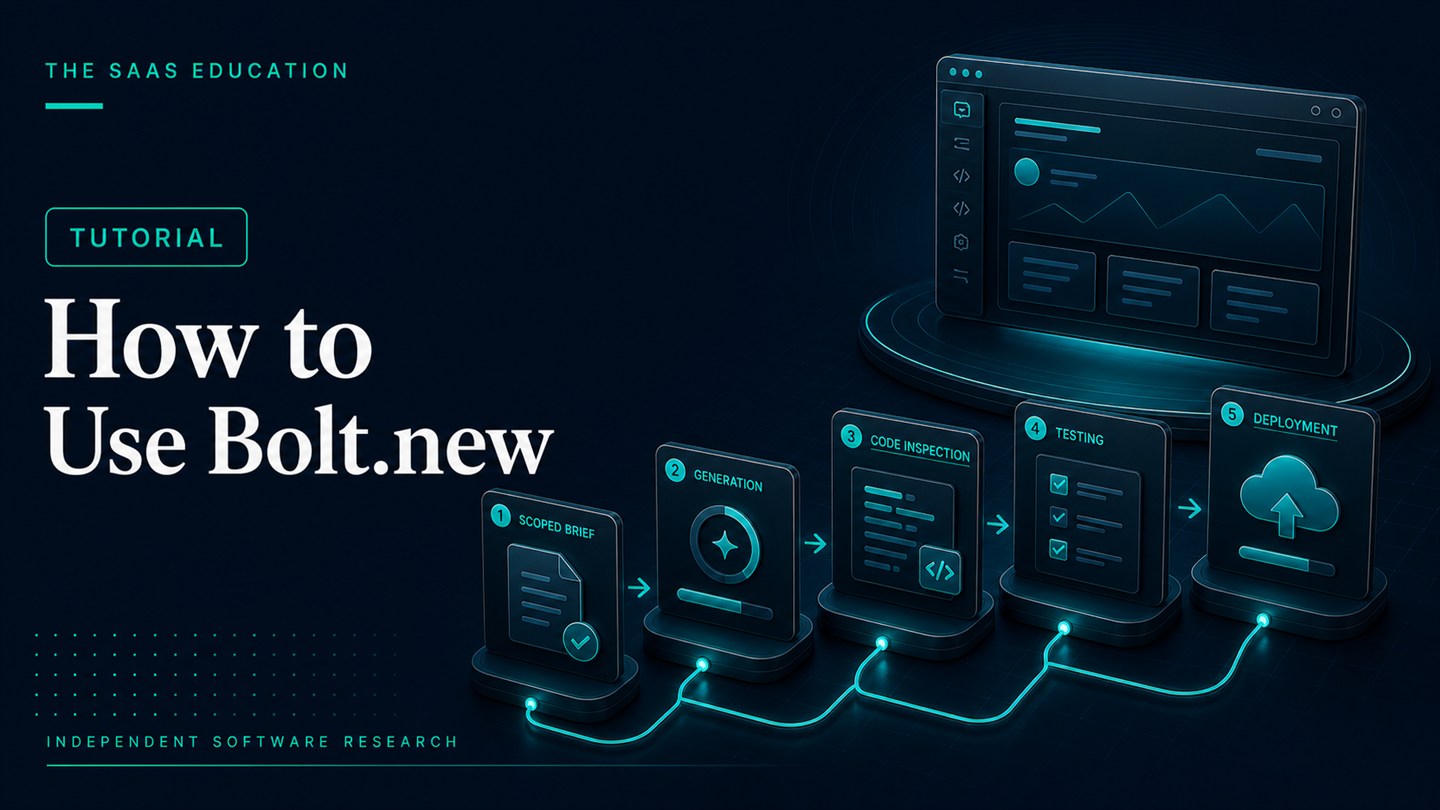
To use Bolt.new well, start with a bounded application brief, generate one complete workflow, inspect the code and assumptions, make small versioned changes, test risk and accessibility, deploy to staging, and publish only after a qualified owner approves security and operations. The prompt is the start of the process, not the finished specification.
This guide follows official Bolt material checked on August 24, 2026. We did not execute the workflow hands-on, so verify current interface labels, plan limits, and deployment settings as you proceed.
Before you begin
You need:
- a Bolt account and a plan with suitable usage allowance;
- a clear problem and target user;
- synthetic or non-sensitive test data;
- written acceptance criteria;
- a company-owned repository and domain for company work;
- a technical reviewer for production projects;
- time for functional, security, accessibility, and deployment testing.
Do not use personal, customer, employee, financial, health, credential, or other sensitive data in an experiment unless the environment and contract have been explicitly approved.
Step 1: write the project brief before prompting
State the concrete job the application must help a user complete. Name the users and roles, the first end-to-end workflow, required data, permissions, success measure, and features that are outside the initial scope.
For an internal request app, the brief might define an employee who submits a request, a manager who approves or rejects it, a status history, and a rule that employees cannot see other people’s requests. It should also exclude live personal data, payments, and external customers from the pilot.
Add acceptance criteria such as:
- invalid submissions explain what must be corrected;
- unauthorized users cannot access another request;
- every status change records a date and actor;
- the workflow works at a narrow mobile width;
- keyboard focus is visible and logical;
- a failed save does not lose the user’s input.
This brief gives both the agent and reviewer a stable definition of done.
Step 2: create the smallest complete workflow
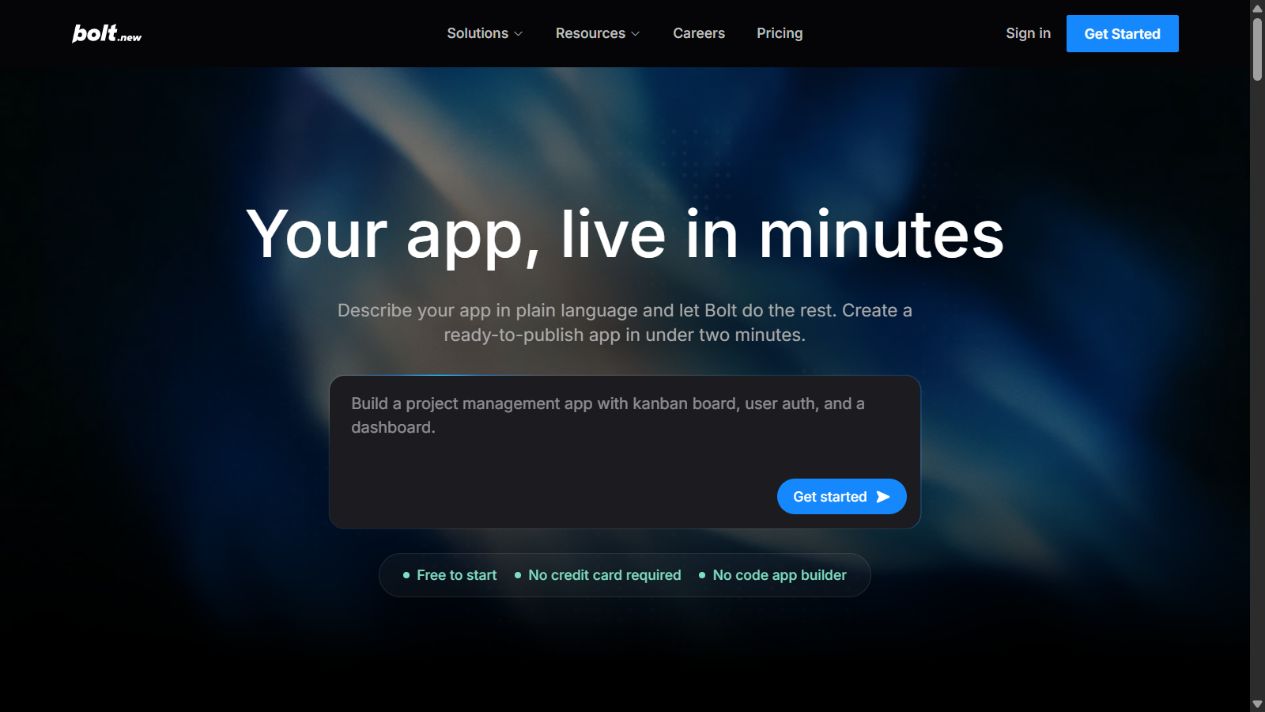
Open Bolt and describe the project in natural language. Ask for the smallest vertical path that exercises the real job. Avoid requesting a dashboard, marketing site, administration suite, notifications, and every future feature at once.
A stronger initial prompt specifies the stack only when the team has an approved preference. It also asks the agent to list assumptions before implementing. If the first response reveals a misunderstanding, correct the blueprint rather than allowing generation to continue on the wrong foundation.
Do not ask for generic quality such as “make it enterprise-ready.” Define the controls that matter: roles, data validation, audit history, error behavior, responsive layout, and test expectations.
Reusable first-prompt pattern
Use this structure and replace each bracketed concept with project-specific information:
Build a web application for [named user] to complete [single job]. The first version must include [pages and end-to-end workflow]. It uses synthetic data with these fields: [data]. Roles are [roles], and each role may [permissions]. Include loading, empty, validation, success, failure, and unauthorized states. Meet these acceptance criteria: [criteria]. Do not add [excluded features]. Before generating code, list your assumptions and propose the smallest implementation plan.
After Bolt returns its assumptions, correct anything unsupported. Ask which services, dependencies, and environment variables it expects. If the project requires a decision the team has not made, pause instead of allowing the agent to select an architecture by default.
Keep the approved brief in the repository. When later prompts conflict with it, update the brief deliberately rather than letting chat history become the only specification.
Step 3: inspect the generated project
Once the preview runs, inspect the project files. Identify the framework, dependencies, folder structure, data model, routes, authentication approach, environment variables, and deployment configuration.
Ask the agent to explain important files and assumptions, but do not rely on that explanation as independent validation. A developer should check whether dependencies are necessary and current, logic is duplicated, permissions are enforced in the correct layer, secrets are excluded, and failure states are handled.
Create a repository milestone before changing the first working version. Company work should live in an organization-controlled repository rather than only an individual’s workspace.
Step 4: test the first workflow
Test the expected path and deliberately break it. Submit empty, malformed, and unusually long values. Try actions in the wrong order. Use each role to attempt unauthorized access. Disconnect or simulate a failed external service when possible.
Check the browser console and application logs. A screen that appears correct may still produce errors, expose data, or fail silently.
Test at desktop and mobile widths. Use the keyboard without a mouse, inspect focus order, confirm labels, check contrast, and verify that errors are announced and understandable. Accessibility belongs in the workflow rather than at the end.
Record each defect with steps to reproduce, expected behavior, and actual behavior. This helps Bolt make a scoped correction and gives the reviewer evidence that the fix worked.
Step 5: make small, controlled changes
Request one meaningful change at a time. Refer to the acceptance criterion and identify what must remain unchanged. For example: add an approval comment while preserving existing role restrictions and status history.
Review the proposed change, inspect affected files, and rerun earlier tests. Broad prompts can alter unrelated components and create regressions. If a change touches data, authentication, dependencies, or deployment, require deeper review.
Commit stable milestones. If the result deteriorates, return to the last known version instead of layering more corrective prompts onto an unclear state.
Track token usage by phase: initial generation, accepted iteration, discarded iteration, debugging, and rework. This reveals whether better specifications could reduce cost.
Step 6: add integrations cautiously
Connect databases, authentication, email, payments, analytics, APIs, or other services only after the core workflow is stable. Use test or sandbox accounts. Never place secrets directly in source code or prompts.
Document the owner, purpose, permissions, rate limits, cost, failure behavior, and replacement path for every integration. Validate inputs and outputs at the boundary. Confirm that a failed integration produces a safe, recoverable result.
Payment, identity, financial, health, or regulated integrations require specialist review. A successful connection is not evidence of compliant implementation.
Step 7: prepare a staging deployment
Official Bolt material describes publishing and Bolt Cloud capabilities. Deploy first to a non-production environment or temporary domain. Verify the current plan’s hosting, bandwidth, storage, database, domain, and usage limits.
Define who may deploy, where environment variables are stored, how logs are accessed, how backups work, and how the previous version is restored. Separate development and production credentials.
Test the deployed application rather than assuming it matches the preview. Confirm URLs, redirects, TLS, caching, forms, integrations, permissions, mobile behavior, analytics, headers, and error handling.
Step 8: run the production readiness gate
Do not publish until the required owners approve:
- functional acceptance criteria;
- architecture and code quality;
- authentication and authorization;
- data classification, privacy, and retention;
- dependency and secrets management;
- accessibility and browser compatibility;
- performance and capacity;
- monitoring, logs, backups, and incident response;
- domain and account ownership;
- rollback and maintenance responsibility.
The depth of review should match the harm a failure could cause. A public marketing prototype and a system holding customer records cannot share the same gate.
Step 9: publish and monitor
After approval, deploy the validated revision. Record the source commit, Bolt environment and plan, date, approver, configuration, tests, known limitations, and rollback version.
Monitor errors, performance, usage, external services, and user feedback. Set limits or alerts where supported. Confirm that backups and rollback work before an incident.
Treat the first release as the beginning of ownership. Assign responsibility for dependencies, security updates, defects, user support, and future requirements.
Step 10: review whether Bolt created value
Compare the result with the real alternative. Measure time to a validated workflow, percentage of generated code retained, defects found, token consumption, manual repair, deployment effort, and maintenance forecast.
If Bolt reduced setup and clarified requirements without increasing unacceptable risk, expand carefully. If most output was discarded, broad prompts caused repeated regressions, or production hardening erased the time saved, revise the process or use another development route.
Keep a project completion record
At the end of the pilot, preserve a short record containing:
- project purpose and approved scope;
- source repository and validated revision;
- Bolt plan, environment, and test dates;
- prompts or specifications that materially shaped the application;
- generated and manually modified components;
- dependencies and external services;
- token use and other costs;
- tests completed and defects remaining;
- data classification and security reviewer;
- deployment, monitoring, backup, and rollback owners;
- known limitations and next review date.
This record supports maintenance and a fair purchasing decision. It also prevents the team from implying that the application was independently engineered or tested more extensively than it was.
For an unsuccessful pilot, document why it stopped. Incompatibility, excessive repair, security concerns, poor portability, or unpredictable usage are useful findings. A stopped experiment can still save the organization from a poor production commitment.
Common mistakes
Building too much in the first prompt
Large scope hides assumptions and makes failures difficult to isolate. Build one complete path first.
Using live sensitive data during discovery
Use synthetic data until privacy, security, and contractual requirements are approved.
Treating preview quality as code quality
Inspect architecture, permissions, errors, dependencies, tests, and operations.
Fixing every problem through another broad prompt
Reproduce the defect, constrain the change, and preserve a rollback point.
Publishing without an owner
Every live application needs accountable maintenance, monitoring, support, and recovery.
Rollback procedure
Before release, identify the last validated revision, database backup, environment configuration, and DNS state. Define the conditions that trigger rollback and the person authorized to act.
If a release fails, stop new changes, preserve logs, restore the known revision, verify data integrity, test the restored service, and communicate the incident through the organization’s process. Investigate the cause before attempting another deployment.
Final guidance
The safest way to use Bolt.new is as a fast but reviewable software workflow. Start with a precise brief, build narrowly, inspect code, test failure states, control integrations, deploy to staging, and require production approval. Speed is useful only when ownership and evidence keep pace.
FAQs
Do I need coding experience to use Bolt.new?
You can prototype through prompts, but production applications need someone who can review and maintain the code and infrastructure.
What should a Bolt prompt include?
Include users, roles, workflow, data, permissions, states, design constraints, acceptance criteria, and exclusions.
Can I publish directly from Bolt.new?
Official Bolt material describes publishing through Bolt Cloud. Use staging and verify current limits and controls first.
How do I prevent regressions?
Make small changes, preserve versioned milestones, and rerun acceptance and regression tests after each material revision.
Can I use customer data in a Bolt prototype?
Use synthetic data unless the environment, contract, access controls, and data-handling process have been explicitly approved.
Official sources
Frequently asked questions
Do I need coding experience to use Bolt.new?
You can create a prototype through prompts without coding, but production applications require someone who can review code, security, data, dependencies, testing, and deployment.
What should I put in a Bolt.new prompt?
Define the users, job, pages, workflow, data, permissions, states, visual constraints, acceptance criteria, and features explicitly excluded from the first version.
Can I publish directly from Bolt.new?
Official Bolt material describes publishing and hosting through Bolt Cloud. Use a staging release first and verify current plan allowances and production controls.
How do I prevent Bolt.new from breaking working features?
Use small scoped changes, version-control milestones, explicit acceptance criteria, and regression tests after each material revision.
Did The SaaS Education follow this tutorial hands-on?
No. This tutorial is based on official documentation checked on August 24, 2026 and does not claim a hands-on run.