InVideo AI vs ChatGPT: Which Is Better?
Compare InVideo AI and ChatGPT for video creation, scripting, research, editing, collaboration, cost control, and business workflows.
Direct answer
InVideo AI is better when the required outcome is a finished video created from a prompt, script, or concept inside a specialized production workflow. ChatGPT is better when the work begins with research, reasoning, writing, file analysis, campaign planning, or iterative problem-solving across many formats. A marketing team can use ChatGPT to develop and review the brief and InVideo AI to produce the video, but neither product is a complete replacement for the other.
The comparison is easy to misunderstand because both products accept natural-language prompts and can participate in creative work. Their centers of gravity are different. InVideo AI is designed to move from an idea toward scenes, generated or stock media, narration, music, captions, edits, and export. ChatGPT is a general conversational assistant with capabilities that can include writing, research, search, file analysis, data analysis, image understanding and generation, projects, and other tools depending on the plan and current product configuration.
This guide uses official sources checked on August 31, 2026. We did not run controlled generations, compare render quality, measure factual accuracy, test export reliability, or audit either vendor’s systems. Product quality and limits can change quickly. Treat the conclusions as a workflow-selection framework, then test each product with your own scripts, languages, brand assets, footage, compliance rules, and expected volume.
InVideo AI vs ChatGPT at a glance
| Requirement | Better starting point | Why |
|---|---|---|
| Prompt-to-video production | InVideo AI | Specialized video agents, media models, scene assembly, narration, and export workflow |
| Research and source synthesis | ChatGPT | Broader search, deep research, file analysis, and conversational reasoning tools depending on plan |
| Script development | ChatGPT | Strong general writing, restructuring, critique, and iterative context handling |
| Converting an approved script into a video | InVideo AI | Script can drive scenes, media, voice, captions, music, and edits |
| General business assistance | ChatGPT | Covers writing, analysis, coding, planning, images, files, and many non-video tasks |
| Video model access in one workspace | InVideo AI | Official help documents access to many video, image, and audio models |
| Predictable unit economics | Depends | ChatGPT has plan limits; InVideo usage varies with credits, model, resolution, duration, and mode |
| Final creative control | Depends | Both require human review; production control depends on the exact media workflow and editing needs |
What InVideo AI is designed to do
InVideo AI is a video-creation platform. Its current official help material describes agentic filmmaking workflows that can take a concept or script through planning, generation, and editing. The platform also provides access to a large catalogue of video, image, and audio models in one workspace. Users can select models or let the system route work, while credit consumption varies according to the models and media generated.
That specialization matters. A video is not just a block of text plus an image. It requires timing, scenes, aspect ratio, motion, voice, music, captions, transitions, brand assets, and an export format. InVideo attempts to coordinate these production elements inside one interface. Its value is the reduced distance between an initial brief and a watchable draft.
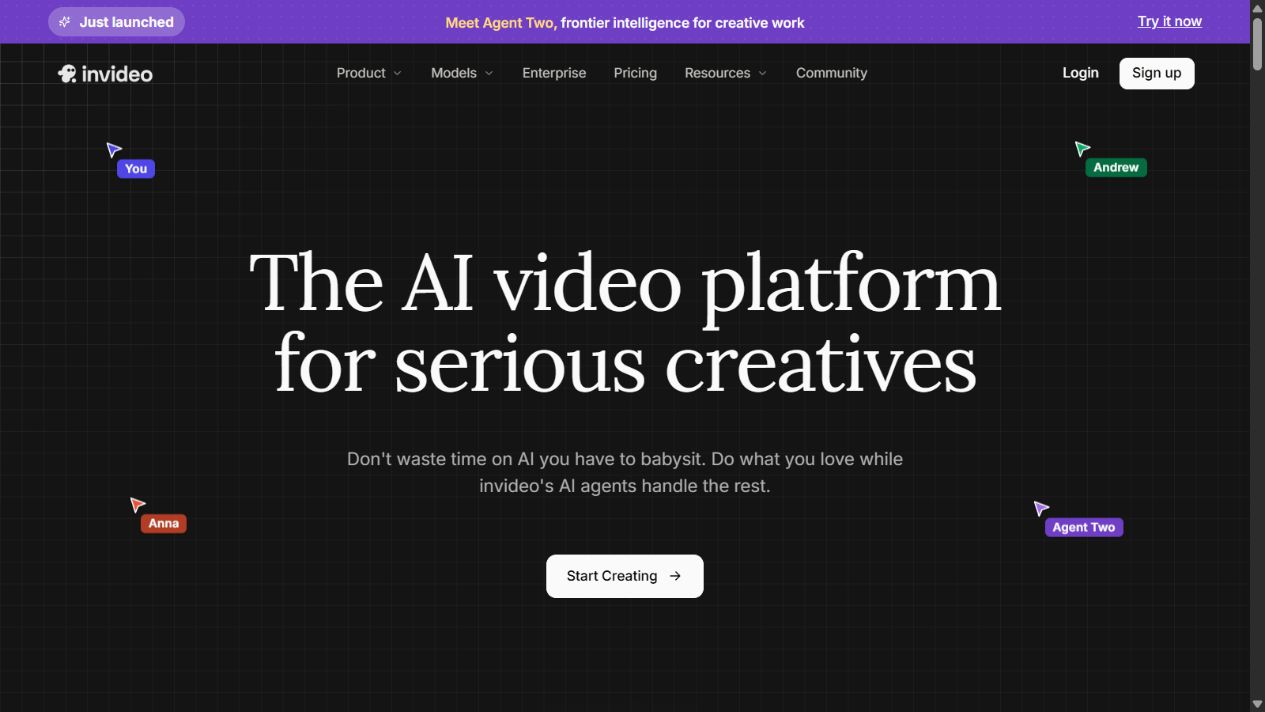
InVideo AI homepage captured August 31, 2026. Models, plans, and credit rules can change.
InVideo AI strengths
- It is purpose-built around video rather than treating video as one optional output among many.
- The workflow can combine scripts, generated media, stock media, voice, music, captions, and editing.
- Official documentation describes access to numerous video, image, and audio models from one workspace.
- Agent and autopilot modes can reduce manual coordination for creators who need rapid drafts.
- Credit inspection and permission controls can help users review generation activity before spending, depending on the selected workflow.
- Team and enterprise options can be evaluated for higher-volume production and collaboration.
InVideo AI limitations
Specialization does not guarantee a usable final cut. Generated video can contain continuity problems, visual artifacts, inaccurate product details, weak pacing, generic scenes, inconsistent characters, or narration that does not match the brand. Stock-based output can feel repetitive. Human review and editing remain essential.
Credit economics also require attention. InVideo’s official help explains that credits can be consumed by video, image, audio, and model actions. Cost varies by model, resolution, duration, generation quality, and the media created in each exchange. A short experimental prompt can trigger several underlying actions. Teams should set project limits, review usage, and test low-cost drafts before applying premium modes.
Finally, InVideo is not a general research or decision platform. It may help generate a script, but a video agent should not be treated as the authoritative source for legal, medical, financial, technical, or product claims. Research and fact checking need an accountable process outside the render step.
Sources: InVideo AI , agents and models , plans and credits , and AI-agent credit charging .
What ChatGPT is designed to do
OpenAI describes ChatGPT as an AI assistant for tasks such as brainstorming, writing, studying, planning, mathematics, coding, and analyzing images or files. The product’s capabilities vary by plan and can include web search, deep research, file uploads, data analysis, image generation, voice, projects, tasks, custom GPTs, connectors, and workspace controls.
For video teams, ChatGPT’s primary value is upstream and adjacent to production. It can help investigate an audience, organize source material, draft a creative brief, develop hooks, create a scene outline, rewrite narration, produce title variants, extract claims from approved documents, or critique a script against a checklist. It can also assist with non-video campaign work such as landing-page copy, email drafts, social variations, analysis, and coding.
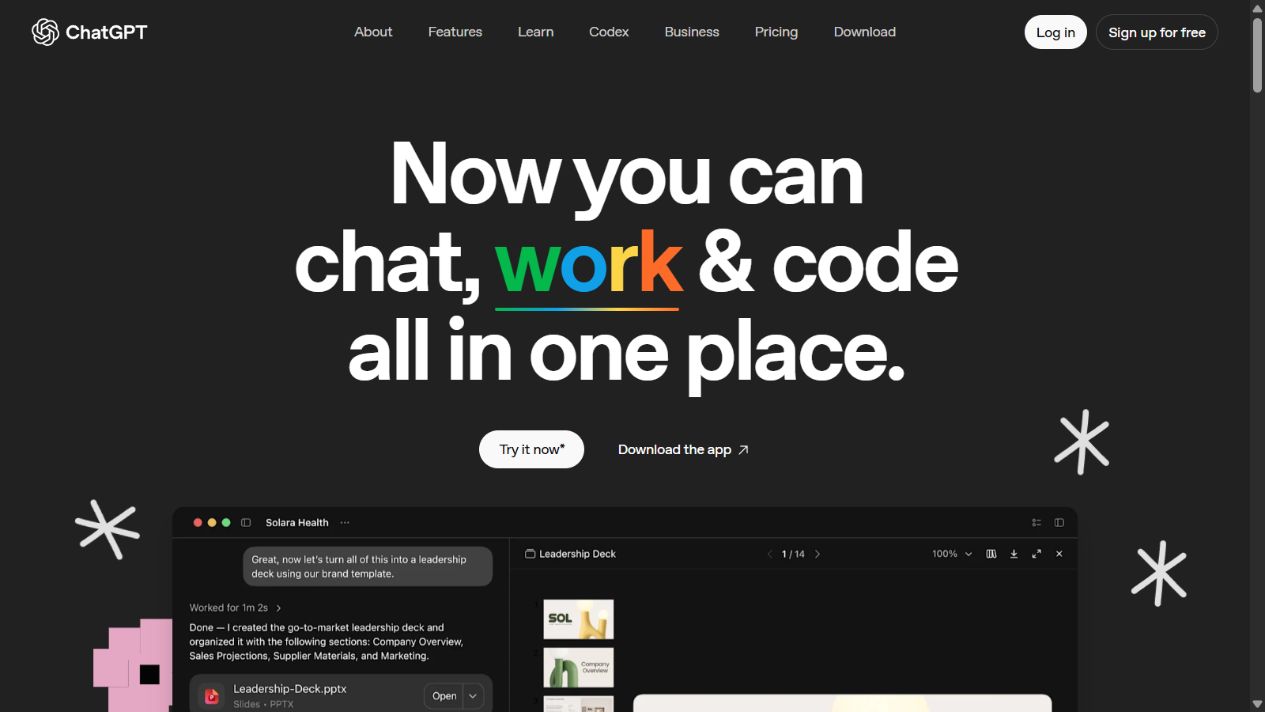
ChatGPT homepage captured August 31, 2026. Features and model access depend on the current plan.
ChatGPT strengths
- It supports a much wider range of knowledge-work tasks than a dedicated video generator.
- Conversation makes it useful for iterative research, outlining, critique, and rewriting.
- Depending on plan, it can analyze files, images, tables, and other source material.
- Search and deep-research capabilities can support source-backed preparation when used carefully.
- Projects and workspace features can help organize recurring briefs and context.
- Business and enterprise plans provide additional administration, security, and data controls documented by OpenAI.
ChatGPT limitations
ChatGPT can produce incorrect, unsupported, or invented information. A confident script is not evidence that its claims are true. Teams must verify statistics, quotations, product features, prices, names, and regulated statements against approved sources. Search citations should be opened and checked rather than accepted from the summary alone.
It is also not the same as an end-to-end video editor. ChatGPT may help create concepts, scripts, images, or production instructions, but a complete video still requires a media-generation or editing environment. Exact video capabilities, model availability, usage limits, and connected tools can vary by plan and over time.
Context and privacy need deliberate control. Do not upload customer lists, confidential research, unreleased product material, employee information, or licensed media merely because the interface is convenient. Match the account type, settings, retention, contract, and access controls to the data classification.
Sources: ChatGPT, ChatGPT capabilities , ChatGPT FAQ , and ChatGPT pricing .
Video scripting: which is better?
ChatGPT is the stronger starting point when scripting requires research, source extraction, audience analysis, several narrative structures, detailed critique, or collaboration with other written materials. A user can provide a brief, ask for assumptions to be identified, request alternative hooks, compare outlines, and refine the script through multiple passes. File analysis can be useful when the script must reflect approved product documents or interview transcripts.
InVideo AI is the better environment when script decisions should immediately change scenes, voice, timing, and media. The script is not merely a document; it becomes production input. This can accelerate straightforward explainers, social videos, list videos, advertisements, and faceless content.
The best workflow separates approval from rendering. First establish the audience, purpose, claims, evidence, call to action, duration, tone, and brand constraints. Approve a script or detailed scene brief. Then generate the video. Otherwise, every visual iteration may also change wording, claims, and cost, making review difficult.
Video generation and editing
InVideo AI wins this category because it is built to generate and assemble video. Its agents can coordinate media and production steps, while its models panel exposes specialized video, image, and audio options. Users can choose faster or more credit-efficient modes for experimentation and higher-quality modes for final output.
ChatGPT is better considered a production partner than the production system. It can create shot lists, prompts, captions, narration, review rubrics, or image assets depending on available tools. It can help diagnose why a draft feels slow or suggest a shorter structure. Those outputs still need to be executed in a video environment.
Neither system removes the need for editorial review. Check visual continuity, spelling inside generated media, logos, hands and faces, lip synchronization, pronunciation, music rights, stock licences, subtitles, accessibility, disclosure, factual claims, and platform-specific safe areas. Export and watch the final file rather than approving only an editor preview.
Research, files, and analysis
ChatGPT has the broader toolset. Official documentation covers file uploads, image analysis, data analysis, search, deep research, and general reasoning capabilities, with availability depending on plan. This makes it useful for converting a research pack into a video brief or comparing audience data before production.
InVideo AI’s research role is narrower and oriented toward creating media. Even if an agent proposes a script, scene, or fact, the responsible workflow should keep authoritative sources separate. A generation model’s output is not a citation trail.
For sensitive or high-stakes content, create a claim ledger. Record every factual assertion, source URL, source date, approved wording, and reviewer. Give the video system only the approved material required to create the asset. This reduces hallucination risk and makes later updates possible.
Pricing and usage economics
The products use different commercial logics. ChatGPT offers individual and organizational plans with differing model access, features, usage limits, workspace controls, and support. InVideo combines plans with credits. Its help center explains that credits are used for media generation and AI features, and consumption can vary by selected model, quality, resolution, duration, actor use, and the actions performed by an agent.
Do not compare one advertised monthly number with another. Build a workload model:
- Number of users and collaborators.
- Videos per month and average duration.
- Draft generations and revisions per final video.
- Stock-based versus generative media.
- Resolution and premium-model requirements.
- Voice, actors, music, image, and video model usage.
- Research, file analysis, image generation, and other ChatGPT tasks.
- Extra credits, usage limits, storage, support, and enterprise controls.
- Human editing, fact checking, brand review, and rework.
Run a four-week pilot and record real consumption. InVideo provides usage views and project-level credit controls in documented agent workflows. For ChatGPT, track whether plan limits or feature availability constrain the team. The cheapest system is the one that produces approved output with acceptable labor and rework, not the one with the lowest entry price.
Collaboration and governance
For both products, collaboration quality depends on the plan and operating process. Teams should define who may create, approve, export, publish, purchase credits, change brand assets, connect data, and invite users. Shared accounts should be avoided. Use named access, least privilege, and an offboarding process.
Maintain version control outside conversational history. Store the approved brief, script, sources, disclosures, licences, final file, captions, thumbnail, and publication record in the team’s content system. Conversations and generated projects may help production, but they should not be the only audit trail.
For AI-generated media, define disclosure and rights rules. Review vendor terms for inputs and outputs, the licences for stock or uploaded assets, music use, likeness, trademarks, and client materials. A technically generated asset can still create legal or reputational risk.
Multilingual, accessibility, and brand testing
International teams should test complete language workflows rather than trusting a language list. Evaluate script quality, pronunciation, names, numbers, dates, on-screen text, subtitles, line wrapping, right-to-left presentation, local calls to action, and reviewer access. A fluent translation can still be culturally inappropriate or legally inaccurate. Native-language review should happen before publication.
Accessibility is another production requirement, not a finishing option. Verify caption accuracy and timing, speaker identification, meaningful audio description where necessary, color contrast, flashing content, text size, reading speed, and whether critical information is communicated only through sound or visuals. Neither automated scripting nor video generation proves compliance.
Brand testing should use a repeatable sample pack: one approved logo, font guidance, color tokens, intro and outro, product screenshots, pronunciation dictionary, music rules, and three representative video formats. Produce the same pack in each shortlisted workflow. Count manual corrections, failed generations, review time, export issues, and brand deviations. This evidence is more useful than judging a single impressive vendor demo.
Recommended workflow using both tools
1. Establish the brief
Use an approved template covering audience, objective, channel, duration, call to action, sources, brand rules, prohibited claims, accessibility, deadline, and owner. ChatGPT can help identify missing information, but a human should approve the brief.
2. Research and write
Use primary sources and approved internal documents. ChatGPT can summarize and organize material, create outline options, and refine language. Verify every material claim and lock the approved script before expensive generation.
3. Create a low-cost video draft
Move the approved script or scene brief into InVideo AI. Start with a credit-efficient mode, shorter scenes, or stock-based draft where appropriate. Review structure and timing before premium generation.
4. Refine deliberately
Change one dimension at a time: script, scene, voice, media, duration, or style. Review credit impact before high-cost generations. Preserve approved claims while editing visual presentation.
5. Run quality assurance
Check facts, spelling, pronunciation, captions, contrast, audio levels, media rights, brand presentation, safe areas, calls to action, and platform specifications. Have a second reviewer watch the export without the editor open.
6. Archive and measure
Store the source pack, approvals, final files, captions, and usage record. Measure completion rate, watch time, conversion, revision count, cost, and production time. Use results to improve the next brief rather than automatically generating more content.
Who should choose InVideo AI?
Choose InVideo AI when video is the recurring deliverable and the team needs a direct path from prompt or script to scenes, media, voice, captions, and export. It is especially relevant for marketing teams, social creators, educators, agencies, and internal communications teams producing frequent video drafts without a full traditional production stack.
Do not choose it solely because it can generate quickly. Confirm that output quality, brand control, languages, voices, media rights, collaboration, credit economics, and editing depth fit the real workflow.
Who should choose ChatGPT?
Choose ChatGPT when the need spans research, writing, analysis, files, planning, images, coding, and other business tasks, with video scripting as only one use case. It is the more versatile assistant and can improve the thinking and preparation around a video campaign.
Do not assume versatility makes it a video-production replacement. Budget for a dedicated editor, generator, or production platform when the final deliverable is video.
Final verdict
InVideo AI wins for direct AI video production. ChatGPT wins for research, reasoning, scripting, analysis, and broad knowledge work. If the organization publishes video regularly, the strongest process may use both: ChatGPT for evidence-backed preparation and InVideo AI for controlled production.
The deciding factor is not which chatbot appears more impressive in a demo. It is whether the workflow produces accurate, branded, rights-cleared, accessible, and cost-effective video under accountable human review.
Frequently asked questions
Is InVideo AI better than ChatGPT for creating videos?
InVideo AI is the better direct choice for turning a prompt, script, or concept into an assembled video because its workflow includes media generation or selection, scenes, voice, music, captions, editing, and export. ChatGPT can help research and script a video but is not the same end-to-end video production workspace.
Is ChatGPT better than InVideo AI for writing video scripts?
ChatGPT is usually the stronger general-purpose environment for researching, outlining, rewriting, analyzing files, and iterating on a script through conversation. InVideo AI is more useful when the script must immediately drive a video-generation workflow.
Can ChatGPT replace InVideo AI?
Not when the requirement is to assemble and export complete videos inside one specialized production system. ChatGPT can replace parts of research, ideation, briefing, and scripting, but a separate video tool or workflow is still needed for production.
Can InVideo AI replace ChatGPT?
Not for broad research, document analysis, coding, data work, general writing, or cross-functional assistance. InVideo AI is specialized around video and media creation, while ChatGPT covers a much wider range of knowledge-work tasks.
Which tool is cheaper?
The answer depends on workload. ChatGPT plans are generally organized around user access and feature limits, while InVideo uses plans and credits whose consumption varies by models, resolution, duration, actors, and generation mode. Compare matched monthly scenarios rather than entry prices alone.
Should a marketing team use both InVideo AI and ChatGPT?
Often yes. ChatGPT can support research, campaign framing, briefs, scripts, variations, and review checklists, while InVideo AI can turn approved concepts into video drafts and final exports. Clear handoffs and brand review are still required.
Which tool is safer for confidential business content?
Safety depends on plan, settings, contract, data type, and workflow. Review current privacy, retention, training, security, administrator, and subprocessors documentation for the exact InVideo and ChatGPT plans before uploading confidential scripts, customer data, unreleased products, or regulated information.