Is Canva Magic Studio Worth It?
Is Canva Magic Studio worth it? Compare workflow fit, plan costs, AI allowances, production savings, limitations, and buyer value.
Direct answer
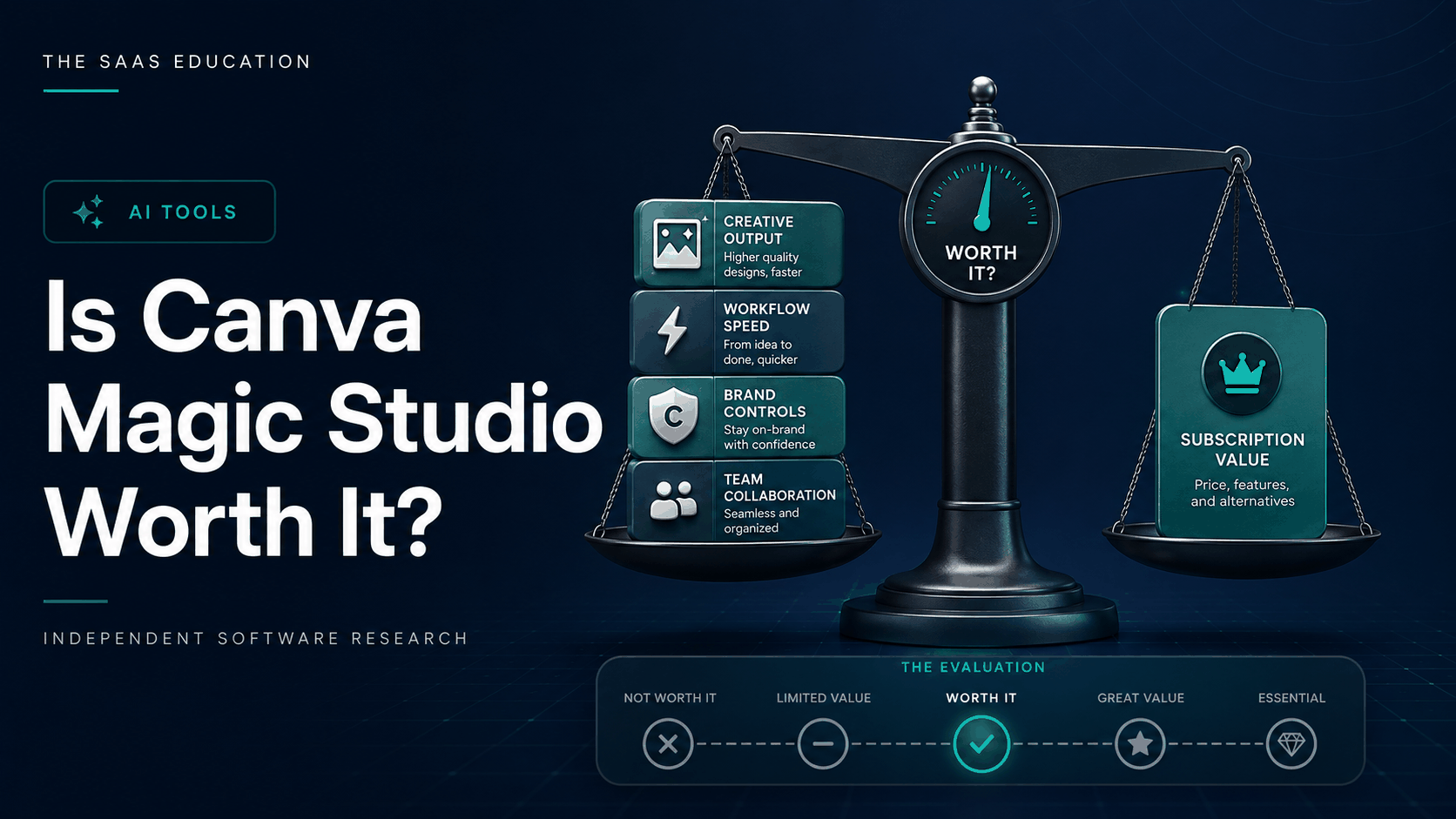
Canva Magic Studio is worth it for individuals and teams that produce visual content repeatedly and can use Canva’s AI tools inside an established template, brand, collaboration, and publishing workflow. It is less likely to be worth it for occasional creators, specialist designers who need deep control, or buyers interested only in generating a few AI images.
The purchase decision should not isolate Magic Studio from the rest of Canva. Canva distributes AI capabilities across Free, Pro, Business, and Enterprise alongside premium content, Brand Kits, storage, collaboration, approvals, administration, and publishing features. The correct question is whether the complete eligible plan improves an actual workflow enough to justify its total cost.
This guide uses official Canva sources checked on September 2, 2026 and a live review of current ranking pages. We did not run a controlled paid-account benchmark. Product statements are sourced facts; value judgments are editorial inferences that should be tested with your own asset mix.
Worth-it verdict by buyer
| Buyer | Verdict | Why |
|---|---|---|
| Regular solo content creator | Usually worth testing | Premium assets, brand tools, resizing, editing, and AI assistance can reduce repetitive production |
| Small marketing team | Often worthwhile | Shared templates, brand consistency, comments, approvals, and repeatable campaign assets can compound value |
| Occasional user | Usually start free | Low asset volume makes paid capacity difficult to recover |
| Professional designer | Useful companion, not automatic replacement | Fast routine production, but specialist tools may offer deeper control |
| High-volume AI generation team | Validate carefully | Shared allowances and variable consumption may make specialist tools more predictable |
| Regulated or rights-sensitive organization | Conditional | Governance, permissions, data terms, provenance, accessibility, and review must pass |
What you are actually buying
Magic Studio is an umbrella for AI-assisted creation and editing inside Canva. Depending on plan and availability, the broader workflow can include design starting points, writing, image and video generation, media editing, translation, resizing, brand tools, templates, stock content, collaboration, and export.
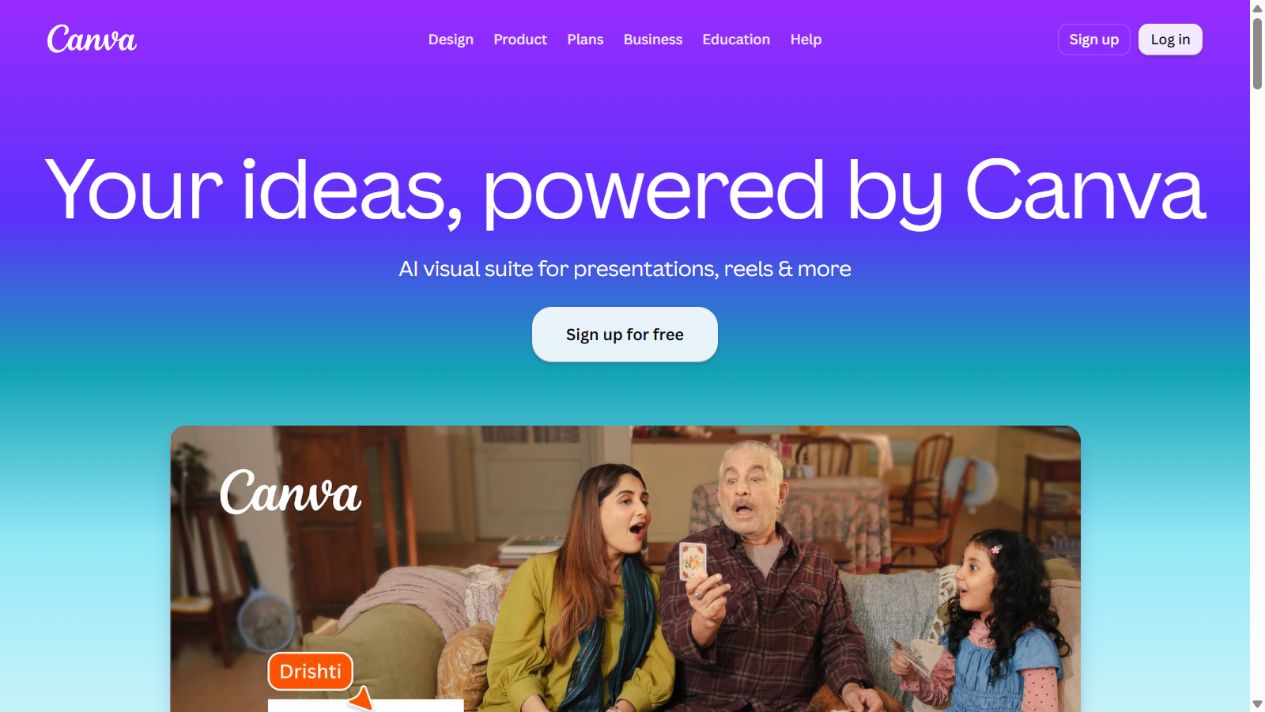
That integration is the central value proposition. A generated idea can remain editable in the same environment where a team applies its brand, changes dimensions, adds approved assets, requests comments, and exports the final deliverable. A standalone generator may produce a stronger isolated image yet create more handoff and rebuilding work.
The limitation is equally important: inclusion does not mean unlimited use or specialist depth. Canva’s pricing material describes plan-dependent AI capacity and indicates that higher-tier or more complex AI tools can consume shared allowance differently. Buyers should model the mix of features they will actually use instead of converting the allowance into a misleading universal prompt count.
When Canva Magic Studio is worth it
You create repeatable visual content
The clearest case is recurring production: social posts, presentation slides, campaign variants, simple advertisements, event graphics, internal documents, thumbnails, and sales assets. Templates and Brand Kits reduce setup, while AI-assisted drafting and editing can shorten repetitive steps.
Value grows when one approved concept must become several sizes, channels, languages, or audience variants. The meaningful saving is not generation speed alone. It is the reduction in searching, rebuilding, resizing, reformatting, and correcting brand inconsistencies across the complete asset family.
Non-designers need a governed starting point
Magic Studio can reduce blank-canvas friction for marketers, founders, educators, operators, and sales teams. That does not make every output publishable. It makes a reviewable first draft easier to reach. Templates, locked brand elements, approved libraries, and clear reviewers determine whether that speed becomes reliable production.
Canva is already the production environment
An existing Canva workflow lowers adoption cost. People know where assets live, how comments work, which templates are approved, and how files are exported. Adding AI assistance inside that environment can be more valuable than introducing a separate generator with another login, library, permission model, and billing system.
Premium plan benefits matter beyond AI
A paid plan may be justified by premium content, Brand Kits, storage, scheduling, collaboration, approvals, or administration even if AI usage is moderate. Attribute value across the plan honestly. Calling the entire saving “Magic Studio ROI” would overstate AI’s contribution, but ignoring the surrounding workflow would understate the subscription’s value.
When it is not worth it
You create visual assets only occasionally
An occasional presentation or social post may fit Canva Free. A paid plan becomes difficult to justify when premium assets, brand controls, collaboration, and AI capacity remain mostly unused. Run the real free workflow first and record which limits repeatedly block acceptable work.
You need specialist creative control
Advanced illustration, complex photo compositing, detailed vector work, sophisticated motion, color-managed production, long-form video editing, or highly original art direction may still require specialist software and expertise. Canva can remain useful for downstream adaptation without becoming the master production tool.
You mainly need research or long-form writing
Magic Write and related tools can assist copy inside designs, but Canva is not primarily a research, evidence-management, data-analysis, or coding workspace. If the dominant job is producing supported analysis or long documents, a broader assistant or specialist research tool may deliver more value.
Your team cannot govern generated content
AI can accelerate factual errors, inaccessible layouts, off-brand imagery, rights uncertainty, and duplicated low-quality content. Without named reviewers and acceptance criteria, increased output volume can increase correction work rather than productivity.
Calculate break-even value
Start with the annual cost of the exact plan, including seats, taxes, add-ons, onboarding, administration, and any specialist tools that remain. Then estimate conservative monthly savings from accepted assets only.
For example, suppose a marketer costs the organization $40 per productive hour and the workflow saves 20 accepted minutes across 30 assets per month. That is ten hours, or $400 of gross monthly capacity. Reduce that figure for review, corrections, unused time, and work that would not otherwise have been created. Compare the conservative net saving with the monthly equivalent of the subscription.
Do not count generated options as completed assets. Track work that passes brand, factual, accessibility, rights, and stakeholder review. Also avoid assuming saved time becomes cash. It may create capacity for additional campaigns, faster response, or less agency dependence; name the intended benefit and verify that it occurs.
Measure the complete workflow
Record baseline time for brief preparation, asset search, first draft, resizing, translation, editing, review, correction, approval, and export. During the pilot, measure the same stages. A tool that accelerates the first draft but doubles review time has not improved the workflow.
Useful metrics include time to accepted asset, first-pass approval rate, corrections per asset, brand deviations, accessibility defects, reused templates, allowance consumed, cost per accepted asset, and percentage of work moved back to specialist software. Review quality alongside speed.
For teams, examine coordination. Count duplicate files, unclear ownership, missed comments, approval delays, and accidental use of outdated templates. Canva’s collaborative environment can create substantial value here even when the AI contribution is modest.
Choose the right plan
Use Free to establish whether Canva fits the basic workflow. Move to Pro when an individual repeatedly needs premium content, stronger brand resources, storage, scheduling, editing, or larger AI capacity. Evaluate Business when multiple people need collaboration, approval, administration, and additional team-oriented capabilities. Enterprise should be assessed through a documented requirements and commercial review.
Check the current regional pricing page at purchase. Confirm billing period, currency, taxes, seat rules, invitations, contractors, guests, AI allowances, included tools, add-ons, storage, support, security, data controls, and cancellation. Do not rely on an old review’s price because Canva’s packaging can change.
AI allowance and usage risk
A shared allowance across tools complicates forecasting. An image-generation request, advanced edit, or higher-tier capability may not consume capacity in the same way. Ask administrators and pilot users to record which actions consume allowance and how quickly ordinary campaigns use it.
Model a quiet month and a launch month. Determine what happens when capacity is exhausted: work stops, falls back to another tool, requires an add-on, or creates unplanned cost. If the workflow is deadline-sensitive, capacity predictability is part of value.
Quality, brand, and accessibility
Define an acceptance checklist before the pilot. Verify facts, spelling, dimensions, contrast, reading order, alt-text needs, captions, safe areas, logos, fonts, colors, image rights, originality, and market-specific requirements. Generated material should enter the same review process as human-created work.
Brand controls reduce accidental variation but do not replace judgment. A design can use the correct colors and still communicate the wrong hierarchy or tone. Keep a small library of approved examples and rejection reasons so contributors understand what “on brand” means beyond tokens.
Accessibility must be tested in the exported format, not only in the editor. Review text size, contrast, information conveyed by color, captions, alternative text, keyboard or document behavior where relevant, and whether resizing damages legibility.
Rights, privacy, and governance
Review Canva’s current terms, AI policies, acceptable-use rules, privacy materials, and enterprise commitments for the proposed account. Determine who may upload customer images, confidential documents, unreleased campaigns, personal data, licensed assets, or third-party intellectual property.
Maintain provenance for consequential assets: prompt or source brief, uploaded material, generated elements, human changes, reviewer, approval date, and usage rights. Avoid claims that an AI feature makes an asset automatically safe for commercial use. Legal and brand review depend on context and jurisdiction.
Apply least privilege. Separate personal experimentation from company workspaces, remove departed users, review external collaborators, control template ownership, and define retention and deletion. Convenience should not create an unmanaged corporate asset archive.
Four-week pilot
Choose 25 to 40 representative deliverables across routine and difficult work. Include a social campaign, presentation, advertisement set, translated variant, image edit, short video, and one asset that normally requires a specialist. Freeze briefs and acceptance criteria before testing.
Week one establishes the baseline and trains participants. Weeks two and three measure production under normal deadlines. Week four reviews quality, allowance, collaboration, governance, and stakeholder acceptance. Compare against the previous workflow and, where relevant, one specialist alternative.
Approve purchase only when the pilot shows a repeatable reduction in accepted-work time or another named benefit. Set an exit criterion too: cancel or downgrade if active use, approval rate, savings, or governance falls below the agreed threshold.
Calculate break-even value with accepted deliverables rather than generated assets. Include briefing, prompting, correction, approval, export, and rework time in the cost of each output. A plan is not economical merely because employees create more drafts; it is economical when stakeholders approve useful work faster without increasing brand, accessibility, or rights risk.
Final verdict
Canva Magic Studio is worth testing when visual communication is recurring work and Canva can become the governed environment from brief through review and export. Its strongest advantage is integrated workflow, not a claim that every AI tool is best in class.
Start free when volume is low or requirements are uncertain. Pay when premium assets, brand controls, collaboration, administration, and AI-assisted production create measurable value together. Keep specialist tools and professional designers where precision, originality, risk, or production complexity demands them.
Sources
- Canva Magic Studio
- Canva pricing
- Canva Magic Studio announcement
- Canva AI safety
Frequently asked questions
Is Canva Magic Studio worth paying for?
Yes, when recurring visual production, premium assets, brand tools, collaboration, and AI-assisted editing create measurable accepted-work savings. Occasional users should begin with Free.
Is Magic Studio included in Canva Pro?
Canva distributes Magic Studio features across plans with different entitlements and allowances. Verify the current regional pricing page for the exact tools included in Pro.
Can it replace a professional designer?
No. It can accelerate routine production, while professional direction and specialist tools remain important for complex, original, sensitive, or high-stakes work.
Which Canva plan offers the best value?
The lowest plan that passes the real workflow offers the best value. Test Free first, then justify Pro, Business, or Enterprise through required features and measured savings.
How do I measure Canva Magic Studio ROI?
Compare total plan cost with conservative savings from accepted assets, reduced agency work, faster delivery, or improved coordination. Include review and correction time.
What should businesses review before using Canva AI?
Review data terms, permissions, retention, rights, provenance, brand controls, accessibility, approval responsibilities, AI allowances, and plan administration.
Frequently asked questions
Is Canva Magic Studio worth paying for?
It is worth paying for when a person or team regularly creates visual content and Canva's premium assets, brand controls, collaboration, storage, and AI-assisted editing reduce measurable production or review effort. It is poor value when visual work is occasional or specialist control is essential.
Is Canva Magic Studio included in Canva Pro?
Canva distributes Magic Studio capabilities across Free, Pro, Business, and Enterprise with different features and shared AI allowances. Buyers should verify the current regional pricing page and exact account entitlement before purchasing.
Can Canva Magic Studio replace a designer?
No. It can accelerate routine drafts and production, but human expertise remains necessary for creative direction, originality, factual accuracy, accessibility, rights, complex production, and final approval.
Is Canva Magic Studio good for small businesses?
It can be valuable for small businesses producing recurring social posts, presentations, ads, documents, and campaign assets without a large design team. Value depends on accepted output and time saved, not the number of AI tools listed.
Should I choose Canva Free, Pro, or Business?
Start with Free for occasional individual work, consider Pro for a regular solo creator needing premium assets and brand tools, and evaluate Business when collaboration, approvals, administration, and larger team capacity justify per-person cost.
What are the main Canva Magic Studio limitations?
Plan-dependent allowances, uneven depth across tools, variable generated output, specialist-control limits, review requirements, and legal or brand risks are the main constraints.
How should a team test Canva Magic Studio?
Create a four-week pilot using representative assets, record production and review time, count accepted outputs and corrections, monitor AI allowance consumption, and compare the result with the current workflow.