Lovable vs ChatGPT: Which Is Better?
Compare Lovable and ChatGPT for planning, building, reviewing and publishing web applications, with practical checks for code ownership and team workflows.
Direct answer
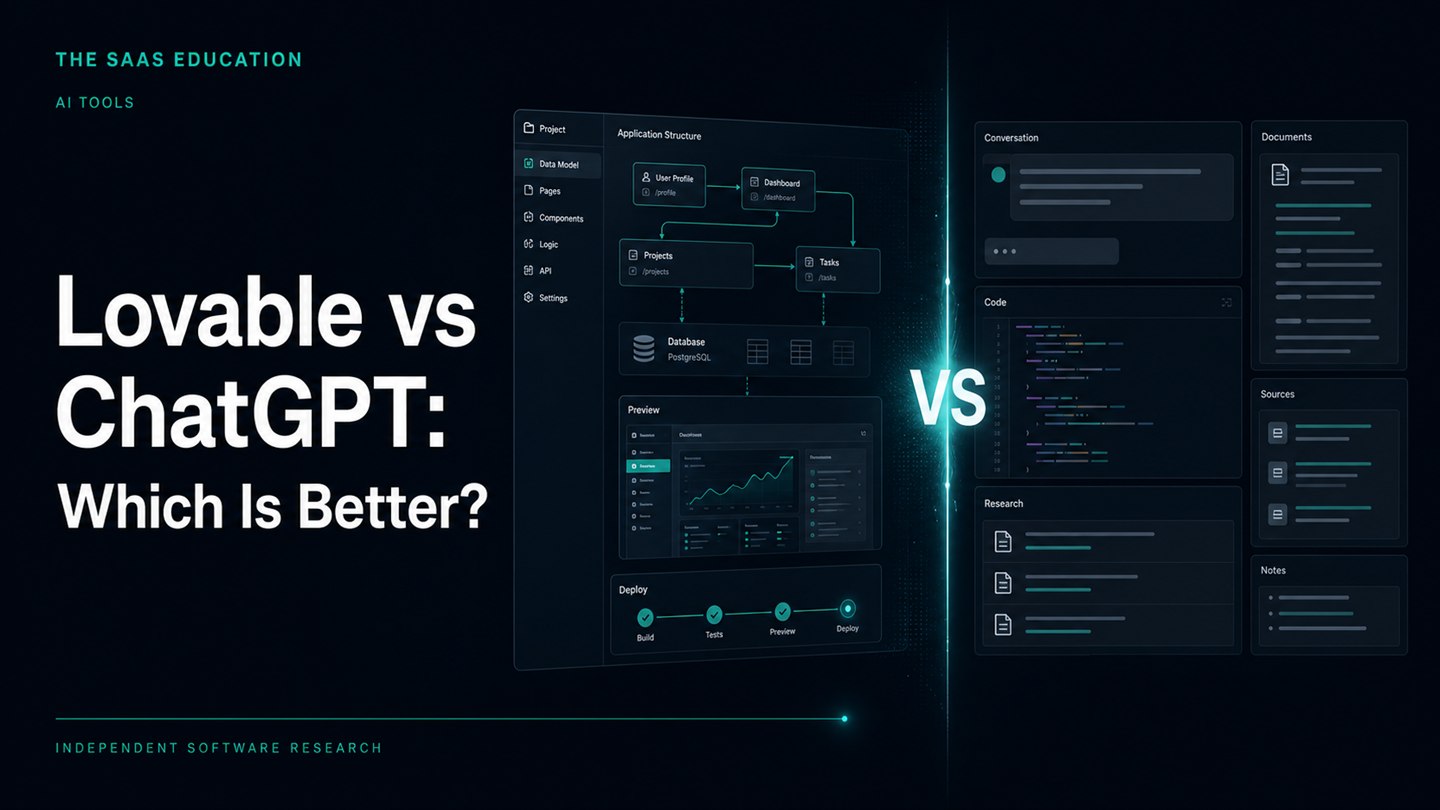
Lovable is the better starting point when you want to turn a specification into a working web application inside an integrated build, preview and publishing environment. ChatGPT is better when you need a flexible assistant for requirements, research, writing, code explanation and review across a wider workflow. They overlap, but they are not interchangeable products.
The choice becomes clearer when you define the output. If success means a shareable web application with editable project code and a managed deployment path, Lovable is closer to the deliverable. If success means understanding a problem, drafting a technical approach, improving existing code or supporting work that extends beyond one application, ChatGPT is the broader tool.
This comparison uses live search discovery and official Lovable and OpenAI sources checked September 5, 2026. We did not run a controlled app-building benchmark, test generated security or measure prompt-to-production speed. Numerical prices are omitted because the current purchase configurations were not fully verified. Recommendations below are conditional workflow guidance, not measured performance claims.
Lovable vs ChatGPT at a glance
| Requirement | Better starting point | Reason to verify before choosing |
|---|---|---|
| Generate and preview a web application | Lovable | Confirm the required frontend, backend and integrations fit its documented stack |
| Publish a web application from the same environment | Lovable | Check access settings, custom-domain needs and post-publish operations |
| Clarify requirements and challenge assumptions | ChatGPT | The quality of the result still depends on context and human review |
| Review or explain an existing codebase | ChatGPT | Confirm the plan and tools support your repository and workflow |
| Maintain editable generated code through GitHub | Lovable | Test the actual sync, branch and ownership process you need |
| Work across research, documents and code | ChatGPT | Available tools and limits vary by account and workspace |
| Build a native mobile-store application | Neither as a complete default path | Lovable publishes web apps; native packaging and store submission require another process |
| Launch a consequential production system | A governed engineering workflow | Generated output still needs security, data, accessibility and reliability review |
A score such as “9 out of 10” would conceal these differences. A product can be excellent at producing a browser application and still be the wrong choice for a team maintaining an established backend. A broad assistant can write useful code and still require a separate environment for running, testing and deploying it.
What Lovable is designed to do
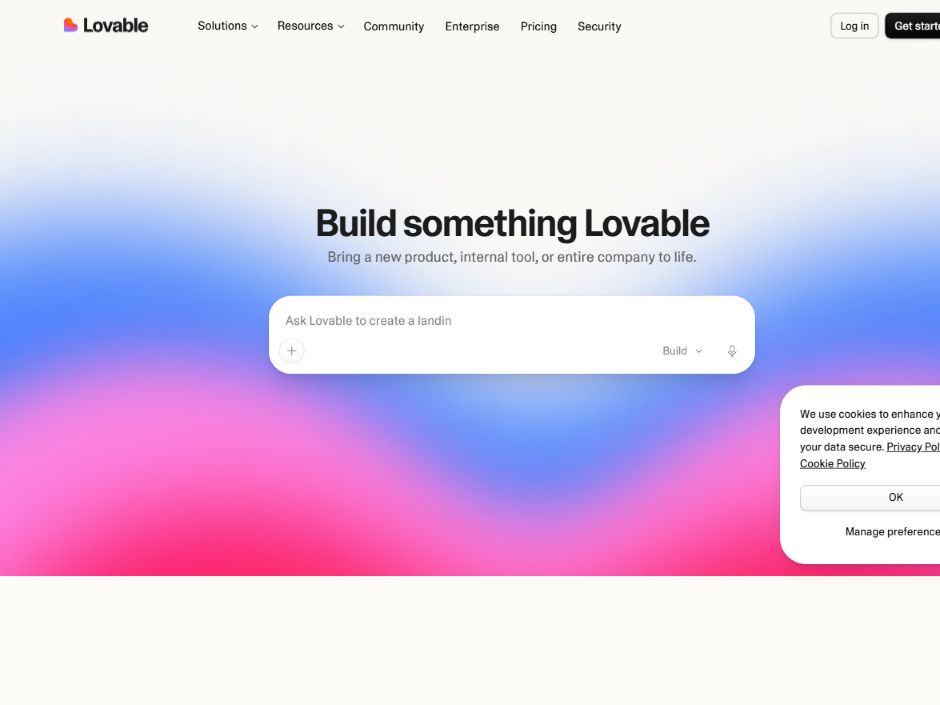
Official Lovable homepage , captured September 5, 2026. The image shows vendor positioning, not an application-quality or speed test.
Lovable describes itself as a full-stack AI development platform for building, iterating on and deploying web applications through natural language. Its official introduction says a project can include a frontend, backend, database, authentication and integrations, with editable code that can be synchronized to GitHub.
That integrated project lifecycle is its central distinction. The user describes a web application, reviews a generated result, iterates in the project and can move toward a hosted version without assembling every tool independently. The value proposition is therefore larger than code generation. It combines generation with project state, preview, collaboration and deployment controls.
This does not mean every prompt becomes production-ready software. “Working” can mean that a page renders and a basic interaction responds. Production acceptance is a different threshold: permissions must hold under adverse conditions, data must be handled correctly, errors need safe behavior and the interface must remain usable across devices and assistive technologies.
Lovable’s publishing documentation states that publishing deploys a snapshot to a hosted URL with HTTPS. It also makes an important operational distinction: later edits are not automatically pushed to the live app. A user must publish changes. That separation can support review, but only if the team knows which version was approved and who is authorized to release it.
What ChatGPT is designed to do
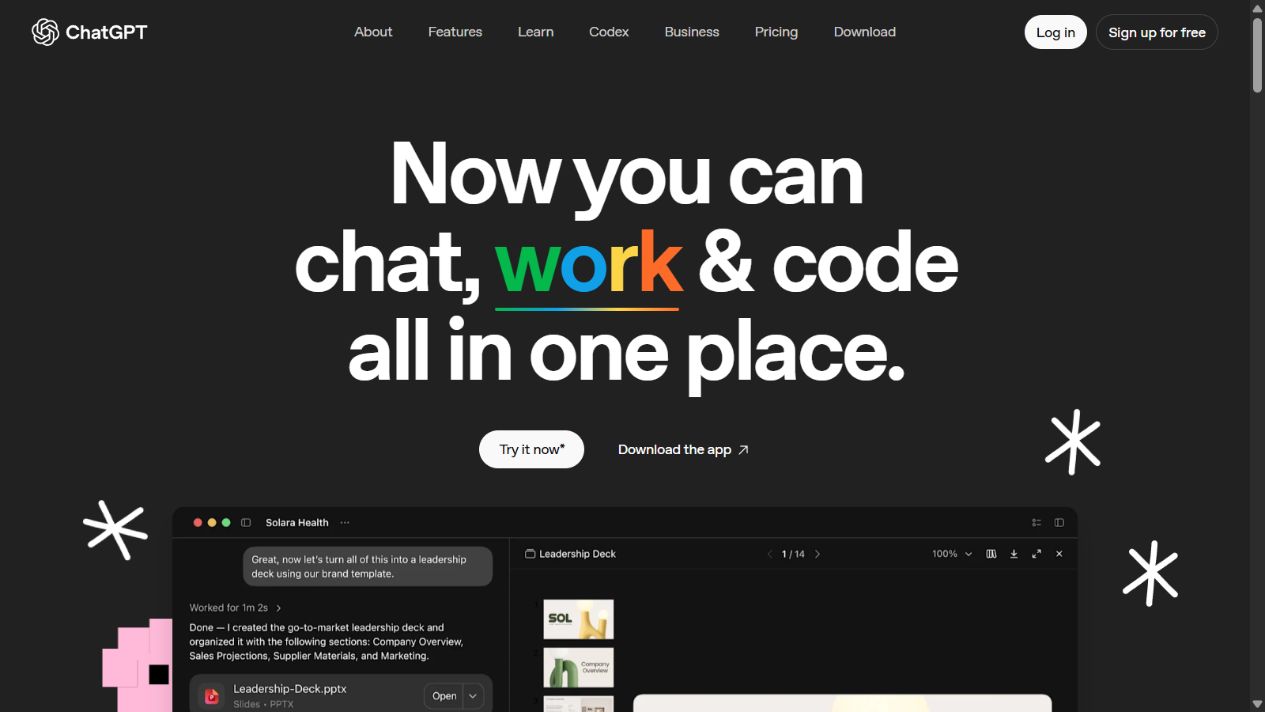
Official ChatGPT overview homepage , captured September 5, 2026. Available tools and limits depend on the account and current plan.
ChatGPT is a general conversational work environment rather than a single-purpose app builder. OpenAI’s Projects documentation describes projects that group chats, files and instructions so recurring work can retain relevant context. Projects can support planning, research, writing and technical work around an application without defining one hosted application as the unit of work.
OpenAI also documents Canvas as an editable workspace for writing and coding. Users can focus changes on selected material, edit directly, request code review and work through revisions. Consequently, it is inaccurate to describe ChatGPT as capable only of returning isolated snippets in a chat box.
The practical boundary is orchestration. ChatGPT can help write and reason about code, but the surrounding repository, runtime, test suite, deployment target and operational controls still matter. Depending on the account and environment, other coding capabilities may be available, but buyers should verify the exact product and plan they intend to use rather than treating “ChatGPT” as one fixed toolset.
ChatGPT is strongest when the work is not limited to app generation. A product manager can use it to examine requirements, a developer can ask for an explanation of a failing test, and an editor can turn technical notes into user documentation. That breadth is useful, but it places more responsibility on the team to connect outputs to its authoritative systems.
Which is better for turning an idea into a prototype?
Lovable has the clearer path when the desired prototype is an interactive web application. Its environment is organized around the project and its preview. A stakeholder can evaluate a flow instead of trying to infer behavior from a prose specification or pasted code.
ChatGPT is useful earlier, when the idea itself is unclear. It can help separate users, jobs, constraints and acceptance criteria. It can draft a data model or identify questions that should be answered before building. Canvas can hold a structured specification and revisions, but a team must still connect that specification to an implementation environment.
A sensible sequence is to define the smallest testable workflow before generating screens. Write the user, trigger, expected result, prohibited behavior and data boundary in plain language. A prototype that looks polished but has no acceptance criteria creates false confidence.
For example, “build a client portal” is too broad. A better prototype brief might ask an invited client to sign in, view only their own projects and acknowledge one deliverable. The restriction is as important as the visible feature. Whichever tool you use, test the restriction with two separate accounts rather than judging only the happy path.
Which is better for production web applications?
Lovable is closer to a production path because it documents hosting, custom domains, access controls and security checks around publishing. Its deployment guide says the basic scan considers issues such as database configuration and dependencies. It also warns that findings do not necessarily block publishing unless stricter workspace controls are enabled. A green-looking workflow is therefore not a substitute for a security review.
Production suitability depends on what is being built. A campaign site and a system processing sensitive customer records should not share the same release standard. Teams need to assess authentication, authorization, secrets, data retention, backups, monitoring, incident response and legal requirements independently of the page-generation experience.
ChatGPT can support these activities by reviewing a design, producing test ideas and helping investigate failures. It does not remove the need for an authoritative repository, automated tests, deployment controls and accountable reviewers. Generated recommendations can be incomplete or wrong, especially when the assistant lacks the actual infrastructure context.
Choose Lovable for production only after proving the application against a written release checklist. Choose ChatGPT as part of production engineering only when its suggestions flow through the same review, testing and change-management process as human-authored work.
Code ownership, GitHub and portability
Lovable’s ownership and hosting guide says projects can synchronize to GitHub and that users own their code. It describes generated frontends as standard Vite and React projects that can be deployed outside Lovable. This is meaningful portability evidence, but it needs careful interpretation.
Code portability is not the same as complete operational portability. A project may rely on managed authentication, storage, functions or database behavior. Moving it can require equivalent services, configuration, migrations, secrets management and a new deployment pipeline. The official guide explicitly discusses those transferred responsibilities.
Before committing, connect a noncritical project to the repository destination you control. Confirm who owns the organization, whether synchronization is one-way or two-way for your workflow, how conflicts are handled and whether the team can build the code from a clean checkout. Record required environment variables without placing secret values in documentation or source control.
ChatGPT does not create a proprietary application boundary merely because it generated code. Ownership and portability instead depend on where the team stores the work, the applicable terms, third-party dependencies and the repository process. Ask for explanations and alternatives, but let the repository and reviewed commits remain authoritative.
Collaboration and project context
Lovable organizes collaboration around an application project. Its documentation describes shared workspaces and project access, while publishing access can be controlled separately. This matters because permission to edit source and permission to view a live application are different decisions.
ChatGPT Projects organize shared context around chats, files and instructions. OpenAI documents project sharing and different access levels. That can suit research, product decisions and ongoing documentation, but the project should not become an unreviewed source of truth for production configuration.
For either product, define roles before inviting a client or contractor. Decide who can change requirements, edit implementation, approve a release and view production data. A shared link is convenient, but convenience is not an access-control policy.
Teams should also decide how decisions leave the AI environment. Accepted requirements belong in the product backlog or specification. Accepted code belongs in version control. Approved release evidence belongs with the deployment record. Keeping those handoffs explicit reduces dependence on a long conversational history.
Security and privacy checks
Do not paste production credentials, private customer data or regulated records into either product merely to accelerate a prototype. Review current data controls and workspace terms for the exact account. OpenAI’s Data Controls FAQ explains user settings related to model improvement and temporary chats; business workspace policies differ from consumer settings.
For Lovable, distinguish editor access, published-site access and backend authorization. A private project can still generate an application with flawed row-level permissions. A public application can have source code that remains restricted. Test what each role can actually read and change through the application, not only what the workspace UI appears to permit.
Run negative tests. Attempt to access another test user’s object, submit malformed input, revisit a revoked link and inspect behavior when a backend request fails. Use synthetic data. A security scan can identify classes of problems, but it cannot prove that the business’s authorization model is correct.
Design quality and accessibility
Both products can help create interface code, but visual polish is not evidence of usability. Start with semantic structure, keyboard navigation, visible focus, text alternatives, form labels, error messages and responsive behavior. Test at narrow widths and with zoom before approving the visual layer.
Lovable’s preview can make iterative UI work direct. ChatGPT can explain accessibility requirements, review markup and suggest test cases. In both cases, inspect rendered behavior. An assistant may confidently state that a component is accessible while missing a focus trap or an unlabeled control.
Create a short design acceptance list tied to the task: complete the primary flow without a mouse, understand every validation error, zoom to 200 percent without losing content and identify the page structure with headings. Add automated checks where useful, then perform manual verification for interactions automation cannot judge.
Costs and usage limits
This comparison deliberately does not quote current numerical prices. Both products can change plans, included usage and feature availability. A fair estimate also requires more than a headline subscription amount.
For Lovable, consider build credits, runtime usage, hosting, domains, external services and the engineering effort needed to review generated work. For ChatGPT, consider the selected account, usage limits, collaboration needs and the separate cost of development and deployment infrastructure. Confirm each item on the official purchase page immediately before committing.
Measure cost against an accepted outcome. A low-cost prototype that must be rebuilt may still be valuable if it answered an important product question. A fast generated application that ships authorization defects is expensive regardless of subscription price.
When Lovable is the better choice
Choose Lovable when all of the following are substantially true:
- The deliverable is a browser-based application or website.
- You want generation, preview and publishing in one project environment.
- The documented Vite, React and backend approach fits the intended architecture.
- Your team will review generated code and test access boundaries.
- GitHub synchronization and an exit plan have been verified.
It can be especially useful for a prototype, internal tool or bounded web workflow where seeing and refining a functioning interface is more useful than receiving implementation advice alone.
Do not choose it solely because a demonstration reaches a polished screen quickly. Confirm data behavior, operations and maintenance before treating the prototype as a production system.
When ChatGPT is the better choice
Choose ChatGPT when the work spans requirements, research, explanation, writing and code, or when an existing engineering environment should remain central. It is also the more flexible option when the desired output is not necessarily a deployed web application.
ChatGPT can help a developer understand unfamiliar code, challenge an architecture decision or turn a bug report into test cases. The team keeps control of how those suggestions enter its repository and release process.
Do not choose it on the assumption that conversational breadth guarantees implementation completeness. Give it relevant context, verify claims and review every material change.
A practical combined workflow
Using both can be reasonable if each has a defined role. Begin in a ChatGPT Project with the problem statement, user roles, constraints and acceptance tests. Remove confidential information. Ask for contradictions and missing decisions, then approve a short specification yourself.
Use that specification to create a Lovable project. Build one end-to-end workflow instead of a collection of attractive screens. Review the generated data model and permissions. Synchronize to a controlled GitHub repository, run the project from a clean environment and record the release process.
Return to ChatGPT for focused review questions, not as an automatic authority. Ask it to identify untested branches or explain code, then turn useful suggestions into tracked changes. Reject advice that does not match the actual code or requirements.
Finally, publish to a nonproduction environment, perform acceptance and negative tests, and obtain the necessary approval. Promote only the reviewed version. This division uses Lovable as the application workspace and ChatGPT as a broad reasoning assistant without confusing either one with accountable engineering review.
Final recommendation
Start with Lovable when the immediate goal is a working, publishable web application in an integrated environment. Start with ChatGPT when the immediate goal is to understand, plan, write, review or support code across a broader process.
For a serious application, the winner is not the tool that produces the fastest first screen. It is the workflow that gives your team clear requirements, inspectable code, tested permissions, controlled deployment and a maintainable exit path. Verify those conditions with a small real project before making either platform central to production work.
Frequently asked questions
Is Lovable better than ChatGPT for building an app?
Lovable is the more direct starting point for generating, previewing and publishing a web application inside one product. ChatGPT is broader and can help plan, explain, draft and review code. The better choice depends on whether you need an integrated app lifecycle or a flexible assistant around your existing workflow.
Can Lovable publish a web application?
Yes. Lovable's official documentation says publishing deploys a project snapshot to a hosted web URL with HTTPS. Later project changes are not automatically live; the project must be republished.
Does Lovable let me own the code?
Lovable documents GitHub synchronization and the ability to clone, modify and host project code elsewhere. Backend migration can still require replacement infrastructure and operational work, so code access should not be confused with a zero-effort migration.
Can ChatGPT create code instead of only explaining it?
Yes. OpenAI documents Canvas as an editable workspace for writing and coding, including targeted editing, code review and debugging assistance. That does not by itself provide the same integrated hosting and application-management workflow as Lovable.
Should a non-developer publish Lovable output without review?
No. A generated preview is not sufficient evidence of correct authorization, data handling, accessibility, reliability or security. Define acceptance checks and obtain suitable technical review for a consequential application.
Can Lovable build a native iOS or Android app?
Lovable's publishing documentation describes web deployment and says it does not include a built-in app-store packaging flow. It discusses progressive web apps or an external Capacitor wrapper as possible paths, not automatic native submission.
Can I use Lovable and ChatGPT together?
Yes. ChatGPT can help clarify requirements, review decisions or explain code, while Lovable can manage the generated web project and publishing workflow. Keep one authoritative specification and test the resulting application rather than passing contradictory prompts between tools.