Microsoft Copilot vs ChatGPT: Which Is Better?
Compare Microsoft Copilot and ChatGPT for Microsoft 365 work, research, writing, files, data, coding, governance, privacy, and team adoption.
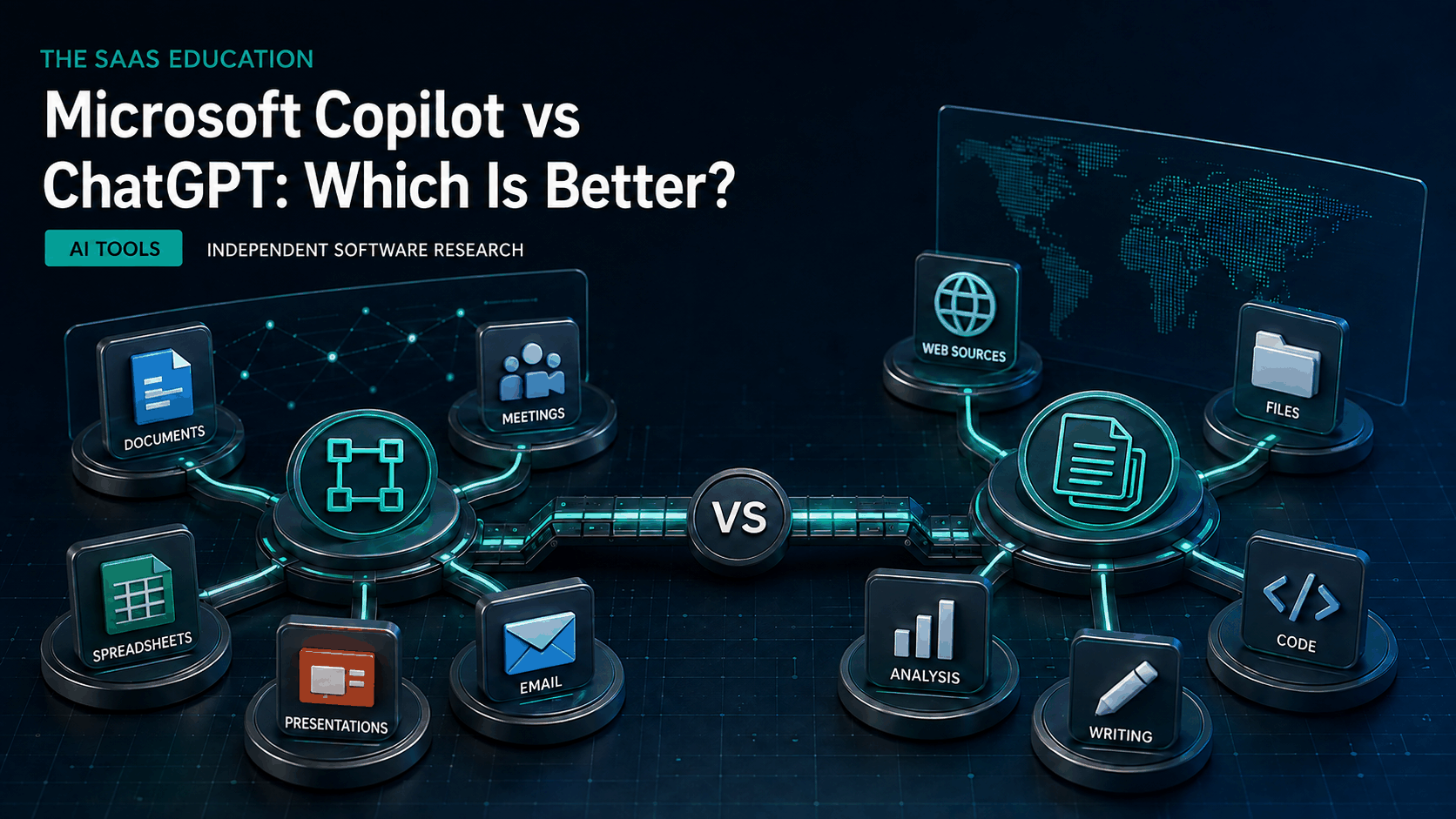
Direct answer
Microsoft 365 Copilot is better when the central requirement is AI assistance inside a governed Microsoft 365 environment. ChatGPT is better when the priority is a flexible, general-purpose AI workspace for research, writing, files, data analysis, images, coding, projects, and work that is not confined to Microsoft applications.
That verdict requires a naming clarification. Microsoft uses the Copilot name across a general assistant, Microsoft 365 Copilot, GitHub Copilot, Security Copilot, Dynamics experiences, and other products. A person asking whether “Microsoft Copilot” is better than ChatGPT may mean the consumer assistant. A company evaluating workplace software usually means Microsoft 365 Copilot. This guide compares the broader Copilot experience where relevant, but its business recommendation focuses on Microsoft 365 Copilot.
Neither product is a permanent winner on raw model quality. Both change frequently, and Microsoft experiences may use models from multiple providers under product-specific orchestration. The practical difference is the operating environment around the model: identity, source data, permissions, applications, tools, administration, and the path from an answer to completed work.
This comparison uses live search discovery and official Microsoft and OpenAI sources checked September 6, 2026. We did not run a controlled benchmark of factual accuracy, reasoning, writing, spreadsheet calculation, coding, image quality, or latency.
Microsoft Copilot vs ChatGPT at a glance
| Requirement | Better starting point | Why |
|---|---|---|
| Work inside Word, Excel, PowerPoint, Outlook, or Teams | Microsoft 365 Copilot | It is designed for supported Microsoft 365 application workflows |
| Ask questions across permitted Microsoft 365 work data | Microsoft 365 Copilot | Microsoft Graph context and organizational permissions are central to the product |
| Run broad web research with sources | ChatGPT | Search, deep research, files, and projects form a clear standalone research workflow |
| Build a persistent workspace around chats, files, and instructions | ChatGPT | Projects organize recurring work across conversations and uploaded material |
| Draft or revise in a focused editable surface | ChatGPT | Canvas provides a dedicated writing and coding workspace |
| Analyze uploaded data outside a Microsoft-first workflow | ChatGPT | OpenAI documents code-backed data analysis for supported files |
| Govern an existing Microsoft 365 estate | Microsoft 365 Copilot | Identity, permissions, compliance, and administration can align with the existing tenant |
| Work across mixed SaaS products and personal research | ChatGPT | Its general-purpose interface is less tied to one productivity suite |
| Protect confidential information | Depends on approved workspace | Product, plan, contract, settings, permissions, and data handling matter more than the brand |
The table describes product orientation, not measured output superiority. A feature can exist and still be unsuitable for a sensitive or high-consequence workflow.
What Microsoft Copilot is designed to do
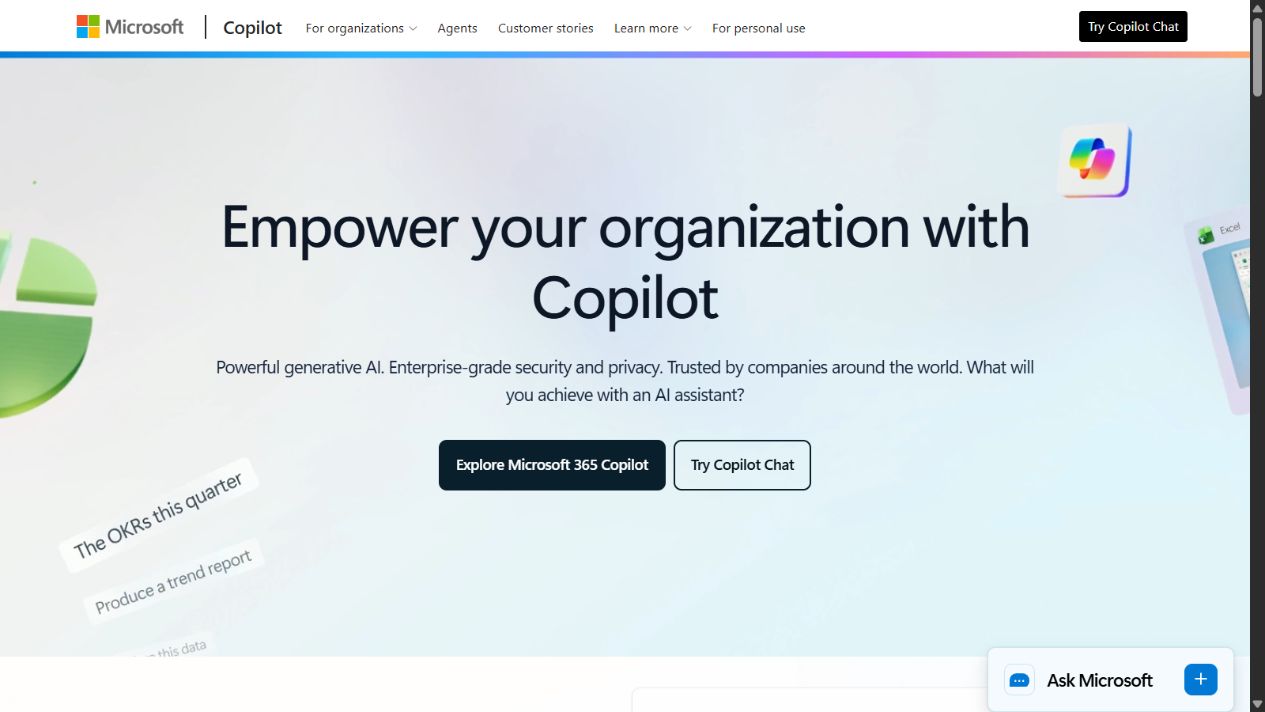
Official Microsoft Copilot homepage, captured August 30, 2026. The screenshot documents vendor presentation, not independent performance testing.
The general Microsoft Copilot experience supports conversational assistance and plan-dependent web, writing, image, voice, and task features. Microsoft 365 Copilot is the workplace product that brings AI into supported Microsoft 365 applications and uses organizational context under the user’s existing permissions.
That proximity is valuable because business work already lives in email, calendars, meetings, chats, documents, presentations, spreadsheets, and shared sites. A user may ask for a summary of a permitted meeting, draft a response based on a thread, transform a document into a presentation, or inspect information available through supported Microsoft 365 services. The result can stay close to the application where the person will review and continue the work.
The product’s value depends on tenant readiness. Copilot cannot repair chaotic access control, unknown ownership, duplicated documents, obsolete sites, inconsistent labels, or poor records management. If a user can access material they should not have, AI may make that material easier to discover. If the source content is incomplete, the generated answer can inherit the gap. Microsoft therefore documents deployment, requirements, privacy, security, and administration as part of adoption rather than as optional details.
What ChatGPT is designed to do
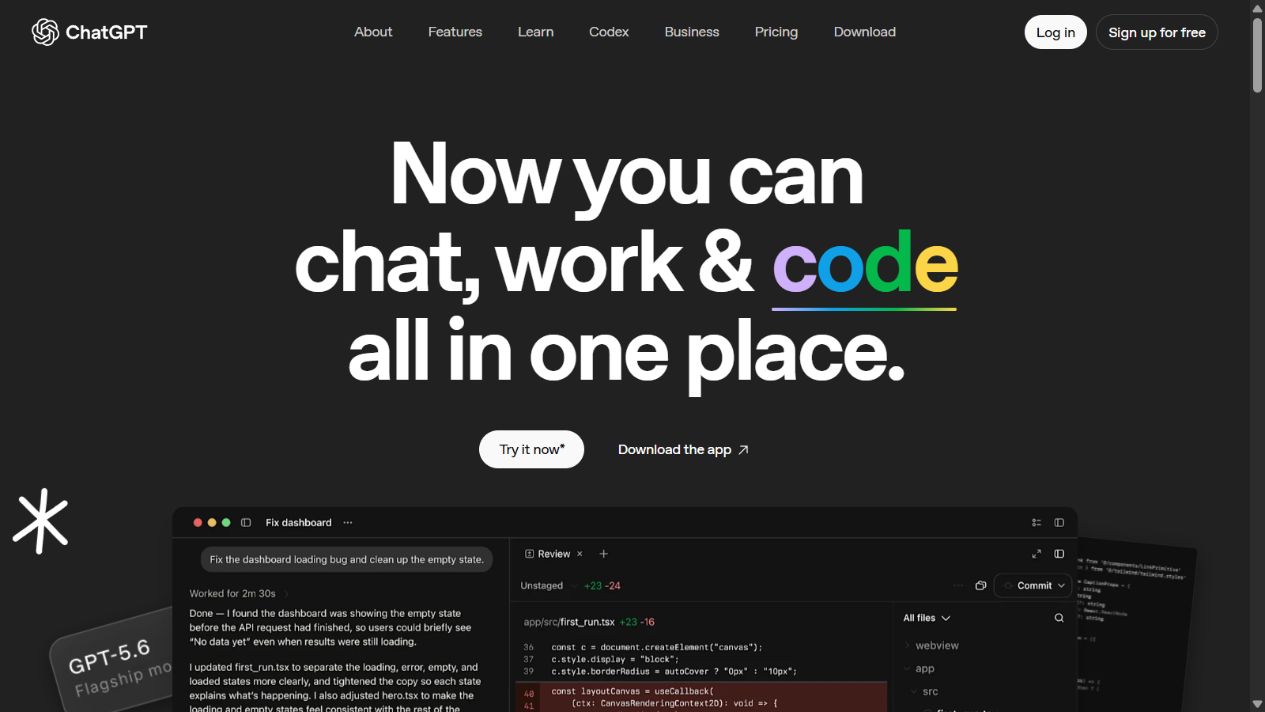
Official ChatGPT overview homepage, captured September 5, 2026. Features and limits depend on the current account, plan, settings, and region.
ChatGPT is a general-purpose conversational workspace. OpenAI documents writing, reasoning, translation, planning, web search, deep research, files, data analysis, images, voice, Canvas, memory, projects, scheduled tasks, GPT-related experiences, and plan-dependent connections.
Its strength is breadth. A user can begin with a question, upload material, search the web, investigate sources, analyze a table, draft a document, revise in Canvas, generate an image, or keep recurring work inside a project. That makes ChatGPT a natural fit when the work crosses several applications or when the organization does not use Microsoft 365 as its primary operating environment.
Projects can hold chats, files, and instructions for continuing work. Search can return current web information with citations. Deep research is designed for longer source-backed investigation. Data analysis can execute code against supported uploaded files. These capabilities create a useful workbench, but they do not remove the need to inspect sources, verify calculations, test code, and approve final outputs.
Which is better for Microsoft 365 work?
Microsoft 365 Copilot has the structural advantage. The point is not that it always writes a better paragraph. It can operate nearer to Word, Excel, PowerPoint, Outlook, Teams, and permitted organizational content. That reduces the manual path of exporting a file, uploading it elsewhere, recreating context, downloading the result, and placing it back into the system of record.
The advantage is strongest when three conditions hold. First, employees already use Microsoft 365 consistently. Second, identities, permissions, sites, groups, labels, and retention are managed. Third, the intended tasks are supported by the selected licenses and applications. If those conditions are weak, the company can pay for an integrated assistant without receiving integrated value.
ChatGPT can still support Microsoft file formats through uploads and connected experiences available to the account. It may be preferable for a complex research or reasoning task that extends beyond one document. However, an uploaded copy is a different governance and freshness model from working against permitted organizational data. Buyers must map the actual data path rather than assume the experiences are equivalent.
Which is better for research?
ChatGPT is the clearer general research choice. Search and deep research are explicit parts of its product, while projects can preserve files, instructions, prior analysis, and related conversations. A researcher can define a question, gather web sources, compare claims, upload primary documents, and develop a report in one workspace.
Microsoft 365 Copilot can be better for internal research. A manager trying to understand decisions spread across meetings, email, documents, and presentations may value Microsoft Graph context more than another public web search. The source set is the organization’s permitted work data, and the answer can be useful only if that data is current, accessible, and well governed.
For consequential research, use neither answer as self-validating. Open the cited source, confirm that it supports the claim, check dates and definitions, separate primary evidence from commentary, and record uncertainty. Internal summaries need the same discipline because an old document can be confidently summarized even when it no longer represents policy.
Which is better for writing and presentations?
ChatGPT is usually more flexible for developing an idea across stages. A user can brainstorm, create an outline, gather sources, draft, critique, and revise in Canvas. Projects can retain editorial instructions and reference files. The result can then move into the publishing or collaboration system.
Microsoft 365 Copilot is usually more convenient when the source and destination are already Word or PowerPoint. It can help generate, summarize, transform, and refine content within supported application workflows. That lowers friction for employees who live in Microsoft 365 and need a usable draft inside an existing template or shared file.
Neither product guarantees accurate citations, original insight, accessible presentation design, correct brand application, or approval-ready copy. A human owner should check facts, permissions, audience, tone, structure, visual hierarchy, speaker notes, links, and legal or policy requirements.
Which is better for data analysis?
ChatGPT’s data-analysis environment is attractive for uploaded CSV, spreadsheet, and other supported files. It can inspect data, execute code, calculate results, and create visualizations. The workflow is especially useful for exploration, cleaning, reconciliation, or explaining an unfamiliar dataset.
Microsoft 365 Copilot has an advantage when the work must remain in supported Excel and Microsoft 365 contexts. Users may prefer asking questions near the workbook and continuing with familiar collaboration, permissions, and file history. The exact capabilities vary by license, application, rollout, and workbook structure.
In both products, analysis quality depends on definitions. Before accepting a result, confirm the source range, filters, joins, units, dates, missing values, duplicate records, denominators, currency, time zone, and rounding. Recalculate important outputs independently. A polished chart can still encode the wrong business question.
Which is better for coding?
ChatGPT is the more natural choice in this two-product comparison for general coding explanations, debugging, file analysis, and iterative development. It can reason about supplied code and, depending on the plan and tools, support broader software tasks. OpenAI also offers Codex-related capabilities, while Microsoft offers GitHub Copilot as a separate developer product.
That distinction matters. A developer comparing an IDE coding assistant should evaluate GitHub Copilot against the relevant ChatGPT or Codex workflow, not assume Microsoft 365 Copilot represents Microsoft’s entire developer offering. Check repository permissions, code retention, model and extension settings, secret handling, license terms, review requirements, and automated tests before adopting any coding assistant.
Which is better for team knowledge?
Microsoft 365 Copilot can surface knowledge already distributed through Microsoft 365, subject to the user’s permissions and supported services. It fits organizations that want AI to respect and operate within the tenant’s existing identity and content structure.
ChatGPT projects provide a more deliberate context container. A team can collect selected files, instructions, and conversations around a workstream. That can be cleaner than searching a broad corporate estate, but it creates a separate knowledge boundary that someone must maintain. Stale uploads, duplicate sources, weak instructions, and unclear ownership can reduce reliability.
Choose the knowledge model deliberately. “Everything employees can access” and “a curated project context” solve different problems. Many organizations need both broad discovery and controlled task-specific workspaces.
Privacy, security, and governance
Do not compare a free consumer account with an enterprise or business workspace. Review the exact Microsoft or OpenAI product, contract, region, administrator settings, connected applications, identity controls, retention, logging, data-use commitments, and incident process.
Microsoft 365 Copilot can inherit the strengths and weaknesses of the tenant. Existing permissions can support least privilege, but overshared sites and groups become a discovery risk. Readiness should include identity review, privileged-role separation, external-sharing review, stale content cleanup, sensitivity labels, retention, audit coverage, and an approved-use policy.
ChatGPT business offerings publish organizational controls and business-data commitments, but teams still need to configure the workspace and govern uploads, projects, GPTs, apps, sharing, exports, and user access. Consumer settings are not a substitute for enterprise review.
For both, prohibit secrets, regulated records, privileged legal material, unreleased financial data, client credentials, and other restricted information until the relevant data owner approves the workflow. Use technical controls where possible; a policy document alone is not enforcement.
Accuracy and human review
Both assistants can produce incorrect, incomplete, outdated, or fabricated statements. Integration does not guarantee truth. A response grounded in an internal document can accurately represent an obsolete document. A web answer can cite a page that does not support the conclusion. A spreadsheet result can apply the wrong denominator. Generated code can be insecure.
Match review intensity to consequence. Low-risk brainstorming may need a quick read. External claims require source verification. Financial, legal, medical, security, employment, and compliance decisions require qualified review and authoritative records. Keep a human accountable for the final action.
Pricing and total cost
Compare complete workflows rather than headline subscription prices. Microsoft 365 Copilot cost can include prerequisite Microsoft licensing, eligible users, tenant preparation, administration, security, content cleanup, training, support, and change management. ChatGPT cost can include workspace seats, plan limits, connections, project maintenance, governance, training, and overlapping tools.
Measure value through specific outcomes: time to prepare a meeting brief, locate a permitted answer, research a market, analyze a file, draft a proposal, revise a document, or resolve a support question. Track quality and rework alongside speed. Faster first drafts create little value if reviewers spend the saved time correcting unsupported claims.
When to choose Microsoft 365 Copilot
Choose Microsoft 365 Copilot when:
- Microsoft 365 is the organization’s primary work environment;
- important context lives in supported Microsoft applications and services;
- identities, permissions, content ownership, and retention are governed;
- users need assistance close to email, meetings, documents, presentations, and spreadsheets;
- administrators can prepare the tenant and support adoption;
- the pilot demonstrates measurable value in recurring Microsoft-centric tasks.
Do not choose it merely because Microsoft 365 is installed. The organization needs usable data, supported workflows, proper licenses, and accountable administration.
When to choose ChatGPT
Choose ChatGPT when:
- work spans research, writing, files, data, images, coding, and mixed SaaS tools;
- users need a standalone project workspace rather than only in-app assistance;
- public-web research and source-backed investigation are common;
- the organization values flexible exploration across several content formats;
- an approved business workspace and data policy can be established;
- the pilot shows that broad capability does not create uncontrolled duplication.
Do not treat breadth as permission to use every feature with every dataset. Establish approved use cases and review requirements.
When using both makes sense
A combined approach can be rational. Microsoft 365 Copilot can support work grounded in the tenant, while ChatGPT handles broader research, analysis, creative, or specialist workflows. The danger is unmanaged overlap: two subscriptions, two knowledge stores, two sharing models, and unclear decisions about where confidential work belongs.
Define a routing policy. For example, use Microsoft 365 Copilot for permitted internal meeting, email, document, and presentation work; use an approved ChatGPT workspace for public research and curated cross-tool projects; require human review for external or consequential outputs; prohibit restricted data in unapproved accounts. Review usage and outcomes quarterly.
Pilot checklist
- Select 10 recurring tasks with known owners, inputs, outputs, and quality standards.
- Classify the data used by each task and identify the approved workspace.
- Confirm licensing, regional availability, application support, limits, and administrator settings.
- Review Microsoft 365 permissions and content quality before testing Graph-grounded tasks.
- Configure the ChatGPT workspace, projects, sharing, apps, retention, and access before uploads.
- Measure completion time, factual defects, source quality, rework, user adoption, and support effort.
- Test offboarding, access revocation, export, deletion, audit, and incident escalation.
- Compare total cost with observed value, not vendor demonstrations.
- Publish an approved-use matrix and examples of prohibited data.
- Expand only the workflows that produce repeatable, reviewable improvement.
Final verdict
Microsoft 365 Copilot and ChatGPT overlap, but their strongest use cases begin in different places. Microsoft 365 Copilot is the better choice for governed work that begins and ends inside Microsoft’s productivity environment. ChatGPT is the better choice for a broad standalone AI workspace that combines research, writing, files, data, images, projects, and cross-ecosystem work.
For a Microsoft-centered company with clean permissions and strong administration, Microsoft 365 Copilot can remove meaningful workflow friction. For a mixed-tool team or an individual who needs flexible research and creation, ChatGPT is usually the more adaptable starting point. A controlled pilot should decide the purchase. Model reputation should not.
Sources checked
- Microsoft 365 Copilot for business
- Microsoft 365 Copilot documentation
- Microsoft 365 Copilot requirements
- Microsoft 365 Copilot privacy and security
- Microsoft Copilot
- ChatGPT overview
- ChatGPT capabilities overview
- ChatGPT search
- Deep research in ChatGPT
- Projects in ChatGPT
- Data analysis with ChatGPT
- ChatGPT Business data
- ChatGPT release notes
- ChatGPT pricing
Frequently asked questions
Is Microsoft Copilot better than ChatGPT?
Microsoft 365 Copilot is the stronger starting point when work must stay close to supported Microsoft 365 applications, organizational identity, permissions, and Microsoft Graph context. ChatGPT is usually the more flexible general-purpose workspace for research, writing, files, data analysis, projects, Canvas, images, and work that crosses several ecosystems.
What is the difference between Microsoft Copilot and Microsoft 365 Copilot?
Microsoft uses Copilot across several products. The general Copilot experience is an AI assistant, while Microsoft 365 Copilot is a licensed work offering integrated with supported Microsoft 365 applications and organizational data. Buyers should identify the exact product and license before comparing features or prices.
Which is better for Word, Excel, PowerPoint, Outlook, and Teams?
Microsoft 365 Copilot has the clearer native advantage for supported work inside Microsoft 365 applications. ChatGPT can analyze uploaded files and produce content, but it is not automatically equivalent to an assistant operating within the organization's Microsoft 365 permission and application context.
Which is better for research?
ChatGPT is the clearer standalone research workspace because OpenAI documents search, deep research, projects, files, and citations. Microsoft 365 Copilot can be stronger when the research question depends primarily on permitted organizational email, meetings, documents, and other Microsoft 365 content.
Can a business use both Microsoft Copilot and ChatGPT?
Yes. A business can use Microsoft 365 Copilot for governed Microsoft-centric work and ChatGPT for broader research or specialist workflows. It should define approved data classes, account types, ownership, retention, review, and duplicate-cost rules before deploying both.
Which is safer for confidential business data?
Safety depends on the exact product, account, contract, settings, identity, permissions, retention, connected applications, and user behavior. Do not compare a consumer account with an organizational product. Security and legal teams should verify current vendor commitments and configure the approved workspace before confidential use.
Should a small business choose Copilot or ChatGPT?
Choose Microsoft 365 Copilot when the business is deeply standardized on Microsoft 365 and can prepare permissions and content governance. Choose ChatGPT when it needs a broader standalone assistant across research, writing, analysis, coding, and mixed tools. Pilot real tasks before buying company-wide licenses.