Otter vs ChatGPT: Which Is Better?
Compare Otter and ChatGPT for meeting transcription, summaries, action items, research, writing, analysis, integrations, privacy, and team workflows.
Direct answer
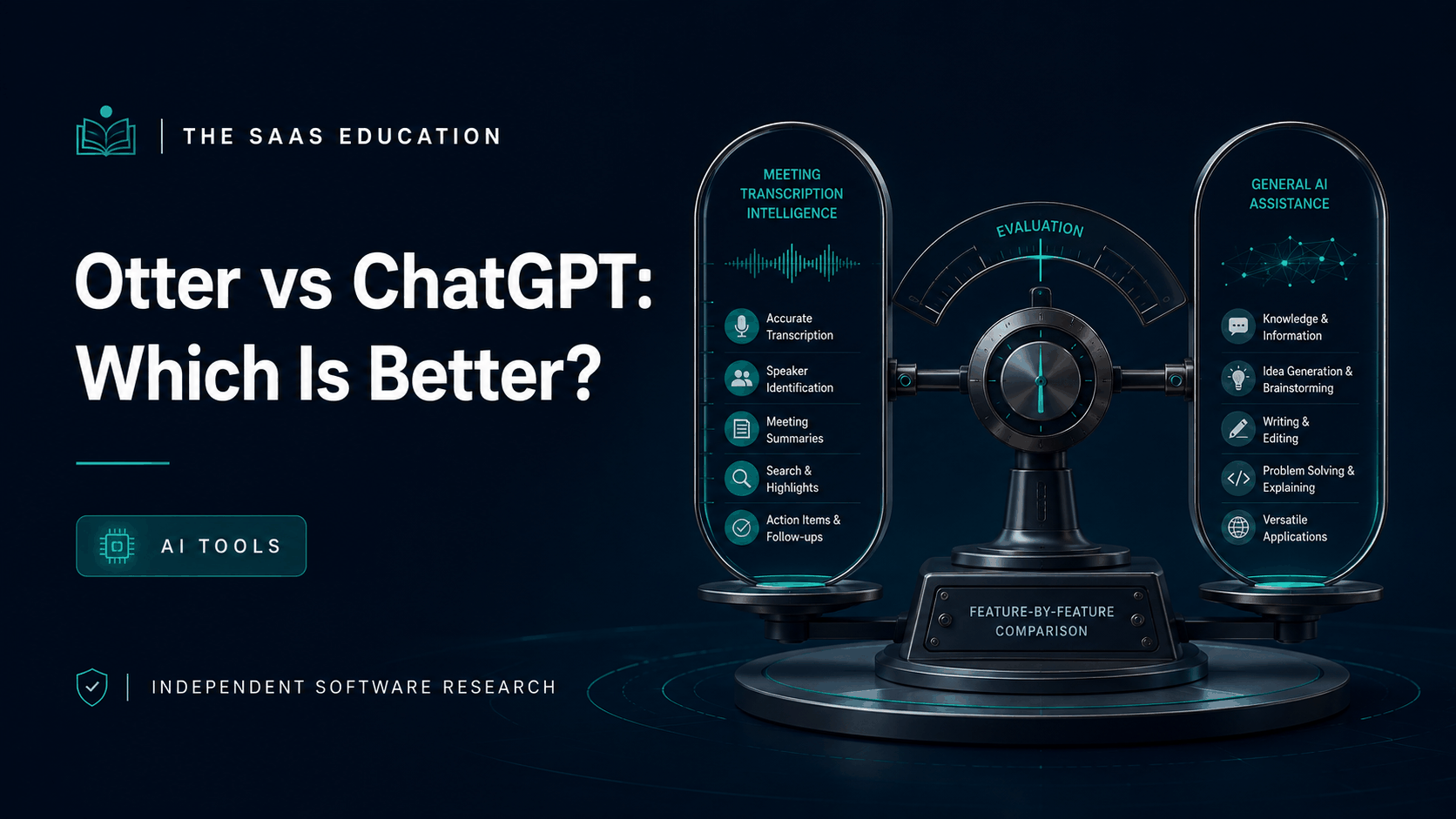
Otter is better for meeting capture. ChatGPT is better for general-purpose AI work. Otter is designed around recording, live transcription, speaker identification, summaries, action items, searchable conversation history, and meeting workflows. ChatGPT covers a broader range of writing, research, files, data, coding, images, voice, planning, and project work.
Choose Otter when the input is a live or recorded conversation and the output must remain tied to that meeting. Choose ChatGPT when the input and output can take many forms and the user needs a flexible assistant. Many teams can use both, but only with a clear record owner and lawful meeting practices.
Otter vs ChatGPT at a glance
| Area | Otter | ChatGPT |
|---|---|---|
| Primary job | Capture and understand meetings | General-purpose knowledge and creative work |
| Live transcription | Core product workflow | Not a like-for-like meeting platform replacement |
| Meeting summaries | Purpose-built and linked to conversation records | Can summarize supplied content or supported files |
| Speaker and playback context | Central to recorded conversations | Depends on supplied media and workflow |
| Search across meetings | Otter Chat and conversation workspace | Projects and chats support broader context, not the same meeting system |
| Writing and analysis | Follow-ups and meeting-derived content | Broader drafting, analysis, research, coding, and data work |
| Integrations | Meeting, communication, CRM, and plan-dependent workflows | Apps, connectors, tools, and plan-dependent workspace capabilities |
| Main risk | Recording consent, transcript error, access, and sensitive meeting data | Unsupported output, broad data exposure, and context drift |
How we compared them
Current search results frame this query as “AI notetaker versus chatbot,” but that description is too shallow. The real decision is which system should capture conversational evidence, which should transform it, and how the team prevents source context from disappearing.
We checked official Otter product, pricing, and help material and official OpenAI product and help documentation. The criteria were:
- Live and uploaded conversation capture.
- Transcript, speaker, playback, and correction workflow.
- Summaries, decisions, action items, and follow-up.
- Search, synthesis, writing, analysis, and output breadth.
- Meeting-platform, CRM, file, and workplace integration.
- Consent, security, sharing, retention, and administration.
- Limits, pricing, adoption, and total operating effort.
No controlled transcription-accuracy test was performed. Accent, language, audio quality, overlap, vocabulary, microphone, and meeting conditions can materially change results.
Where Otter is better
Capturing a meeting as it happens
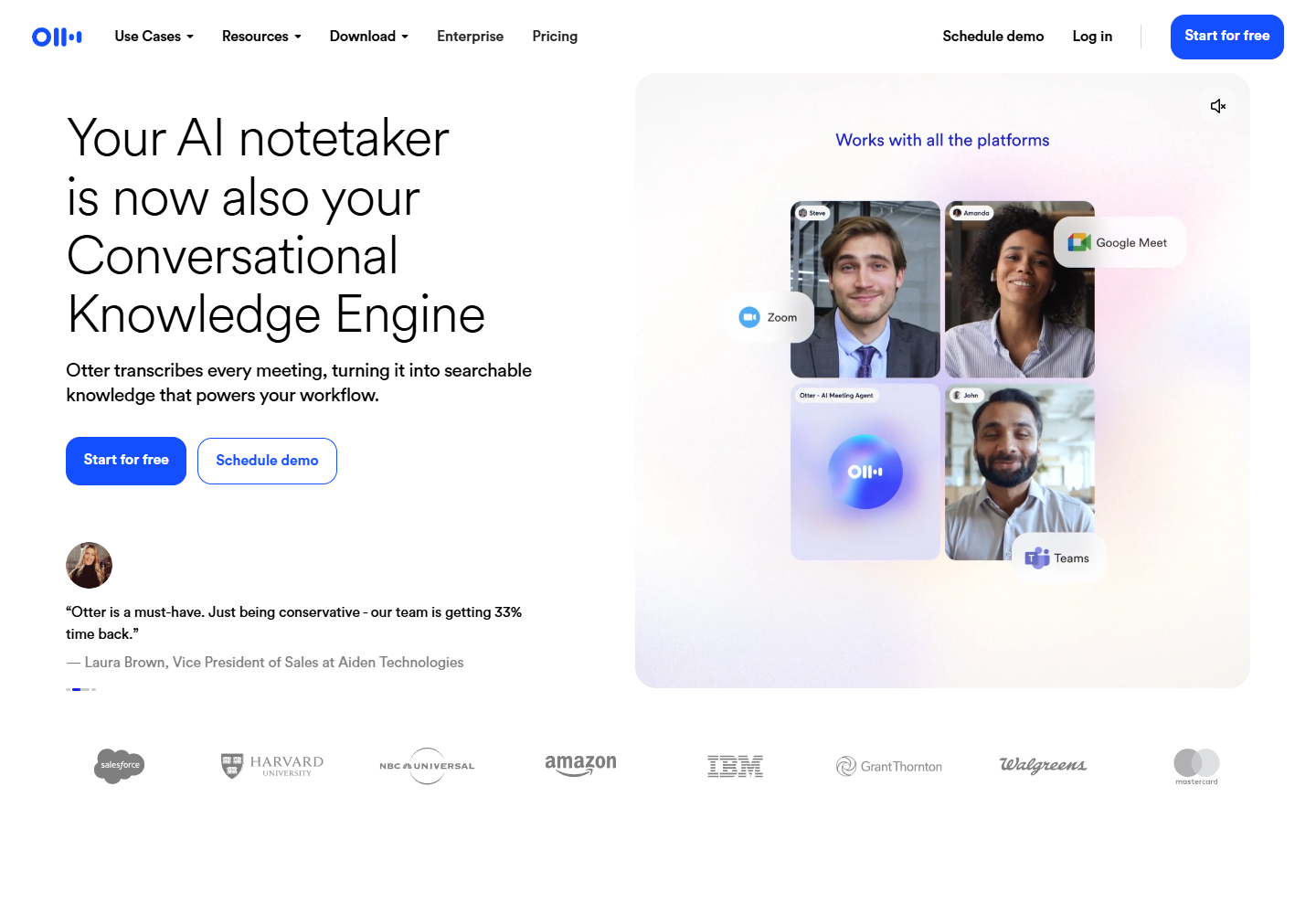
Otter can join supported online meetings or record from supported devices and desktop workflows. Its purpose is to turn spoken conversation into a persistent record with transcription, speakers, timing, playback, summaries, and action-oriented outputs.
A purpose-built capture layer matters because meeting evidence has sequence and context. The reviewer may need to hear the original audio, inspect the surrounding statement, correct a speaker, or determine whether a summary overstated an uncertain decision.
Live transcription and accessibility support
Live text can help participants follow a conversation and revisit details. Otter documents supported-language transcription and meeting workflows, with plan and product conditions. It should not be presented as guaranteed accessibility for every participant or language without testing.
Conversation-centered search
Otter organizes meetings into a searchable knowledge base. Users can ask questions across meeting content and create follow-ups, reports, or other outputs tied to recorded conversations. Channels can group material by team, topic, or project.
This is more appropriate than dropping unrelated transcripts into ad hoc chat threads. The meeting record remains a recognizable object with ownership and sharing controls.
Repeatable meeting administration
Paid plans add different levels of minutes, meeting duration, imports, concurrent meetings, templates, AI workflows, integrations, administration, security, and support. Enterprise controls can govern Notetaker use and transcript visibility.
That administrative layer matters for organizations where recording is permitted only for specific roles, meeting types, or purposes.
Where ChatGPT is better
Work beyond meetings
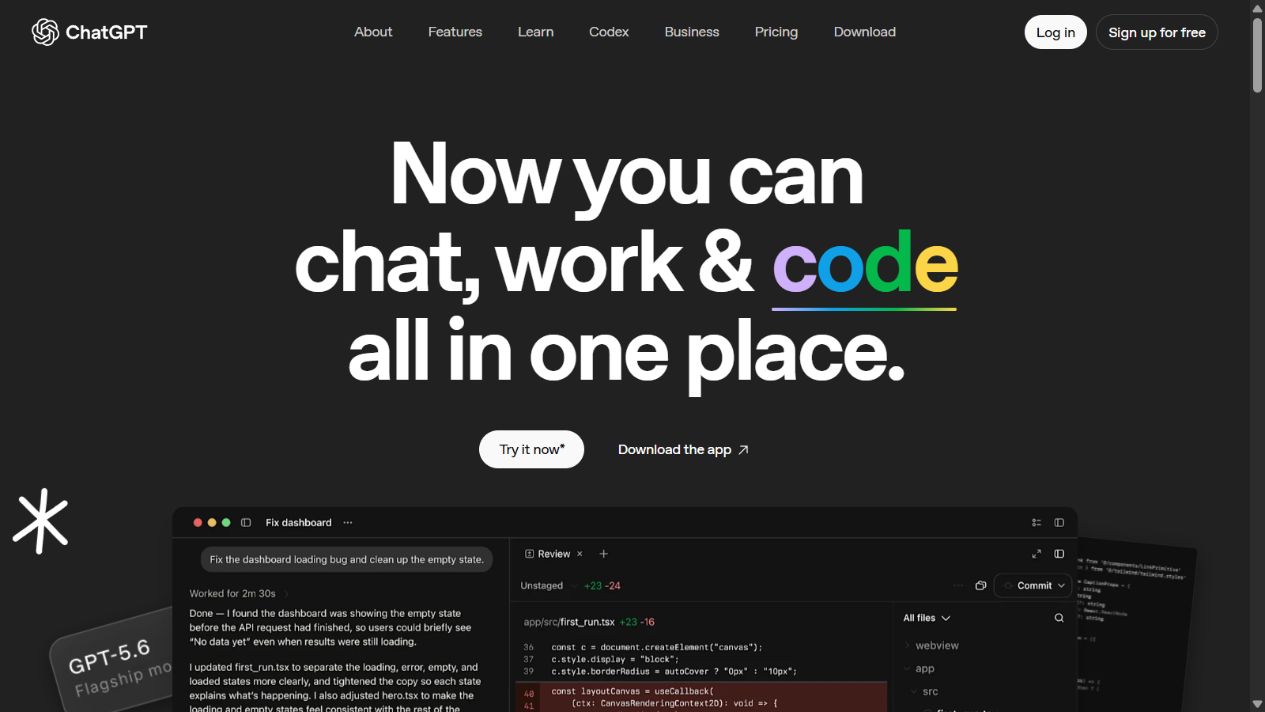
ChatGPT supports a much broader set of tasks. Official documentation covers writing, analysis, web search, deep research, files, data analysis, images, voice, Canvas, Projects, memory, and other plan-dependent tools.
A meeting may be one input among many. A product manager can combine a transcript with usage data, customer tickets, a roadmap, and market research, then produce a decision memo or analysis. That cross-format production is ChatGPT’s stronger territory.
Open-ended synthesis and creation
ChatGPT can help identify patterns, challenge assumptions, draft alternative narratives, produce structured plans, and transform material for different audiences. Otter can create meeting-derived content, but it is not intended to cover the same general creative and technical range.
Coding and data analysis
When conversation insights lead to calculations, data transformations, code, or technical artifacts, ChatGPT provides a broader environment. Results still need tests, source verification, and professional review.
Persistent project context
Projects can organize files, chats, instructions, and recurring work. This is useful when meeting transcripts are only one part of a longer initiative. The team should retain links back to authoritative meeting records rather than treating a generated project summary as the source.
Meeting summaries are not meeting truth
Both products can produce concise language that sounds definitive. Real meetings are messy. People interrupt, qualify statements, use ambiguous pronouns, explore options, and change their minds. A summary may collapse “we should investigate” into “we decided.”
Use three levels:
- Transcript evidence: what the system captured, subject to transcription error.
- Reviewed record: corrected speakers and material passages, linked to audio where retained.
- Approved outcome: decisions, owners, deadlines, and commitments confirmed by accountable people.
Do not automate movement from the first level to the third. For consequential meetings, circulate the proposed decisions and actions for confirmation.
Recording, consent, and privacy
Recording law differs by jurisdiction, and organizational policies may be stricter than law. Participants can join from several locations. A bot’s visible presence is not always sufficient notice or consent.
Before deployment:
- Identify lawful basis and consent or notice requirements.
- Define meeting types that may not be recorded.
- Provide a clear recording indicator and alternative process.
- Limit access to transcripts, audio, summaries, and chat.
- Establish retention, deletion, legal hold, and export rules.
- Review sensitive HR, legal, health, customer, and security meetings.
- Configure offboarding and external-participant sharing.
- Document how corrections and disputes are handled.
The same principles apply when moving transcripts into ChatGPT. Confirm that the selected ChatGPT account, plan, settings, and organizational terms permit the data.
Using Otter and ChatGPT together
A controlled two-tool workflow can be useful:
- Otter captures an approved meeting.
- A meeting owner reviews important transcript passages.
- Decisions and actions are confirmed.
- Approved excerpts or a governed export move to ChatGPT.
- ChatGPT combines them with other authorized inputs.
- A human verifies the deliverable against source records.
- The final artifact links back to the meeting and evidence.
Do not connect everything by default. A broad integration can expose conversations that were never approved for secondary analysis. Use least privilege and separate sensitive workspaces.
Which is better for sales teams?
Otter can support sales call capture, searchable conversation history, summaries, follow-ups, coaching context, and plan-dependent CRM workflows. This may reduce manual note-taking and improve handoff completeness.
ChatGPT can help with account research, call preparation, message drafting, proposal analysis, and broader enablement. It does not replace the approved call record or CRM.
Test whether automatic notes accurately capture customer requirements, objections, competitors, commitments, and next steps. Require sellers to correct material facts before syncing them into the CRM.
Which is better for interviews and research?
Otter is the stronger capture layer for recorded interviews when recording is lawful and approved. Its transcript and playback context support review. ChatGPT is the broader analysis layer for coding themes, comparing interviews with other evidence, drafting findings, and testing interpretations.
Qualitative research needs careful source handling. Preserve respondent IDs, consent scope, redaction, and verbatim evidence. Do not let generated themes erase minority views or convert one participant’s opinion into a general finding.
Pricing and limits
Otter currently publishes Basic, Pro, Business, and Enterprise paths with differences across transcription minutes, meeting length, imports, concurrent meetings, workflows, integrations, administration, and security. Promotional or regional pricing may appear.
ChatGPT has free, individual, and organizational plans, with usage and feature differences. API billing is separate.
Model total cost using:
- People who record, review, search, or administer meetings.
- Monthly minutes, meeting length, imports, and concurrent calls.
- Storage, retention, exports, and video or audio needs.
- CRM and workplace integrations.
- ChatGPT users and selected plan.
- Transcript correction and summary review.
- Consent administration, security, and training.
- Duplicate functionality in meeting platforms already purchased.
Design the meeting-record architecture
Before selecting either tool, define the records created around a meeting. The calendar event identifies participants and timing; the meeting platform carries the live conversation; Otter may hold audio, transcript, speaker labels, summary, and chat; a project system owns assigned work; a CRM may own customer commitments; and ChatGPT may help transform approved material.
Without that map, the same decision appears in several places and nobody knows which version is final. Use a simple ownership model:
- Meeting platform: attendance and live-session controls.
- Otter: approved recording, transcript, playback, and conversation-derived artifacts.
- Project or CRM system: confirmed owner, deadline, customer commitment, and operational status.
- ChatGPT: temporary analysis and drafting, unless an output is deliberately published elsewhere.
- Knowledge base: durable decision, rationale, policy, or reusable learning.
Automations should move only approved fields. For example, a draft action detected in a transcript can create a review queue, but it should not silently assign work to a colleague or update a customer commitment. Preserve a link to the evidence and the person who confirmed it.
Evaluate transcription under difficult conditions
Do not test only a quiet one-to-one call. Include speakers with different accents, overlapping speech, weak microphones, screen-shared video audio, industry terminology, names, numbers, and a conversation that changes direction. Test every supported language the organization promises to use.
Create a human reference for five-minute samples and measure errors that affect meaning, not only word accuracy. A wrong filler word is less important than a missed negation, incorrect price, swapped speaker, or invented deadline. Track correction time as well as error count.
Review whether users can efficiently jump from transcript to audio, edit speakers, search across conversations, export records, and understand confidence or uncertainty. If correcting a transcript takes as long as writing useful notes, the automation has not solved the workflow.
Meeting alternatives already in the stack
Zoom, Microsoft Teams, Google Meet, CRM platforms, and other meeting assistants may already provide recording, transcript, summary, or action features. Compare Otter against the capability the team already licenses, not against having no notes at all.
An existing-platform feature may win through simpler identity, permissions, retention, and administration even if a specialist has richer output. Otter may win when cross-platform capture, searchable conversation knowledge, specialized workflows, or transcription operations create enough additional value.
Similarly, ChatGPT may be unnecessary if the organization’s approved productivity suite already handles downstream drafting and analysis. Count overlapping tools and decide which one owns each stage.
Metrics after rollout
Monitor confirmed action completion, note correction time, meeting search success, attendance avoided, repeated-question reduction, unauthorized recording incidents, oversharing, storage growth, inactive seats, and cost per reviewed meeting. Sample summaries monthly for material errors.
Do not use the number of recorded meetings as a success metric. More captured conversation can increase risk without improving decisions. The useful outcome is a shorter, more reliable path from conversation to confirmed action and durable knowledge.
Review the deployment after 30, 60, and 90 days. Compare expected and actual minutes, inactive seats, correction effort, search use, integrations, and incidents. Interview participants who dislike recording as well as frequent users. Their concerns may expose consent, behavior, accessibility, or trust problems that usage dashboards cannot show. Keep a documented manual note-taking path for restricted meetings and service outages, and test whether teams can still produce confirmed decisions without the automation.
Assign one meeting-knowledge owner to review templates, access patterns, retention exceptions, summary errors, and unresolved user complaints each month.
Document every resulting change clearly.
A side-by-side pilot
Select ten approved meetings with different speakers, audio conditions, vocabulary, lengths, and meeting types. Build a human-reviewed reference for key sections.
Test Otter for capture, speaker attribution, transcript correction, summary, action items, search, sharing, and export. Test ChatGPT using an authorized copy of the same material for synthesis, writing, cross-document analysis, and follow-up creation.
Score:
| Area | Evidence |
|---|---|
| Capture completeness | Important sections are present and playable |
| Transcript usefulness | Reviewers can correct decisive passages efficiently |
| Summary fidelity | Decisions, uncertainty, and ownership are represented correctly |
| Action quality | Owners and deadlines are confirmed rather than invented |
| Synthesis breadth | Output combines meeting and other authorized evidence well |
| Governance | Consent, access, retention, sharing, and deletion work as required |
| Cost | Total time and subscription cost per accepted meeting outcome |
Include a meeting that must not be recorded and verify that the workflow respects the restriction.
Decision guide
Choose Otter when meetings are the primary source and the team needs systematic capture, transcript, summary, search, and administration.
Choose ChatGPT when the work spans many sources and outputs, including writing, research, coding, data, images, planning, and production.
Use both when Otter remains the governed conversation record and ChatGPT has an approved downstream role. Avoid the combination when nobody owns consent, evidence links, or access boundaries.
Final verdict
Otter wins the meeting workflow. ChatGPT wins the broad assistant workflow. Comparing them as interchangeable chatbots obscures the decision.
For a team drowning in meeting notes, pilot Otter first. For a team that already has reliable transcripts but needs broader synthesis and creation, pilot ChatGPT. When using both, preserve the path from final claim to reviewed meeting evidence.
Frequently asked questions
Is Otter better than ChatGPT?
Otter is better for meeting capture and conversation records. ChatGPT is better for broad knowledge, creative, analytical, and technical tasks.
Can ChatGPT transcribe meetings like Otter?
It can process supported audio and files in some workflows, but it is not a like-for-like replacement for Otter’s live meeting capture and transcript workspace.
Can Otter replace ChatGPT?
Not for general-purpose work. Otter’s intelligence centers on conversations; ChatGPT supports a much wider range of inputs, tools, and outputs.
Which is better for meeting notes?
Otter is the stronger starting point because transcription, playback, summaries, action items, and meeting integrations are core product functions.
Is it legal to use Otter in meetings?
It depends on applicable law, participant locations, contract, and policy. Obtain required notice and consent and provide an alternative when necessary.
Should teams use Otter and ChatGPT together?
Yes, when Otter owns approved meeting records and ChatGPT only receives authorized material for a defined task with human review.
Which tool is cheaper?
Compare total workflow cost, not just subscription prices. Include minutes, users, limits, storage, integrations, review, administration, and existing platform overlap.
Sources
Test a difficult meeting rather than a clean demonstration: multiple speakers, specialist terms, an interruption, a disputed decision, and an explicit action owner. Compare transcript correction, speaker attribution, summary accuracy, consent workflow, sharing, deletion, and the time needed to create approved minutes. Keep the recording or source notes available under policy so an AI summary does not become the only evidence of what was agreed.
Frequently asked questions
Is Otter better than ChatGPT?
Otter is better for capturing, transcribing, organizing, and searching meetings. ChatGPT is better for broader writing, analysis, research, coding, files, and creative work.
Can ChatGPT transcribe meetings like Otter?
ChatGPT can work with supported audio and files, but it is not the same as Otter's purpose-built meeting capture, live transcription, speaker, summary, and workspace workflow.
Can Otter replace ChatGPT?
Not for broad knowledge work. Otter can answer questions over meeting knowledge and create follow-ups, but ChatGPT supports a much wider task and output range.
Which is better for meeting notes?
Otter is the stronger starting point for repeatable meeting notes because capture, transcript, summary, action items, playback, and meeting integrations are central to the product.
Is it legal to use Otter in meetings?
Recording and transcription rules vary by jurisdiction, organization, and meeting. Obtain required notice and consent, follow policy, and do not assume a meeting bot makes recording lawful.
Should teams use Otter and ChatGPT together?
They can, if Otter owns approved meeting records and ChatGPT has a governed role for broader synthesis or drafting. Preserve source links, permissions, and human review.
Which tool is cheaper?
Both offer free and paid paths, but direct subscription comparison is incomplete. Model users, minutes, meeting length, imports, storage, AI usage, administration, and review effort.